- 4.0star12 reviews
- 5M+Downloads
- 24 MBAPK size
- EveryoneRated for Everyone
- 5.0+Android
check_circleOriginal APK from Lab.studio2017 · Updated Nov 10, 2026
No threats found
0 / — antivirus engines flagged this file
Original signature
First seen — Lab.studio2017
Unmodified APK
Same file the developer published — no mods
Cartoon Photo Effect screenshots
3 images · tap to enlarge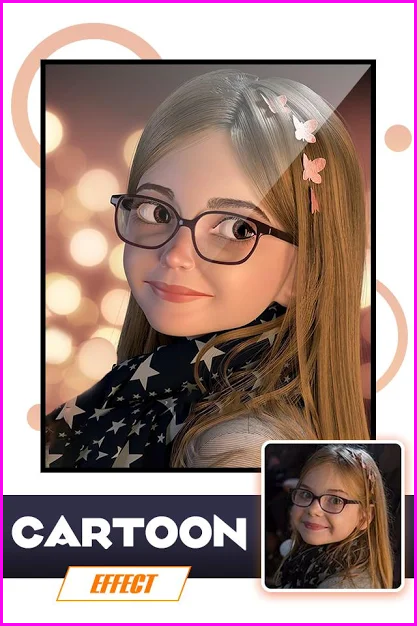
About this app
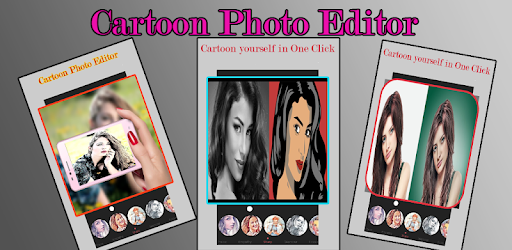
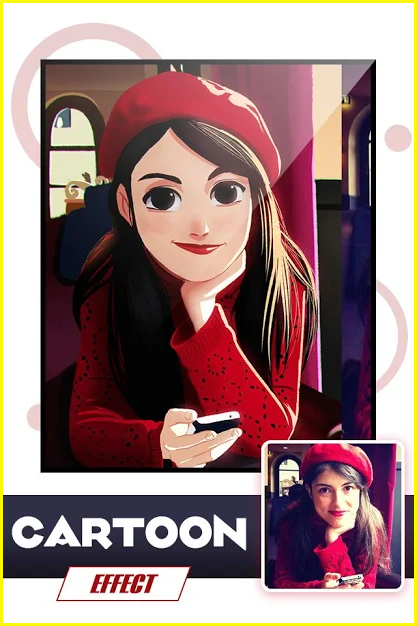
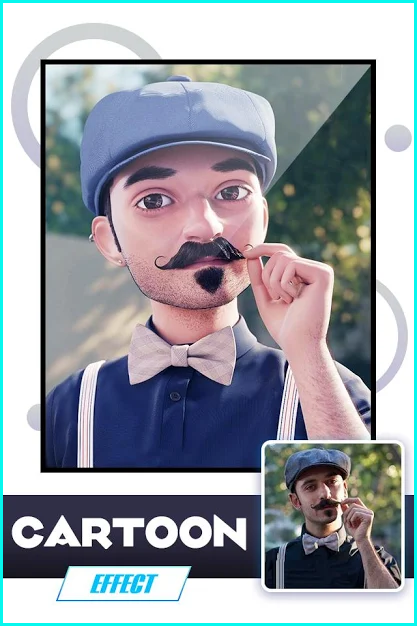
Want to turn a photo into a cartoon? Cartoon Photo Effect opens with a simple photo picker or camera capture, then lets you apply cartoon, sketch, and other art filters. It also includes frame, blur, and vignette tools for quick edits before saving or sharing.
- Cartoon filters — Apply cartoon and art effects to photos from your gallery or camera.
- Sketch tools — Create black-and-white or color sketch looks with a single tap.
- Capture or import — Start with a new photo or choose one from your gallery.
- Frame and blur — Add photo frames, blur, and vignette blur during editing.
- Share options — Save edited images and share them to social networks.
First launch and setup
When you open Cartoon Photo Effect for the first time, you can either take a picture or choose one from your gallery. The app is built around quick edits, so the first steps are selecting a photo and then choosing a filter or effect to apply.
The app works on Android 5.0 and up, comes as a universal APK, and is 24.1 MB in size.
Filters, sketch looks, and art effects
After loading a photo, you can move through cartoon filters, sketch effects, oil painting, pencil, thermal vision, and crosshatch styles. The app also includes selfie beauty filters and art photo filters for changing the look of ordinary pictures into cartoon-style or sketch-style images.
- Use cartoon and sketch effects on photos already saved on your device.
- Try black-and-white or color sketch results.
- Apply art filters before saving or sharing.
Frame, blur, and vignette edits
Cartoon Photo Effect also includes photo retouch tools such as Photo Frame Blur and vignette blur. These editing steps fit into the same workflow, so you can make small adjustments after choosing a main filter.
If you want a faster result, the app supports one-button creation for sketch photos after you pick or capture an image.
Saving and sharing
Once the edit is finished, you can save the result to your photo gallery. The app also supports sharing to Instagram, Facebook, Twitter, and Tumblr.
It is free to download, has no in-app purchases, and does not contain ads.
Permissions and device notes
No permissions are listed for this APK. The app is rated Everyone, uses the universal architecture, and is published by Lab.studio2017. It was released on 2020-06-13 and last updated on 2024-05-17.
If you are checking compatibility, the minimum Android version is 5.0.
APK information
- Version
- 7.1
- Package
- uk.photoscar.toon.editor
- Category
- Photography
- Size
- 24 MB
- Min Android
- 5.0
- Architecture
- universal
Older versions
-
Cartoon Photo Effect 7.1Nov 10, 2026Latest downloadAPK
Cartoon Photo Effect FAQ
Does Cartoon Photo Effect work offline?expand_more
The app description does not state offline support.
Does Cartoon Photo Effect add a watermark?expand_more
Watermark behavior is not stated.
Who develops Cartoon Photo Effect?expand_more
Cartoon Photo Effect is developed by Lab.studio2017.
Is Cartoon Photo Effect available for older phones?expand_more
It requires Android 5.0 or higher.
What editing tools are included?expand_more
It includes cartoon, sketch, oil painting, pencil, thermal vision, crosshatch, frame, blur, and vignette tools.