Cartoonify AI Caricature Maker
Lyrebird Studio Teknoloji Limited Şirketi- 4.5star52,360 reviews
- 1M+Downloads
- 42 MBAPK size
- EveryoneRated for Everyone
- 7.0+Android
check_circleOriginal APK from Lyrebird Studio Teknoloji Limited Şirketi · Updated Nov 12, 2026
No threats found
0 / — antivirus engines flagged this file
Original signature
First seen — Lyrebird Studio Teknoloji Limited Şirketi
Unmodified APK
Same file the developer published — no mods
Cartoonify AI Caricature Maker screenshots
7 images · tap to enlarge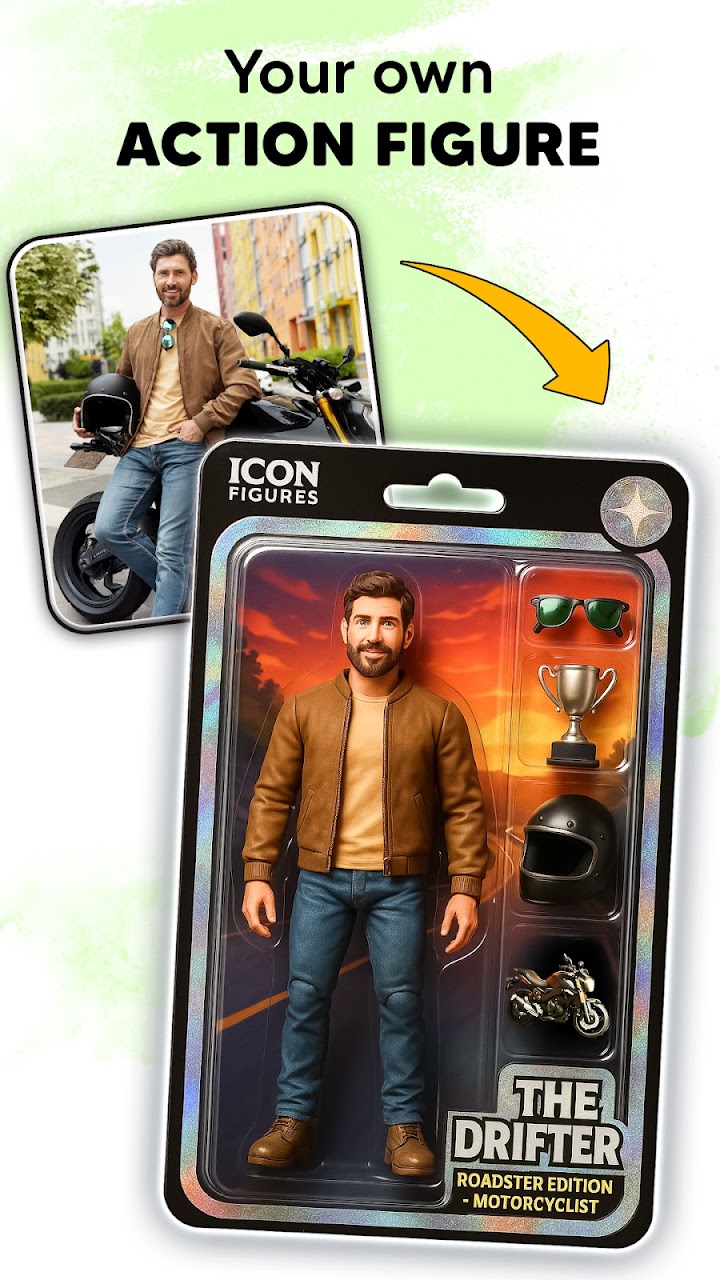
About this app
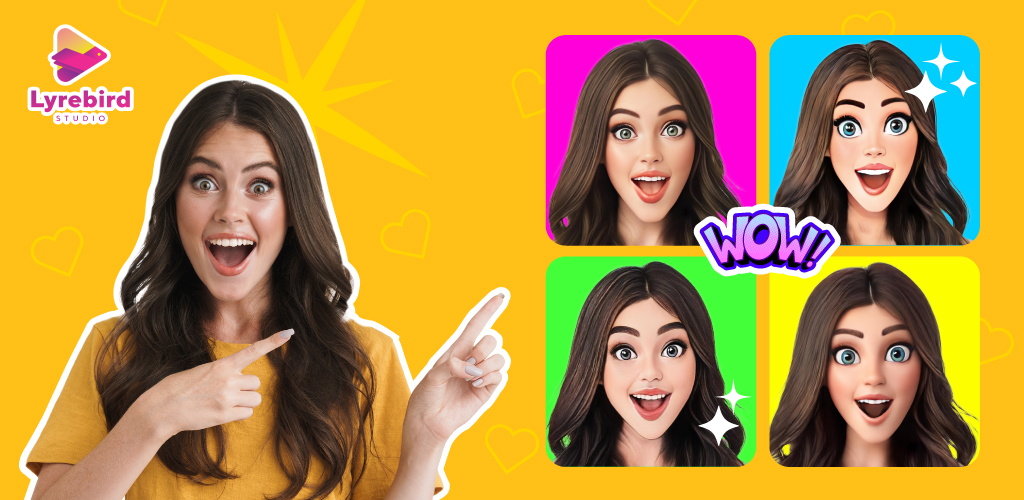
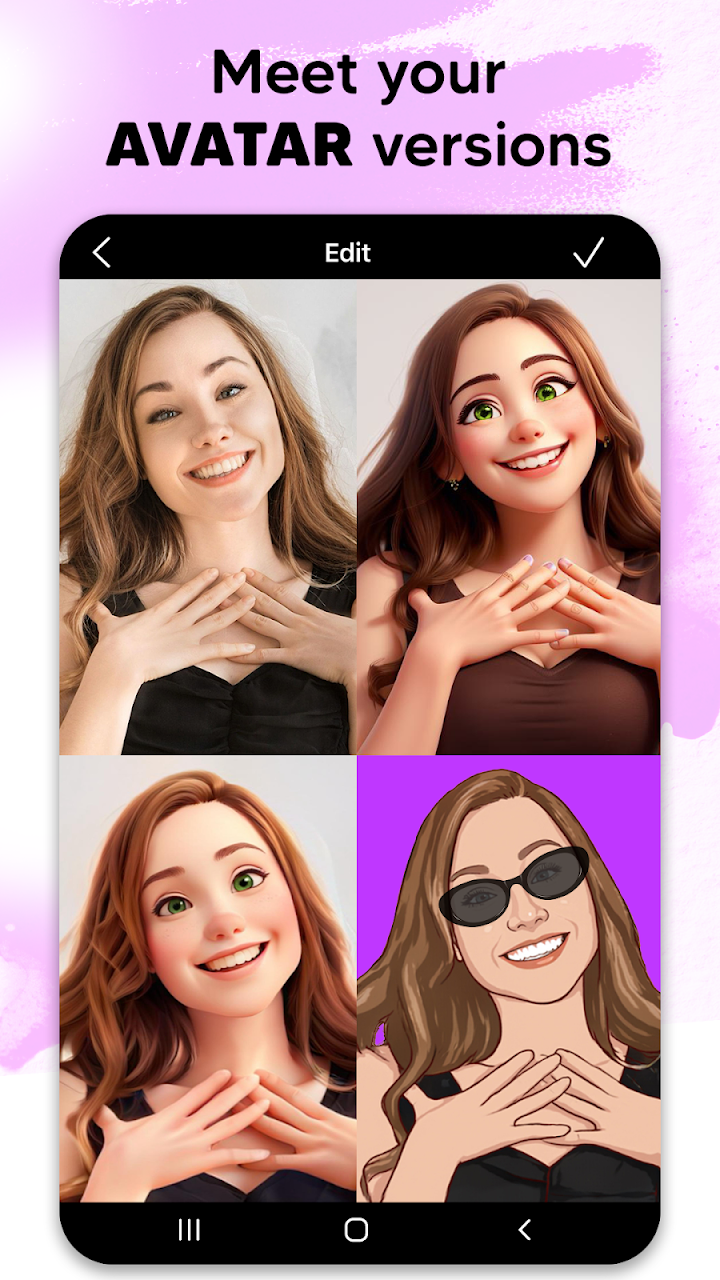
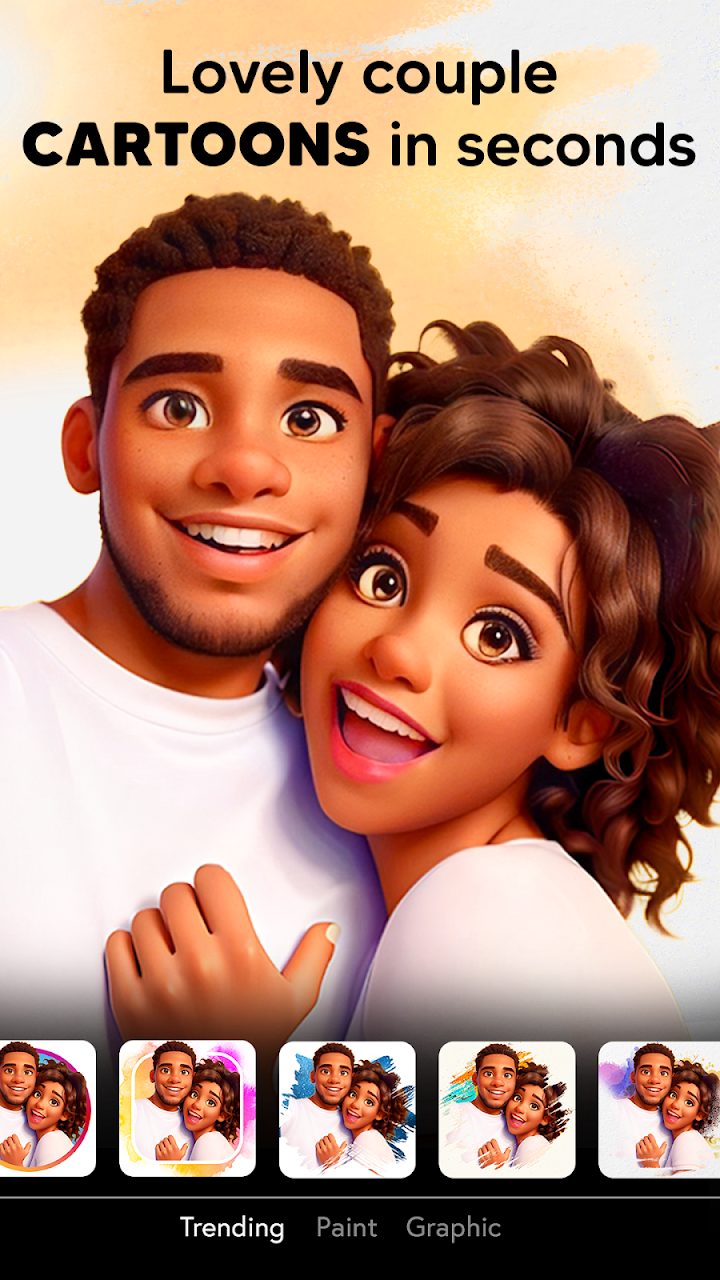
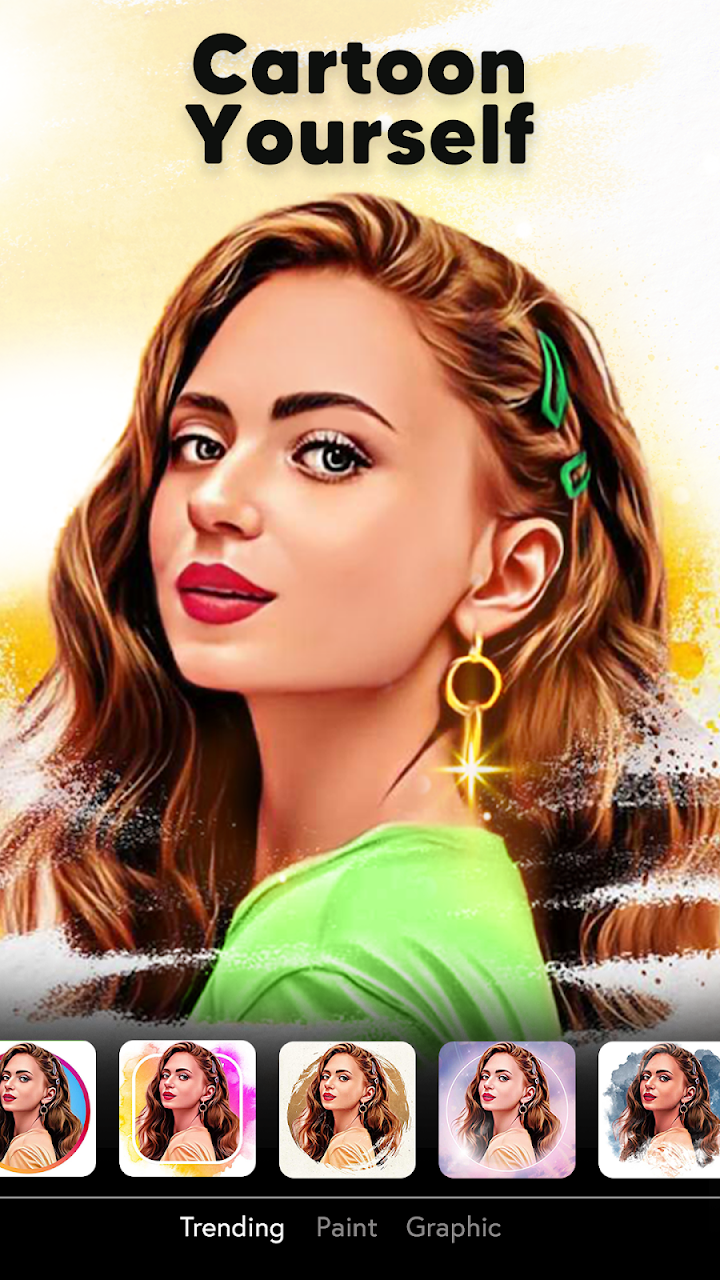
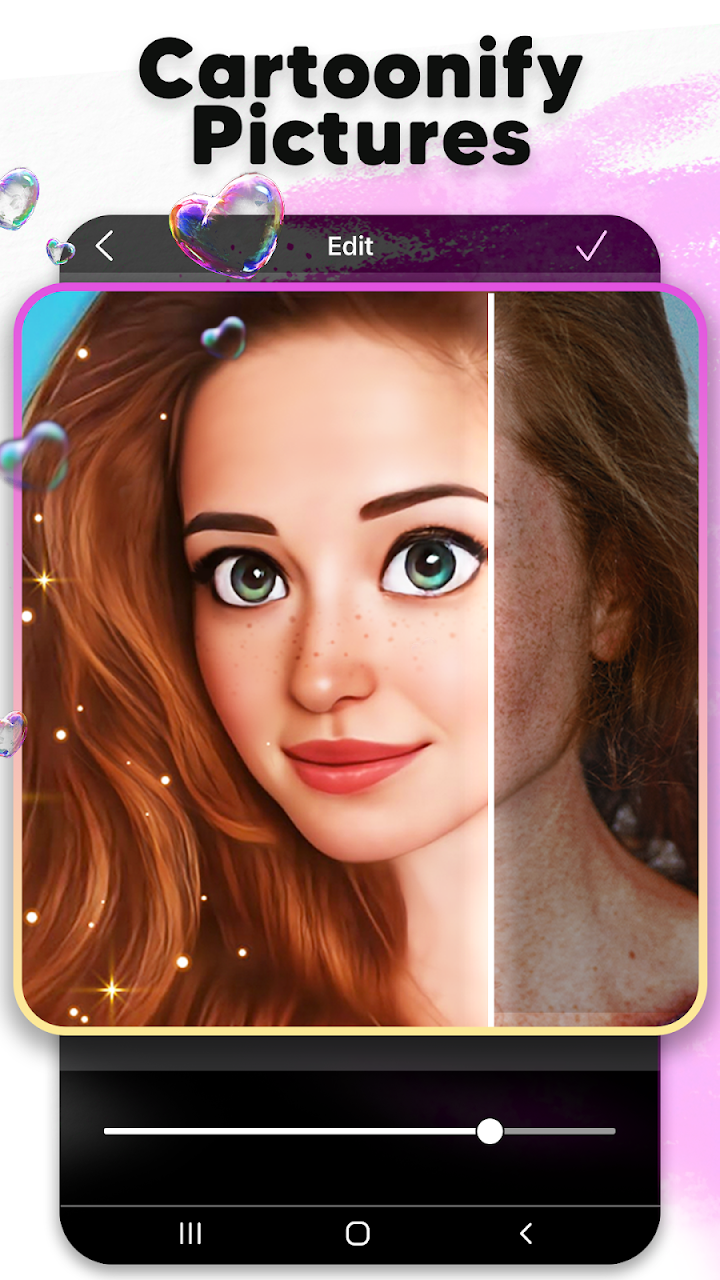
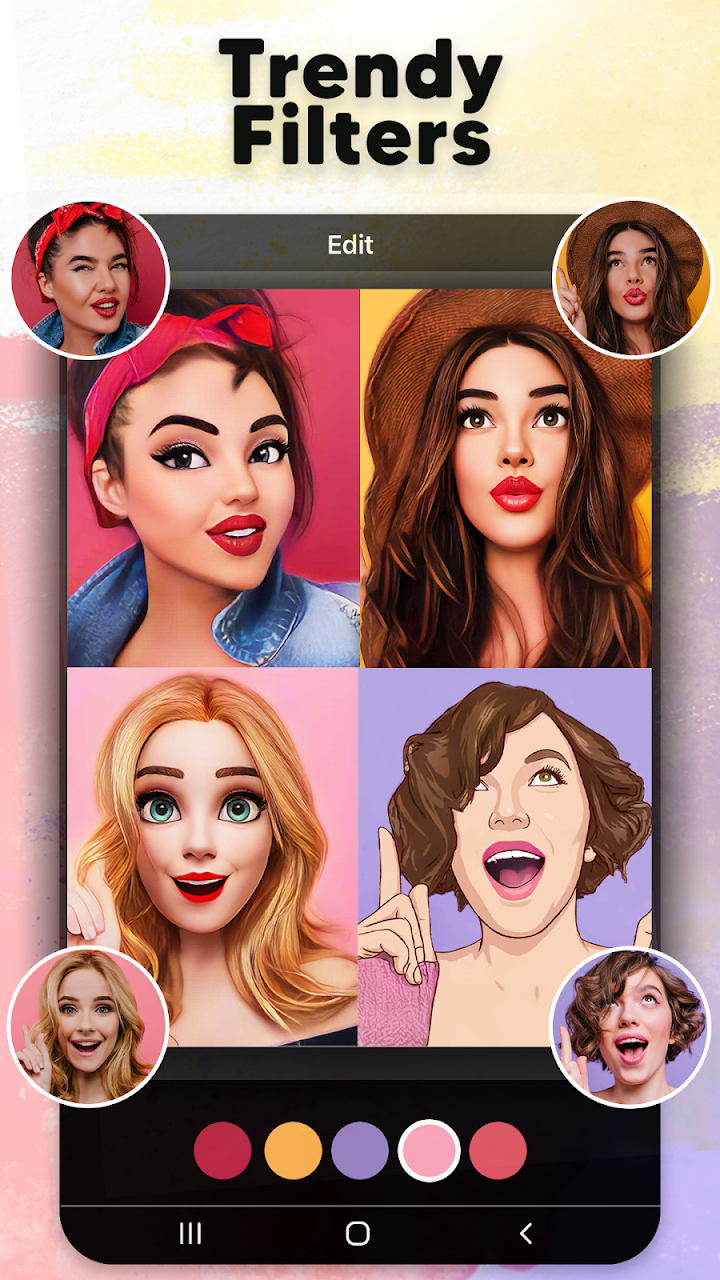
Turn photos into cartoon caricatures with AI filters and one-tap edits. Cartoonify AI Caricature Maker is built around selfie-to-cartoon transformations, including anime, 3D, and starter pack-style looks. It also lets you save and share finished images for profiles or social apps, while ads and in-app purchases may appear during use.
- AI cartoon filters — Apply cartoon, anime, and 3D-style filters to photos with a quick editing flow.
- Caricature edits — Turn selfies into caricature-style portraits and cartoon face images.
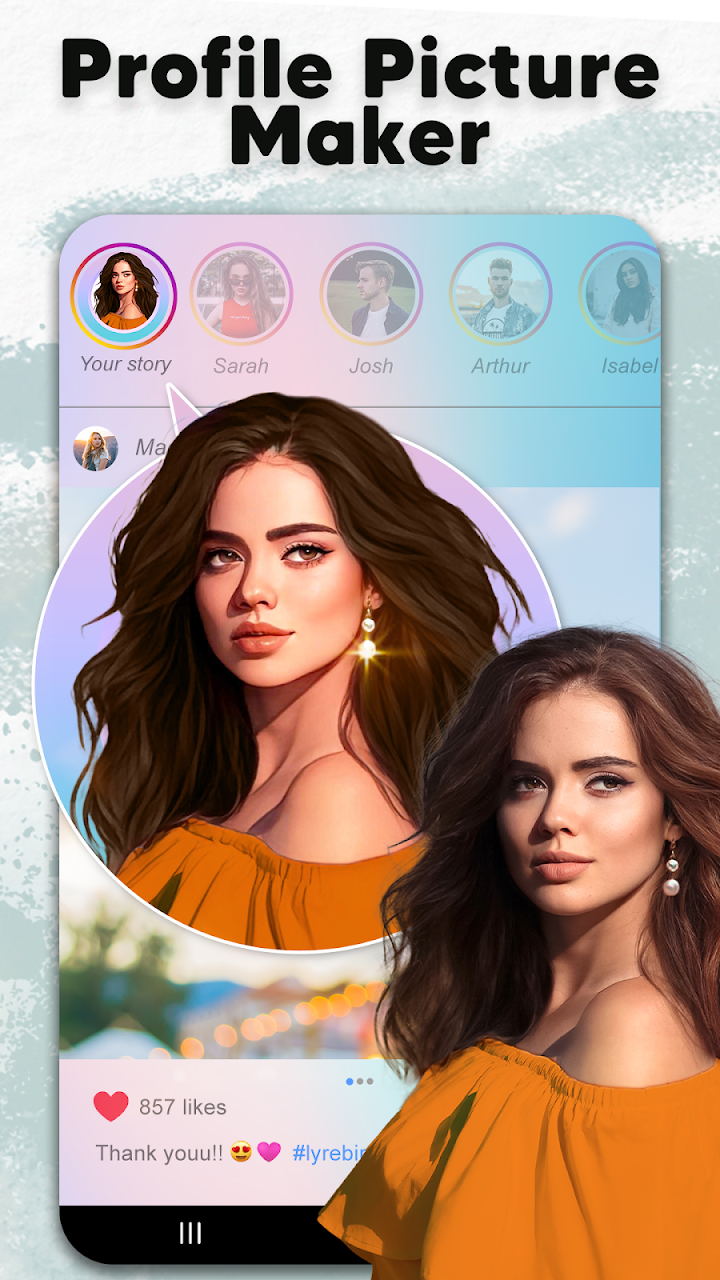
- Starter pack looks — Create starter pack-style edits and profile-picture-ready results.
- Share your edits — Save finished cartoons and share them to social apps from the device.
- Free with ads — The app is free to install, with ads and optional in-app purchases.
Cartoon filters for daily selfies
Cartoonify AI Caricature Maker is a photo editor centered on turning a normal selfie into a cartoon portrait. The app leans on AI cartoon filters, anime-style looks, and 3D caricature effects, so the usual flow is simple: pick a photo, try a style, and save the result. It is listed as free, but it includes ads and in-app purchases.
Turn a photo into a caricature
The main task here is straightforward photo-to-cartoon editing. You can use a picture from your gallery and transform it into a caricature, a toon-style portrait, or a cartoon avatar. The app also mentions starter pack edits, action-figure-style looks, pet cartoon filters, and cartoon baby effects, so there are several ways to change the same image without leaving the editor.
- AI caricature maker for selfie and portrait edits
- Toonify filters for cartoon and anime styles
- 3D cartoon looks for avatar-style results
- Starter pack edits for profile-picture use
Saving and sharing finished images
Finished edits can be saved and shared, with the description calling out Instagram, Facebook, WhatsApp, Snapchat, TikTok, and LinkedIn. That makes the app feel more like a quick social-image tool than a full photo suite. If you want a cartoon version of a profile picture, the export path is part of the appeal.
Permissions, storage, and install details
No permissions are listed for this release, so there is nothing specific to review for storage or camera access from the package details shown. The app is available as an APK file, sized at 42.4 MB, and it requires Android 7.0 or later. Since ads are included and purchases are available inside the app, expect some prompts while using it.
Version 1.0.6.6 is the current release shown, with universal ABI support.
APK information
- Version
- 1.0.6.6
- Package
- cartoon.picture.photo.editor.caricature.maker.yourself.caricaturas.fotos.ai
- Category
- Photography
- Size
- 42 MB
- Min Android
- 7.0
- Architecture
- universal
Older versions
-
Cartoonify AI Caricature Maker 1.0.6.6Nov 12, 2026Latest downloadAPK
Cartoonify AI Caricature Maker FAQ
Does Cartoonify AI Caricature Maker work offline?expand_more
The listing does not say whether it works offline. It does support saving and sharing edits, but connectivity requirements are not specified.
Can Cartoonify AI Caricature Maker edit RAW photos?expand_more
RAW support is not mentioned. The app description focuses on regular photo-to-cartoon and caricature edits.
How big is the Cartoonify AI Caricature Maker download?expand_more
The APK size is 42.4 MB. It installs on Android 7.0 and newer.
How do I install the Cartoonify AI Caricature Maker APK file?expand_more
Download the APK file and install it on a device running Android 7.0 or later. The app is provided in APK format with universal support.
Can I share cartoon edits from Cartoonify AI Caricature Maker?expand_more
Yes. The app description mentions saving and sharing edits to social apps like Instagram, Facebook, WhatsApp, Snapchat, TikTok, and LinkedIn.