- 3.9star806,172 reviews
- 1B+Downloads
- 6 MBAPK size
- EveryoneRated for Everyone
- 5.0+Android
check_circleOriginal APK from Google LLC · Updated Nov 12, 2026
No threats found
0 / — antivirus engines flagged this file
Original signature
First seen — Google LLC
Unmodified APK
Same file the developer published — no mods
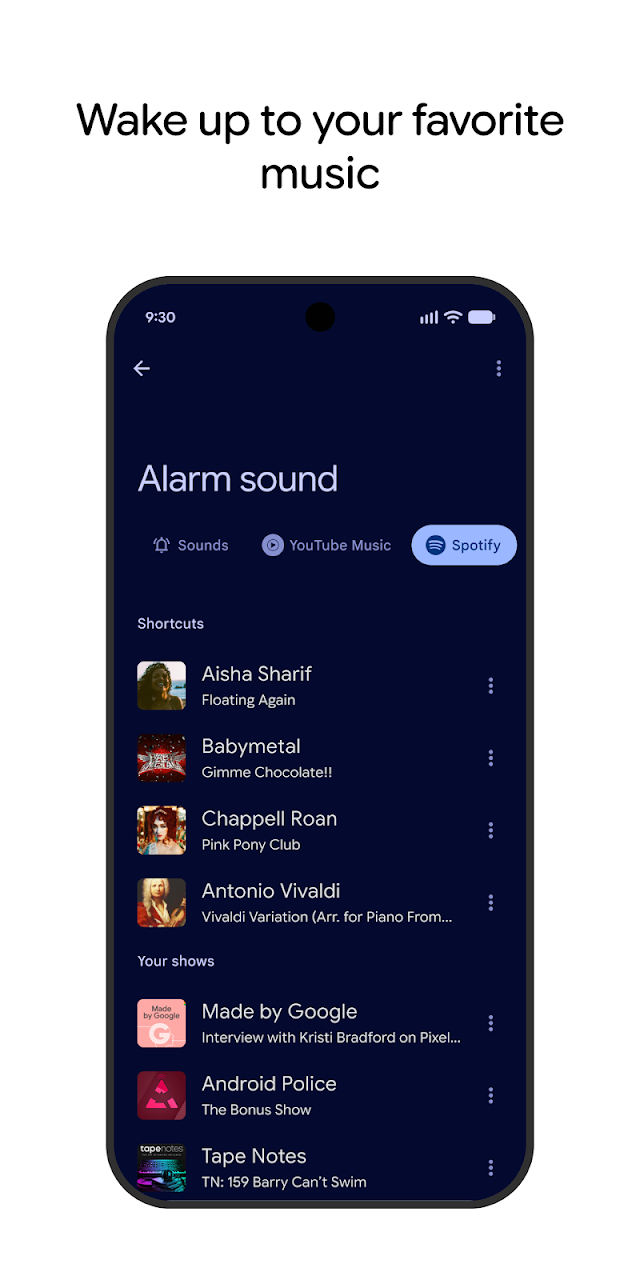
Clock screenshots
8 images · tap to enlarge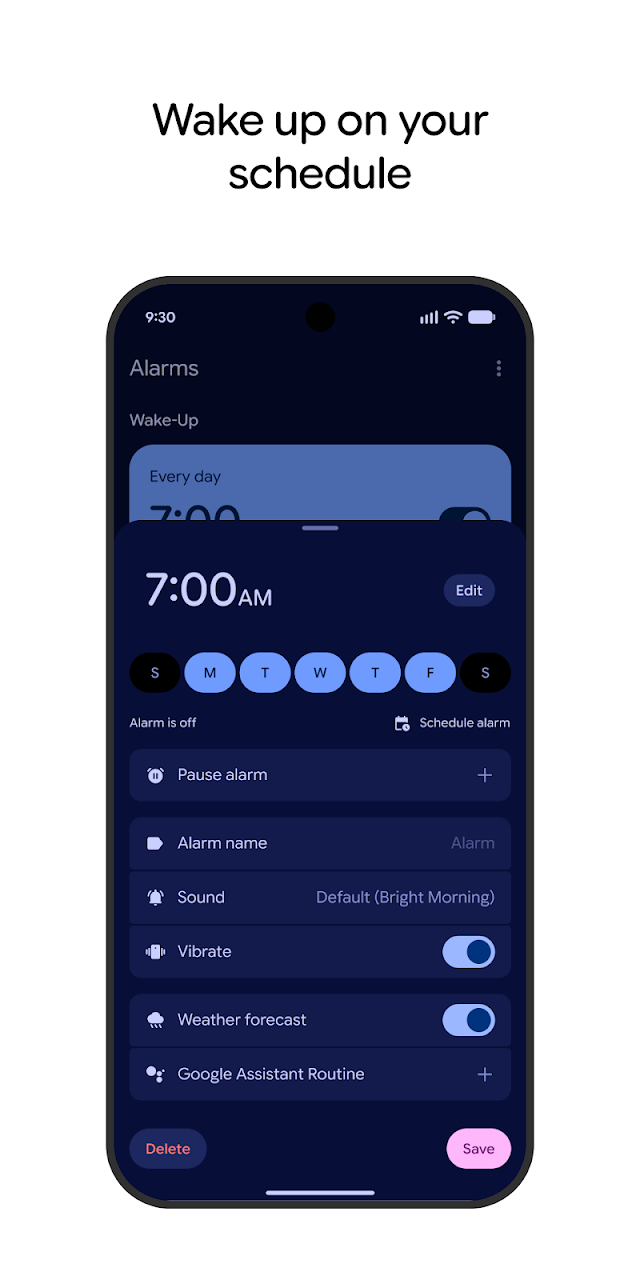
About this app
On a busy morning, you can open Clock to set an alarm, start a timer, or check the time in another city before you head out. It keeps the everyday time tools in one place, with a bedtime schedule, sleep sounds, and a way to see upcoming events. There are no in-app purchases, and it installs as a small APK.
- Set daily alarms — Create alarms for wake-ups, reminders, and repeat schedules from one simple screen.
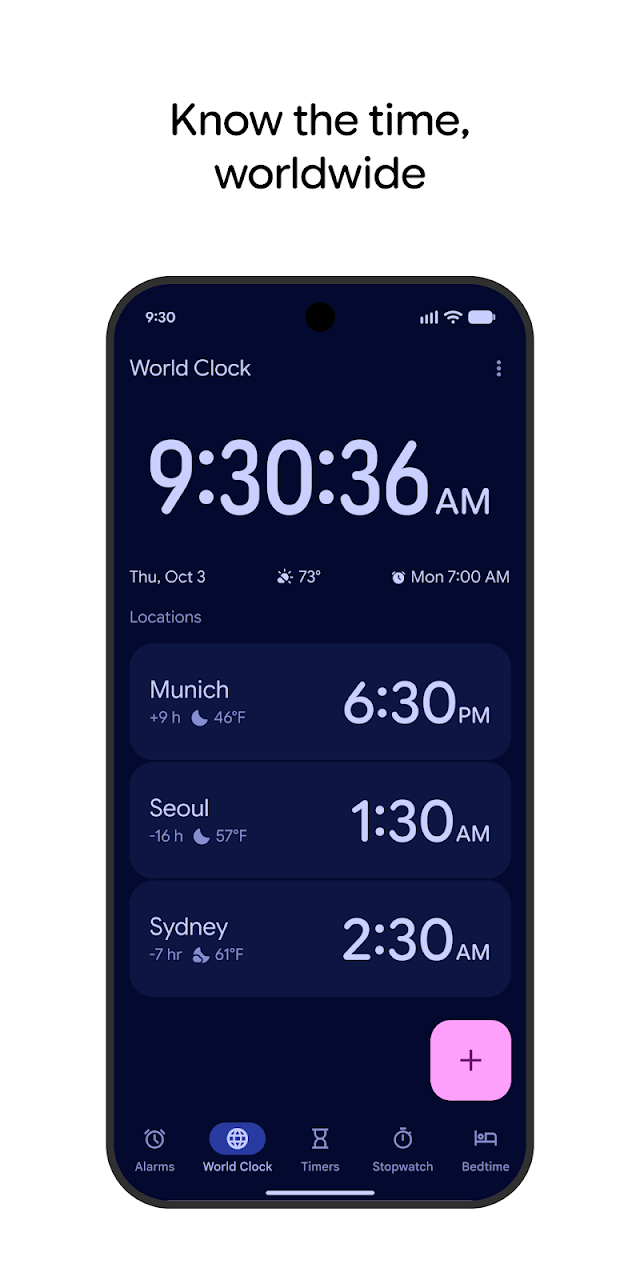
- World time checks — Use World Clock to see the time in other places when you are planning across time zones.
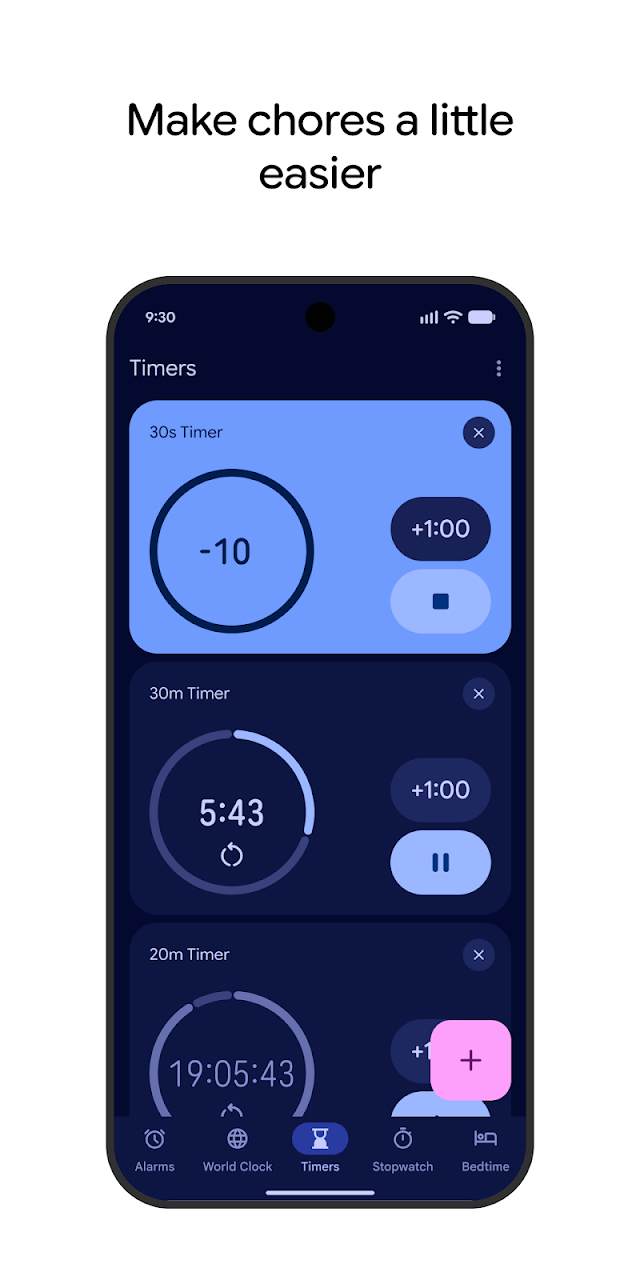
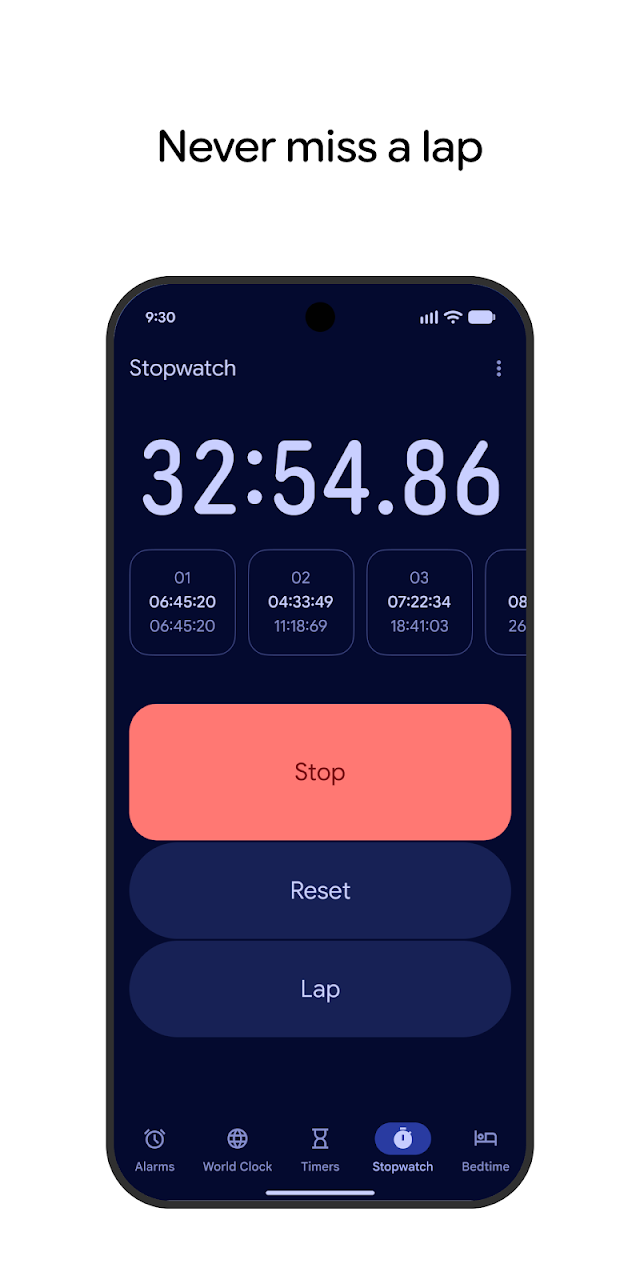
- Timers and stopwatch — Start a timer for cooking or use the stopwatch when you need to measure elapsed time.
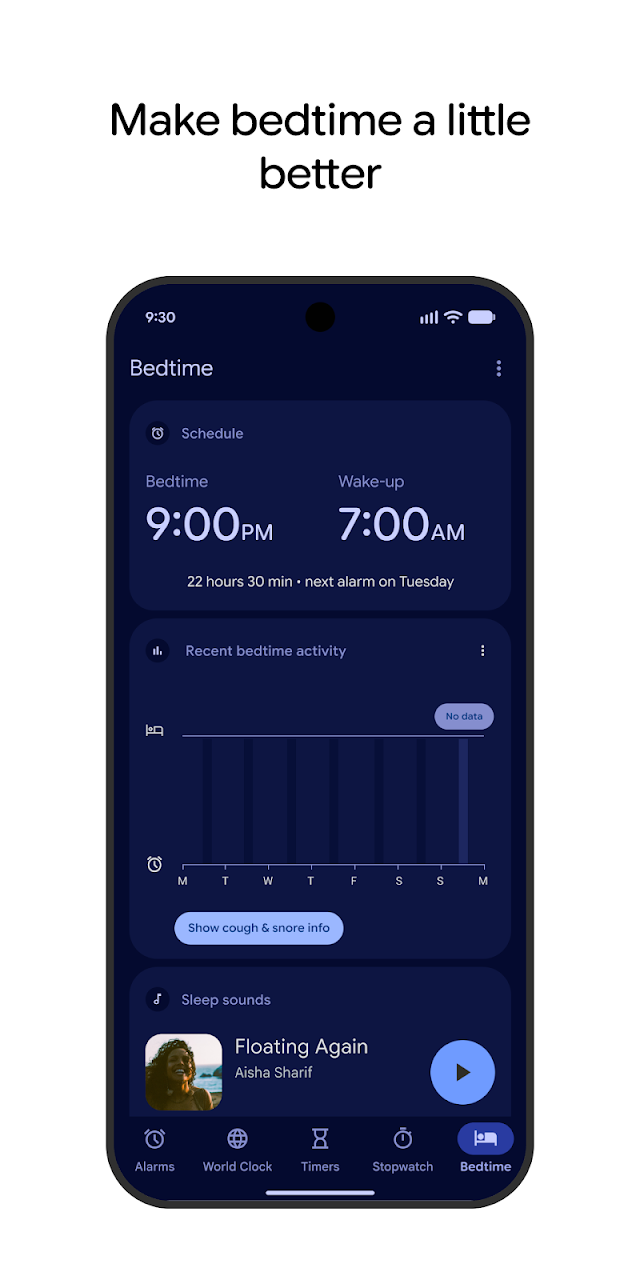
- Bedtime routine — Set a bedtime schedule, play sleep sounds, and view upcoming events before sleep.
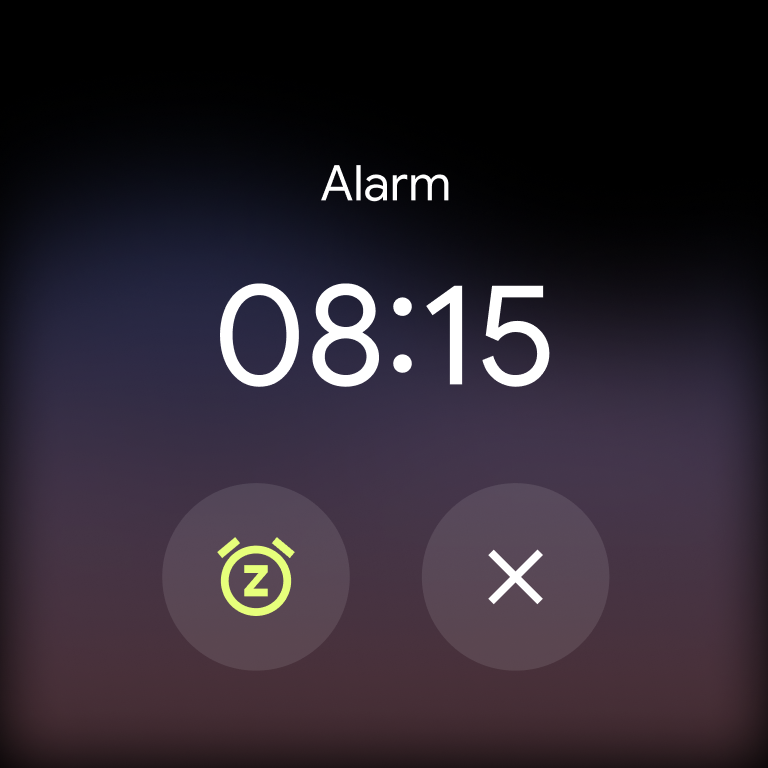
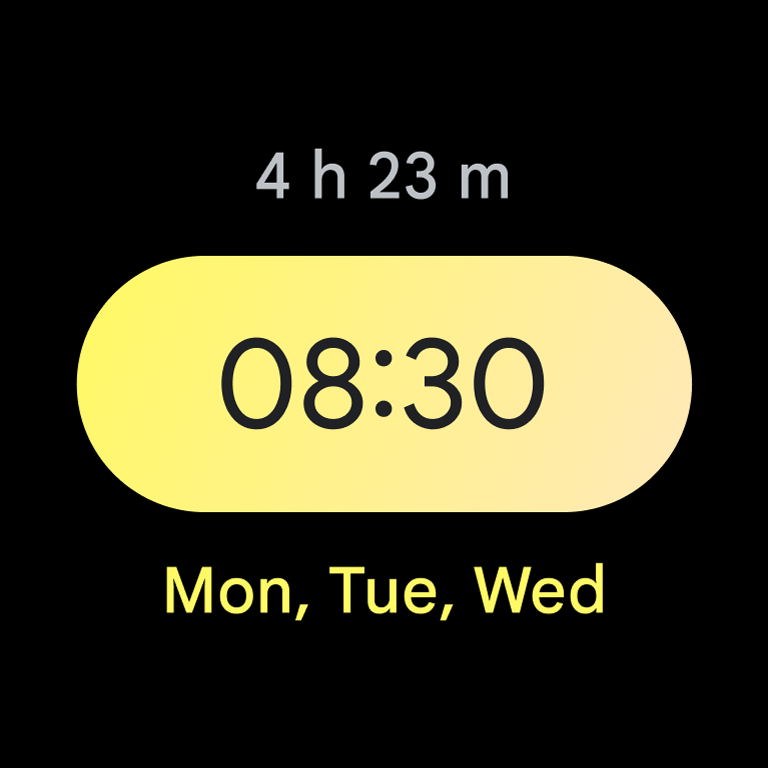
- Wear OS support — Pair with a Wear OS device to bring alarms and timers to your wrist.
Morning alarms before you leave
When you wake up early for work or class, Clock is the first place to check. You can set alarms, adjust them quickly, and keep the day moving without opening a separate utility for every job. The app is free, has no in-app purchases, and does not show ads, so the main focus stays on the clock tools themselves.
Cooking, studying, and quick timing
For a kitchen timer or a study session, the timer and stopwatch are the parts you reach for most. They keep simple tasks together in one app, so you do not need to switch between different tools when you are counting down pasta, timing a break, or tracking a workout interval.
Checking time across places
If you call family overseas or work with people in another city, World Clock helps you compare local times at a glance. It is also useful before travel, when you want to see whether a message or call will land at a sensible hour.
Bedtime schedule on your phone and watch
At night, Clock shifts into a calmer routine with bedtime scheduling, sleep sounds, and upcoming events. If you use a Wear OS device, you can pair it and bring alarms and timers to your wrist with saved tiles or watch face complications. The app is available as an APK, needs Android 5.0 or later, and the file is 5.9 MB in universal format.
Clock is a small everyday tools app from Google LLC, released in 2015 and updated on 2026-11-11.
APK information
- Version
- 6.2.1 (280557501)
- Package
- com.google.android.deskclock
- Category
- Tools
- Size
- 6 MB
- Min Android
- 5.0
- Architecture
- universal
Older versions
-
Clock 6.2.1 (280557501)Nov 12, 2026Latest downloadAPK
Clock FAQ
Why does Clock need these permissions?expand_more
Clock lists no permissions, so it does not request access for the features shown here.
Does Clock need root?expand_more
No. Nothing in the app details says root is required.
Does Clock work offline?expand_more
The app details do not say whether it works offline.
Is this Clock APK the original file?expand_more
Yes. This page refers to the original APK for Clock by Google LLC, version 6.2.1 (280557501).
Can I use Clock on Wear OS?expand_more
Yes. Clock can pair with a Wear OS device to bring alarms and timers to your wrist with saved tiles or watch face complications.