
Cut Cut: Photo Editor & CutOut
Glory Passion Network Limited- 4.1star512,779 reviews
- 100M+Downloads
- 24 MBAPK size
- EveryoneRated for Everyone
- 5.0+Android
check_circleOriginal APK from Glory Passion Network Limited · Updated Nov 12, 2026
No threats found
0 / — antivirus engines flagged this file
Original signature
First seen — Glory Passion Network Limited
Unmodified APK
Same file the developer published — no mods
Cut Cut: Photo Editor & CutOut screenshots
6 images · tap to enlarge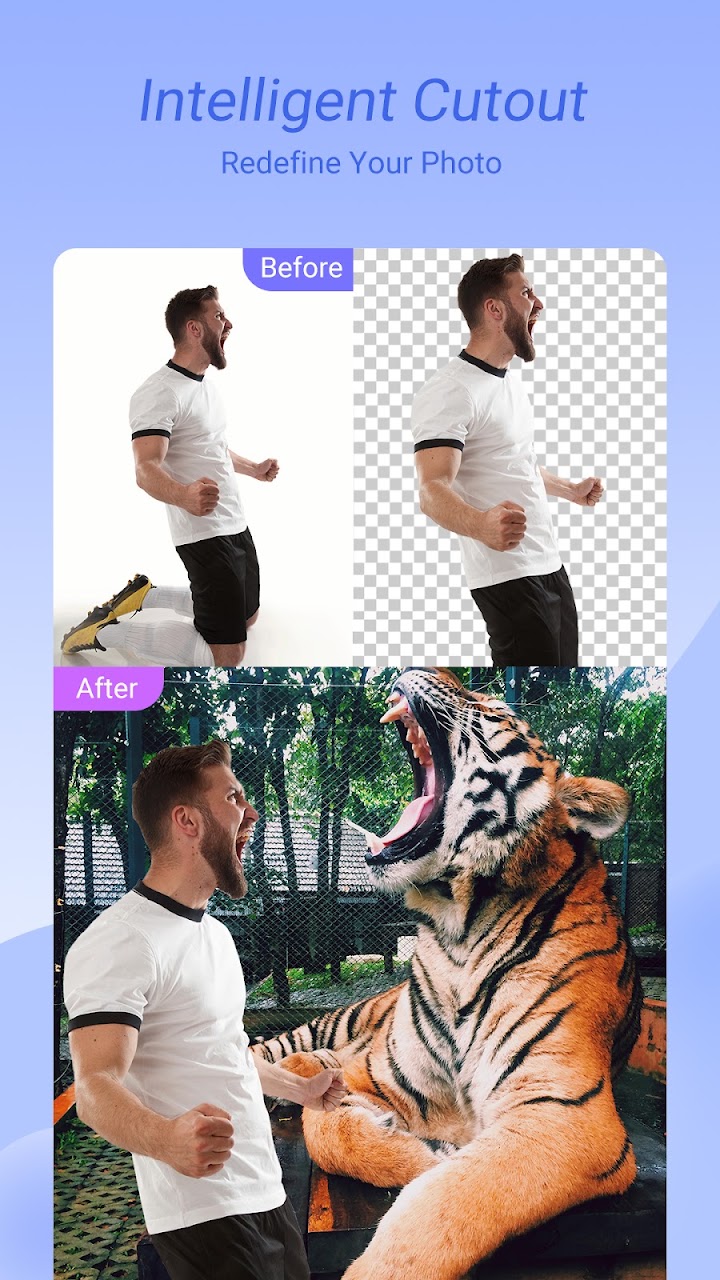
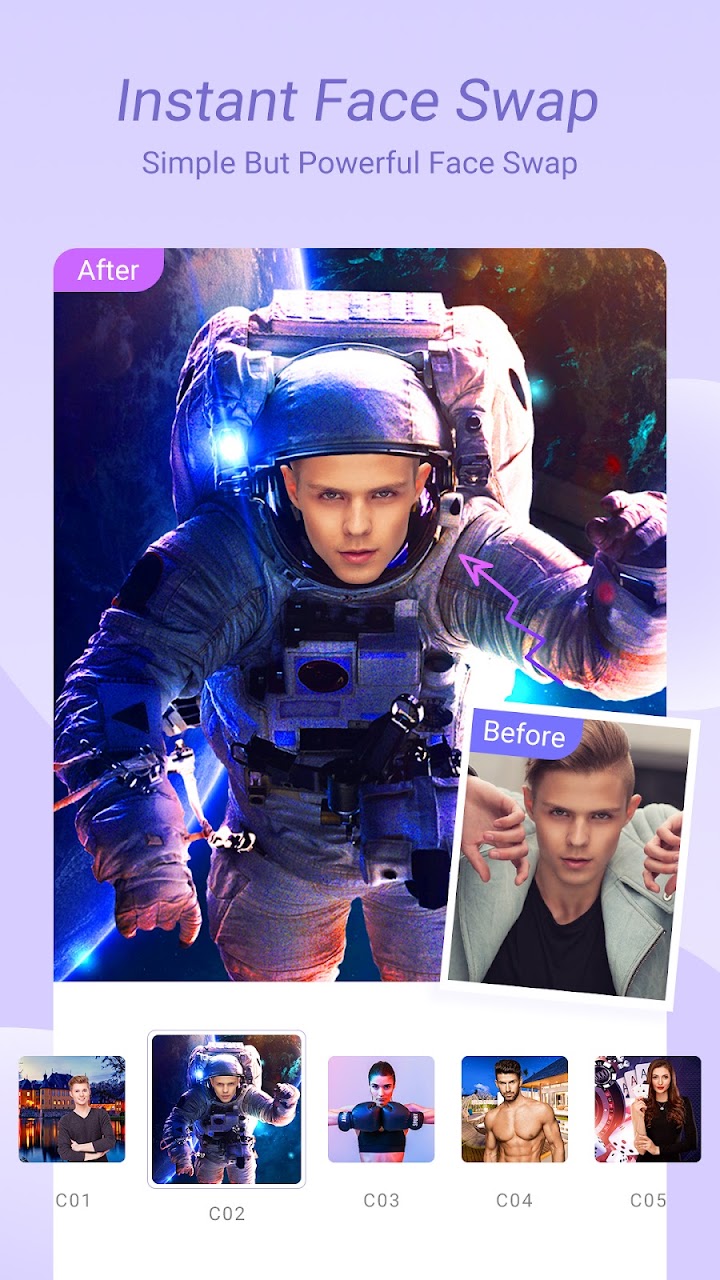
About this app
New to Cut Cut: Photo Editor & CutOut? On first launch, you can start with cutouts, backgrounds, filters, and stickers in one photo editor. It is built for simple image editing, from automatic subject selection to manual erasing, plus ready-made status images for sharing. The app is free, supports ads and in-app purchases, and works on Android 5.0 and up.
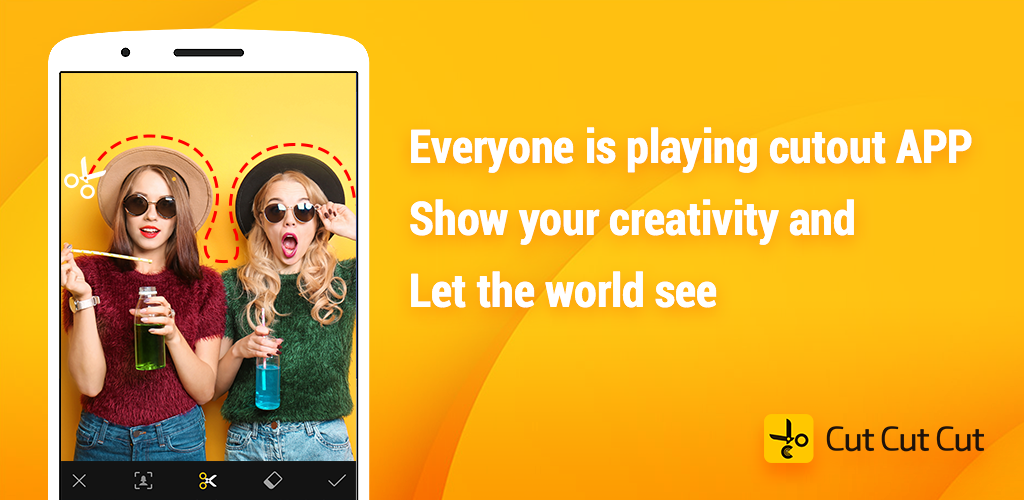
- AI Auto Selection — Use the smart cutout tool to select an image automatically and place it on another background.
- Manual Cutout Tools — Refine edges with a finger-rub eraser when you want more control over the cutout.
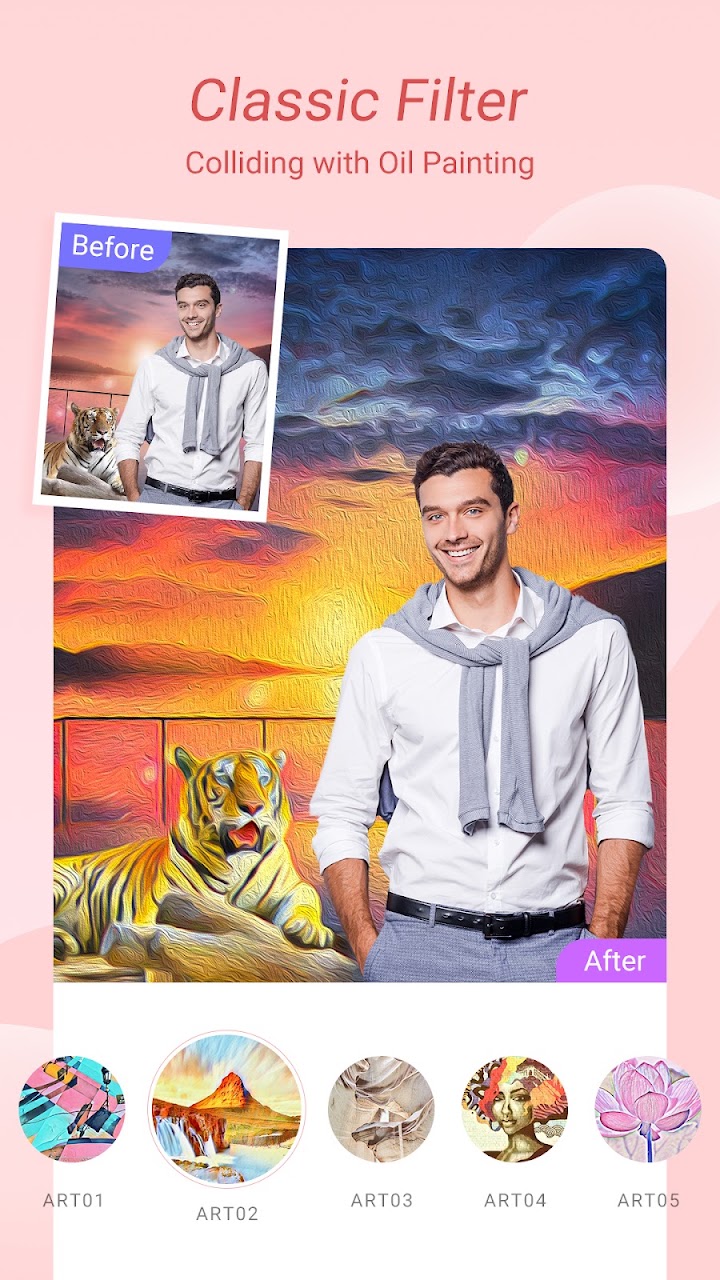
- 200+ Filters — Choose from a large filter collection, including art filters, for quick photo changes.
- 15+ Edit Tools — Adjust, crop, rotate, mosaic, brush, and blur with the built-in editing tools.
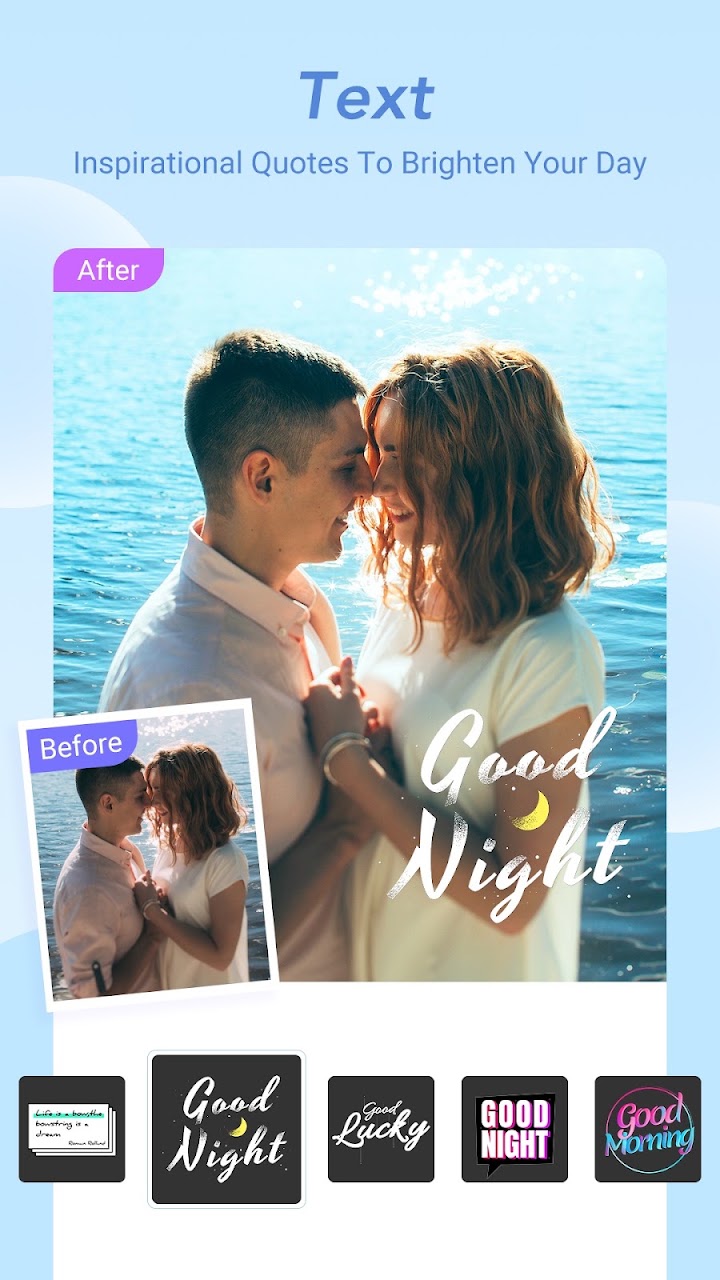
- WhatsApp Status Images — Create status images with good morning, good night, love, motivational, wishes, and shayari text.
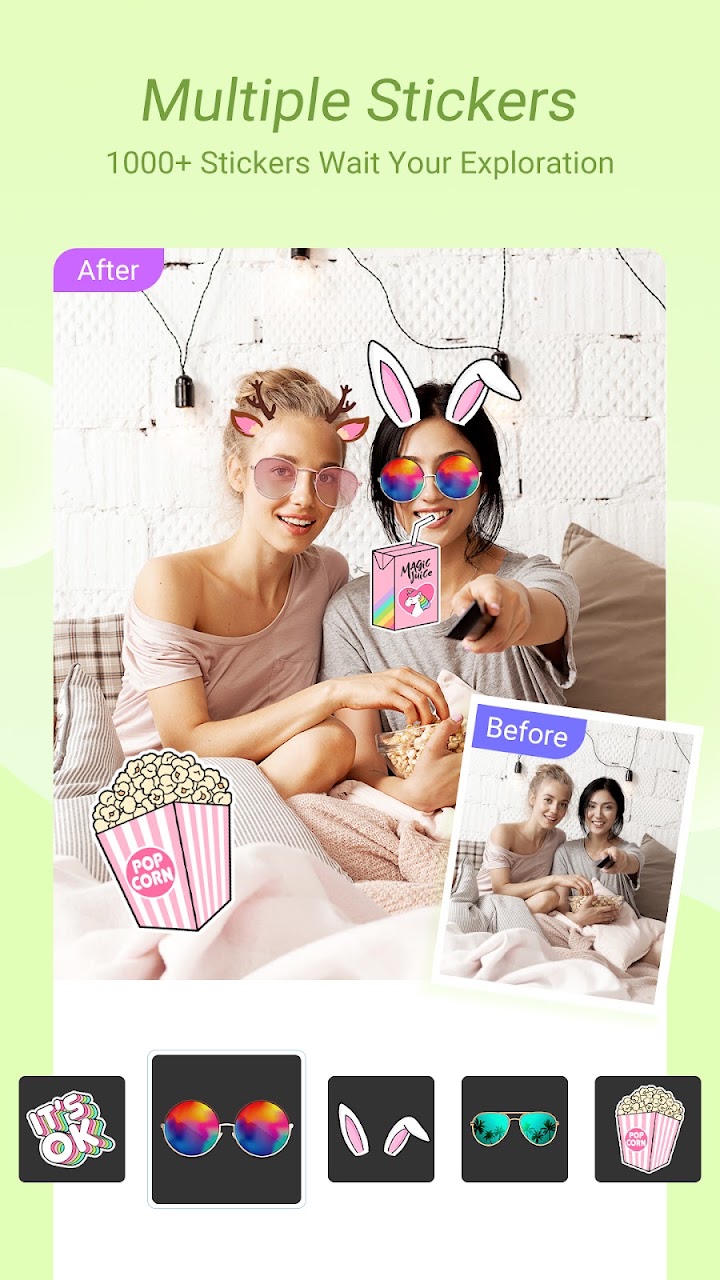
- Sticker Collection — Add romantic, fun, emotion, food, festival, cartoon, and word stickers to your photos.
Start with a cutout
When you open Cut Cut: Photo Editor & CutOut, the main idea is easy to spot: choose a photo, remove the background, and place it somewhere else. The app includes AI Auto Selection for automatic cutouts, plus a manual eraser if you want to clean up edges yourself. That makes it simple to turn one picture into a new scene.
Pick a background or filter
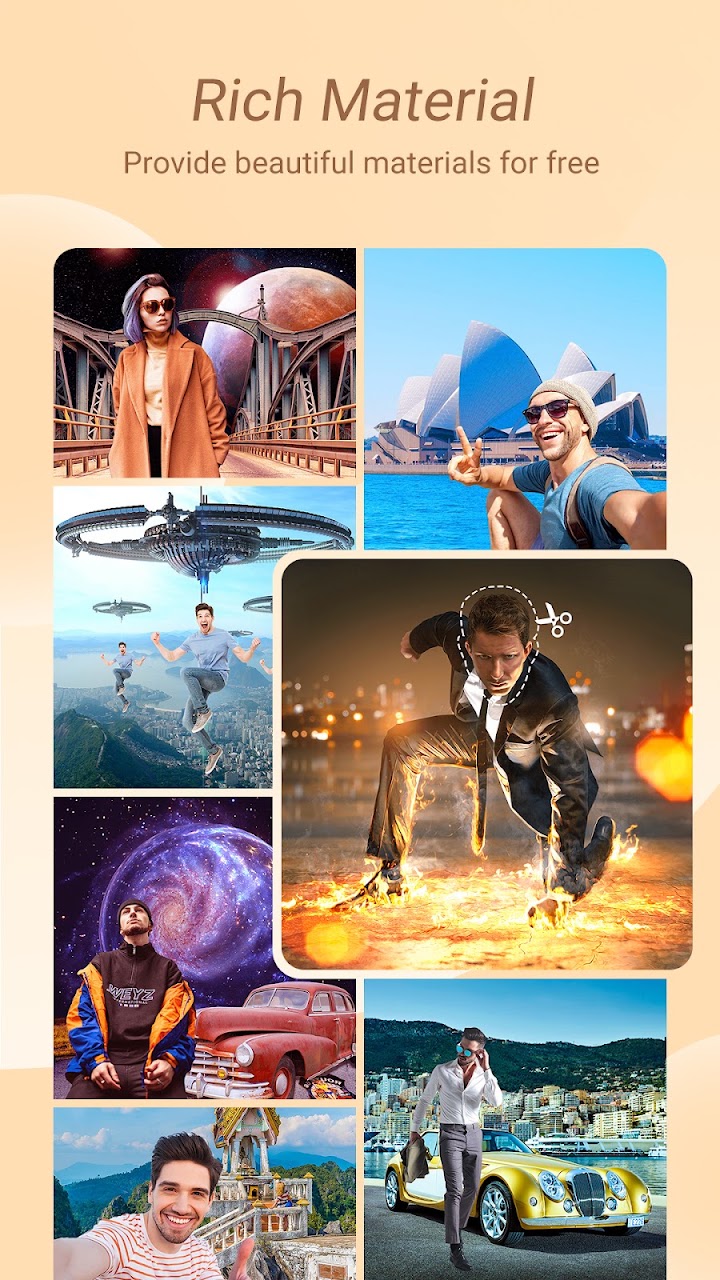
After the cutout step, you can move on to backgrounds and filters. The app includes a large set of backgrounds and more than 200 filters, so you can change the look of a photo without needing extra tools. If you are new to editing, start with one filter first, then try an art filter or a background change.
Add text and stickers
Cut Cut also includes stickers and ready-made status content. You can use romantic, fun, emotion, food, festival, cartoon, and other sticker styles, or add quote-style images for good morning, good night, love, motivational, wishes, and shayari posts. These options are useful if you want to prepare something for WhatsApp status sharing.
Try the editing tools
The editor includes practical tools such as adjust, crop, rotate, mosaic, brush, and blur. If you only want a quick edit, start with crop or rotate. If you want to change the photo more carefully, use brush, blur, or mosaic to cover or soften parts of the image.
The app is an APK file and the download size is about 24.0 MB. It supports Android 5.0 and up.
Share and keep the image quality in mind
Once your edit is done, you can share it through WhatsApp, Facebook, Twitter, or Instagram. The latest update fixed an issue where HD images were unclear, so it is worth updating if you work with higher-quality photos. The app is free, contains ads, and offers in-app purchases.
- Start with AI cutout, then refine by hand if needed.
- Use one filter first before combining more edits.
- Try stickers and status text for quick social posts.
- Check your final image before sharing to make sure the cutout and background match well.
What's new
Version 1.8.5.1011 · Nov 12, 2026
- Fixed an issue where HD images were unclear
APK information
- Version
- 1.8.5.1011
- Package
- com.xprodev.cutcam
- Category
- Photography
- Size
- 24 MB
- Min Android
- 5.0
- Architecture
- universal
Older versions
-
Cut Cut: Photo Editor & CutOut 1.8.5.1011Nov 12, 2026Latest downloadAPK
Cut Cut: Photo Editor & CutOut FAQ
Does Cut Cut: Photo Editor & CutOut work offline?expand_more
The app description does not say whether it works offline. It does support sharing to WhatsApp, Facebook, Twitter, and Instagram.
Does Cut Cut: Photo Editor & CutOut add a watermark?expand_more
The app description does not mention a watermark. No watermark details are provided.
What changed in the latest version?expand_more
The latest update fixed an issue where HD images were unclear.
Does Cut Cut: Photo Editor & CutOut show ads?expand_more
Yes. The app contains ads and also offers in-app purchases.
What Android version does it need?expand_more
It needs Android 5.0 or higher.