- 4.8star30,303 reviews
- 5M+Downloads
- 12 MBAPK size
- EveryoneRated for Everyone
- 6.0+Android
check_circleOriginal APK from Simple Design Ltd. · Updated Nov 12, 2026
No threats found
0 / — antivirus engines flagged this file
Original signature
First seen — Simple Design Ltd.
Unmodified APK
Same file the developer published — no mods
Data Transfer - Copy My Data screenshots
5 images · tap to enlarge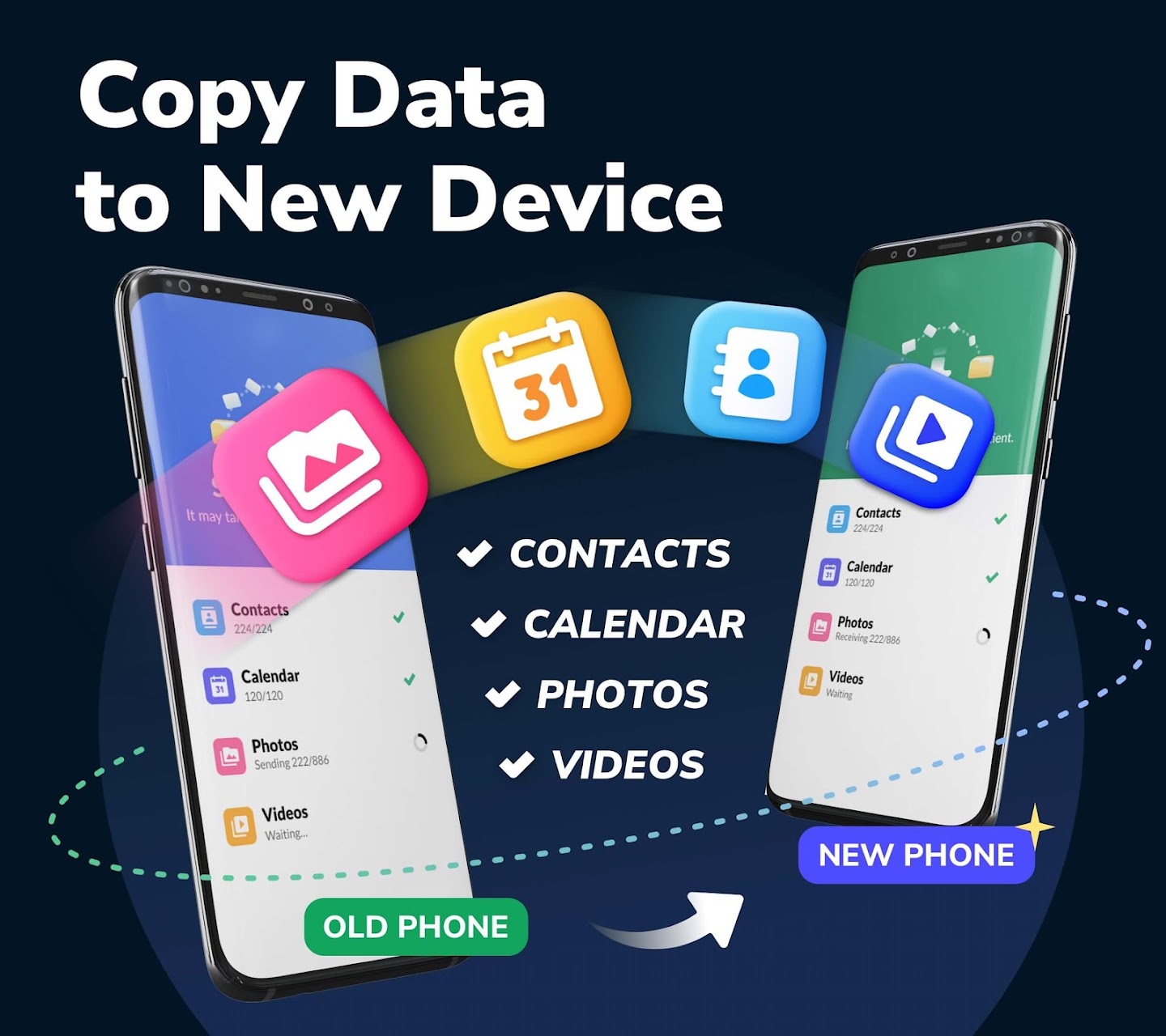
About this app
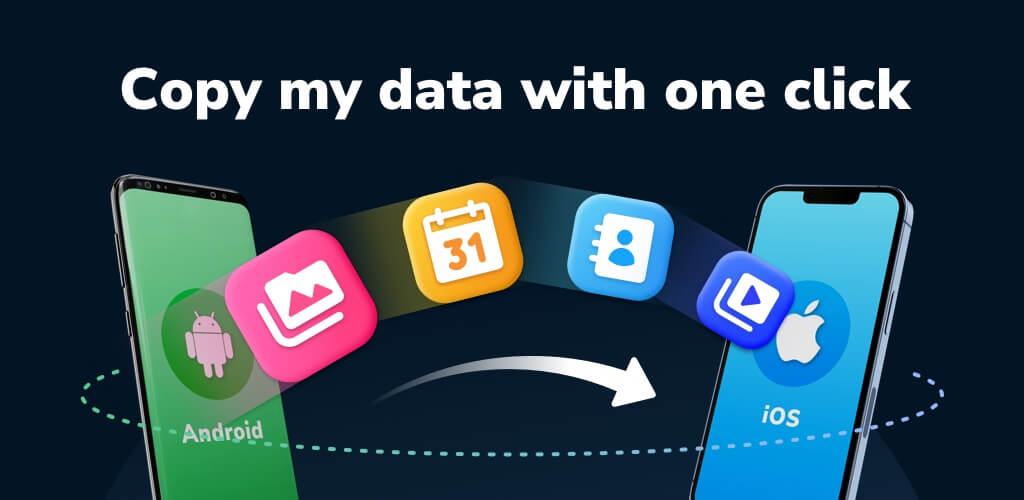
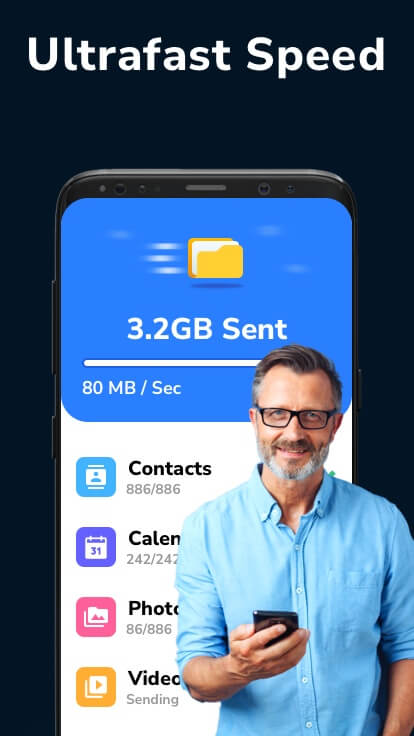
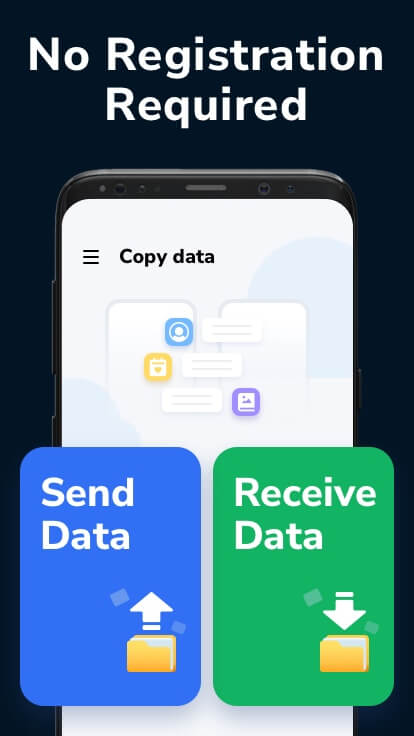
Data Transfer - Copy My Data focuses on direct phone-to-phone transfer over WiFi, without needing a computer. It handles contacts, calendar events, photos, and videos, and it supports transfers between Android and iOS. Compared with broader system tools, it stays centered on one task: moving personal data quickly and securely.
- WiFi transfer — Move data between two devices on the same WiFi network without using a computer.
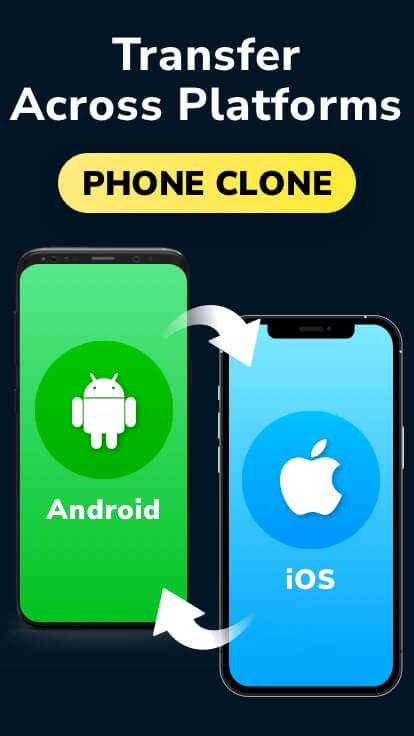
- Cross-platform copy — Transfer data from Android to Android, Android to iOS, and iOS to Android.
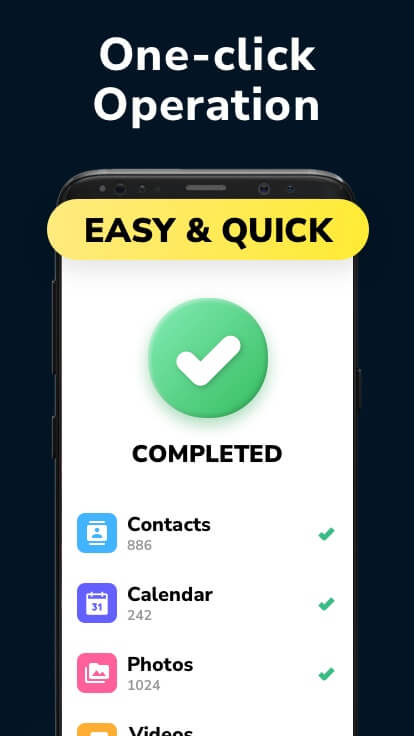
- One-click transfer — Start copying contacts, calendar events, photos, and videos with a single action.
- No quality loss — The app is designed to transfer data without losing quality.
- Phone clone — Use it to copy content from an old phone to a new one.
Direct transfer on the same WiFi
Data Transfer - Copy My Data is built for moving content from one phone to another over a WiFi network. That narrow focus makes it different from general Android system components such as Android System WebView or Android System Intelligence, which serve broader device functions rather than a single transfer job. Here, the app is aimed at copying personal data between devices with minimal setup.
It supports contacts, calendar events, photos, and videos, and it works without a computer. The app is available as an APK, with a 12.0 MB file size, a universal build, and a minimum Android version of 6.0.
Android and iOS transfer support
One of the app’s main distinctions is cross-platform transfer. It supports direct data transfer from Android to Android and Android to iOS, and it also lists iOS to Android transfer in its fast-transfer features. That makes it more specific than many tools in the category, which may focus on one platform or one device function.
For users switching phones, the app’s one-click approach keeps the process simple. You connect both devices to the same WiFi network, then let the app handle the transfer.
What it copies
- Contacts: Move your address book to the new device.
- Calendar events: Carry over scheduled events.
- Photos: Transfer image files between phones.
- Videos: Copy video files to the other device.
- Phone clone: Use the app to duplicate content from an old phone to a new one.
Ads and app details
The app is free and contains ads. It does not list in-app purchases. Its current version is 1.0.12, and it was last updated on 2024-10-18. With a 4.8 rating from 30,303 ratings and 5M+ installs, it is positioned as a focused transfer tool rather than a general-purpose utility.
APK information
- Version
- 1.0.12
- Package
- copymydata.transfer.movetoios.clone
- Category
- Tools
- Size
- 12 MB
- Min Android
- 6.0
- Architecture
- universal
Older versions
-
Data Transfer - Copy My Data 1.0.12Nov 12, 2026Latest downloadAPK
Data Transfer - Copy My Data FAQ
Why does Data Transfer - Copy My Data need these permissions?expand_more
No permissions are listed for this app. The provided details do not specify any permission use.
Does Data Transfer - Copy My Data need root?expand_more
No root requirement is listed in the app details.
Does Data Transfer - Copy My Data show ads?expand_more
Yes. The app contains ads.
Who develops Data Transfer - Copy My Data?expand_more
It is developed by Simple Design Ltd.
How do I transfer data between phones with this app?expand_more
Both devices need to be on the same WiFi network. The app then transfers contacts, calendar events, photos, and videos without a computer.