
- 4.7star599,426 reviews
- 100M+Downloads
- 10 MBAPK size
- TeenRated for Teen
- API 22+Android
check_circleOriginal APK from Simple Design Ltd. · Updated Nov 12, 2026
No threats found
0 / — antivirus engines flagged this file
Original signature
First seen — Simple Design Ltd.
Unmodified APK
Same file the developer published — no mods
Video Downloader - Downloader screenshots
8 images · tap to enlarge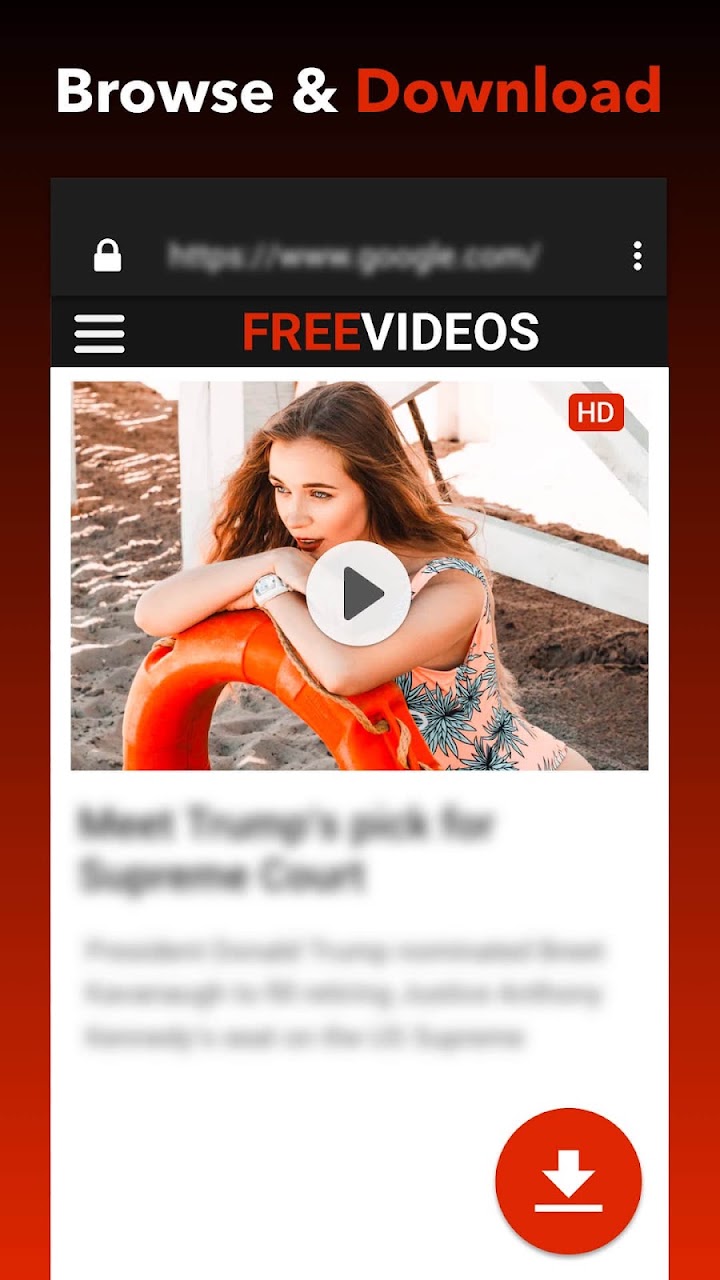
About this app
Simple Design Ltd. makes Video Downloader - Downloader for saving videos and music from the web onto your phone. It fits into quick everyday moments: opening a site in the built-in browser, spotting a video automatically, and sending it to the download list. You can also pause, resume, and keep files ready for offline viewing.
- Auto-detect videos — Open a website and the app can spot playable videos so you can tap once to start downloading.
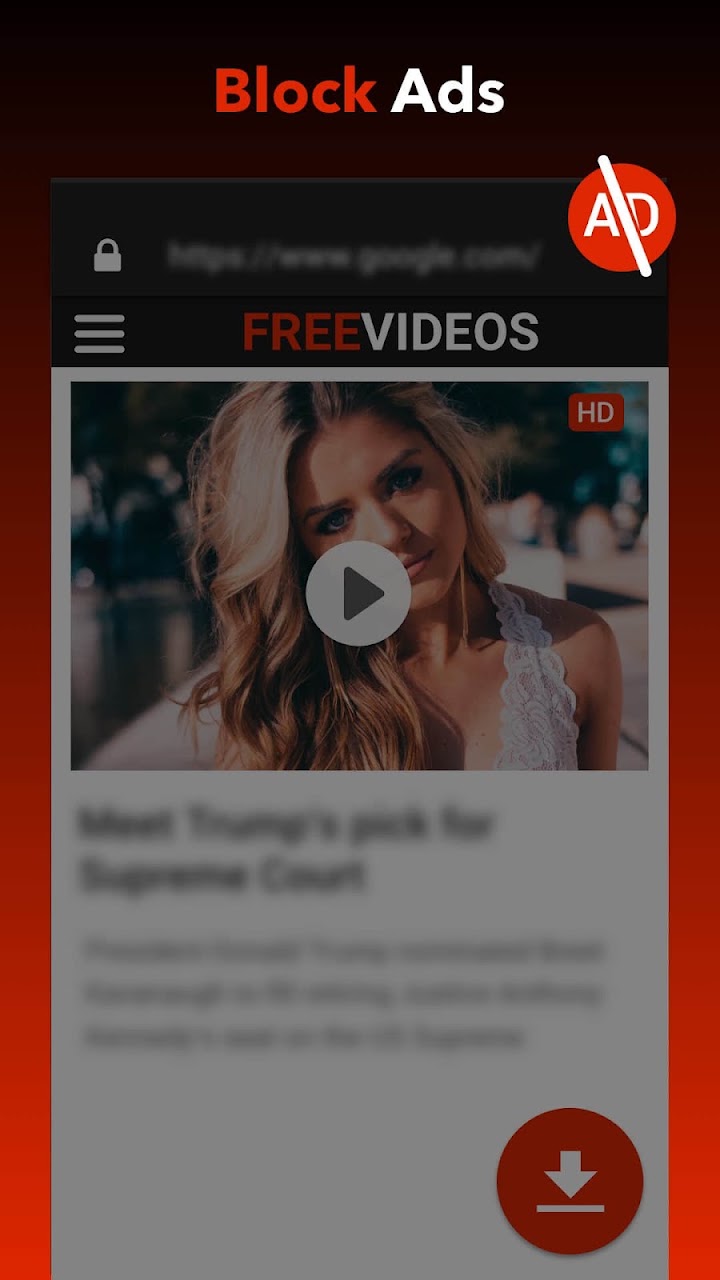
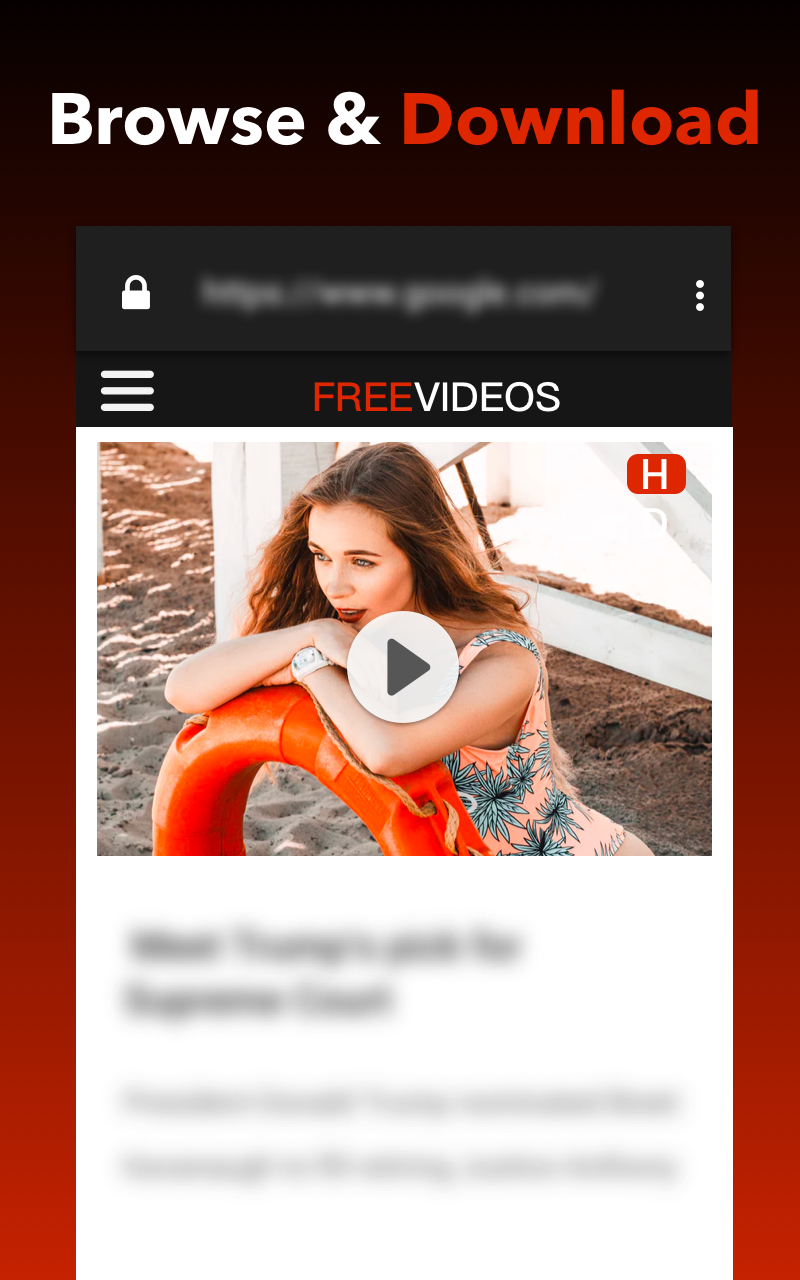
- Built-in browser — Browse sites inside the app, then choose the media you want without switching apps.
- Pause and resume — If a train goes underground or your connection drops, you can pause a download and continue later.
- Offline player — Play saved videos inside the app when you want to watch them without using mobile data.
- Multiple formats — Save video, music, and files in formats including mp3, mp4, m4v, mov, avi, wmv, and more.
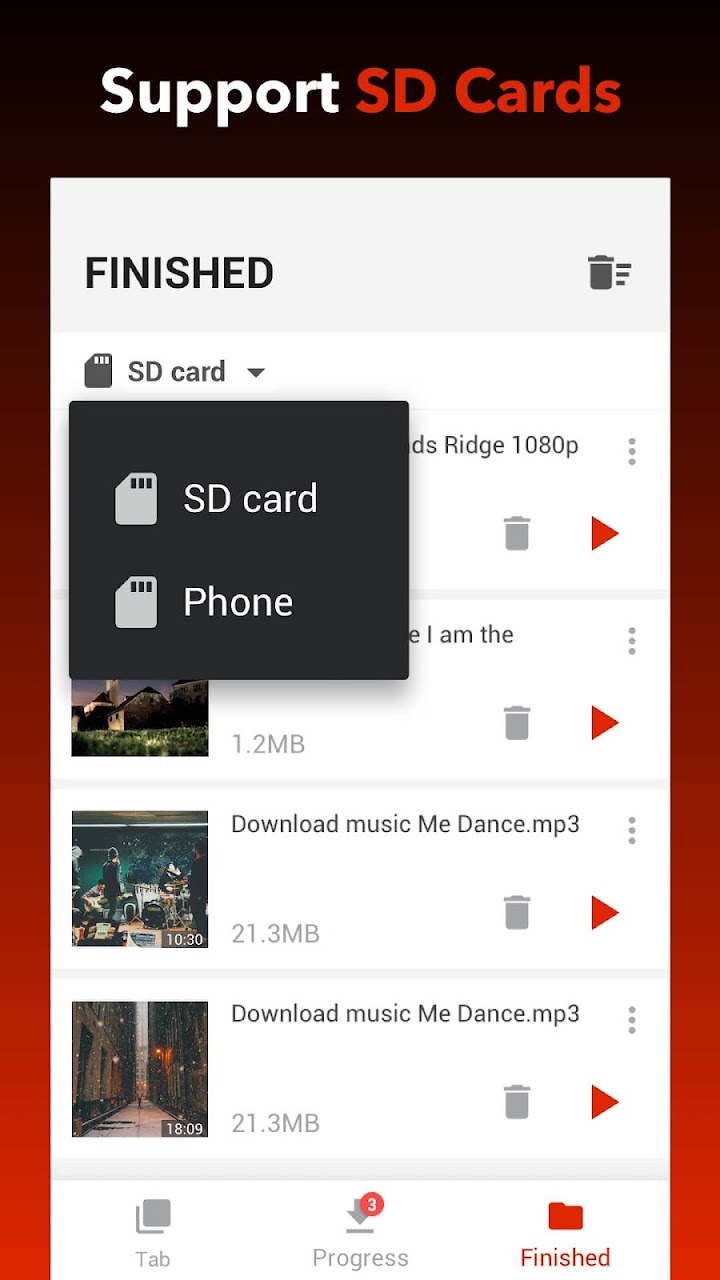
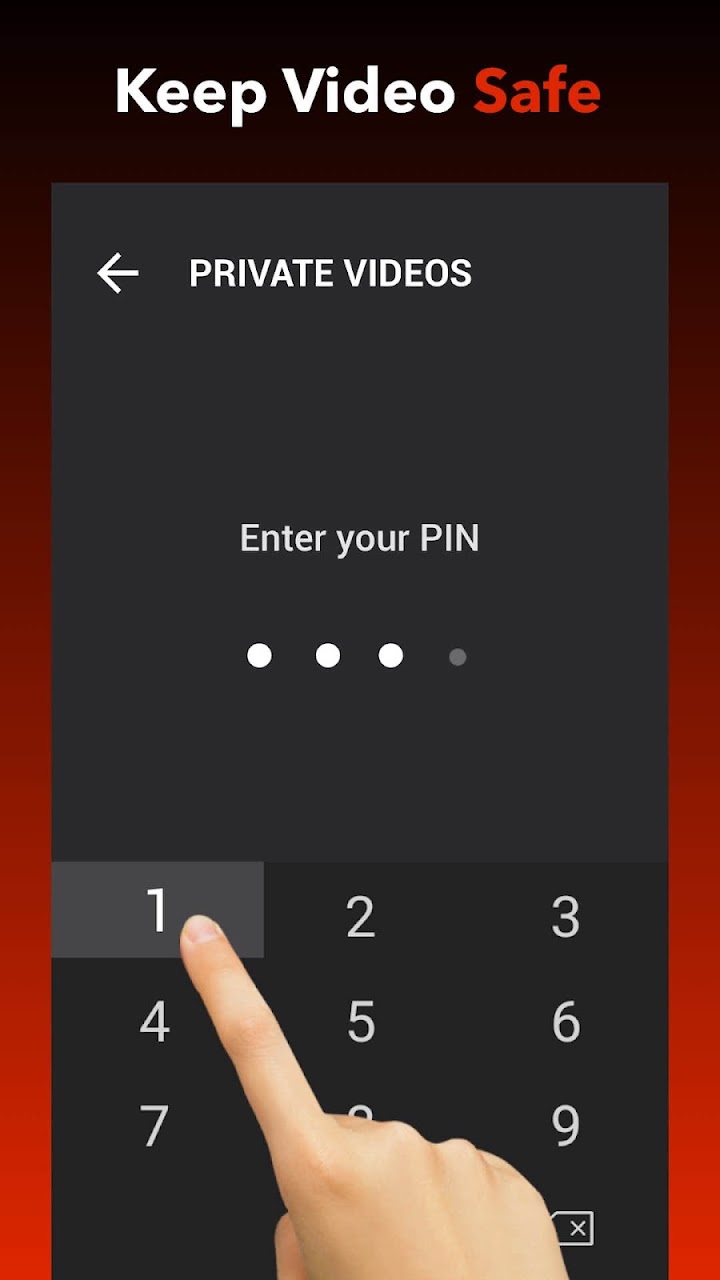
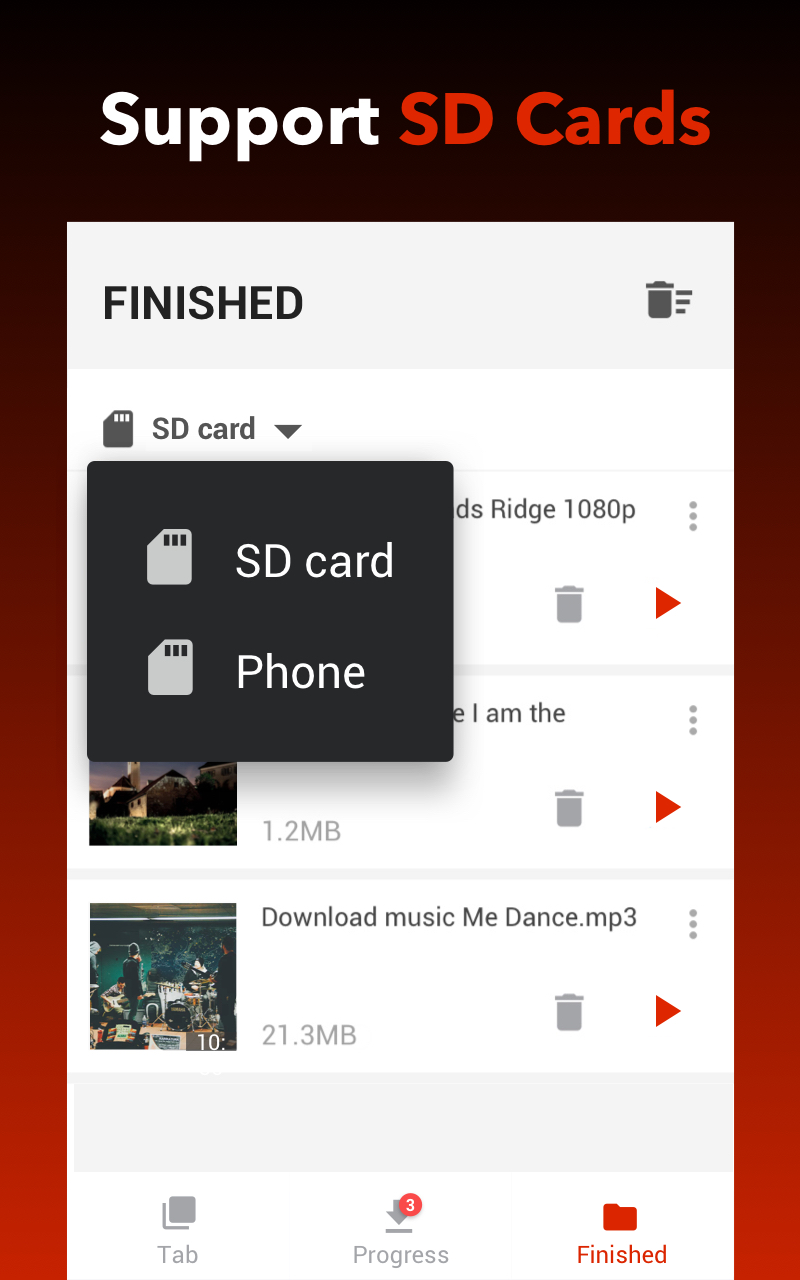
- Protected folder — Store downloaded files in a password-protected folder and keep them on SD card if needed.
Download a video after browsing
On a lunch break or a long train ride, the built-in browser is where the app starts. You open a site, let it scan the page, and when a video appears you can pick it from the detected list and tap to download. The app is set up for quick saves, not a lot of setup.
It also works with more than one kind of file, so the same flow can handle video, music, and other downloads from the web.
Pause, resume, and keep files moving
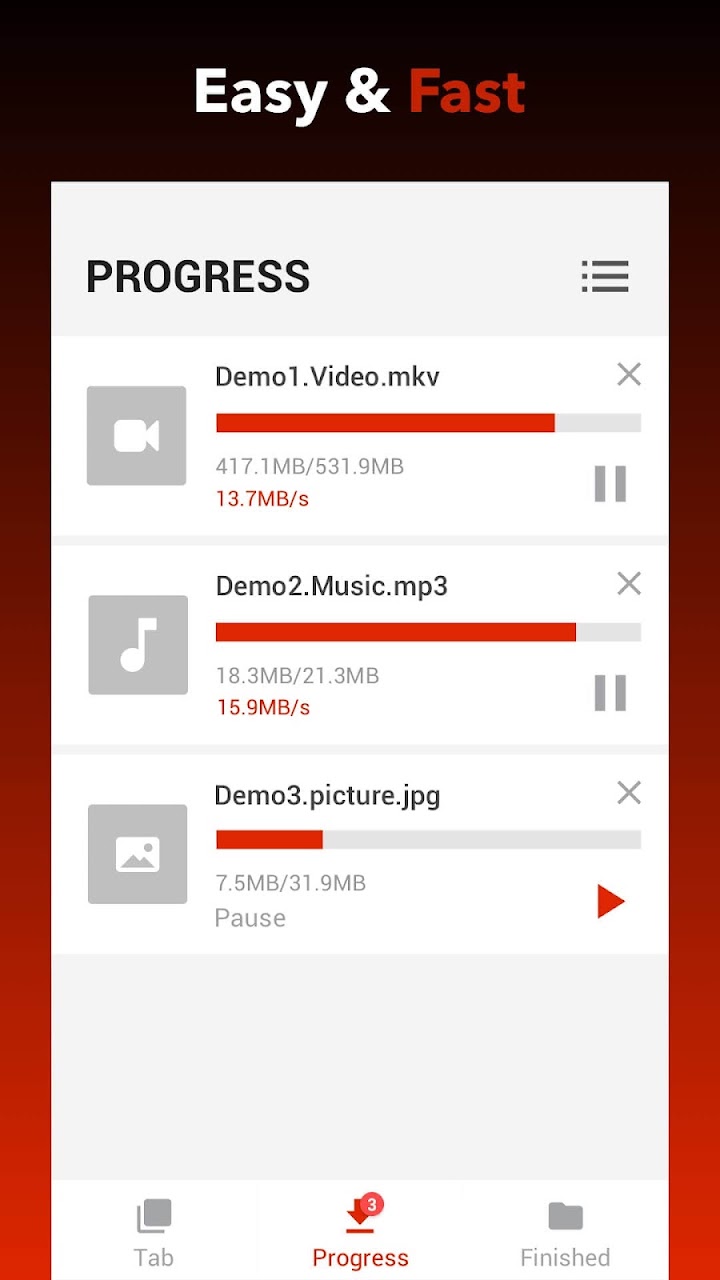
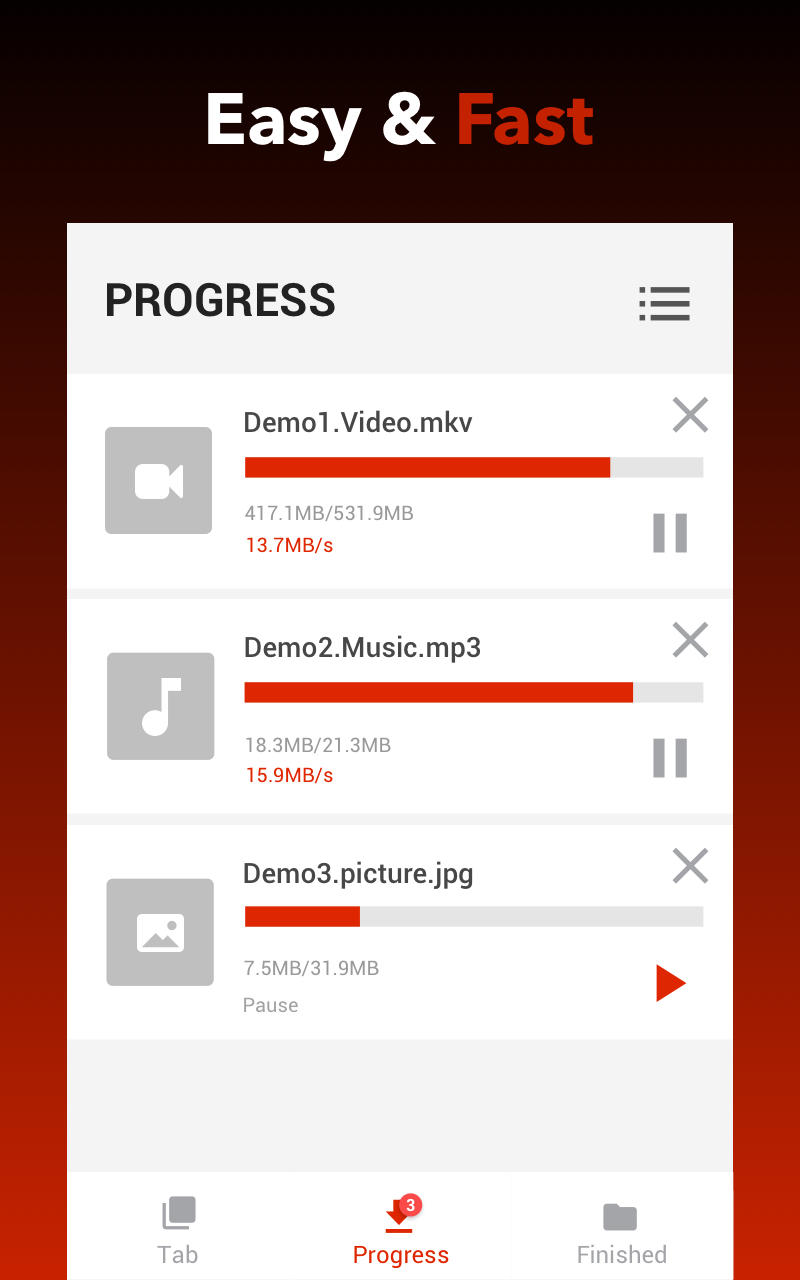
The download manager is the part you notice when the connection is uneven. You can pause a file, resume it later, and keep downloading in the background while you use other apps. Several files can run at the same time, and failed downloads can be resumed instead of starting over.
That makes it easier to manage a few things at once, like one video for later and another file you want right away.
Play offline with the built-in player
After a download finishes, the built-in player lets you watch it inside the app. That is handy when you want to check a clip before heading out or play something offline without hunting through your phone’s folders. Bookmarks are also available for favorite websites, so returning to the same source takes less time.
- Supports formats such as mp3, m4a, mp4, m4v, mov, avi, wmv, doc, xls, pdf, and txt
- Can save files in a password-protected folder
- Supports SD card storage
Before you install
Video Downloader - Downloader is a free APK from Simple Design Ltd. It is 10.3 MB and requires Android 5.1 or later. The app contains ads and offers in-app purchases, so that is worth knowing before you install it on an older phone or a device with limited storage.
APK information
- Version
- 1.1.5
- Package
- free.video.downloader.freevideodownloader
- Category
- Video Players & Editors
- Size
- 10 MB
- Min Android
- API 22
- Architecture
- universal
Older versions
-
Video Downloader - Downloader 1.1.5Nov 12, 2026Latest downloadAPK
Video Downloader - Downloader FAQ
Does Video Downloader - Downloader support Chromecast?expand_more
Chromecast support is not listed. The app focuses on downloading files, browsing in-app, and playing videos offline with its built-in player.
Does Video Downloader - Downloader need a subscription?expand_more
No subscription is listed. The app is free, with ads and in-app purchases.
How do I update Video Downloader - Downloader from an APK?expand_more
The app is distributed as an APK, version 1.1.5. To update, install the newer APK over the existing app on a device running Android 5.1 or later.
Is Video Downloader - Downloader available for older phones?expand_more
Yes, it supports Android 5.1 and up. That makes it available on many older phones as long as they meet the system requirement.
What file formats can Video Downloader - Downloader save?expand_more
It supports multiple formats, including mp3, m4a, mp4, m4v, mov, avi, wmv, doc, xls, pdf, and txt.