- 4.6star782,374 reviews
- 50M+Downloads
- 51 MBAPK size
- EveryoneRated for Everyone
- 6.0+Android
check_circleOriginal APK from Simple Design Ltd. · Updated Nov 12, 2026
No threats found
0 / — antivirus engines flagged this file
Original signature
First seen — Simple Design Ltd.
Unmodified APK
Same file the developer published — no mods
PDF Reader - PDF Editor screenshots
8 images · tap to enlarge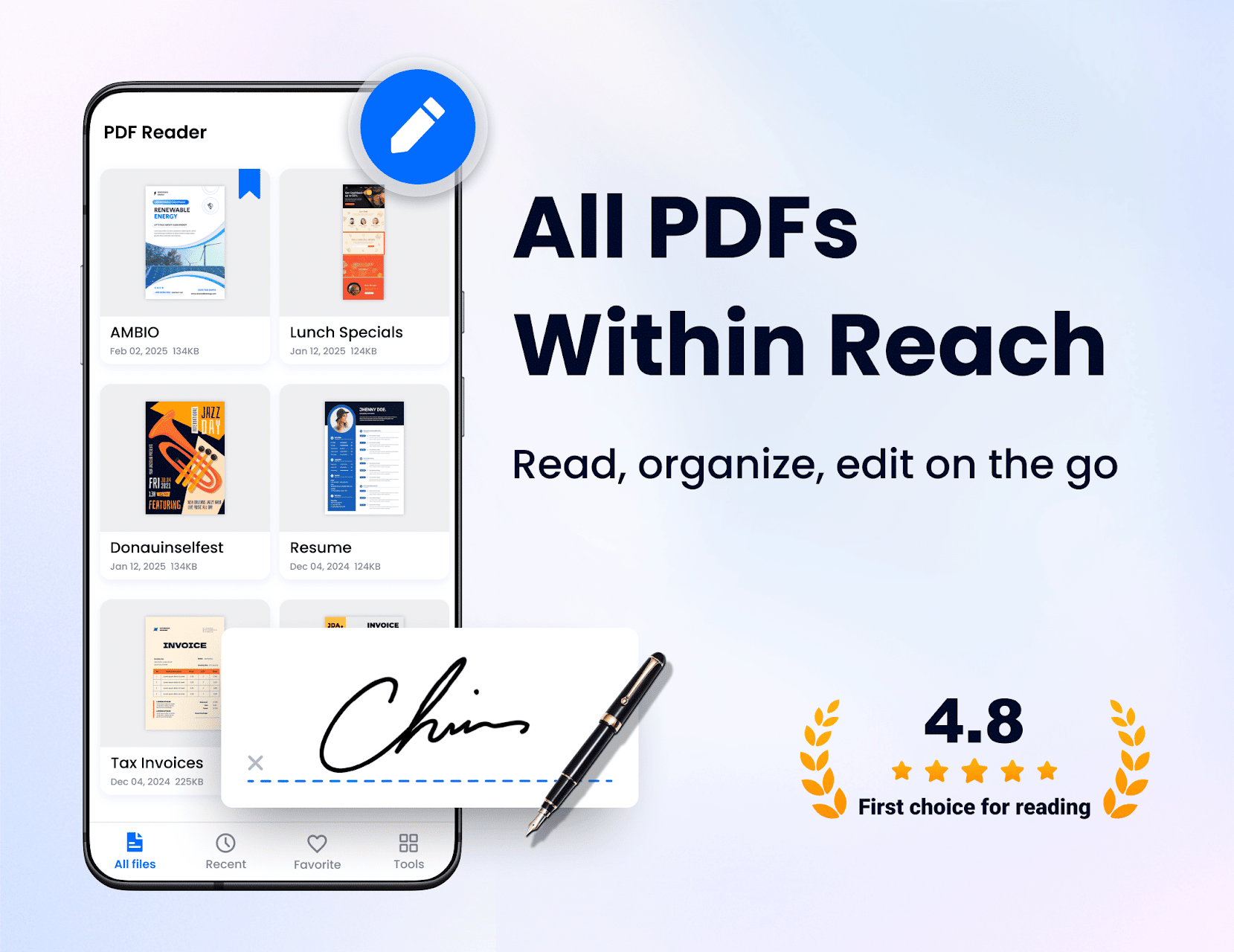
About this app
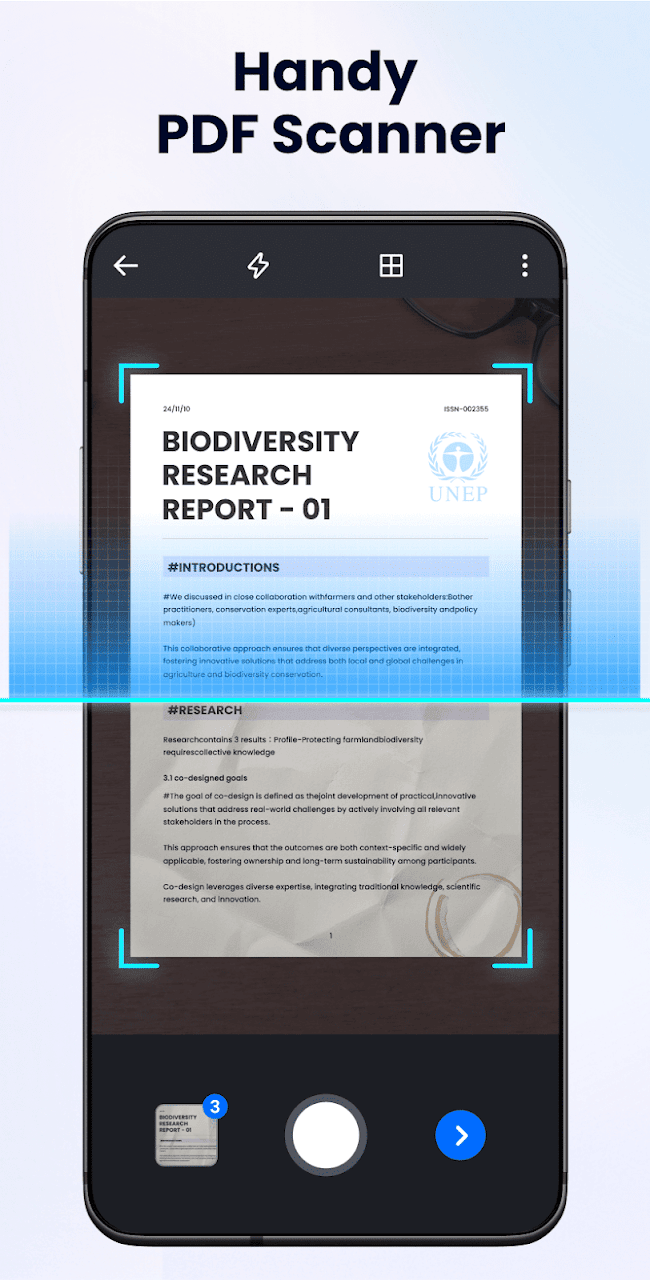
50M+ installs and a 4.6 rating point to steady use. PDF Reader - PDF Editor by Simple Design Ltd. brings PDF viewing, editing, scanning, and file management into one Android app. It can find PDF and office files on your phone, open password-protected documents, and handle common document tasks without switching between apps.
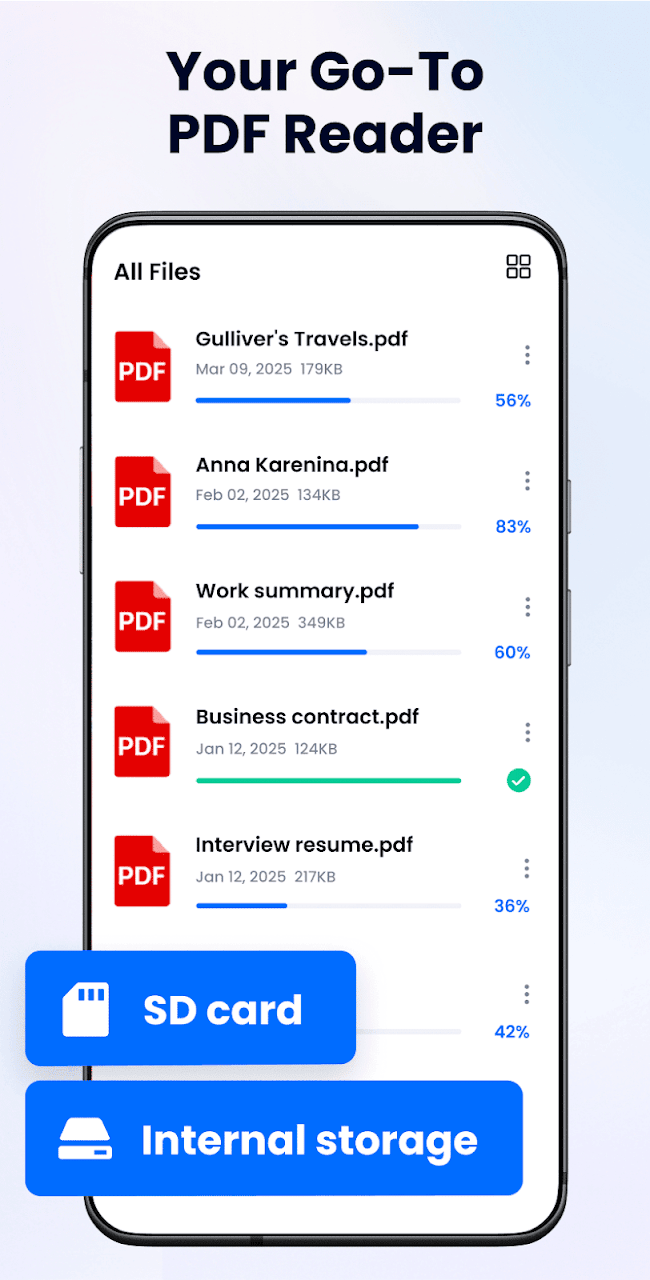
- Auto-finds files — The app scans your phone for PDF, Word, Excel, PPT, and TXT files so you can open them from one list.
- Reads many formats — It opens PDFs, office files, receipts, photos, business cards, whiteboards, and even password-protected documents.
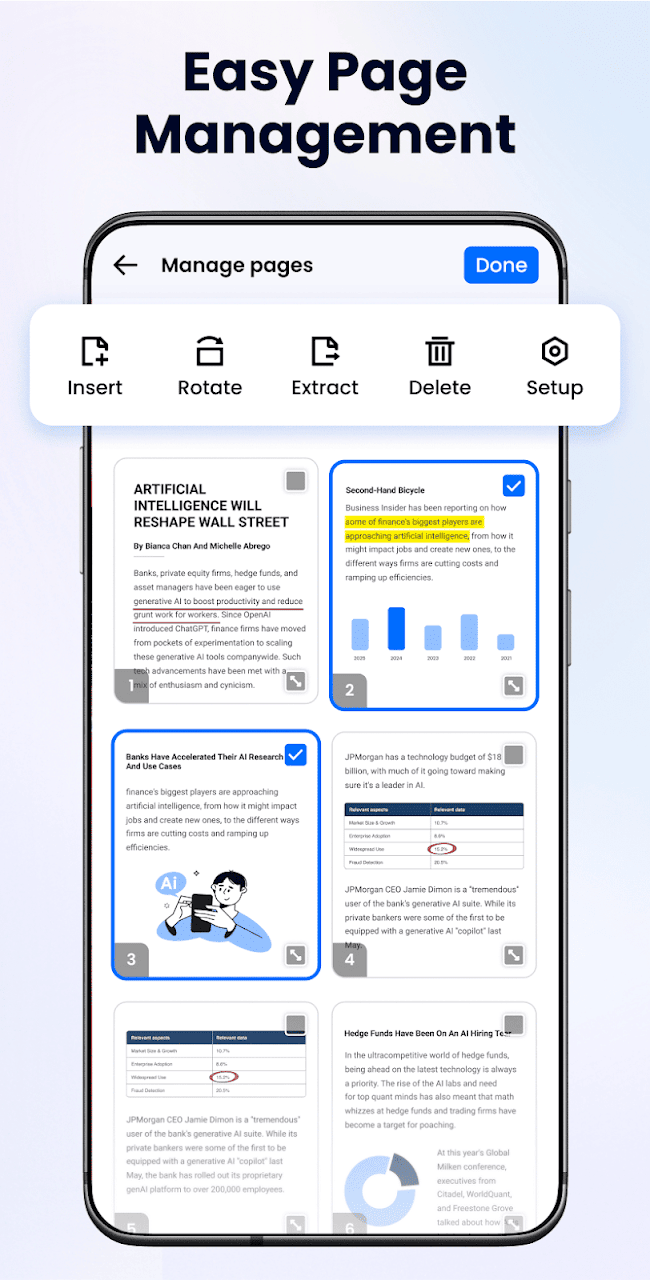
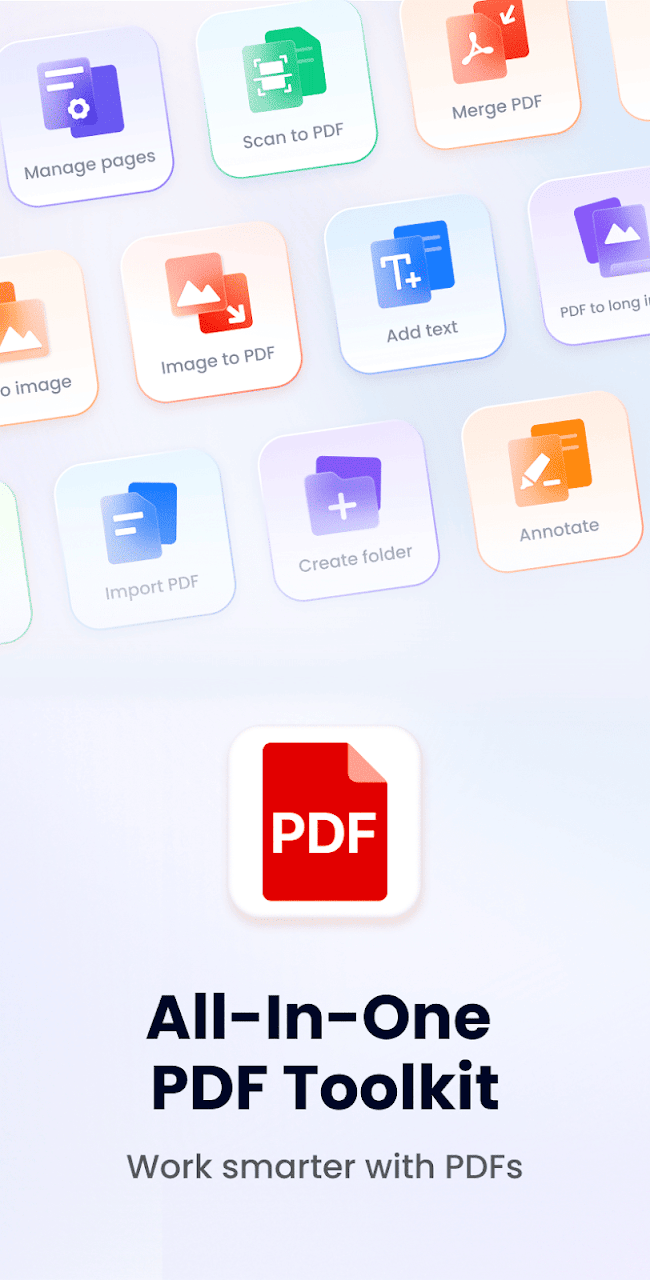
- Edits PDF pages — You can insert, rotate, extract, or delete pages and adjust text, images, and layout inside a PDF.
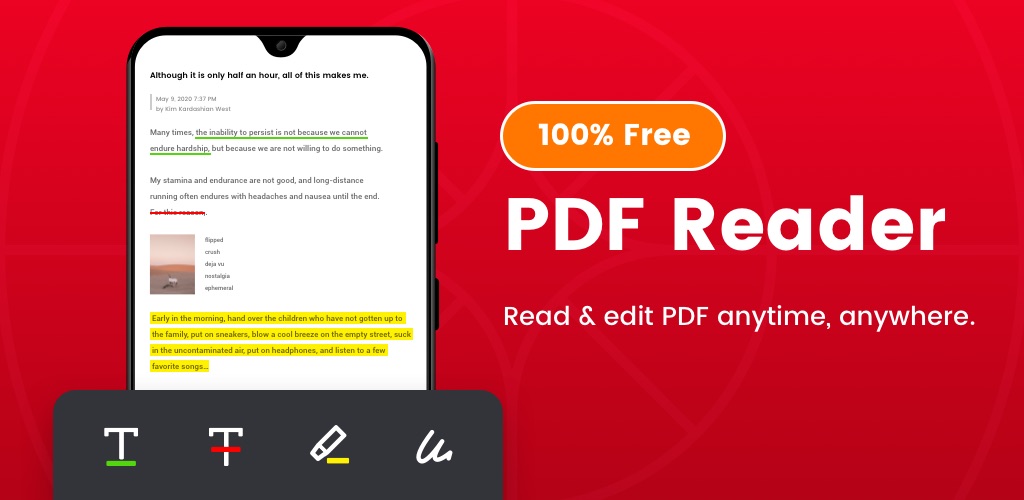
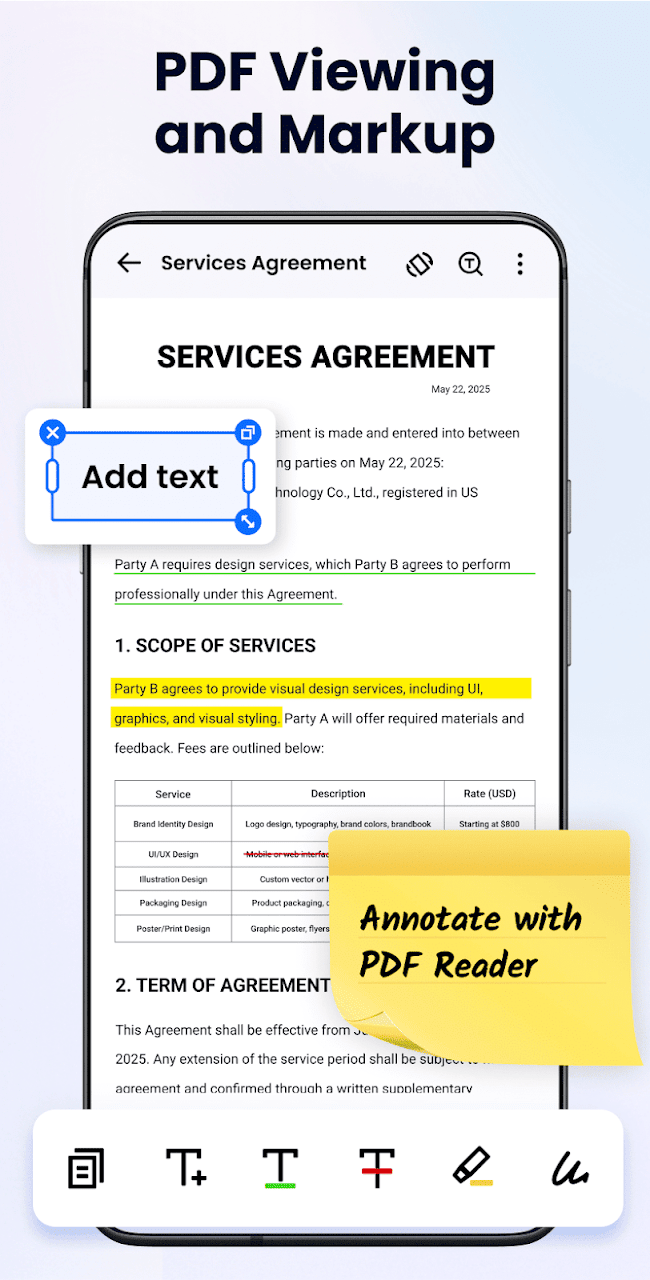
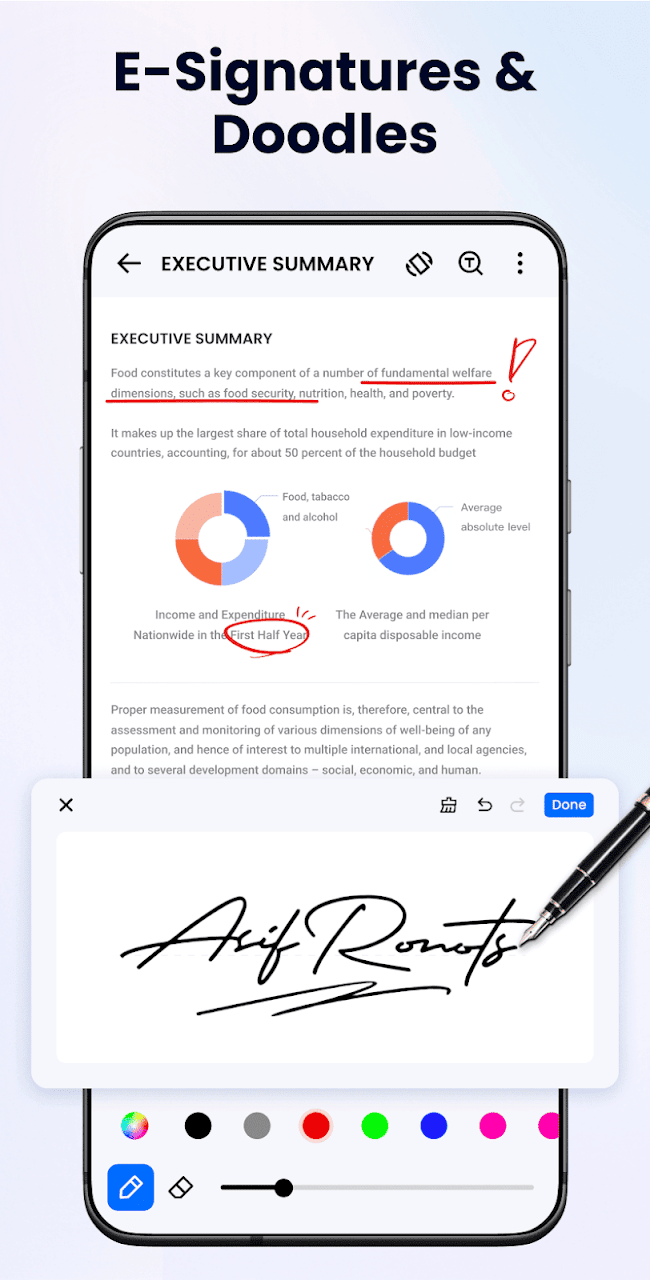
- Marks up documents — Highlight, underline, strikethrough, doodle, and add e-signatures when you need to review or sign a file.
- Manages files easily — Use recent files, favorites, folders, rename, delete, move, share, and print from the same app.
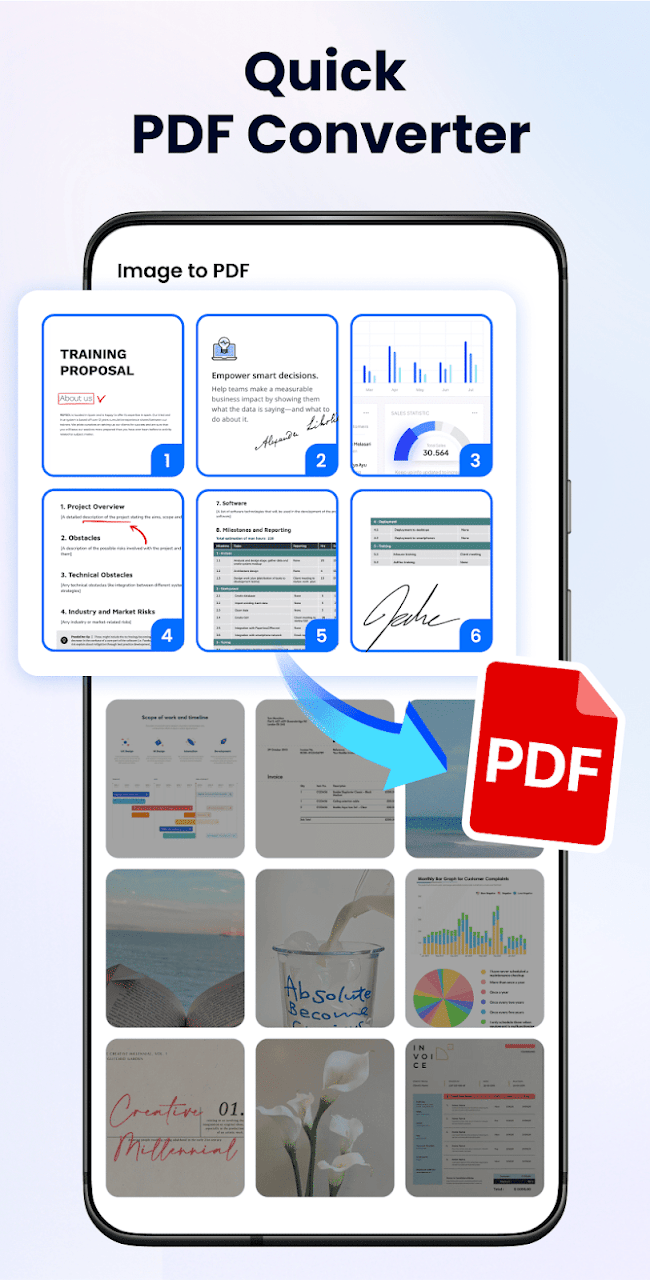
- Creates and converts — Turn text notes or images into PDF files, split or merge documents, and compress PDFs to reduce size.
Auto-scan and open files quickly
The first thing this app does well is collect your documents in one place. It scans for PDF and office files on the phone, then shows them in grid or list view so you can get to a file without digging through folders. If you are opening a report, a receipt, or a TXT note, the workflow is straightforward: find it, tap it, read it.
It also supports password-protected files, which matters when you are dealing with work documents or shared records. Light and dark mode are built in, and you can switch between them with one tap.
Read with page controls
PDF Reader - PDF Editor includes the usual reading tools, but they are arranged for practical use. You can move page by page or scroll continuously, switch between horizontal and vertical viewing, jump to a specific page, and zoom in when text is small. Reflow mode and eye comfort mode help make long reading sessions easier to handle.
There is also text search inside PDFs, plus copy support when you need to pull a passage into notes or another app.
Edit, sign, and annotate
Editing is where the app goes beyond a basic reader. You can insert, rotate, extract, or delete pages, change text, adjust font settings, and place images inside a PDF. For review work, the annotation tools cover highlights, underlines, strikethroughs, doodles, and e-signatures. A simple example: open a contract, mark the clauses you need, add a signature, and save it without leaving the app.
Manage, convert, and share
The file tools are built around everyday tasks. Recent files appear in order, favorites keep important documents close, and folders help organize larger sets of files. You can rename, move, delete, share, and print from the same screen. It also converts text notes to PDF, turns images into PDF and back again, splits or merges files, compresses PDFs, and offers recycle bin recovery for deleted files. On Android 6.0 and above, the APK is 51.5 MB and comes as a universal build.
- Offline use: The app is set up to read and manage files stored on your device.
- Android access: Android 11 and above users need MANAGE_EXTERNAL_STORAGE to read and edit documents.
- File support: PDF, Word, Excel, PPT, TXT, and other document types are covered.
APK information
- Version
- 1.7.2
- Package
- pdf.reader.pdfviewer.pdfeditor
- Category
- Productivity
- Size
- 51 MB
- Min Android
- 6.0
- Architecture
- universal
Older versions
-
PDF Reader - PDF Editor 1.7.2Nov 12, 2026Latest downloadAPK
PDF Reader - PDF Editor FAQ
Does PDF Reader - PDF Editor sync across devices?expand_more
The app description does not mention cross-device sync. It focuses on reading and managing files stored on your phone.
Does PDF Reader - PDF Editor support teams?expand_more
No team features are listed. The app is centered on personal document reading, editing, sharing, and printing.
What changed in the latest PDF Reader - PDF Editor version?expand_more
No recent changes are listed for version 1.7.2. The app page does not include a changelog entry.
Can I install PDF Reader - PDF Editor without Google Play?expand_more
Yes. It is available as an APK file. The package is a universal build and is 51.5 MB.
Can PDF Reader - PDF Editor open password-protected files?expand_more
Yes. It supports opening password-protected and encrypted files in multiple formats.