- 5.0star1 reviews
- 1M+Downloads
- 9 MBAPK size
- EveryoneRated for Everyone
- API 16+Android
check_circleOriginal APK from Tri Core · Updated Nov 12, 2026
No threats found
0 / — antivirus engines flagged this file
Original signature
First seen — Tri Core
Unmodified APK
Same file the developer published — no mods
Face Projector - Prank screenshots
8 images · tap to enlarge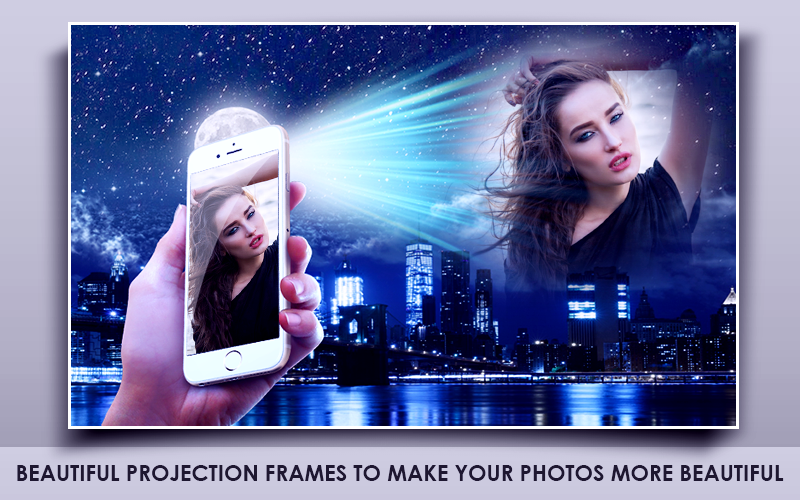
About this app
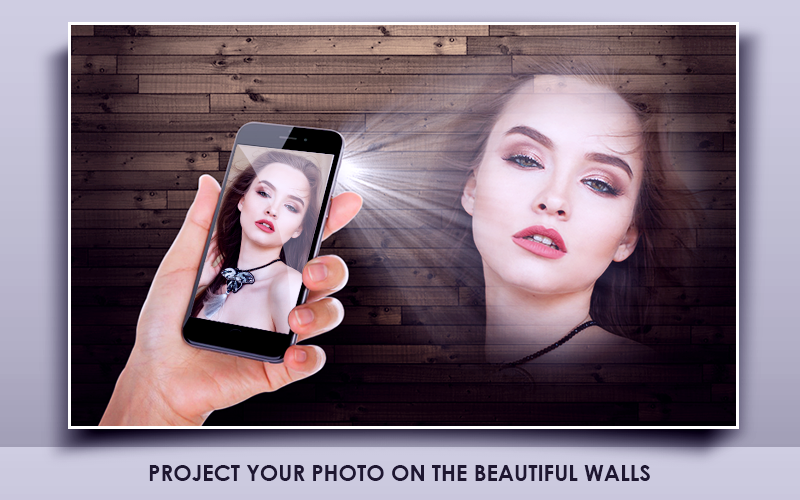
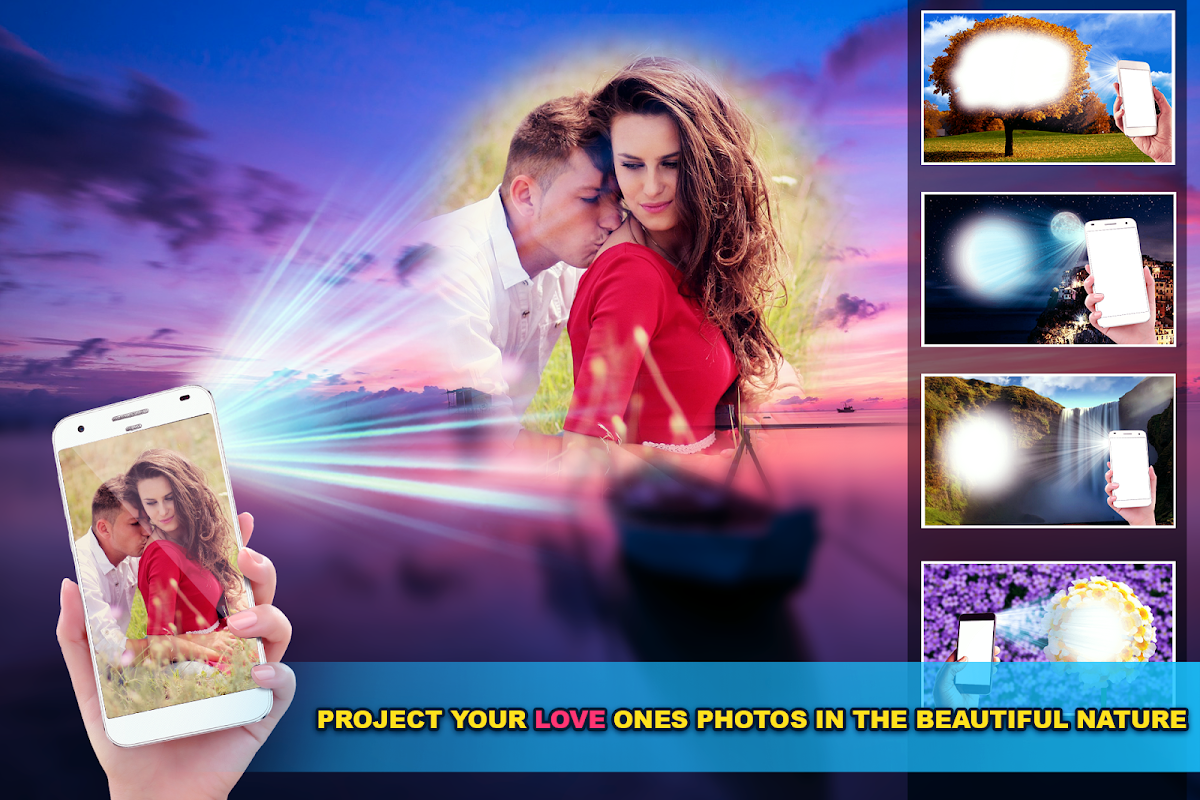
Tri Core’s Face Projector - Prank is a Photography app for making projector-style prank images from your photos. It lets you bring in a picture from your gallery, place it into a face projector frame, then add filters, text, and stickers before saving or sharing the result.
- Gallery photo framing — Import a photo from your gallery and fit it into a projector-style frame.
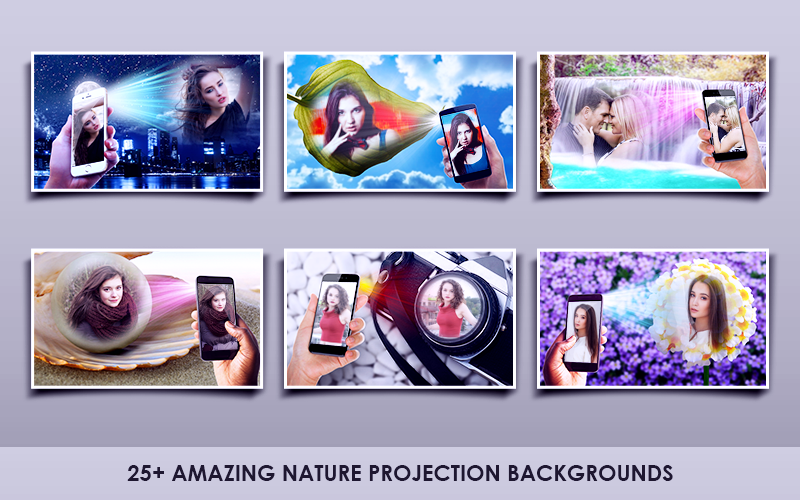
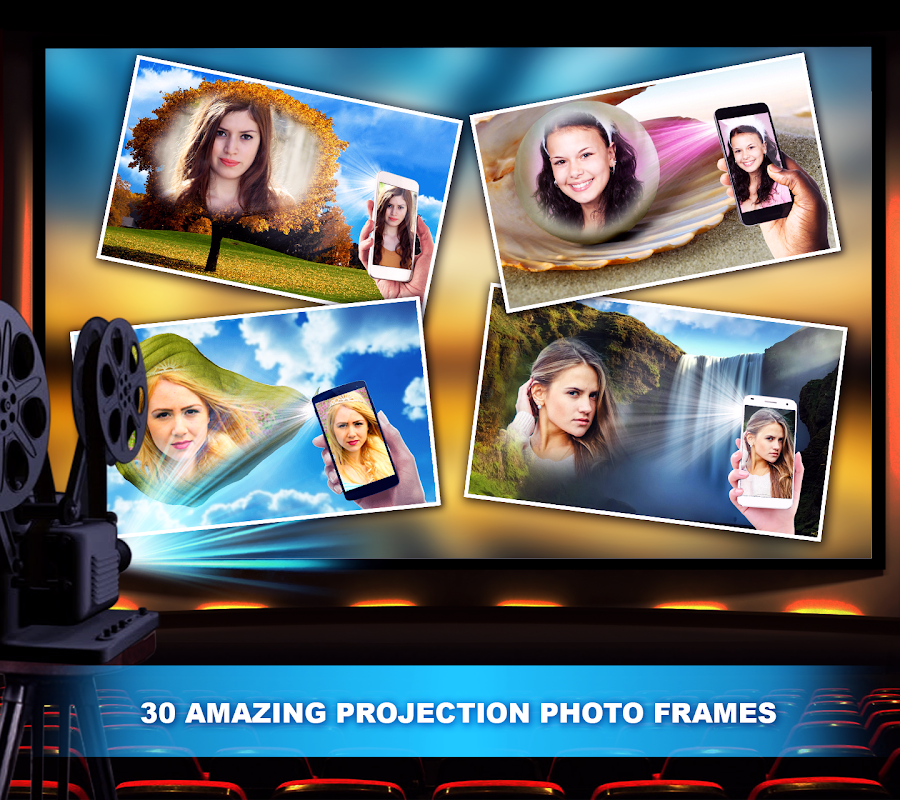
- 30+ frame options — Choose from more than 30 face projector simulation frames for different looks.
- Filters and effects — Apply colorful filters and effects to change how the finished image looks.
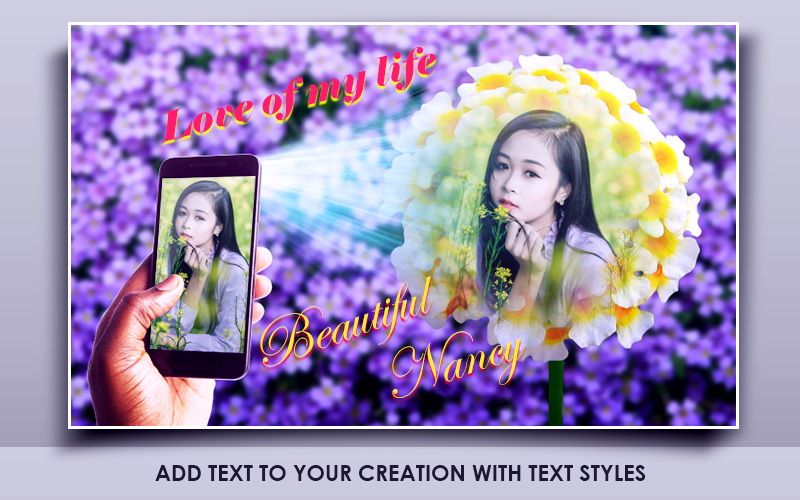
- Text and stickers — Add short text and stickers to personalize the prank image.
- Save and share — Save the edited image on your device or share it on online platforms.
Project a photo into a frame
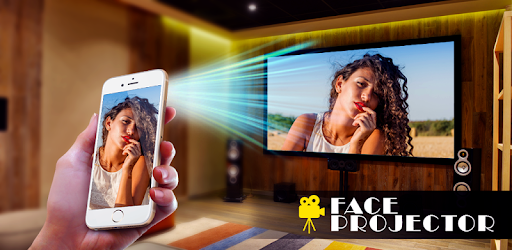
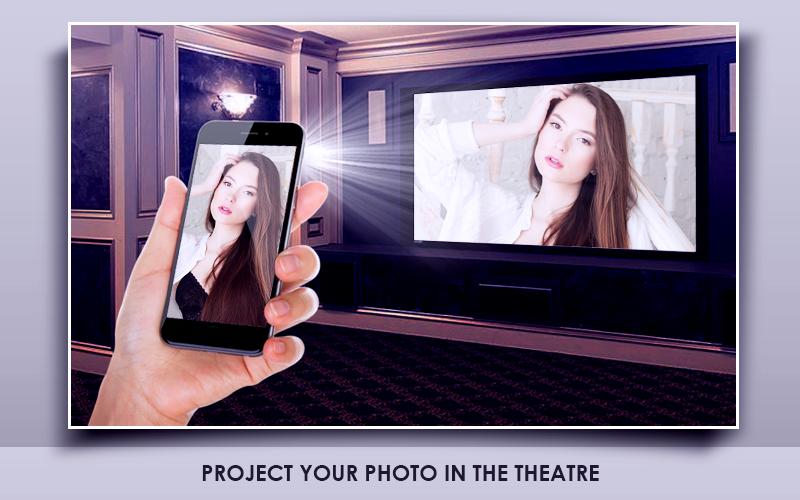
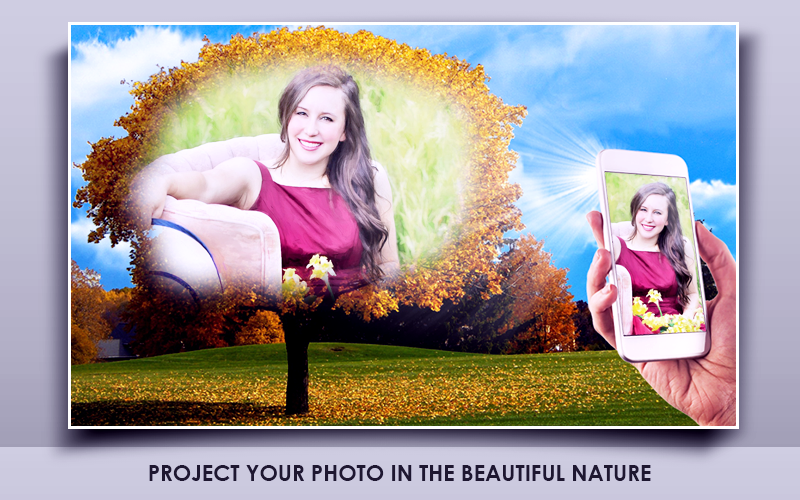
Face Projector - Prank is built around a simple edit: take a picture from your gallery and place it into a face projector frame. This makes it easy to turn an ordinary photo into a prank-style image without needing advanced editing skills.
Use it when you want a quick novelty image for sharing with friends. The app focuses on frame-based editing rather than full photo retouching, so the process stays straightforward.
Choose from many projector frames
The app includes more than 30 face projector simulation frames. You can try different frame styles until the photo looks right for the effect you want.
For example, you might test a few frames with the same portrait and pick the one that gives the clearest projector look.
Add filters, text, and stickers
After placing the photo, you can apply colorful filters and effects, then add text and stickers. These tools let you change the mood of the image and make it feel more personal.
That can be useful if you want the final picture to look playful, labeled, or decorated before you share it.
Save or share your edit
When the image is ready, you can save it and share it on online platforms. The app is free, does not include ads, and does not offer in-app purchases.
- Gets: gallery photo framing, 30+ frames, filters, text, stickers, save/share tools
- Watch for: it is a prank-style frame editor, not a full photo gallery app
- Install details: APK format, 9.2 MB, works on Android API 16 and up
Before you install
Face Projector - Prank has no listed permissions and no account requirement. It supports universal ABIs, so the APK is made to work across devices that meet the Android version requirement.
If you want a small, simple frame editor for playful projector images, check that your device runs Android API 16 or later before installing.
APK information
- Version
- 1.7
- Package
- com.tricore.face.projector
- Category
- Photography
- Size
- 9 MB
- Min Android
- API 16
- Architecture
- universal
Older versions
-
Face Projector - Prank 1.7Nov 12, 2026Latest downloadAPK
Face Projector - Prank FAQ
Does Face Projector - Prank add a watermark?expand_more
The app description does not mention a watermark, so there is no listed watermark feature.
Does Face Projector - Prank work offline?expand_more
Offline use is not stated, so that detail is not listed.
Which processors does the APK support?expand_more
The APK lists universal ABIs, so it is built for universal device support.
How big is the download?expand_more
The APK size is 9.2 MB.
Can I save and share edits from the app?expand_more
Yes. The app says you can save the created image and share it on online platforms.