- 2.1star351 reviews
- 100K+Downloads
- 5 MBAPK size
- EveryoneRated for Everyone
- 8.0+Android
check_circleOriginal APK from Crochet Designs · Updated Nov 10, 2026
No threats found
0 / — antivirus engines flagged this file
Original signature
First seen — Crochet Designs
Unmodified APK
Same file the developer published — no mods
Filet Crochet Pattern Creator screenshots
8 images · tap to enlarge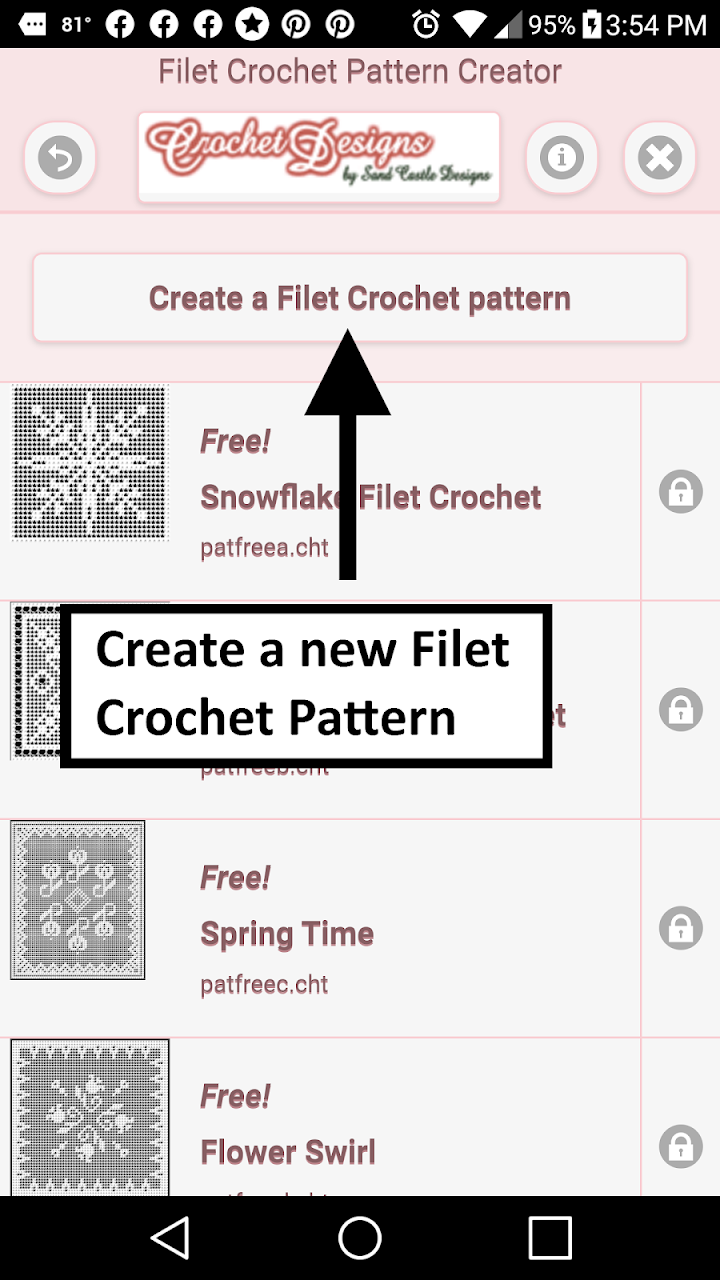
About this app
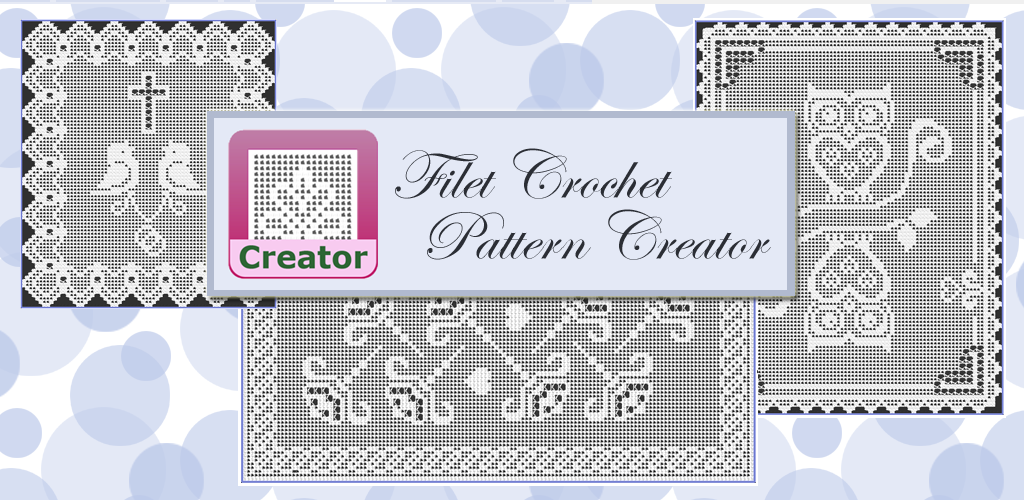
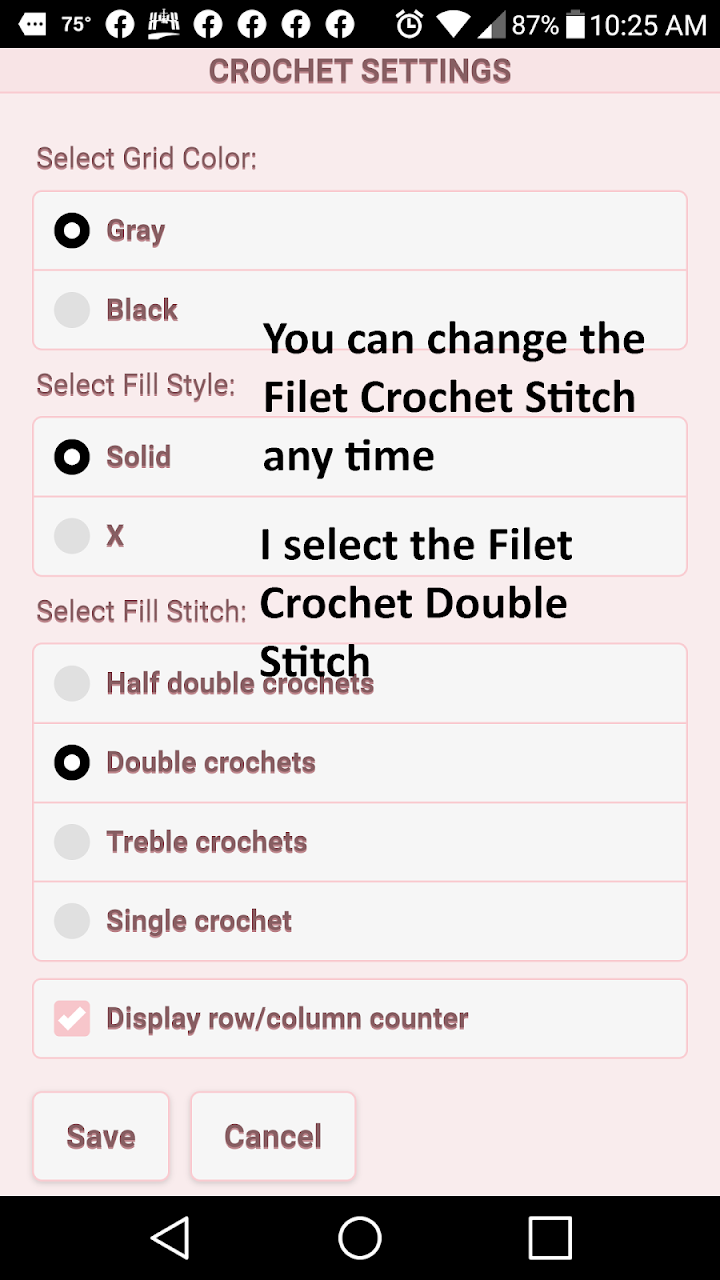
When you want to sketch a filet crochet idea away from your desk, Filet Crochet Pattern Creator lets you open the editor on your phone and start building a pattern right away. You can fill squares, add special stitches, and save the result, with written instructions generated as you work.
- Pattern editor — Fill in squares or add special stitches directly in the pattern grid.
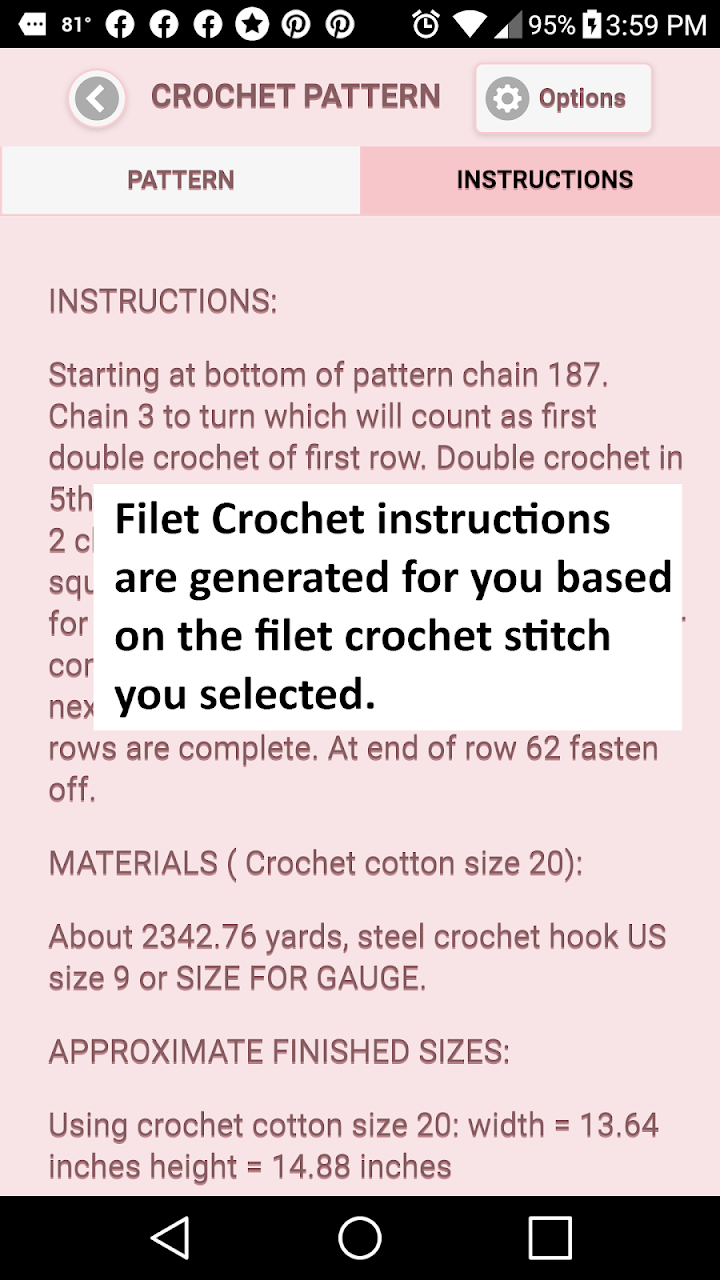
- Auto instructions — The app generates written filet crochet instructions for your pattern.
- Thread estimates — See the amount of thread or yarn needed and the approximate finished size.
- Stamps and borders — Add from over 400 stamps, inserts, and borders to shape the design.
- Copy to PC — Copy patterns to the full PC application and keep editing there.
Create a filet crochet pattern on the grid
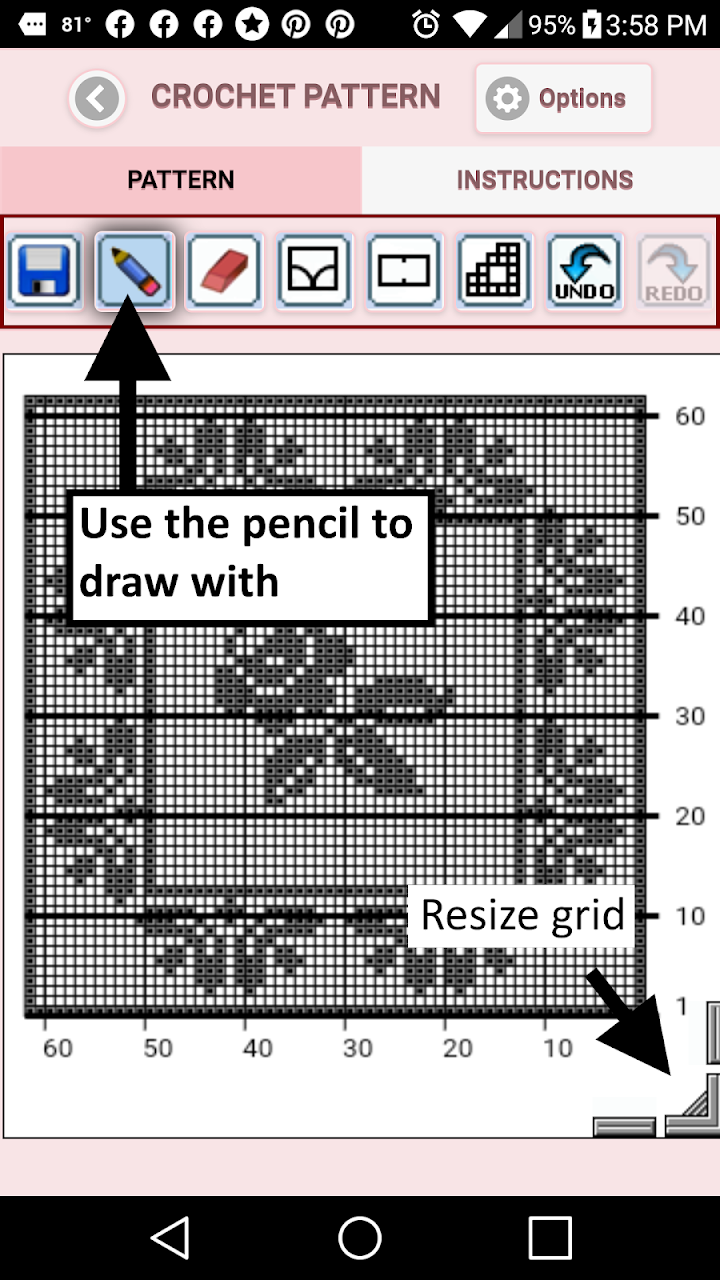
Tap Create a Filet Crochet pattern to open the editor, then fill squares or place special stitches where you want them. If you are starting from a simple idea, you can build it cell by cell and save your work as you go. The app also includes icons for saving, undoing, redoing, erasing, and trimming the shape of the pattern.
Add stitches, stamps, and borders
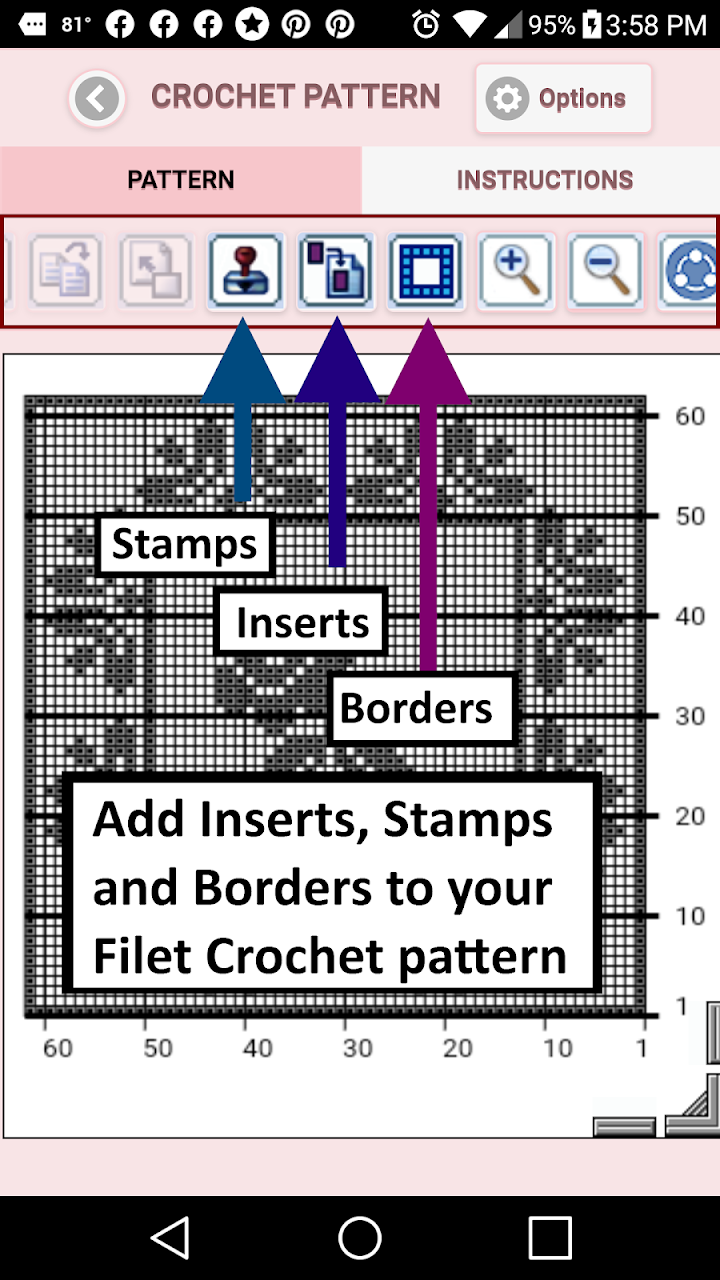
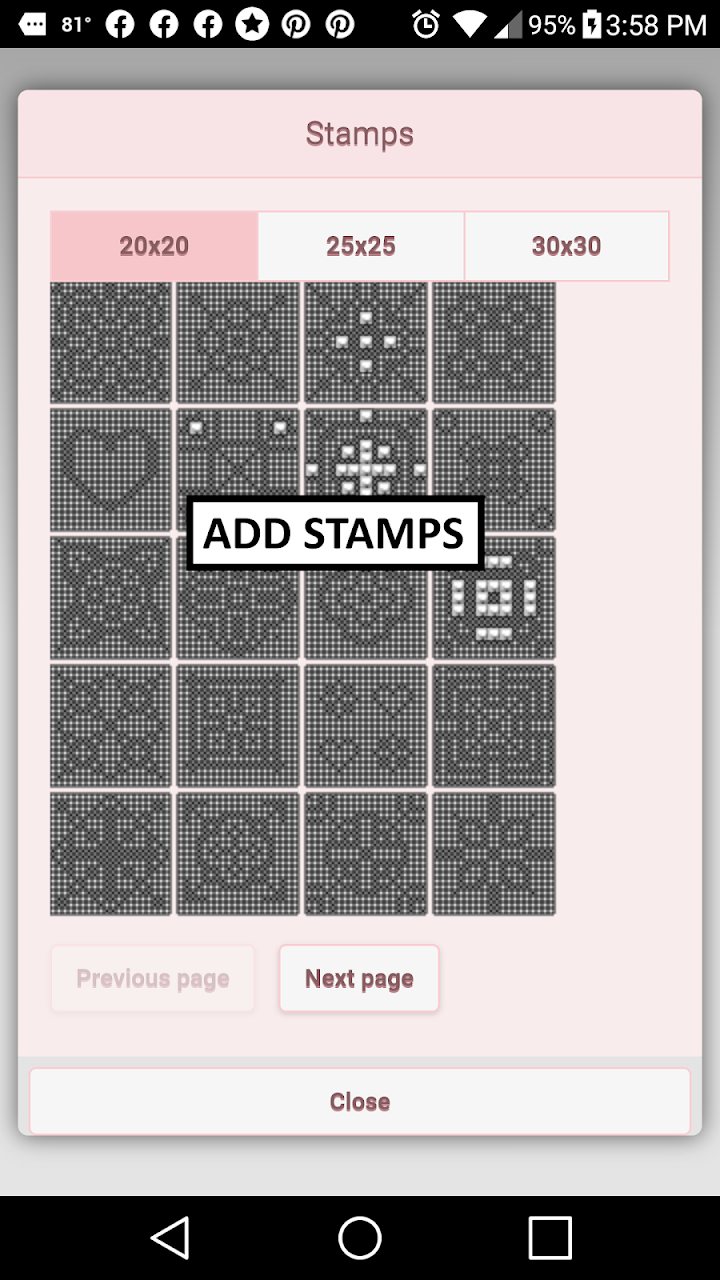
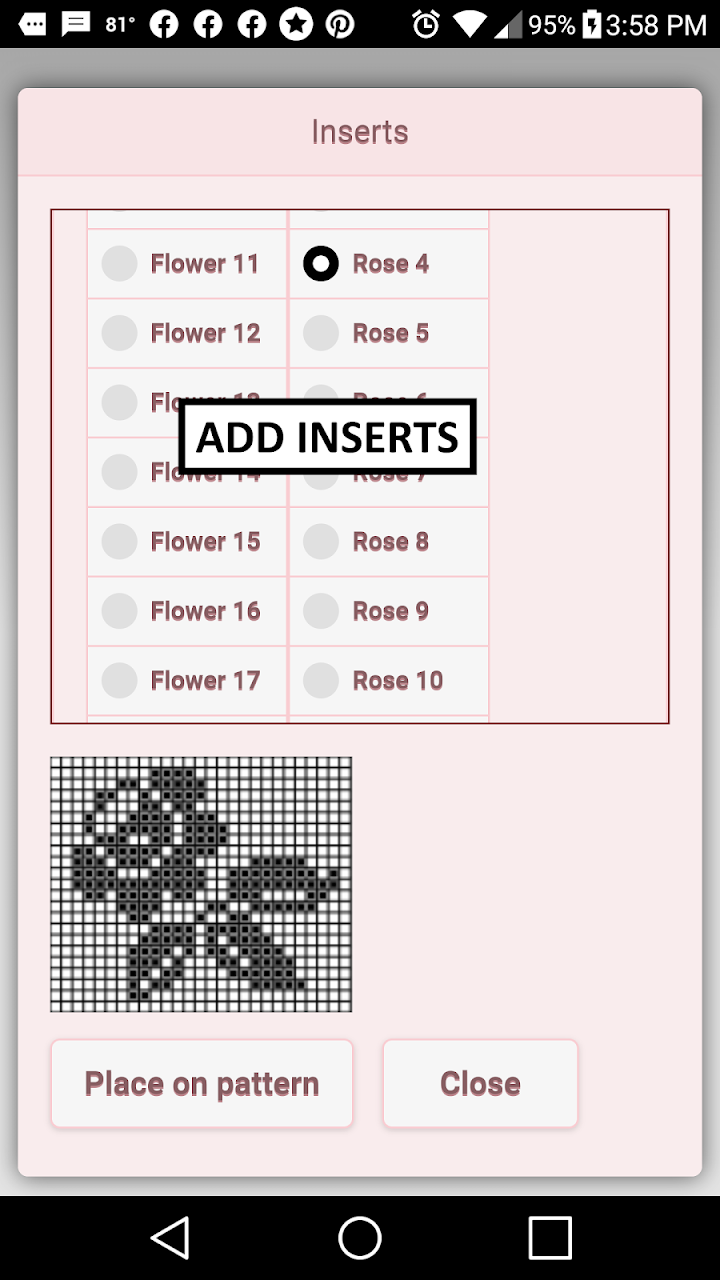
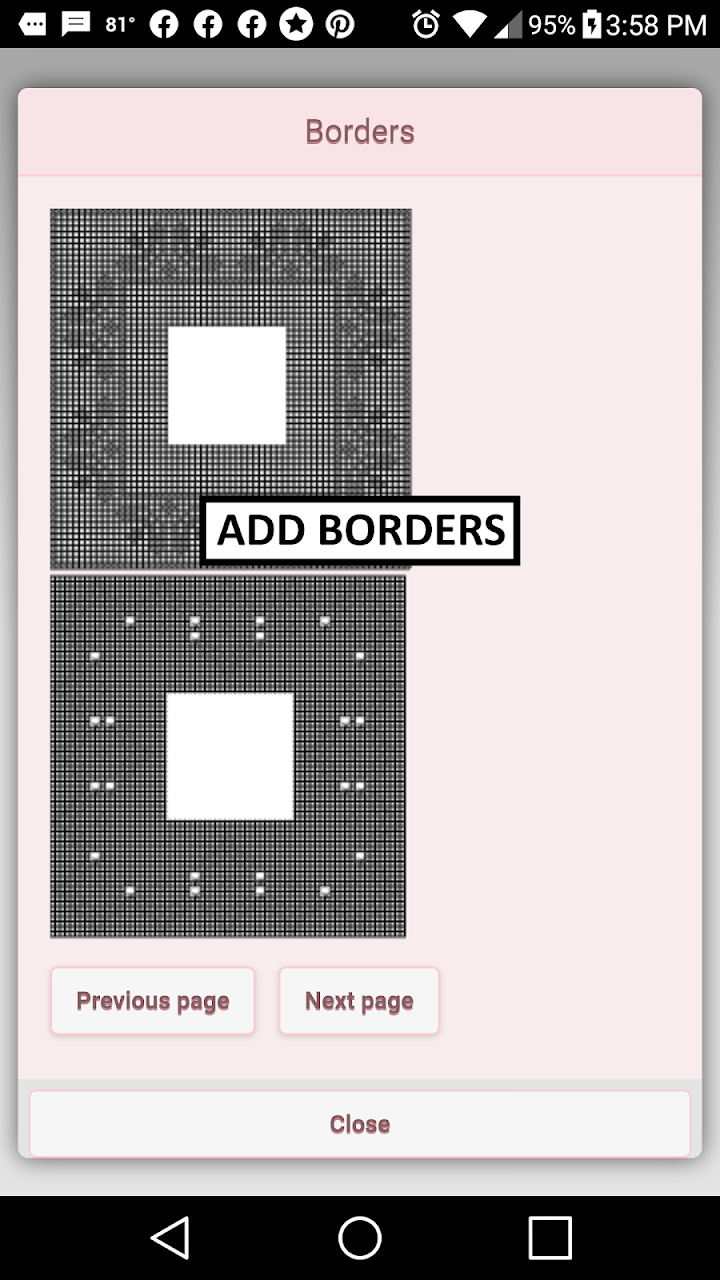
For more than basic block-by-block editing, the app gives you tools to add stitches shown on the icon bar, plus over 400 stamps, inserts and borders. A border wraps around the pattern automatically, while inserts such as roses and small stamps can be placed inside the design. That makes it easier to move from a plain grid to a pattern with more detail.
See instructions, yarn needs, and finished size
As you create, the app automatically generates written filet crochet instructions. It also shows the amount of thread or yarn needed and the approximate finished size of your pattern. That is useful when you want to check whether a design will fit a project idea before you keep building it.
Move patterns between phone and PC
If you use the full Filet Crochet application on a PC, you can copy patterns from your mobile device and continue editing them there. The app also includes a share button for sending a picture of your pattern by email or text. The download is free, and activating creation costs $2.99. It installs as an APK, needs Android 8.0 or later, and the file is 4.7 MB.
Before you install
There are no listed permissions, and there are no ads. The app is rated for Everyone. It comes with 4 free Filet Crochet patterns, and the version here is 32.0.9.
What's new
Version 32.0.9 · Nov 10, 2026
- Create your own Filet Crochet Patterns. Over 200 inserts, stamps and borders to add to your pattern.
- Now you can see how your pattern will look crocheted. Select the Finished Product tab. You can even select the thread color.
- You can print your pattern.
- No Ads ever.
- One Time Only Activation Fee is $2.99
APK information
- Version
- 32.0.9
- Package
- com.crochetdesigns.fccreator
- Category
- Art & Design
- Size
- 5 MB
- Min Android
- 8.0
- Architecture
- universal
Older versions
-
Filet Crochet Pattern Creator 32.0.9Nov 10, 2026Latest downloadAPK
Filet Crochet Pattern Creator FAQ
Can Filet Crochet Pattern Creator edit RAW photos?expand_more
No. This app is for creating filet crochet patterns, not editing photos.
Does Filet Crochet Pattern Creator add a watermark?expand_more
The listing does not mention a watermark.
Which processors does the APK support?expand_more
It is listed as universal ABI support.
Does Filet Crochet Pattern Creator have in-app purchases?expand_more
Yes. The download is free, and activating creation costs $2.99.
Can I share my filet crochet pattern from the app?expand_more
Yes. There is a share button for sending a picture of your pattern by email, text, and similar options.