- 1.4star164 reviews
- 10K+Downloads
- 8 MBAPK size
- EveryoneRated for Everyone
- 6.0+Android
check_circleOriginal APK from Crochet Designs · Updated Nov 12, 2026
No threats found
0 / — antivirus engines flagged this file
Original signature
First seen — Crochet Designs
Unmodified APK
Same file the developer published — no mods
Quilt Creator screenshots
8 images · tap to enlarge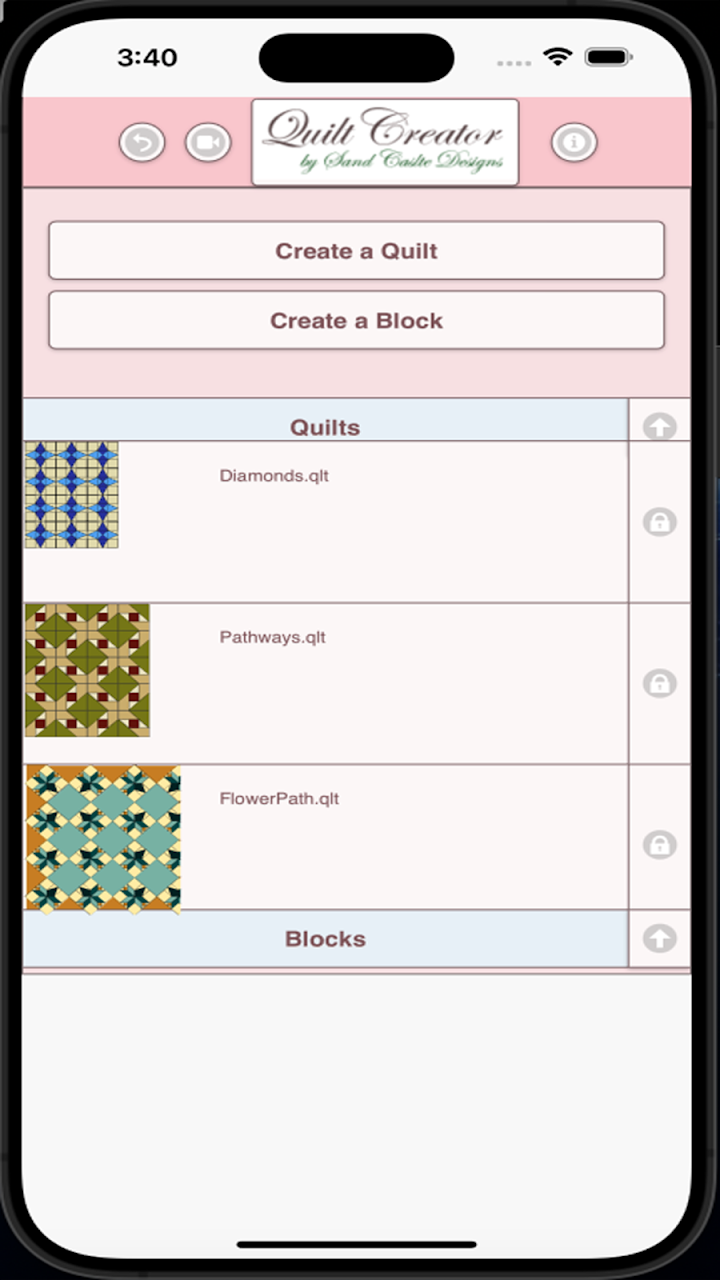
About this app
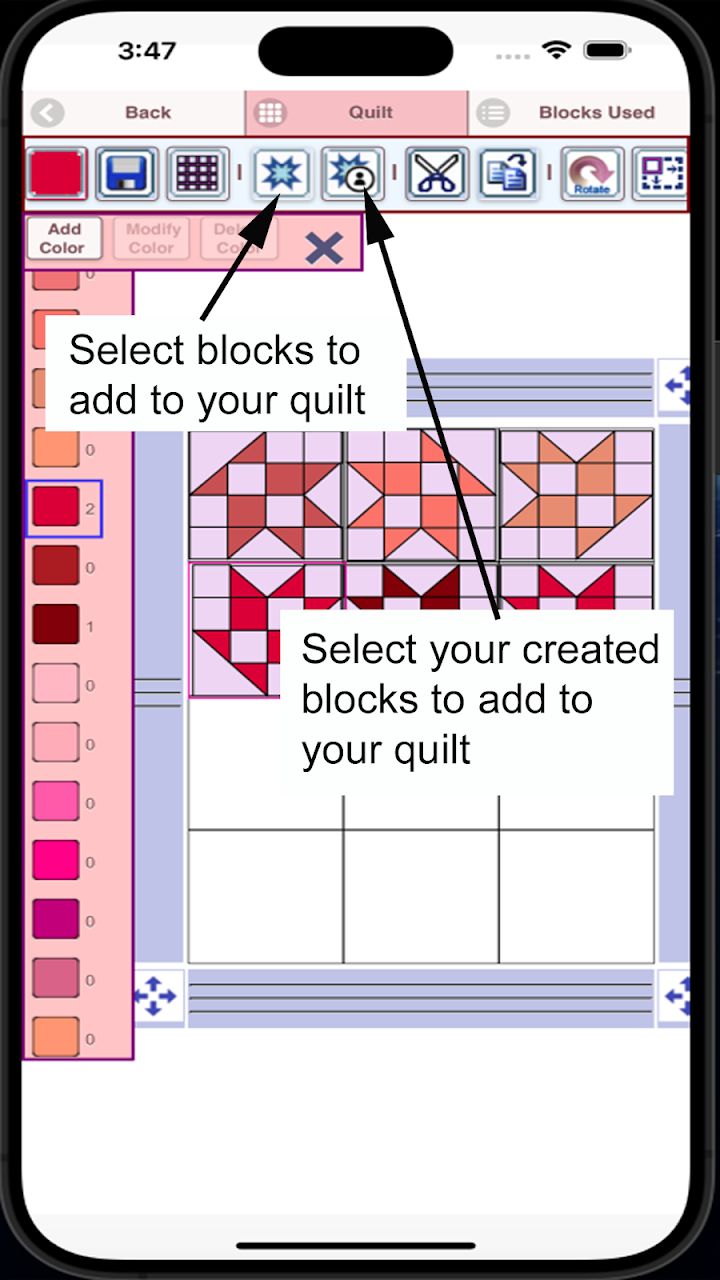
If you want to sketch a quilt layout before cutting fabric, Quilt Creator gives you a block-based workspace for that job. It includes over 200 quilt blocks, color changes, custom block creation, and printing for quilts, blocks, and instructions. The tradeoff is a one-time $2.99 activation after the free download.
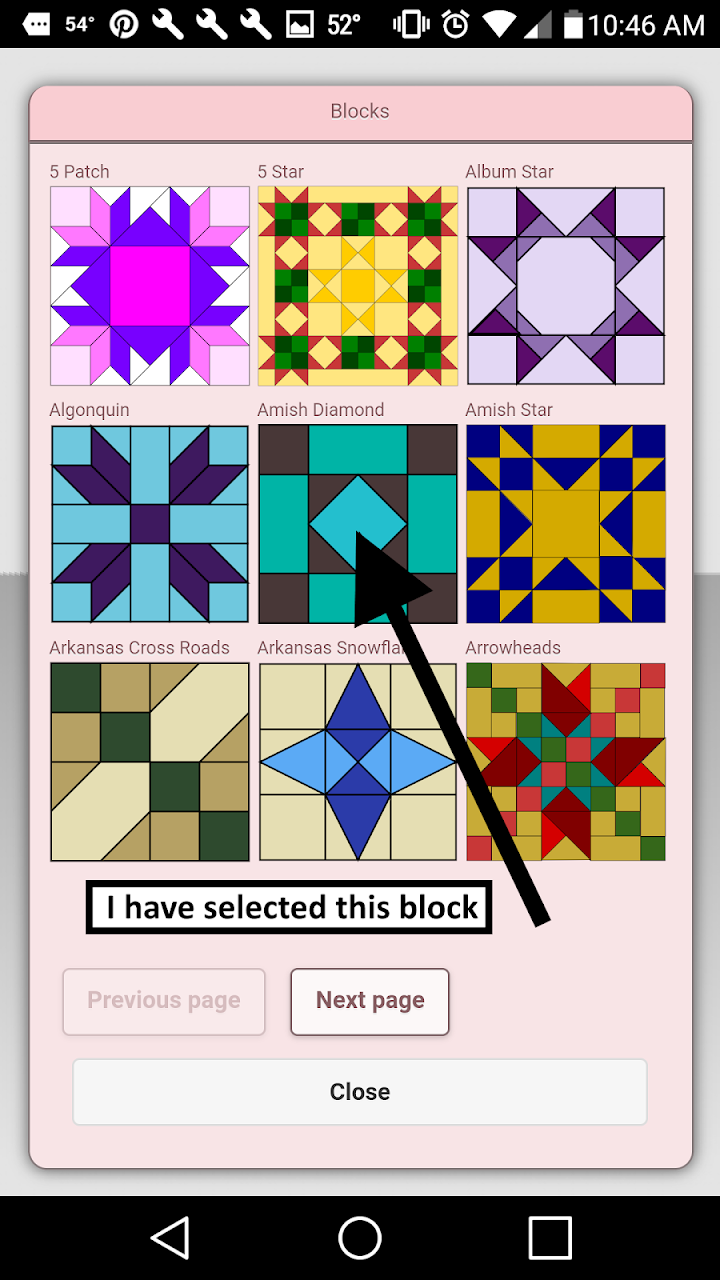
- 200+ quilt blocks — Choose from a large block library when laying out a quilt.
- Custom block builder — Create your own block designs and add them to quilts.
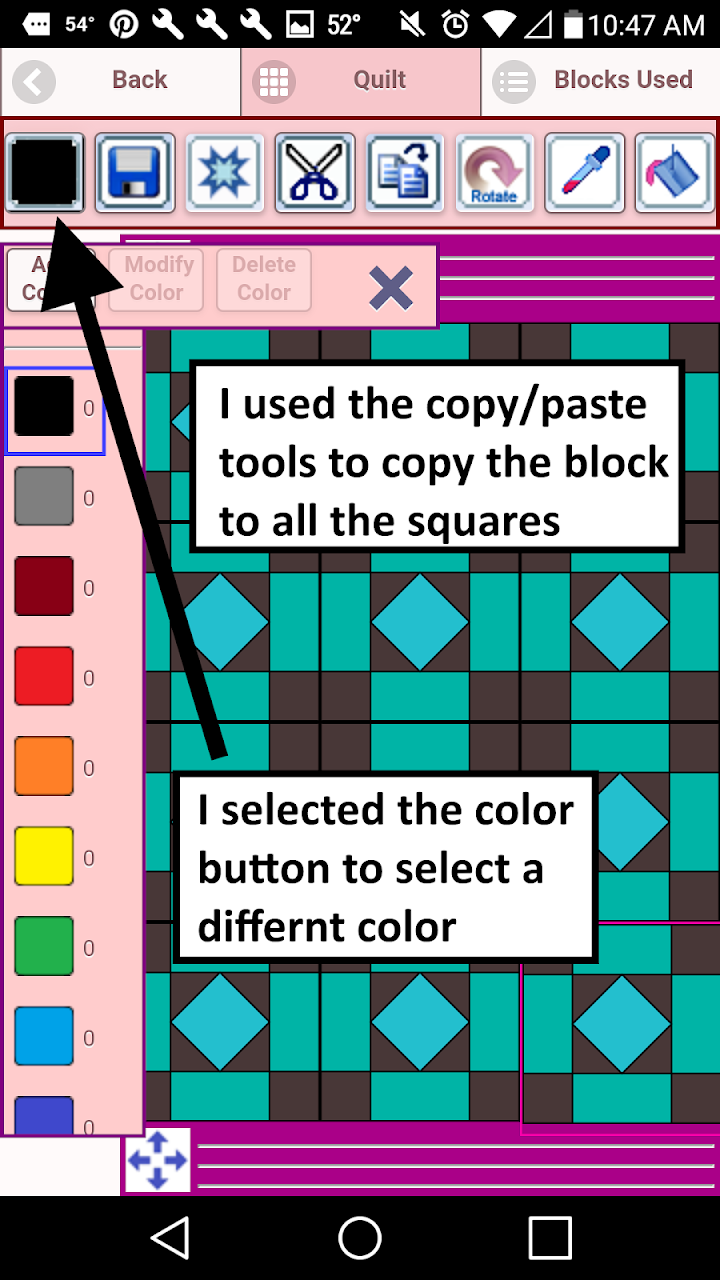
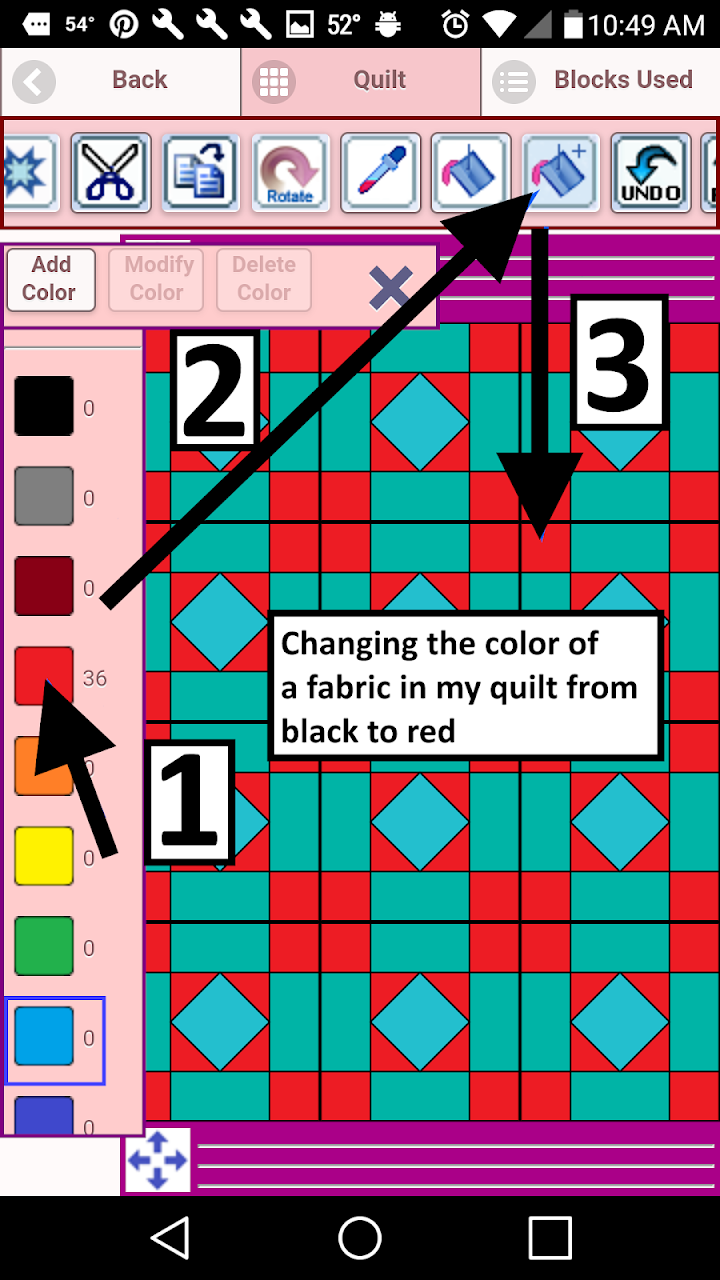
- Color changes — Adjust block colors to test different looks before saving.
- Print output — Print quilts, blocks, and instructions from the app.
- No ad support — The app does not contain ads, but it does offer in-app purchases.
Block-based quilt planning
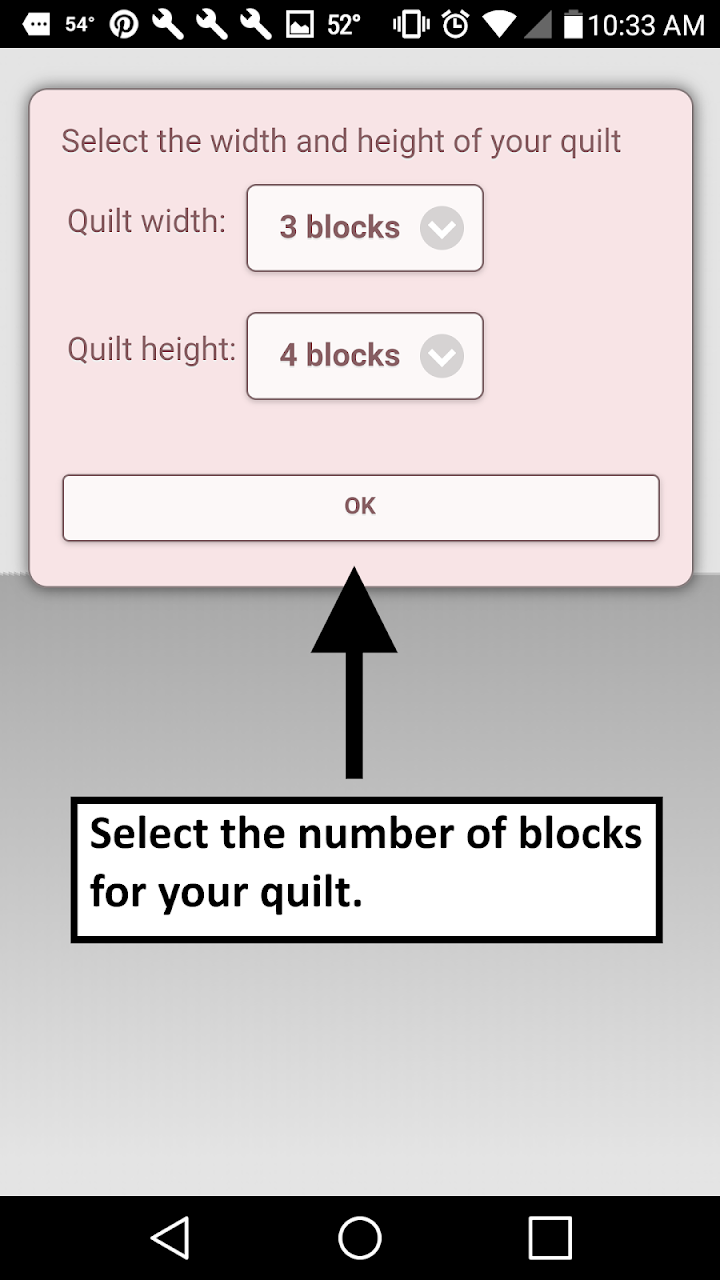
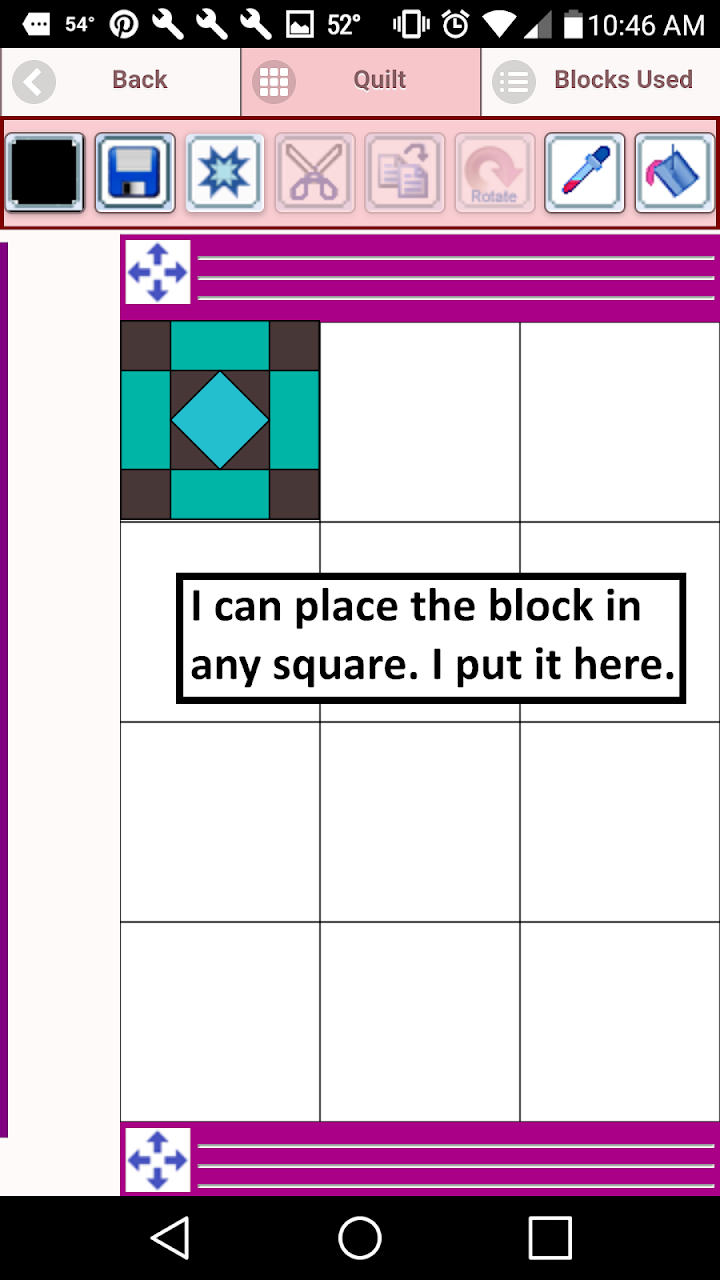
Quilt Creator is built around arranging quilts from a library of more than 200 blocks. That makes it closer to a pattern-planning tool than a drawing app like ibis Paint X or Sketchbook, which are more general-purpose. You set quilt width and height in blocks, place blocks, then adjust colors and layout details as you go.
Custom blocks and pattern control
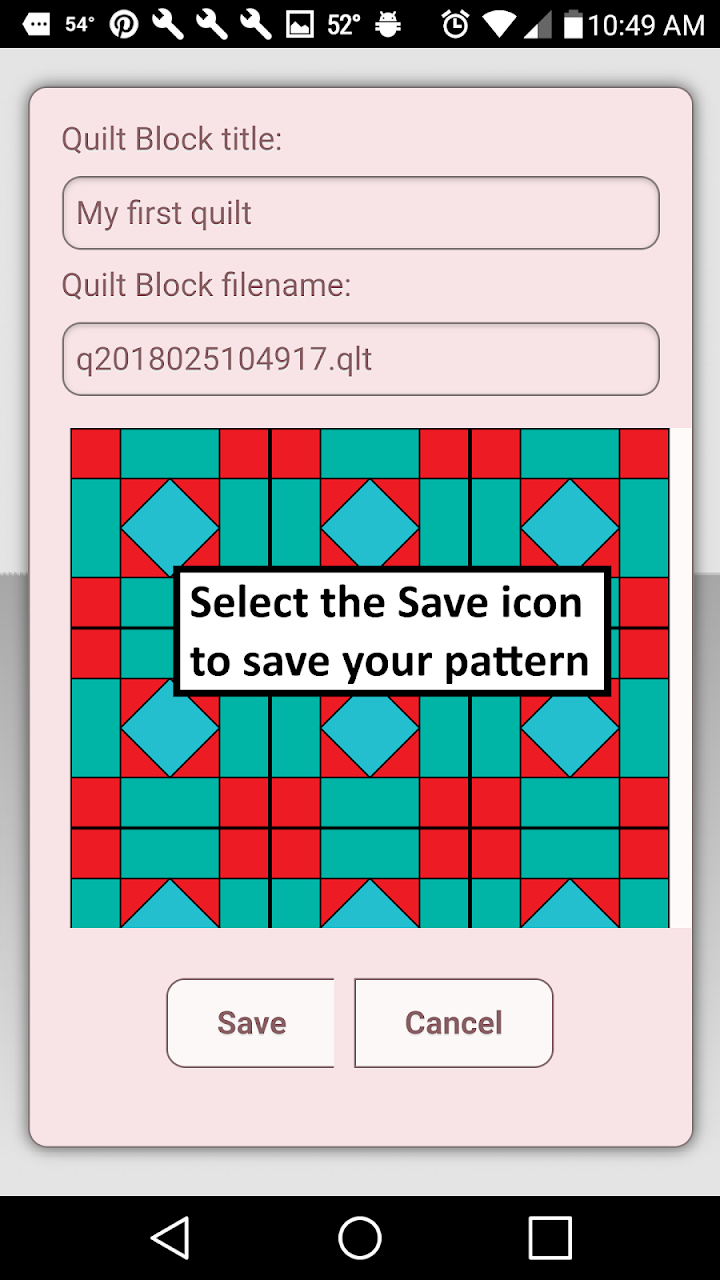
Where it separates itself from many art apps is the ability to make your own quilt blocks and add them to your quilt. The app also includes tools for sashing, rotating, copying, cutting, undoing, redoing, zooming, and sharing a picture of the finished pattern. It can print quilts, blocks, and instructions, which is useful if you want a paper reference.
- You get: 200+ blocks, custom block creation, color tools, and printing.
- Watch for: the creation features require a one-time $2.99 activation.
- Watch for: this is a focused quilt-planning app, not a general drawing or photo editor.
What the free download includes
The app is free to download, has no ads, and includes 3 free quilt patterns. It is listed at 7.5 MB, comes as an APK, and needs Android 6.0 or later. There are no listed permissions, so it does not ask for any shown access at install time. If you already use a broader design app, Quilt Creator is narrower in scope but more specific to quilt layouts and block construction.
How it compares with general art apps
Compared with apps such as PENUP – Drawing-sharing SNS, Adobe Express: AI Photo, Video, or PaperColor, Quilt Creator is less about freeform art and more about structured quilt planning. That makes it a better fit if you want block placement, fabric-color changes, and printable quilt plans. If you want photo tools, AI features, or general illustration, those other apps may suit you better.
What's new
Version 26.2.4 · Nov 12, 2026
- Quilt Creator - Be able to make your own Quilt Designs from over 200 quilt blocks.
- You can also create your own quilt block designs to add to your quilts.
- You can print your quilt, blocks and instructions.
- No Ads ever.
- One Time Only Activation Fee is $2.99
APK information
- Version
- 26.2.4
- Package
- com.crochetdesigns.quiltblockcreator
- Category
- Art & Design
- Size
- 8 MB
- Min Android
- 6.0
- Architecture
- universal
Older versions
-
Quilt Creator 26.2.4Nov 12, 2026Latest downloadAPK
Quilt Creator FAQ
Does Quilt Creator work offline?expand_more
The listing does not say whether it works offline.
Can Quilt Creator edit RAW photos?expand_more
No. Quilt Creator is for building quilt layouts and blocks, not photo editing.
How big is the Quilt Creator download?expand_more
The APK is 7.5 MB.
Is Quilt Creator available for older phones?expand_more
It needs Android 6.0 or later.
Can I print my quilt design?expand_more
Yes. The app says you can print your quilt, blocks, and instructions.