- 4.1star654 reviews
- 100K+Downloads
- 12 MBAPK size
- EveryoneRated for Everyone
- 6.0+Android
check_circleOriginal APK from Angel Koh · Updated Nov 12, 2026
No threats found
0 / — antivirus engines flagged this file
Original signature
First seen — Angel Koh
Unmodified APK
Same file the developer published — no mods
Font! Lightbox tracing app screenshots
8 images · tap to enlarge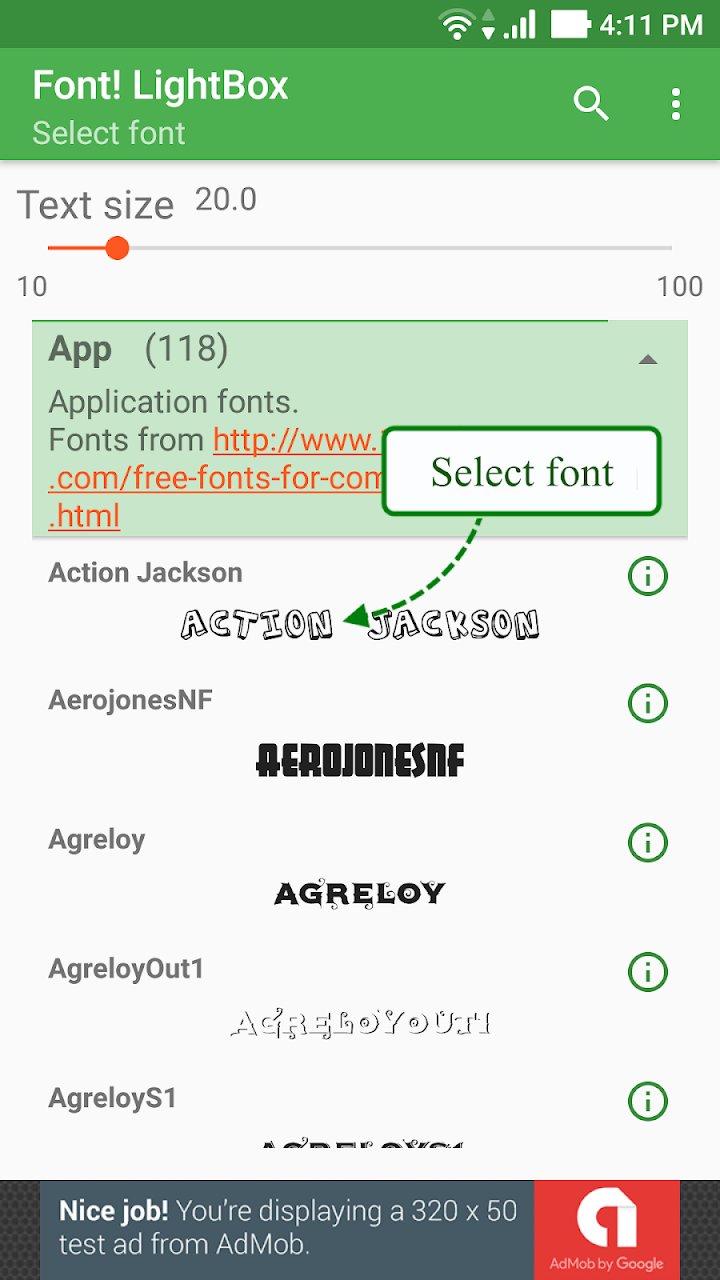
About this app
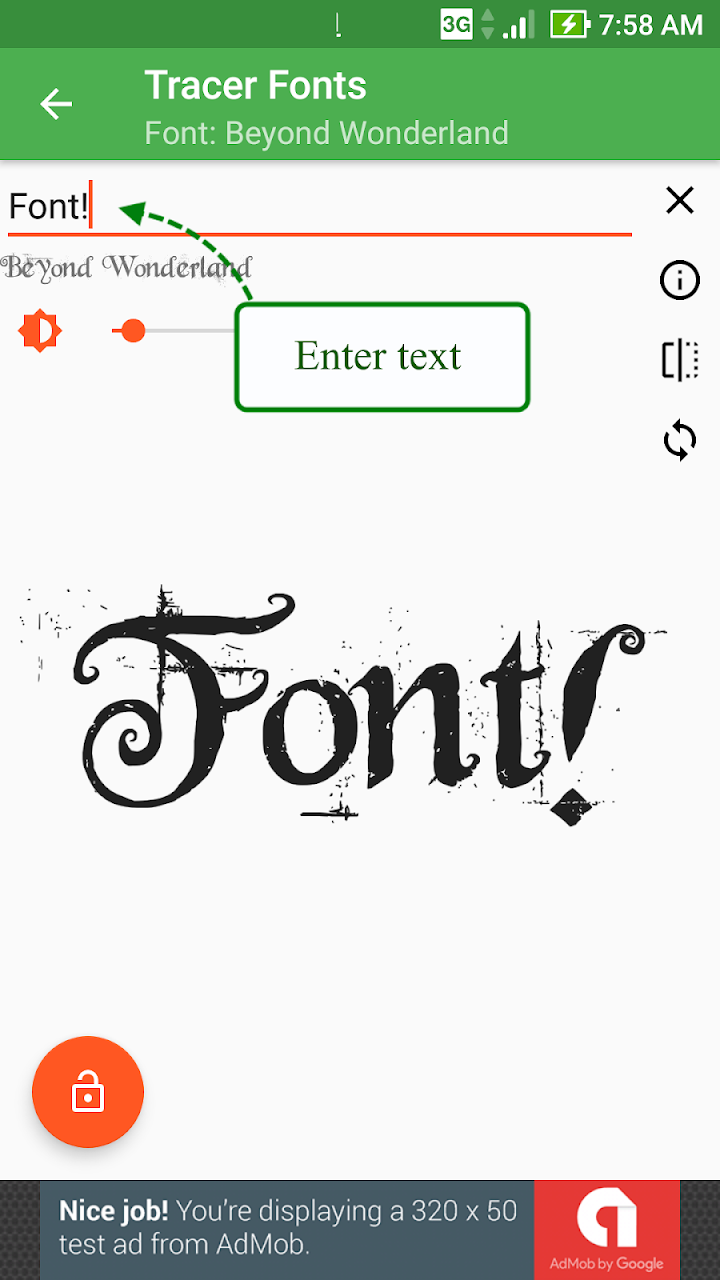
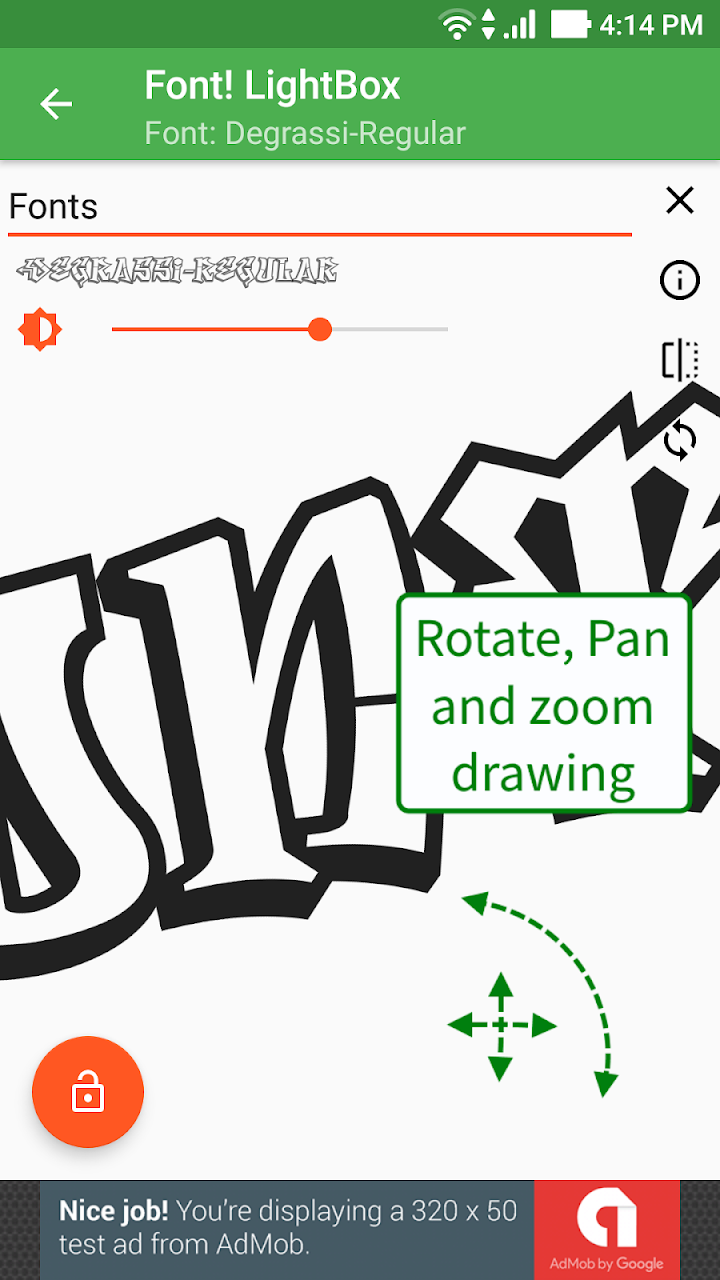
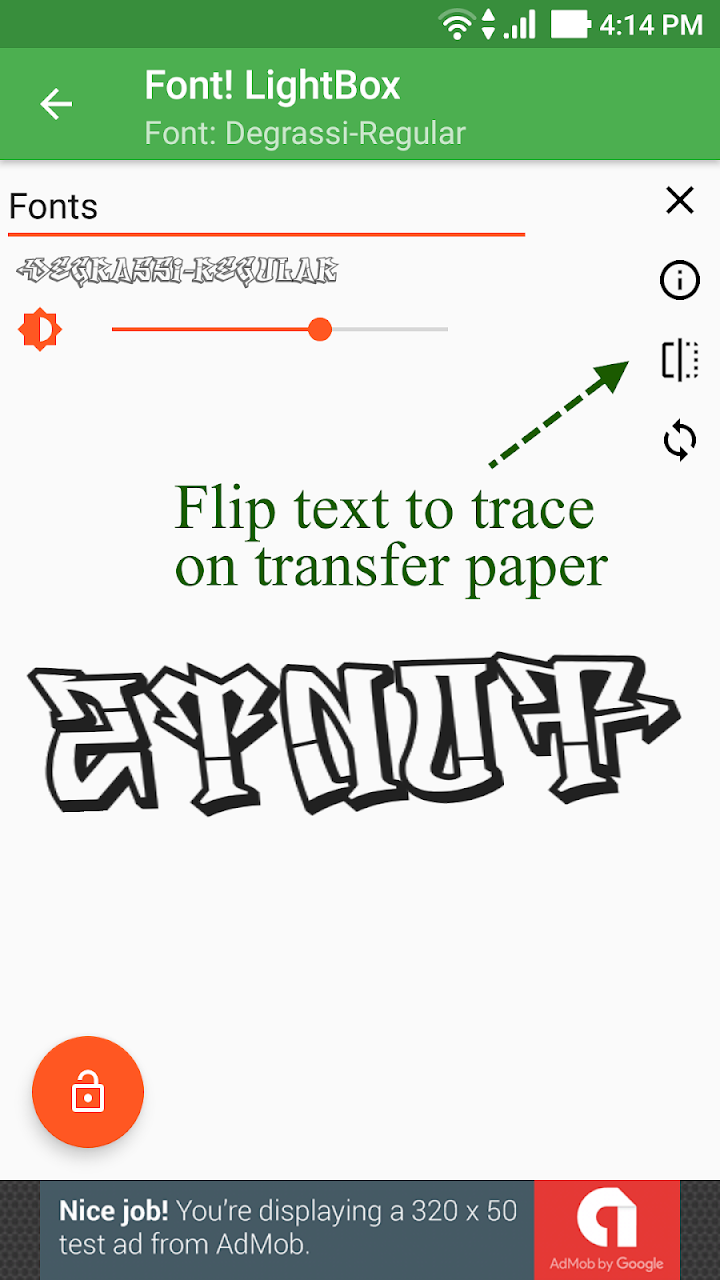
Angel Koh’s Font! Lightbox tracing app is for tracing fonts and drawing stencils on paper. On a desk or long train ride, you open a white screen, set the brightness, load a font or custom text, then place tracing paper over the device and start tracing. It also supports pan, rotate, zoom, and a lock button.
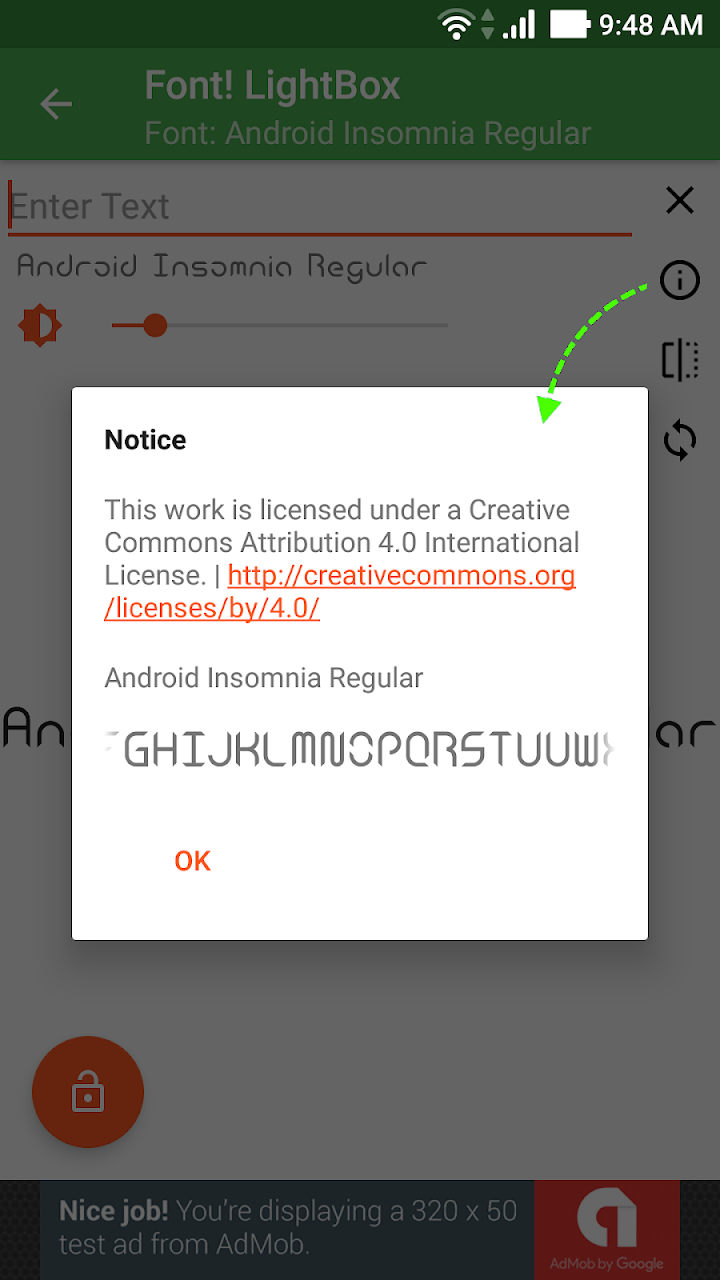
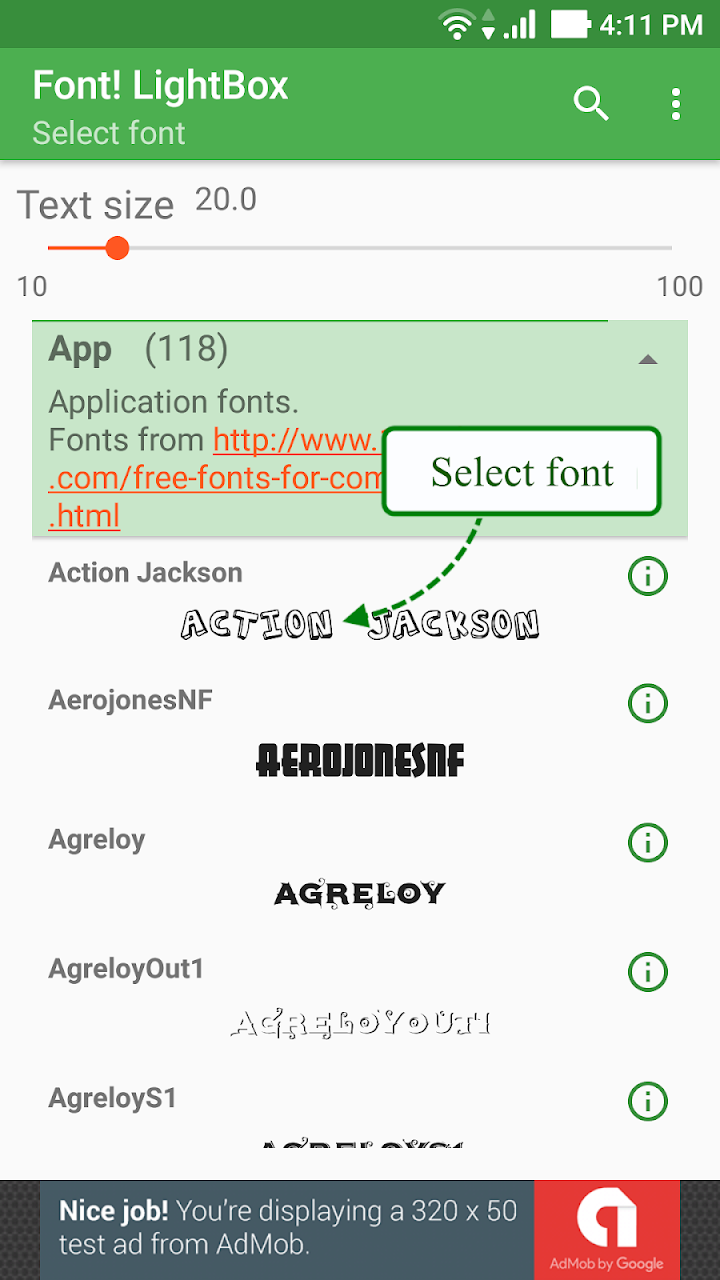
- Custom font text — Enter your own text and trace it with a selected template font or imported TTF and OTF files.
- White screen tracing — Use the default bright screen as a lightbox for stencilling, sketching, and letter practice.
- Pan and zoom — Move and resize the reference text so it fits the page or the project you are working on.
- Rotate control — Turn rotation on or off when you need to angle lettering or keep it steady.
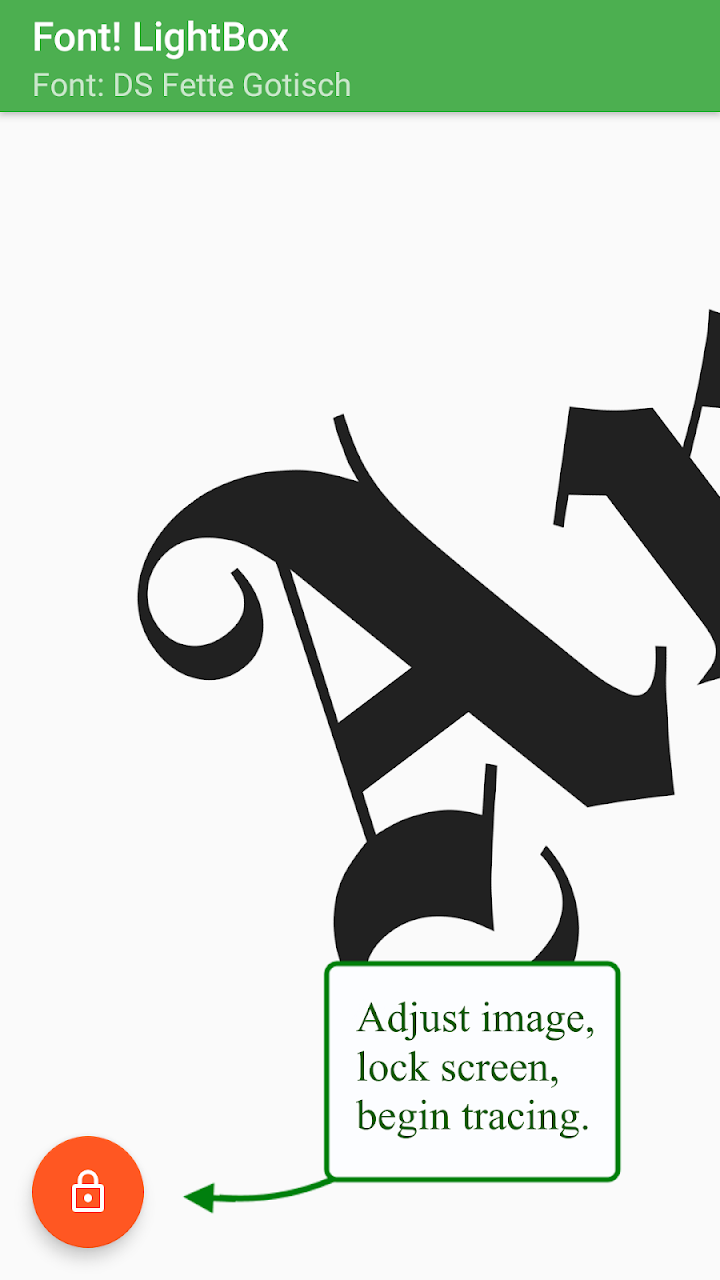
- Lock screen mode — Lock the app to maximize drawing space and keep the device from sleeping while you trace.
- Made for paper work — It is set up for tracing onto physical paper for crafts, calligraphy, and transfers.
Tracing fonts on paper
Font! Lightbox tracing app opens as a bright white screen with a brightness control, so you can set up a tracing surface before placing paper on top. That makes it useful when you want to copy lettering onto a sketchbook page, build a stencil, or work on a simple craft layout without switching into a full drawing app.
It is designed around a clear task: choose a font, type your text, and trace it by hand.
Custom text, TTF, and OTF files
You can use your own custom text and import TTF or OTF files, then adjust the reference with pan, rotate, and zoom. The rotate toggle gives you a quick way to switch movement on or off when you want a steadier template.
- Custom text entry for lettering practice and stencils
- TTF/OTF support for your own font files
- Pan, rotate, zoom to position the reference precisely
When the lock button helps
On a table, the lock button can maximize the drawing space and keep the device from sleeping while you trace. The app is 11.9 MB, comes as an APK, and needs Android 6.0 or later. There are no permissions listed, but the app does include ads.
How it compares with drawing apps
Compared with apps like ibis Paint X, Sketchbook, PaperColor, Adobe Express, or PENUP, this one stays focused on tracing rather than a full drawing workspace. That makes it a better fit when you need a lightbox for fonts, stencils, tattoo transfers, or connect-the-dot style outlines. If you want a broader sketching or sharing app, one of those alternatives may suit you better.
Recent updates added bookmark functionality, moved the app to Android SDK 37, and included general optimization.
What's new
Version 2.0.10 · Nov 12, 2026
- Added bookmark functionality.
- Updated to Android SDK 37.
- General optimization.
APK information
- Version
- 2.0.10
- Package
- twitch.angelandroidapps.tracerfonts
- Category
- Art & Design
- Size
- 12 MB
- Min Android
- 6.0
- Architecture
- universal
Older versions
-
Font! Lightbox tracing app 2.0.10Nov 12, 2026Latest downloadAPK
Font! Lightbox tracing app FAQ
Can Font! Lightbox tracing app edit RAW photos?expand_more
No RAW photo editing features are listed. The app is described as a lightbox and tracing tool for fonts, stencils, and outline work.
Does Font! Lightbox tracing app work offline?expand_more
Offline use is not stated. The listed features focus on local tracing tools, font files, and screen controls.
Who develops Font! Lightbox tracing app?expand_more
It is developed by Angel Koh.
Is Font! Lightbox tracing app free to use?expand_more
Yes, it is free to download. The app also contains ads.
Can I use my own font files in Font! Lightbox tracing app?expand_more
Yes, it supports custom TTF and OTF files for tracing your own lettering.