- 4.0star3,281 reviews
- 500K+Downloads
- 5 MBAPK size
- EveryoneRated for Everyone
- 7.0+Android
check_circleOriginal APK from Angel Koh · Updated Nov 10, 2026
No threats found
0 / — antivirus engines flagged this file
Original signature
First seen — Angel Koh
Unmodified APK
Same file the developer published — no mods
Tracer! Lightbox tracing app screenshots
8 images · tap to enlarge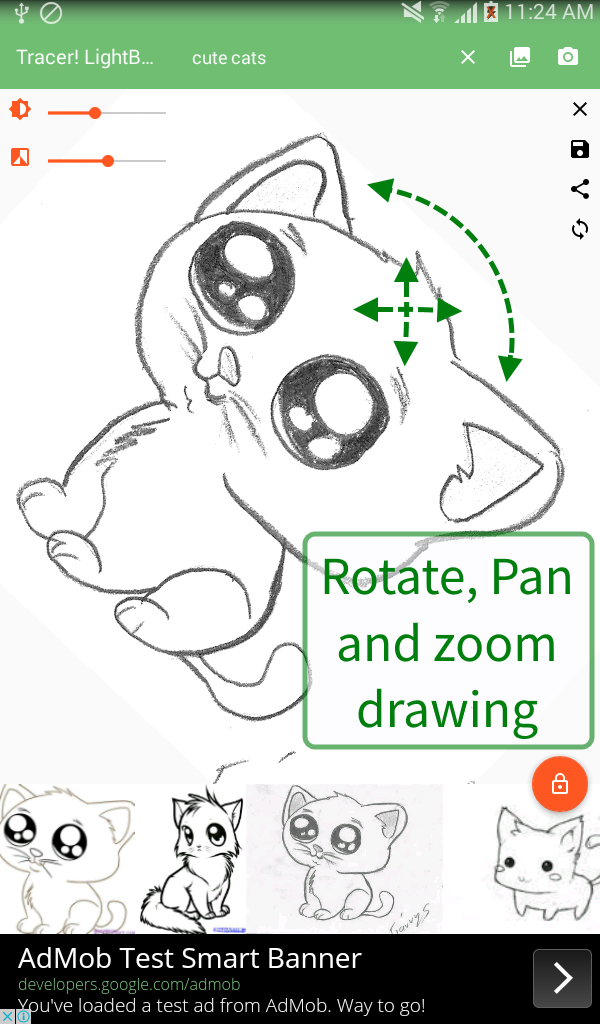
About this app
500K+ installs and a 4.0 rating make Tracer! Lightbox tracing app a lightweight tracing tool for drawing and illustration. It uses a white screen with brightness control, plus image search, device storage, and camera input for tracing references. The app is free, shows ads, and runs on Android 7.0 and up.
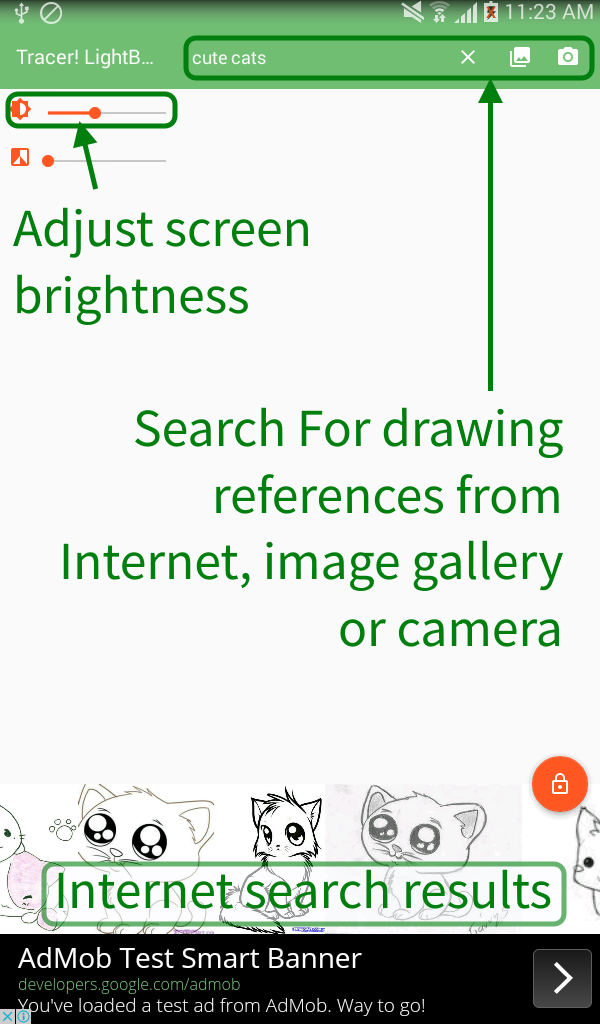
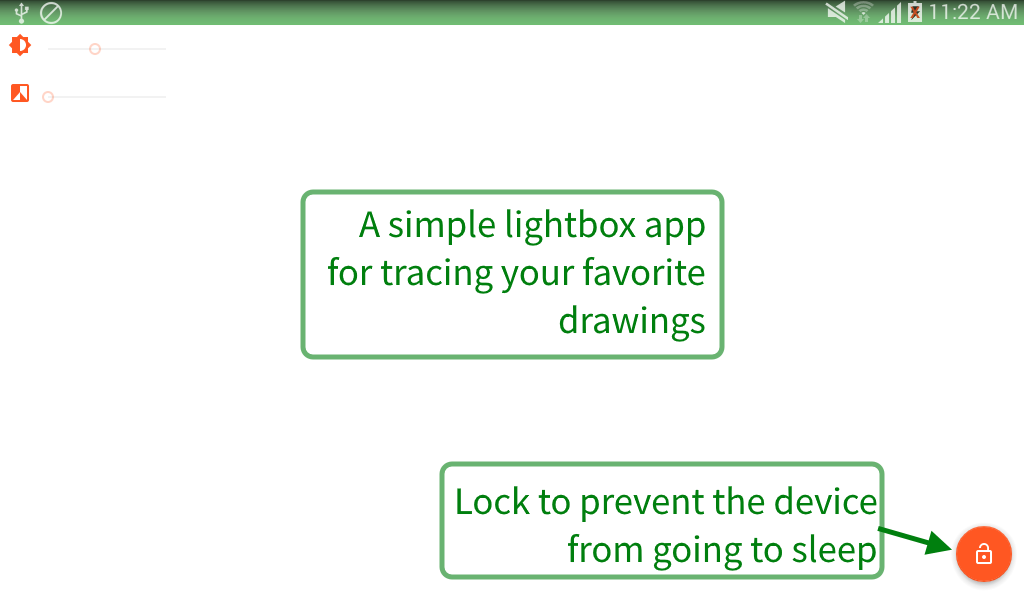
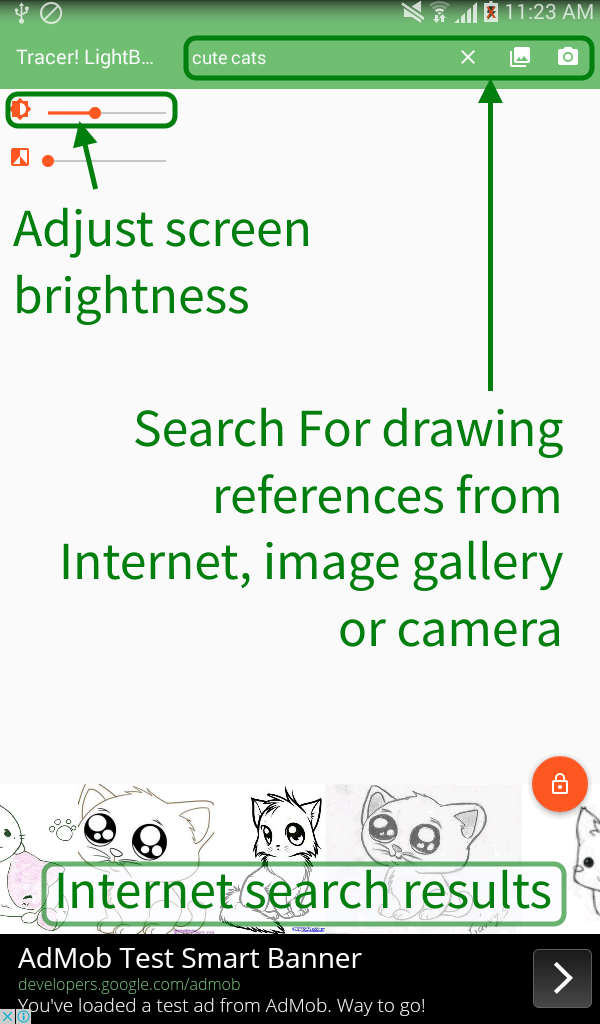
- White screen tracing — Use the default white screen and brightness control as a tracing surface under paper.
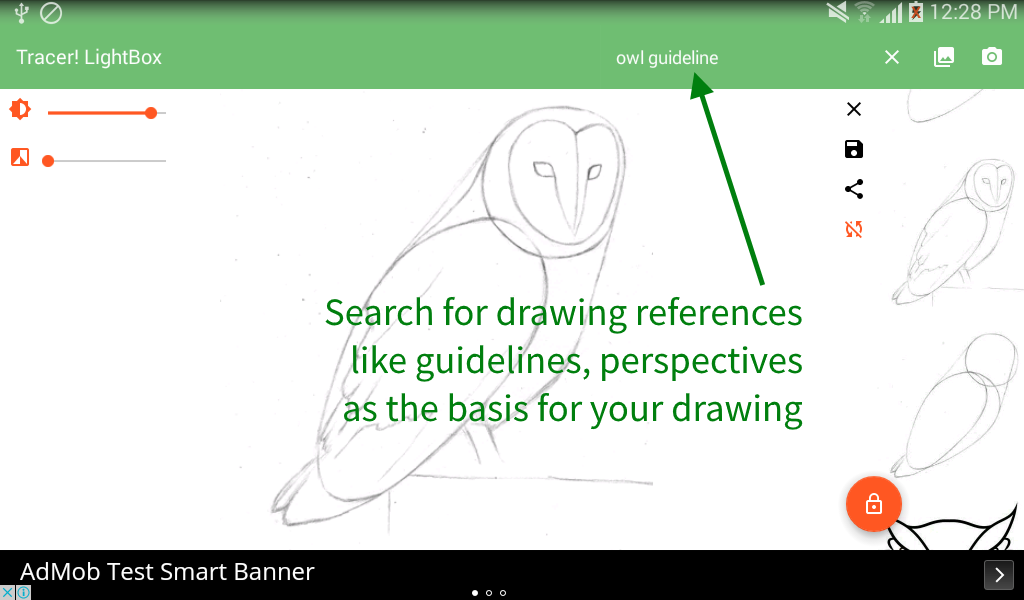
- Image search input — Find reference images with keywords or URL links, then trace them on paper.
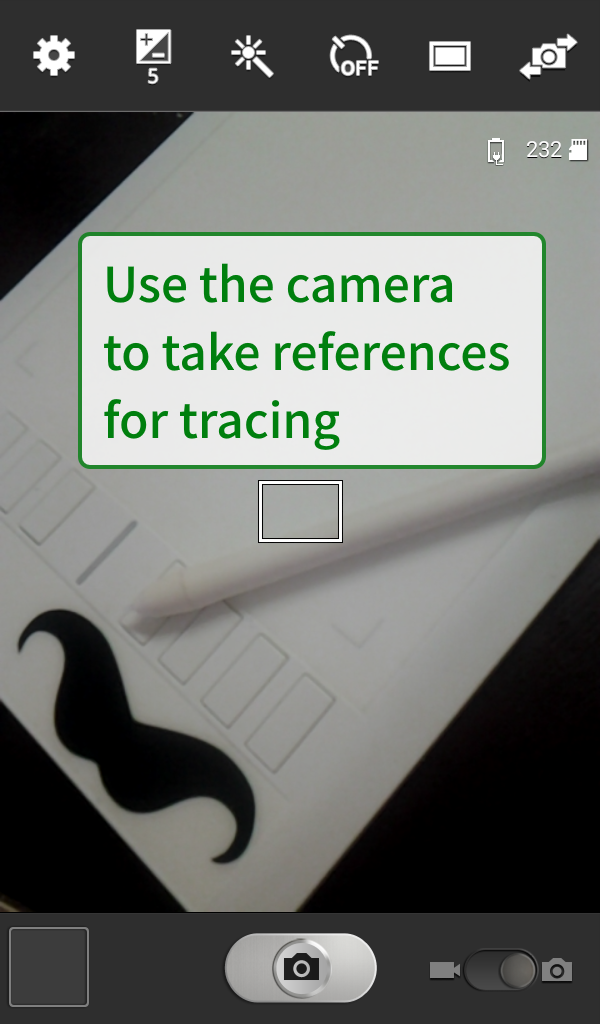
- Camera and storage — Load a photo from device storage or capture one with the camera for tracing.
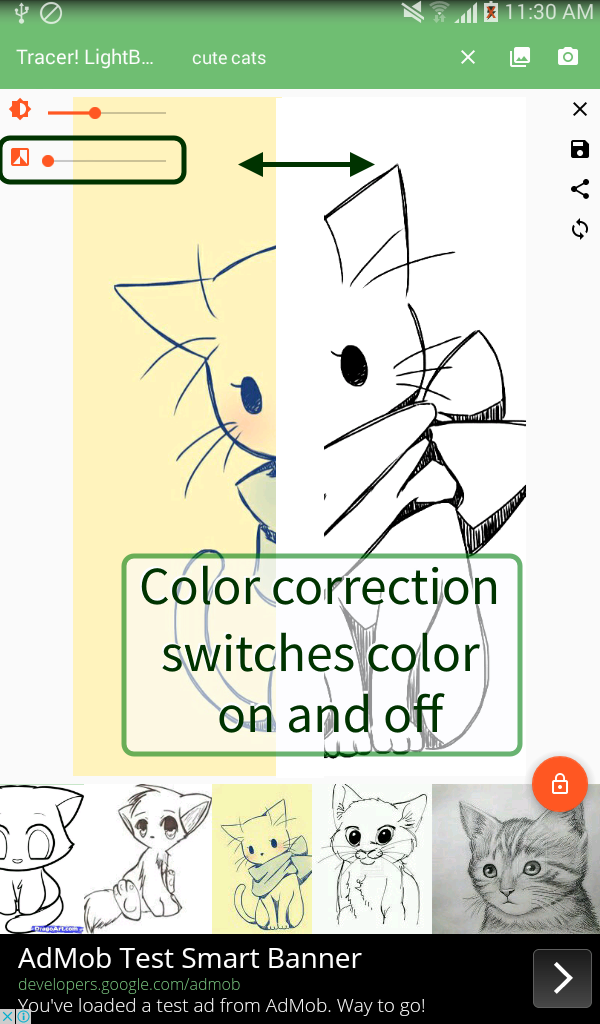
- Reference adjustments — Pan, rotate, zoom, and change grayscale contrast to fit your drawing setup.
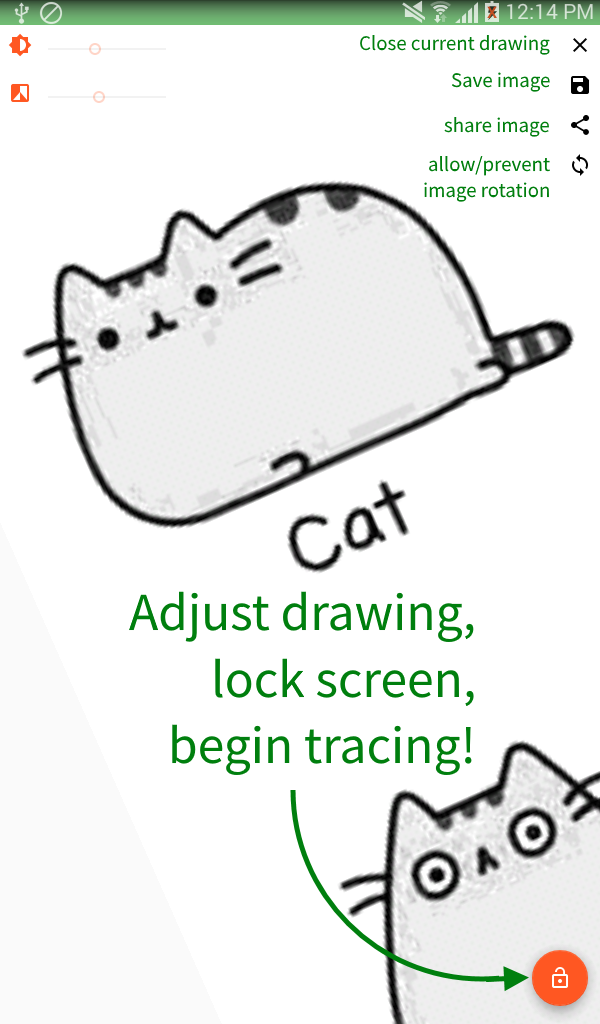
- Lock drawing space — Use the lock button to maximize the drawing area and keep the device awake.
Tracing with paper and a screen
Tracer! Lightbox tracing app is built around a simple workflow: choose an image, place tracing paper over the device, and copy the lines by hand. The app starts as a white screen with brightness control, so it can be used as a lightbox for drawing, lettering, stencils, and other paper-based tracing tasks.
Image sources and reference tools
The app can pull references from the internet with keywords or URL links, load an image from device storage, or take a photo with the camera. Once a reference is on screen, you can pan, rotate, zoom, and switch rotation on or off. A grayscale adjustment is included to improve contrast when tracing details.
Permissions and access
No permissions are listed for this APK, so the app description does not show a permissions request for storage, camera, or network access. The tracing features still point to those kinds of inputs: web search for references, image loading from storage, and camera capture. The app is free, includes ads, and does not list in-app purchases.
Android, size, and package details
This APK is a universal build, 4.9 MB in size, and requires Android 7.0 or later. It is an Art & Design app from Angel Koh, released on 2016-08-22 and last updated on 2026-11-01. The install package format is APK.
Practical uses for tracing
The app is described for artists, students, and casual users. It can be used for tracing drawings and fonts, making stencils, colouring sheets, connect-the-dots puzzles, calligraphy, tattoo patterns, cell animation, and base templates for perspective or simple shapes.
- Free with ads and no in-app purchases listed.
- Everyone content rating.
- Universal ABI build.
- 500K+ installs and a 4.0 rating.
What's new
Version 2.0.34 · Nov 10, 2026
- Updated to Android 37.
- Improved app stability (added warnings when loading very large images).
- General bug fixes and performance enhancements.
- Fixed startup crash bugs for specific devices.
APK information
- Version
- 2.0.34
- Package
- twitch.angelandroidapps.tracerlightbox
- Category
- Art & Design
- Size
- 5 MB
- Min Android
- 7.0
- Architecture
- universal
Older versions
-
Tracer! Lightbox tracing app 2.0.34Nov 10, 2026Latest downloadAPK
Tracer! Lightbox tracing app FAQ
Can Tracer! Lightbox tracing app edit RAW photos?expand_more
No RAW photo editing is mentioned. The app focuses on tracing references from search, storage, or camera input.
Does Tracer! Lightbox tracing app work offline?expand_more
The app can use images from device storage or the camera, but it also includes internet image search. Offline use is not stated directly.
What changed in the latest Tracer! Lightbox tracing app version?expand_more
No recent change notes are listed for version 2.0.34.
Does Tracer! Lightbox tracing app work on tablets?expand_more
The app is listed as universal and requires Android 7.0 or later, so it is not limited to one device type in the listing.
How do you use Tracer! Lightbox tracing app for stencils?expand_more
Select a reference image, place tracing paper over the screen, and trace the outline. The app is described for stencil work such as carving, spray art, and cake decorating.