
- 3.5star34,953 reviews
- 500M+Downloads
- 142 MBAPK size
- EveryoneRated for Everyone
- 9+Android
check_circleOriginal APK from Google LLC · Updated Nov 12, 2026

No threats found
0 / — antivirus engines flagged this file
Original signature
First seen — Google LLC
Unmodified APK
Same file the developer published — no mods
Google Cast screenshots
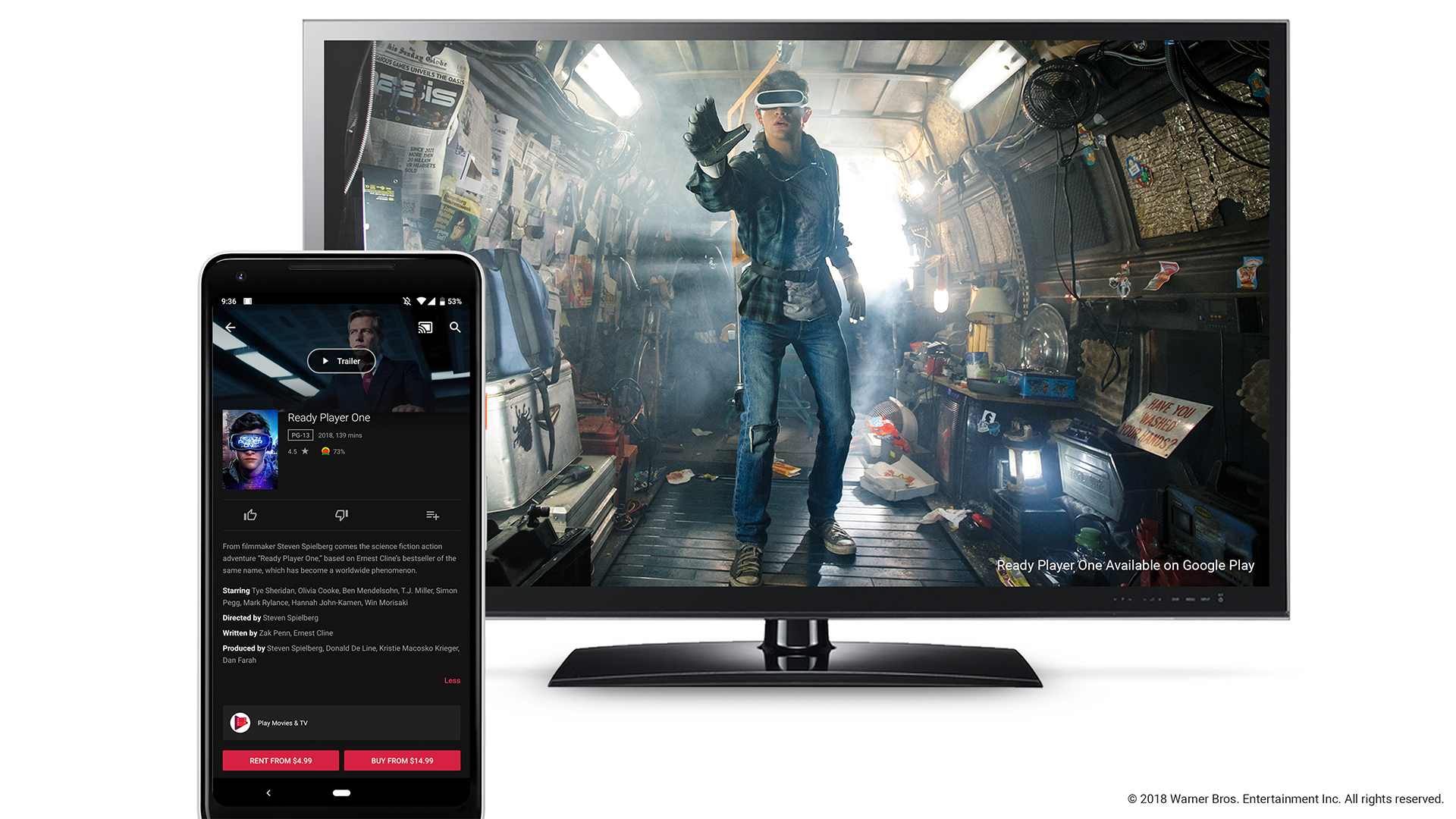
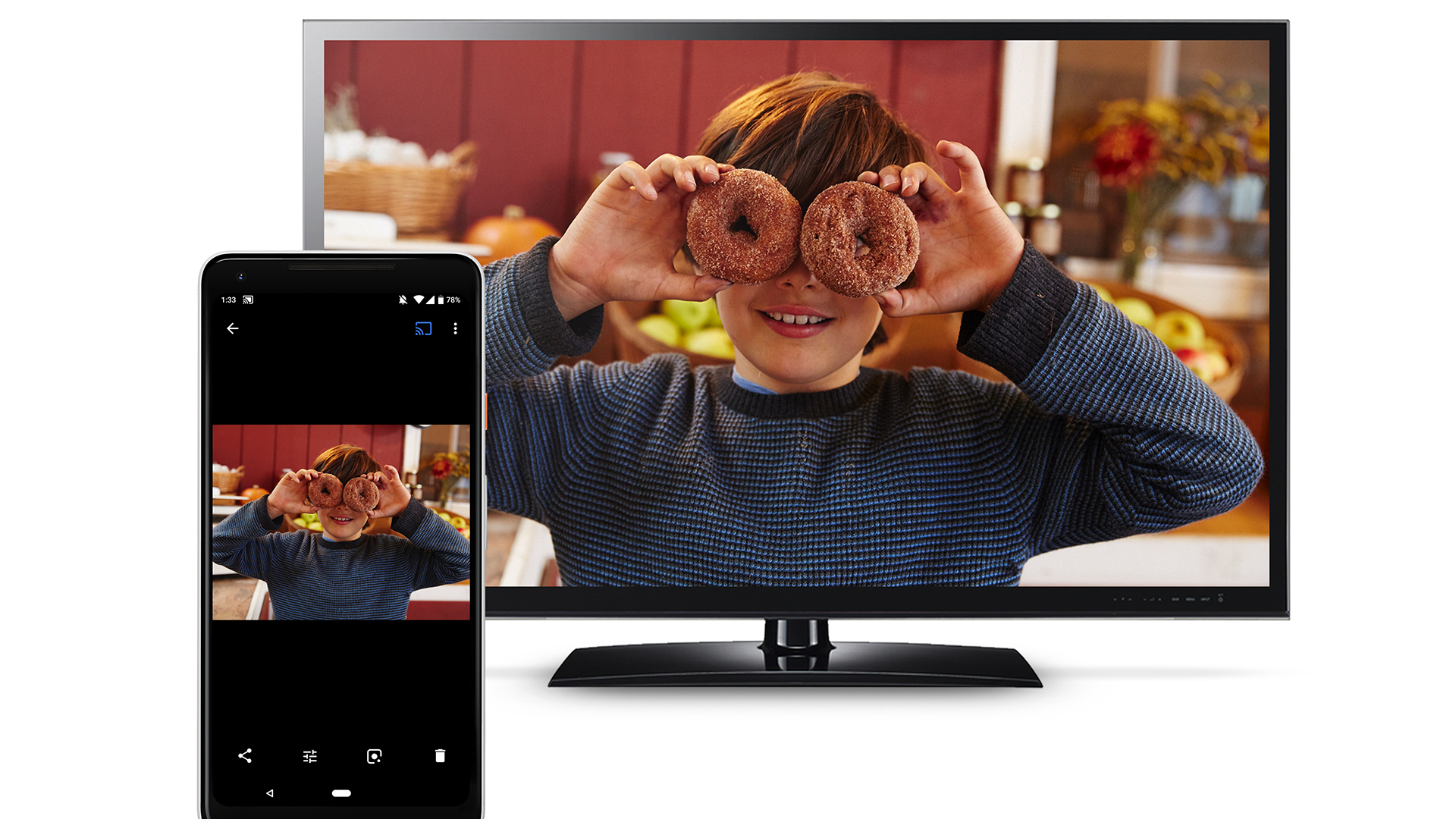
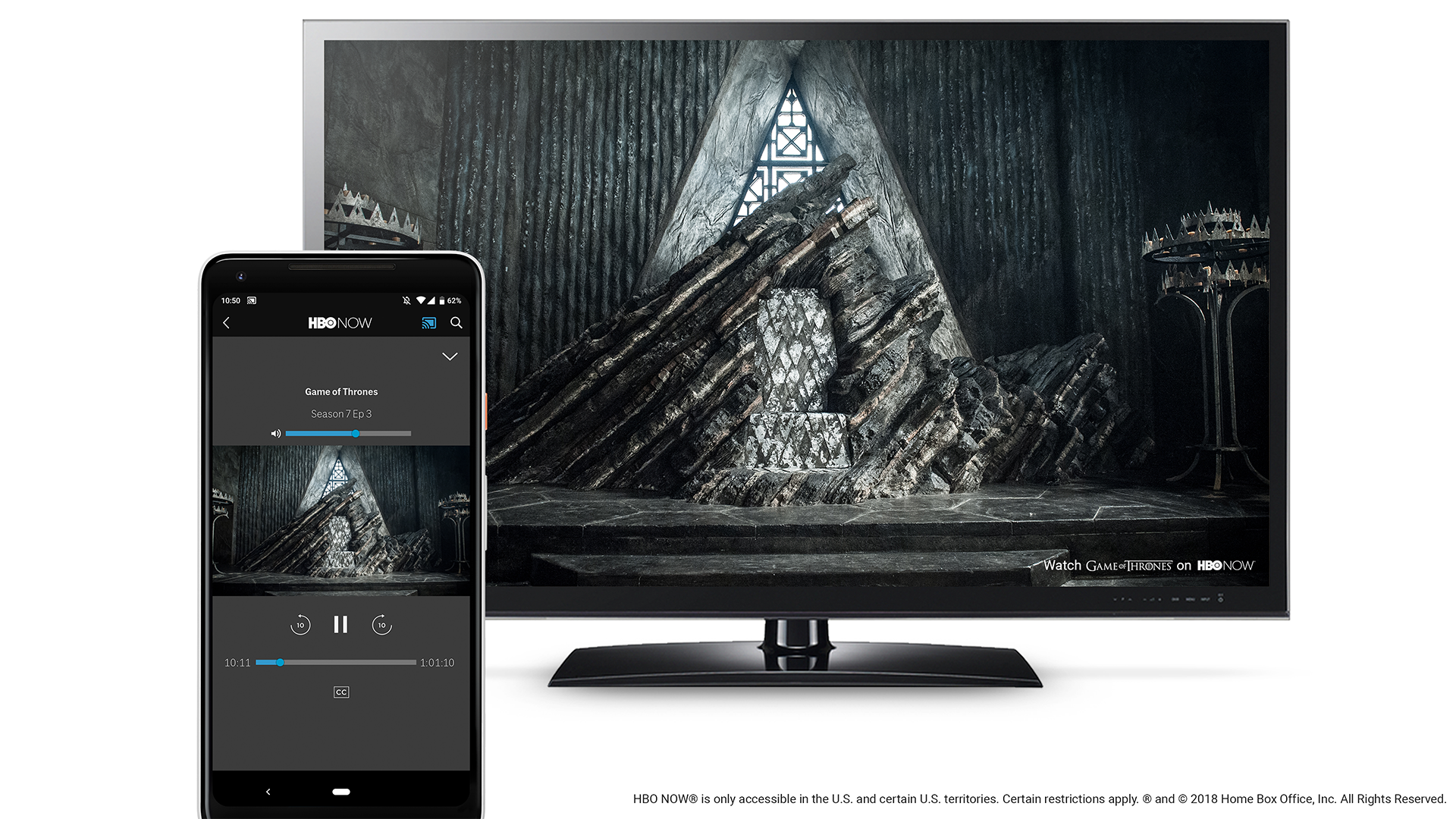
8 images · tap to enlarge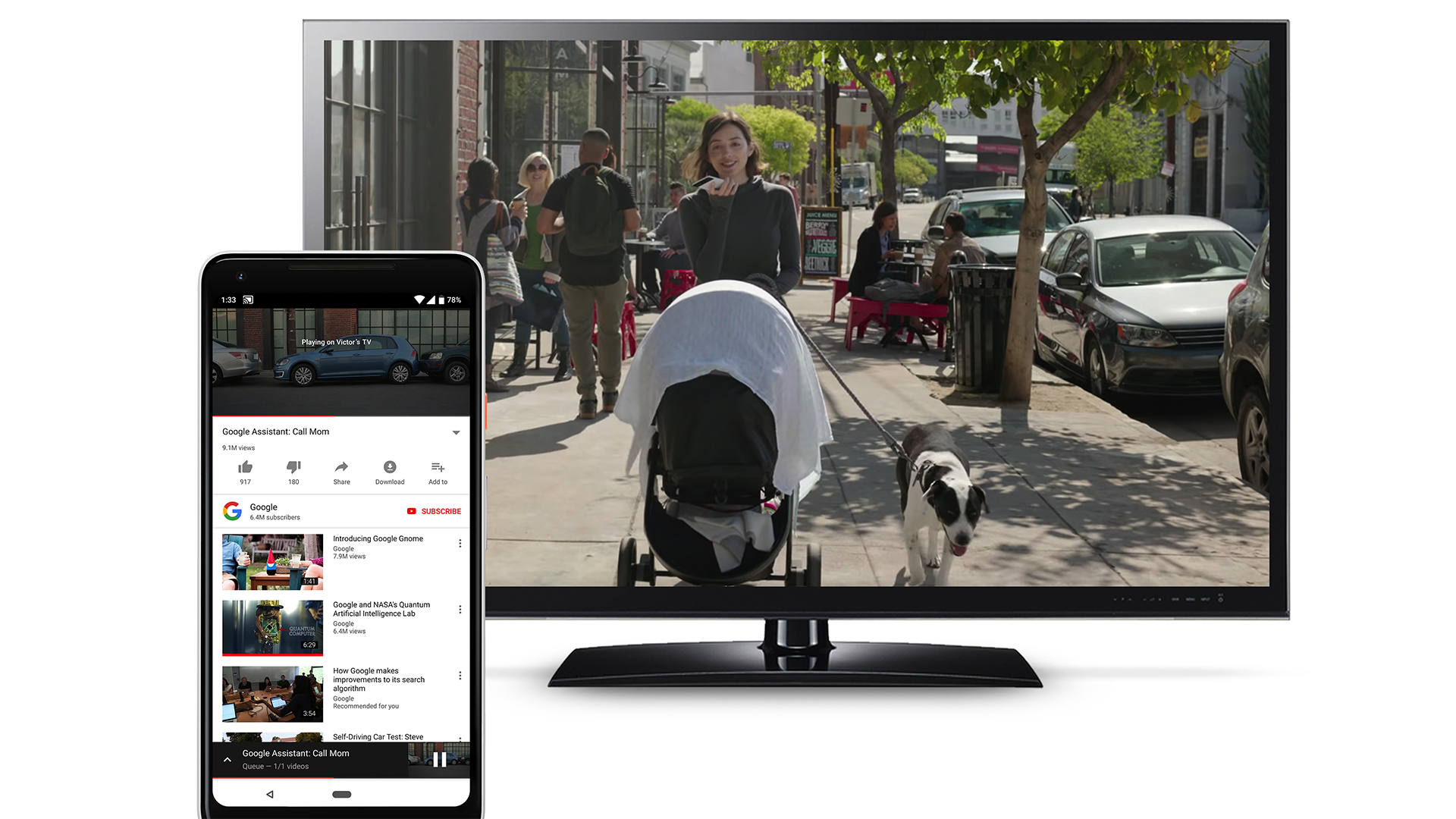
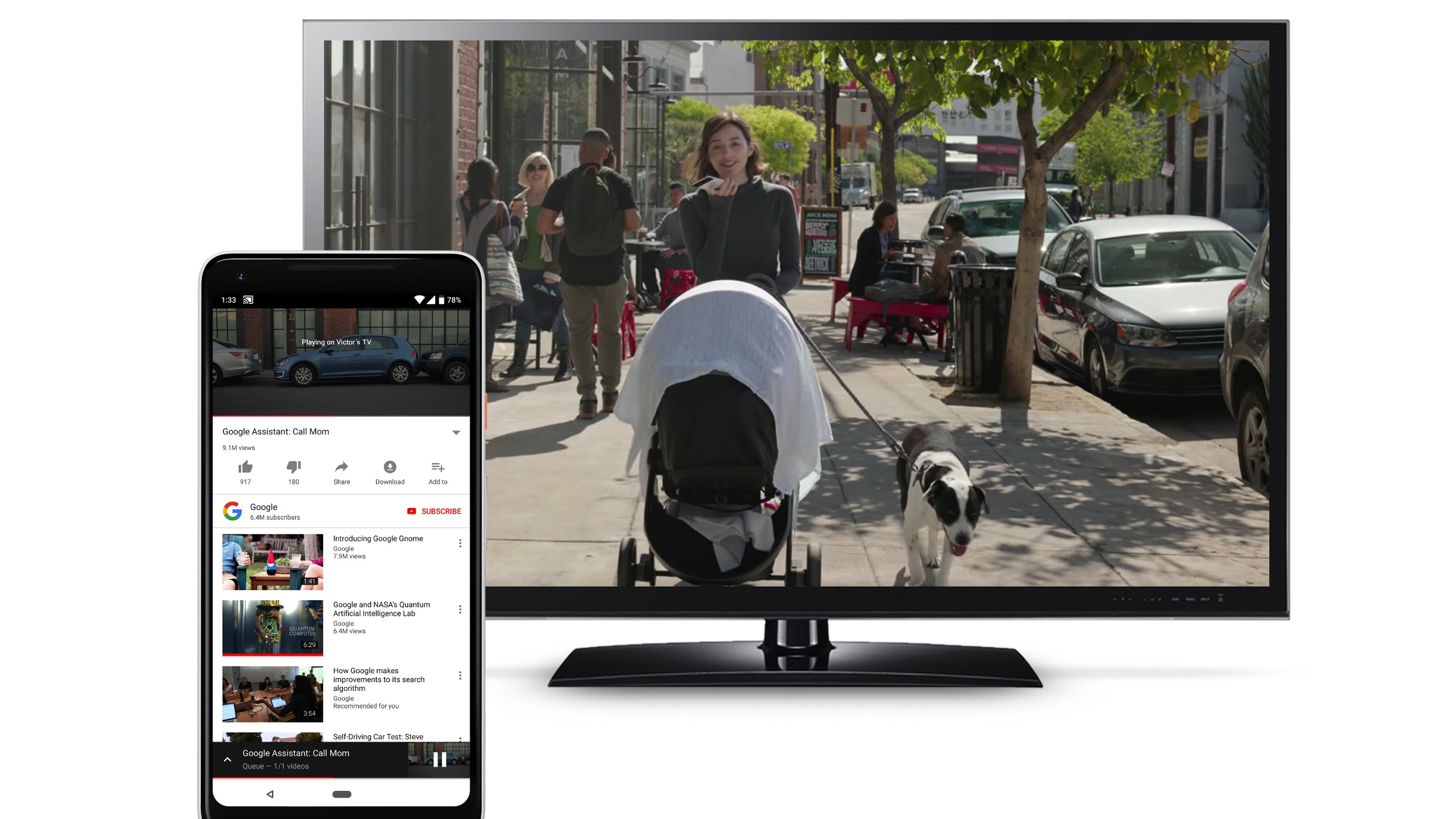
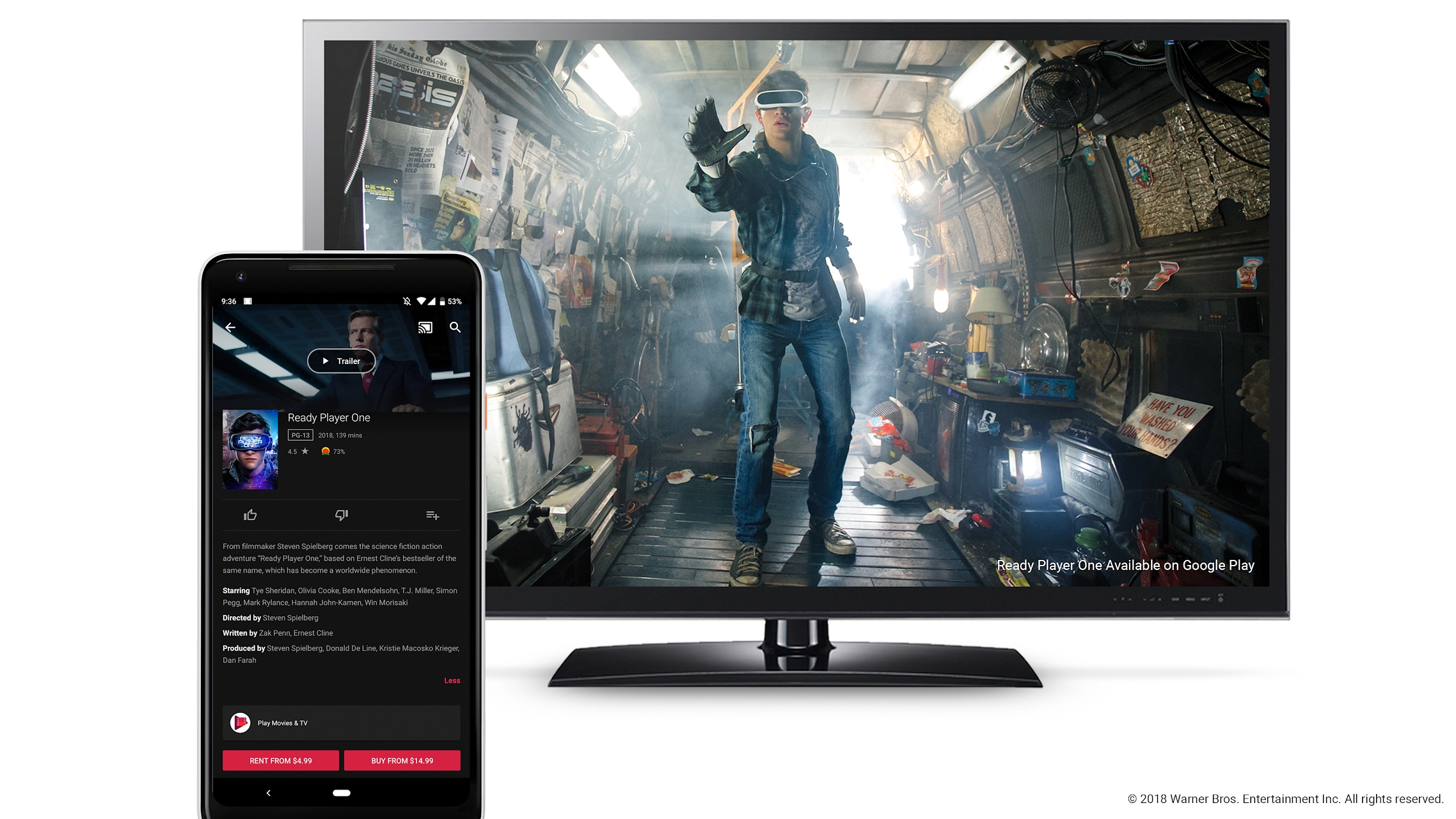
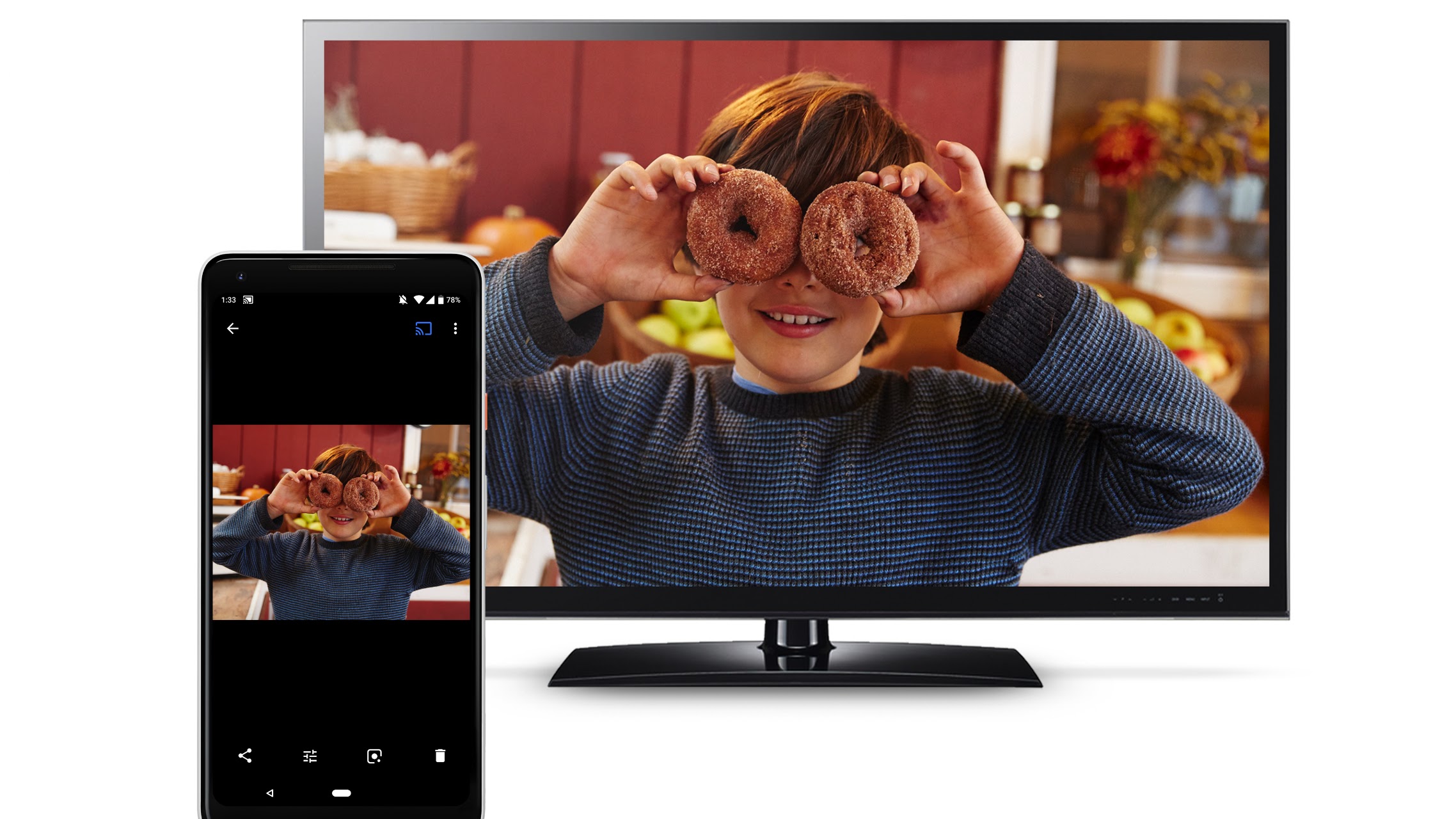
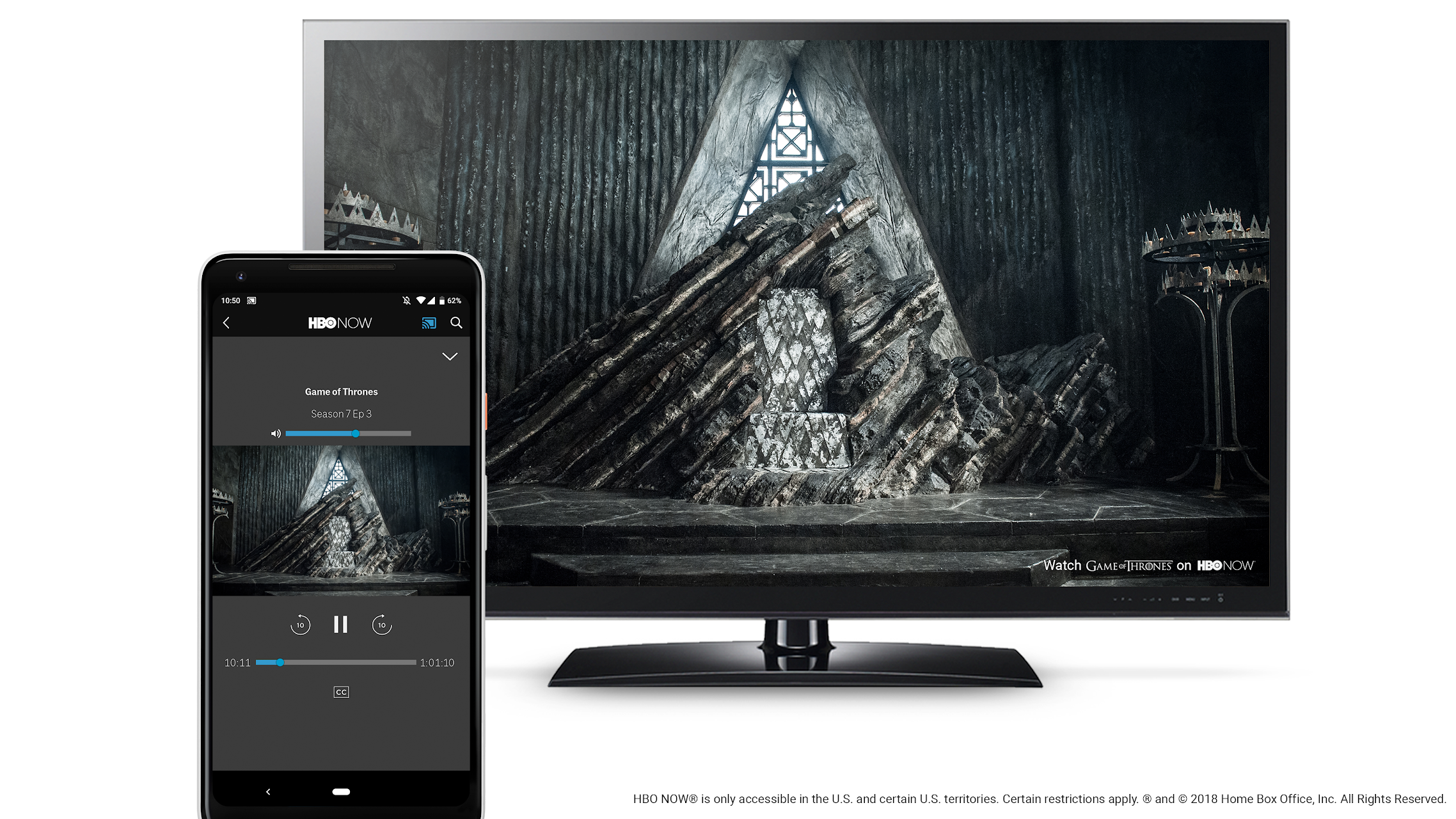
About this app
Google LLC makes Google Cast, a Tools app for sending and controlling content from a phone, tablet, or laptop to a larger display. On first launch, expect a simple setup centered on Chromecast built in for Android TV. It is free, has no ads or in-app purchases, and is available only on Google approved Android TV devices.
- Send to TV — Move video and other content from a smaller screen to a television.
- Control Playback — Use your device to control what is playing on the larger display.
- Android TV Support — Includes Chromecast built in for Android TV on approved devices.
- No Extra Cost — The app is free and does not include ads or in-app purchases.
- Wide Android Support — Requires Android 9 or later and comes as a universal APK.
What Google Cast does first
When you open Google Cast, the main job is already clear: it connects a smaller device to a larger screen so you can send content and keep controlling it from your phone, tablet, or laptop. It is designed around casting rather than local playback, and the Android TV version includes Chromecast built in.
Because it is available and pre-installed only on Google approved Android TV devices, the first thing to check is whether your TV or streaming device is supported. If it is, the app is meant to handle the handoff between screens without extra setup steps beyond the device being ready for casting.
What to set up on day one
Google Cast is free, with no ads and no in-app purchases. The APK is 142.3 MB and requires Android 9 or later. It is a universal build, so the same package is meant for supported devices that meet the Android version requirement.
- Get: casting from a small screen to a TV.
- Get: playback control from your device.
- Watch for: availability limited to Google approved Android TV devices.
- Watch for: no added permissions listed here.
Practical use and alternatives
Compared with other Tools apps, Google Cast is narrower in scope. It is not a general media app or a remote-control suite for every device; it is focused on Google Cast and Chromecast built in for Android TV. That makes it a straightforward choice if your goal is screen-to-screen streaming on compatible hardware.
For everyday use, the main tip is to confirm compatibility before relying on it. If your device is supported, you can use it to move video from a phone or tablet to a television and keep control in your hand.
Requirements and permissions
This app lists no permissions, so it does not ask for access to contacts, storage, location, or other device features in the details shown here. It also lists no in-app purchases and no ads, and it is rated Everyone.
In short, the main requirement is device support: Google approved Android TV hardware running Android 9 or later. If you have that, Google Cast is a simple way to handle casting on the big screen.
APK information
- Version
- 3.72.446070
- Package
- com.google.android.apps.mediashell
- Category
- Tools
- Size
- 142 MB
- Min Android
- 9
- Architecture
- universal
Older versions
-
Google Cast 3.72.446070Nov 12, 2026Latest downloadAPK
Google Cast FAQ
Does Google Cast need root?expand_more
No root requirement is listed for Google Cast.
Why does Google Cast need these permissions?expand_more
No permissions are listed for this app in the details shown here.
Does Google Cast work on tablets?expand_more
Yes. The description says a user can send content from a phone, tablet, or laptop to a larger display device.
Which processors does this Google Cast APK support?expand_more
It is marked as a universal APK.
Is Google Cast free to use?expand_more
Yes. It is free and does not include ads or in-app purchases.