- 4.1star42,051 reviews
- 10M+Downloads
- 19 MBAPK size
- EveryoneRated for Everyone
- API 19+Android
check_circleOriginal APK from Google LLC · Updated Nov 12, 2026
No threats found
0 / — antivirus engines flagged this file
Original signature
First seen — Google LLC
Unmodified APK
Same file the developer published — no mods
Google Cloud screenshots
5 images · tap to enlarge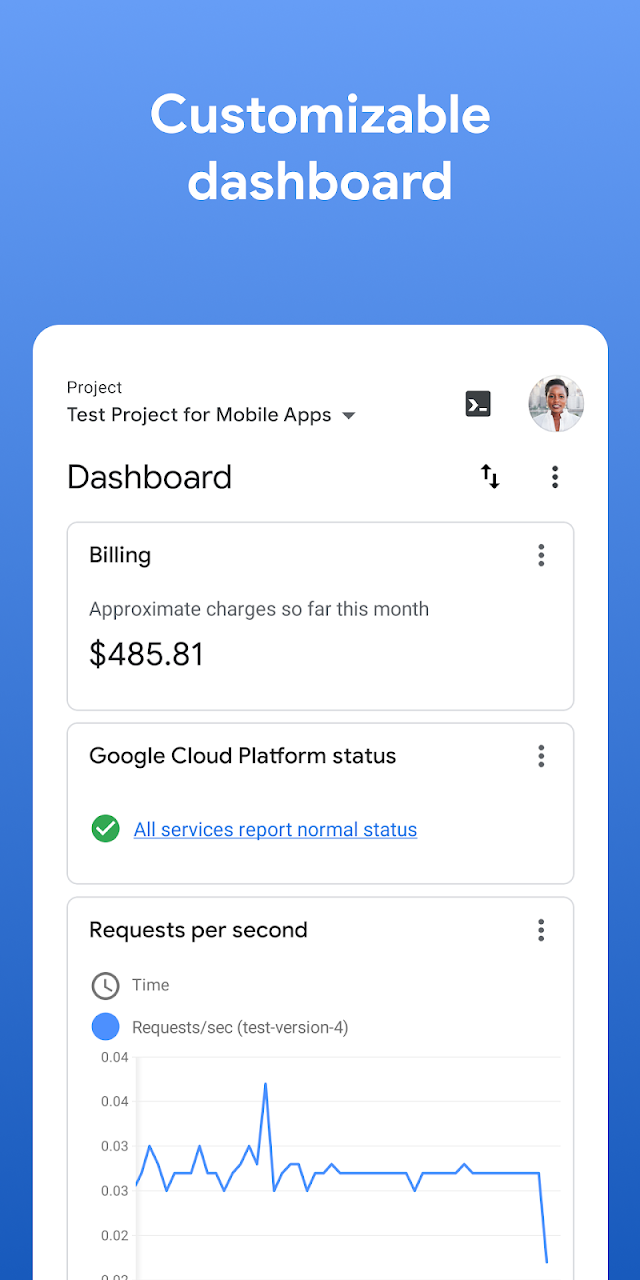
About this app
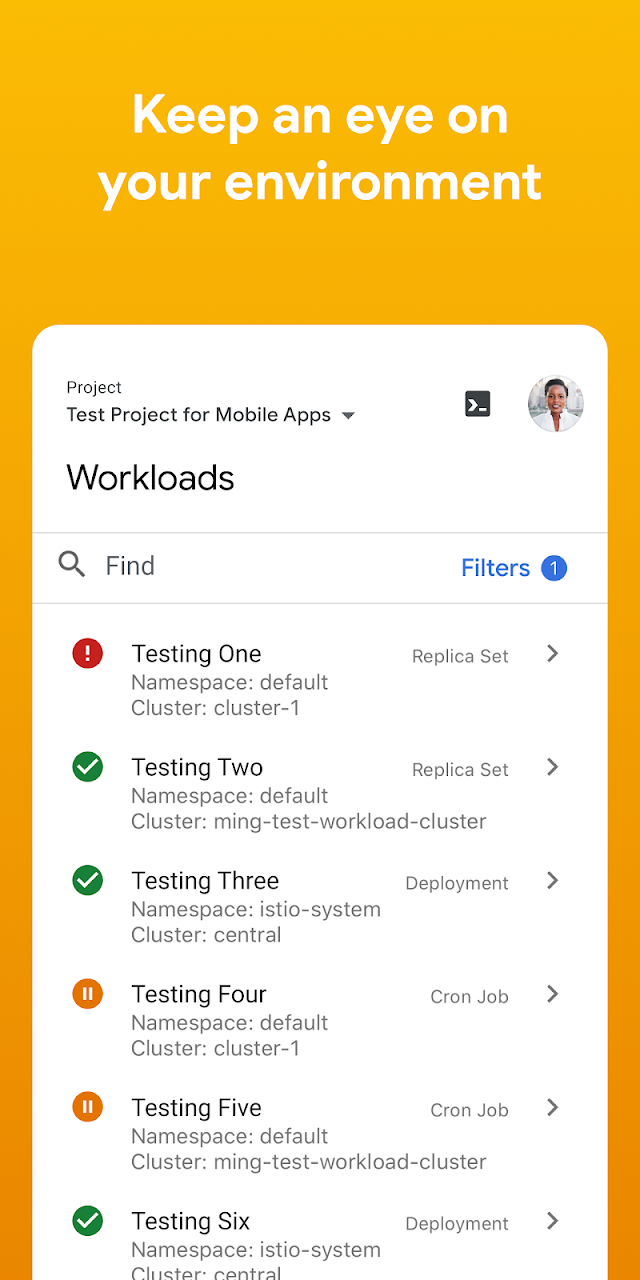
Google LLC makes Google Cloud, a Tools app for managing Google Cloud services from an Android phone or tablet. It is built for checking billing, status, and critical issues, reviewing Compute Engine and App Engine resources, opening Cloud Shell, and handling incidents and logging without leaving Android.
- Billing and status — Check billing, service status, and critical issues from your device.
- Custom dashboard — Create a dashboard that gives you an overview of your Google Cloud services.
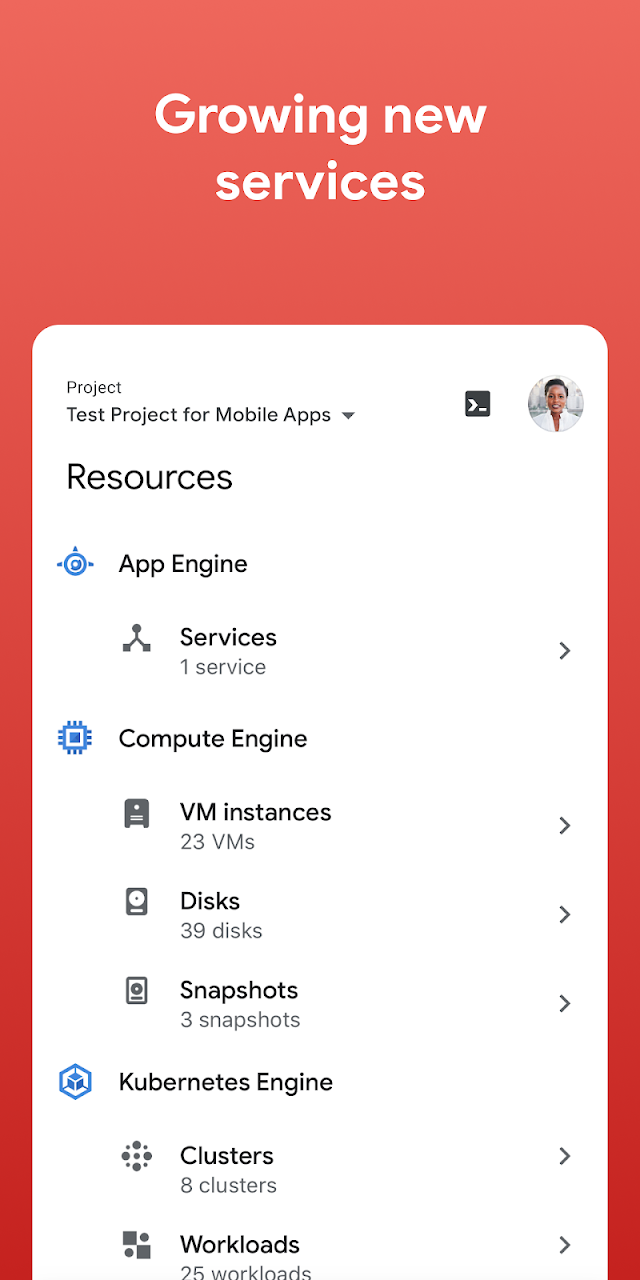
- VM access — Monitor Compute Engine resources and SSH into your VMs when needed.
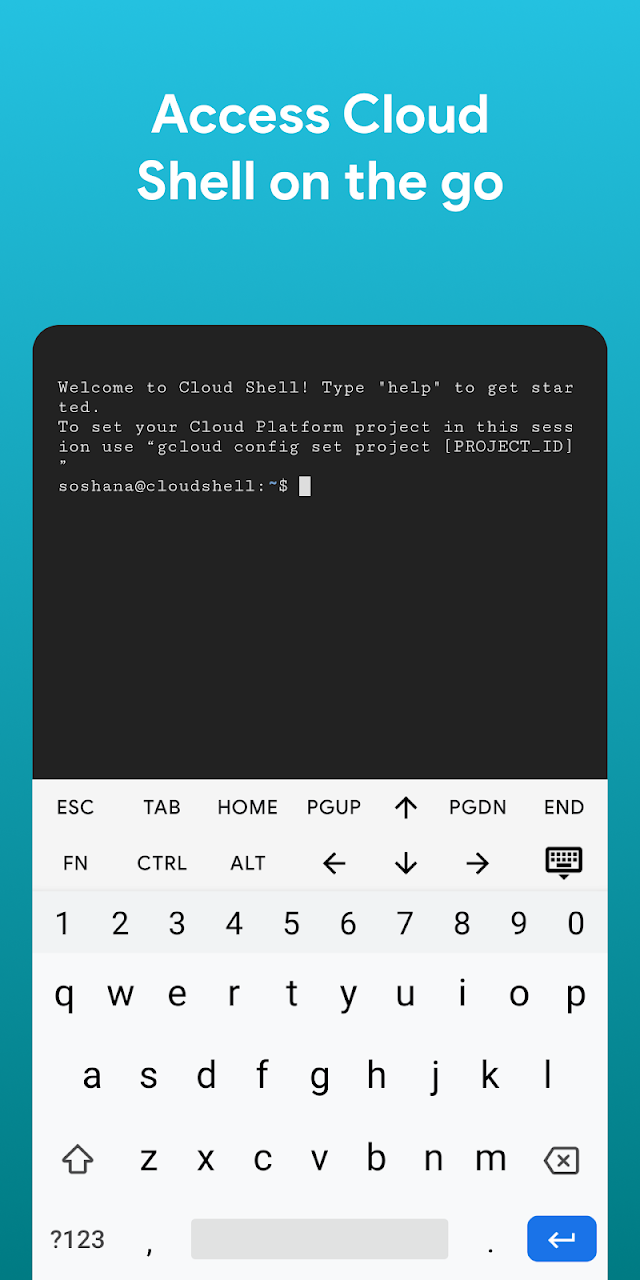
- Cloud Shell — Use Cloud Shell to run gcloud operations from Android.
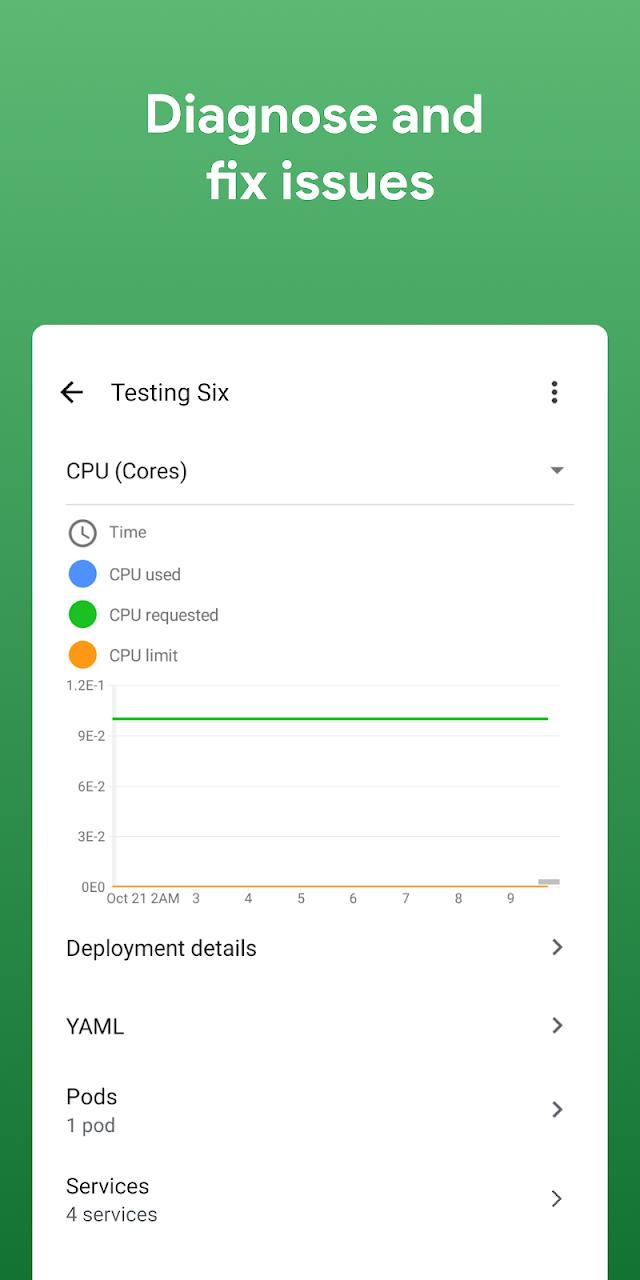
- Incidents and logs — View and respond to incidents, errors, and logging in one place.
Keep Google Cloud within reach
When cloud services need attention away from a desktop, Google Cloud gives you a way to check what is happening from Android. It is designed for people who need to review billing, watch service status, and react to critical issues on a phone or tablet instead of waiting to get back to a computer.
Watch services and respond faster
The app focuses on the operational side of Google Cloud. You can build a custom dashboard for a quick overview, then use it to track the state of Compute Engine and App Engine resources. It also supports SSH access to your VMs, which makes it useful when a server needs direct attention.
For incident handling, the app lets you view and respond to incidents, errors, and logging. That keeps the main signals in one place when something needs investigation or follow-up.
Cloud Shell on Android
Google Cloud includes access to Cloud Shell, so you can perform Google Cloud gcloud operations from the app. The APK is a universal build, 18.6 MB in size, and it requires Android 4.4 or later (API 19). It is free, contains no ads, and has no in-app purchases listed.
Trade-offs to keep in mind
This app is focused on management tasks, not on replacing the full Google Cloud console. It is built around monitoring, SSH access, Cloud Shell, and incident review, so users who only need occasional status checks may not use every feature. The app listing does not include any permissions, so there is no permission list to review here.
It was released in 2015 and the current version is 1.9.0.175. With a 4.1 rating from 42,051 ratings and 10M+ installs, it is aimed at users who actively manage Google Cloud services from Android.
APK information
- Version
- 1.9.0.175
- Package
- com.google.android.apps.cloudconsole
- Category
- Tools
- Size
- 19 MB
- Min Android
- API 19
- Architecture
- universal
Older versions
-
Google Cloud 1.9.0.175Nov 12, 2026Latest downloadAPK
Google Cloud FAQ
Why does Google Cloud need these permissions?expand_more
No permissions are listed for this APK, so there is no permission set to explain here.
Does Google Cloud drain the battery?expand_more
The listing does not describe battery use. It is a management app for Google Cloud services, billing, status, incidents, Cloud Shell, and SSH access.
Can I install Google Cloud without Google Play?expand_more
Yes. This page offers the APK file format, so it can be installed without using Google Play.
Does Google Cloud show ads?expand_more
No. The listing says it contains no ads.
What Android version does Google Cloud require?expand_more
It requires Android 4.4 or later, which is API 19.