- 4.4star39 reviews
- 100M+Downloads
- 28 MBAPK size
- EveryoneRated for Everyone
- API 17+Android
check_circleOriginal APK from Google Inc. · Updated Nov 12, 2026
No threats found
0 / — antivirus engines flagged this file
Original signature
First seen — Google Inc.
Unmodified APK
Same file the developer published — no mods
Google Pinyin Input screenshots
8 images · tap to enlarge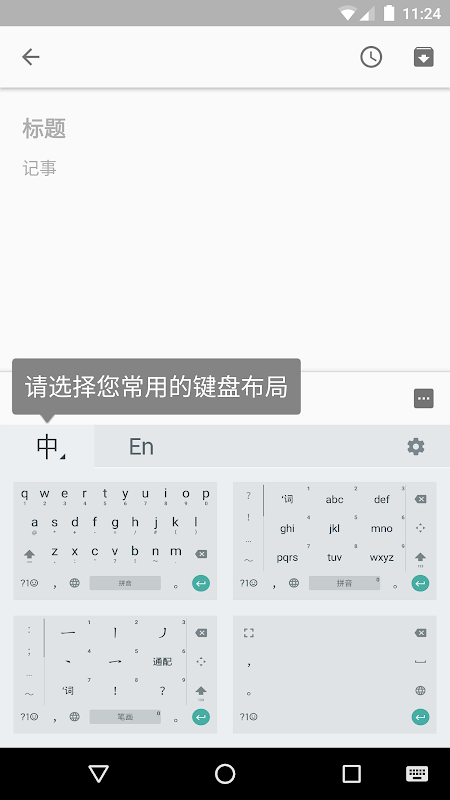
About this app
Google Pinyin Input is a Chinese keyboard and input method for Android, built for people who need to type Chinese characters rather than just Latin text. It combines Pinyin typing, handwriting, stroke input, and voice input, with support for simplified and traditional Chinese, plus punctuation, emoticons, and digits.
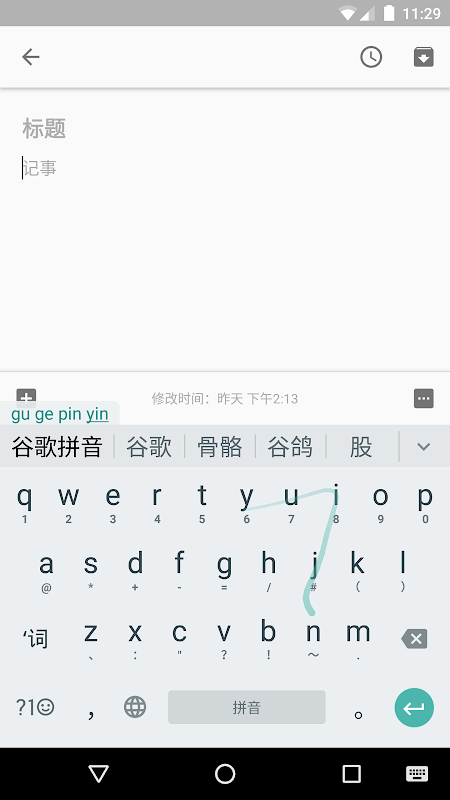
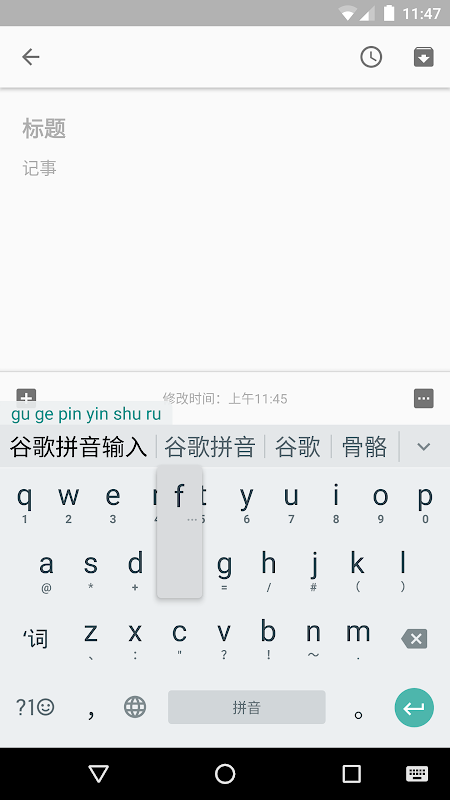
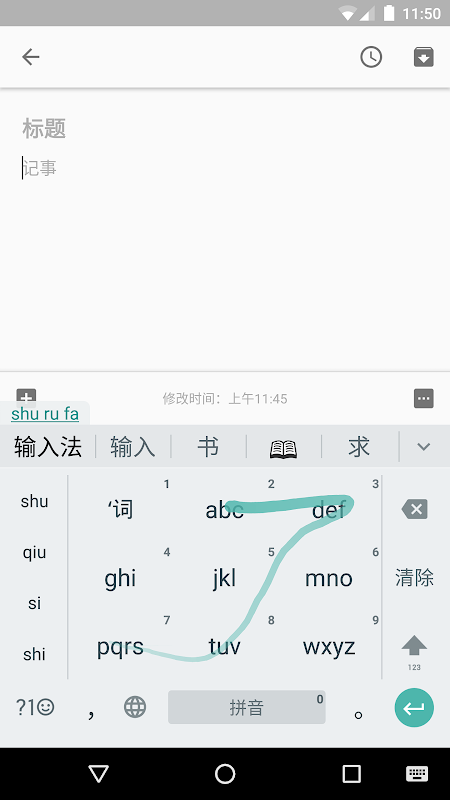
- Pinyin typing options — Use QWERTY or 9-key Pinyin keyboards, with gesture typing, fuzzy pinyin, and double pinyin.
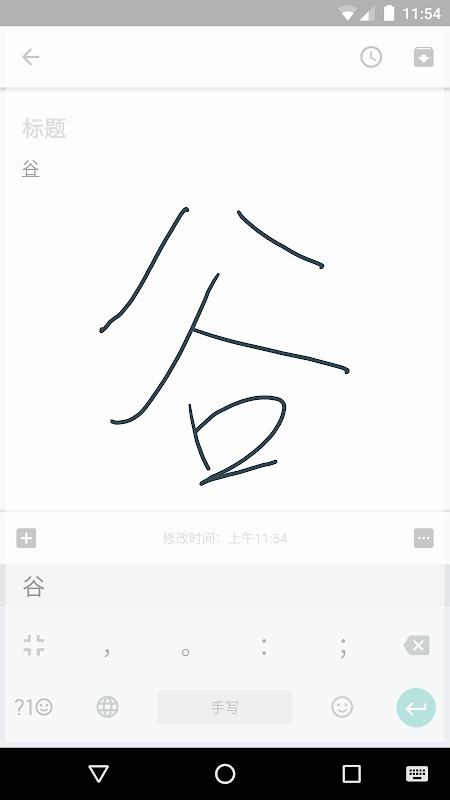
- Handwriting support — Write Chinese with full-screen or half-screen handwriting input when typing is easier than tapping.
- Stroke keyboard — Enter characters with stroke-based input for another way to type Chinese on Android.
- Voice input — Dictate text with network-based voice input for highly accurate matches.
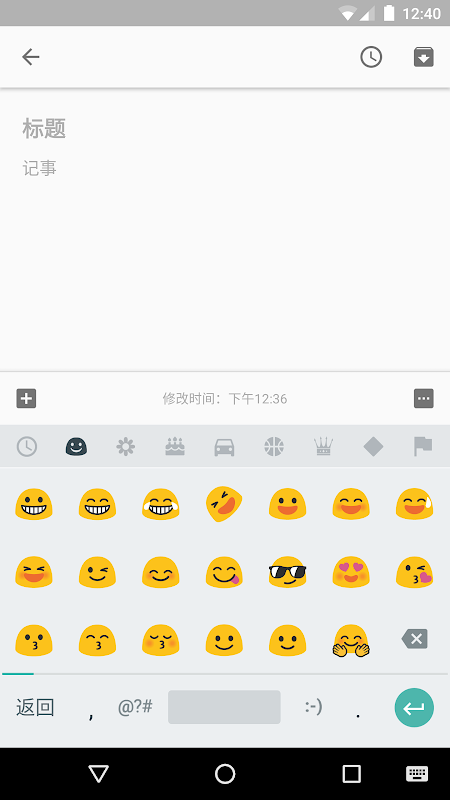
- Mixed text support — Type simplified or traditional Chinese along with Latin characters, punctuation, emoticons, and digits.
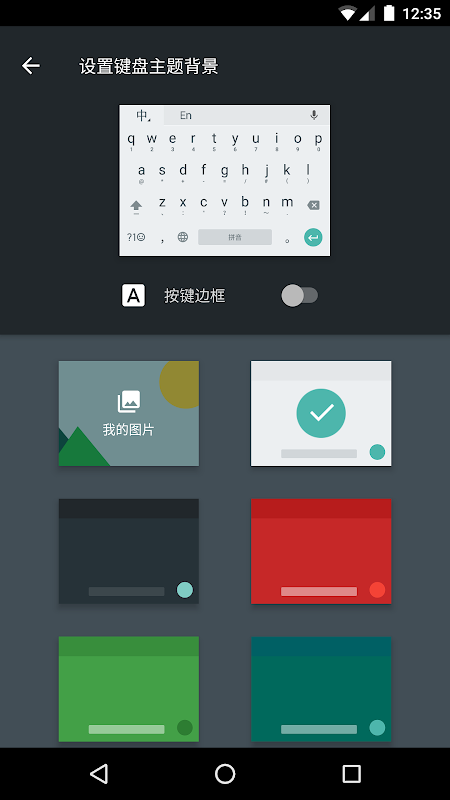
- Theme and layout options — The app includes themes and an interface optimized for different screen sizes.
Typing Chinese on Android
Google Pinyin Input is made for a simple job: helping you enter Chinese text on an Android phone or tablet. Instead of relying on a standard keyboard alone, it gives you several ways to type, write, or speak Chinese so you can choose the method that feels easiest for the moment.
Pinyin, handwriting, and stroke input
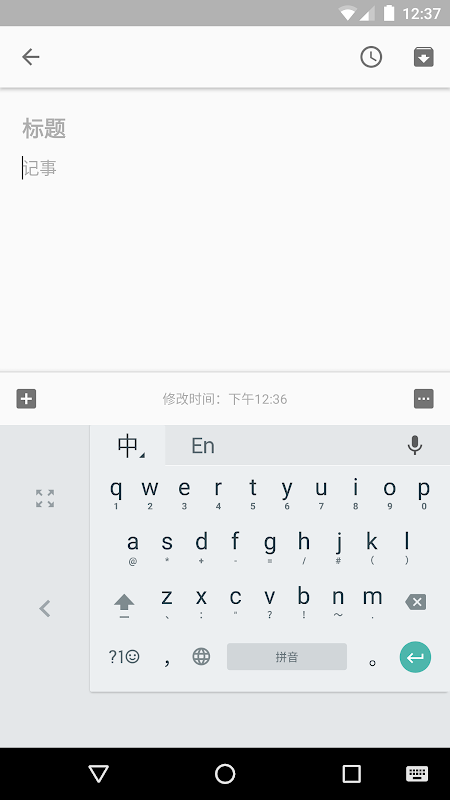
If you type Chinese with Pinyin, you can use a QWERTY layout or a 9-key layout, both with gesture typing. The app also includes fuzzy pinyin and double pinyin for people who use those input styles. If typing is not convenient, you can switch to handwriting or the stroke keyboard.
Extra tools for everyday use
Google Pinyin Input also supports voice input, themes, and an interface adjusted for different screen sizes. It handles simplified and traditional Chinese characters, plus punctuation, emoticons, Latin characters, and digits, which makes it easier to move between Chinese and mixed-language text.
- You get: multiple Chinese input methods, voice input, and support for simplified and traditional characters.
- You get: a free app with no ads and no in-app purchases.
- Watch for: voice input is network-based, so it relies on an internet connection.
- Watch for: you need to enable the input method in Android Settings under Language & Input.
What to know before installing
This APK is free, contains no ads, and has no in-app purchases. It is a 27.7 MB APK for Android 4.1 and up (API 17). The app itself does not list permissions, so there is nothing specific to review there before installing.
Limits and trade-offs
The app is focused on Chinese input, so it is not a general-purpose keyboard replacement for every language need. Its voice input depends on the network, and setup requires enabling the input method in system settings before you can use it.
For someone who types Chinese regularly on Android, Google Pinyin Input offers several practical input styles in one app. If you want a free Chinese keyboard with handwriting, Pinyin, and voice options, it fits that need well.
What's new
Version 4.5.1.164561151-arm64-v8a · Nov 12, 2026
- Add the quick access menu
- Some keyboard layout changes
APK information
- Version
- 4.5.1.164561151-arm64-v8a
- Package
- com.google.android.inputmethod.pinyin
- Category
- Tools
- Size
- 28 MB
- Min Android
- API 17
- Architecture
- universal
Older versions
-
Google Pinyin Input 4.5.1.164561151-arm64-v8aNov 12, 2026Latest downloadAPK
Google Pinyin Input FAQ
Does Google Pinyin Input drain the battery?expand_more
The app description does not mention battery use, so there is nothing specific to confirm about that.
Why does Google Pinyin Input need these permissions?expand_more
No permissions are listed for this app, so there are no permission requests to explain.
Does Google Pinyin Input show ads?expand_more
No. The app is listed as containing no ads.
Does Google Pinyin Input have in-app purchases?expand_more
No. There are no in-app purchases listed for Google Pinyin Input.
How do I enable Google Pinyin Input on Android?expand_more
You need to enable the input method in Android Settings under Language & Input before you can use it.