
- 4.2star469 reviews
- 500M+Downloads
- 14 MBAPK size
- EveryoneRated for Everyone
- 5.0+Android
check_circleOriginal APK from Google Inc. · Updated Nov 12, 2026
No threats found
0 / — antivirus engines flagged this file
Original signature
First seen — Google Inc.
Unmodified APK
Same file the developer published — no mods
YouTube Go screenshots
6 images · tap to enlarge
About this app
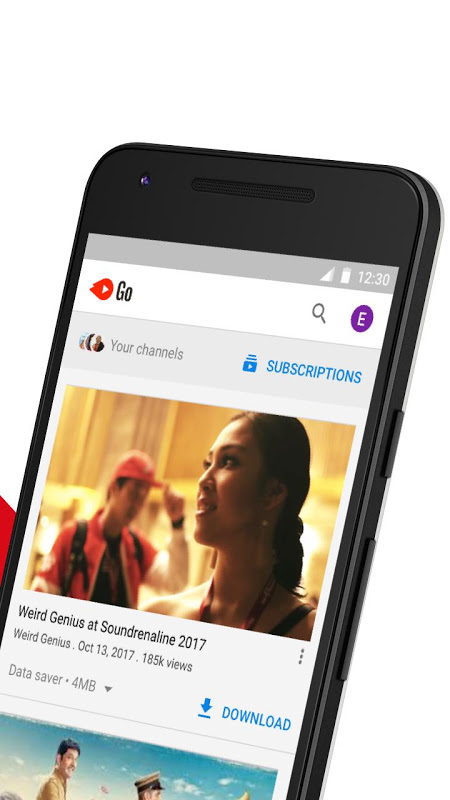
Need a way to watch videos without using too much data? YouTube Go is built for that. It lets you preview clips first, choose whether to download or watch, and save videos to your phone or SD card so you can play them later, even when your connection is slow or unavailable.
- Preview first — Check a video before you decide whether to download it or watch it right away.
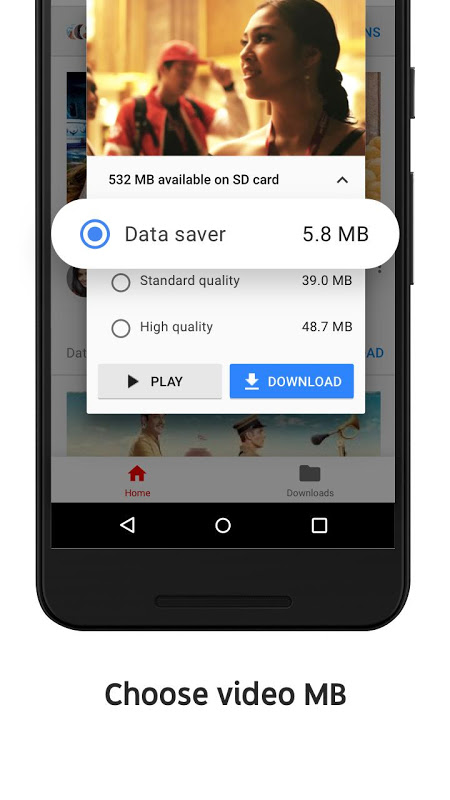
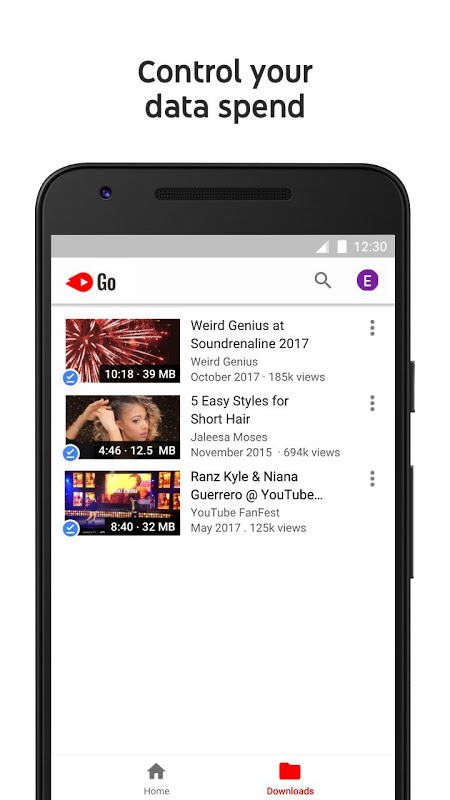
- Control data use — Choose how many MBs you want to use on videos before you start.
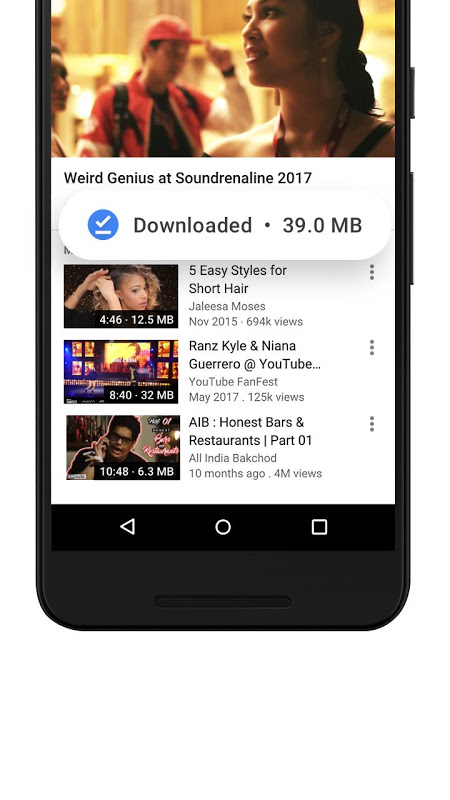
- Offline playback — Downloaded videos can be watched later without buffering or extra data use.
- Save to storage — Store videos on your phone or SD card for later viewing.
- Works on slow links — The app is made for slow speeds, limited storage, and weak or no internet.
What to expect on first launch
YouTube Go opens with a simple approach to watching videos when data is limited. You can preview a video before you commit, then choose whether to download it or watch it right away. That makes the app useful if you want more control over how much data each video uses.
Set your video choice before you watch
The first thing to try is the preview. After that, pick the option that suits your connection: watch now, download to your phone, or save to an SD card. Downloaded videos can be played again later with no extra data cost, which is helpful for repeat viewing.
What you get:
- Preview before downloading or watching
- Offline playback for saved videos
- Phone or SD card storage
- Data control in MBs
What to watch for:
- You need to download videos first if you want offline viewing
- The app is designed for slower connections rather than full desktop-style controls
Practical tips for everyday use
If your internet drops often, download videos ahead of time so they are ready when you need them. If storage is tight, save only the videos you plan to watch again. The app is also made to avoid phone hanging on slower devices, so it can be a better fit than a regular streaming experience when your connection is unreliable.
Requirements, size, and permissions
YouTube Go is free, does not include ads, and does not offer in-app purchases. It is a Video Players & Editors app from Google Inc. The APK file is 14.2 MB, and it needs Android 5.0 or later. No permissions are listed for this version, so there is nothing specific to review there before installing.
What's new
Version 3.25.54 · Nov 12, 2026
- Introducing the new YouTube Go app – try it now!
APK information
- Version
- 3.25.54
- Package
- com.google.android.apps.youtube.mango
- Category
- Video Players & Editors
- Size
- 14 MB
- Min Android
- 5.0
- Architecture
- universal
Older versions
-
YouTube Go 3.25.54Nov 12, 2026Latest downloadAPK
YouTube Go FAQ
Can YouTube Go play offline?expand_more
Yes. Videos you download can be watched later without buffering, even when you have slow or no internet connection.
Does YouTube Go need a subscription?expand_more
No. The app is free, with no in-app purchases listed.
Who develops YouTube Go?expand_more
YouTube Go is developed by Google Inc.
What changed in the latest YouTube Go version?expand_more
The latest change note says: "Introducing the new YouTube Go app – try it now!"
Can I save videos to an SD card?expand_more
Yes. YouTube Go lets you download videos to your phone or SD card.