- 4.3star9,024,071 reviews
- 1B+Downloads
- 57 MBAPK size
- EveryoneRated for Everyone
- 8.0+Android
check_circleOriginal APK from Google LLC · Updated Nov 11, 2026
No threats found
0 / — antivirus engines flagged this file
Original signature
First seen — Google LLC
Unmodified APK
Same file the developer published — no mods
Google Translate screenshots
8 images · tap to enlarge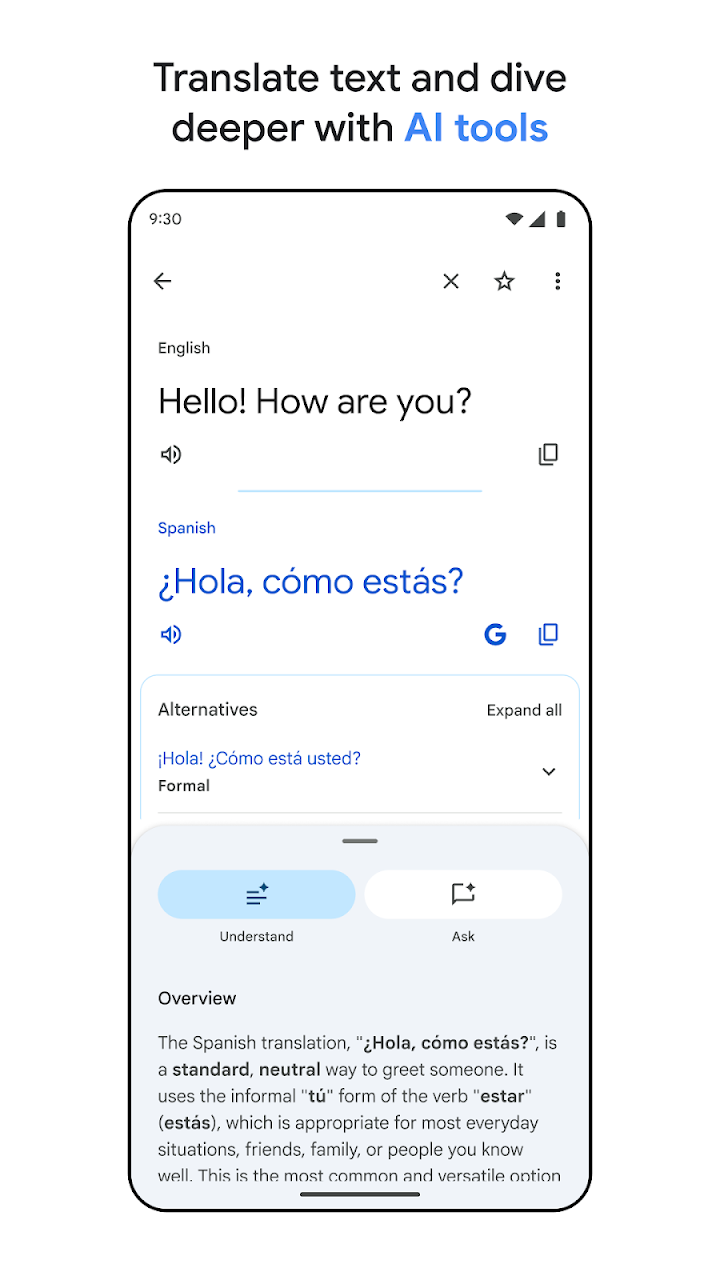
About this app
Google Translate helps you handle translation in the moments that come up most: typing a phrase, pointing your camera at text, or talking back and forth with someone in another language. It supports 108 languages for text, works offline in 59, and includes tools like phrasebook syncing and live transcription for everyday use.
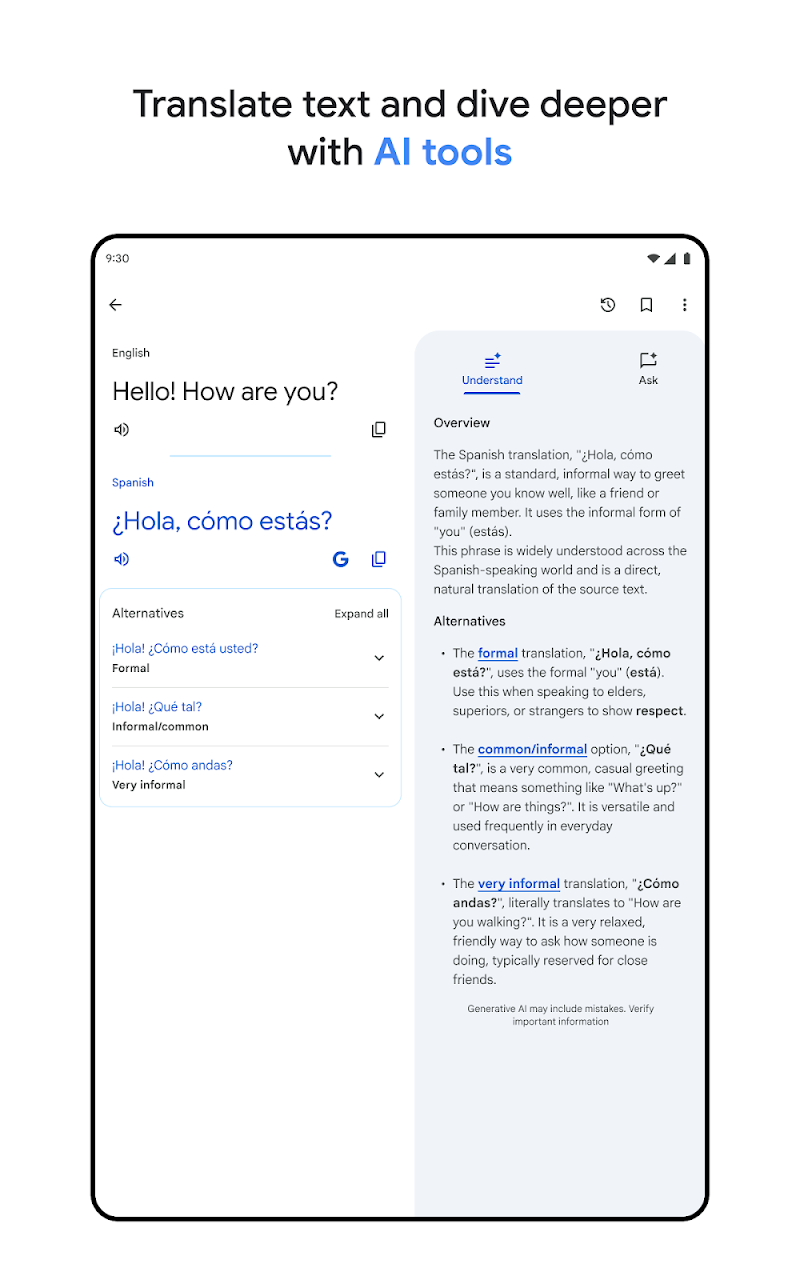
- Text in 108 languages — Type a phrase and translate between 108 languages from a simple text screen.
- Tap to Translate — Copy text in another app and bring up the Google Translate icon to translate it without switching apps.
- Offline translation — Download languages and keep translating without internet in 59 languages.
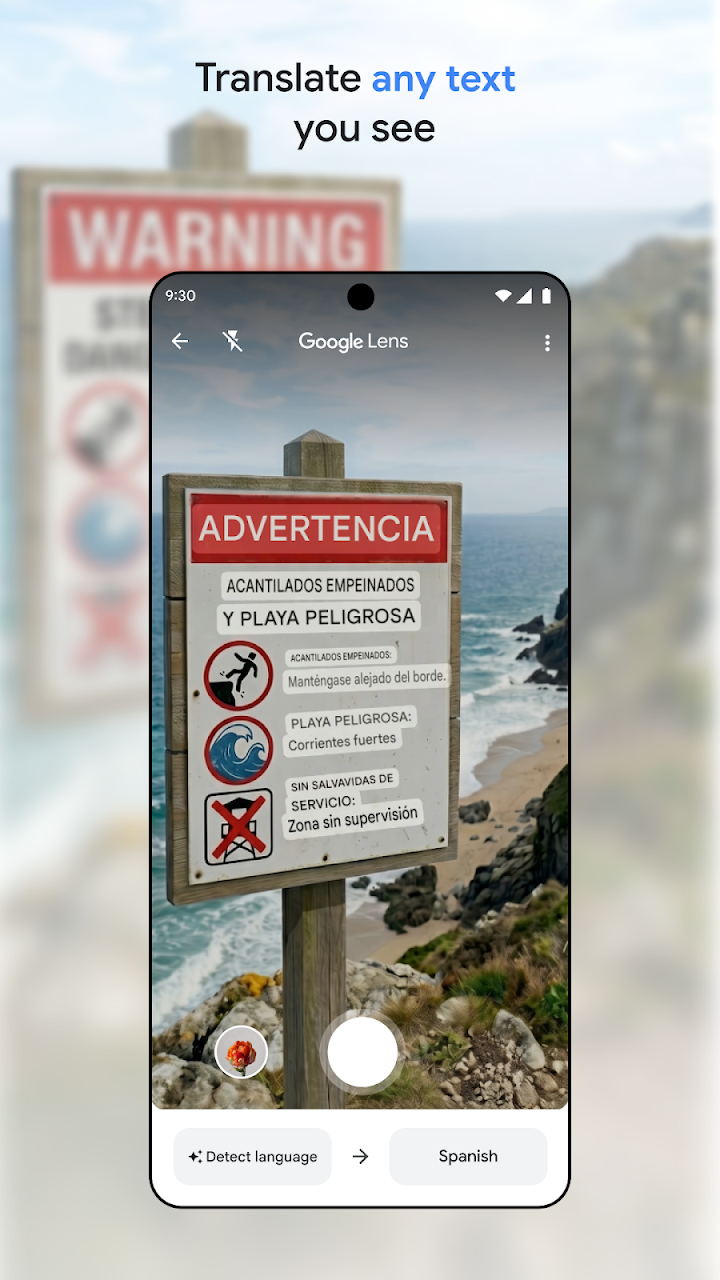
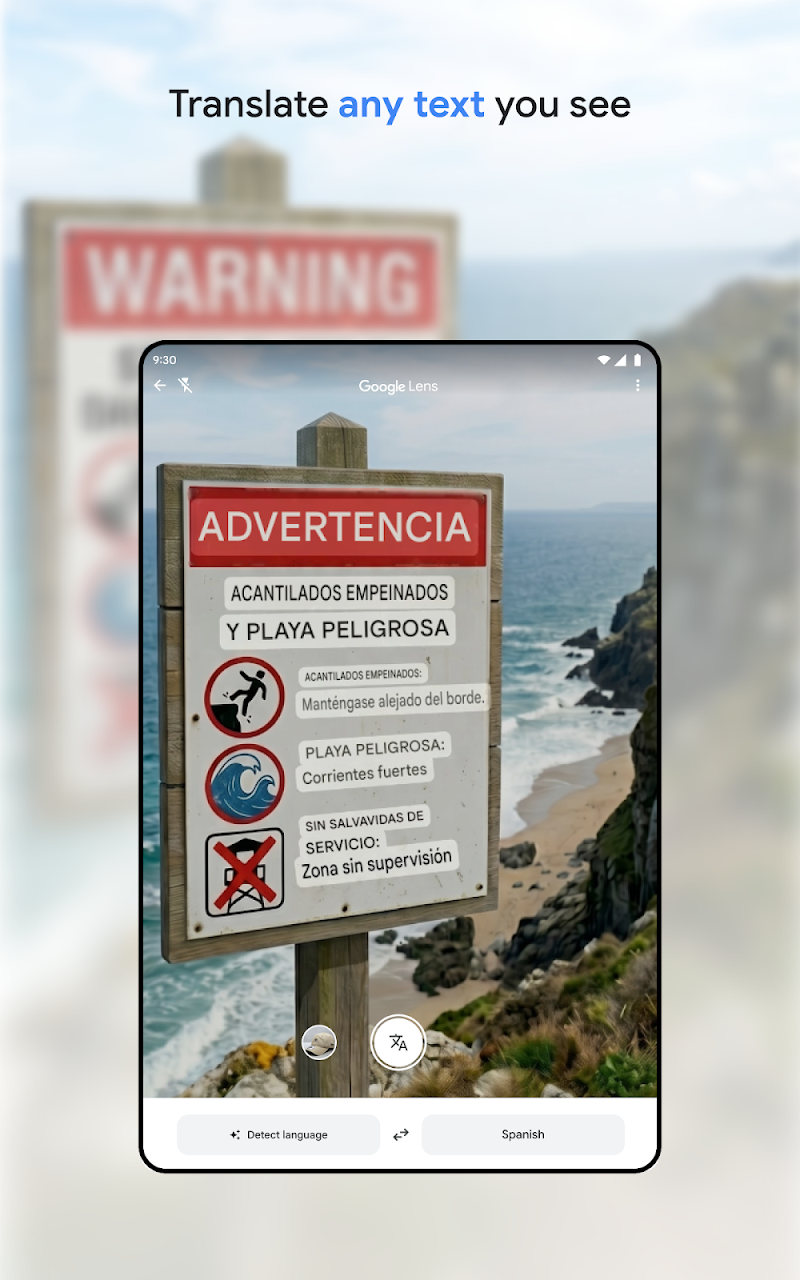
- Camera and photos — Point your camera at text for instant translation, or import photos for higher-quality results.
- Conversation mode — Use bilingual conversation translation on the fly in 70 languages.
- Phrasebook syncing — Star saved words and phrases and sync them between the app and desktop when you log in.
Typing a phrase in 108 languages
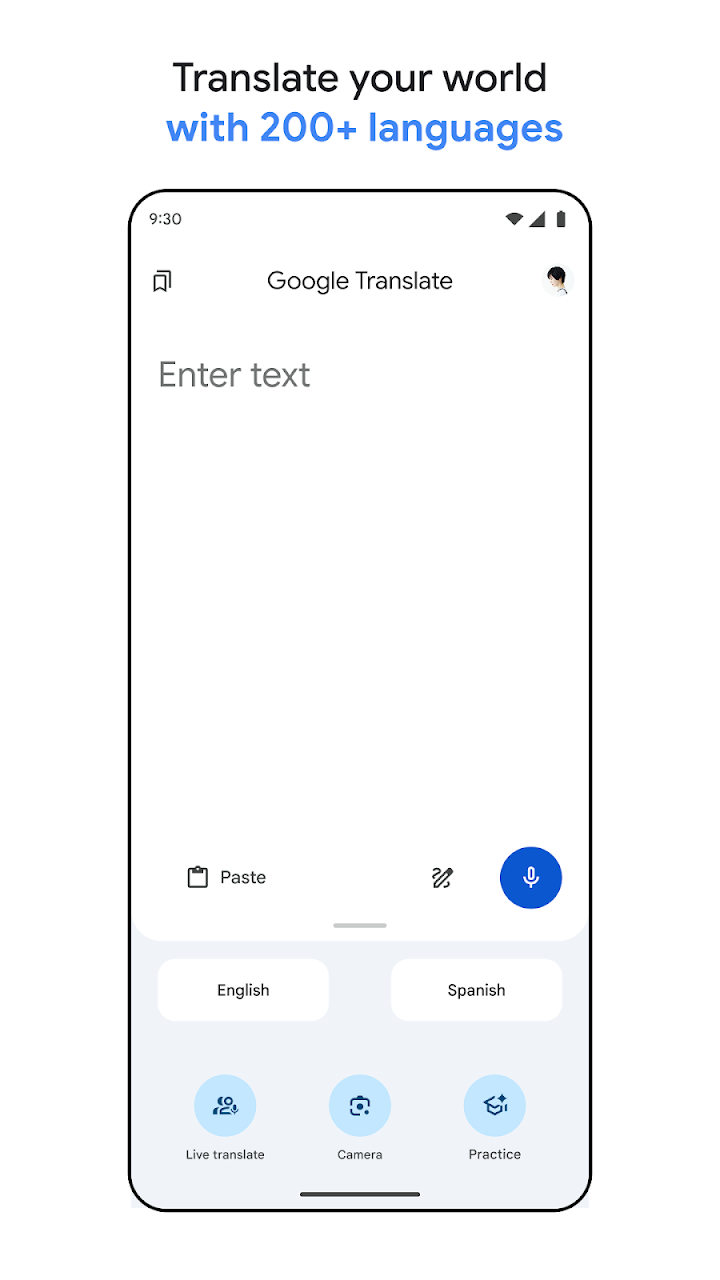
The simplest use is still the one most people reach for first: type a word, line, or full sentence and get a translation between 108 languages. That makes it useful for quick checks in messages, emails, or labels when you do not need anything beyond a clean text result.
It is also easy to revisit saved terms later through the phrasebook, so common translations do not have to be retyped every time.
Tap to Translate inside other apps
When you are reading text in another app, Tap to Translate lets you copy it and then tap the Google Translate icon to see the result. That reduces app switching, which matters when you are moving between chat apps, browsers, and notes throughout the day.
This feature works across all languages supported by the app, so it is the most direct way to translate something already on your screen.
Camera, photos, and handwriting
If the text is not easy to type, the camera tools are the next step. Instant camera translation handles text in images by pointing your camera at it, while Photos lets you take or import a picture for higher quality translation. Handwriting support is there when you want to draw characters instead of typing them.
Those options cover signs, printed pages, and handwritten notes without forcing you to re-enter the text yourself.
Conversation and transcribe modes
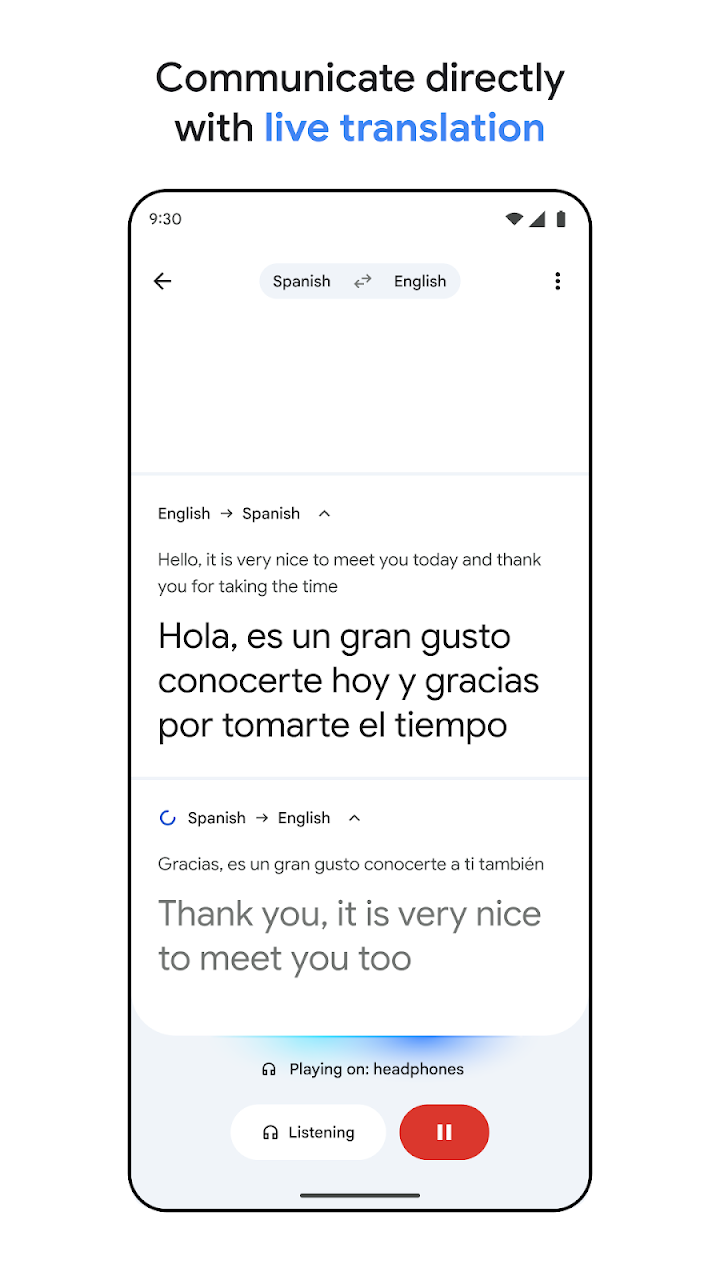
For spoken language, Google Translate offers bilingual conversation translation in 70 languages and a Transcribe mode that continuously translates speech in near real time in 8 languages. In practice, that means you can follow a back-and-forth exchange or keep up with someone speaking another language while the app keeps updating.
Before installing: it needs Android 8.0 or later, comes as a 57.0 MB APK, and is free. It does not contain ads or in-app purchases.
- Optional permissions may include microphone, camera, external storage, and contacts.
- The app can still be used if you do not grant those permissions.
What's new
Version 10.43.74.1015708864.6-release · Nov 11, 2026
- Bug fixes and improvements
APK information
- Version
- 10.43.74.1015708864.6-release
- Package
- com.google.android.apps.translate
- Category
- Tools
- Size
- 57 MB
- Min Android
- 8.0
- Architecture
- universal
Older versions
-
Google Translate 10.43.74.1015708864.6-releaseNov 11, 2026Latest downloadAPK
Google Translate FAQ
Does Google Translate drain the battery?expand_more
The app listing does not mention battery use, so there is no specific claim here. Its camera, microphone, and offline tools may be used only when you need them.
Why does Google Translate need these permissions?expand_more
Microphone is for speech translation, camera is for translating text with the camera, external storage is for downloading offline language data, and contacts are for account setup and management. The app can still be used without granting optional permissions.
Who develops Google Translate?expand_more
Google Translate is developed by Google LLC.
Can I install Google Translate without Google Play?expand_more
The app is available as an APK file. It requires Android 8.0 or later.
How many languages does Google Translate support?expand_more
It supports text translation in 108 languages, offline translation in 59, camera translation in 94, photo translation in 90, conversation translation in 70, handwriting in 96, and Transcribe in 8.