
- 4.2star1,706,106 reviews
- 1B+Downloads
- 9 MBAPK size
- EveryoneRated for Everyone
- API 19+Android
check_circleOriginal APK from Google LLC · Updated Nov 12, 2026
No threats found
0 / — antivirus engines flagged this file
Original signature
First seen — Google LLC
Unmodified APK
Same file the developer published — no mods
Google’s Find Hub screenshots
8 images · tap to enlarge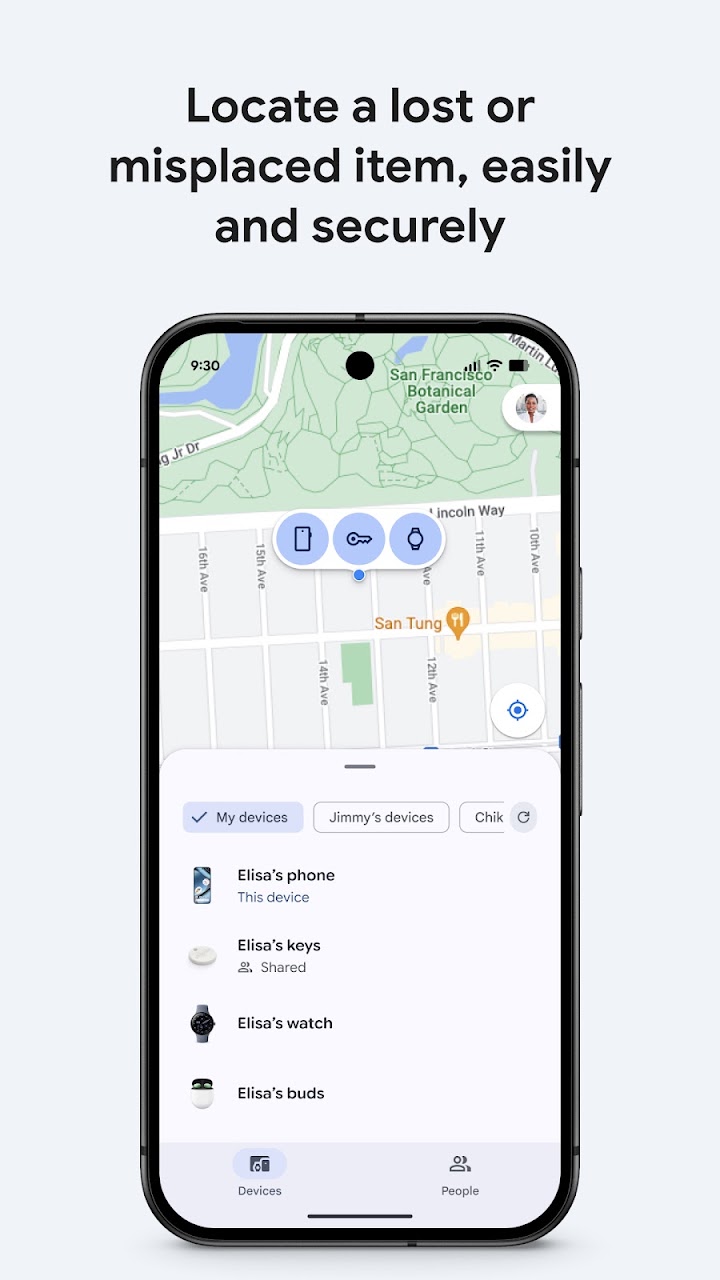
About this app
Need a way to track a lost device or share where you are? Google’s Find Hub shows your phone, tablet, headphones, and other accessories on a map, even when they’re offline. It also lets you play a sound, secure or erase a missing device, and share live location with people you trust.
- Map for devices — See your phone, tablet, headphones, and other accessories on a map, including offline devices.
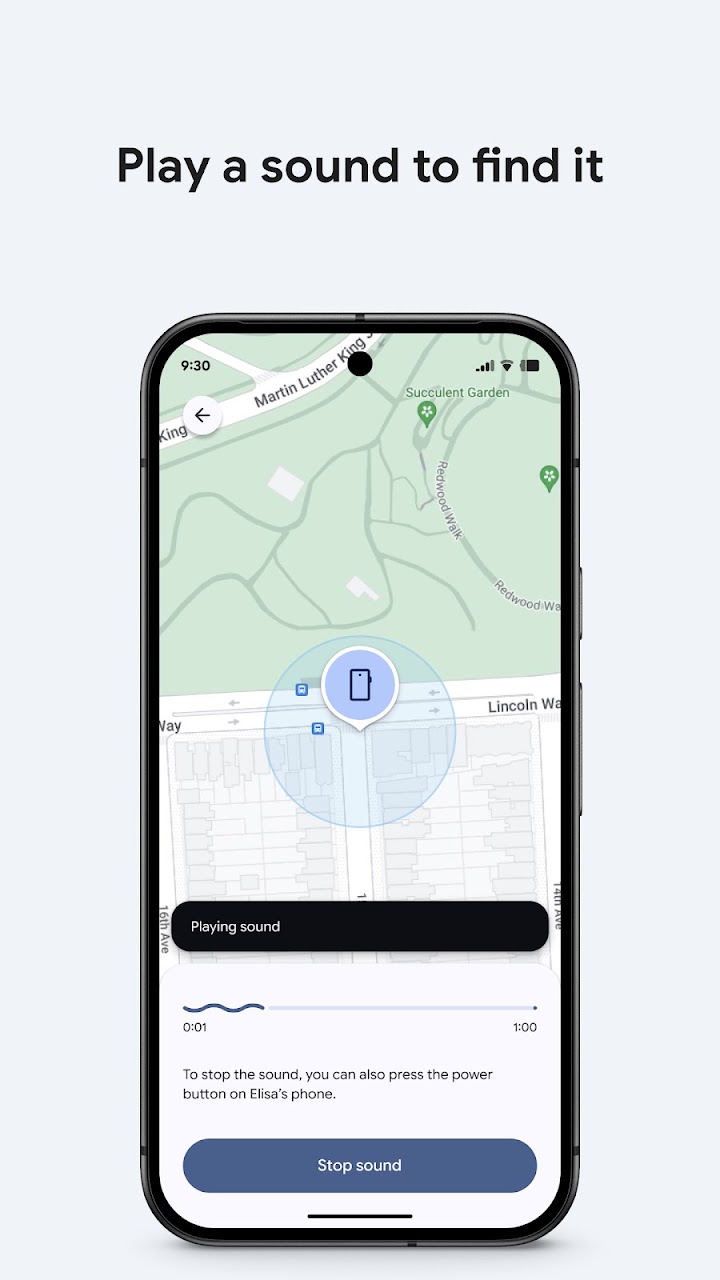
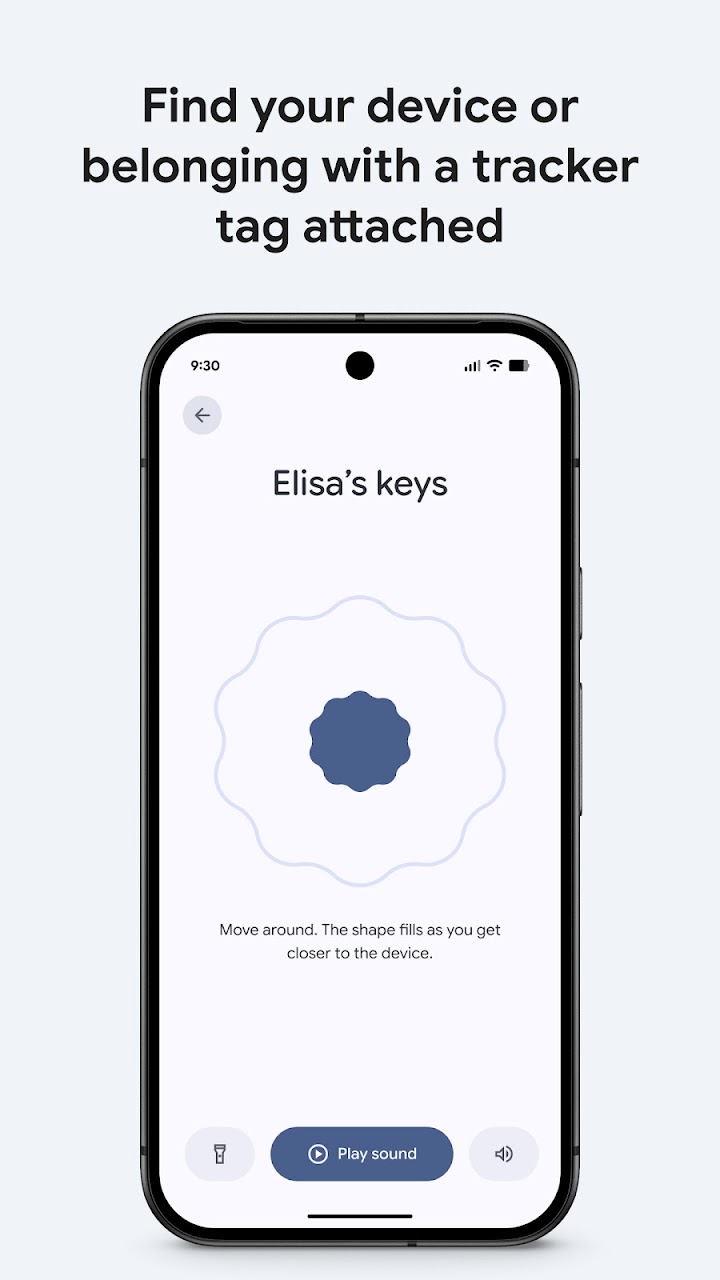
- Sound to locate — Play a sound on a nearby lost device to help find it faster.
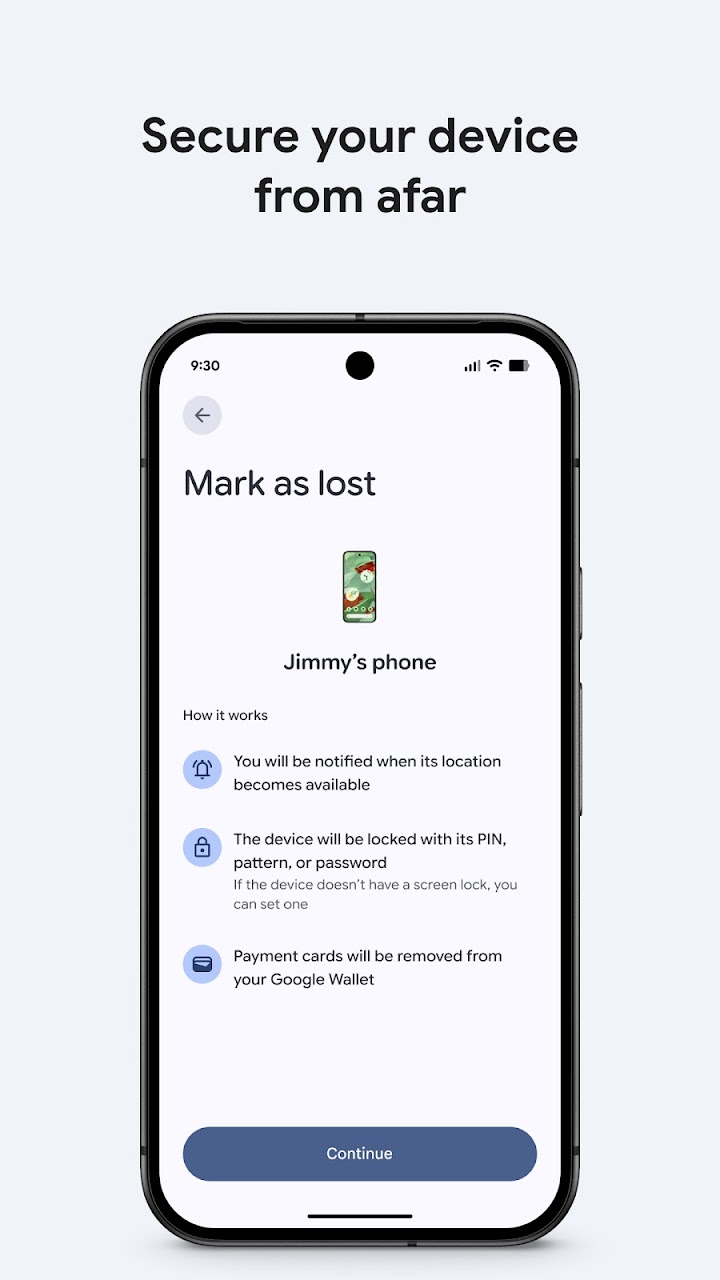
- Remote protection — Secure a missing device remotely, or erase it if needed.
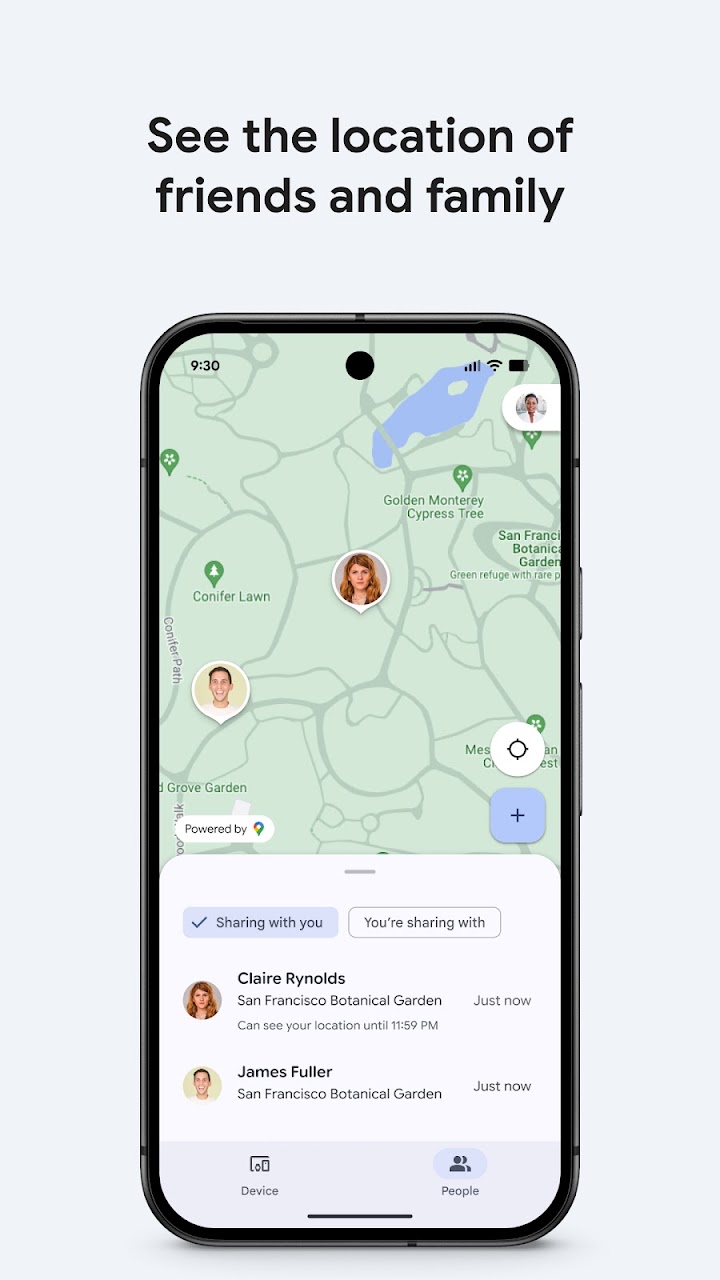
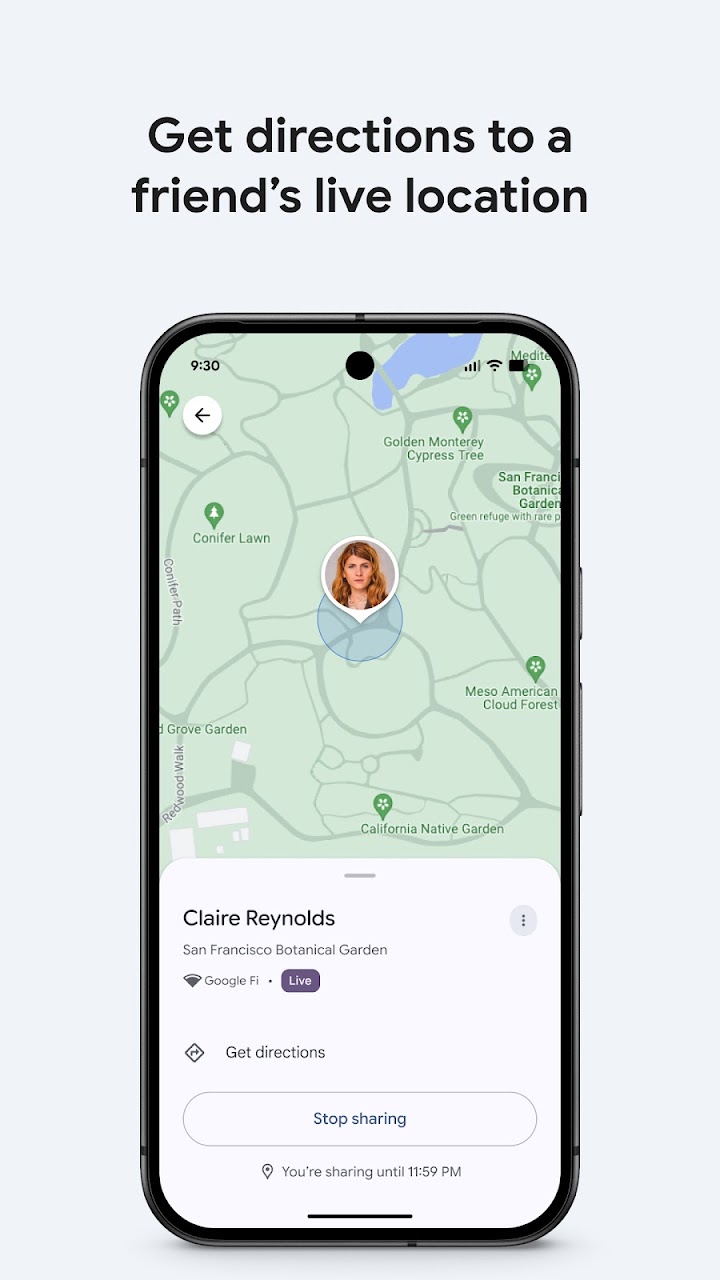
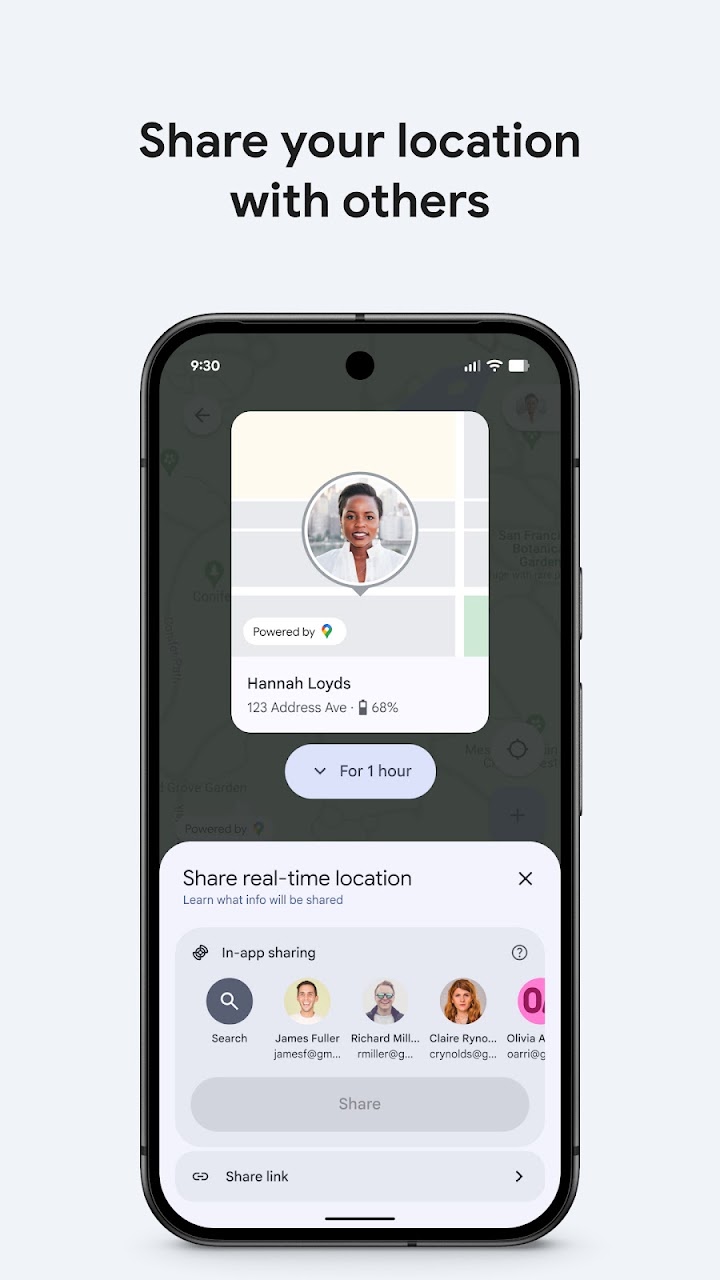
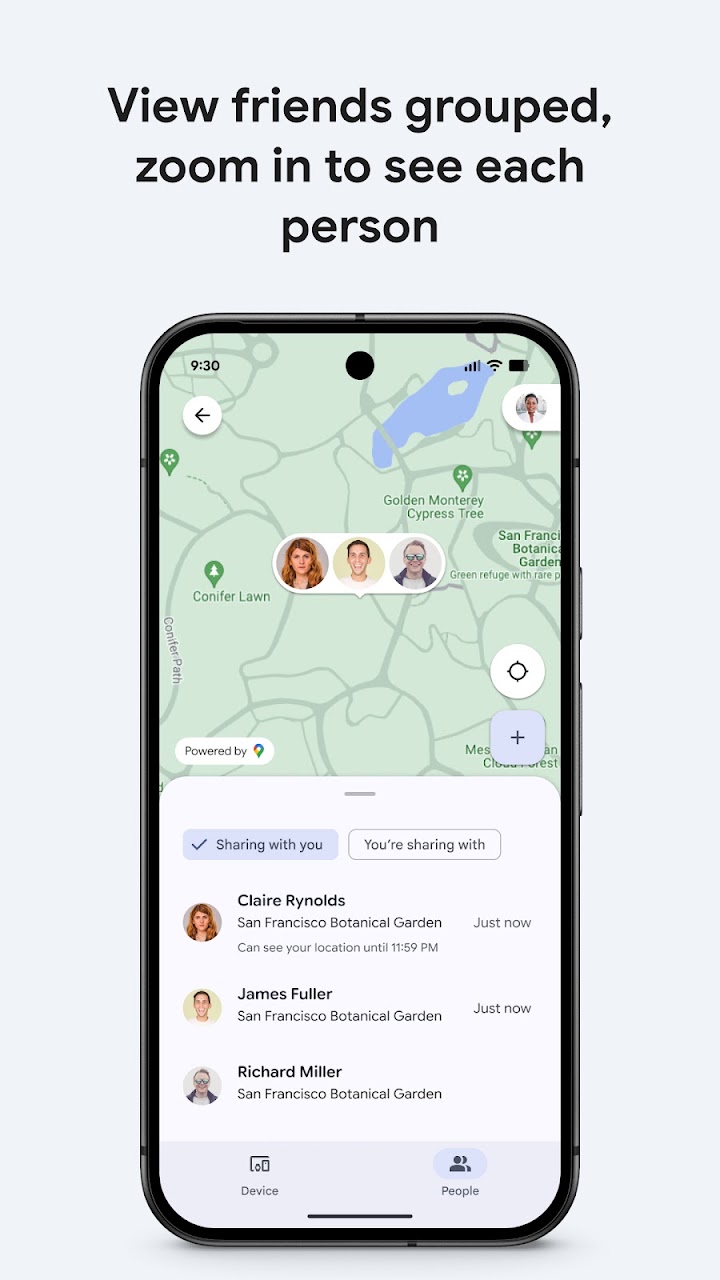
- Live location sharing — Share your live location to arrange meetups or check that family got home safe.
- Wear OS support — Find your devices and items from Mobile and supported Wear OS devices.
- Encrypted network — Location data in the Find Hub network is encrypted and not visible even to Google.
Current release details
This release is version 899.9999.999, with no changelog notes or added permissions listed. It keeps the same core job: helping you find devices and items, and share live location when you need to coordinate with other people.
Finding devices and items
Google’s Find Hub focuses on the everyday problem of misplaced gear. It can show your phone, tablet, headphones, and other accessories on a map, including devices that are offline. If something is close by, you can trigger a sound to help narrow it down. If it is gone for good, the app also gives you options to secure the device remotely or erase it, and you can add a custom message for the lock screen.
The app works on Mobile and supported Wear OS devices. It is free, contains no ads, and does not include in-app purchases.
Location sharing with trusted people
Beyond device tracking, Find Hub also handles live location sharing. That makes it useful for meetups, family check-ins, or simple coordination when someone is on the way home. The app is built around Google’s encrypted Find Hub network, and that location data is not visible even to Google.
- Gets you: map-based device and item finding, sound alerts, remote secure/erase, and live location sharing.
- Watch for: no ads, no in-app purchases, and location sharing that relies on the Find Hub network.
APK, size, and compatibility
The APK is universal and about 9.4 MB. It requires Android 19 or later. If you install it as an APK, use the current version number when checking for updates: 899.9999.999.
Compared with typical find-my-device tools, this one combines device tracking and person-to-person location sharing in the same app. It also stands out for its offline device mapping and support for Wear OS, while keeping the package small.
APK information
- Version
- 899.9999.999
- Package
- com.google.android.apps.adm
- Category
- Tools
- Size
- 9 MB
- Min Android
- API 19
- Architecture
- universal
Older versions
-
Google’s Find Hub 899.9999.999Nov 12, 2026Latest downloadAPK
Google’s Find Hub FAQ
Does Google’s Find Hub need root?expand_more
No root requirement is listed for Google’s Find Hub.
Why does Google’s Find Hub need these permissions?expand_more
No permissions are listed, so there are no permission details to explain from the app listing.
How do I update Google’s Find Hub from an APK?expand_more
Install the newer APK version over the existing app. The current version shown is 899.9999.999.
How do I install the Google’s Find Hub APK file?expand_more
Download the APK, then open it on a device running Android 19 or later and follow the install prompts. The file is universal and about 9.4 MB.
Can Google’s Find Hub find offline devices?expand_more
Yes. It can show your phone, tablet, headphones, and other accessories on a map even if they are offline.