- 3.8star397,971 reviews
- 100M+Downloads
- 6 MBAPK size
- EveryoneRated for Everyone
- API 19+Android
check_circleOriginal APK from GPS Map Camera · Updated Nov 12, 2026
No threats found
0 / — antivirus engines flagged this file
Original signature
First seen — GPS Map Camera
Unmodified APK
Same file the developer published — no mods
GPS Map Camera - Job Timestamp screenshots
8 images · tap to enlarge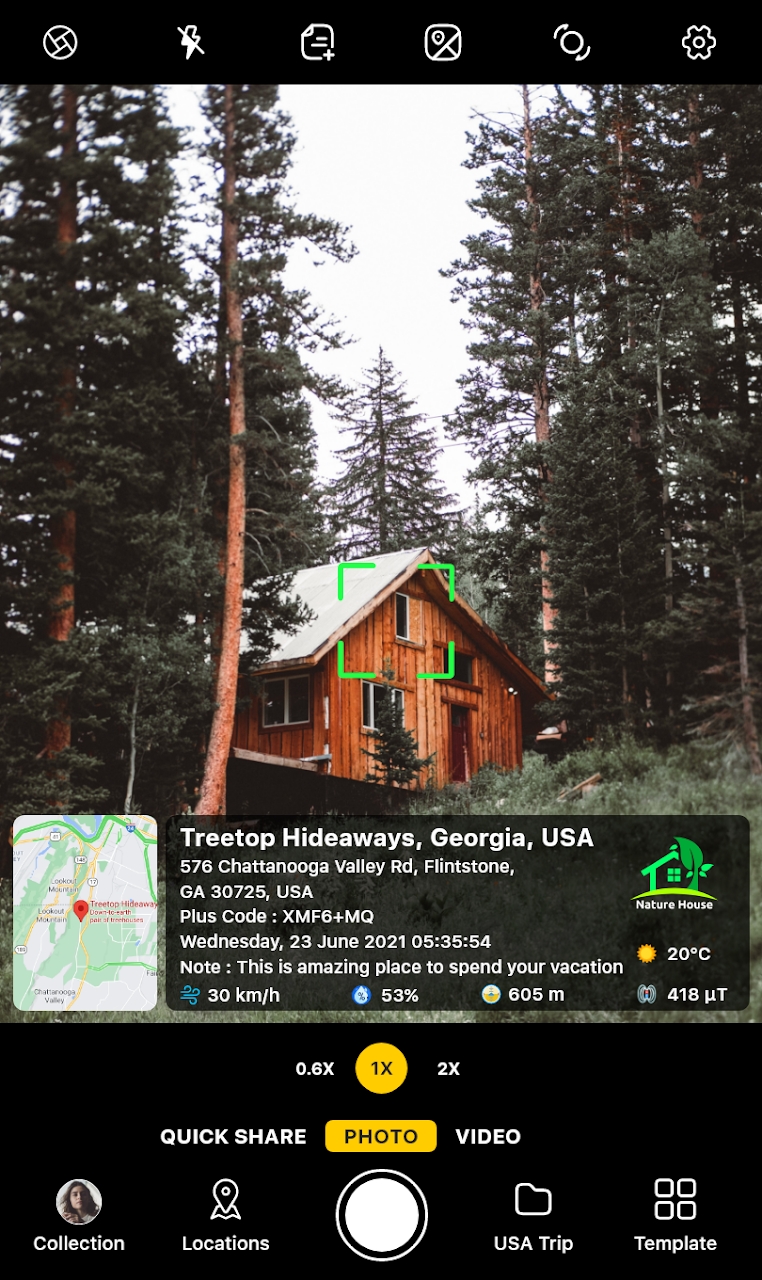
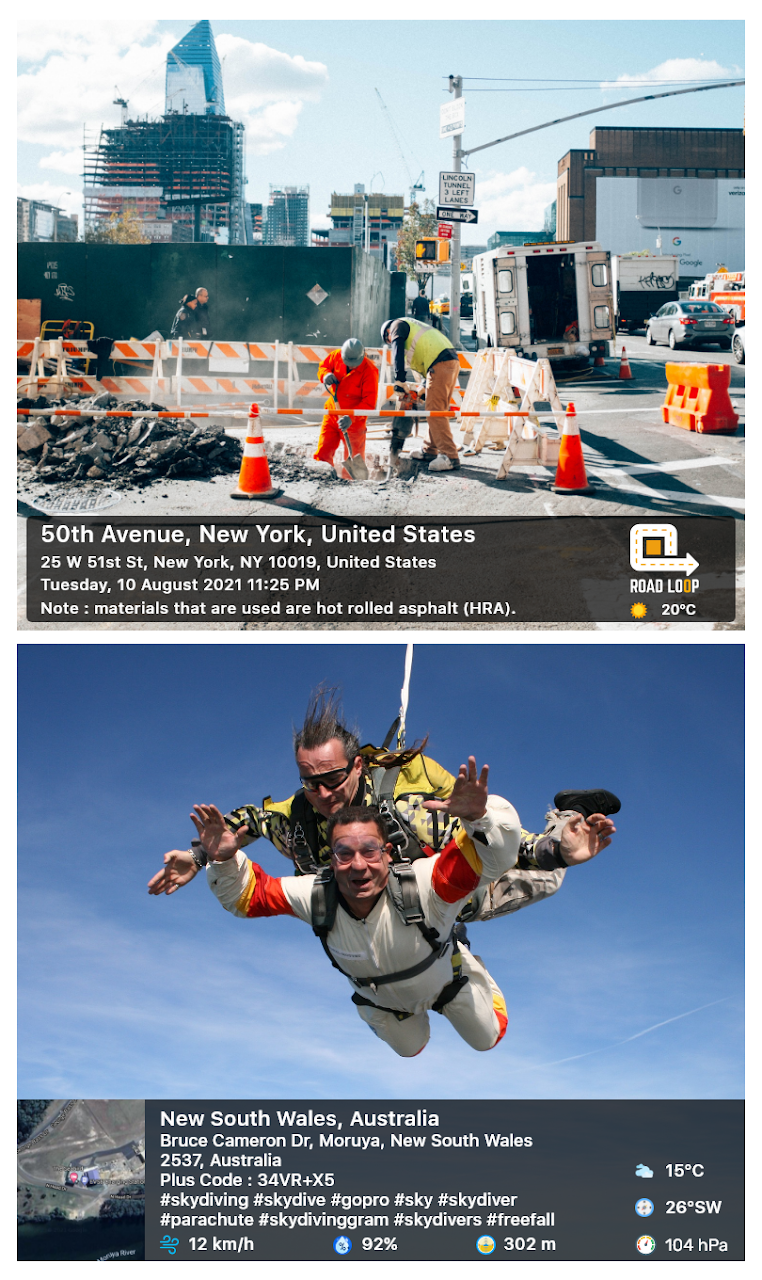

About this app
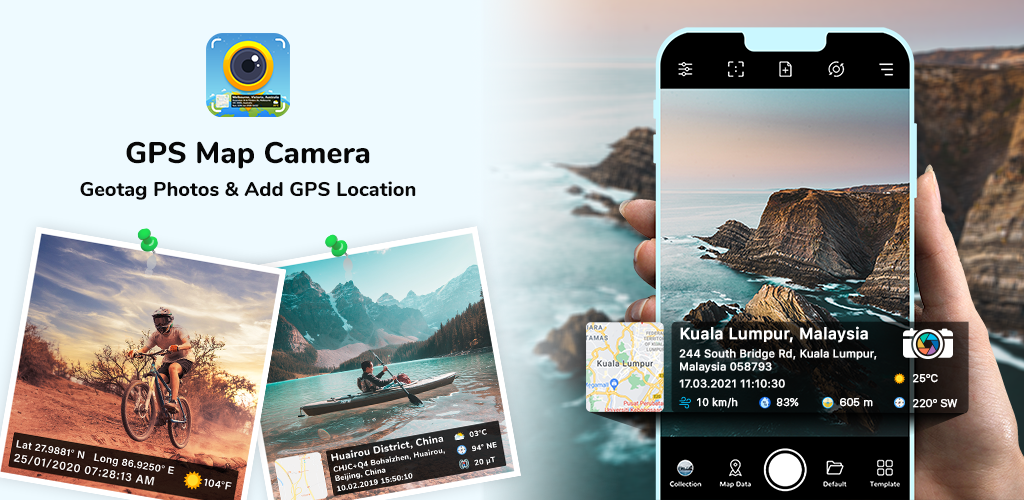
With 100M+ installs and a 3.8 rating, GPS Map Camera - Job Timestamp turns a quick phone photo into dated, geotagged proof. It stamps the date, time, address, map, and optional job details onto each shot, then can send the result to Google Drive, OneDrive, email, or PDF report output.
- Network time stamp — The app uses network time so the date and time stamp is not tied to your phone clock.
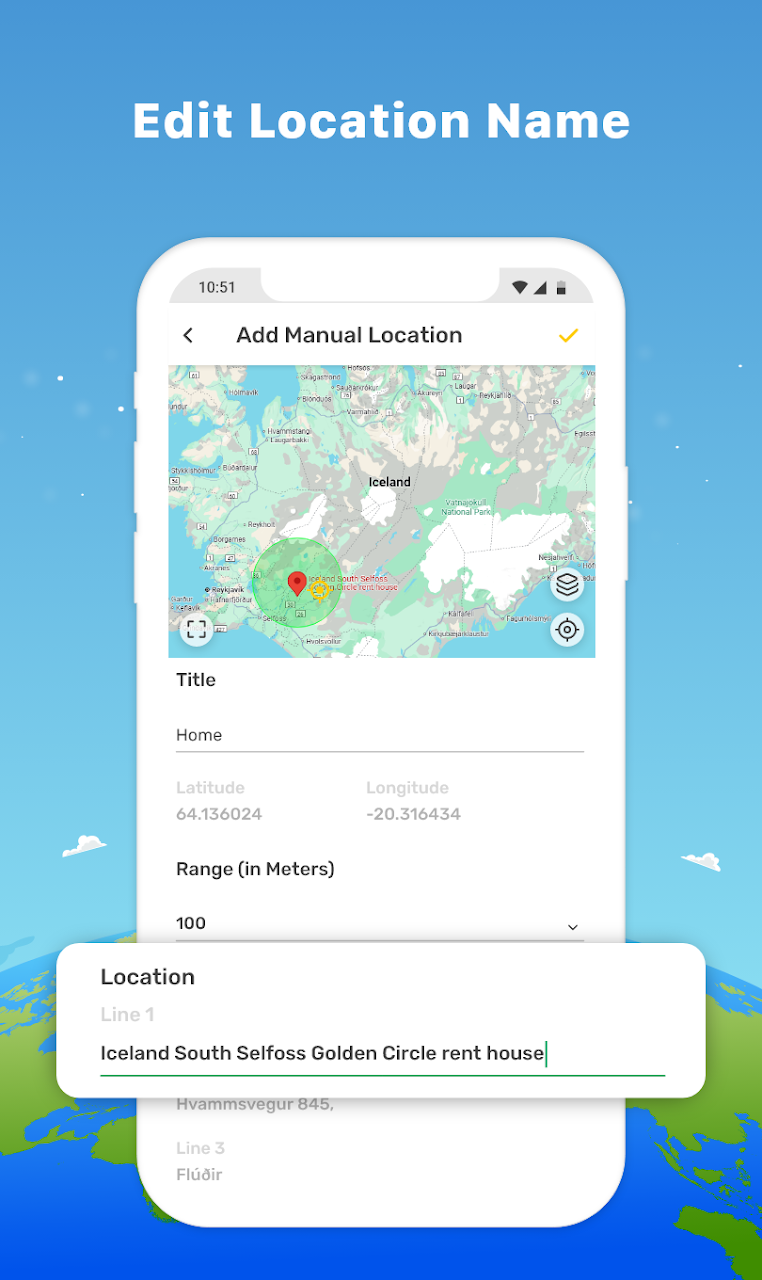
- Geotagged job names — Save named locations like a site or address so photos can carry a custom place label.
- Auto-sharing options — Photos can auto-save to Google Drive or OneDrive, or auto-email as you shoot.
- PDF report mode — Group job photos into a branded PDF with logo, title, and remarks.
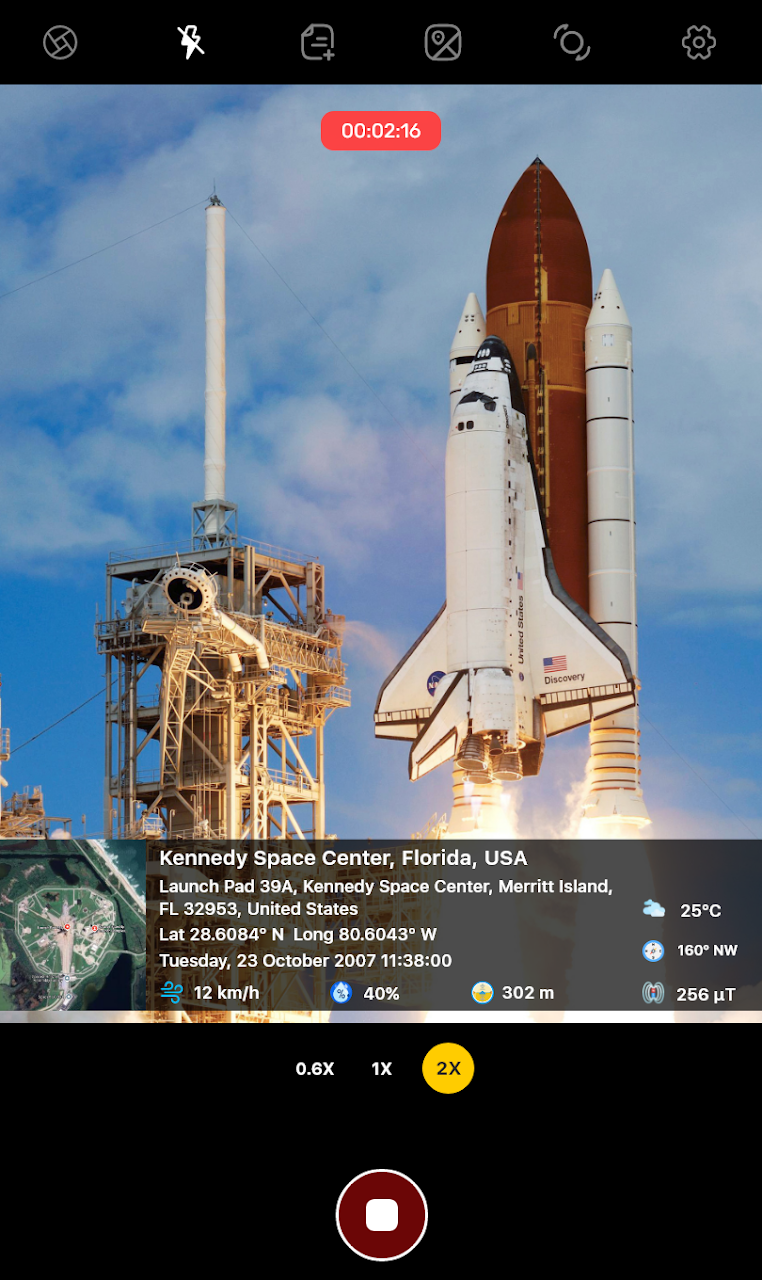
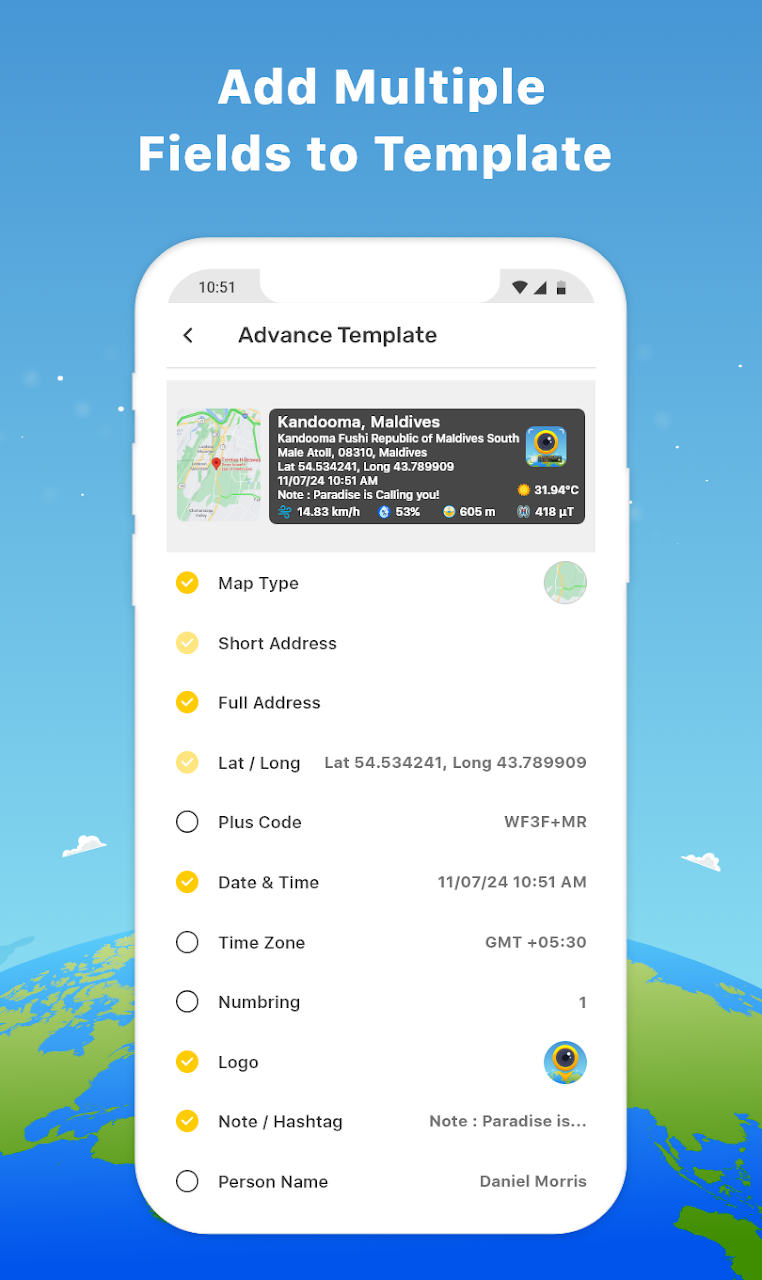
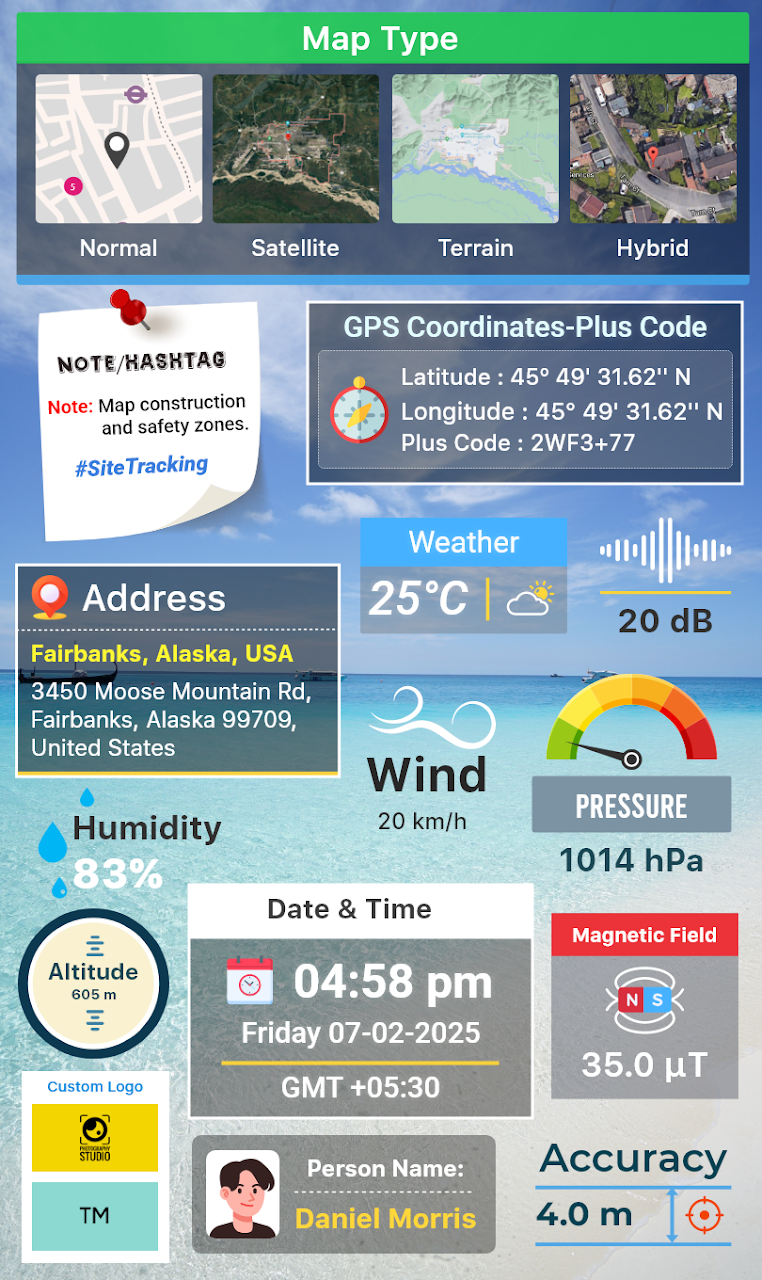
- Weather and compass — Print weather, wind, humidity, heading, altitude, and GPS coordinates with the photo.
- Free with ads — The app is free to use, with ads and in-app purchases, and premium removes ads and the watermark.
First shot to stamped proof
On a job site, at a rental turnover, or after storm damage, this camera app makes the photo carry its own record. It prints date, time, address, a live map, and other job details directly onto the image, so the picture can stand alone when it is texted, emailed, or printed. The app is free, includes ads, and offers in-app purchases; it installs as a 6.4 MB APK and supports Android 19 and up.
What gets printed on the photo
The stamp can include a large date and time, GPS coordinates, compass heading, altitude, weather, wind, and humidity. You can also save a logo, company name, project name, and phone number once, then reuse them on every photo. Named locations help turn a generic pin into a specific site label.
- Gets: timestamped photos, geotags, map view, weather, PDF reports, cloud auto-save.
- Watch for: ads in the free version and a watermark unless you upgrade.
Sharing without extra steps
After each shot, the share screen opens right away, which makes it easy to send proof before you leave the location. You can also keep an unstamped original alongside the stamped copy, or send the photo straight to Google Drive, OneDrive, or an email inbox. That works well when you are on a long train ride back to the office and need the record moving before you arrive.
Reports instead of loose files
Reporting mode gathers a day’s photos into a branded PDF with logo, title, and remarks. Saved report details make the next one quicker to set up, and only photos taken inside the app can be added, so the report stays tied to the app’s own timestamped captures. It can also export as an image that opens on any phone.
Capture tools and limits
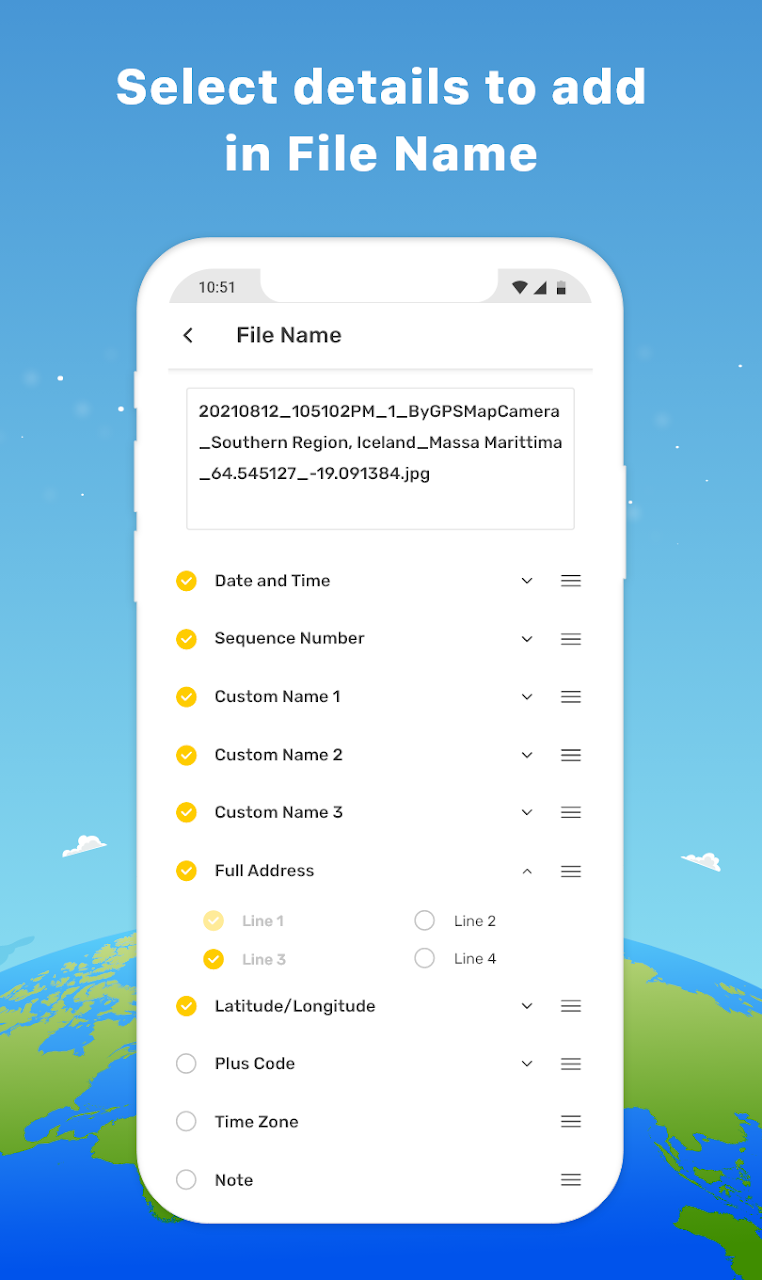
You can shoot with the volume button, which helps when your hands are busy or gloved. The app also numbers photos in a set, so a 40-photo sequence is easier to track. It does not list storage permissions, and there is no account requirement stated. RAW editing is not described. The app’s rating distribution is mixed, with many 5-star ratings but also a noticeable number of 1-star reviews, so it may suit users who want stamped proof more than polished editing.
APK information
- Version
- 90.99.1
- Package
- com.gpsmapcamera.geotagginglocationonphoto
- Category
- Photography
- Size
- 6 MB
- Min Android
- API 19
- Architecture
- universal
Older versions
-
GPS Map Camera - Job Timestamp 90.99.1Nov 12, 2026Latest downloadAPK
GPS Map Camera - Job Timestamp FAQ
Does GPS Map Camera - Job Timestamp work offline?expand_more
It uses network time for the timestamp, and the app description focuses on stamping and sharing features rather than offline use. Offline behavior is not described.
Can GPS Map Camera - Job Timestamp edit RAW photos?expand_more
RAW editing is not listed among its features. The app focuses on capturing and stamping photos, then exporting them as images or PDF reports.
Does GPS Map Camera - Job Timestamp need an account?expand_more
No account is mentioned as required. The app description highlights photo stamping, sharing, and cloud backup options instead.
How do I update GPS Map Camera - Job Timestamp from an APK?expand_more
Install the newer APK version over the existing app on your Android device. This release is version 90.99.1.
Can I make a PDF report from job photos?expand_more
Yes. Reporting mode combines the day’s app-captured photos into a branded PDF with your logo, title, and remarks.