- 4.6star419,066 reviews
- 100M+Downloads
- 6 MBAPK size
- EveryoneRated for Everyone
- API 19+Android
check_circleOriginal APK from HD Camera · Updated Nov 12, 2026
No threats found
0 / — antivirus engines flagged this file
Original signature
First seen — HD Camera
Unmodified APK
Same file the developer published — no mods
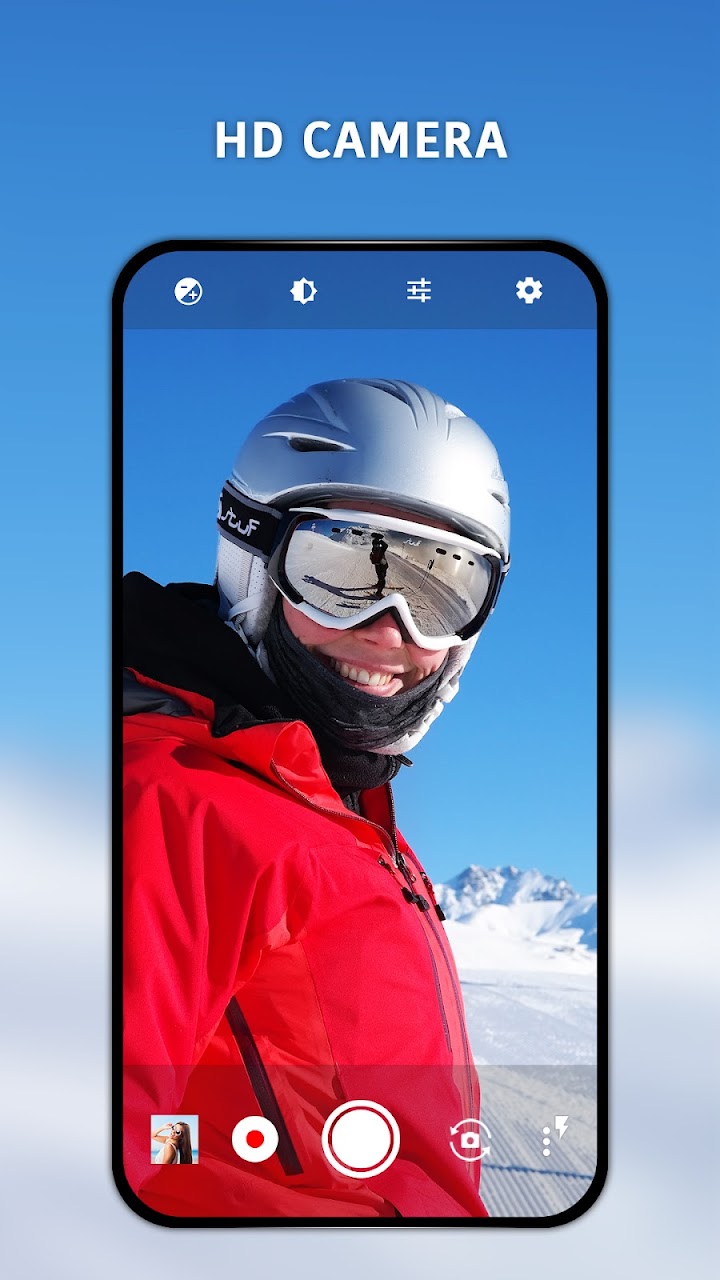
HD Camera screenshots
8 images · tap to enlarge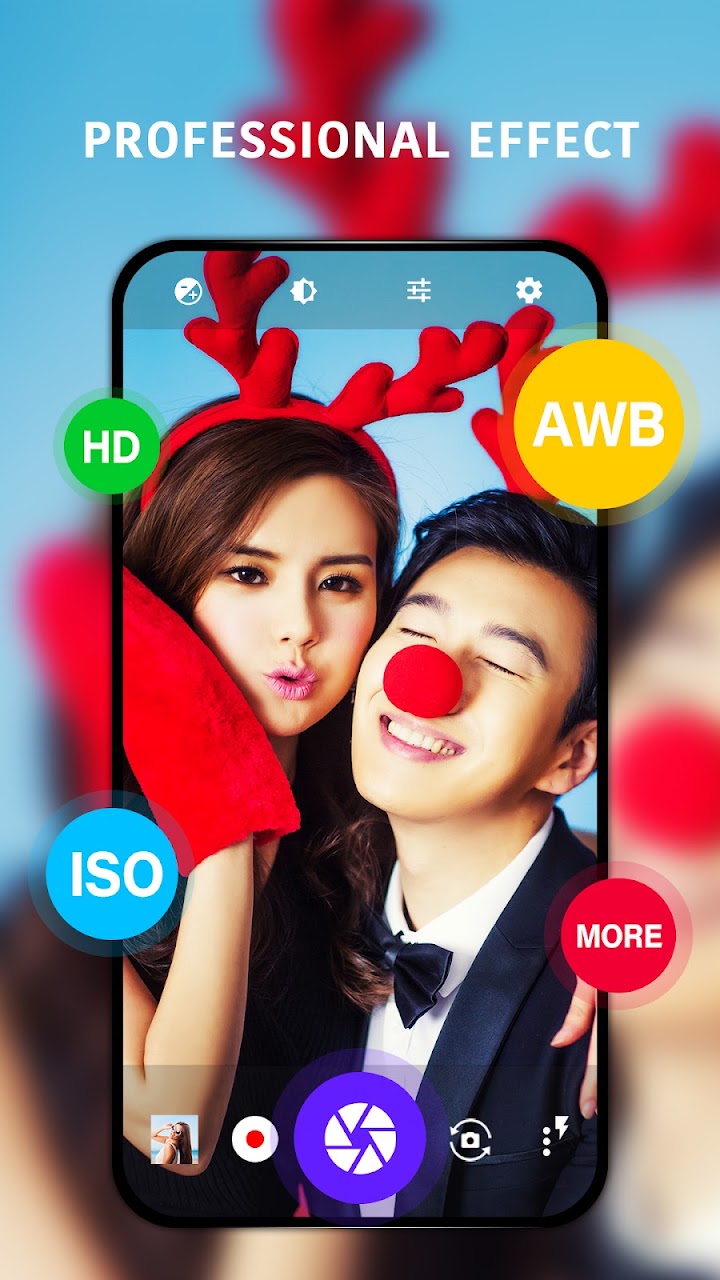
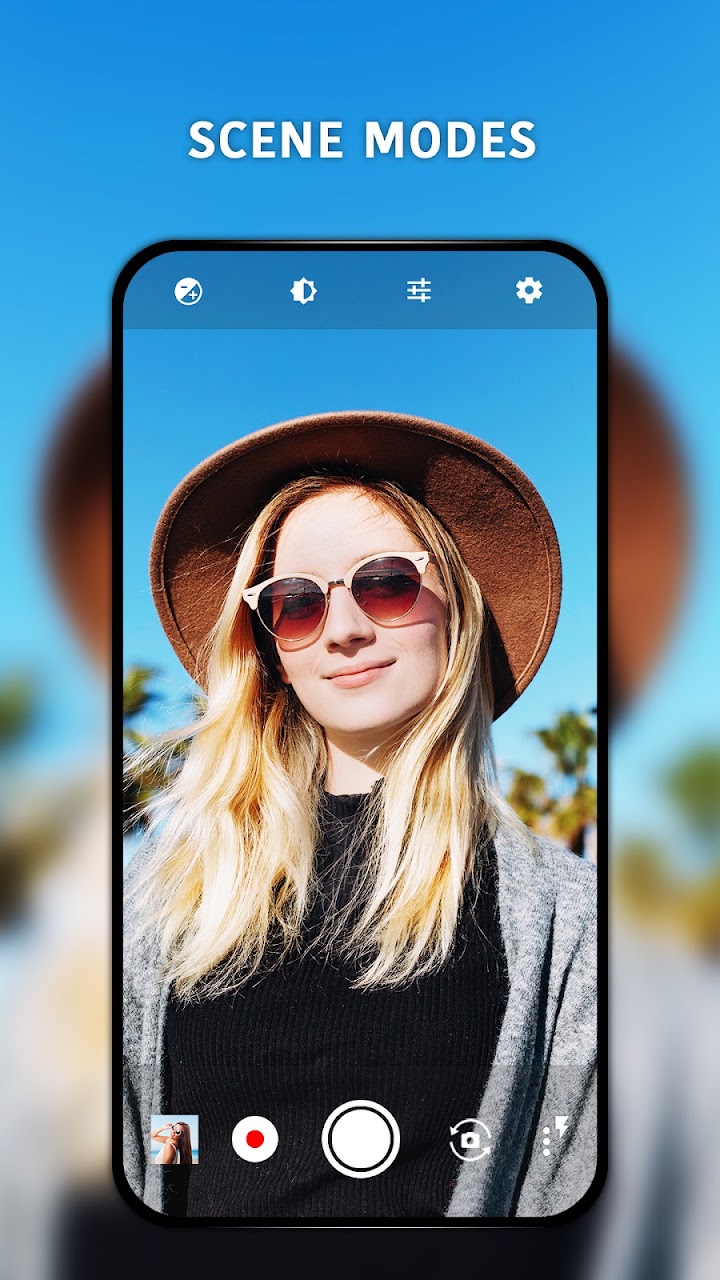
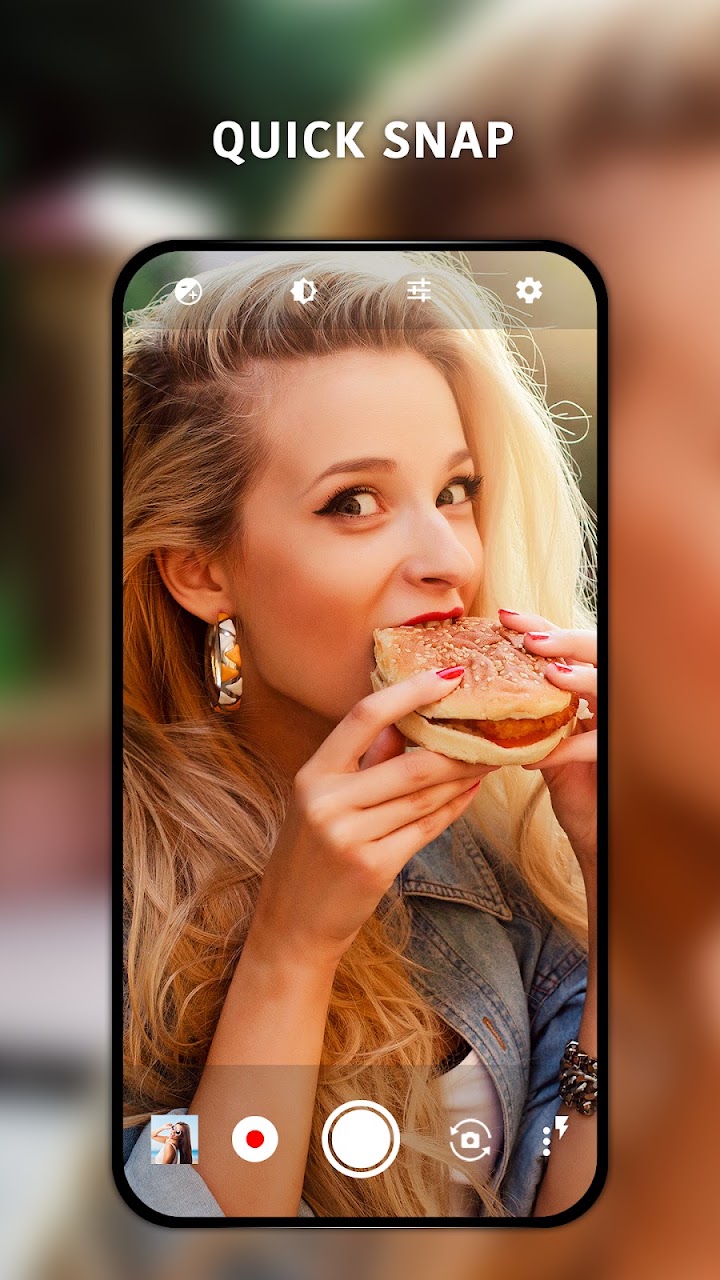
About this app
HD Camera stands out for mixing quick point-and-shoot capture with manual camera controls in one simple app. It opens into tools for HDR, live filters, and settings like ISO, white balance, and exposure, so you can shoot and adjust without switching apps. The tradeoff is a lighter experience with ads, but no account setup.
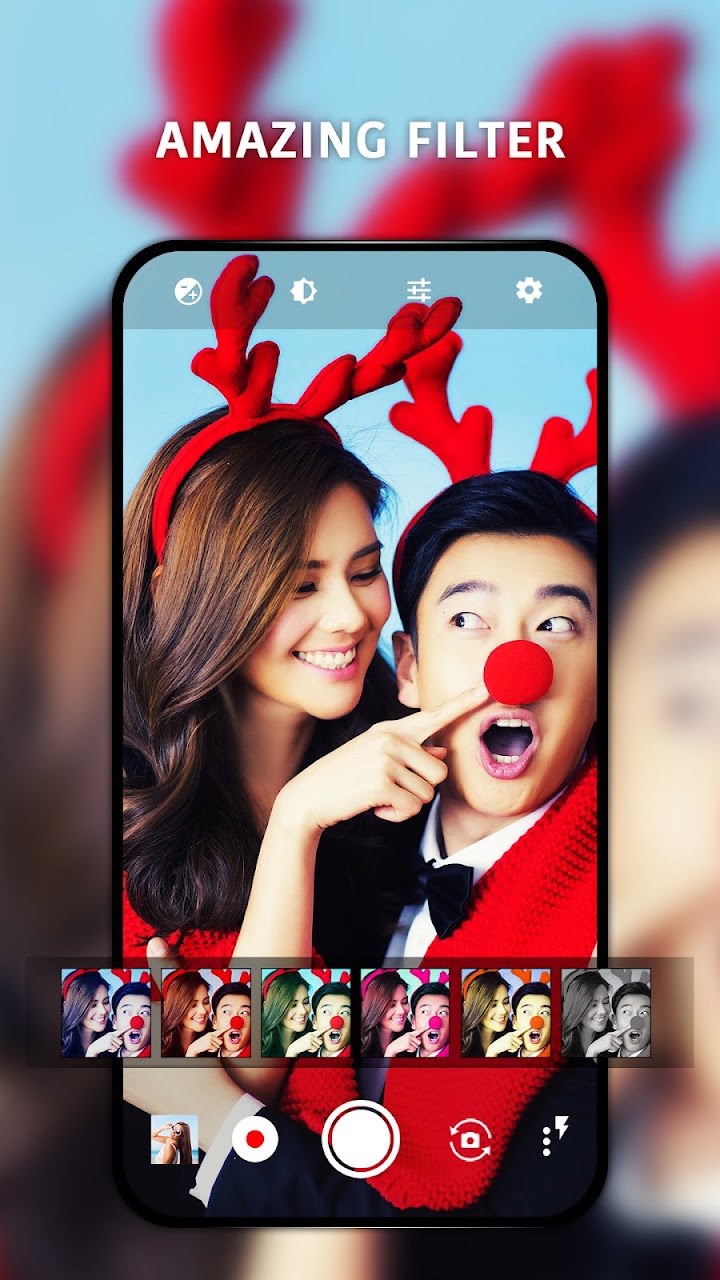
- Real-time filters — Preview filter effects before taking a photo or recording video.
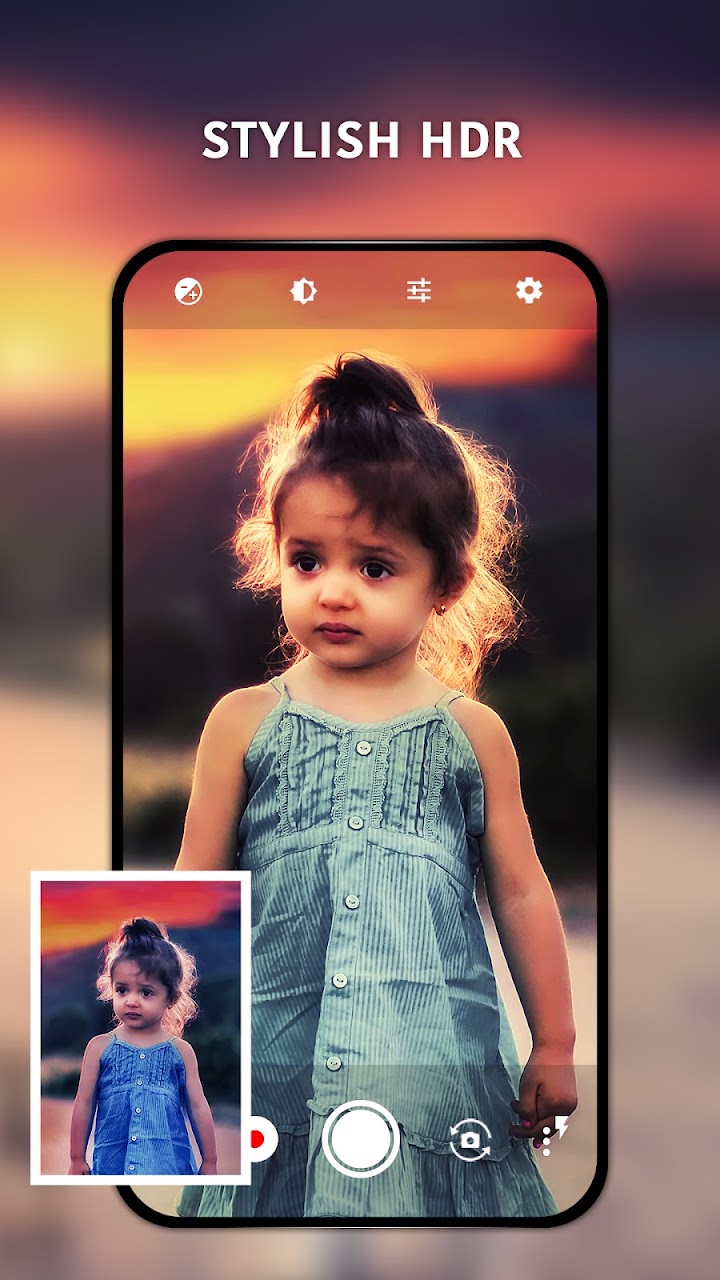
- HDR shooting — Use Stylish HDR to help with backlit scenes and low-light shots.
- Manual controls — Adjust focus modes, color effects, white balance, ISO, and exposure.
- Quick capture — Use Quick Snap, continuous shooting, and auto-stabilize for moving moments.
- Torch support — Turn on the torch when you need more light for a shot.
Live filters before you shoot
HD Camera lets you preview filter effects in real time, which makes it easy to see how a shot will look before you tap the shutter. That is useful when you are testing a portrait, a street scene, or a quick video clip and want a look that is already close to finished.
Manual controls for a more careful shot
When automatic settings are not enough, the app gives you control over focus modes, color effects, white balance, ISO, and exposure compensation or lock. In practice, that means you can adjust for a bright window, a darker room, or a subject that keeps shifting in and out of focus.
HDR for difficult lighting
The Stylish HDR mode is aimed at scenes with strong contrast, such as a person standing in front of a bright sky or a dim indoor shot near a lamp. It is one of the app’s most practical tools when the camera needs help balancing shadows and highlights.
Quick Snap and continuous shooting
If you are capturing a child moving around, a pet, or a moment that will not wait, Quick Snap and continuous shooting are the tools to reach for. Auto-stabilize is also included, which can help keep handheld shots steadier when you are taking photos on the move.
Before you install
HD Camera is a free APK with ads, no in-app purchases, and no listed permissions. It is a 5.8 MB universal build for Android API 19 and up, so it works on older devices as well as newer ones. The app is based on Open Camera code and is licensed under the GNU General Public License.
- Format: APK
- Minimum Android: API 19
- Size: 5.8 MB
APK information
- Version
- 1.4.12
- Package
- hd.camera
- Category
- Photography
- Size
- 6 MB
- Min Android
- API 19
- Architecture
- universal
Older versions
-
HD Camera 1.4.12Nov 12, 2026Latest downloadAPK
HD Camera FAQ
Can HD Camera edit RAW photos?expand_more
The app description does not mention RAW photo support or RAW editing.
Does HD Camera add a watermark?expand_more
There is no watermark mentioned in the app details.
Is HD Camera free to use?expand_more
Yes. HD Camera is listed as free, and it includes ads.
Which Android version does HD Camera need?expand_more
It needs Android API 19 or higher.
Can I use HD Camera for video too?expand_more
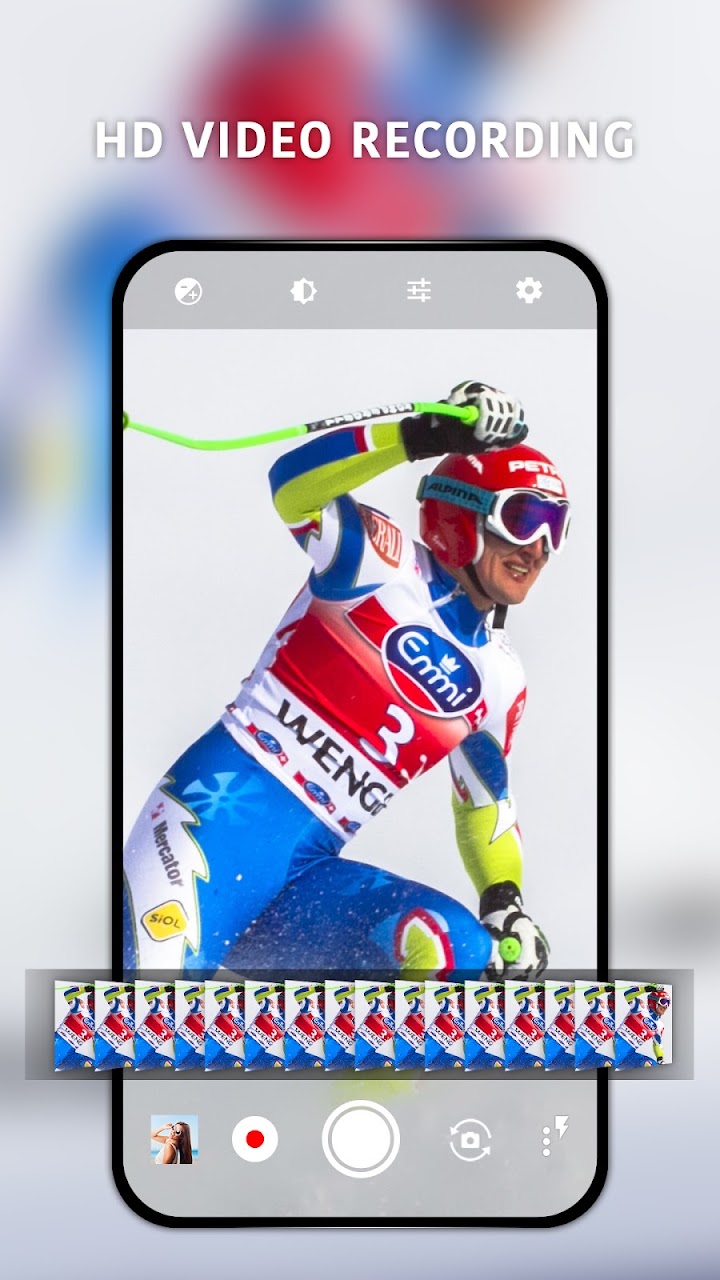
Yes. The app includes real-time filters for shooting videos as well as photos.