- 4.1star3,023,615 reviews
- 1B+Downloads
- 70 MBAPK size
- EveryoneRated for Everyone
- 6.0+Android
check_circleOriginal APK from HP Inc. · Updated Nov 12, 2026
No threats found
0 / — antivirus engines flagged this file
Original signature
First seen — HP Inc.
Unmodified APK
Same file the developer published — no mods
HP Print Service Plugin screenshots
8 images · tap to enlarge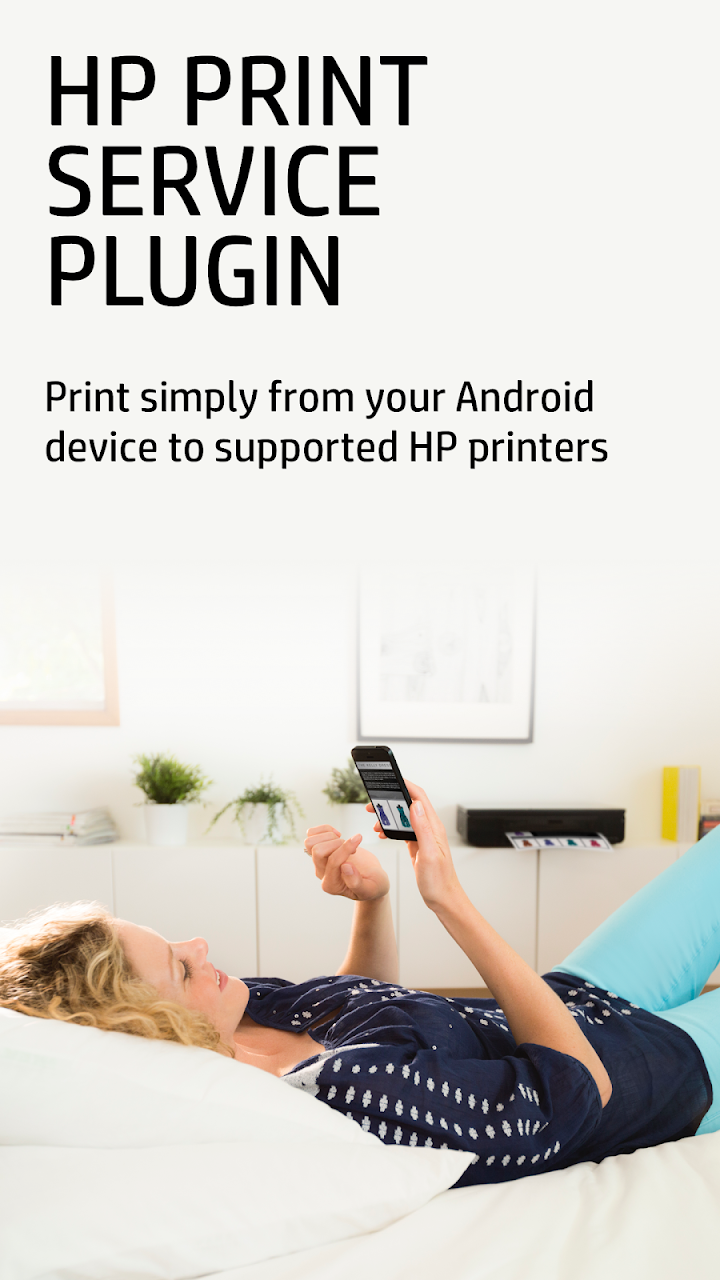
About this app
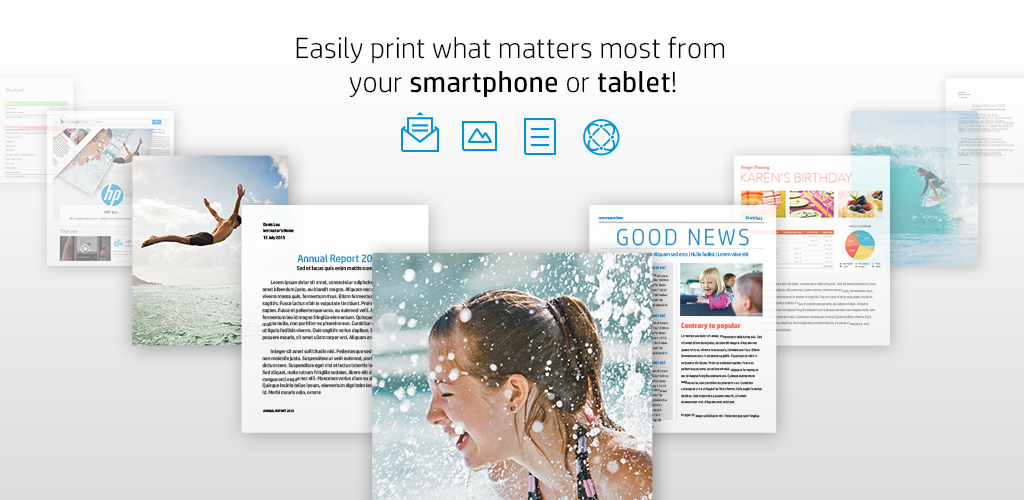
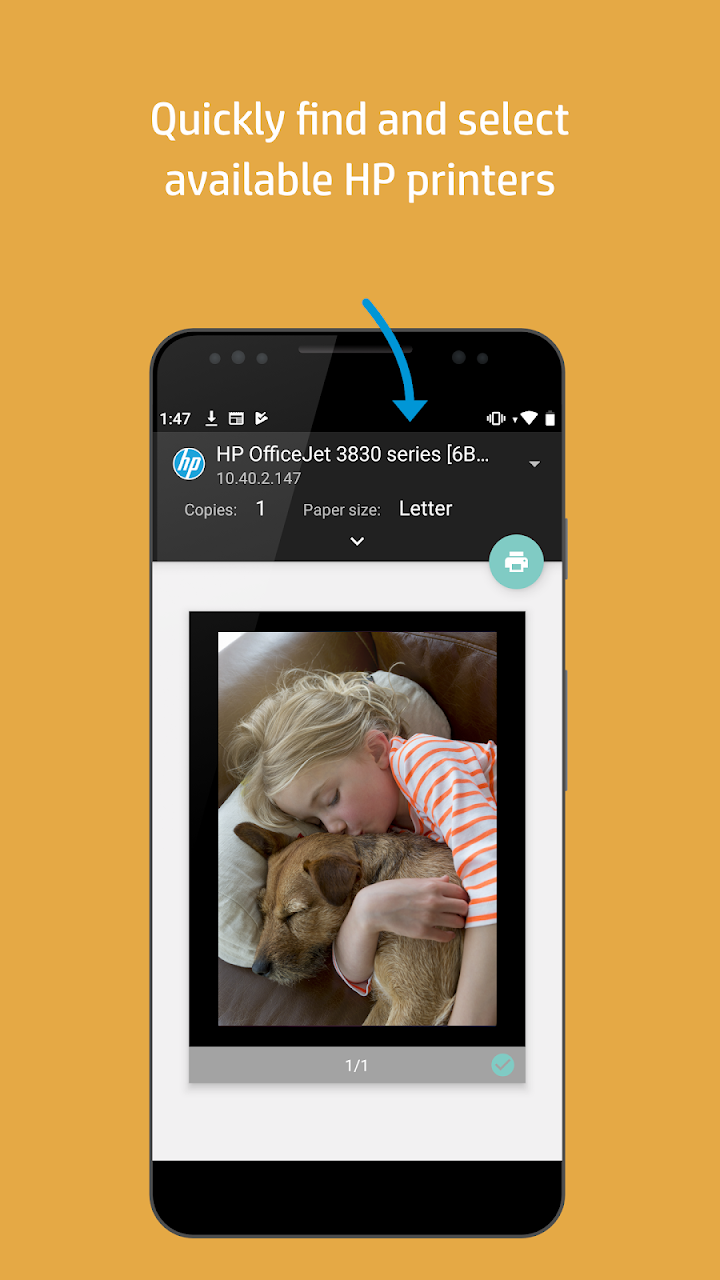
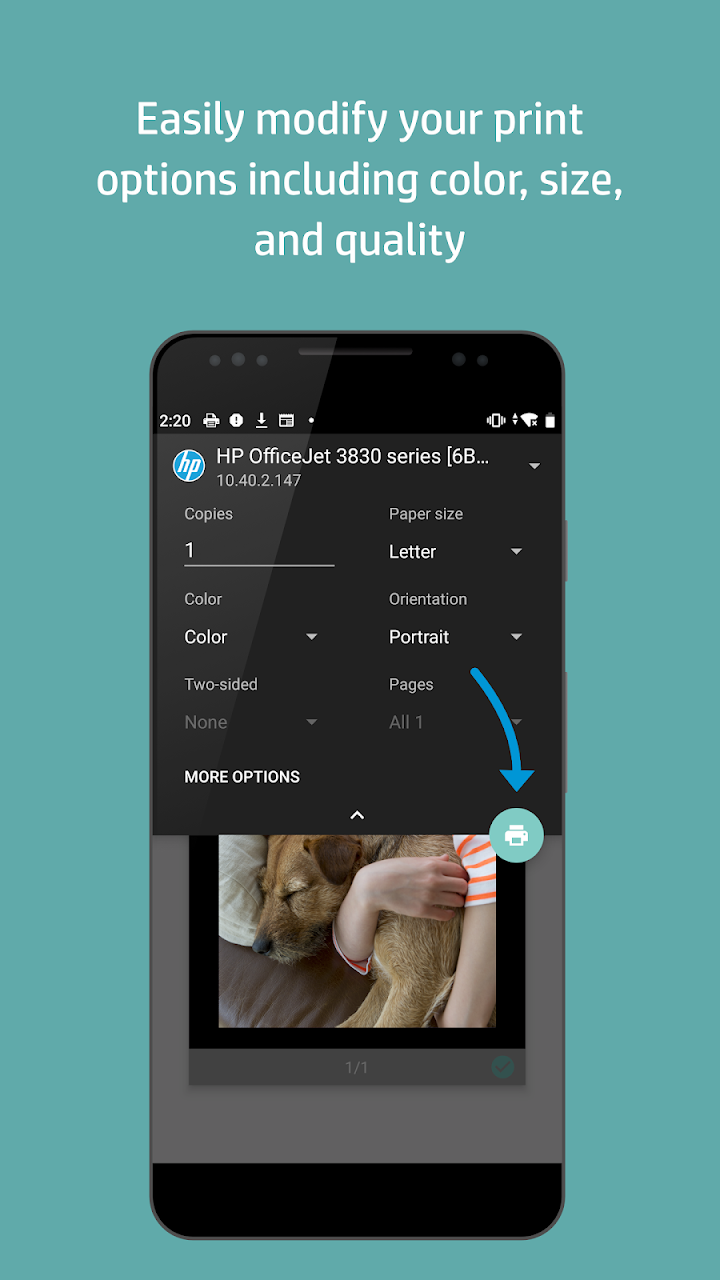
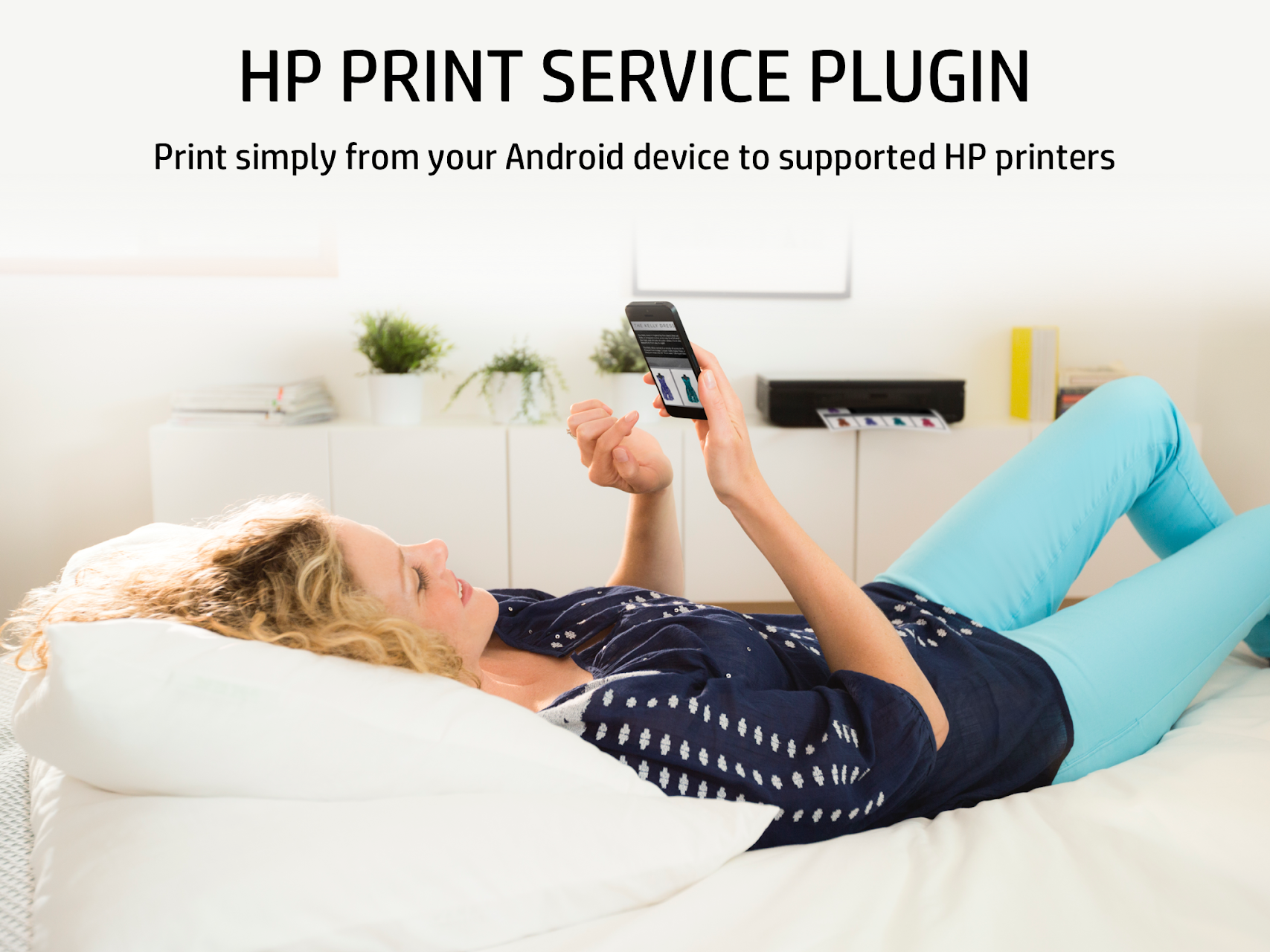
Print documents, emails, and pictures from supported Android apps to HP printers without leaving the app. HP Print Service Plugin works with HP OfficeJet, LaserJet, DesignJet, Photosmart, DeskJet, and Envy printers, and it finds printers on the same network, over Wi‑Fi Direct, or through USB On-The-Go.
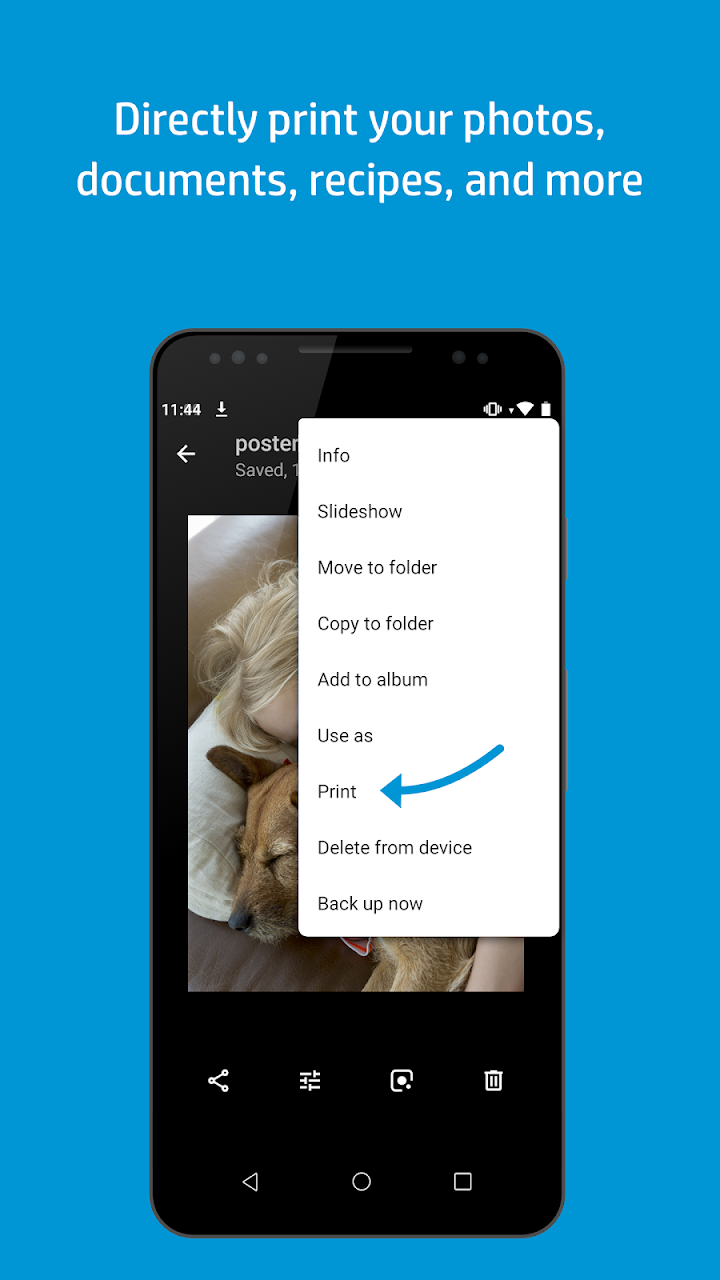
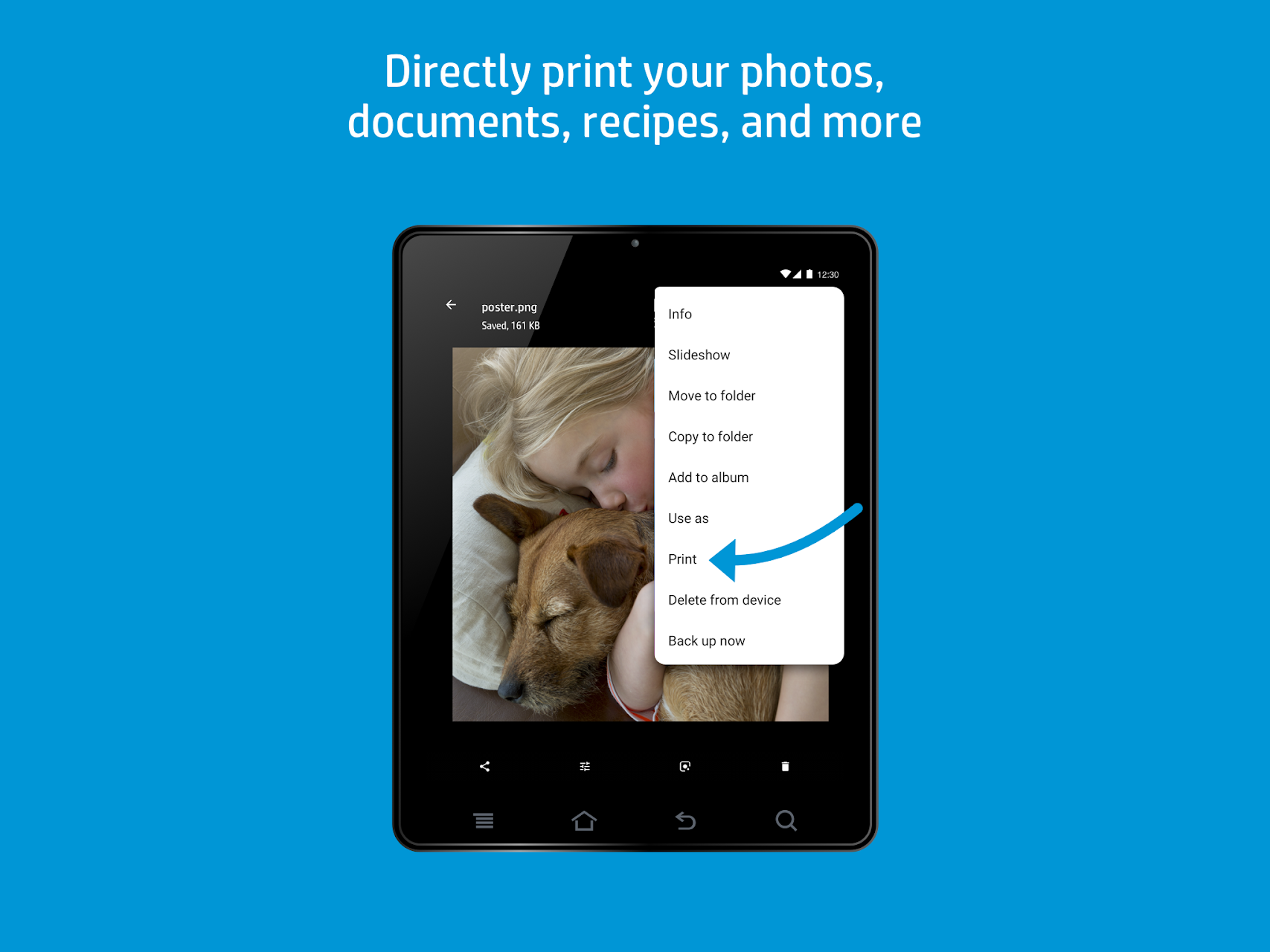
- Print from apps — Use the print or share option inside supported apps to send files straight to an HP printer.
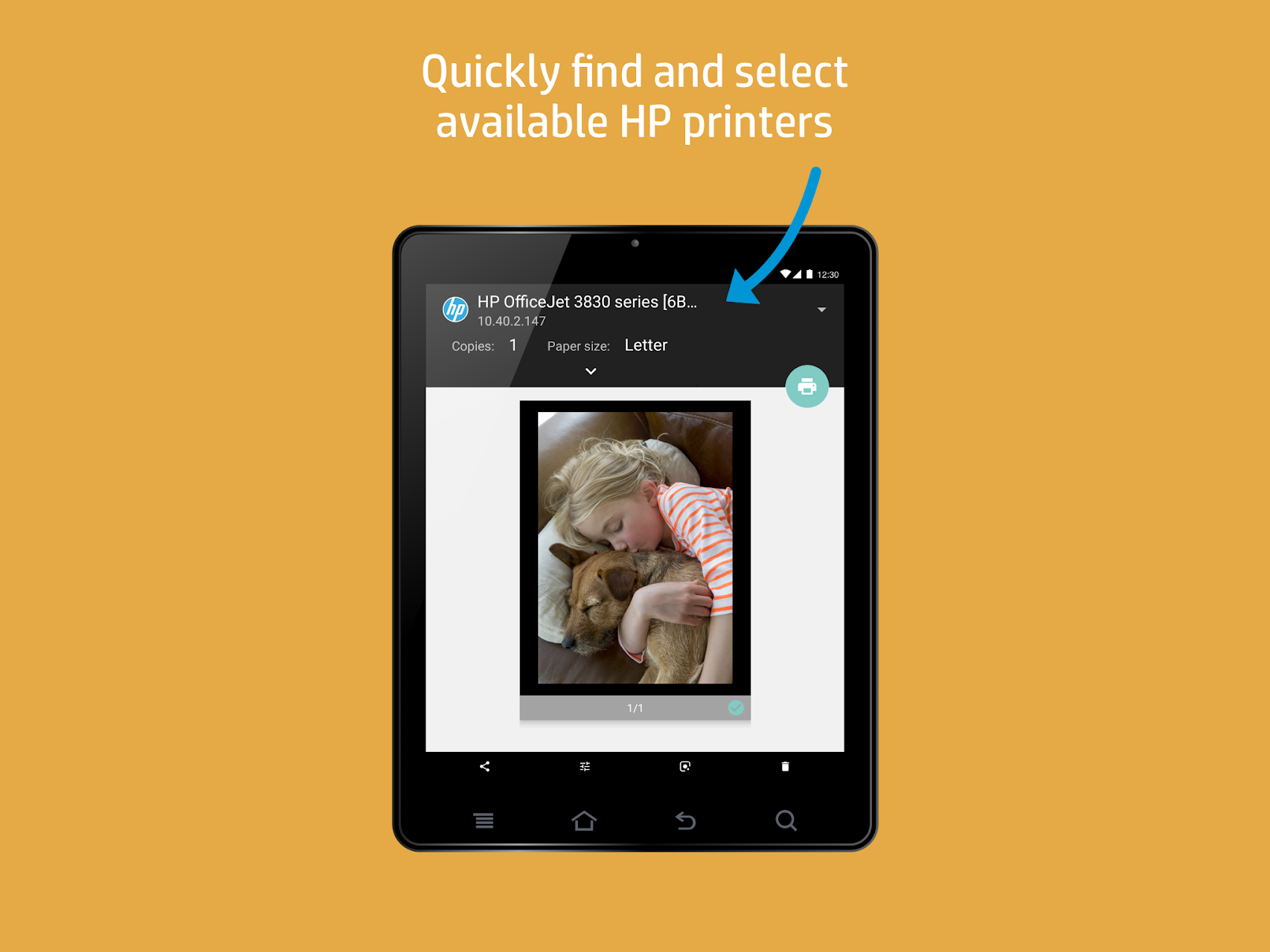
- Find nearby printers — It can detect HP printers on your network, on Wi‑Fi Direct, or connected by USB On-The-Go.
- HP printer support — Works with HP OfficeJet, LaserJet, DesignJet, Photosmart, DeskJet, and Envy models.
- Simple Android setup — Android 6.0 and newer are supported, and older devices may need the plugin enabled in settings.
- No ads or purchases — The app is free to use, with no ads and no in-app purchases.
Print documents, emails, and photos
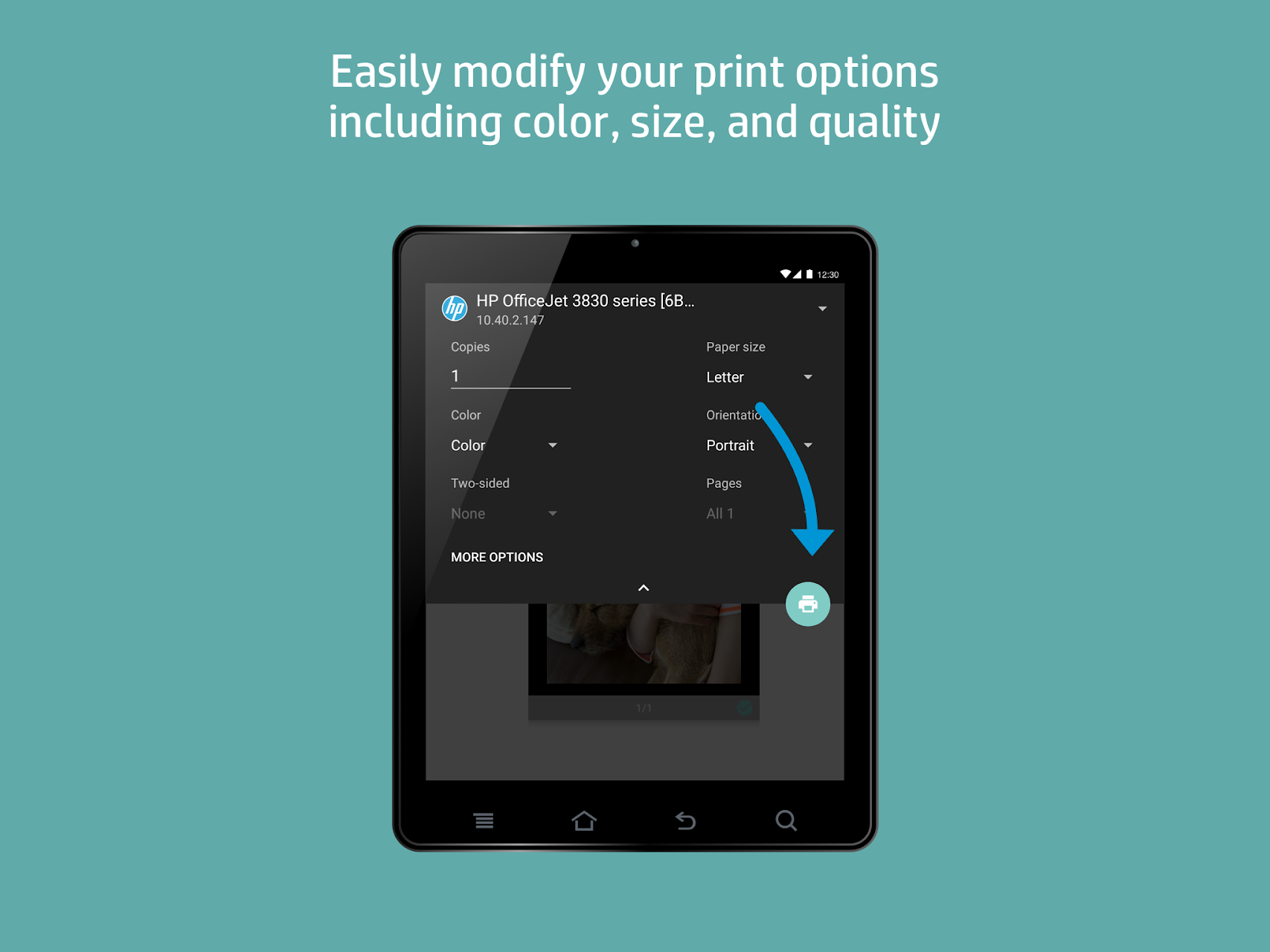
HP Print Service Plugin is built for a simple daily task: printing from an Android app when you need a paper copy. In supported apps, you open the menu, choose print or share to PSP, and select an HP printer. That makes it more direct than apps like Google Drive or Microsoft Word, which focus on storing or editing files rather than sending them to a printer.
The plugin is designed around HP printers, including OfficeJet, LaserJet, DesignJet, Photosmart, DeskJet, and Envy models. It is free, has no ads, and does not include in-app purchases.
Connect through network, Wi‑Fi Direct, or USB
Printing can happen in a few different ways. The app can discover HP printers on the same network as your phone, find printers broadcasting a Wi‑Fi Direct network, or work through a USB On-The-Go cable. That flexibility is useful when you are away from a normal office setup or when a printer is not joined to the same router.
Compared with general productivity apps, this plugin stays focused on the printer connection itself instead of document creation, cloud storage, or calendar work. If you need those broader tools, apps like Google Drive, Google One, or Samsung Calendar may fit better.
Android 6.0, APK size, and install details
The plugin supports Android 6.0 and newer, with older Android 6 devices possibly needing the plugin enabled in system settings. The APK file is 69.9 MB and is packaged as an APK. There are no permissions listed for this version.
Where it fits in a normal day
You would usually open this app only when a document, email, or photo needs to come out on paper. It does not replace editing or cloud-sync apps; it sits between the app you are using and the HP printer you want to reach. That makes it more specialized than many productivity apps, but also more direct for its one job.
- Free to use with no ads or in-app purchases
- 1B+ installs and a 4.1 rating from 3,023,615 ratings
- Updated recently with reliability and performance improvements
What's new
Version 23.2.6.3182 · Nov 12, 2026
- Reliability and performance improvements
APK information
- Version
- 23.2.6.3182
- Package
- com.hp.android.printservice
- Category
- Productivity
- Size
- 70 MB
- Min Android
- 6.0
- Architecture
- universal
Older versions
-
HP Print Service Plugin 23.2.6.3182Nov 12, 2026Latest downloadAPK
HP Print Service Plugin FAQ
Does HP Print Service Plugin support teams?expand_more
It is not described as a team or collaboration app. Its role is to enable printing from supported apps to HP printers.
Does HP Print Service Plugin sync across devices?expand_more
No sync features are described. The app focuses on connecting your Android device to HP printers for printing.
How do I install the HP Print Service Plugin APK file?expand_more
Install the APK on an Android device running 6.0 or newer. On Android 6 or earlier, you may need to enable the plugin in your device settings after installation.
How do I update HP Print Service Plugin from an APK?expand_more
Install the newer APK version over the existing one on your device. The listed version is 23.2.6.3182.
Which HP printers can it print to?expand_more
It supports HP OfficeJet, HP LaserJet, HP DesignJet, HP Photosmart, HP DeskJet, and HP Envy printers.