- 3.7star465,441 reviews
- 1B+Downloads
- 56 MBAPK size
- EveryoneRated for Everyone
- 13+Android
check_circleOriginal APK from HP Inc. · Updated Nov 12, 2026
No threats found
0 / — antivirus engines flagged this file
Original signature
First seen — HP Inc.
Unmodified APK
Same file the developer published — no mods
Samsung Print Service Plugin screenshots
7 images · tap to enlarge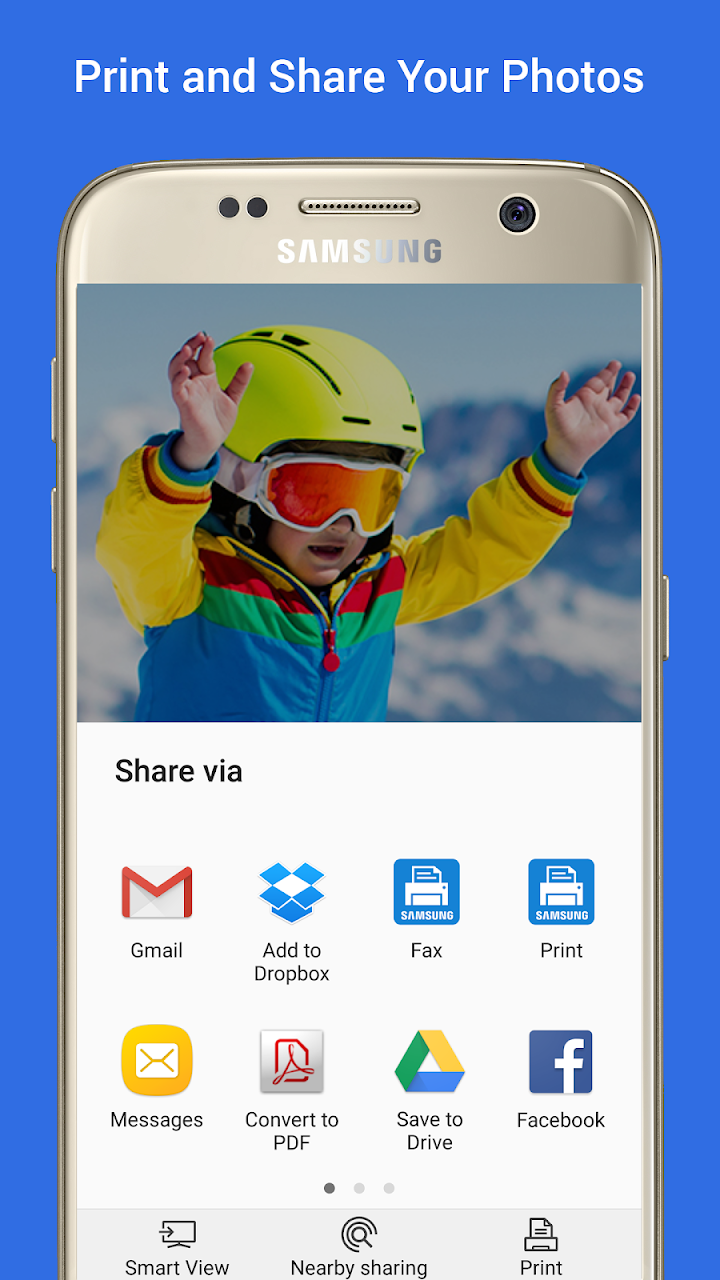
About this app
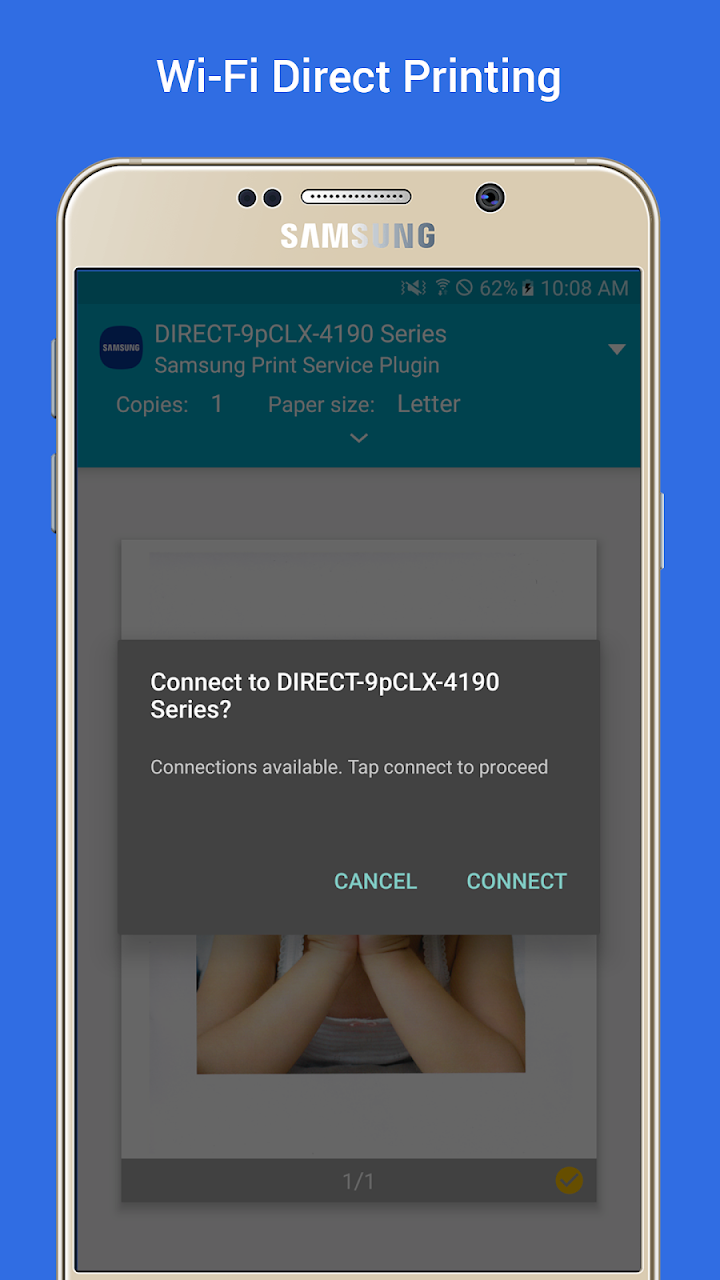
Wireless printing is the main benefit here: Samsung Print Service Plugin lets you send photos, documents, web pages, and files to supported printers from apps you already use. The current release adds support for Android 15 and Android 16, along with security, reliability, and defect fixes. It is free, ad-free, and needs no in-app purchases.
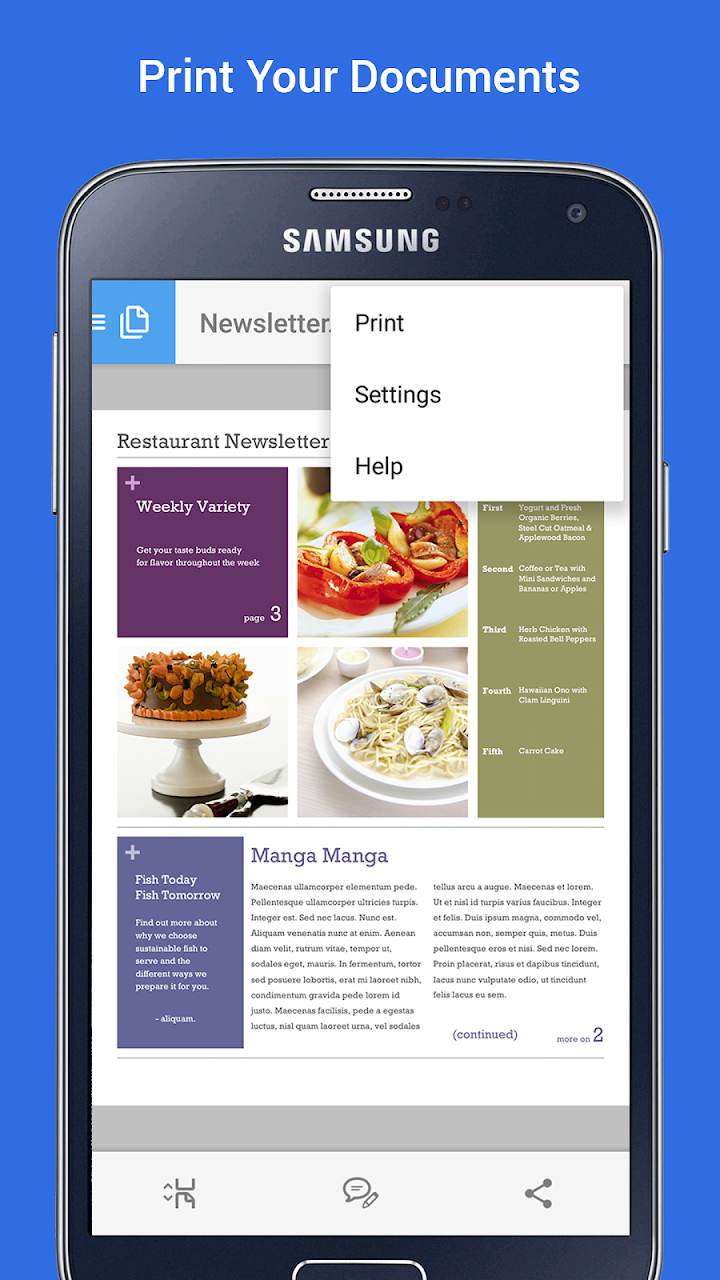
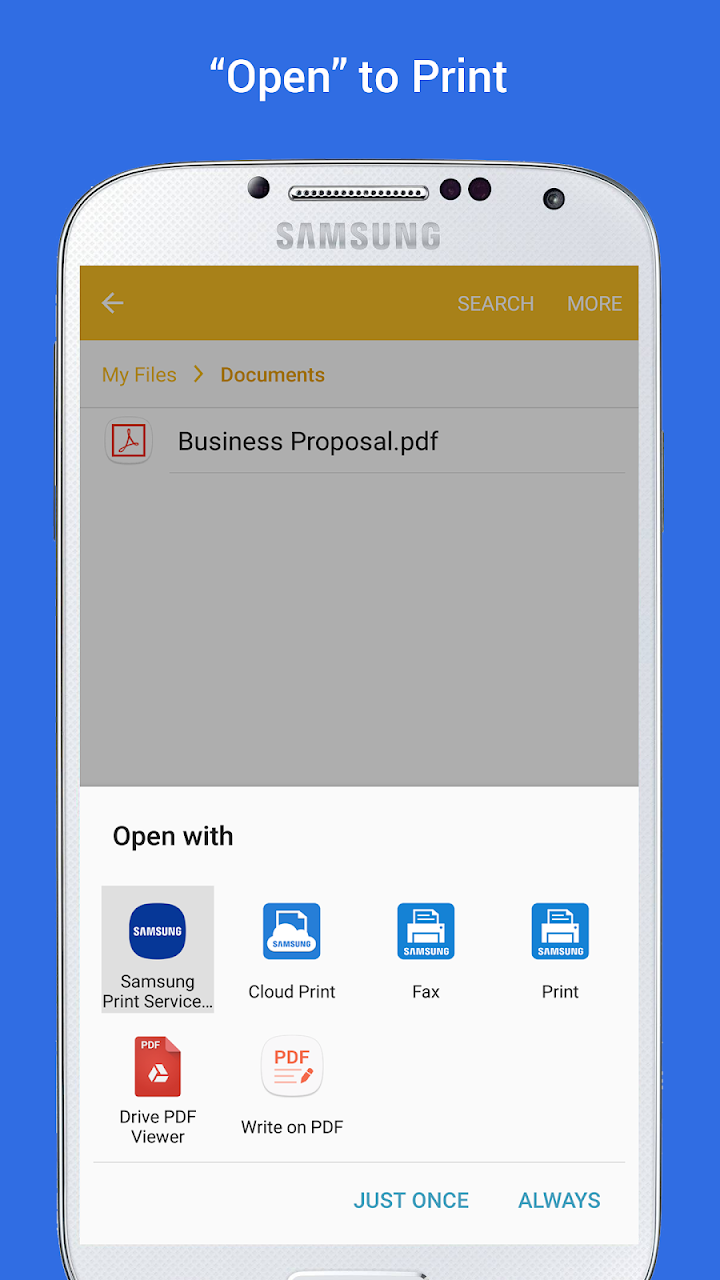
- Print from apps — Use the print option or share flow in supported apps to send content to a printer.
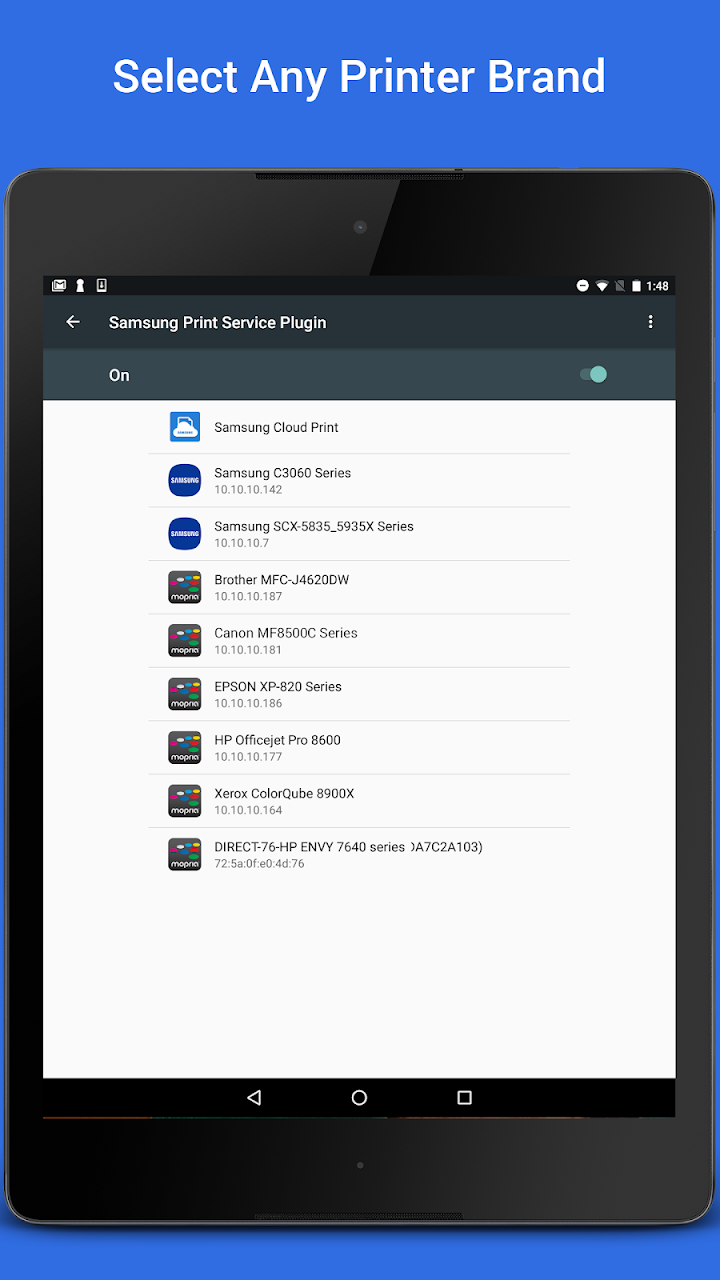
- Mopria support — Works with Samsung printers and many other Mopria-certified printer brands.
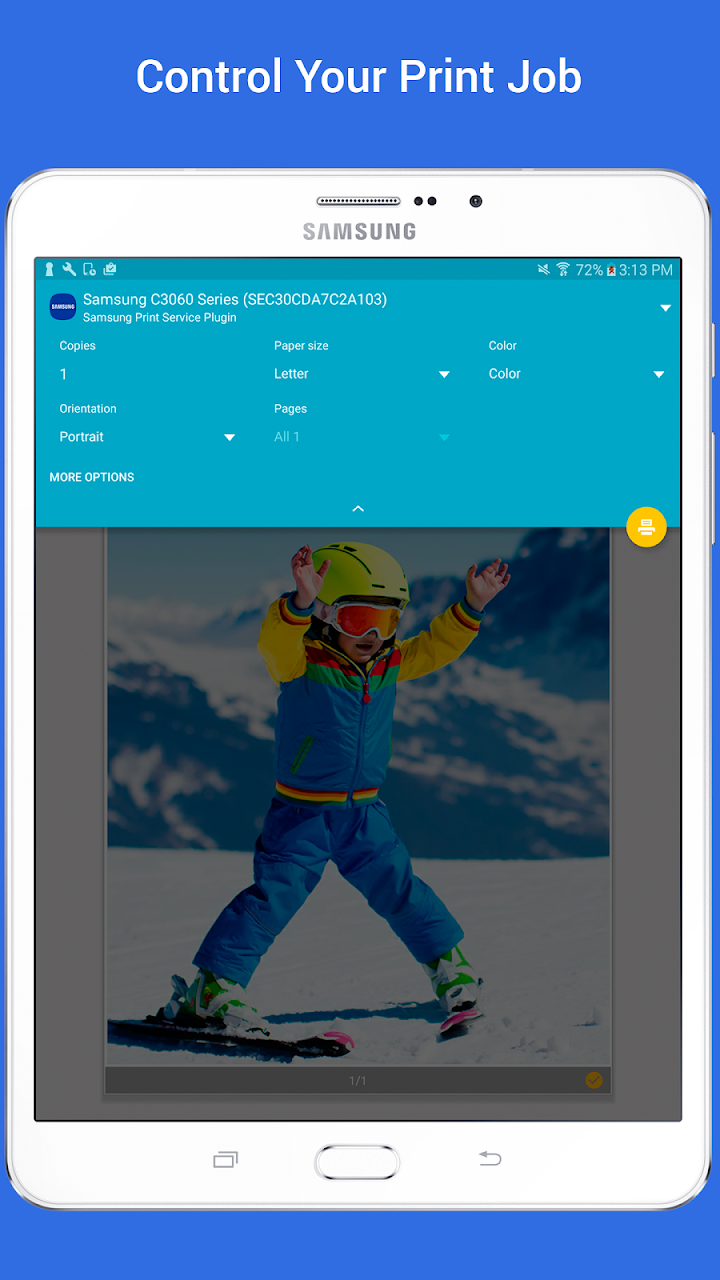
- Print controls — Choose color, copy count, page orientation, and double-sided printing where supported.
- No extra tools — It enables printing without downloading separate printing apps or add-ons.
- Preinstalled on Galaxy — Many Samsung Galaxy phones and tablets already include the plug-in.
Android 15 and 16 support
The current version adds support for Android 15 and Android 16, alongside security and reliability improvements and defect fixes. That matters if you rely on printing from newer devices, because the plug-in stays aligned with recent Android releases while keeping the same wireless printing role.
Printing from supported apps
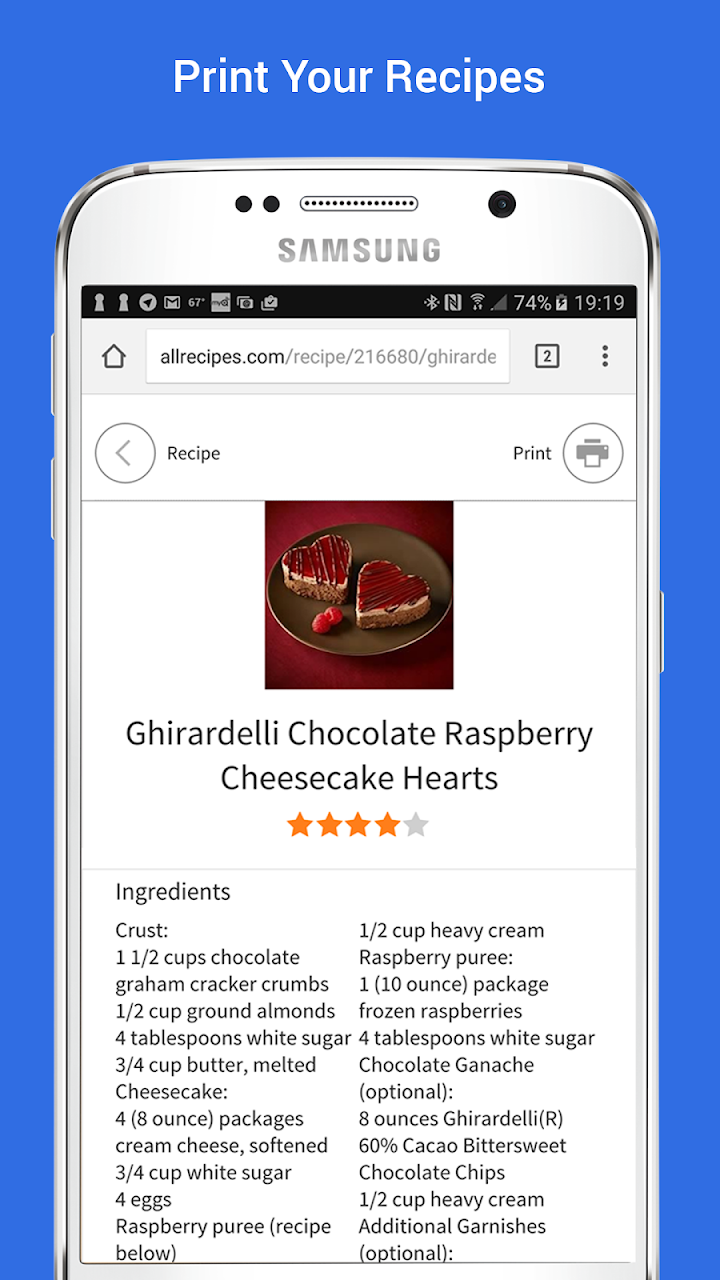
Samsung Print Service Plugin is a system tool that connects your Android device to printing through the built-in Android print framework. It works from apps that expose a print icon, a menu option, or a share action, so you can send photos, documents, web pages, coupons, recipes, and files without installing separate printing tools.
Supported printers include Samsung models and many other brands such as Brother, Canon, Dell, Epson, HP, Konica Minolta, Kyocera, Lexmark, Pantum, Ricoh, Sharp, Toshiba, and Xerox. You can also adjust color, number of copies, paper orientation, and double-sided printing when the printer supports those options.
- Get: wireless printing from supported apps and printer brands.
- Get: print settings for copies, color, orientation, and duplex.
- Watch for: printer support depends on the model, not just the brand.
- Watch for: some Samsung Galaxy devices already have it pre-installed.
Compatibility, size, and install details
The APK is 56.2 MB and the app is a universal build. It requires Android 13 or higher. If you do not see printers, the service may need to be turned on in Settings under Printing. It is free, with no ads and no in-app purchases. No account requirement is listed, and no permissions are listed for this release.
How it compares with typical printing tools
Compared with standalone printer apps, this plug-in is built into Android printing and is designed to work across many apps rather than one brand-specific workflow. That makes it useful if you print from Gallery, Chrome, Gmail, Google Drive, Adobe Reader, or Microsoft Office apps and want one system-level printing path instead of managing separate tools for each printer.
What's new
Version 3.12.260420 · Nov 12, 2026
- Support Android 15 and Android 16
- Security and reliability improvements
- Defect fixes
APK information
- Version
- 3.12.260420
- Package
- com.sec.app.samsungprintservice
- Category
- Productivity
- Size
- 56 MB
- Min Android
- 13
- Architecture
- universal
Older versions
-
Samsung Print Service Plugin 3.12.260420Nov 12, 2026Latest downloadAPK
Samsung Print Service Plugin FAQ
Does Samsung Print Service Plugin support teams?expand_more
No team features are listed. The app is a system tool for printing from supported Android apps to compatible printers.
Does Samsung Print Service Plugin sync across devices?expand_more
No sync feature is listed. It focuses on local wireless printing from the device you are using.
How big is the Samsung Print Service Plugin download?expand_more
The APK size is 56.2 MB. It is a universal build.
Does Samsung Print Service Plugin need an account?expand_more
No account requirement is listed. You can use it as a printing service from supported apps.
How do I turn on Samsung Print Service Plugin?expand_more
If printers do not appear, go to Settings and search for Printing, then switch Samsung Print Service from Off to On.