- 4.8star167,706 reviews
- 10M+Downloads
- 27 MBAPK size
- EveryoneRated for Everyone
- 5.0+Android
check_circleOriginal APK from siranet · Updated Nov 12, 2026
No threats found
0 / — antivirus engines flagged this file
Original signature
First seen — siranet
Unmodified APK
Same file the developer published — no mods
ID Photo application screenshots
8 images · tap to enlarge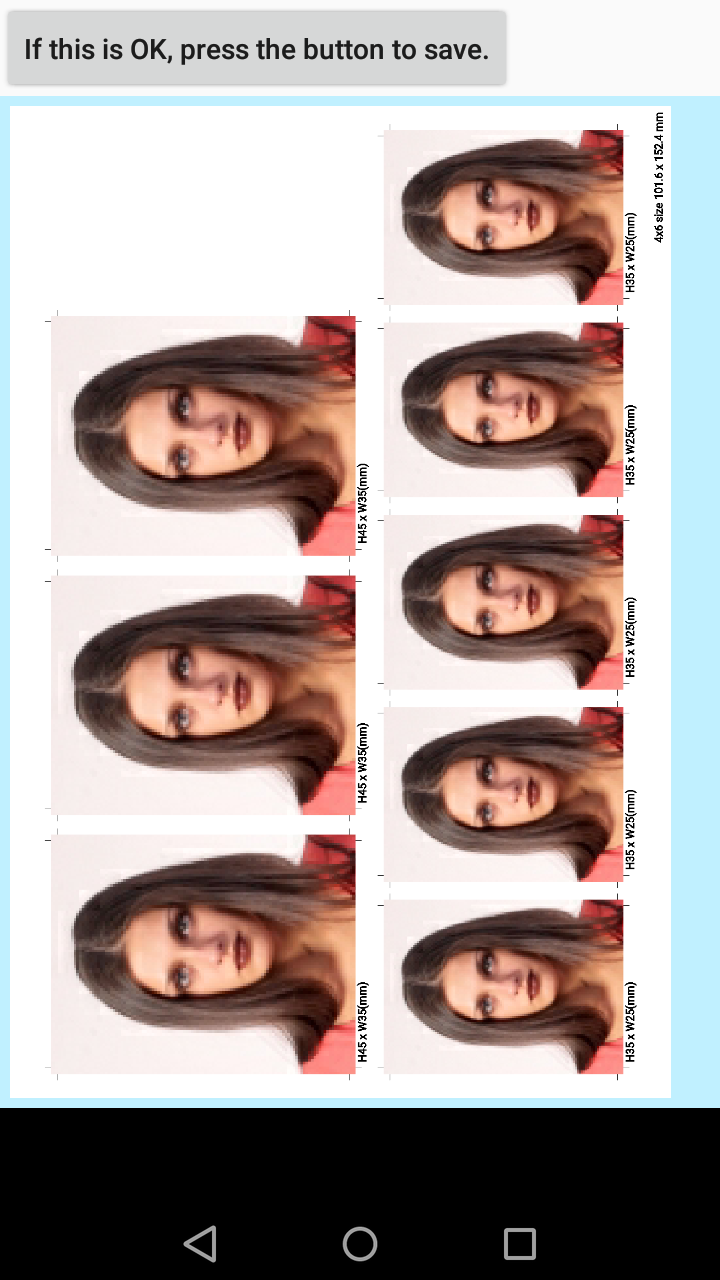
About this app
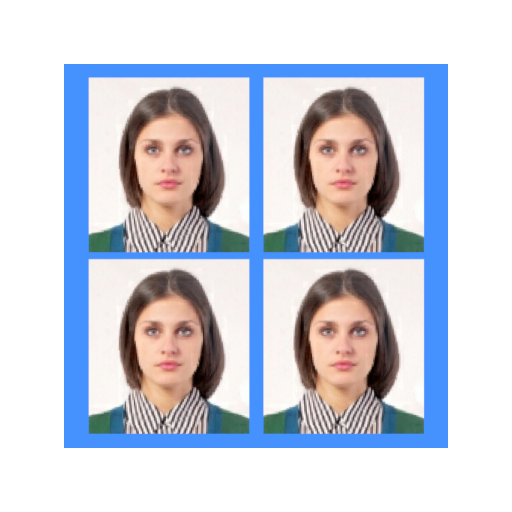
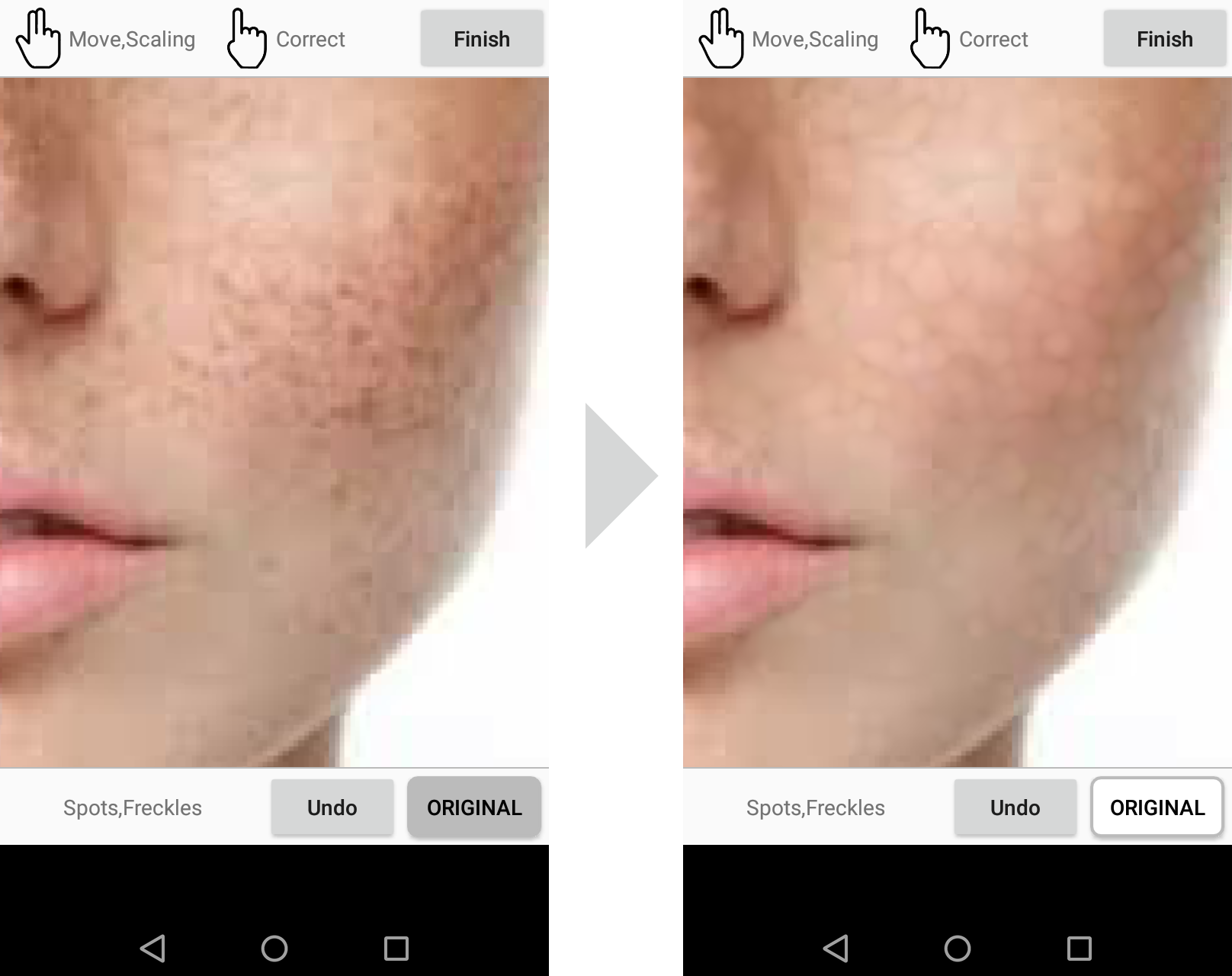
Create ID photo data from smartphone photos with exact print sizing and JPEG output for home printing. ID Photo application lets you retake shots as many times as needed, save individual photo data, and place multiple cropped photos on one print. It also supports gray-scale ID photos and runs on Android 5.0 and up.
- JPEG print output — Creates files in JPEG format for printing from smartphones or digital cameras.
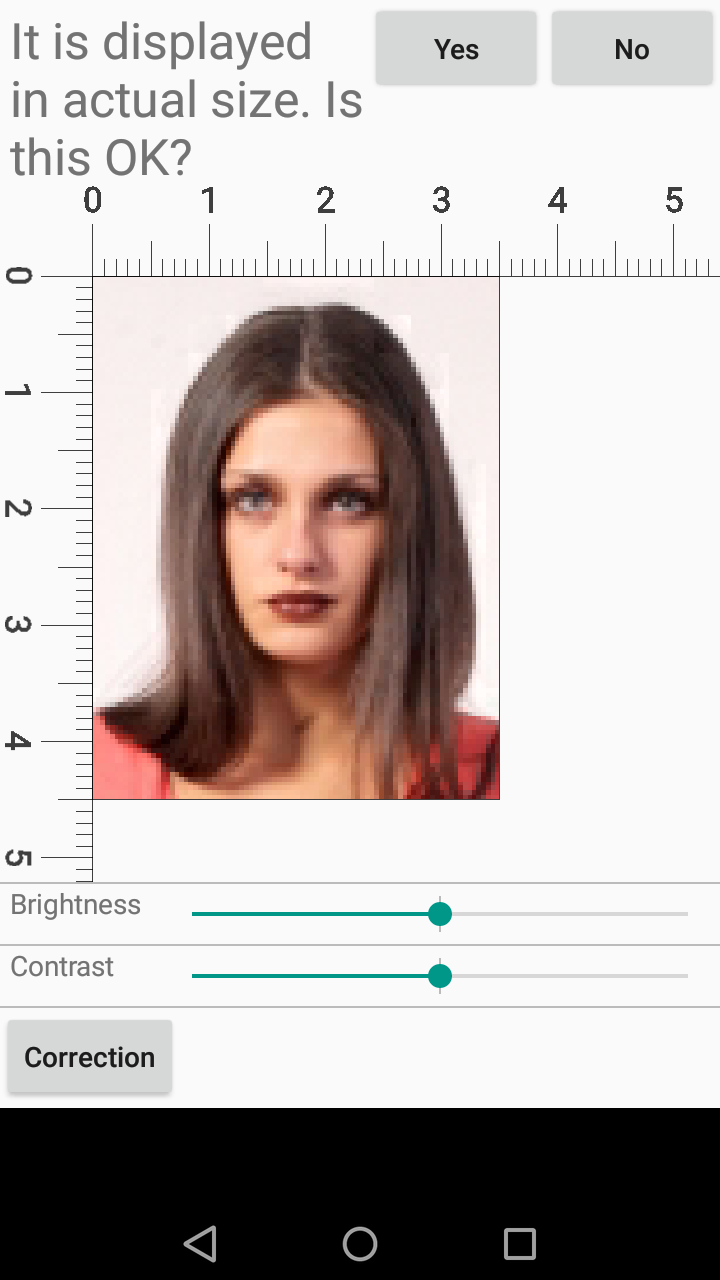
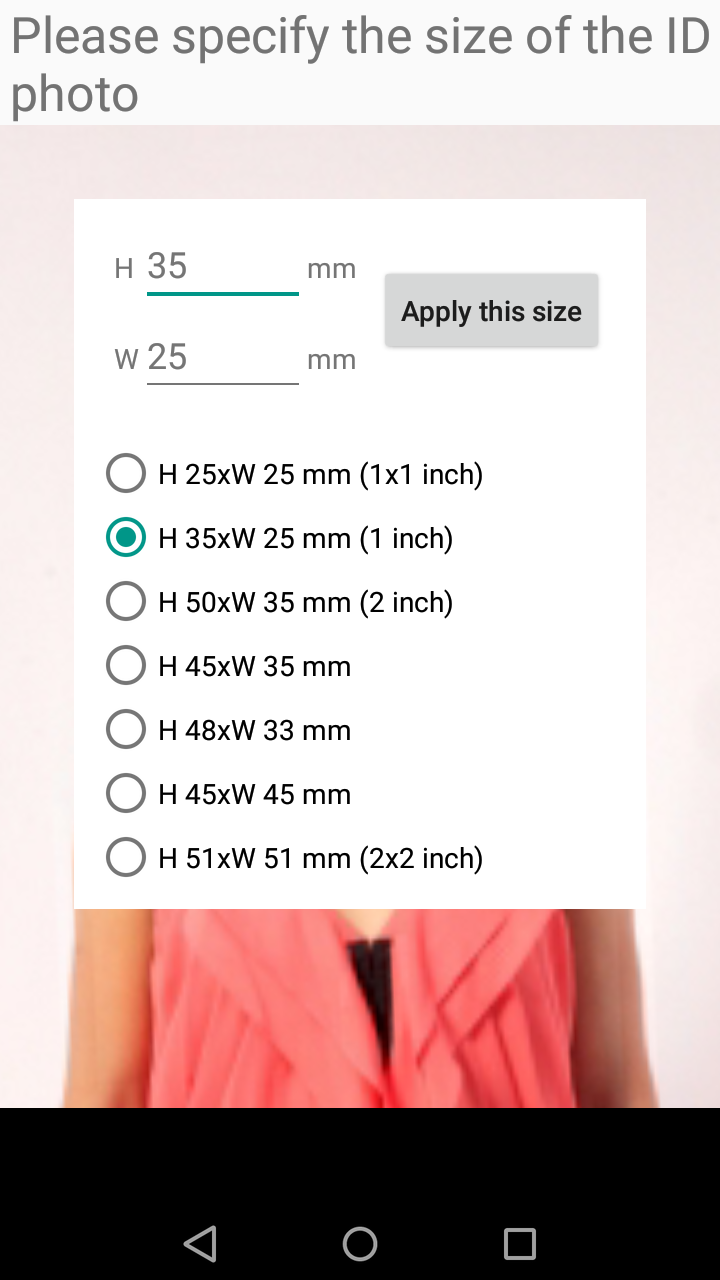
- Custom ID sizes — Supports preset ID photo sizes and lets you specify other height and width values.
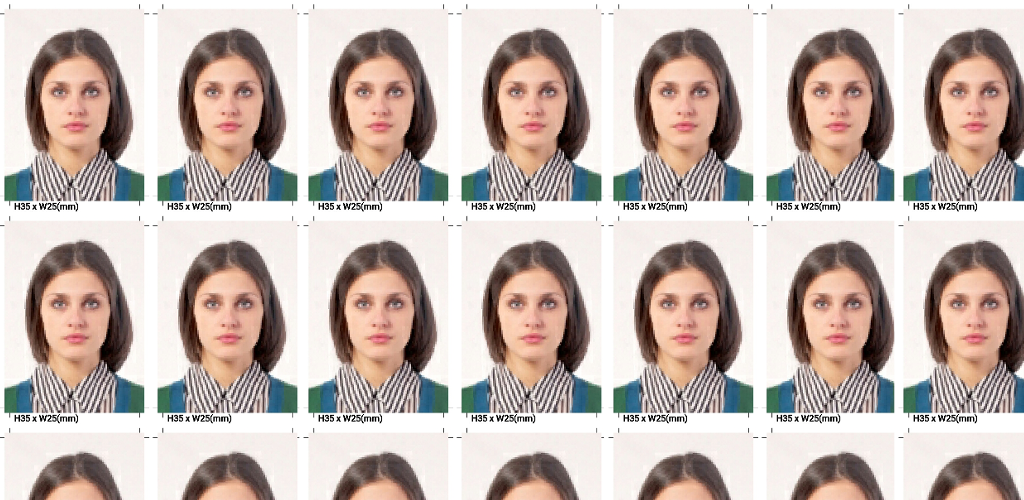
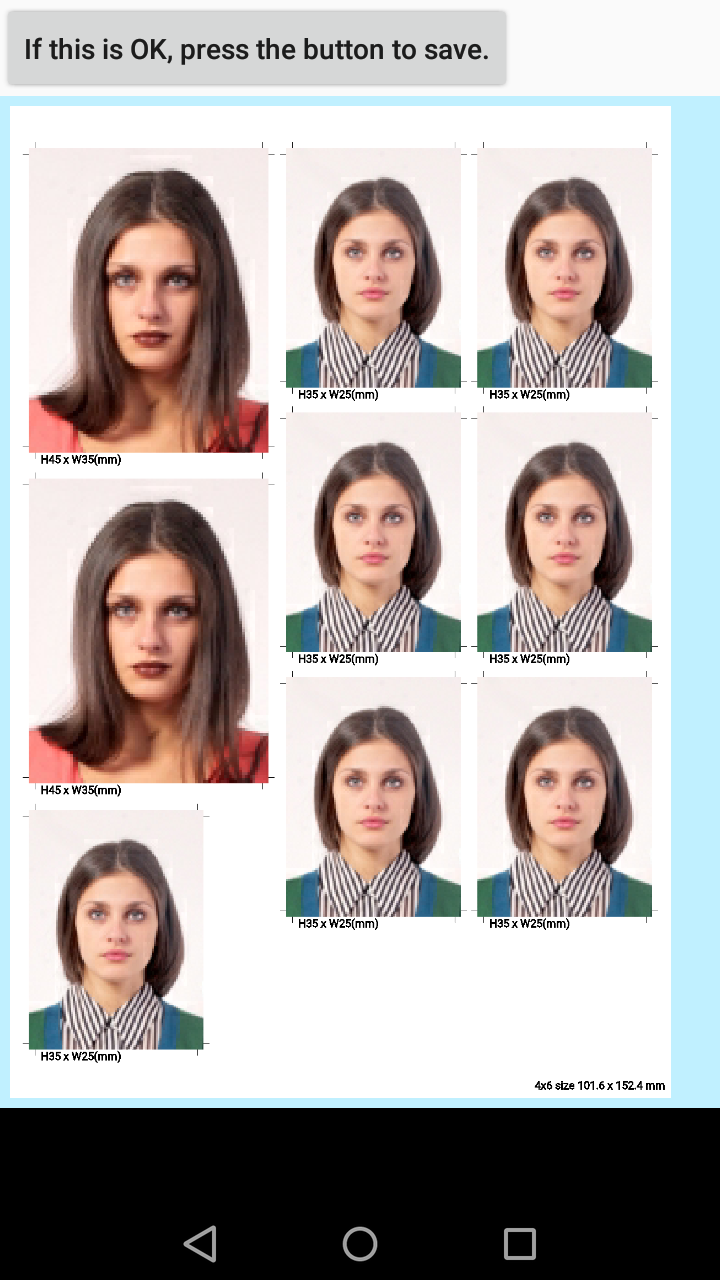
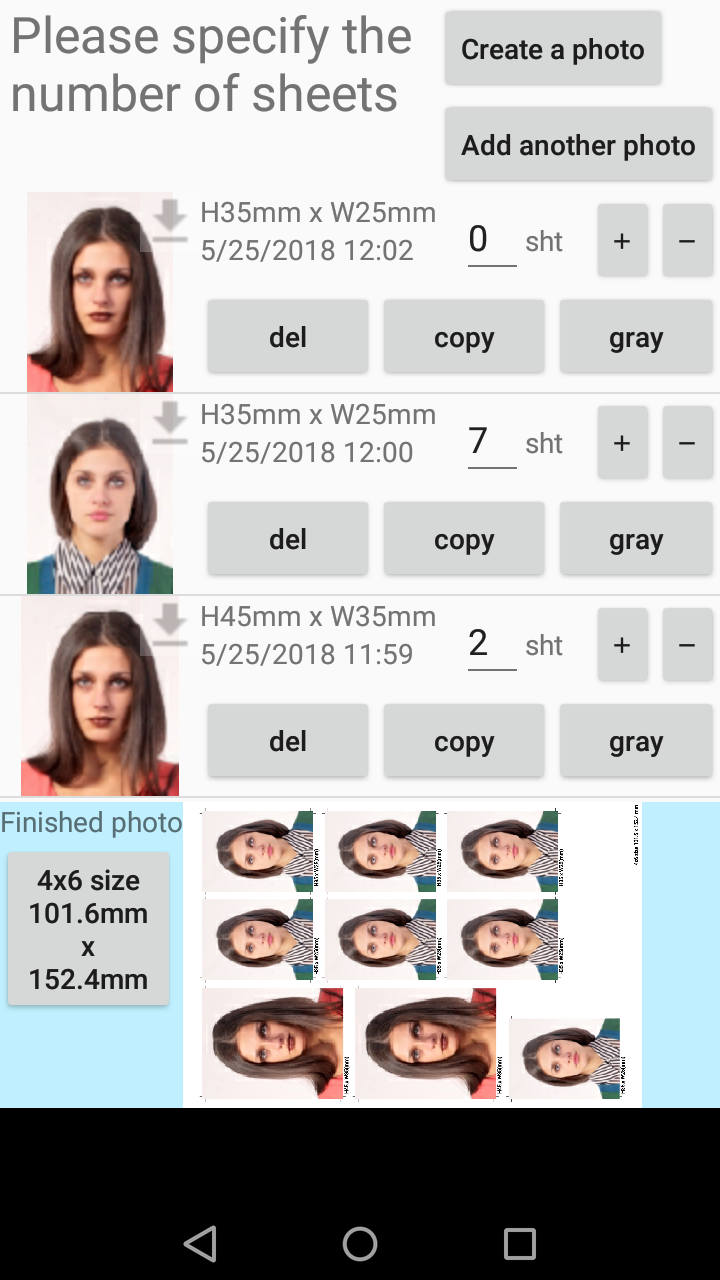
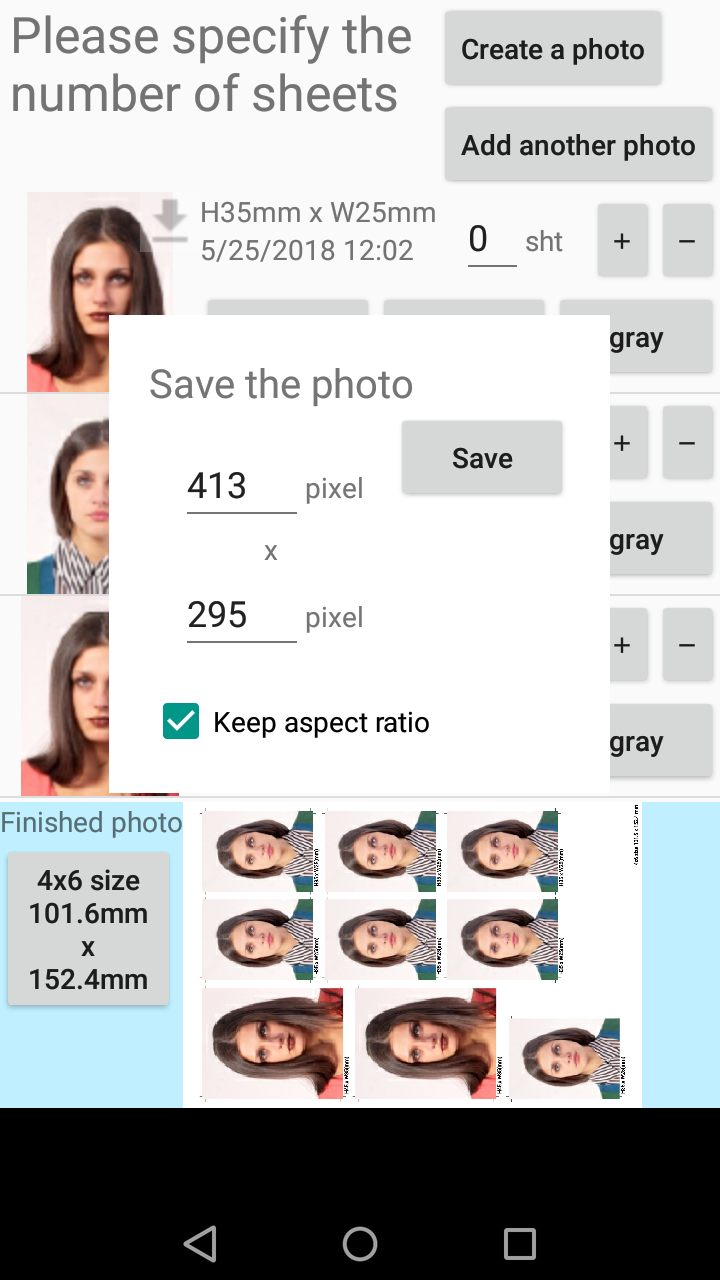
- Multiple photos — Place several cropped ID photos on one print, including mixed sizes.
- Gray-scale option — Convert a color photo into a black and white ID photo.
- Retake support — Retake photos as many times as needed, which is useful for children.
- No permissions — The app lists no requested permissions.
Smartphone photos to ID photo data
ID Photo application is built around one task: turning photos taken on a smartphone into ID photo data. Compared with general gallery apps such as Google Photos, Samsung Gallery, or Gallery, it is focused on preparing printable ID images rather than browsing or organizing a library. It also differs from editors like B612 AI Photo&Video Editor because the workflow is centered on size, crop, and print output instead of broad effects.
The app creates data that matches the common 4x6 print size, 101.6mm x 152.4mm, and the finished file uses JPEG, which is compatible with many smartphones and digital cameras. That makes it suitable for home printing if you have a printer that can print photos from those devices.
Size control for ID photos
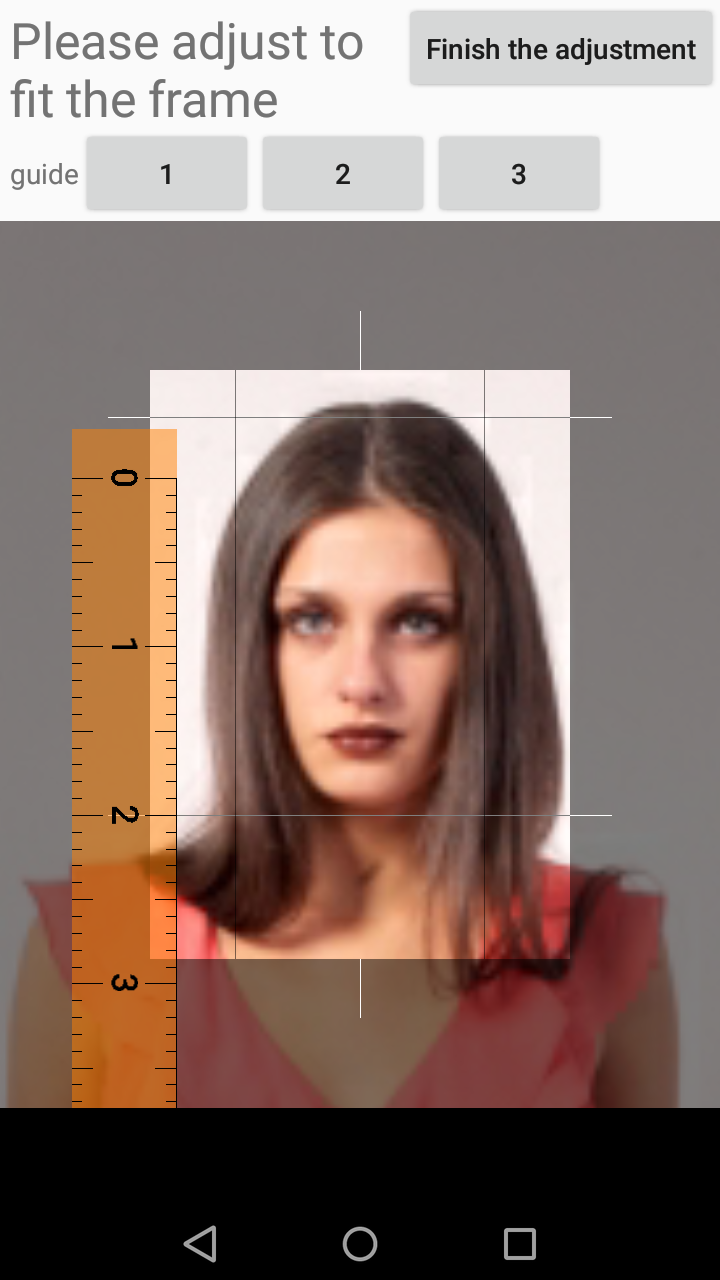
You can choose from several preset ID photo sizes, including 51 x 51mm, 25 x 25mm, 45 x 35mm, 50 x 35mm, 48 x 33mm, 35 x 25mm, 45 x 45mm, and 40 x 30mm. Other height and width combinations can also be specified, so the app is not limited to one standard format.
- Set how many cropped ID photos appear on a single print.
- Mix different ID photo sizes on the same print.
- Change the finished print size from the default 4x6 layout.
Retakes and gray-scale output
The app allows unlimited retakes, which is useful when you need a better expression or when photographing children. It can also create black and white, gray-scale ID photos from a color photo, so you do not need a separate editor for that step.
Android and file details
ID Photo application is a free app with ads, has no in-app purchases, and is rated for Everyone. The APK is 26.7 MB, uses a universal build, and requires Android 5.0 or later. If you need a simple ID-photo tool with print sizing and JPEG output, it is more specific than a general gallery app, while broader editors may be better if you want wider photo editing features.
APK information
- Version
- 1.1.78
- Package
- jp.gr.java_conf.siranet.idphoto
- Category
- Photography
- Size
- 27 MB
- Min Android
- 5.0
- Architecture
- universal
Older versions
-
ID Photo application 1.1.78Nov 12, 2026Latest downloadAPK
ID Photo application FAQ
Does ID Photo application work offline?expand_more
The app description does not state whether it works offline.
Does ID Photo application add a watermark?expand_more
There is no watermark feature mentioned in the app details.
Is ID Photo application free to use?expand_more
Yes. It is listed as free and it contains ads, with no in-app purchases.
Is ID Photo application available for older phones?expand_more
It requires Android 5.0 or later, so it works on devices running that version or newer.
Can I make black and white ID photos with ID Photo application?expand_more
Yes. The app can create gray-scale ID photos from a color photo.