- 4.2star100,605 reviews
- 10M+Downloads
- 17 MBAPK size
- EveryoneRated for Everyone
- API 16+Android
check_circleOriginal APK from Infinite Studio LLC · Updated Nov 10, 2026
No threats found
0 / — antivirus engines flagged this file
Original signature
First seen — Infinite Studio LLC
Unmodified APK
Same file the developer published — no mods
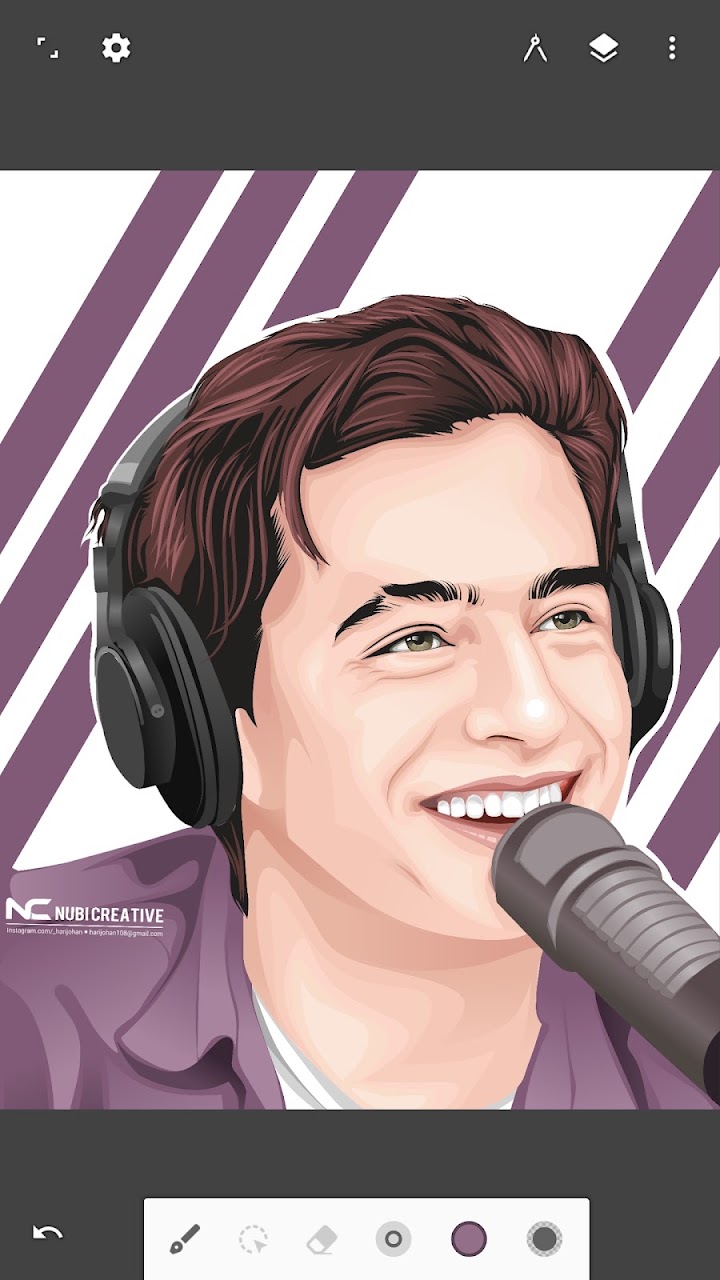
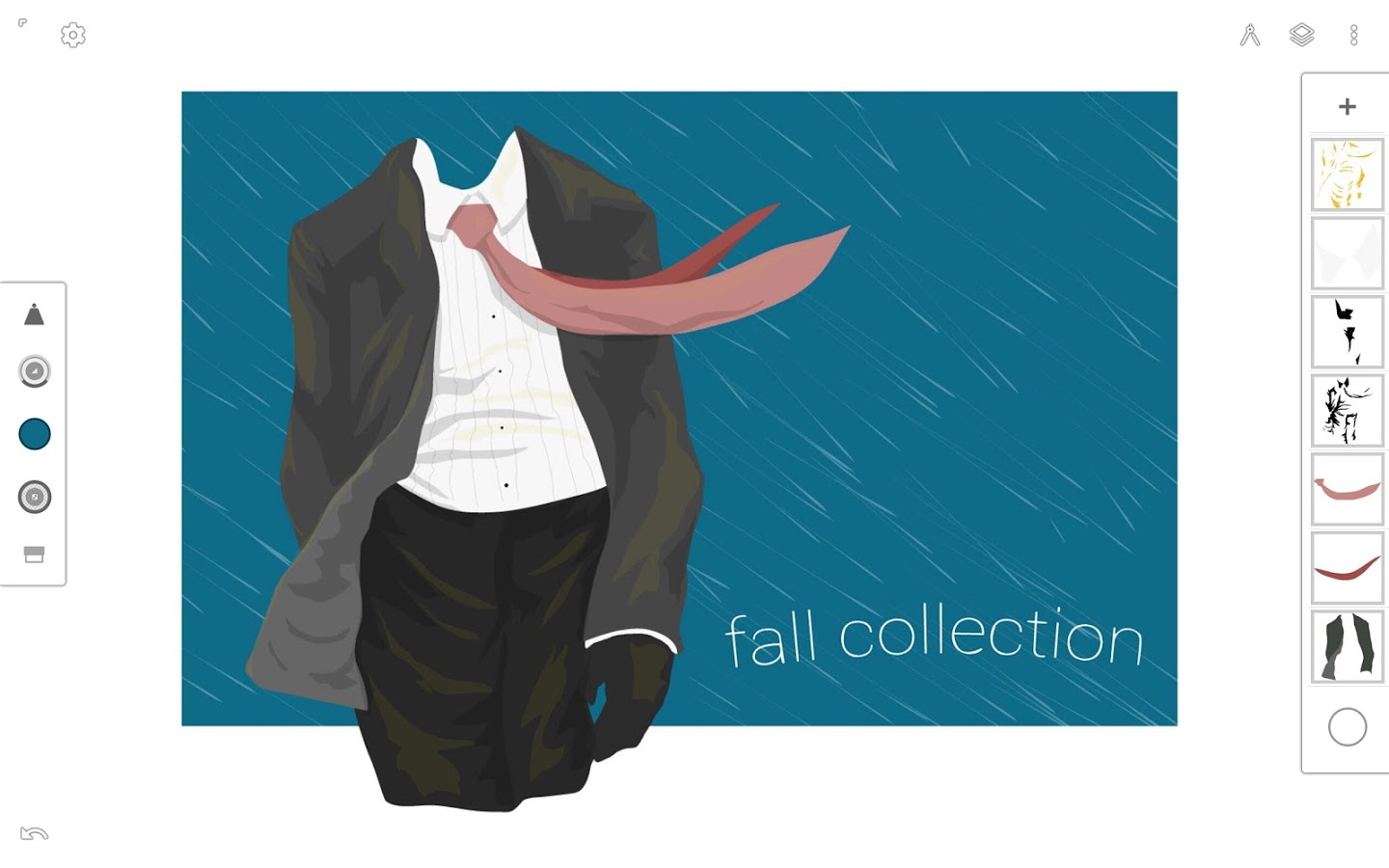
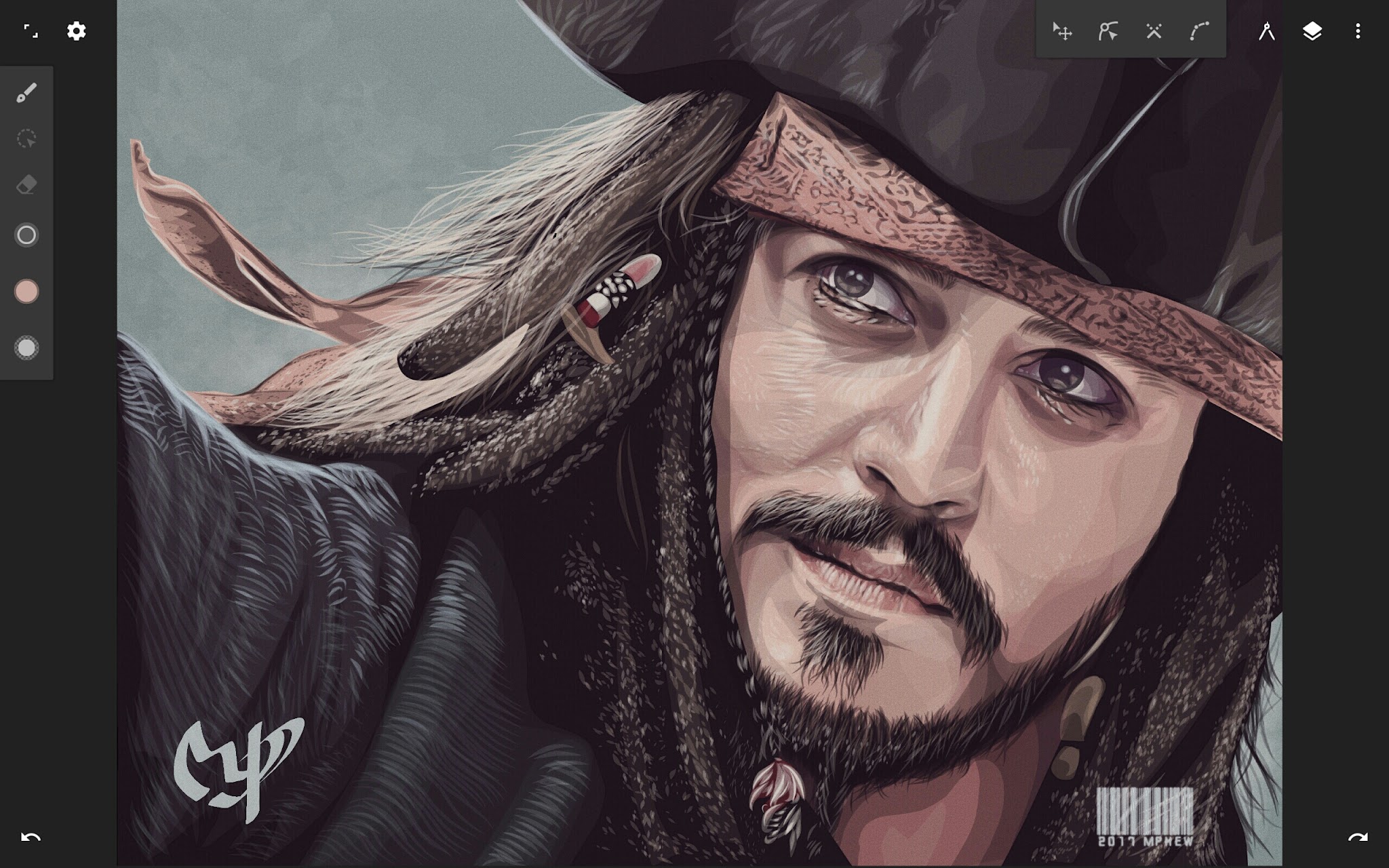
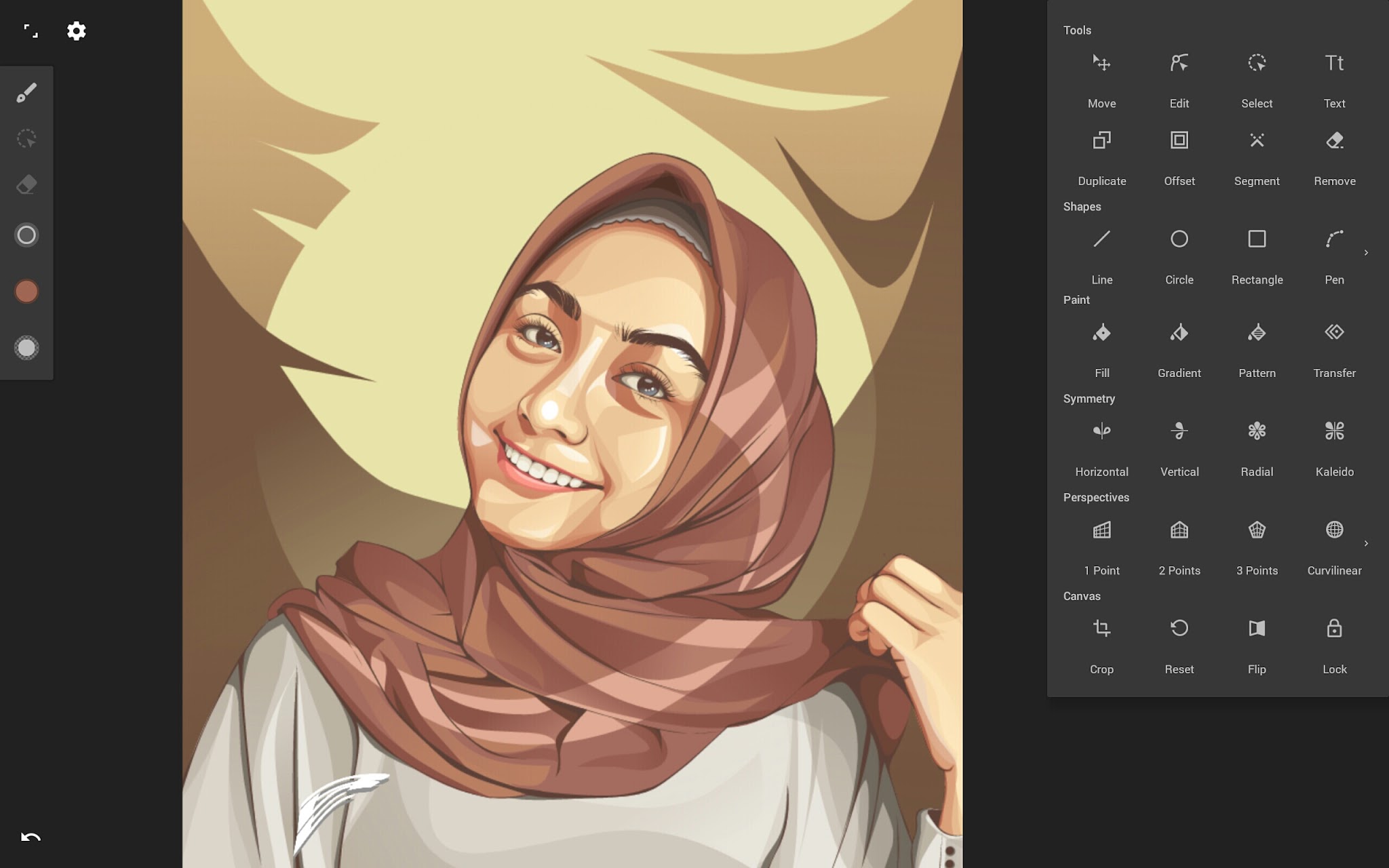
Infinite Design screenshots
7 images · tap to enlarge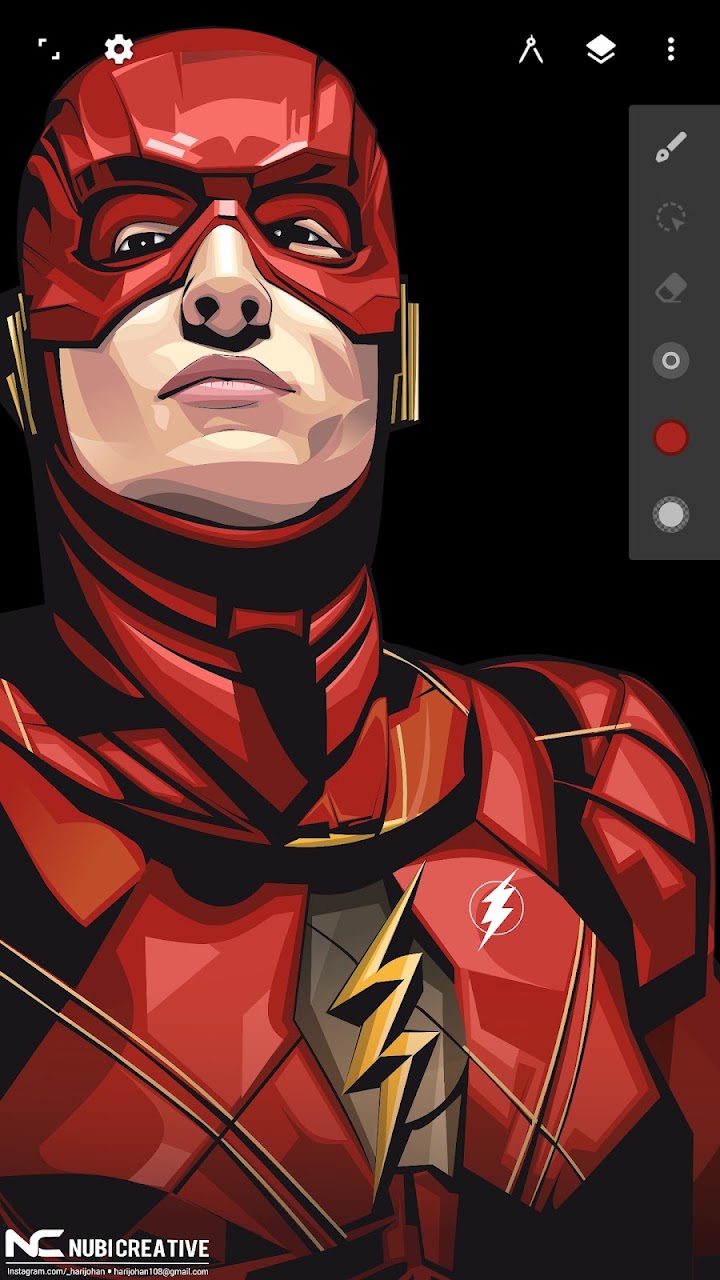
About this app
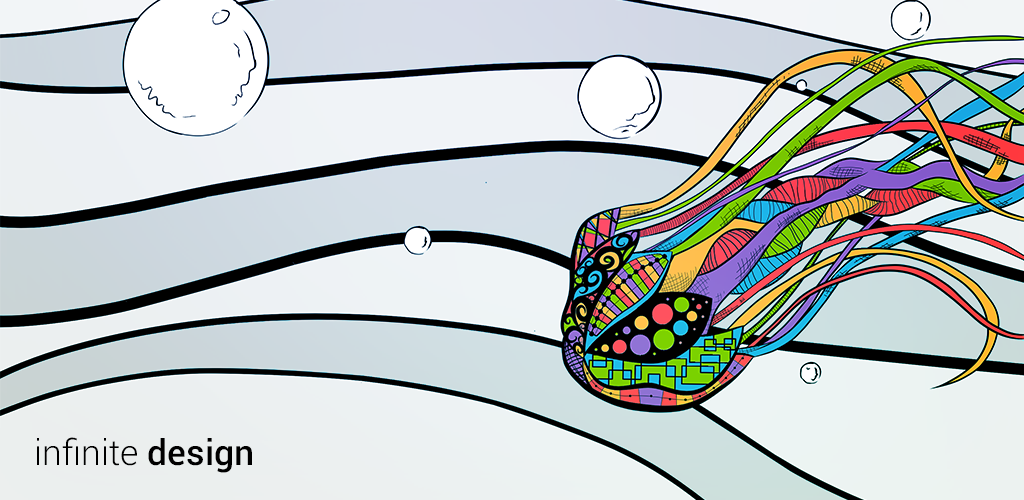
Infinite Design stands out in Android art apps by focusing on vector graphics rather than freehand painting. It gives you an infinite canvas, detailed path editing, and tools for building shapes, layouts, and perspective drawings. With 10M+ installs, a 4.2 rating from 100,473 users, and no ads, it is aimed at people who want more control than a typical sketch app offers.
- Infinite canvas — Pan, zoom, and rotate your workspace without running out of drawing room.
- Vector editing tools — Edit paths, apply boolean operations, and align objects for precise artwork.
- Symmetry and layers — Use four symmetry modes and unlimited layers to build complex designs.
- Perspective guides — Create 3D cityscapes with five perspective guides and a pen tool.
- Import and export — Work with SVG files and export as JPEG, PNG, or SVG.
- Undo history slider — Move through unlimited undo steps with a scrub-able history slider.
For vector work, not casual sketching
Infinite Design is built for people who need editable shapes and clean lines, not just a digital sketchpad. The app’s infinite canvas, path editing, boolean operations, and object alignment tools make it a stronger fit for logos, diagrams, and structured illustrations than many drawing apps that center on brushes alone.
When you want precise control
If you spend time adjusting curves, combining shapes, or cleaning up layouts, the app’s transform tools, automatic shape detection, and grid support give you room to refine the result. The history slider is useful when you want to revisit earlier steps instead of tapping undo repeatedly.
For layered illustrations and perspective scenes
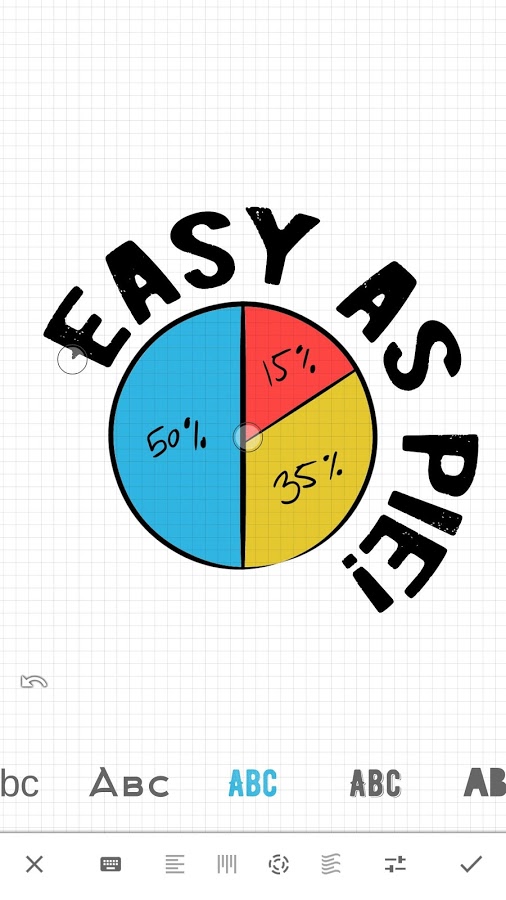
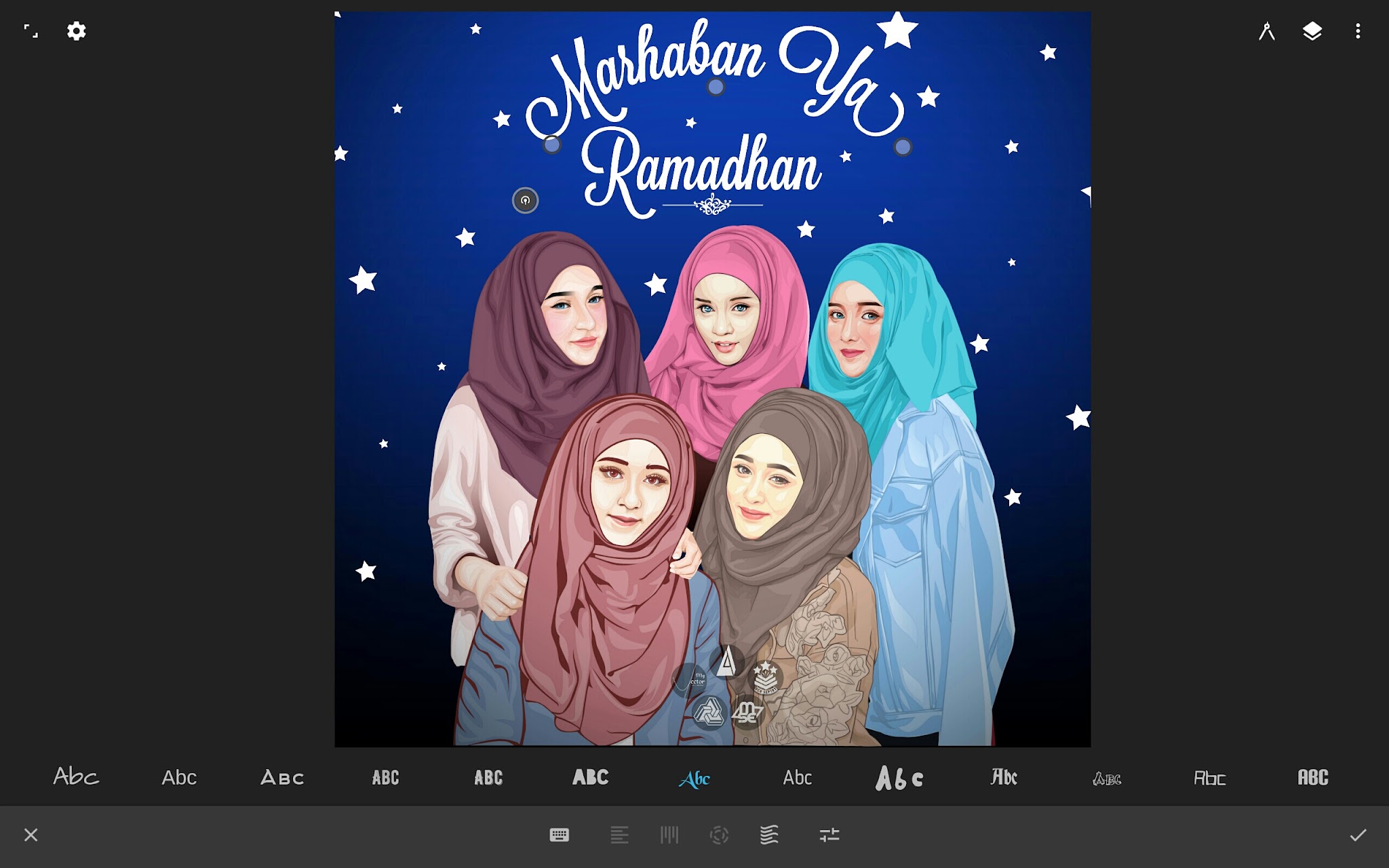
Artists who build more complex scenes can use unlimited layers, four symmetry modes, and five perspective guides. Text can be placed horizontally, vertically, in circles, or along a path, which helps when the artwork needs labels or stylized typography.
What to expect before installing
Infinite Design is free, contains no ads, and does offer in-app purchases. It comes as an APK file, is 16.7 MB, and requires Android API 16 or later. The app does not list any permissions here, so there is nothing specific to review on that point.
- Gets: SVG import/export, image import, camera import, and export to JPEG, PNG, or SVG.
- Gets: Color and pattern fills, plus access to ColourLovers palettes and patterns.
- Watch for: It is a vector app, so it is less about photo editing and more about editable graphics.
- Watch for: Some features are tied to in-app purchases.
If you use Infinite Studio LLC’s other app, Infinite Painter, this one sits on the vector side of the studio’s lineup. Infinite Design is a practical choice for users who want mobile vector editing with a broad toolset and a more organized interface.
APK information
- Version
- 3.4.18
- Package
- com.brakefield.idfree
- Category
- Art & Design
- Size
- 17 MB
- Min Android
- API 16
- Architecture
- universal
Older versions
-
Infinite Design 3.4.18Nov 10, 2026Latest downloadAPK
Infinite Design FAQ
Does Infinite Design add a watermark?expand_more
The listing does not mention a watermark.
Can Infinite Design edit RAW photos?expand_more
No RAW editing is listed. The app focuses on vector graphics, SVG work, and image-to-vector conversion.
How big is the Infinite Design download?expand_more
The APK size is 16.7 MB.
Is this Infinite Design APK the original file?expand_more
It is listed as an APK for Infinite Design by Infinite Studio LLC. The app was released in 2011 and was last updated on 2025-05-29.
What file types can Infinite Design export?expand_more
It can export images as JPEG, PNG, or SVG, and it also supports SVG import and export.