- 4.2star6,349 reviews
- 1M+Downloads
- 18 MBAPK size
- EveryoneRated for Everyone
- 10+Android
check_circleOriginal APK from Indeed Jobs · Updated Nov 10, 2026
No threats found
0 / — antivirus engines flagged this file
Original signature
First seen — Indeed Jobs
Unmodified APK
Same file the developer published — no mods
かんたん・キレイな証明写真 ~ 履歴書カメラ ~ screenshots
5 images · tap to enlarge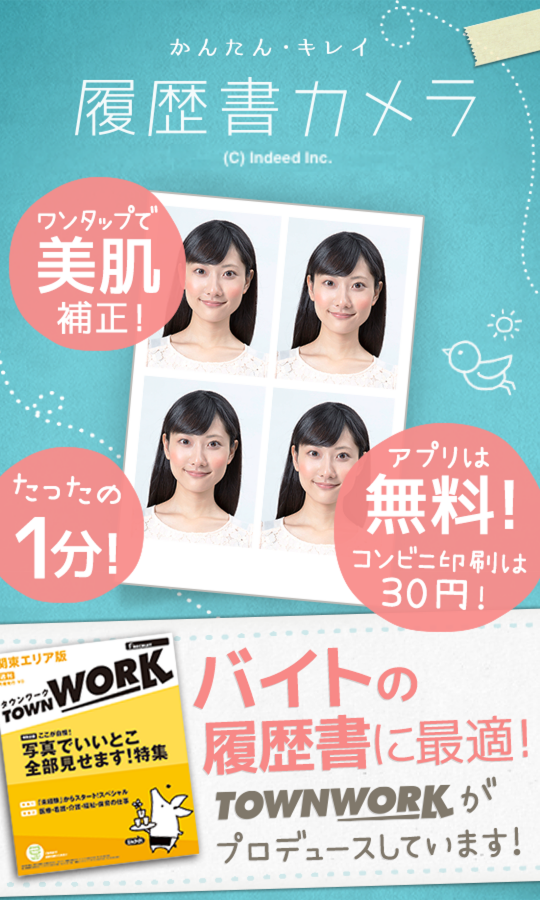
About this app
With 1M+ installs and a 4.2 rating, かんたん・キレイな証明写真 ~ 履歴書カメラ ~ is built for quick ID photos. You open it when you need a resume photo, follow the shooting guide, and use the skin correction and dark circle removal tools before printing. It is a simple path from selfie to printed photo.
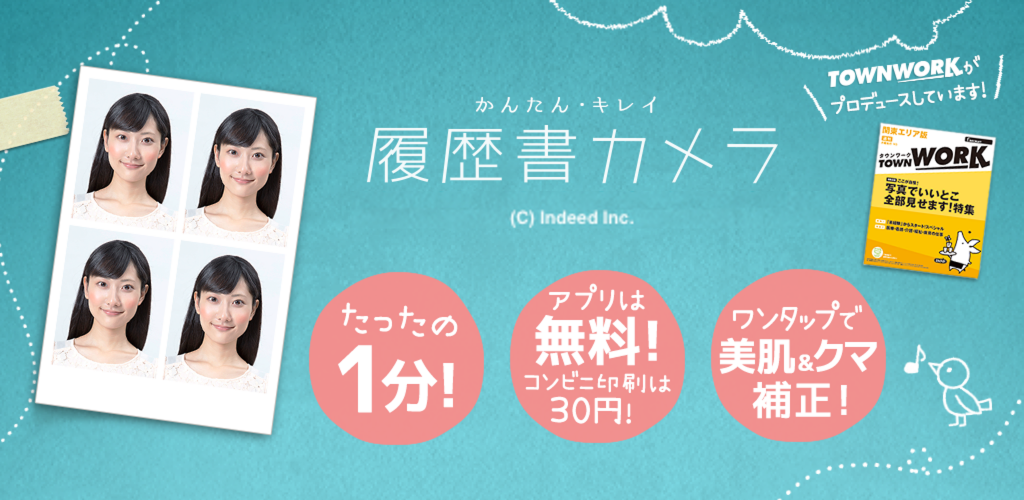
- Resume photo size — Make ID photos for part-time job resumes in the 3x4 cm format.
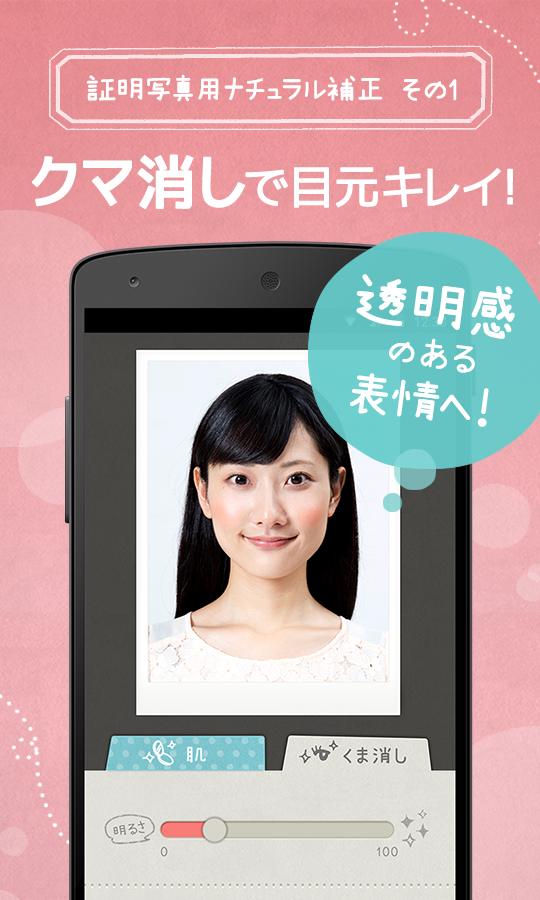
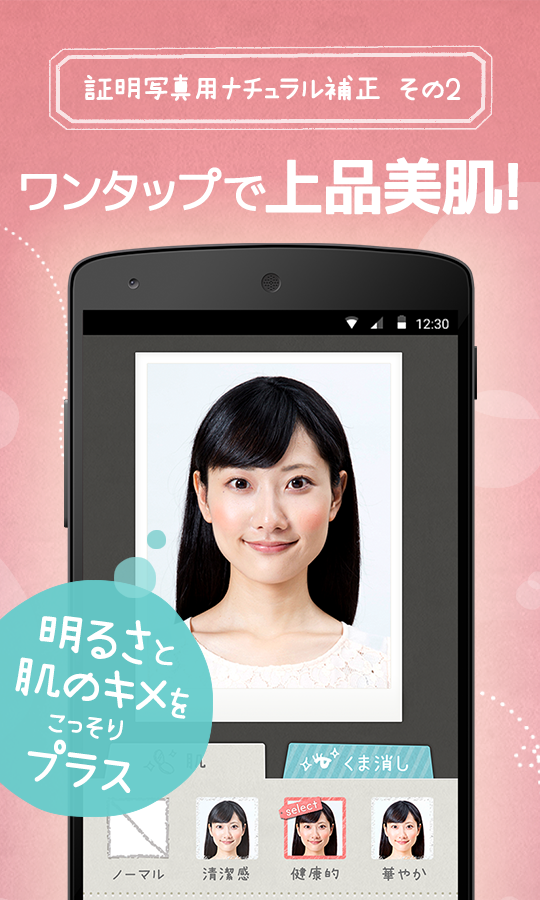
- Skin correction — Adjust the look of your photo before printing it out.
- Dark circle removal — Tidy up under-eye shadows with the app's correction tool.
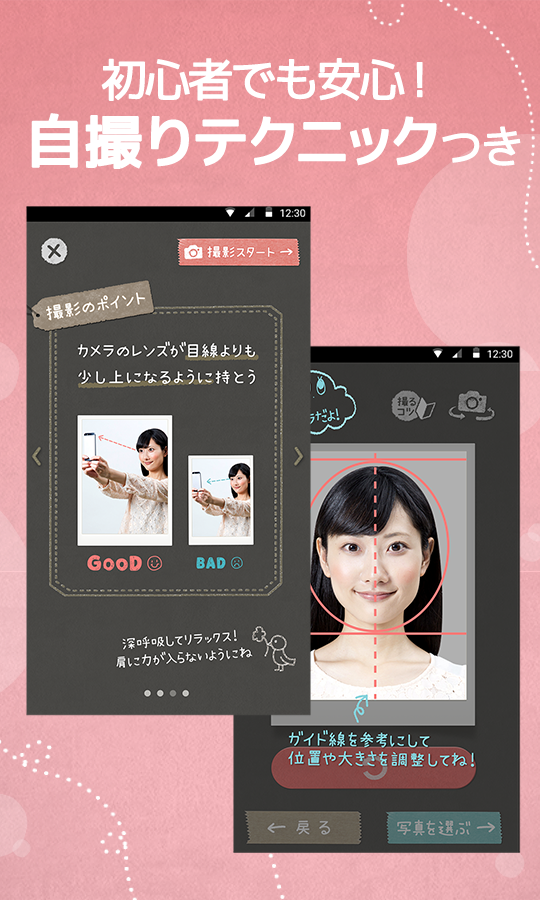
- Quick shooting guide — Use the built-in guide when you want help taking the photo yourself.
- Print anywhere — Print at home or at a convenience store when the photo is ready.
Make a 3x4 cm resume photo
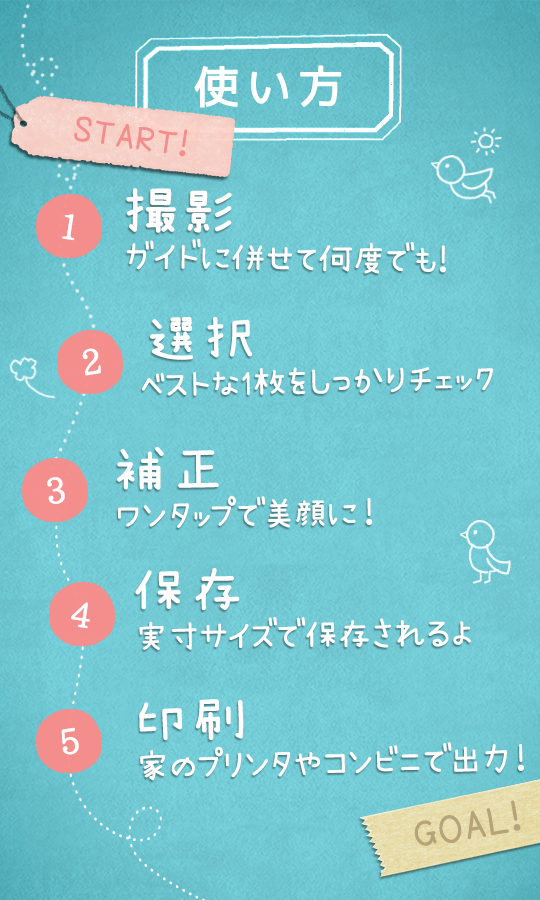
Open the app when you need an ID photo for a job application or interview. It is set up for part-time job resumes, so the flow stays focused on one task: take the photo, adjust it, and print it.
You can try again until the picture looks right, which helps if you are taking the photo by yourself.
Skin correction and dark circles
The app includes gentle skin correction and dark circle removal. That makes the editing step short and clear. You do not need complex controls to clean up the image before printing.
This is useful when you want the photo to look neat without heavy editing.
Take the photo at home
If you are busy, you can shoot at home or even at night. The app also includes guidance for taking selfies, so first-time users have a starting point instead of guessing.
You can also ask a friend or family member to take the picture for you.
Print and finish
After editing, print the photo at home or at a convenience store. The app points to common printing options such as Netprint for 7-Eleven and PrintSmash for Lawson, FamilyMart, and Poplar Group. If you want higher-quality prints, you can use a photo shop.
Install details: APK format, 18.4 MB, requires Android 10 or later.
- No account setup is mentioned.
- No ads or in-app purchases are listed.
- The app does not list any permissions.
What's new
Version 1.0.10 · Nov 10, 2026
- 履歴書カメラをご利用いただきありがとうございます。
- 本バージョンにて、以下の対応をおこないました。
- ・内部処理の改善
APK information
- Version
- 1.0.10
- Package
- jp.co.recruit.rirekisyocamera.android
- Category
- Photography
- Size
- 18 MB
- Min Android
- 10
- Architecture
- universal
Older versions
-
かんたん・キレイな証明写真 ~ 履歴書カメラ ~ 1.0.10Nov 10, 2026Latest downloadAPK
かんたん・キレイな証明写真 ~ 履歴書カメラ ~ FAQ
Can this app edit RAW photos?expand_more
RAW editing is not mentioned. The app focuses on ID photo shooting, skin correction, and dark circle removal.
Does it work without an internet connection?expand_more
Offline use is not stated. The app description only explains taking, editing, and printing ID photos.
Which Android version do I need?expand_more
It requires Android 10 or later.
What permissions does it ask for?expand_more
No permissions are listed for this app.
Can I print the photo at a convenience store?expand_more
Yes. The app says you can print at a convenience store, and it mentions Netprint and PrintSmash as options.