
- 4.5star129 reviews
- 100M+Downloads
- 7 MBAPK size
- EveryoneRated for Everyone
- API 19+Android
check_circleOriginal APK from Instagram · Updated Nov 12, 2026
No threats found
0 / — antivirus engines flagged this file
Original signature
First seen — Instagram
Unmodified APK
Same file the developer published — no mods
Layout from Instagram: Collage screenshots
5 images · tap to enlarge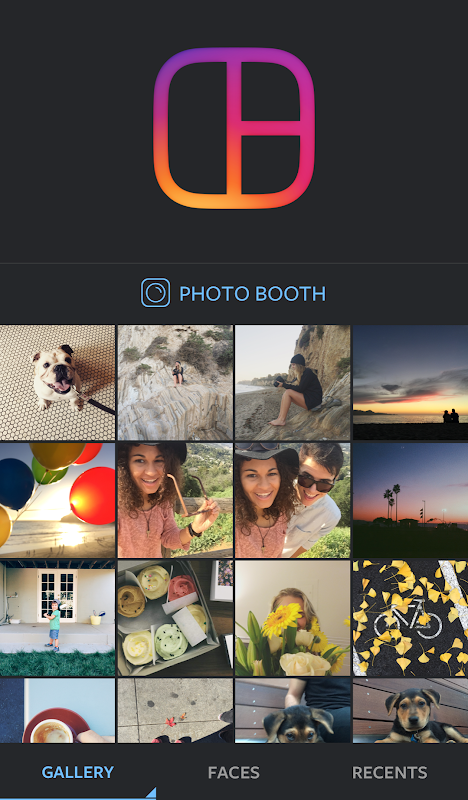
About this app
Instagram makes Layout from Instagram: Collage, a photography app for building collages from your own photos. It lets you pull images from your gallery or use Photo Booth, then adjust the arrangement with simple touch controls before saving or sharing. The app is free, has no ads or in-app purchases, and needs no account to start.
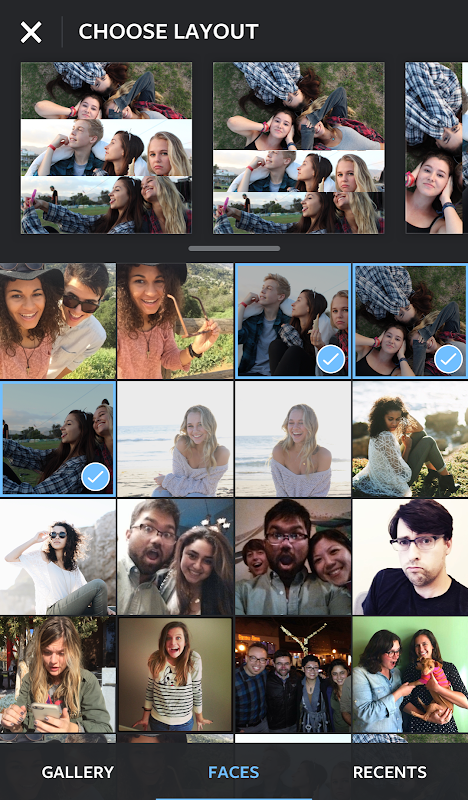
- Up to 9 photos — Combine as many as nine images into one layout or collage.
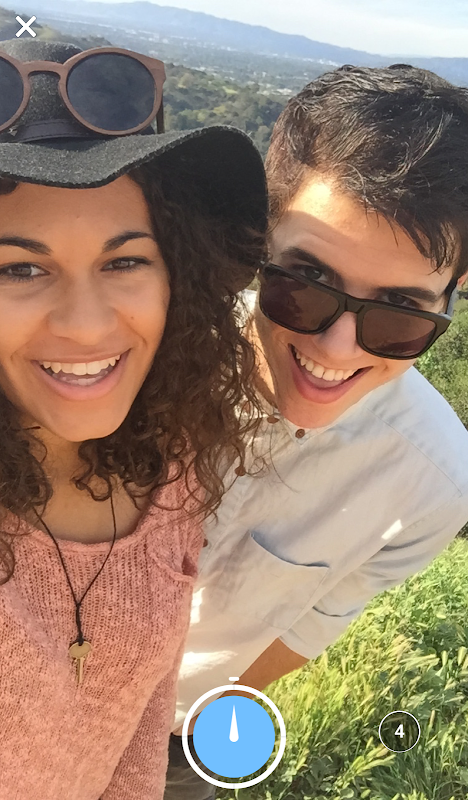
- Photo Booth capture — Take quick shots inside the app instead of importing every image.
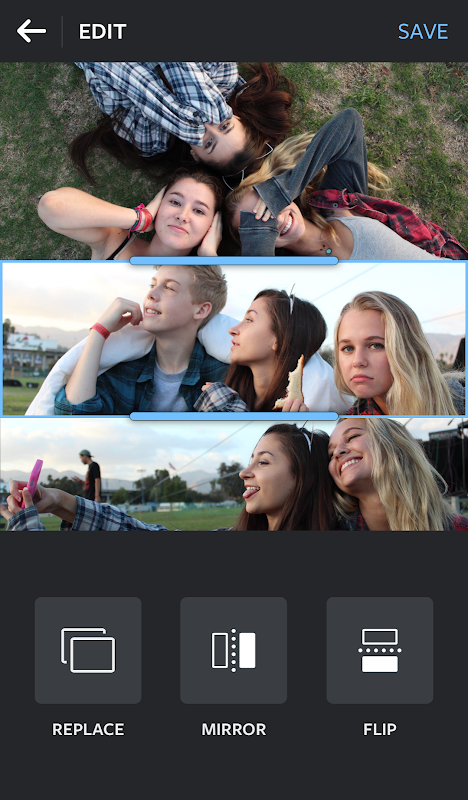
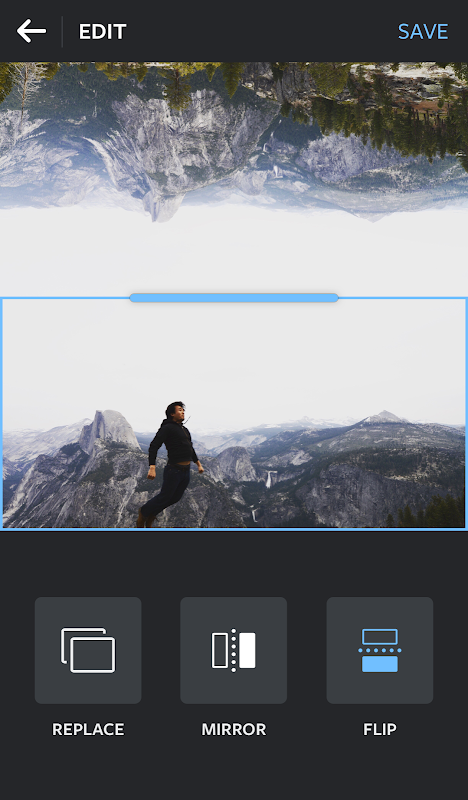
- Hands-on editing — Mirror, flip, replace, swap, zoom, and resize images with touch gestures.
- Faces and Recents — Use the Faces tab to find people photos and Recents to revisit the last 30 selections.
- Share and save — Save layouts to your gallery and share them to Instagram or other networks.
Built for quick photo collages
Layout from Instagram: Collage is Instagram's collage app for remixing your photos into a single layout. It focuses on fast composition rather than broad editing, so it suits people who want to combine a few pictures, adjust the arrangement, and move on. Compared with apps like Google Photos or Samsung Gallery, it is narrower in scope, while apps such as B612 AI Photo&Video Editor may offer more camera effects.
Touch controls instead of a full editor
The editing tools are direct: tap to mirror, flip, or replace images, drag to swap them, pinch to zoom, and pull handles to resize. That makes it practical if you want control over spacing and order without extra layers of menus. You can start from gallery photos or use Photo Booth for spontaneous shots, then save the result to your gallery or share it out.
What you get and what to watch for
- Get: Collages with up to 9 photos, Faces and Recents tabs, and no signup required.
- Get: Free use with no ads and no in-app purchases.
- Watch for: It is focused on collages, not full photo management like Google Photos or Gallery.
- Watch for: There are no permissions listed, so nothing specific is called out here.
Install details
The app is an APK file, sized at 6.6 MB, and it supports universal architecture. It requires Android API 19 or later. The current version is 1.3.11, and the app was last updated on 2022-06-29.
APK information
- Version
- 1.3.11
- Package
- com.instagram.layout
- Category
- Photography
- Size
- 7 MB
- Min Android
- API 19
- Architecture
- universal
Older versions
-
Layout from Instagram: Collage 1.3.11Nov 12, 2026Latest downloadAPK
Layout from Instagram: Collage FAQ
Does Layout from Instagram: Collage work offline?expand_more
The app description says you can download and start creating immediately, but it does not state whether it works offline.
Can Layout from Instagram: Collage edit RAW photos?expand_more
No RAW photo support is mentioned. The app is described as working with photos from your gallery or the built-in Photo Booth.
How big is the Layout from Instagram: Collage download?expand_more
The APK size is 6.6 MB.
Which Android version does Layout from Instagram: Collage need?expand_more
It requires Android API 19 or later.
Does Layout from Instagram: Collage need an account?expand_more
No signup or account is required to start creating layouts or collages.