
- 4.2star5 reviews
- 1M+Downloads
- 27 MBAPK size
- EveryoneRated for Everyone
- API 17+Android
check_circleOriginal APK from محمود آفریده · Updated Nov 10, 2026
No threats found
0 / — antivirus engines flagged this file
Original signature
First seen — محمود آفریده
Unmodified APK
Same file the developer published — no mods
Matnnegar (Write On Photo) screenshots
8 images · tap to enlarge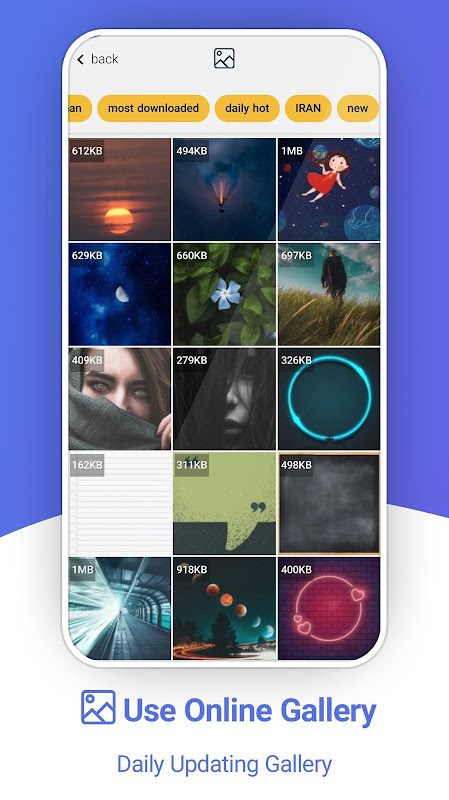
About this app
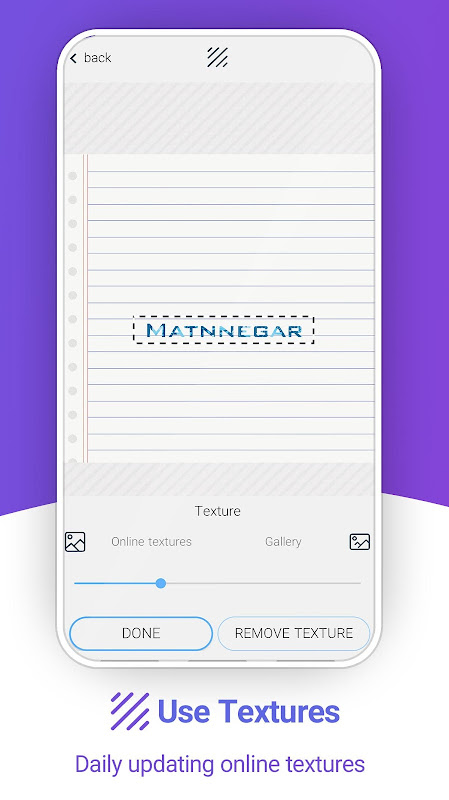
Matnnegar stands out in photo editing by focusing on typography on images. Open it when you want to build a design from a photo, then work through text, background, and sticker tabs to shape the result. It also lets you save projects, share them, and pull extra fonts, stickers, or projects from PencilCase.
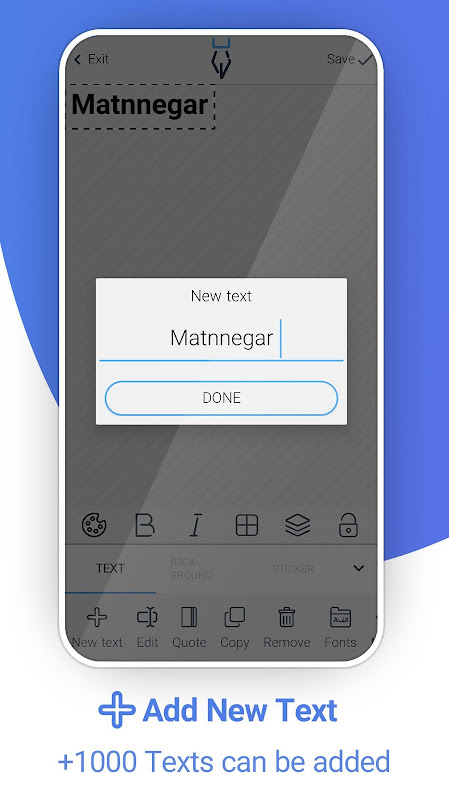
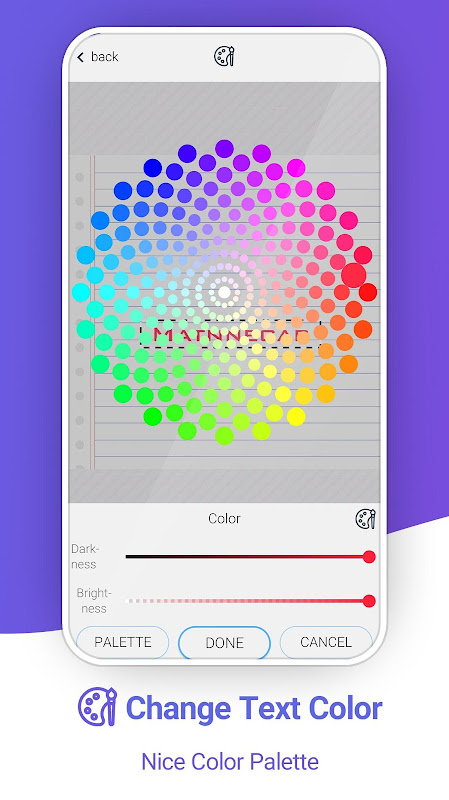
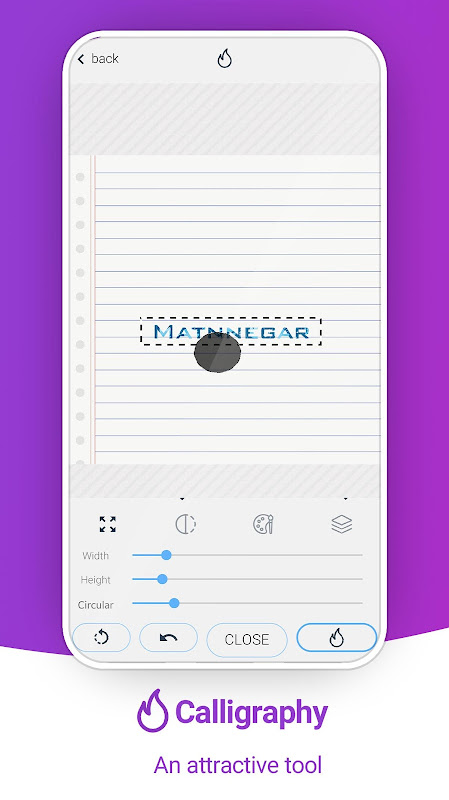
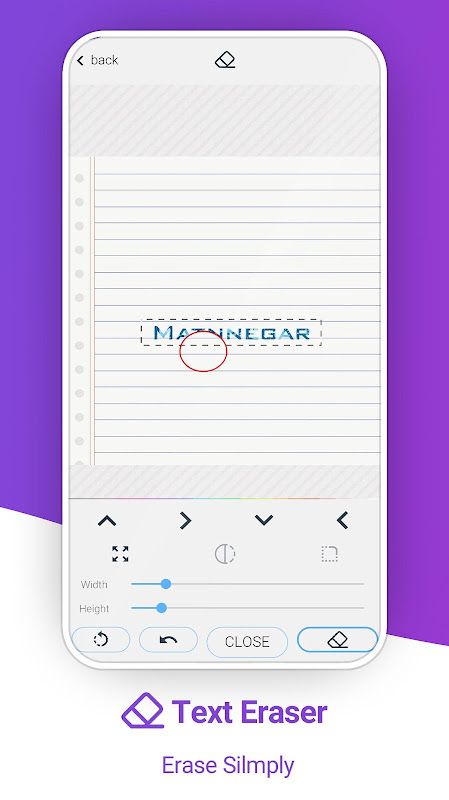
- Text editing tools — Adjust text colour, shadow, eraser, emboss, and other text effects from the Text tab.
- Background photo effects — Choose the main photo in the Background tab and apply effects to it.
- Online gallery access — Browse photos in categories from the online gallery when you need a different background.
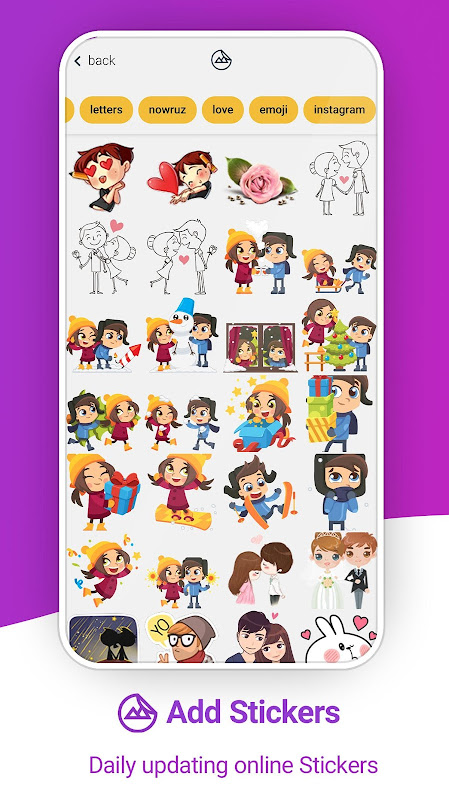
- Sticker design tools — Add custom stickers and use many of the same text options on them.
- Project saving — Save your work as a project and share it with friends when you are done.
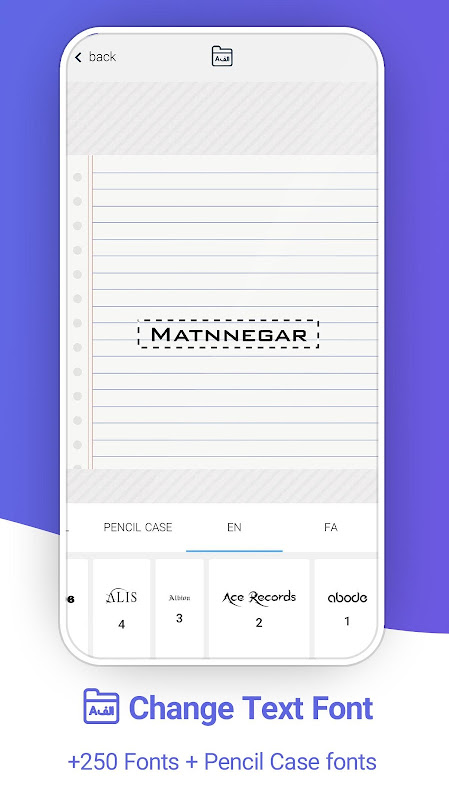
- Local fonts support — Copy fonts into the matnnegar/fonts folder to use them in the app.
Text, background, and sticker tabs
Matnnegar is set up around three places you move through while editing: Text, Background, and Sticker. That structure makes it easy to start with a photo, add typography, and then refine the look without leaving the same project. If you want more fonts, stickers, or ready-made projects, PencilCase is built into the workflow.
Adding text to a photo
The Text tab is the part most people will open first. It gives you controls for colour, shadow, erasing parts of the text, embossing, and other text edits. For someone putting a caption on a picture before posting, this is the main screen that does the day-to-day work.
Choosing a background or sticker
In the Background tab, you pick the main photo and can apply effects to it. The online gallery adds photos in different categories, so you are not limited to what is already on your phone. The Sticker tab follows the same idea, but for custom stickers, and many of the text options are available there too.
Saving projects and using local fonts
When the edit is finished, you can save it as a project and share it with friends. If you already have your own fonts, copy them into the matnnegar/fonts folder and they become available inside the app. Matnnegar is free, does not show ads, and does not ask for permissions. The APK is 26.8 MB, works on Android 17 and up, and comes as a universal APK file.
- Good for quick photo captions and typography layouts
- Works with online gallery photos and online stickers
- Lets you save edits as projects for later
- Supports custom fonts from local storage folders
What's new
Version 7.5.4 · Nov 10, 2026
- UI Changes
- Photo picker bug fixes
- Online gallery download bug fixes
- Pencil case products comments
- Reported bug fixes
APK information
- Version
- 7.5.4
- Package
- com.ma.textgraphy
- Category
- Photography
- Size
- 27 MB
- Min Android
- API 17
- Architecture
- universal
Older versions
-
Matnnegar (Write On Photo) 7.5.4Nov 10, 2026Latest downloadAPK
Matnnegar (Write On Photo) FAQ
Does Matnnegar (Write On Photo) add a watermark?expand_more
The app description does not mention a watermark, so there is no indication that it adds one.
Can Matnnegar (Write On Photo) edit RAW photos?expand_more
RAW support is not mentioned. The app focuses on text, backgrounds, stickers, and photo effects.
Does Matnnegar (Write On Photo) show ads?expand_more
No. The app is listed as containing no ads.
How big is the Matnnegar (Write On Photo) download?expand_more
The APK size is 26.8 MB.
How do I use my own fonts in Matnnegar?expand_more
Copy your font files into the matnnegar > fonts folder. The app will then use those local fonts.