
- 4.0star39,796 reviews
- 100M+Downloads
- 30 MBAPK size
- EveryoneRated for Everyone
- 5.0+Android
check_circleOriginal APK from Xiaomi Inc. · Updated Nov 12, 2026
No threats found
0 / — antivirus engines flagged this file
Original signature
First seen — Xiaomi Inc.
Unmodified APK
Same file the developer published — no mods
Mi Mover screenshots
4 images · tap to enlarge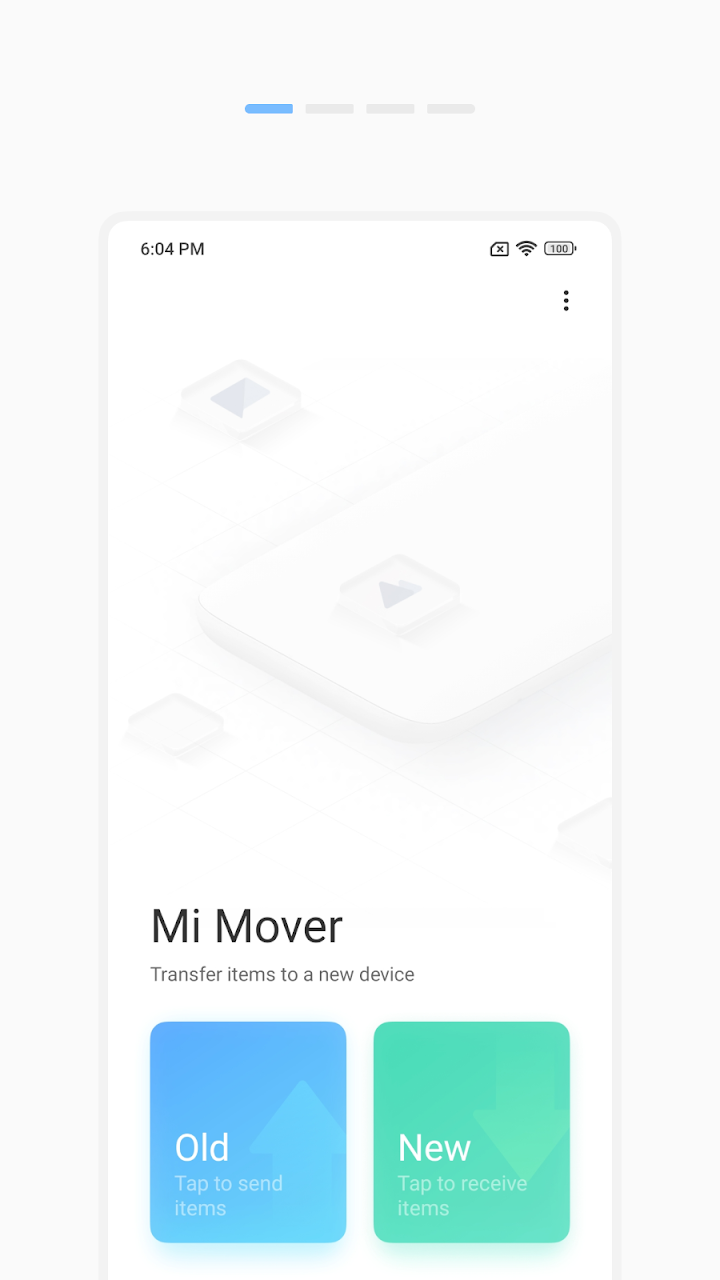
About this app
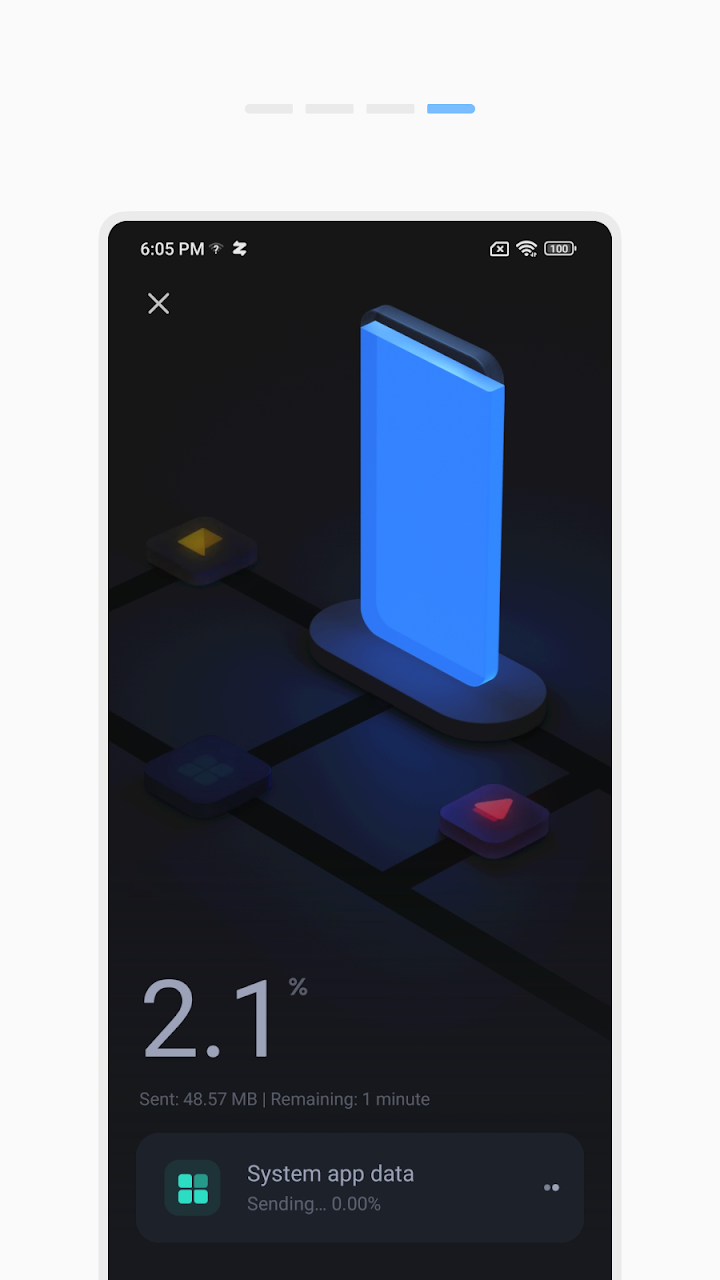
Move your files to a new Mi phone without a cable. Mi Mover connects two devices directly through a portable hotspot and transfers files, videos, songs, documents, and other items from old Android or iOS devices. It is free, has no ads or in-app purchases, and works on Android 5.0 and up.
- Wireless transfer — Two devices connect directly through a portable hotspot, so you do not need a cable.
- Old phone support — It can move items from both Android and iOS devices to a new Mi phone.
- File types covered — You can transfer files, videos, songs, documents, and other items.
- Free to use — The app is free and does not include ads or in-app purchases.
- Low setup needs — It installs as a 30.4 MB universal APK and needs Android 5.0 or later.
First launch on a new Mi phone
Open Mi Mover on the new Mi phone and get ready to connect your old device. The app is built for one job: moving content from an older Android or iOS device to a new Mi phone. It uses a direct wireless link, so the transfer does not depend on a cable.
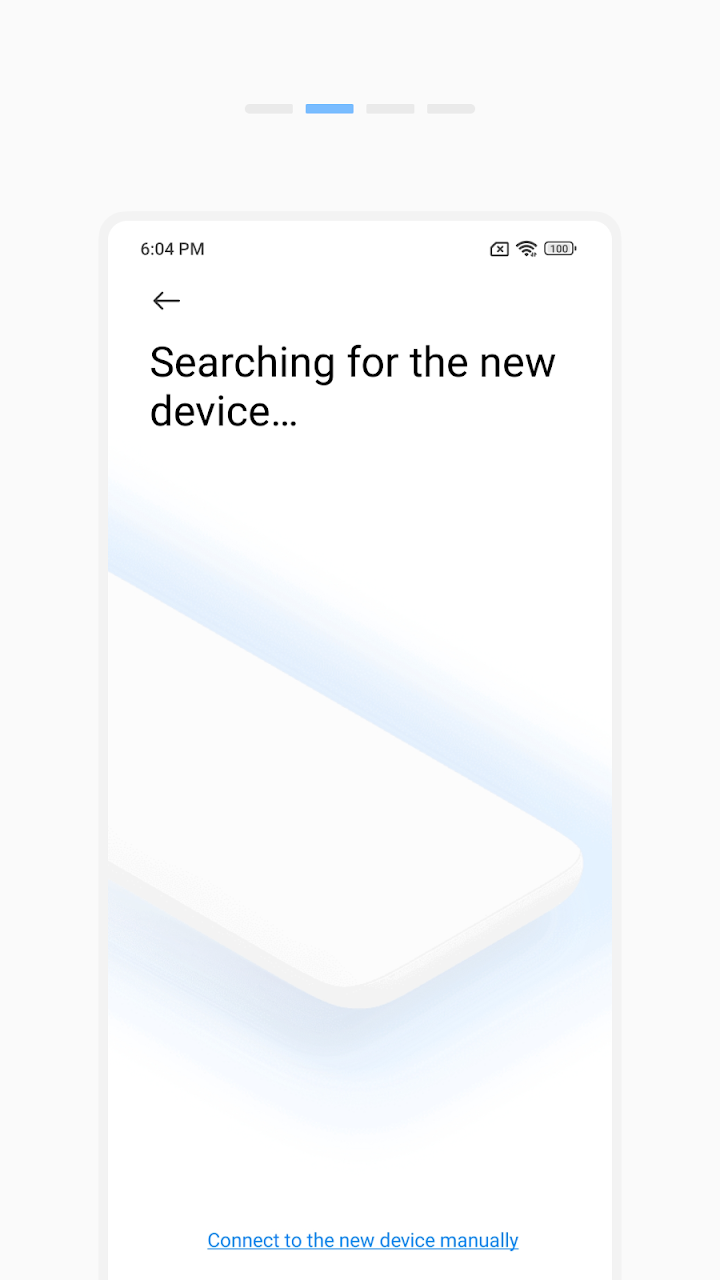
Start by bringing both devices close together. Mi Mover sets up the connection through a portable hotspot, then begins the transfer path between the two phones.
What you can move
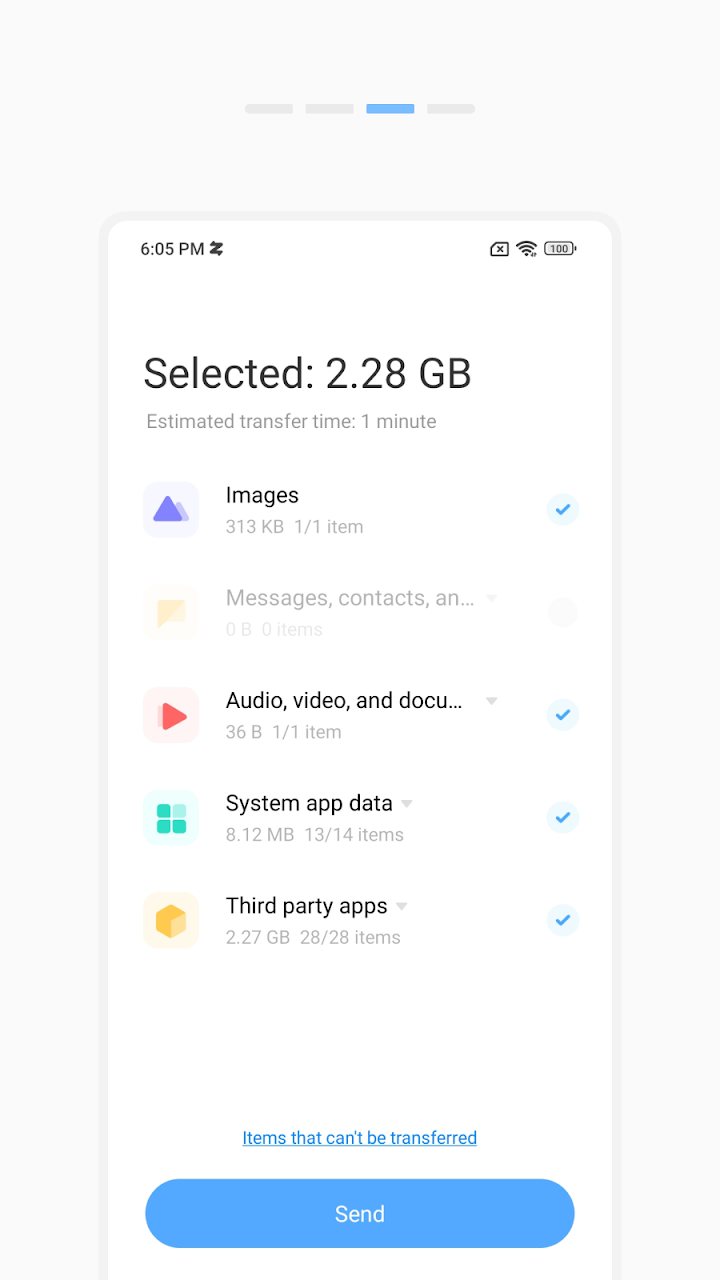
Mi Mover handles common personal files. It supports files, videos, songs, documents, and other items. The app is aimed at the first move to a new Mi phone, not at general file sharing between random devices.
- Gets: wireless transfer, Android and iOS source support, free use, no ads.
- Watch for: it is made for new Mi phones, and it asks for no listed permissions.
Practical setup tips
Keep both devices ready before you begin. A direct wireless transfer can be easier if the phones stay near each other during the process. The app is 30.4 MB, comes as an APK, and needs Android 5.0 or later.
If you are moving a lot of items, make sure both devices have enough space and power before you start. Mi Mover is designed for a stable transfer path, but the transfer still depends on both phones staying available.
Permissions and requirements
Mi Mover does not list any permissions. It also does not list in-app purchases or ads, and it is rated for Everyone. Root is not mentioned as a requirement.
Use it when you want a simple way to move content from an old phone to a new Mi phone over a wireless connection.
APK information
- Version
- 4.5.7.5
- Package
- com.miui.huanji
- Category
- Tools
- Size
- 30 MB
- Min Android
- 5.0
- Architecture
- universal
Older versions
-
Mi Mover 4.5.7.5Nov 12, 2026Latest downloadAPK
Mi Mover FAQ
Why does Mi Mover need these permissions?expand_more
No permissions are listed for Mi Mover. The app description does not name any permission requests.
Does Mi Mover need root?expand_more
Root is not mentioned as a requirement. The app listing does not say that root access is needed.
Does Mi Mover work on tablets?expand_more
The listing does not say whether it works on tablets. It is described as a tool for moving data to a new Mi phone.
Is Mi Mover free to use?expand_more
Yes. Mi Mover is free and it does not include ads or in-app purchases.
What can Mi Mover transfer?expand_more
It can transfer files, videos, songs, documents, and other items from old Android or iOS devices to a new Mi phone.