
- 4.8star4,449,569 reviews
- 100M+Downloads
- 41 MBAPK size
- EveryoneRated for Everyone
- 10+Android
check_circleOriginal APK from InShot Inc. · Updated Nov 12, 2026
No threats found
0 / — antivirus engines flagged this file
Original signature
First seen — InShot Inc.
Unmodified APK
Same file the developer published — no mods
Music Player & MP3 Player screenshots
8 images · tap to enlarge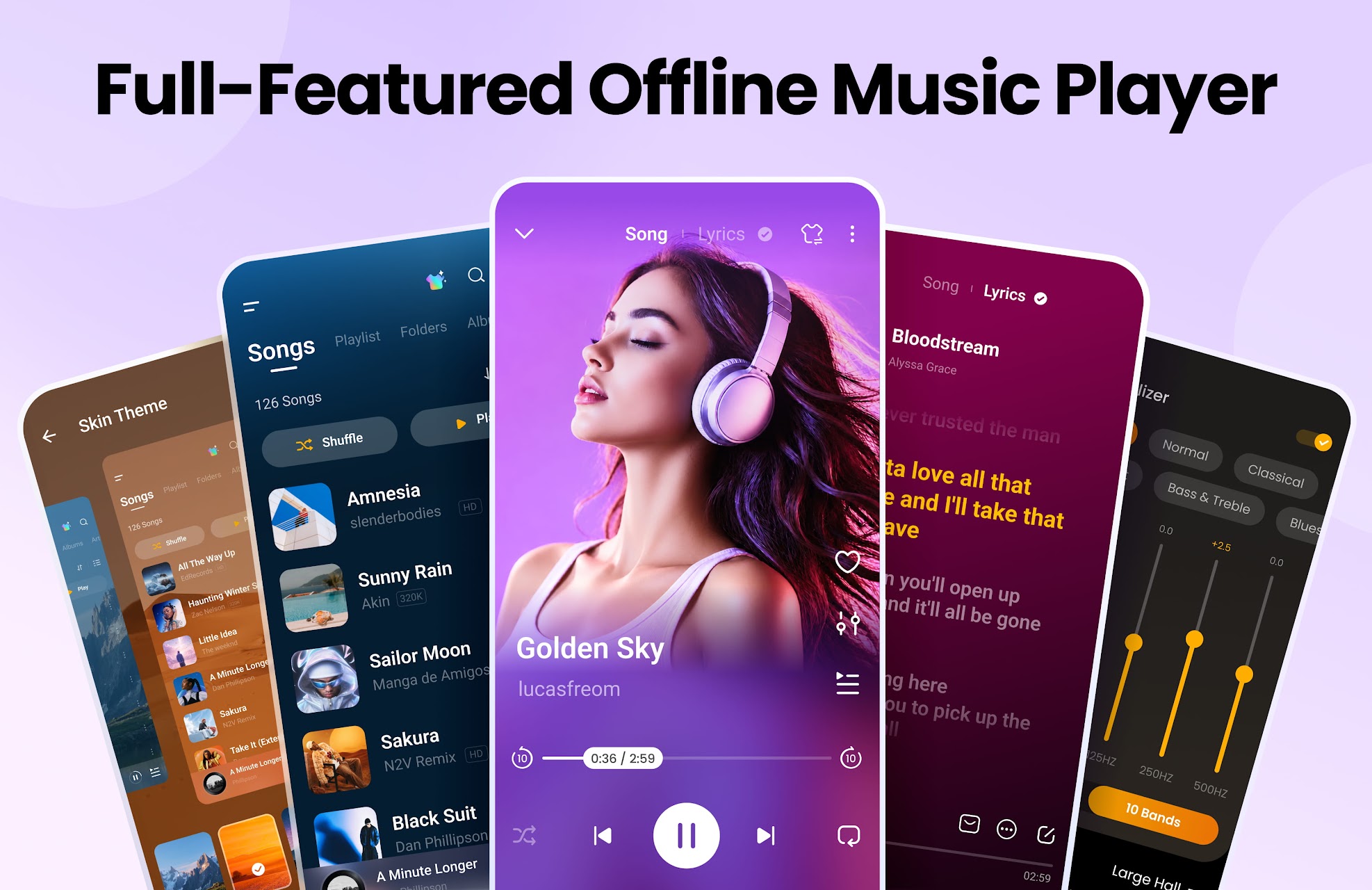
About this app
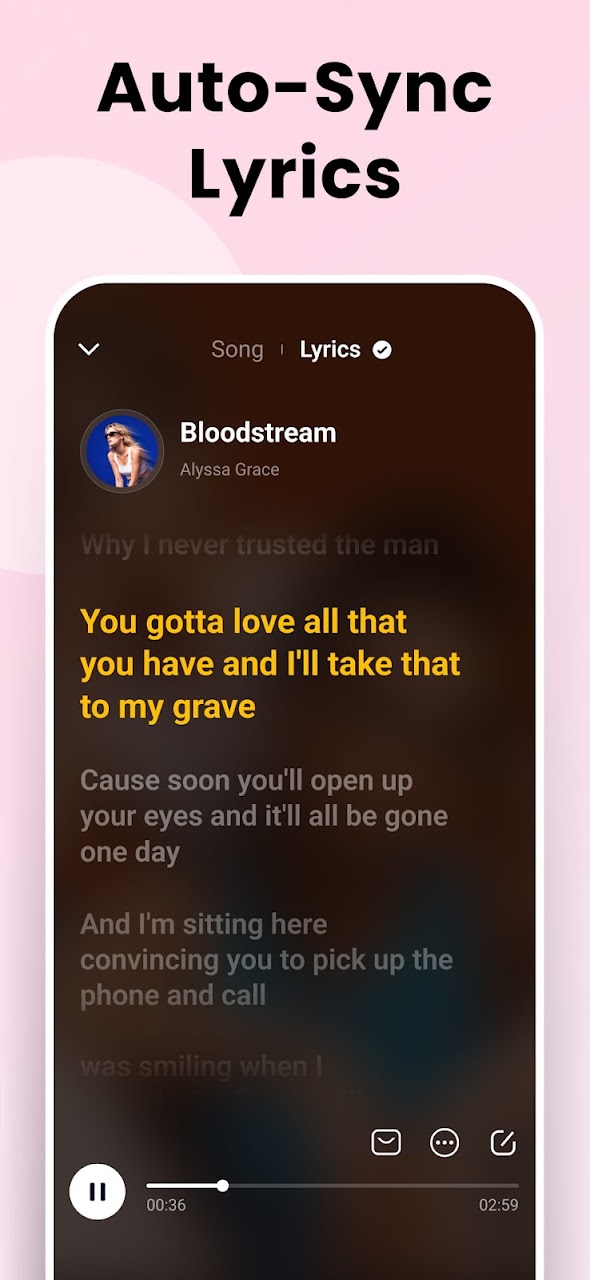
Music Player & MP3 Player focuses on local playback, not streaming. On first launch, expect a simple offline music library that scans your device, supports many audio formats, and lets you choose themes, playback order, and sound settings. It is free to install, but it includes ads and in-app purchases.
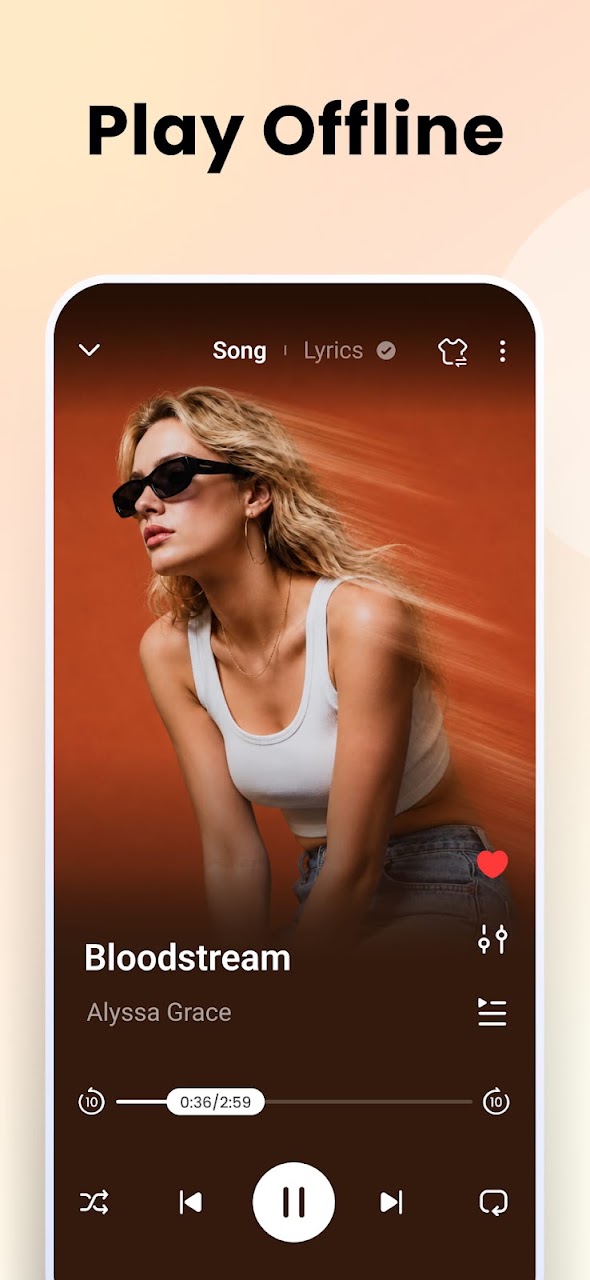
- Offline local playback — Plays songs stored on your device without Wi‑Fi.
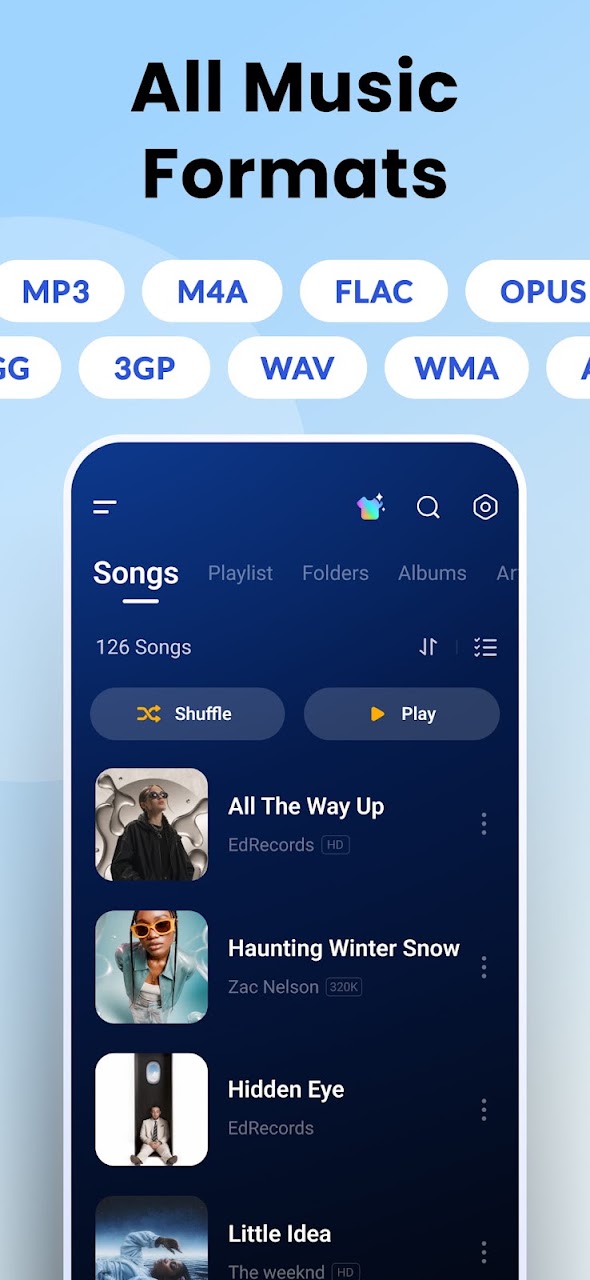
- Wide format support — Supports MP3, MIDI, WAV, FLAC, AAC, APE, and more.
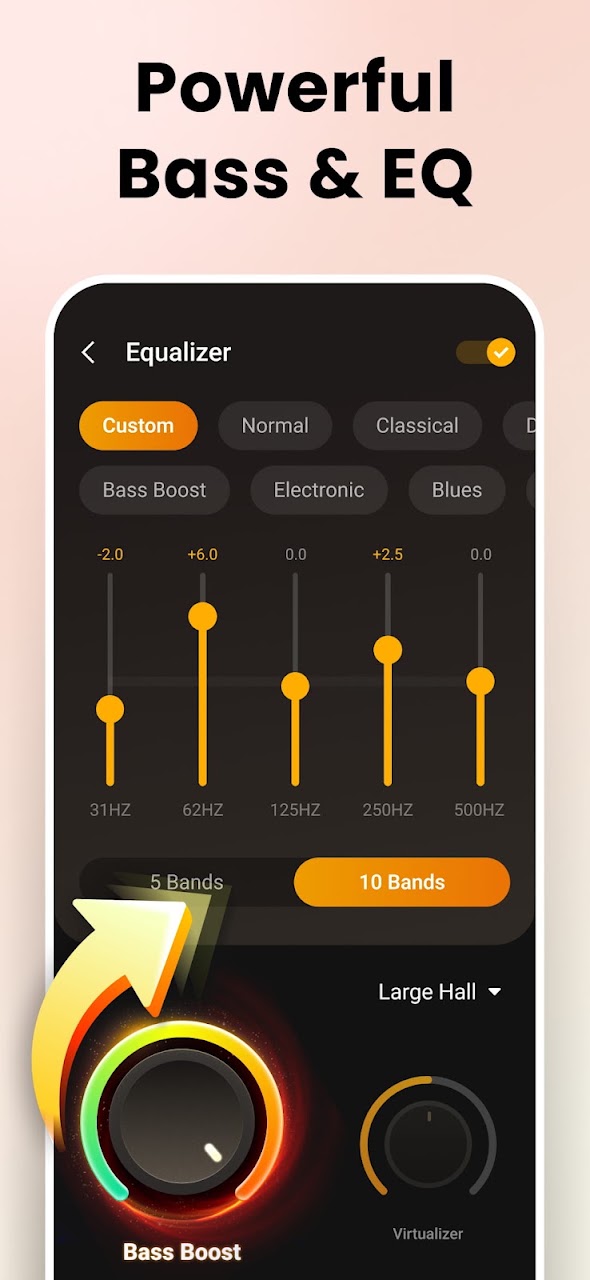
- Equalizer controls — Includes bass boost, reverb effects, and a built-in equalizer.
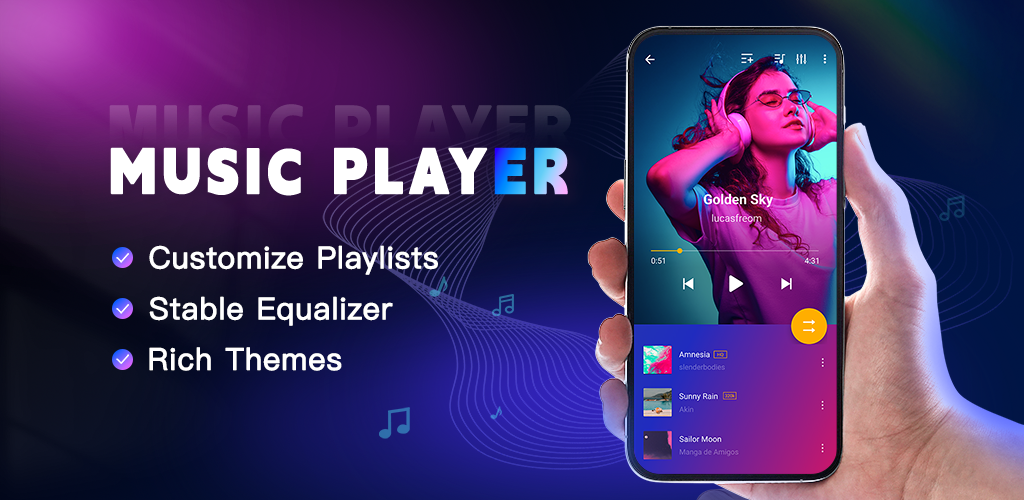
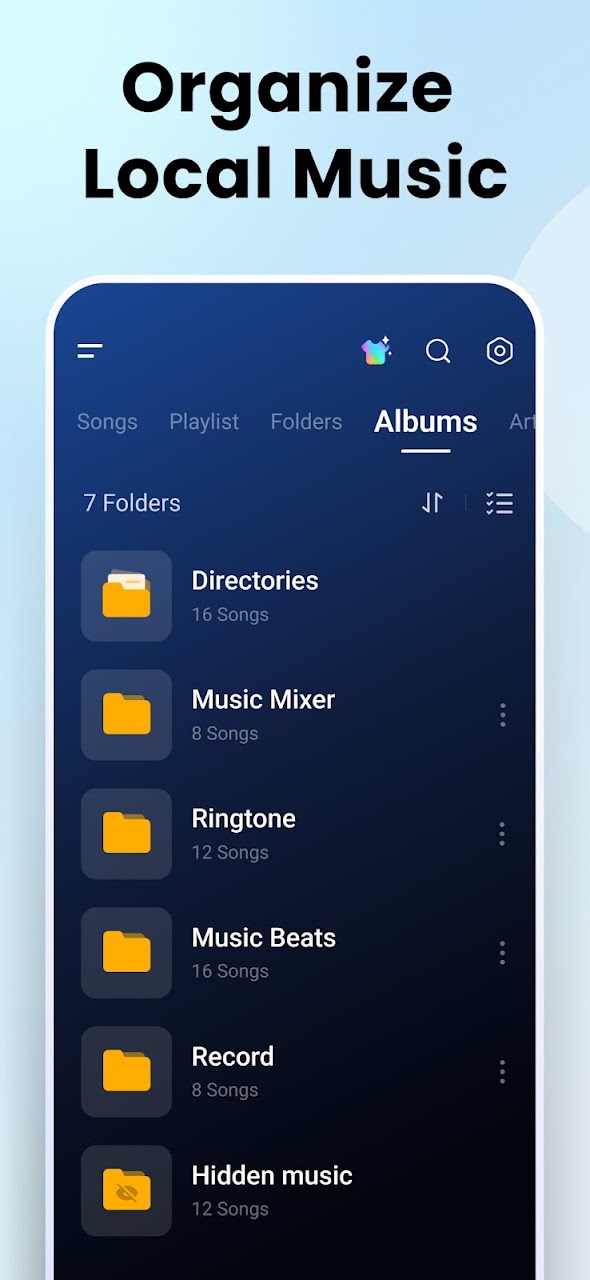
- Library browsing — Sorts music by songs, artists, albums, folders, and playlists.
- Monthly recap — Shows listening time, top songs, artists, albums, and badges.
- Playback tools — Offers shuffle, order, loop, sleep timer, and widget support.
First launch: local music, not streaming
When you open Music Player & MP3 Player for the first time, it scans your device for audio files and builds a local library. The app is designed for offline listening, so it is useful for travel, gym sessions, and commutes. It does not download music, and it is meant for files already on your phone.
Set up playback and sound
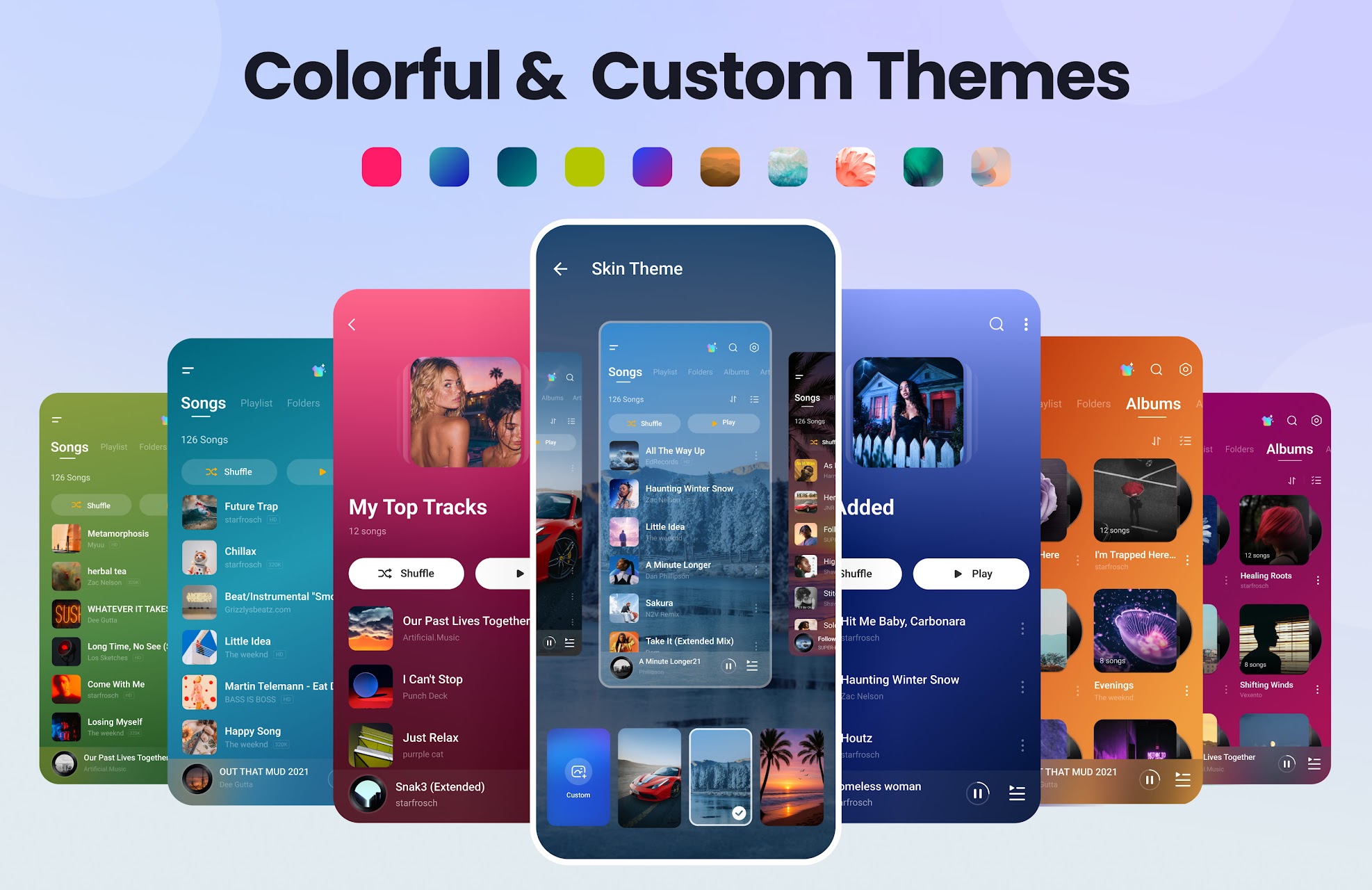
The first settings worth checking are the player theme, the equalizer, and your playback mode. You can switch between shuffle, order, and loop, then adjust sound with bass boost, reverb effects, and the built-in equalizer. If you want a more personal setup, the app also lets you choose a color theme or player theme.
Organize songs by your routine
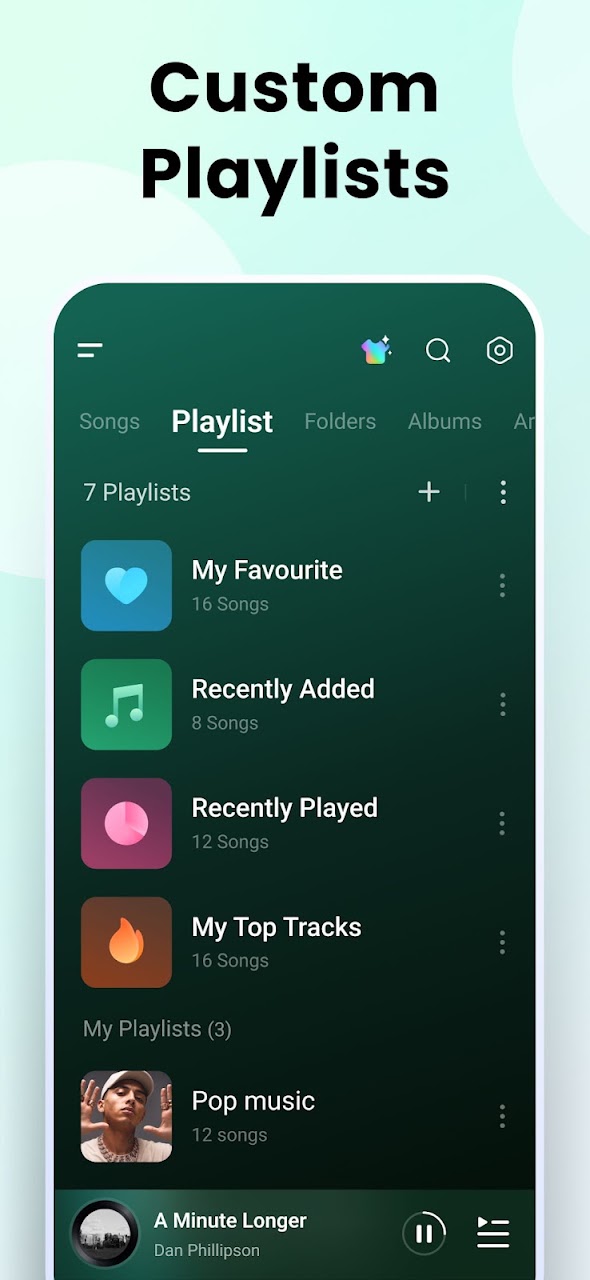
The library view is built around practical browsing. You can look through all songs, artists, albums, folders, and playlists, mark favorites, and create custom playlists. Search by keyword if your collection is large. The app also supports lock screen controls, notification bar playback, ringtone setting, and a sleep timer.
Monthly recap and device details
One extra feature is the monthly music recap, which shows listening time, top songs, artists, and albums, then adds recap cards and badges as you reach milestones. The app is free to download, but it contains ads and in-app purchases. The APK is 40.9 MB, in universal format, and requires Android 10 or later.
Practical notes for day one
- Use it for local audio files rather than music downloads.
- Check whether your files are in supported formats such as MP3, FLAC, WAV, AAC, or APE.
- Try the equalizer before deciding on a theme.
- Use the widget and notification controls if you want faster playback access.
- Recent updates mention bug fixes and performance improvements.
What's new
Version 4.5.1.191 · Nov 12, 2026
- Bug fixes and performance improvements.
APK information
- Version
- 4.5.1.191
- Package
- musicplayer.musicapps.music.mp3player
- Category
- Music & Audio
- Size
- 41 MB
- Min Android
- 10
- Architecture
- universal
Older versions
-
Music Player & MP3 Player 4.5.1.191Nov 12, 2026Latest downloadAPK
Music Player & MP3 Player FAQ
Can I listen offline in Music Player & MP3 Player?expand_more
Yes. It is an offline music player for local files on your device, so it does not need Wi‑Fi for playback.
Is Music Player & MP3 Player free without a subscription?expand_more
Yes, it is free to download. The app also contains ads and in-app purchases.
How big is the Music Player & MP3 Player download?expand_more
The APK size is 40.9 MB.
Is this Music Player & MP3 Player APK the original file?expand_more
This page lists the app by its developer, InShot Inc., and the APK details provided here are for that app package.
What audio formats does Music Player & MP3 Player support?expand_more
It supports MP3, MIDI, WAV, FLAC, AAC, APE, and other audio formats.