- 4.8star1,924,388 reviews
- 100M+Downloads
- 18 MBAPK size
- EveryoneRated for Everyone
- API 19+Android
check_circleOriginal APK from InShot Inc. · Updated Nov 12, 2026
No threats found
0 / — antivirus engines flagged this file
Original signature
First seen — InShot Inc.
Unmodified APK
Same file the developer published — no mods
Video Player All Format screenshots
8 images · tap to enlarge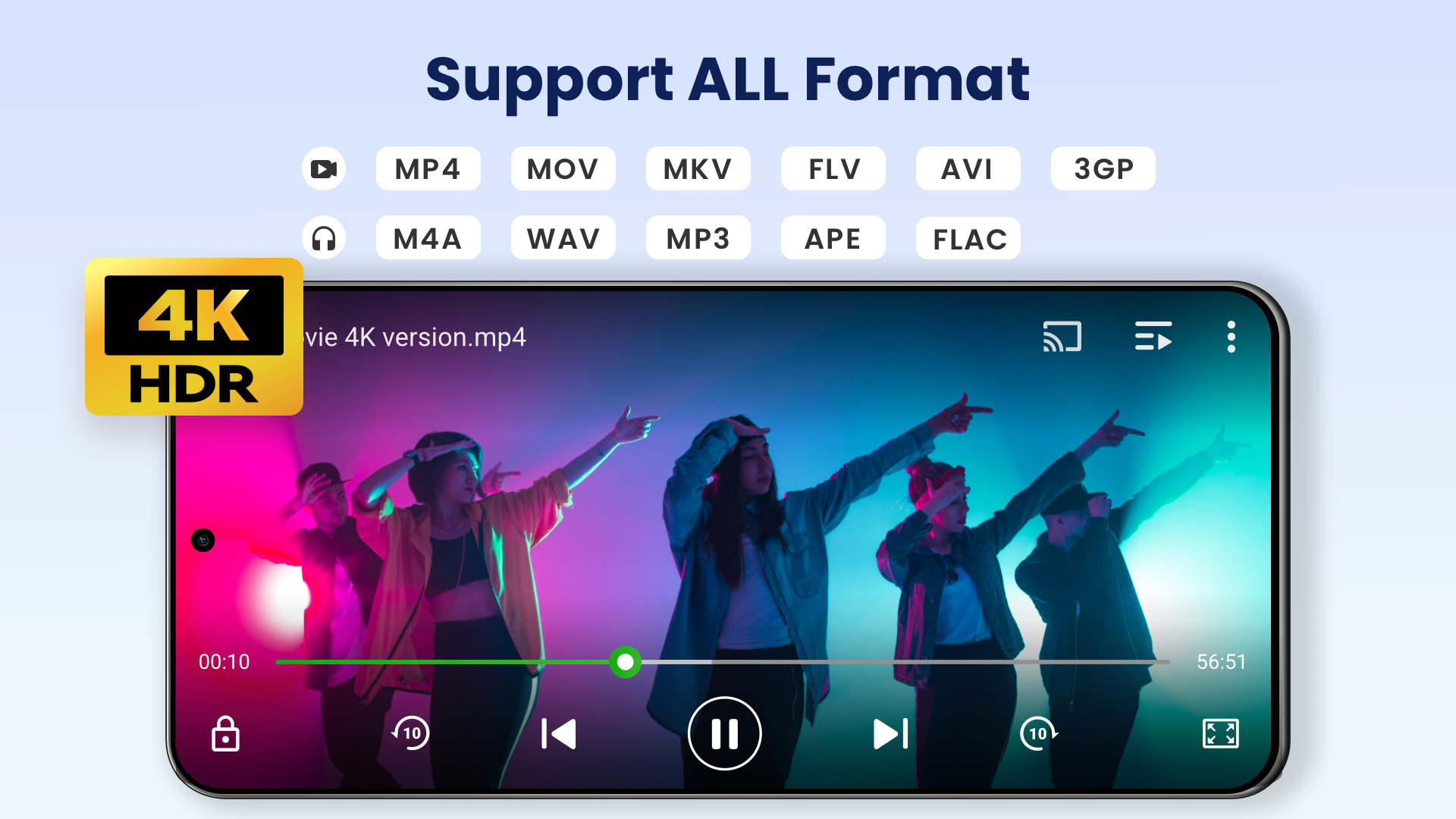

About this app
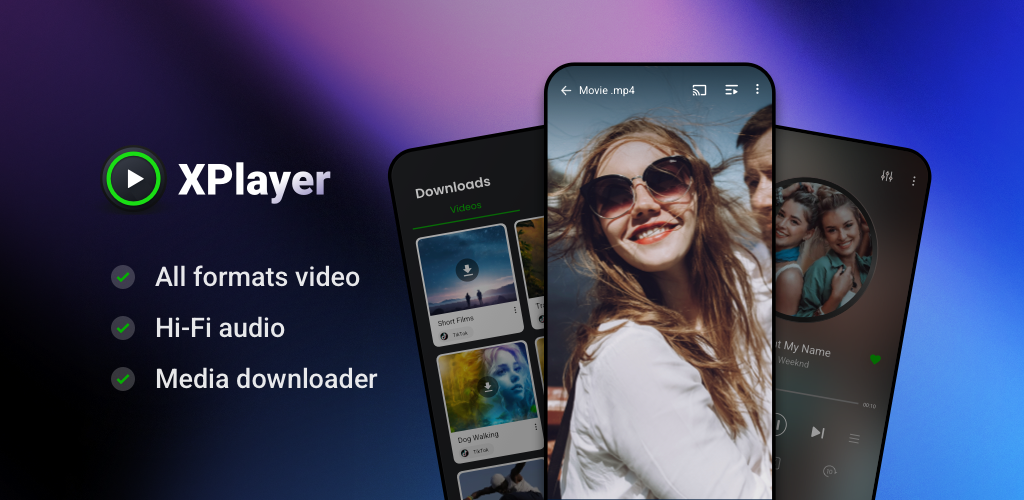
Video Player All Format stands out in its category for broad format support and playback controls. It handles 4K and HD video, includes Chromecast casting, and adds tools like private folders, floating playback, and background viewing. For people who want one player for local files on phones or tablets, it keeps the focus on viewing rather than editing.
- All-format playback — Plays formats including MKV, MP4, M4V, AVI, MOV, 3GP, FLV, WMV, RMVB, and TS.
- 4K and HD support — Handles 4K, ultra HD, full HD, and slow-motion playback.
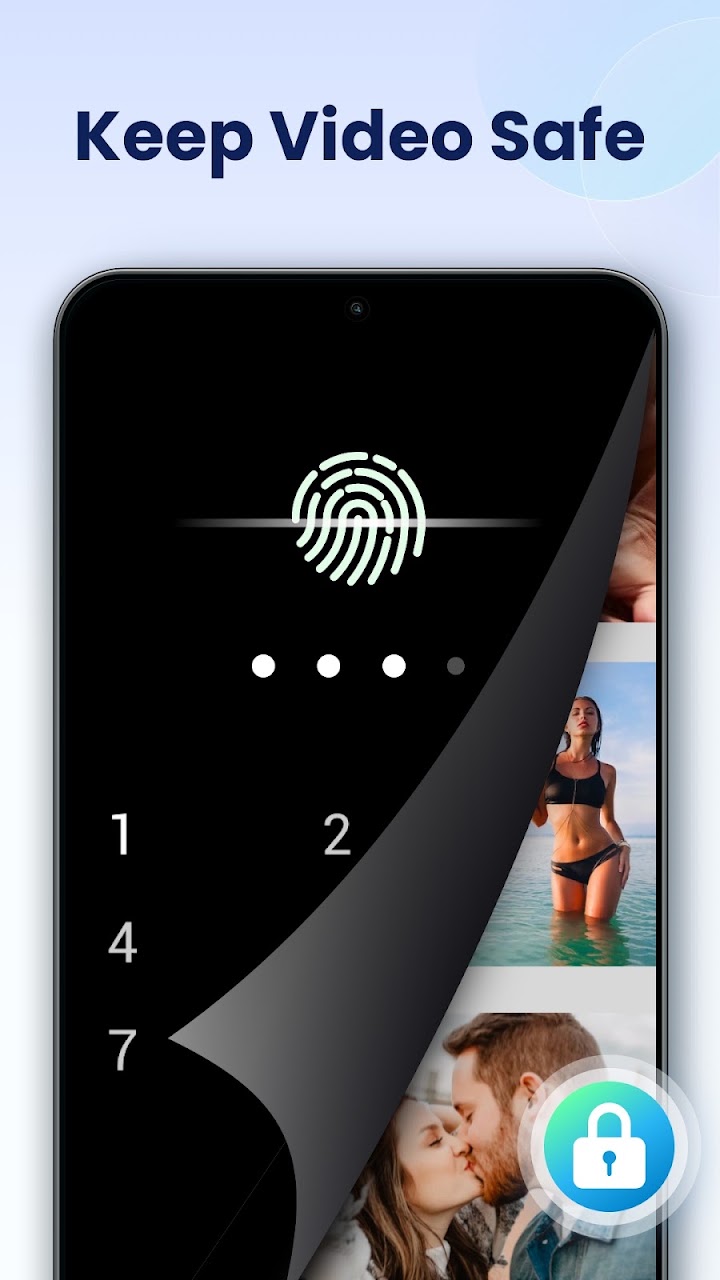
- Private folder — Lets you set passwords for a private album and protect private videos.
- Chromecast casting — Casts videos to TV through Chromecast.
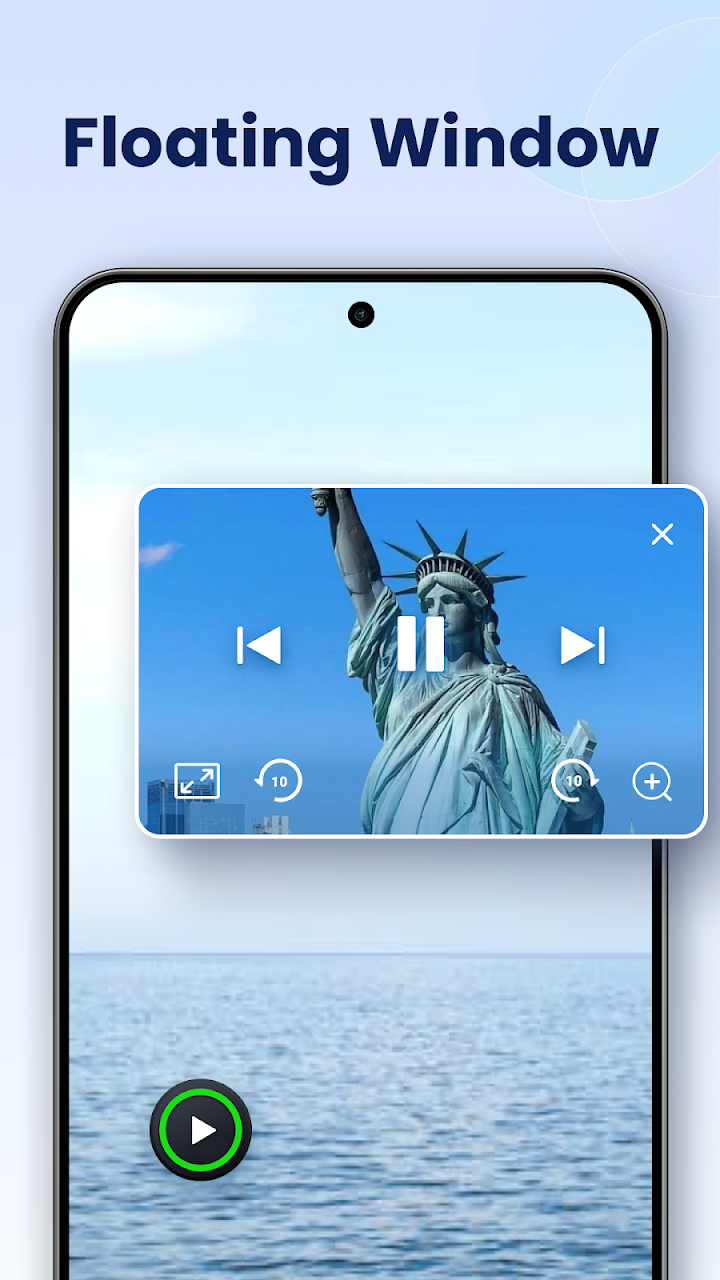
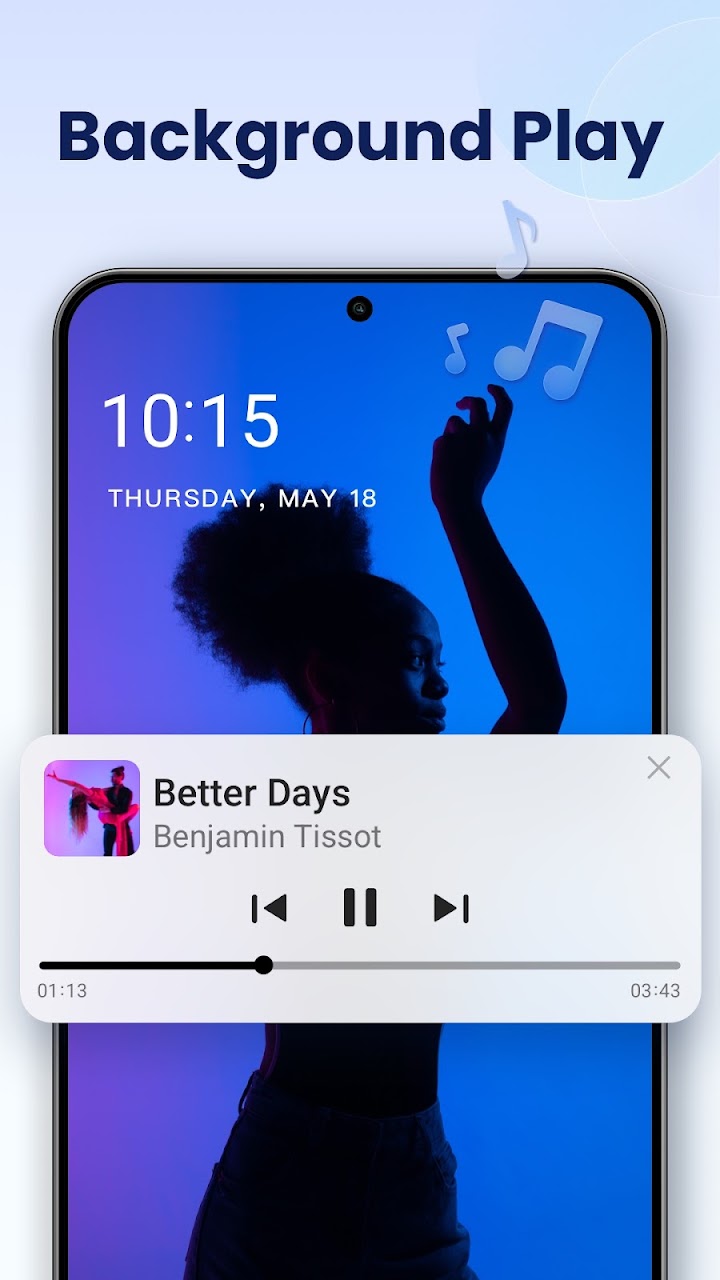
- Floating playback — Supports pop-up window, split screen, and background video viewing.
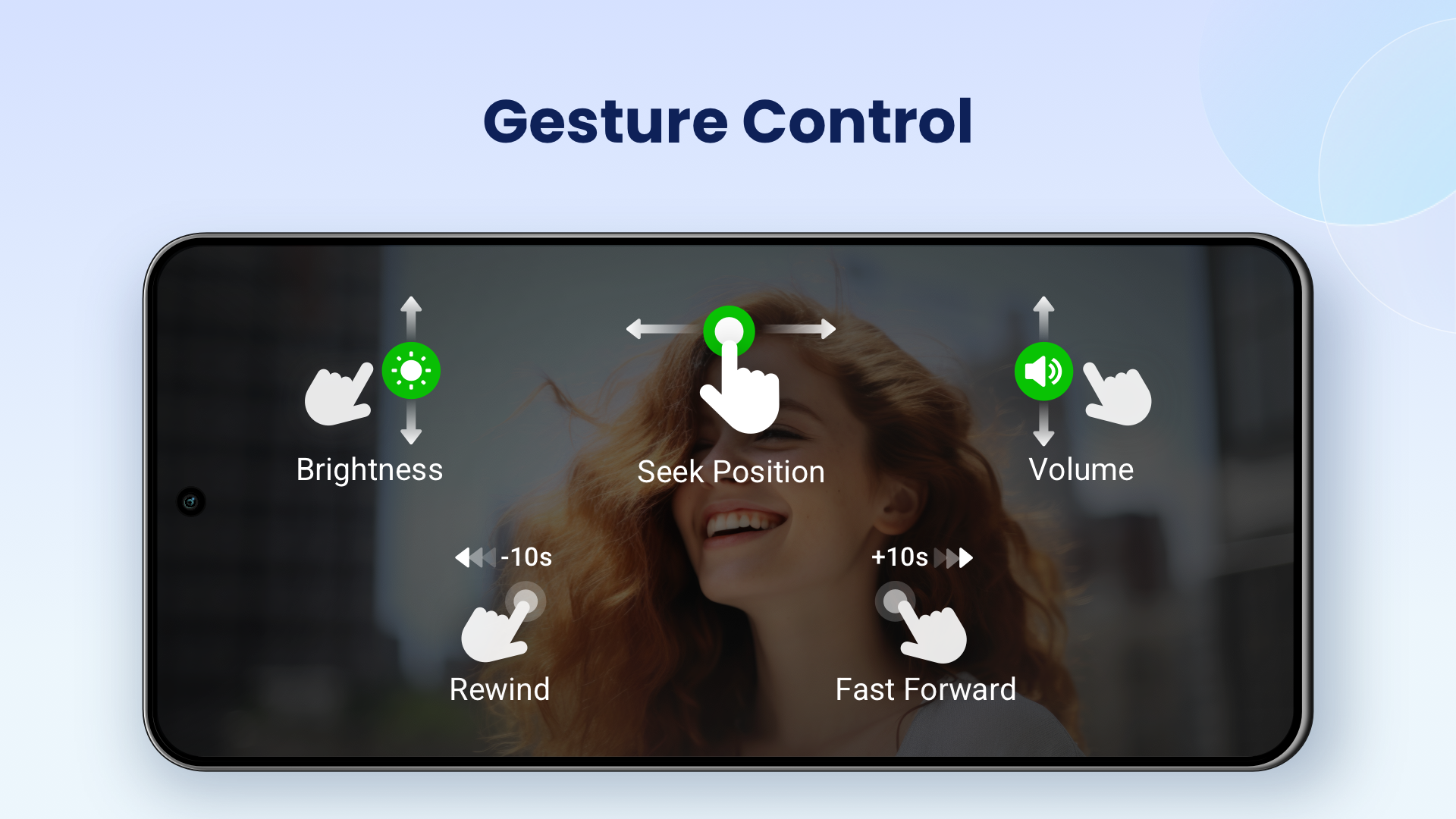
- Playback controls — Includes Night Mode, Quick Mute, playback speed control, and easy volume and brightness control.
For people with mixed video files
If your phone or SD card holds videos in different formats, this player is built to sort them out. It automatically identifies video files and can manage or share them easily. The app supports common formats such as MKV, MP4, M4V, AVI, MOV, 3GP, FLV, WMV, RMVB, and TS, so you do not have to switch between players for different files.
It is available as an APK, with a 17.7 MB file size, and requires Android API 19 or later.
For viewers who want more control
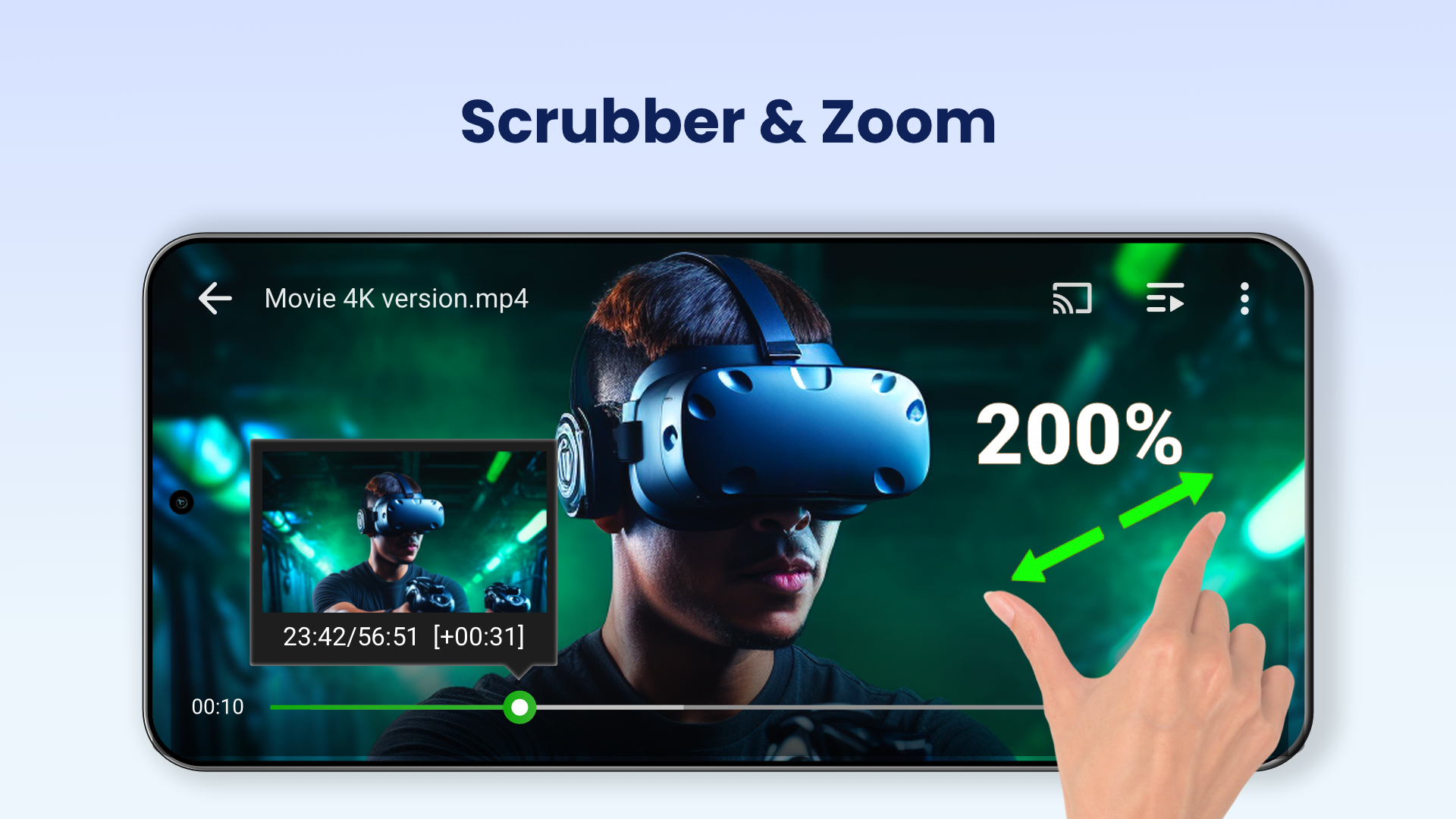
The playback tools are practical rather than flashy. You can adjust playback speed from 0.25 to 8.0, use Night Mode, mute quickly, and control volume, brightness, and progress by sliding on the playback screen. The app also supports hardware acceleration, auto-rotation, aspect ratio settings, and screen lock options.
- Speed control: Slow down or speed up video playback.
- Screen options: Use auto-rotation, aspect ratio, and screen lock.
- Easy controls: Adjust brightness, volume, and progress during playback.
For multitaskers and TV viewing
Video Player All Format includes floating playback, split-screen viewing, and background mode. That makes it easier to keep watching while using other apps. If you want a larger screen, Chromecast support lets you cast videos to a TV or Android TV without leaving the app.
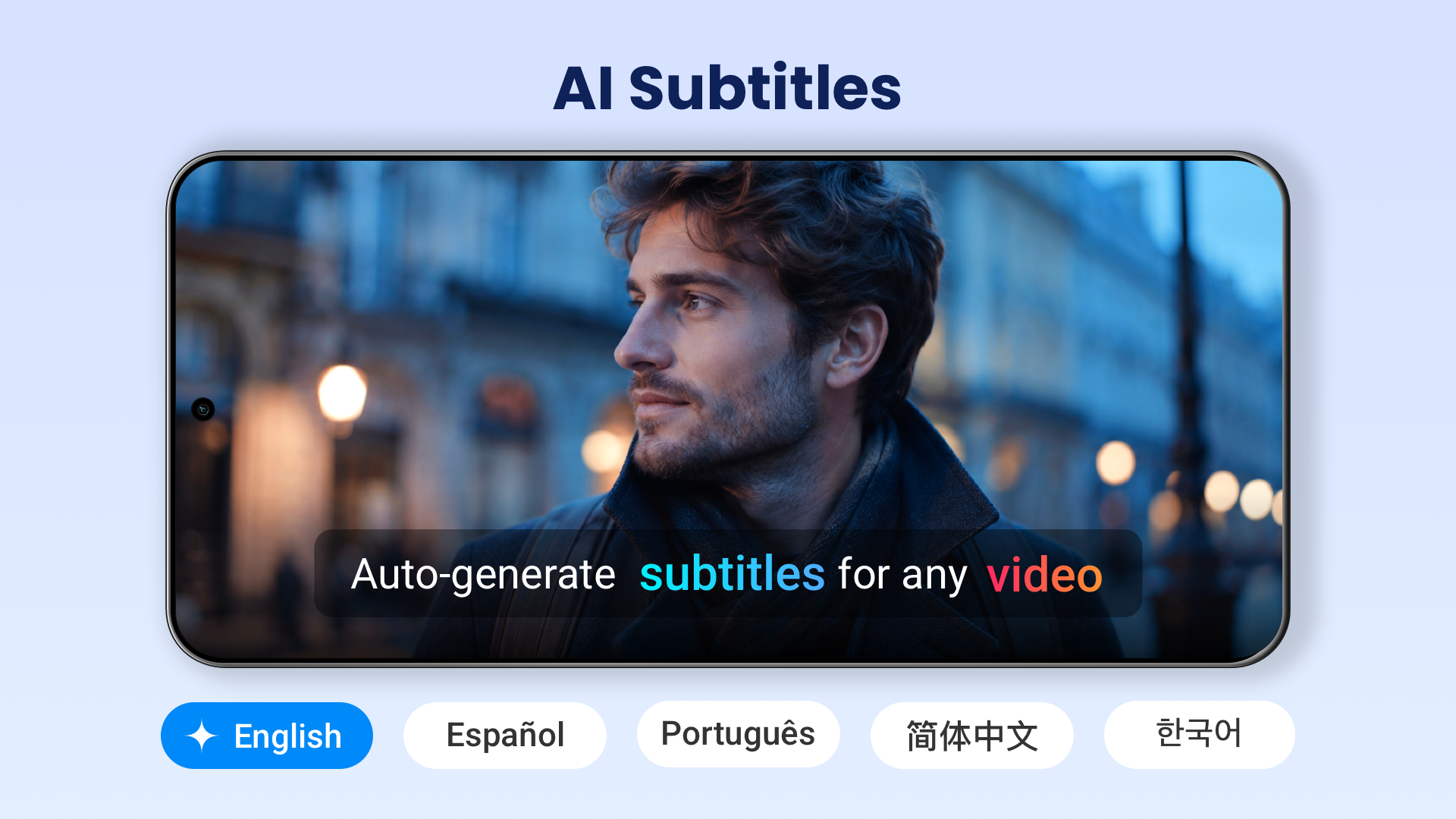
The app also supports subtitle downloading, which helps when you need captions for local files.
For private libraries on phones and tablets
Some users need a player that does more than open files. This app includes a private folder and password protection for private albums, helping keep selected videos away from other people. It is designed for both Android phones and Android tablets, and its universal build is listed as free, with ads and in-app purchases.
- Developer: InShot Inc.
- Category: Video Players & Editors
- Content rating: Everyone
- Installs: 100M+
APK information
- Version
- 2.3.3.1
- Package
- video.player.videoplayer
- Category
- Video Players & Editors
- Size
- 18 MB
- Min Android
- API 19
- Architecture
- universal
Older versions
-
Video Player All Format 2.3.3.1Nov 12, 2026Latest downloadAPK
Video Player All Format FAQ
Can Video Player All Format play offline?expand_more
Yes. It plays video files stored on your device or SD card, so it works with local files.
Does Video Player All Format need a subscription?expand_more
No subscription is listed. The app is free, with ads and in-app purchases.
How do I update Video Player All Format from an APK?expand_more
Download the newer APK version and install it over the current app on a compatible Android device.
Does Video Player All Format work on tablets?expand_more
Yes. The app supports both Android tablets and Android phones.
Can Video Player All Format cast to a TV?expand_more
Yes. It supports Chromecast for casting videos to TV and Android TV.