
- 4.7star2,754,877 reviews
- 100M+Downloads
- 12 MBAPK size
- TeenRated for Teen
- API 22+Android
check_circleOriginal APK from InShot Inc. · Updated Nov 12, 2026
No threats found
0 / — antivirus engines flagged this file
Original signature
First seen — InShot Inc.
Unmodified APK
Same file the developer published — no mods
Video Downloader screenshots
8 images · tap to enlarge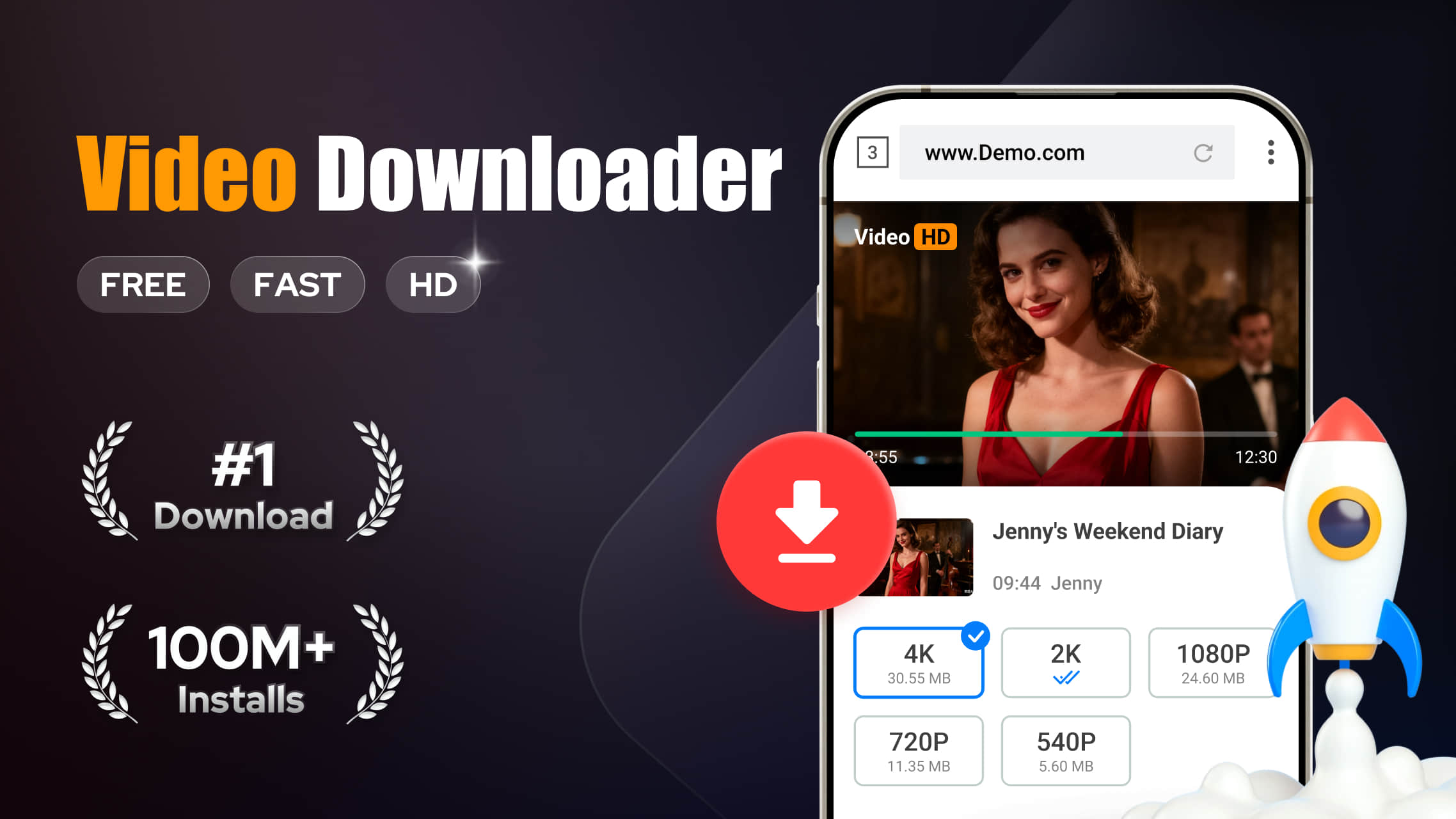
About this app
Video Downloader stands out in its category by combining a built-in browser, auto-detected downloads, and offline playback in one app. It handles video, music, and documents in many formats, while also offering pause, resume, background downloading, and multiple simultaneous downloads. The trade-off is ads, in-app purchases, and access to network and storage.
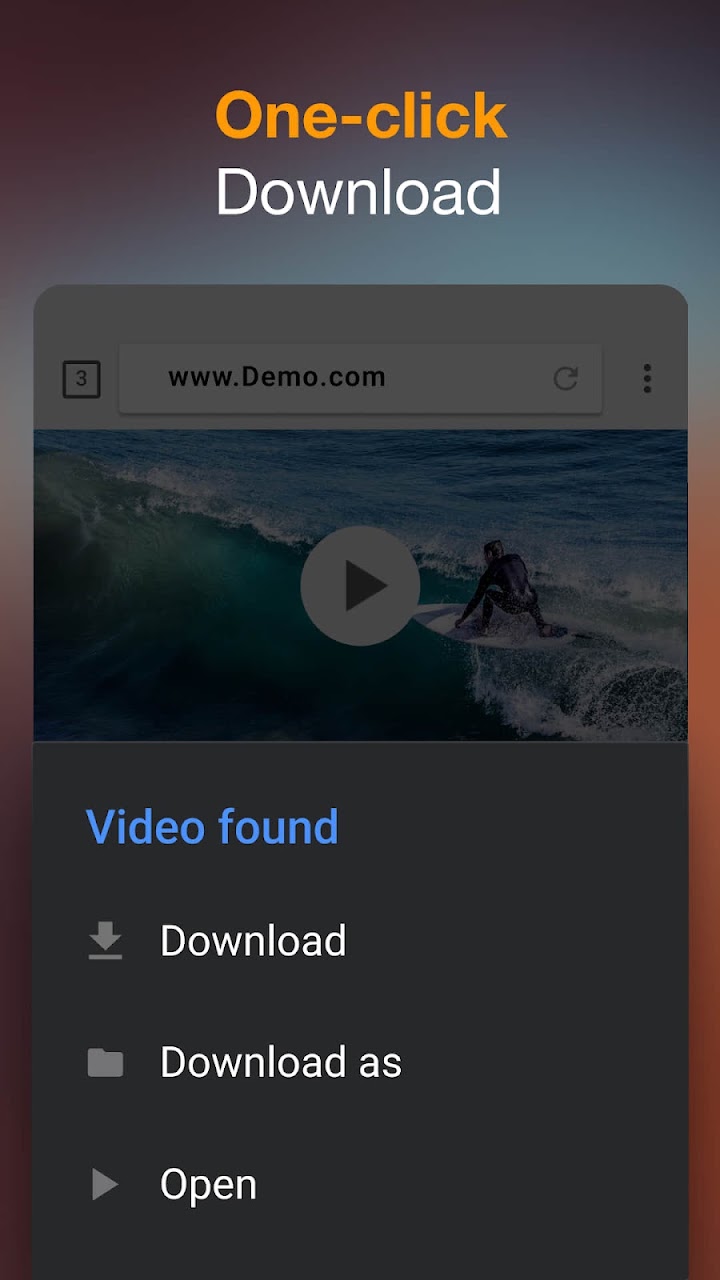
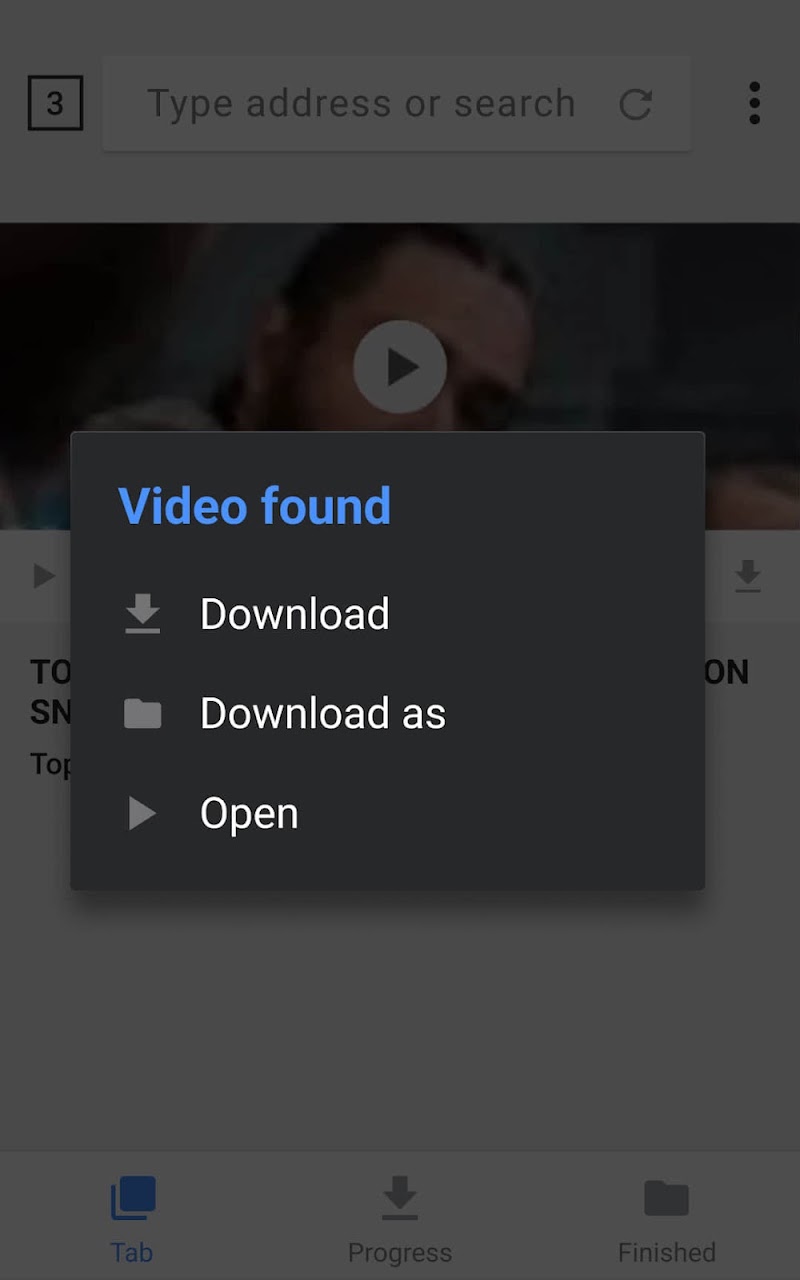
- Auto-detect downloads — The app can detect videos on a webpage and let you start a download with one tap.
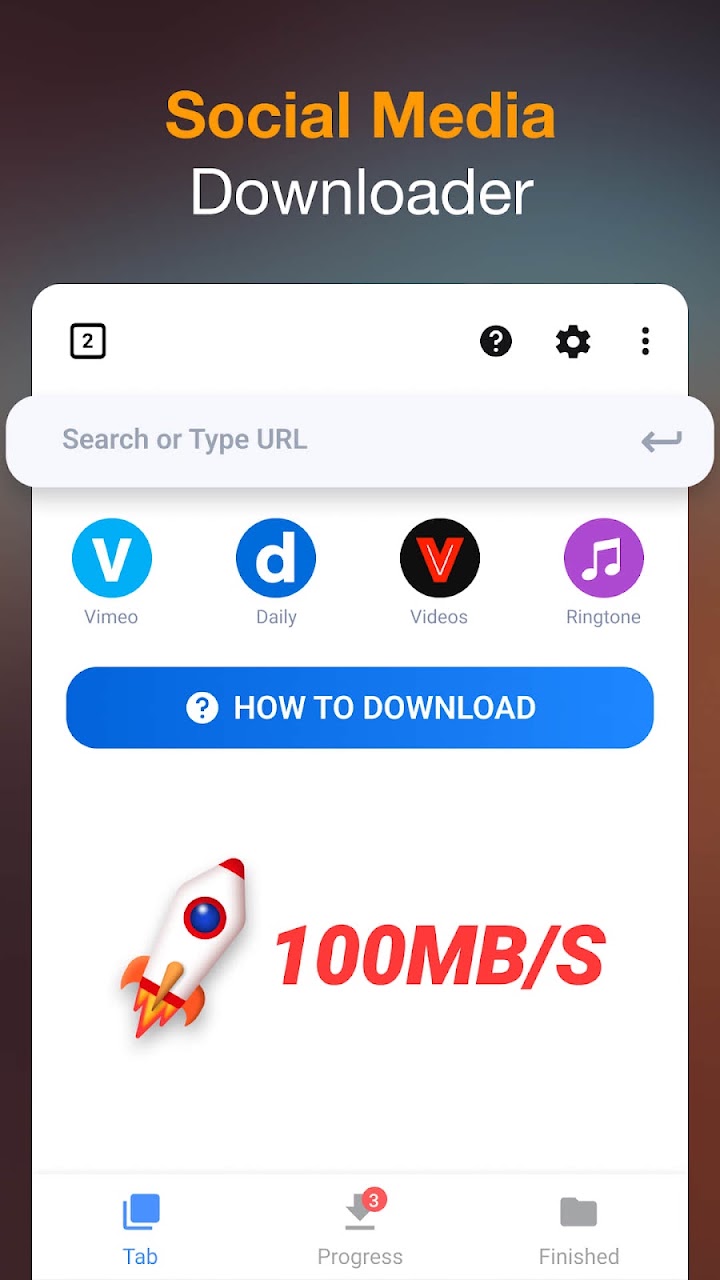
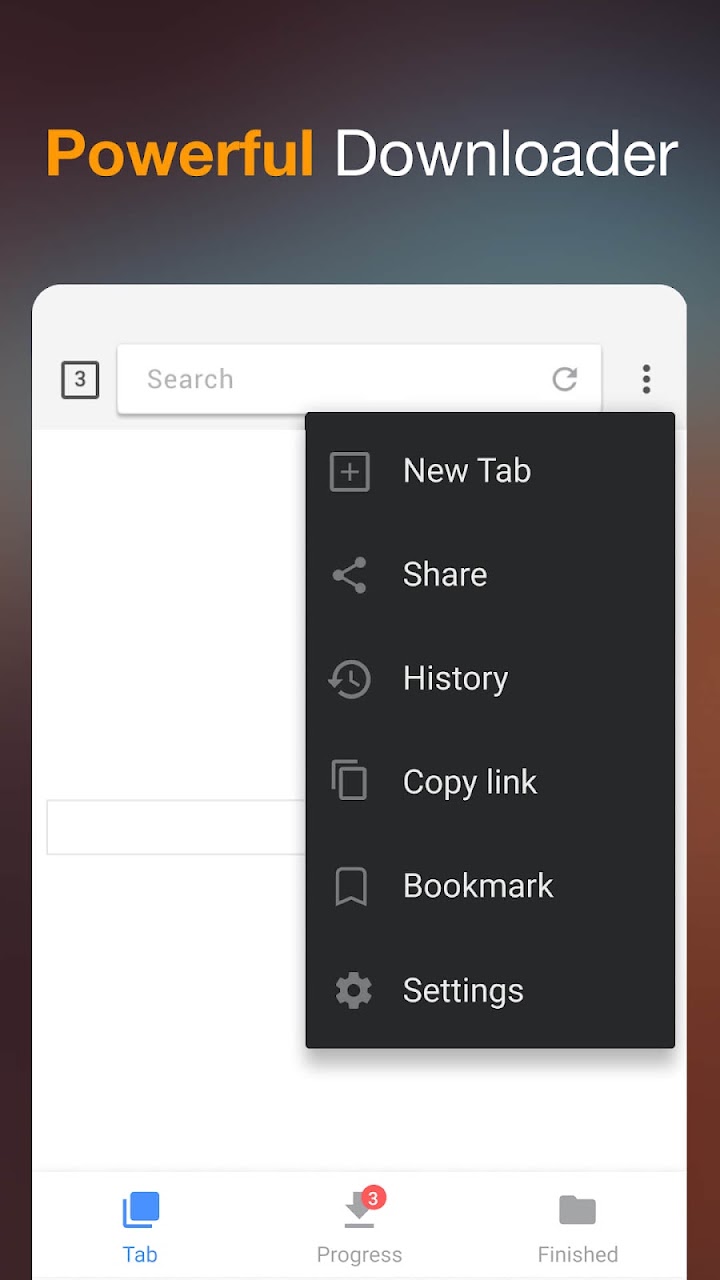
- Built-in browser — Browse websites inside the app and add bookmarks for pages you return to often.
- Offline playback — Use the built-in player to watch saved videos without an internet connection.
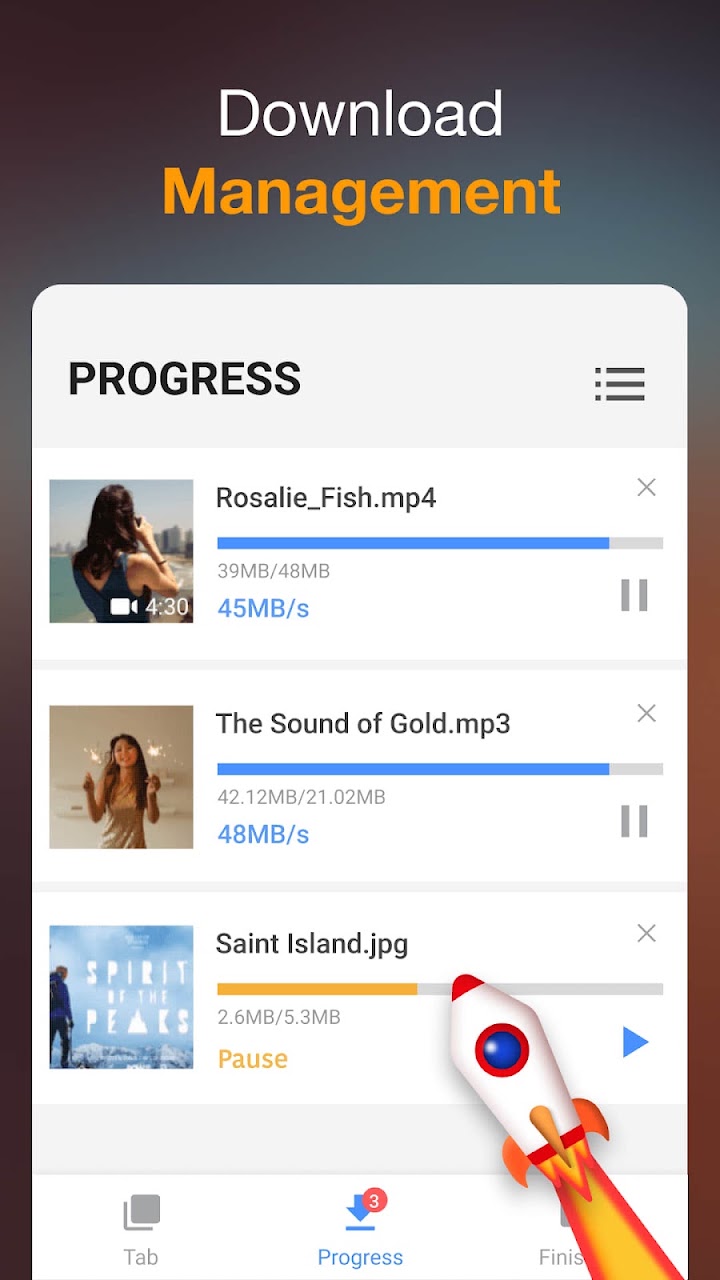
- Download manager controls — Pause, resume, remove, and continue failed downloads, even in the background.
- Many file formats — Supports formats including mp3, m4a, mp4, m4v, mov, avi, wmv, doc, xls, pdf, and txt.
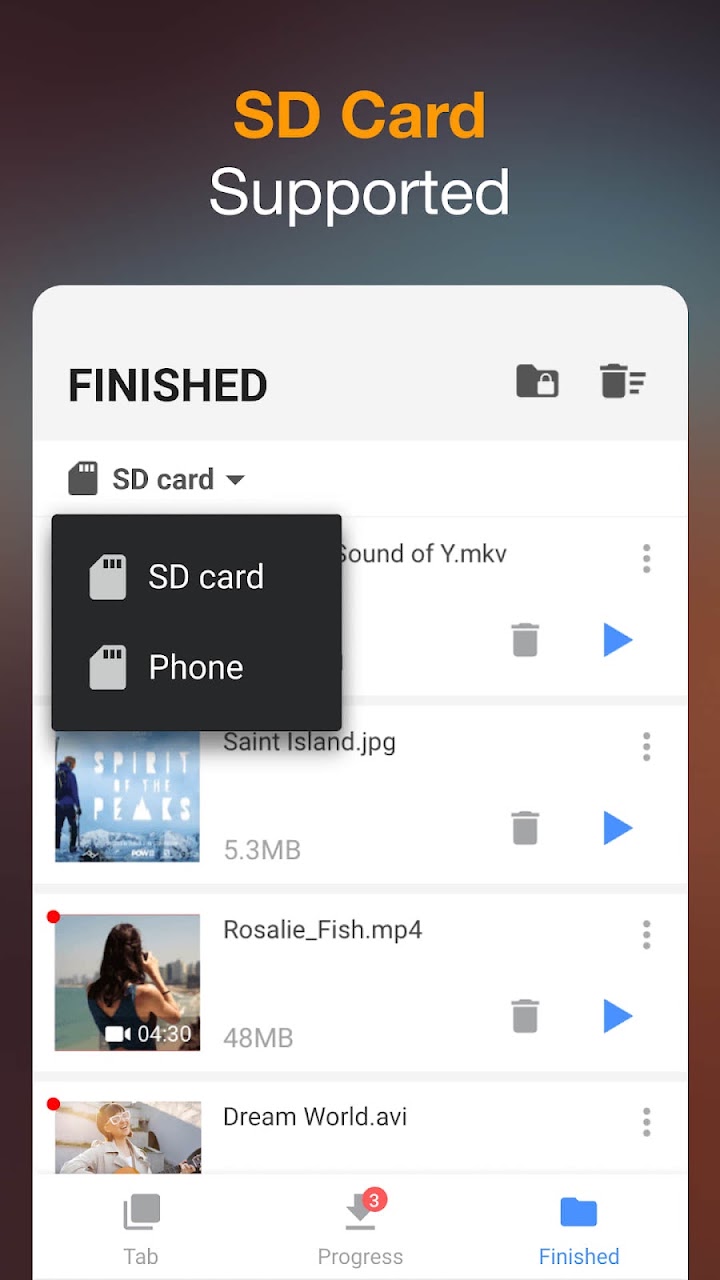
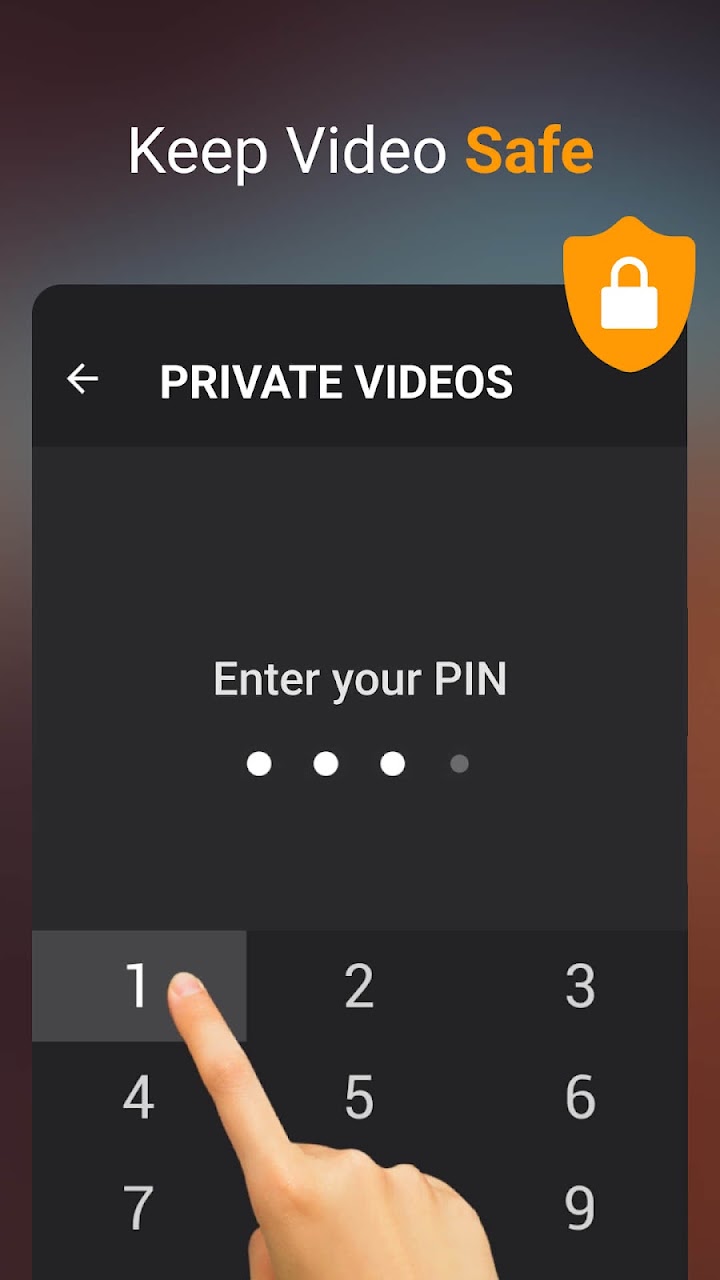
- Protected storage — Saved files can go into a password-protected folder, and SD card storage is supported.
Built for web video and music
Video Downloader is aimed at people who want to save media from the internet instead of streaming it every time. It works with video, music, pictures, and even document files, and it supports a wide range of formats. The app also includes a built-in browser and player, so you can find a file, download it, and open it without switching apps.
Download controls you can manage
The download manager is the main reason to consider it over a basic browser download. It can pause and resume transfers, continue failed downloads, run in the background, and handle several files at once. The app also shows progress in a download bar, which makes large or repeated downloads easier to track.
- Gets: one-tap video detection, offline playback, background downloads, SD card support.
- Watch for: ads, in-app purchases, and storage access needed to save files.
Permissions and what they do
The app asks for network access to download files and read/write SD card access to save them locally. It also offers a password-protected folder for saved files, which points to local file handling rather than cloud storage. There is no account requirement mentioned in the app description.
Install size and device fit
This APK is 11.8 MB, works on Android 5.1 and up, and is offered in universal APK format. That makes it a small download for an app with a browser, player, and download manager in one package. It is marked Teen, is free to install, and includes ads plus optional in-app purchases.
How it compares with typical alternatives
Compared with a standard browser or a simple media player, Video Downloader adds direct saving tools and more control over downloads. Compared with many video apps in the category, it focuses less on editing and more on capturing files from the web, then playing them offline. InShot Inc. also publishes related apps such as Screen Recorder - XRecorder, All Video Downloader, and Video Player All Format.
APK information
- Version
- 1.7.0
- Package
- video.downloader.videodownloader
- Category
- Video Players & Editors
- Size
- 12 MB
- Min Android
- API 22
- Architecture
- universal
Older versions
-
Video Downloader 1.7.0Nov 12, 2026Latest downloadAPK
Video Downloader FAQ
Does Video Downloader support Chromecast?expand_more
Chromecast support is not listed. The app description focuses on its built-in browser, downloader, and offline player.
Can Video Downloader play offline?expand_more
Yes. It includes a built-in player for playing downloaded videos offline.
How big is the Video Downloader download?expand_more
The APK size is 11.8 MB.
Which processors does this APK support?expand_more
It is listed as universal, so no separate processor-specific ABI is given.
Does Video Downloader support multiple file formats?expand_more
Yes. The description lists formats including mp3, m4a, mp4, m4v, mov, avi, wmv, doc, xls, pdf, and txt.