
- 4.7star1,089,773 reviews
- 100M+Downloads
- 10 MBAPK size
- EveryoneRated for Everyone
- API 22+Android
check_circleOriginal APK from InShot Inc. · Updated Nov 12, 2026

No threats found
0 / — antivirus engines flagged this file
Original signature
First seen — InShot Inc.
Unmodified APK
Same file the developer published — no mods
All Video Downloader screenshots
8 images · tap to enlarge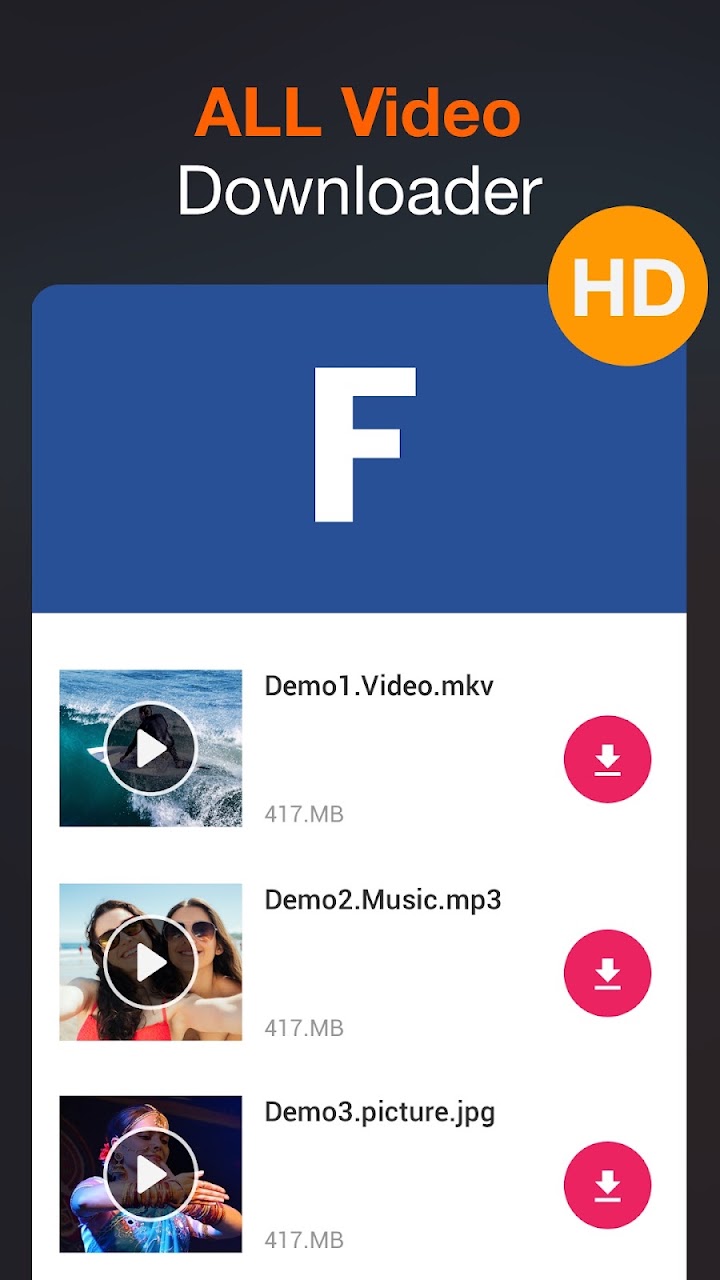
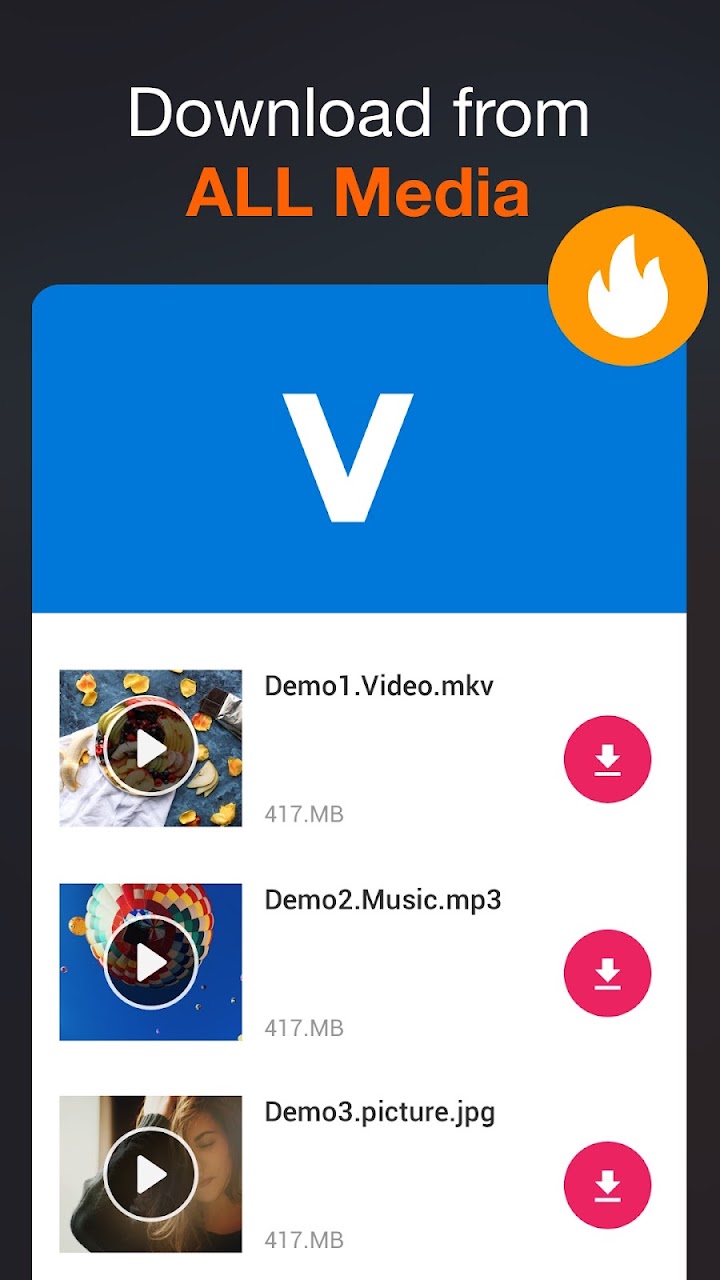
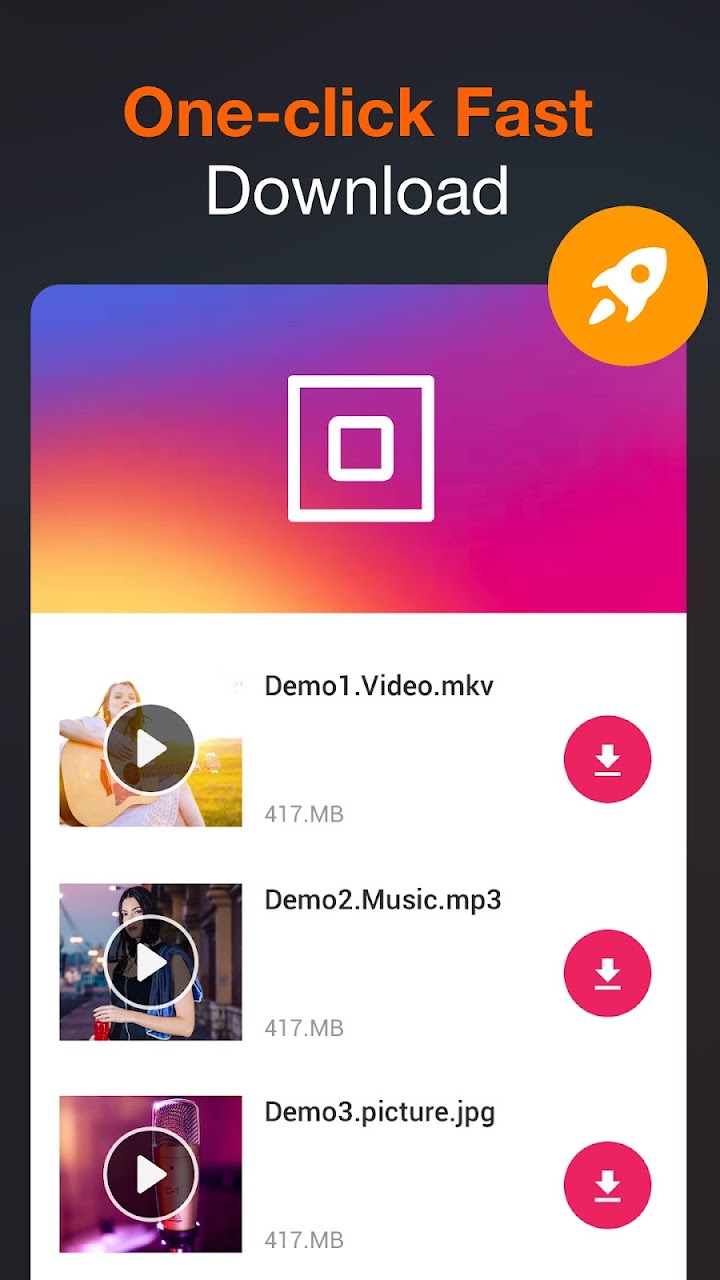
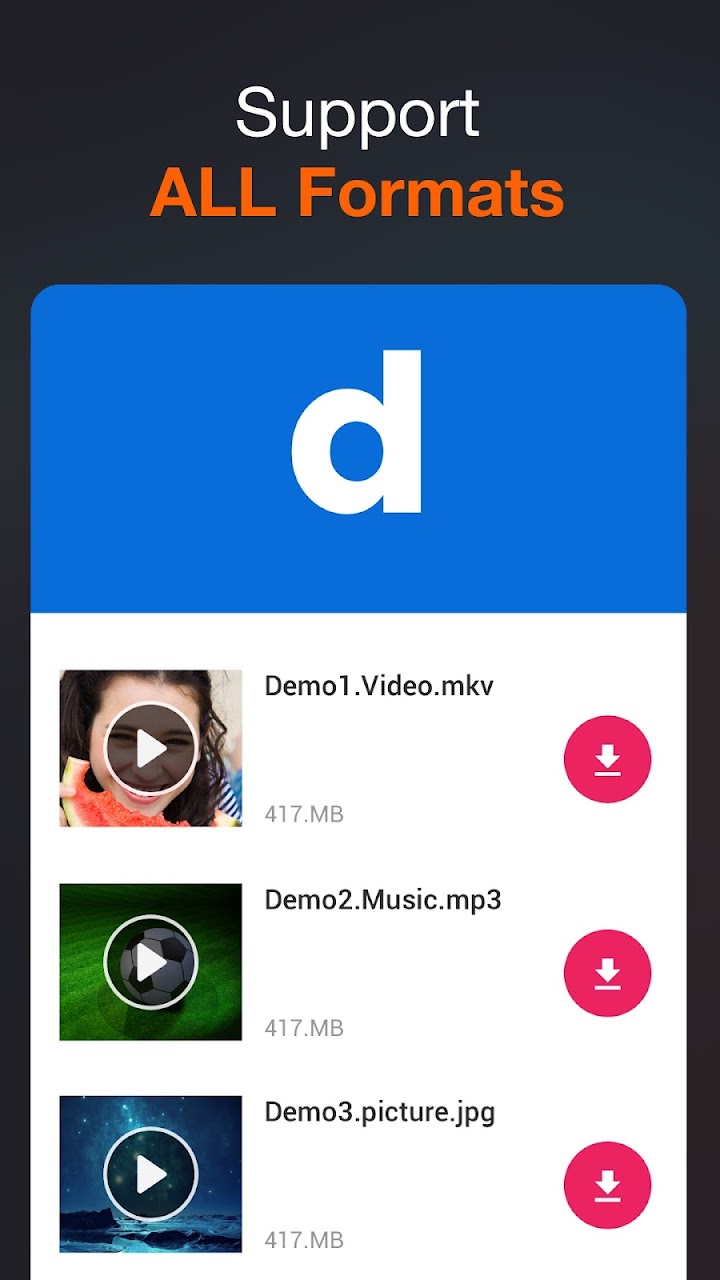

About this app
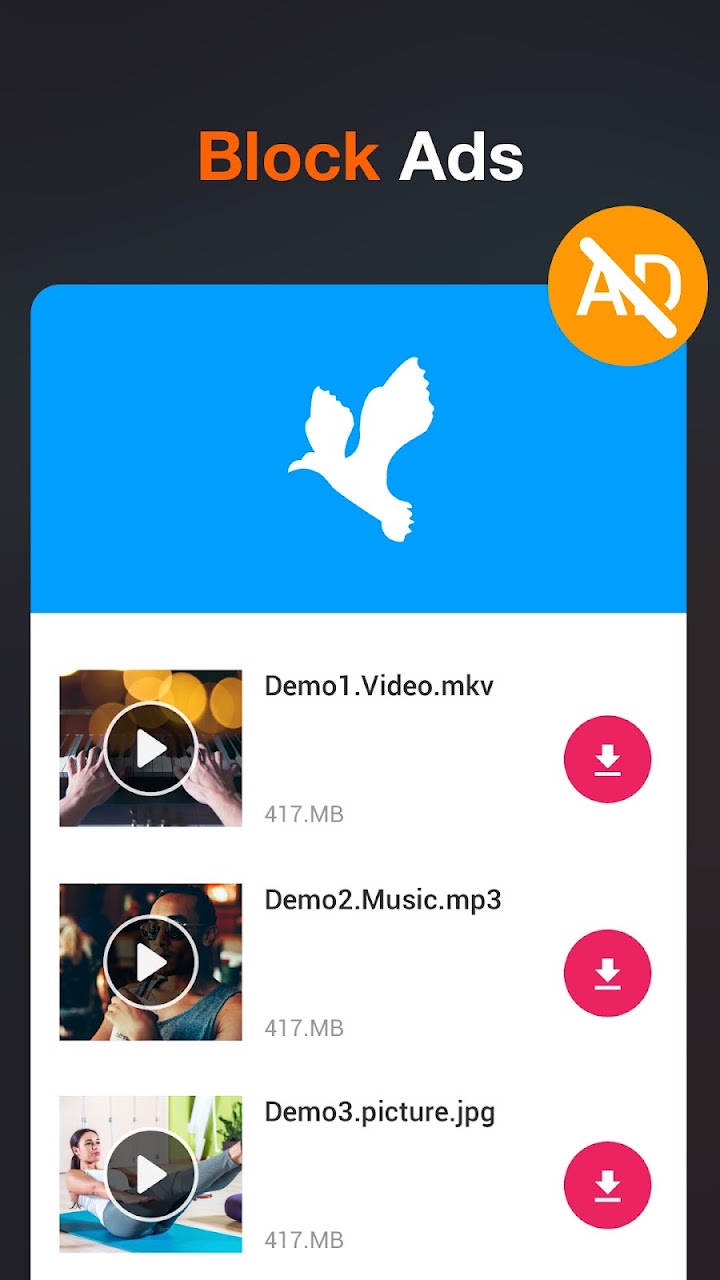
InShot Inc. makes All Video Downloader for downloading videos from social webs and popular video sites. It includes a built-in browser and player, supports multiple download formats, and can save files in the background. The app is free, shows ads, and includes in-app purchases.
- Built-in browser — Browse supported sites inside the app before starting a download.
- Offline playback — Use the built-in player to watch saved videos without an internet connection.
- Multiple formats — Downloads support MP3, M4A, MP4, M4V, MOV, AVI, WMV, DOC, XLS, PDF, and TXT.
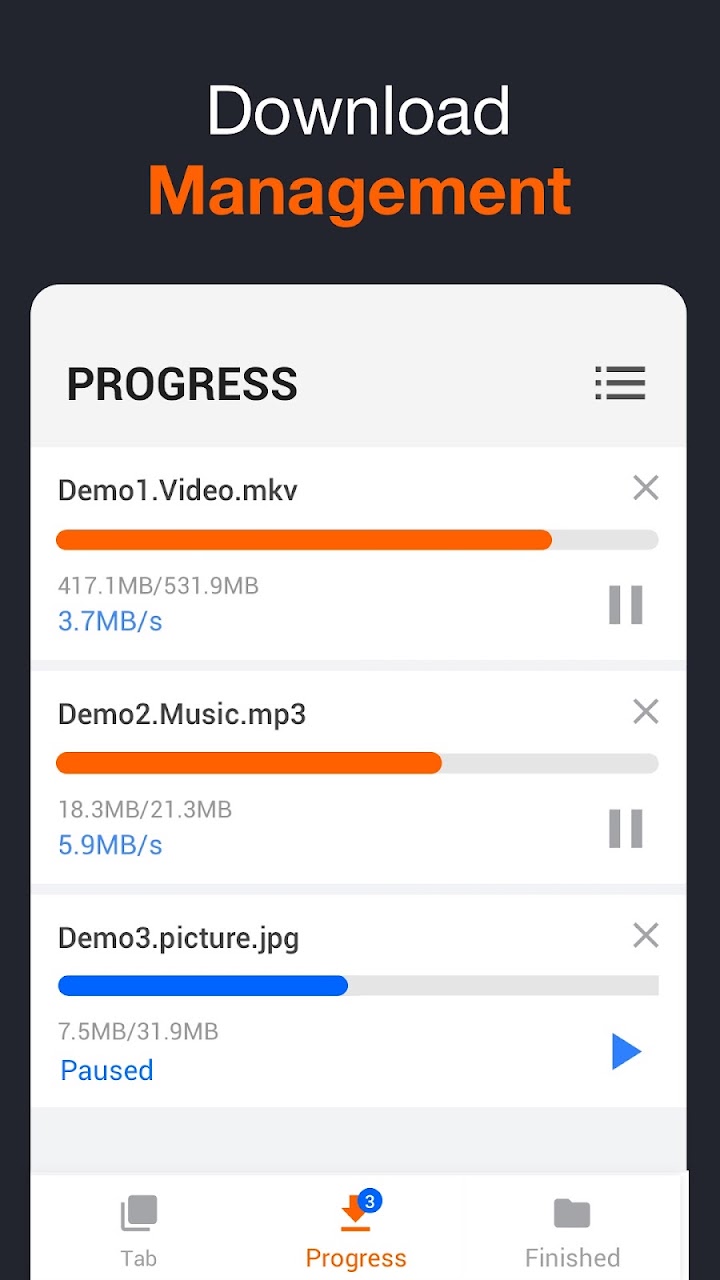
- Download manager — Pause, resume, remove, and retry downloads from one manager.
- Background saving — Keep downloads running in the background while you use the app.
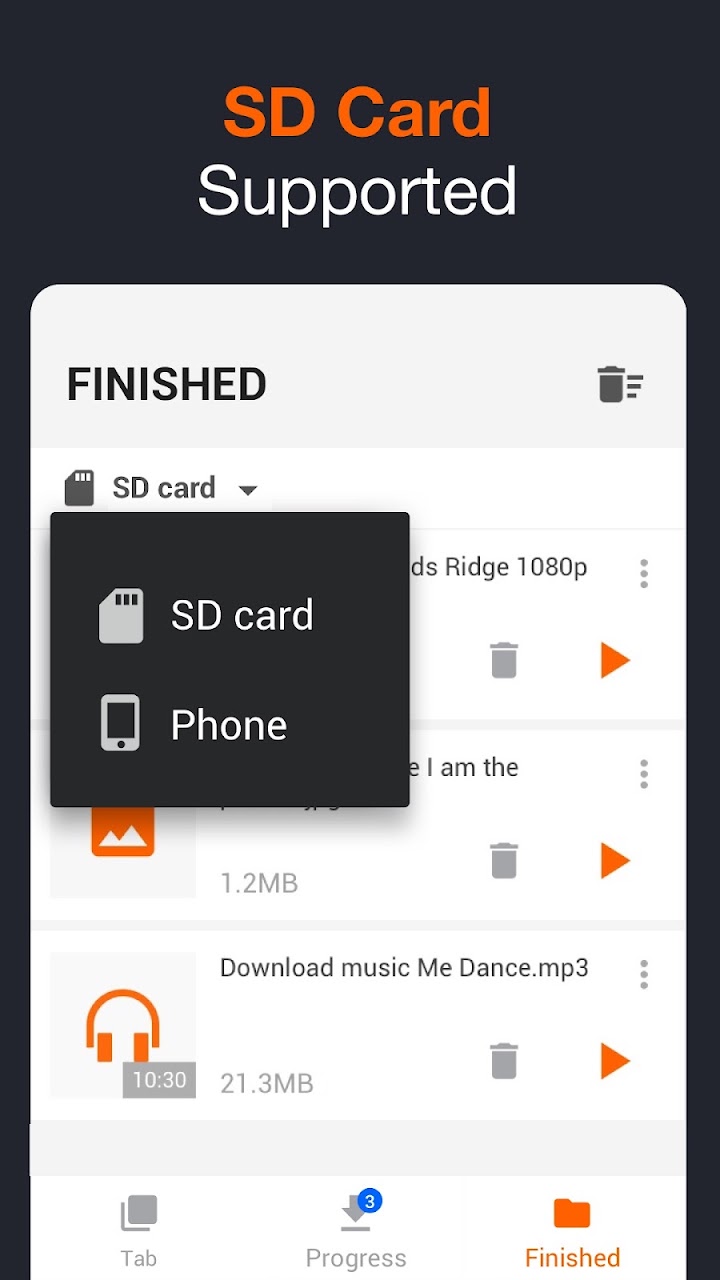
- SD card support — Save downloaded files to SD card storage when available.
Downloads from social webs and video sites
All Video Downloader is built for saving videos from social networking sites and popular video sites. It can auto-detect videos, and it also accepts copied video links for manual pasting. The app supports downloads from social accounts, including videos shared by friends, and it can handle HD video saves with one tap.
Compared with apps like CapCut or MX Player, this app is focused on downloading rather than editing or general playback. It is also different from Visha-Video Player All Formats, which is centered on playing files, while All Video Downloader is centered on saving them first.
Built-in tools for browsing and playback
The app includes a built-in browser for visiting sites inside the app and a built-in player for previewing or watching downloads offline. That makes it useful when you want to check a clip before saving it, then play it later without internet buffering. It also supports bookmark saving for favorite websites.
- Browse sites in the app
- Preview videos before downloading
- Watch saved files offline
- Bookmark websites you use often
Download control and file support
All Video Downloader includes a full download manager with pause, resume, remove, and failed-download recovery. It supports large files, several downloads at the same time, background downloading, and downloads over Wi-Fi, 2G, 3G, and 4G networks. Supported output types include video, music, pictures, and file formats such as MP4, MOV, AVI, MP3, PDF, and TXT.
APK details and device support
This APK is version 1.2.5, sized at 10.1 MB, and requires Android 5.1 or later. The file format is APK and the build is universal. The app is free to install, with ads and in-app purchases. It requests network access to download files and read/write SD card access to save files there.
Where it fits among similar apps
If you want a downloader rather than a player or editor, All Video Downloader fits a different use case than apps such as SnackVideo, Kwai, or CapCut. It is aimed at saving videos from websites and social accounts, while apps like MX Player or Video Player All Format are better suited to playback after files are already on your device.
It is rated 4.7 from 1,089,773 ratings and has 100M+ installs. The app is rated Everyone and was released on 2018-07-05.
APK information
- Version
- 1.2.5
- Package
- all.video.downloader.allvideodownloader
- Category
- Video Players & Editors
- Size
- 10 MB
- Min Android
- API 22
- Architecture
- universal
Older versions
-
All Video Downloader 1.2.5Nov 12, 2026Latest downloadAPK
All Video Downloader FAQ
Can All Video Downloader play offline?expand_more
Yes. It includes a built-in player for watching downloaded videos offline.
Does All Video Downloader need a subscription?expand_more
No subscription is listed. The app is free, and it also contains ads and in-app purchases.
Who develops All Video Downloader?expand_more
All Video Downloader is developed by InShot Inc.
What permissions does All Video Downloader ask for?expand_more
It uses Network permission to download files and Read and write SD card permission to save files to SD card.
What Android version does All Video Downloader require?expand_more
It requires Android 5.1 or later.