
- 4.7star7,679,791 reviews
- 100M+Downloads
- 18 MBAPK size
- EveryoneRated for Everyone
- 11+Android
check_circleOriginal APK from InShot Inc. · Updated Nov 12, 2026
No threats found
0 / — antivirus engines flagged this file
Original signature
First seen — InShot Inc.
Unmodified APK
Same file the developer published — no mods
Screen Recorder - XRecorder screenshots
7 images · tap to enlarge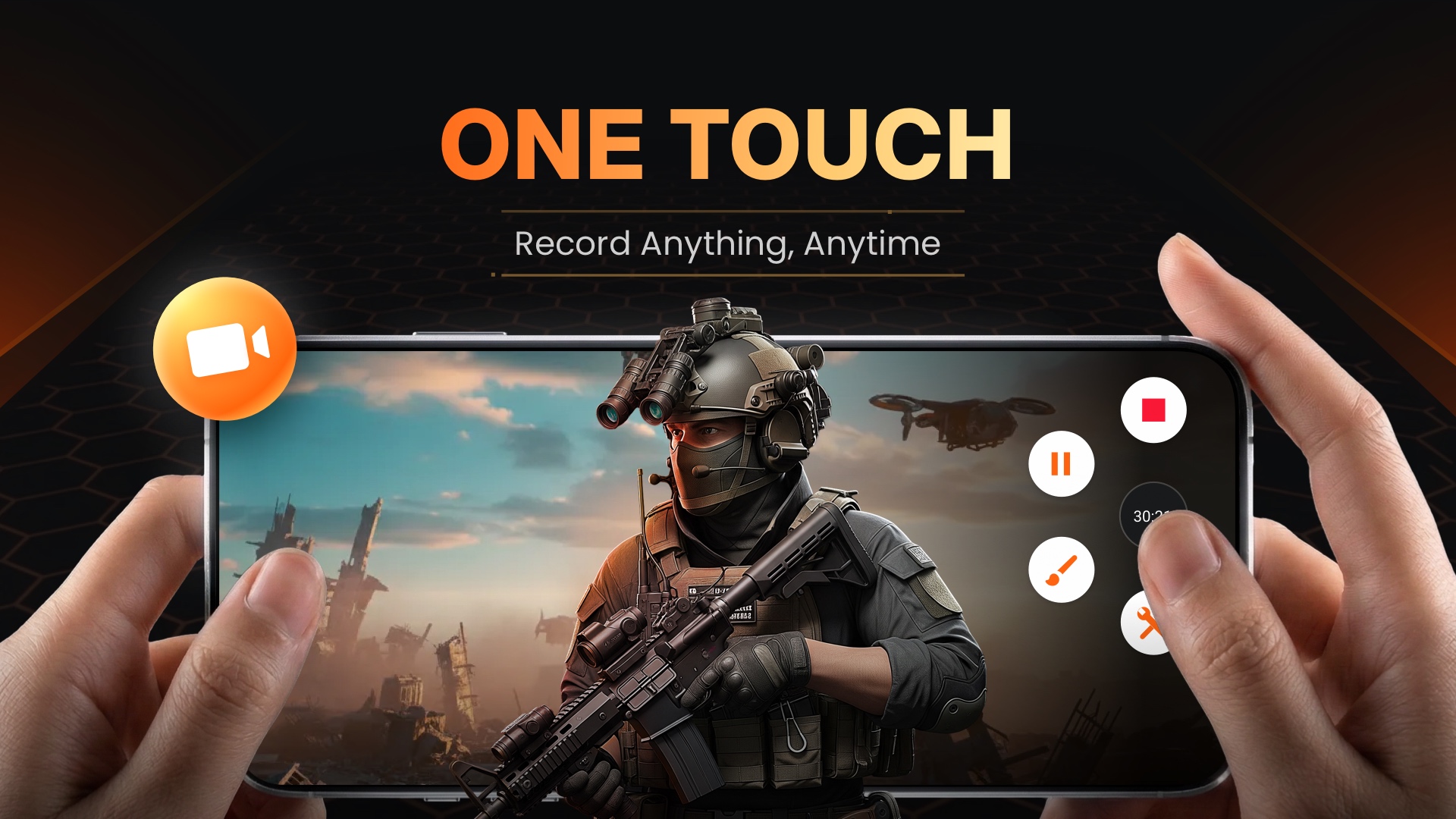
About this app
Need a screen recorder that handles gameplay and audio? Screen Recorder - XRecorder records HD screen video, screenshots, and live moments with no watermark, no root, and no recording time limit. It also adds facecam, brush tools, and a built-in editor, while asking for Android 11 or later and 18 MB of storage.
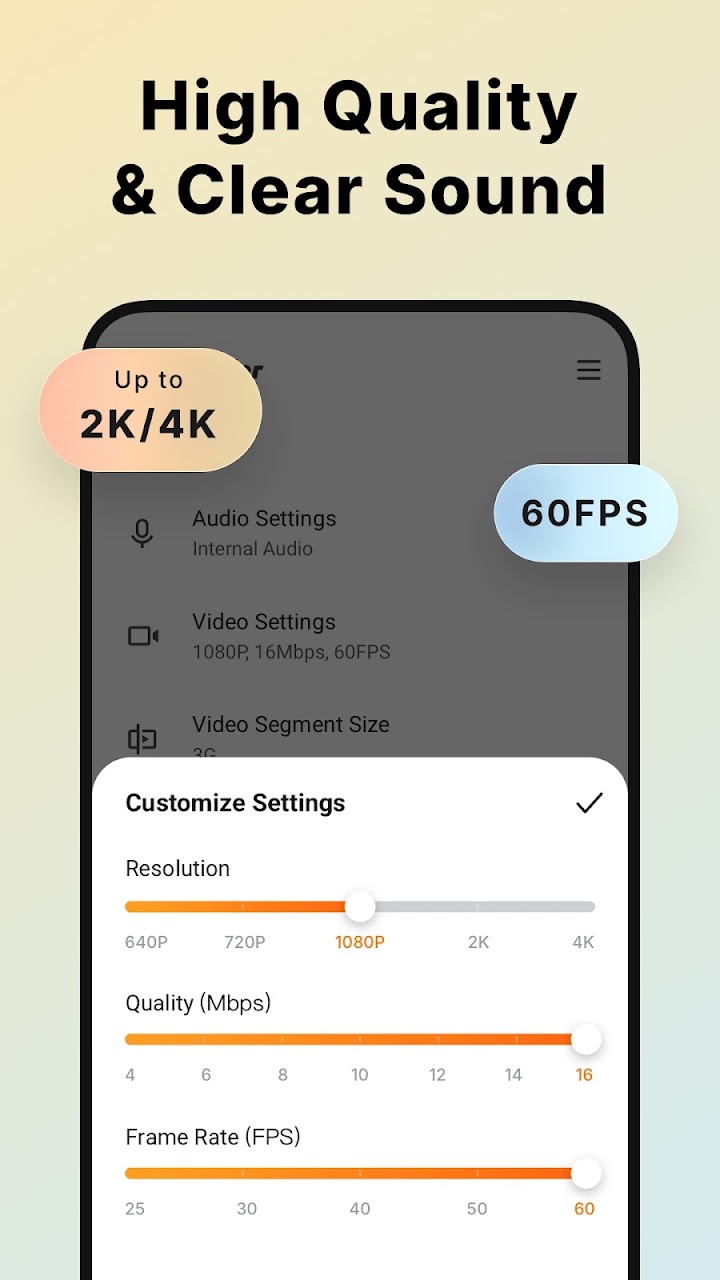
- HD screen capture — Records screen video in adjustable quality, up to 1080p and 60 FPS.
- Gameplay with audio — Supports internal audio recording on Android 10 and above, plus voice capture.
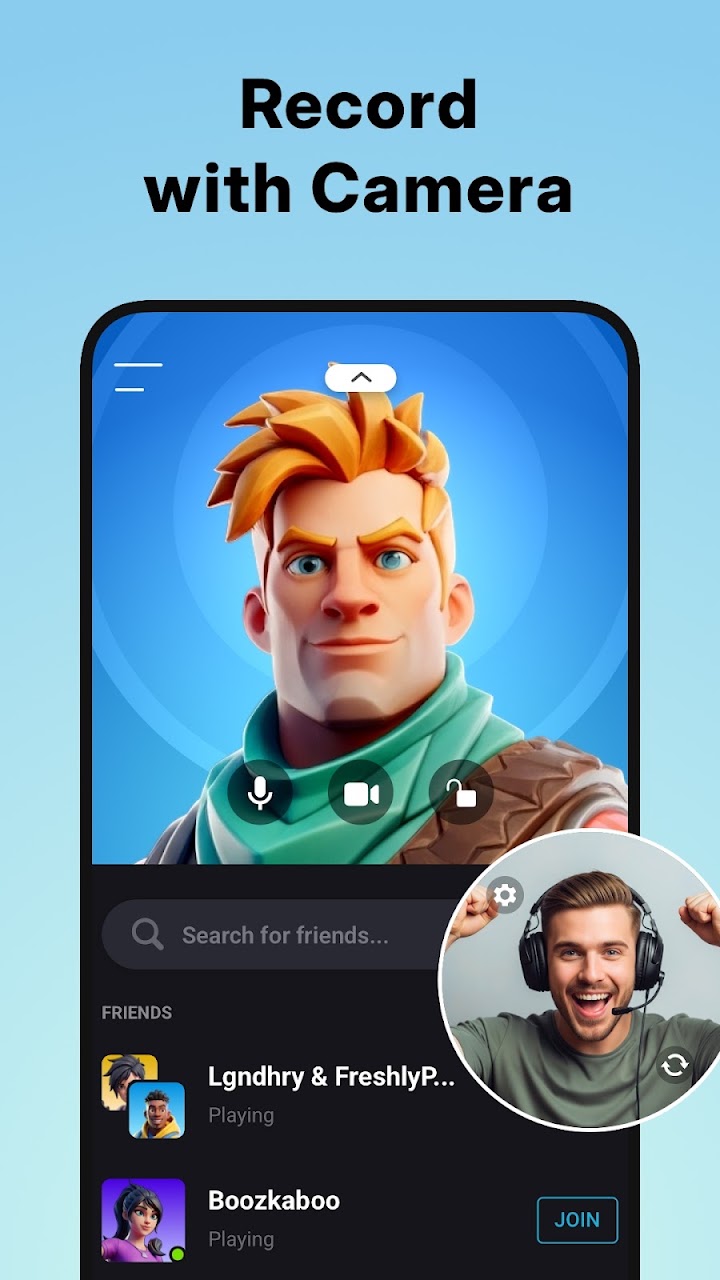
- Facecam overlay — Adds a movable camera window for reactions while you record.
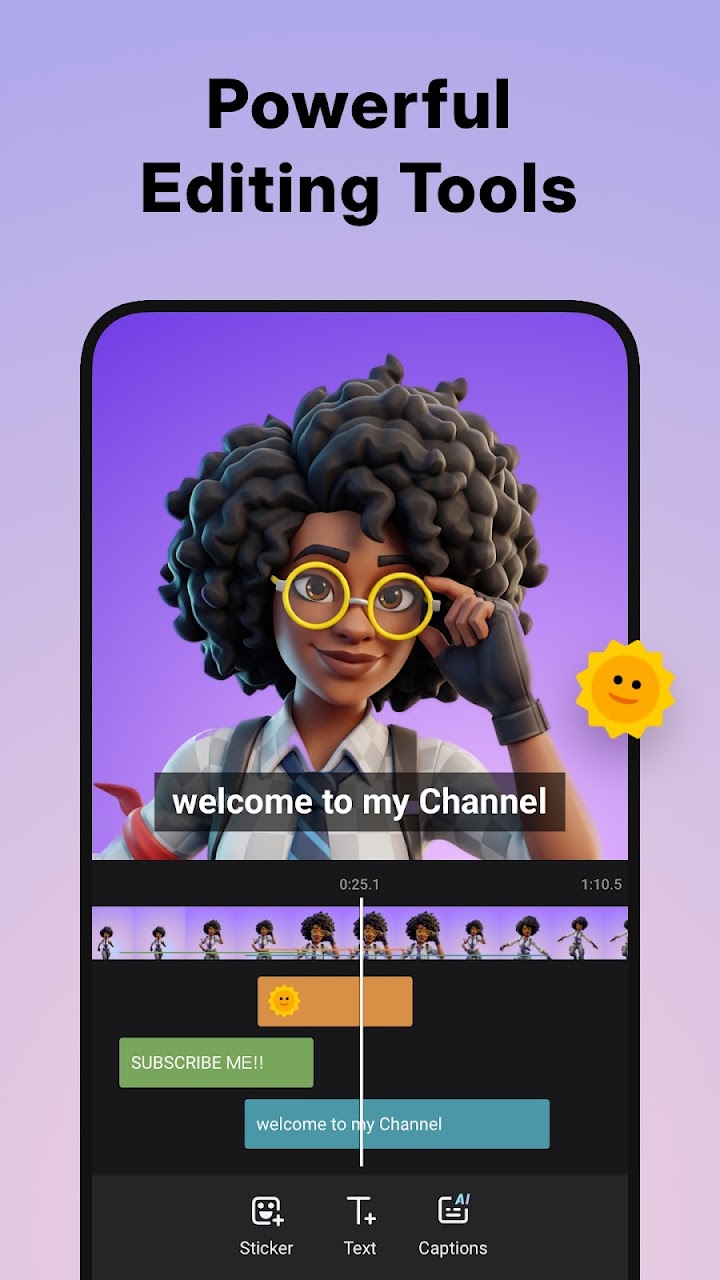
- Built-in editing — Trim, cut, split, crop, rotate, add music, and change speed.
- No time limit — Records without a time cap and does not require root access.
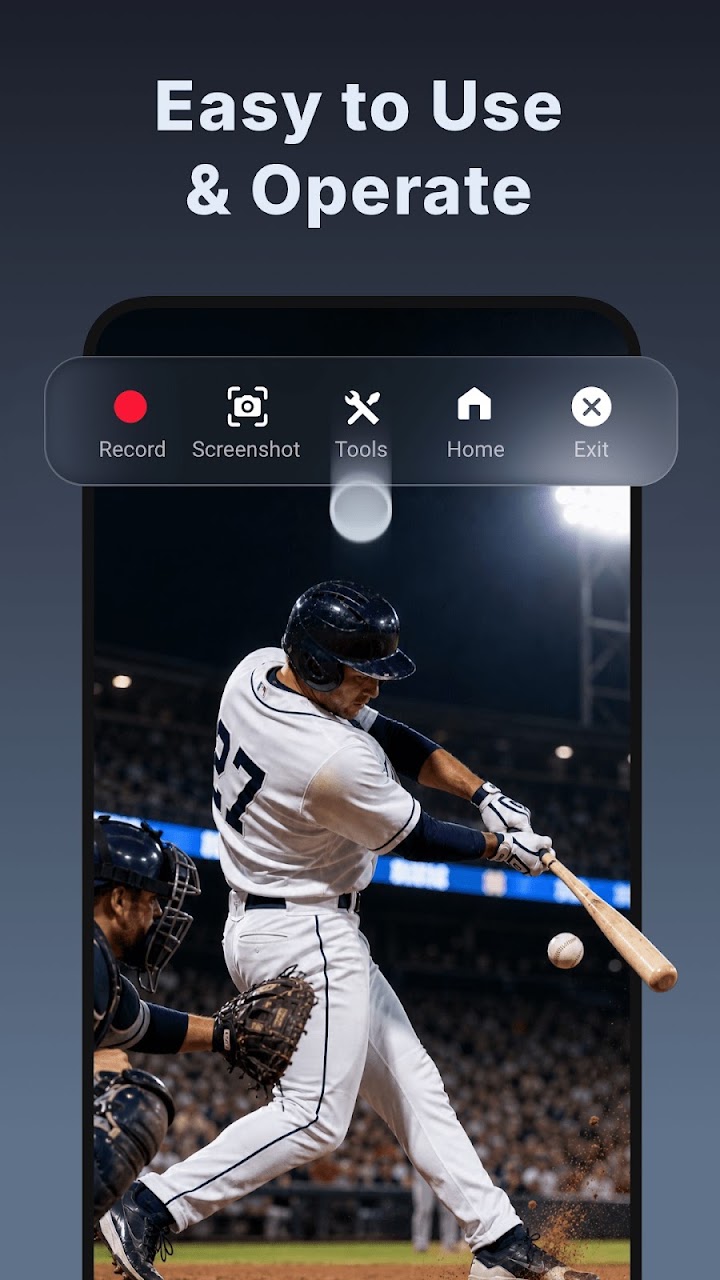
- Floating controls — Uses a floating ball and window for quick start, pause, and capture actions.
First look at XRecorder
Screen Recorder - XRecorder focuses on the basics that matter most in a recorder: smooth capture, screenshots, and quick controls. It is made for gameplay, video tutorials, video calls, and other screen content you want to keep. The app is free, includes ads, and offers in-app purchases.
Recording tools and editing
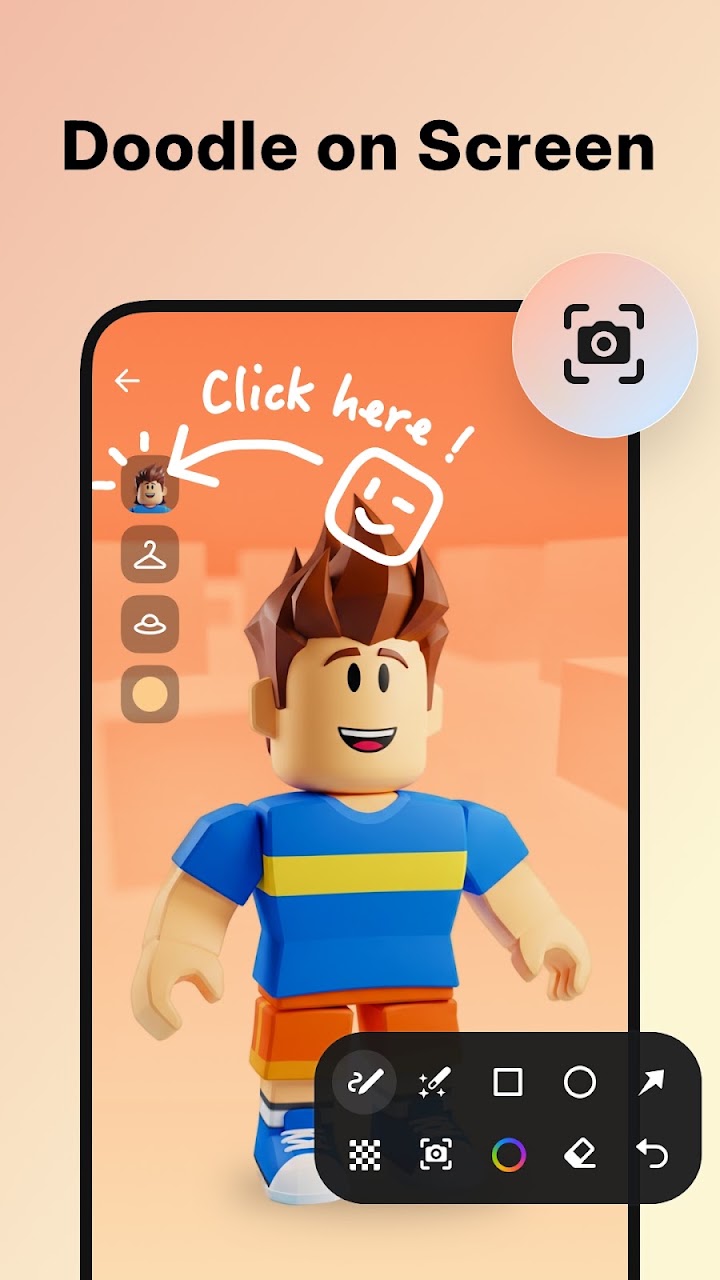
The app records in Full HD with adjustable resolution, quality, and frame rate, and it supports up to 120 FPS recording. You also get facecam, brush tools for on-screen drawing, and a video editor with trim, cut, split, crop, rotate, music, filters, and speed control.
- What you get: screen recording, screenshots, facecam, and editor tools.
- What to watch for: ads and in-app purchases are part of the app.
- Install note: APK format, 18 MB, requires Android 11 or later.
Audio, storage, and controls
XRecorder supports internal audio recording on Android 10 and above, along with voice capture for tutorials and gameplay. The floating ball and floating window are central to its workflow, and you can customize their style, opacity, and button behavior. It also includes a countdown timer, pause and resume controls, and storage options for internal storage or SD card.
How it compares in practice
Its rating is 4.7 from 7,679,791 ratings, with most ratings at 5 stars. That suggests many users are satisfied, though the presence of ads and purchases may matter if you want a cleaner, one-time install. The app’s permissions list is empty in the listing, and no account requirement is stated there.
For Android users who want a recorder with editing built in, XRecorder covers the core job well. It is a practical choice if you need screen capture, gameplay recording, and quick trimming in one app.
APK information
- Version
- 1.4.0.5
- Package
- videoeditor.videorecorder.screenrecorder
- Category
- Video Players & Editors
- Size
- 18 MB
- Min Android
- 11
- Architecture
- universal
Older versions
-
Screen Recorder - XRecorder 1.4.0.5Nov 12, 2026Latest downloadAPK
Screen Recorder - XRecorder FAQ
Does Screen Recorder - XRecorder support Chromecast?expand_more
The listing does not mention Chromecast support.
Does Screen Recorder - XRecorder need a subscription?expand_more
The app is free, but it contains ads and offers in-app purchases. No subscription is stated in the listing.
Can I install Screen Recorder - XRecorder without Google Play?expand_more
The app is available as an APK file, so it can be installed outside Google Play if you have the file.
Who develops Screen Recorder - XRecorder?expand_more
Screen Recorder - XRecorder is developed by InShot Inc.
What Android version does XRecorder require?expand_more
It requires Android 11 or later.