
- 4.8star29 reviews
- 100M+Downloads
- 33 MBAPK size
- EveryoneRated for Everyone
- API 16+Android
check_circleOriginal APK from Zentertain · Updated Nov 12, 2026

No threats found
0 / — antivirus engines flagged this file
Original signature
First seen — Zentertain
Unmodified APK
Same file the developer published — no mods
Photo Collage Editor screenshots
8 images · tap to enlarge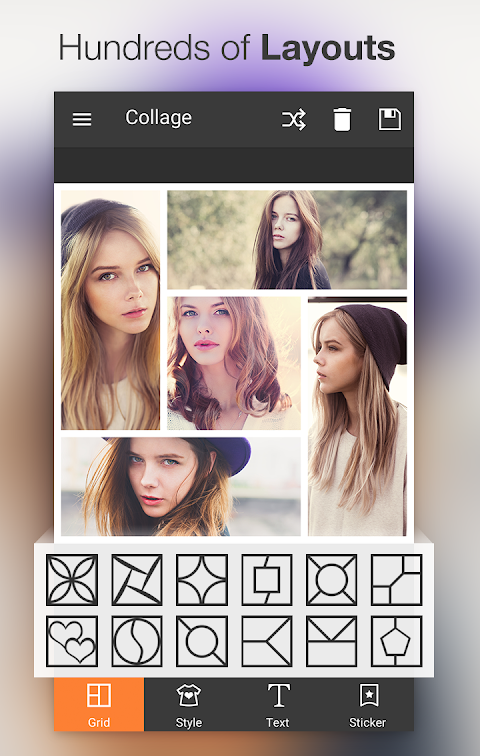
About this app
Photo Collage Editor brings collage-making and photo editing into one app. You can arrange multiple photos in grids or frame layouts, then add stickers, backgrounds, text, and filters without leaving the editor. It is free, has no ads or in-app purchases, and keeps the workflow simple enough for quick edits and sharing.
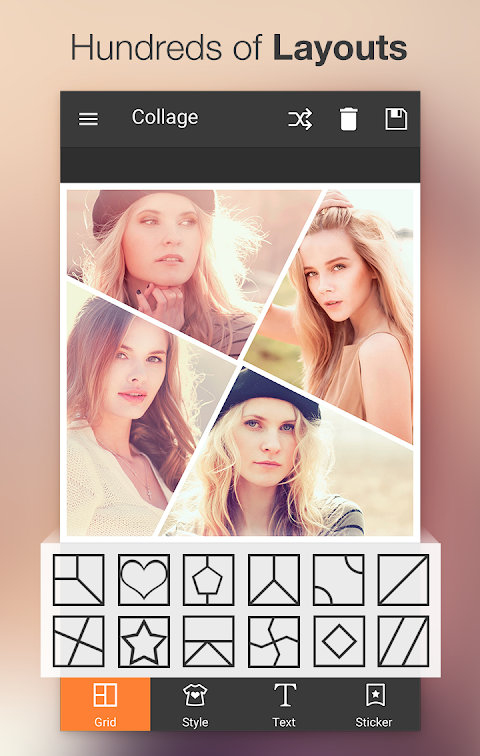
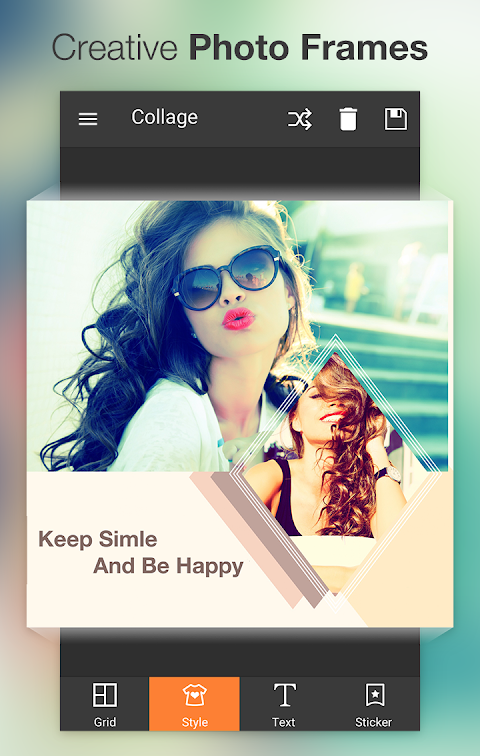
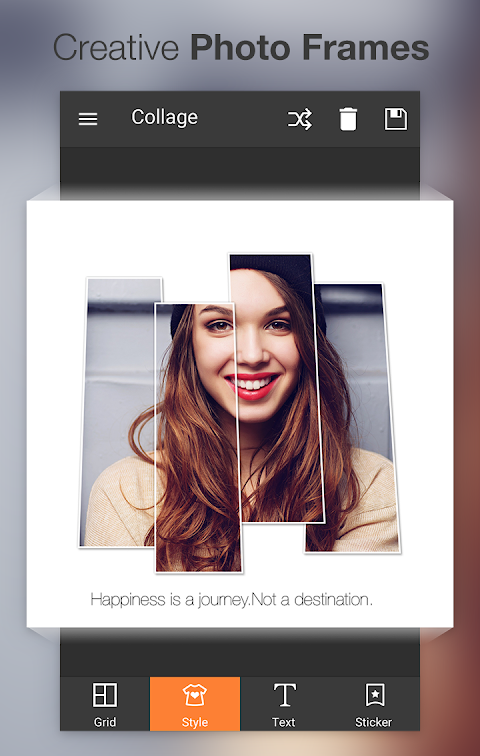
- Frame and grid layouts — Choose from 120+ frame types and photo grids to combine several photos in one layout.
- Text and stickers — Add text or stickers to personalize a collage before you save or share it.
- Touch-based editing — Use simple touch gestures to rotate and resize photos inside the layout.
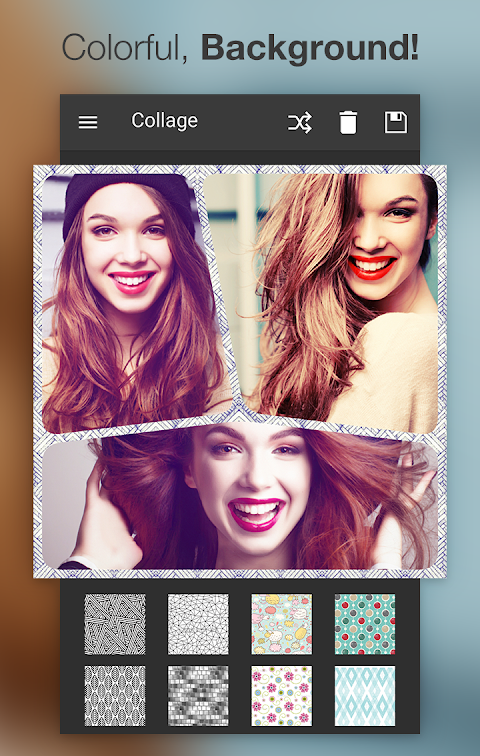
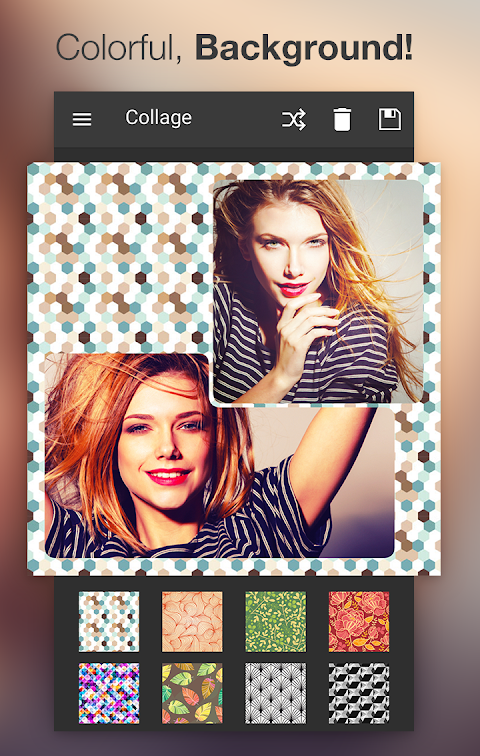
- Background changes — Adjust border colors, backgrounds, and patterns to match the collage style you want.
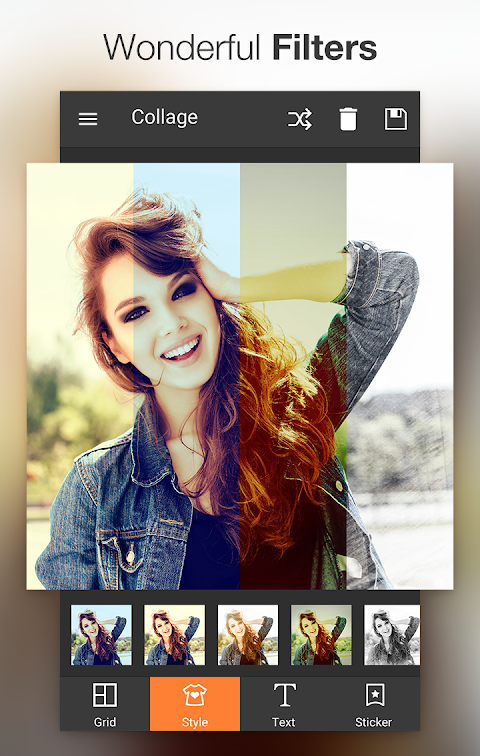
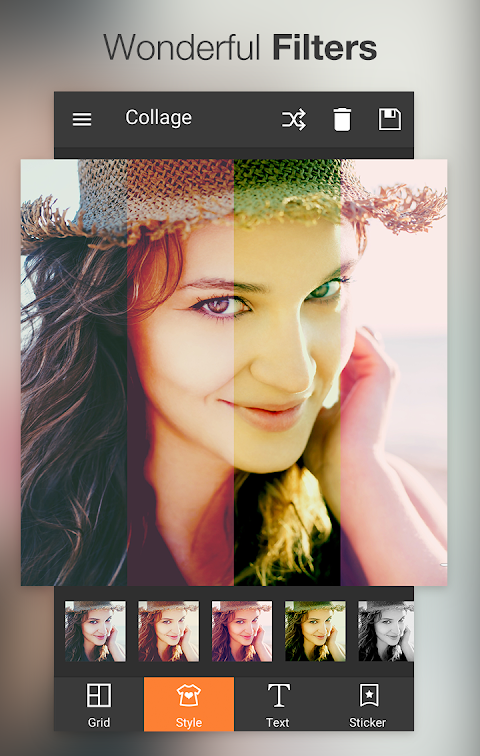
- Built-in filters — Apply photo fx filters from the included editor for a more polished result.
- Easy sharing — Share finished collages to social networks after editing.
Frames and grids for multi-photo layouts
The core job here is straightforward: turn several photos into a single collage. Photo Collage Editor gives you more than 120 frame types, plus photo grids for arranging images side by side. If you want a birthday recap, a trip summary, or a before-and-after post, you can pick a layout first and build around it.
It is also set up for quick sharing once the collage is finished, so you do not need to export into another app just to publish it.
Text, stickers, and background controls
Once the layout is in place, you can personalize it with text, stickers, backgrounds, and frames. The app also lets you change border colors, background styles, and patterns, which helps if a default layout feels too plain.
For example, you could place two holiday photos in a grid, add a short caption in a cool font, then swap the background pattern to fit the mood.
Simple gestures with an editor included
Photo Collage Editor includes a full-featured photo editor, so you can adjust images before or while building the collage. Touch gestures make it easy to rotate and resize photos, and the latest update adds a choice between starting with grids or with photos first, plus double-tap fit and adjustable zoom intensity.
- You get: 120+ frames, grids, stickers, text, filters, and sharing tools.
- Watch for: no RAW support is listed, and the app does not mention account features.
Install details to check
The app is free, contains no ads, and has no in-app purchases. It is an APK file, sized at 33.2 MB, and requires Android 4.1 or later (API 16). Edited images are saved to PhotoCollage folders in storage, including File Manager/DCIM/PhotoCollage or Sdcard/PhotoCollage.
What's new
Version 6.2.3 · Nov 12, 2026
- ● Grids or photos first? Choose your preference for a better experience!
- ● Simply double tap to Fit and adjust your photos.
- ● Easily adjust zoom intensity for all your photos.
- ● Optimized performance and overall user experience.
- ● General fixes and improvements.
APK information
- Version
- 6.2.3
- Package
- com.zentertain.photocollage
- Category
- Photography
- Size
- 33 MB
- Min Android
- API 16
- Architecture
- universal
Older versions
-
Photo Collage Editor 6.2.3Nov 12, 2026Latest downloadAPK
Photo Collage Editor FAQ
Can Photo Collage Editor edit RAW photos?expand_more
RAW support is not listed among the app’s features. The included editor focuses on collages, grids, frames, stickers, text, backgrounds, and filters.
Does Photo Collage Editor work offline?expand_more
Offline use is not stated. The app does include local editing tools and sharing options, but network requirements are not specified.
What changed in the latest Photo Collage Editor version?expand_more
The latest version adds a choice between grids or photos first, double-tap fit, adjustable zoom intensity, and general performance and usability improvements.
How big is the Photo Collage Editor download?expand_more
The APK size is 33.2 MB.
Where does Photo Collage Editor save edited images?expand_more
Edited images are saved in PhotoCollage folders, including File Manager/DCIM/PhotoCollage or Sdcard/PhotoCollage.