
- 4.8star1,424,347 reviews
- 100M+Downloads
- 19 MBAPK size
- EveryoneRated for Everyone
- API 15+Android
check_circleOriginal APK from Firehawk · Updated Nov 12, 2026

No threats found
0 / — antivirus engines flagged this file
Original signature
First seen — Firehawk
Unmodified APK
Same file the developer published — no mods
Photo Collage Maker & Editor screenshots
8 images · tap to enlarge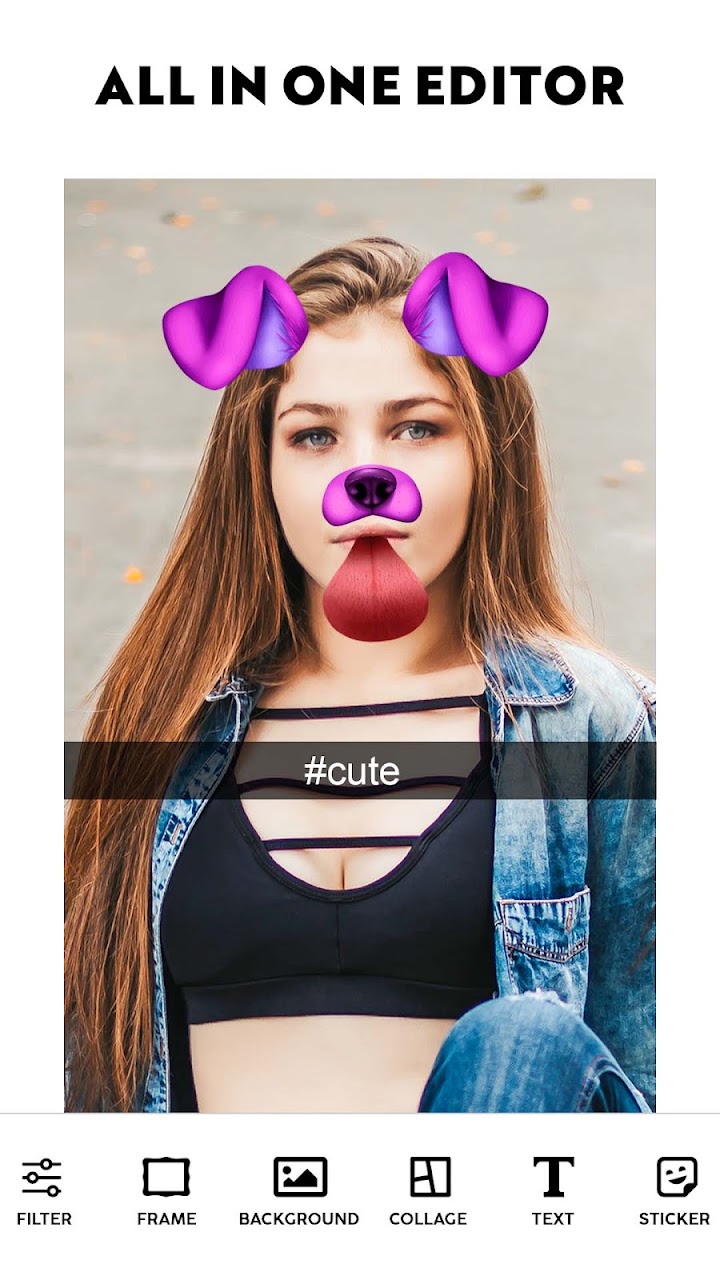
About this app
With 100M+ installs and a 4.8 rating, Photo Collage Maker & Editor is a collage and photo layout app for everyday editing. It works around birthdays, holidays, selfies, and quick posts, giving you templates, filters, frames, stickers, and text tools for turning several photos into one shareable design.
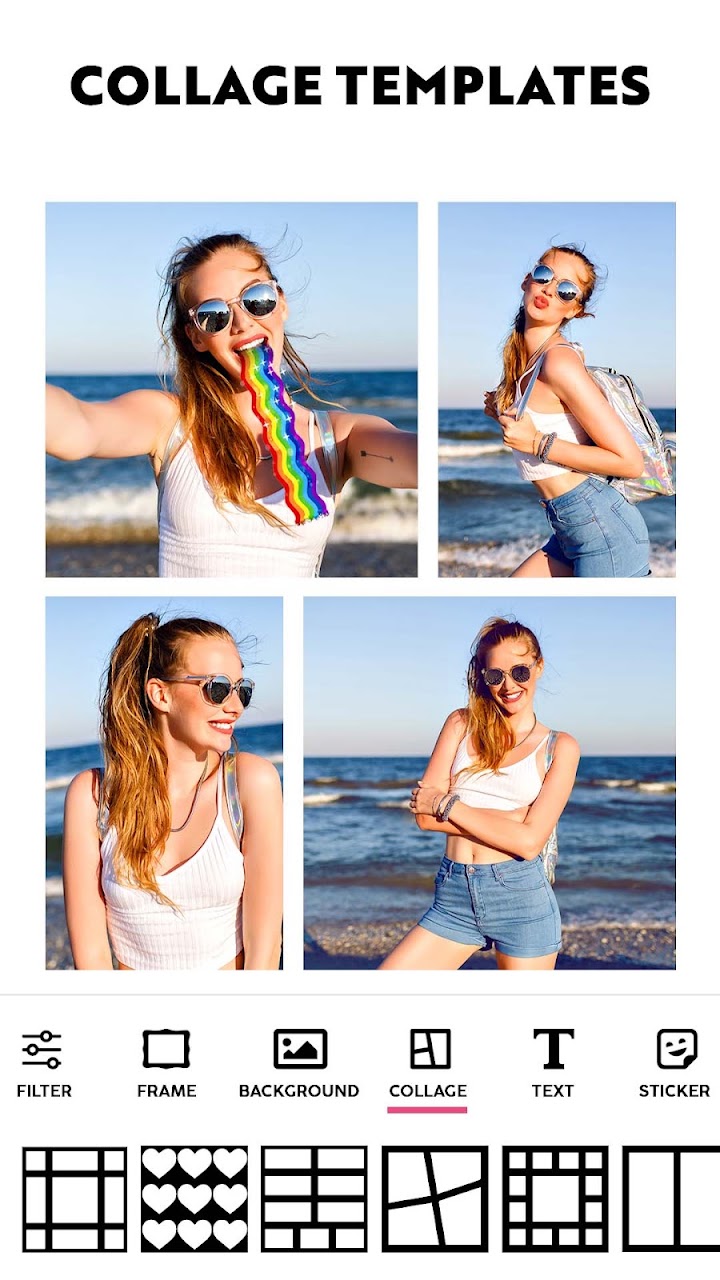
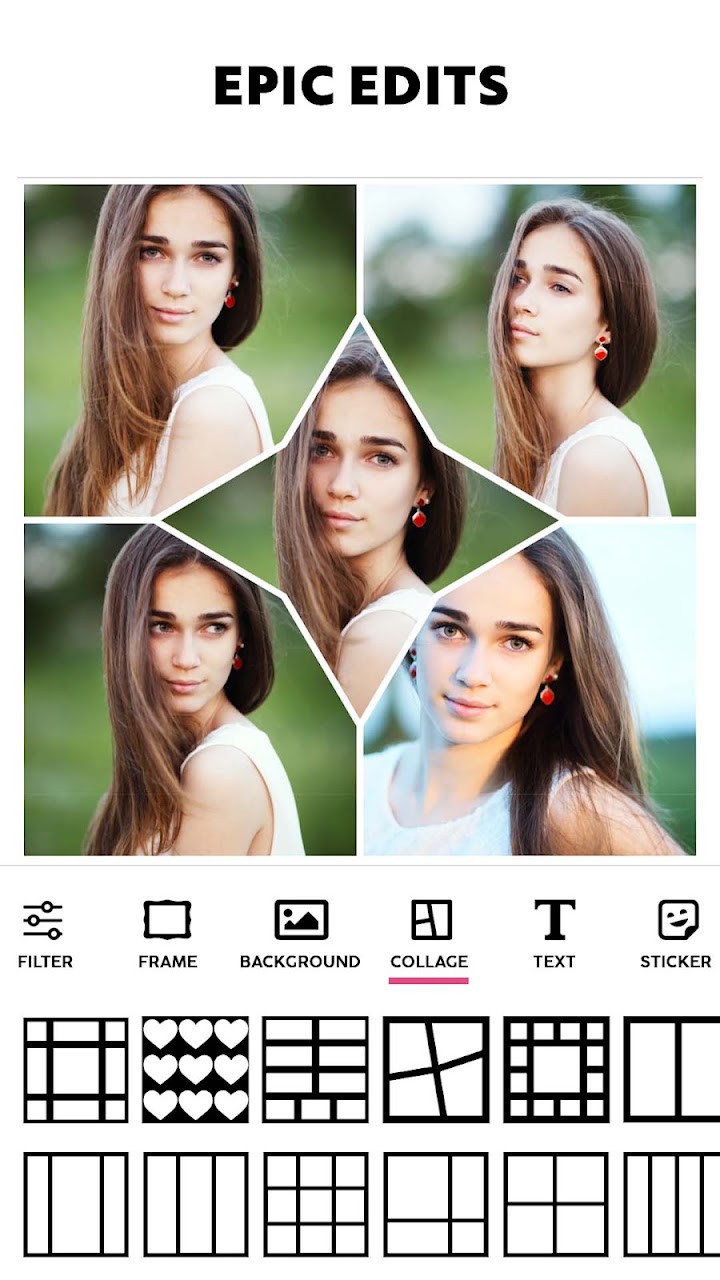
- Photo grids — Combine multiple pictures into side-by-side layouts, mirror effects, and photo grids.
- Frames and borders — Add borders, frames, and mosaic-style layouts when you want a cleaner finished collage.
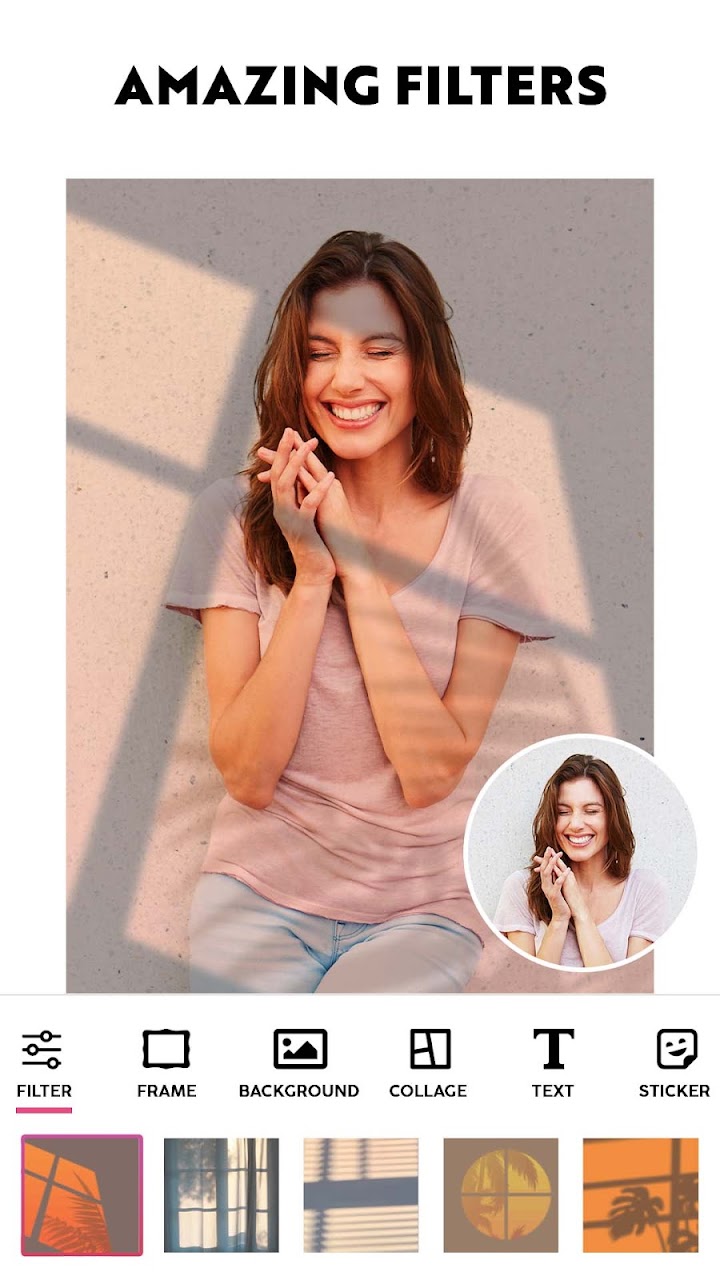
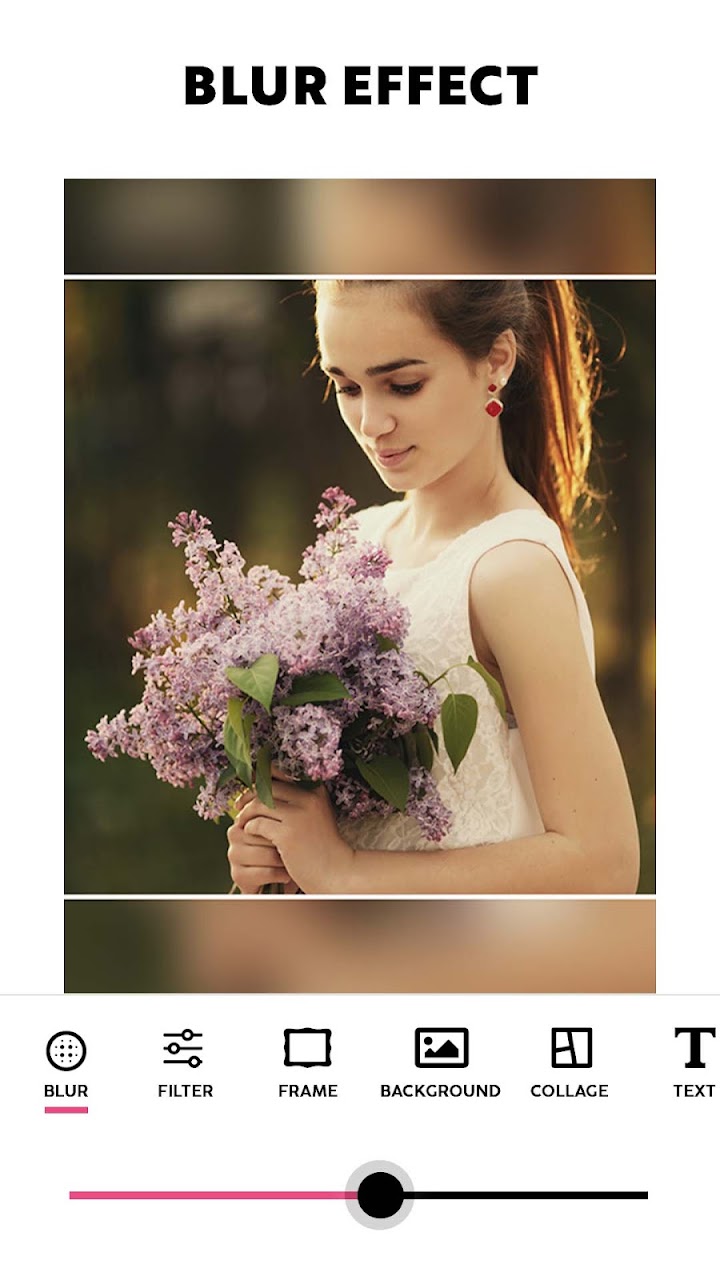
- Filters and effects — Use filters, trendy effects, sketch styling, neon outlines, and one-tap tone and lighting edits.
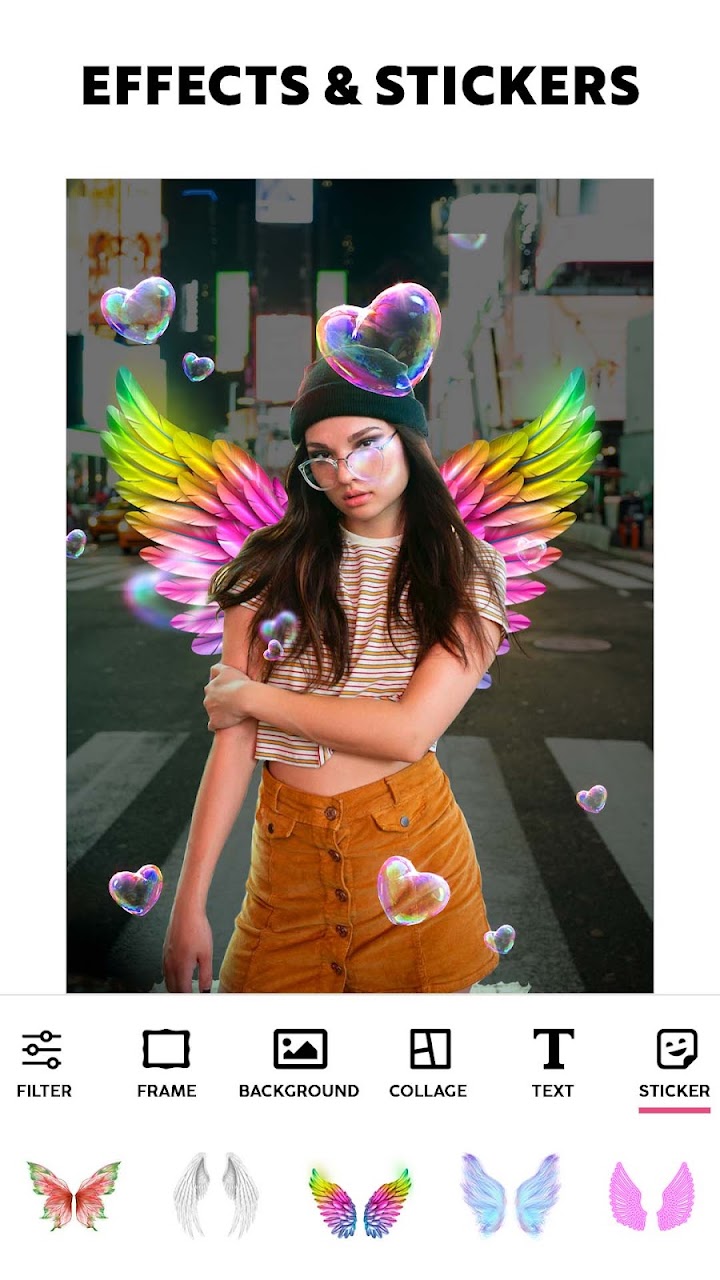
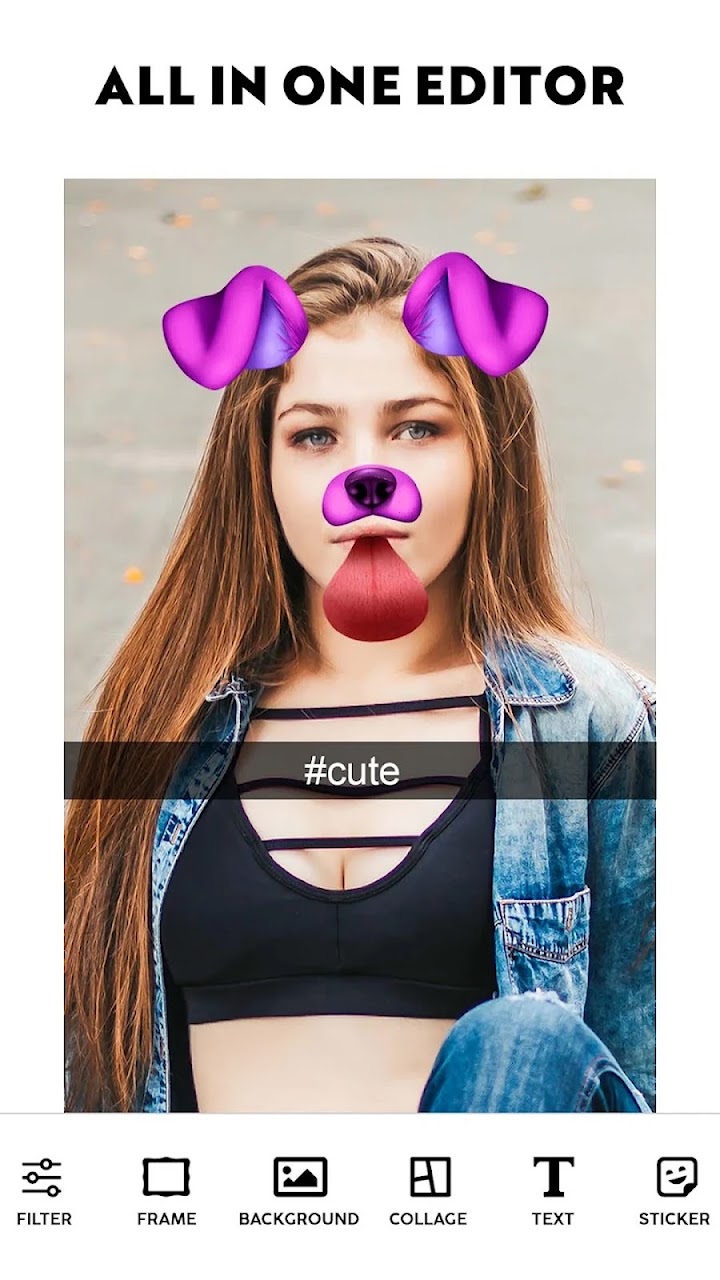
- Text and stickers — Customize collages with stickers, fonts, and text overlays for captions or notes.
- High-resolution export — Save finished collages in high resolution for sharing or keeping in a memory book.
Build a collage from a camera roll
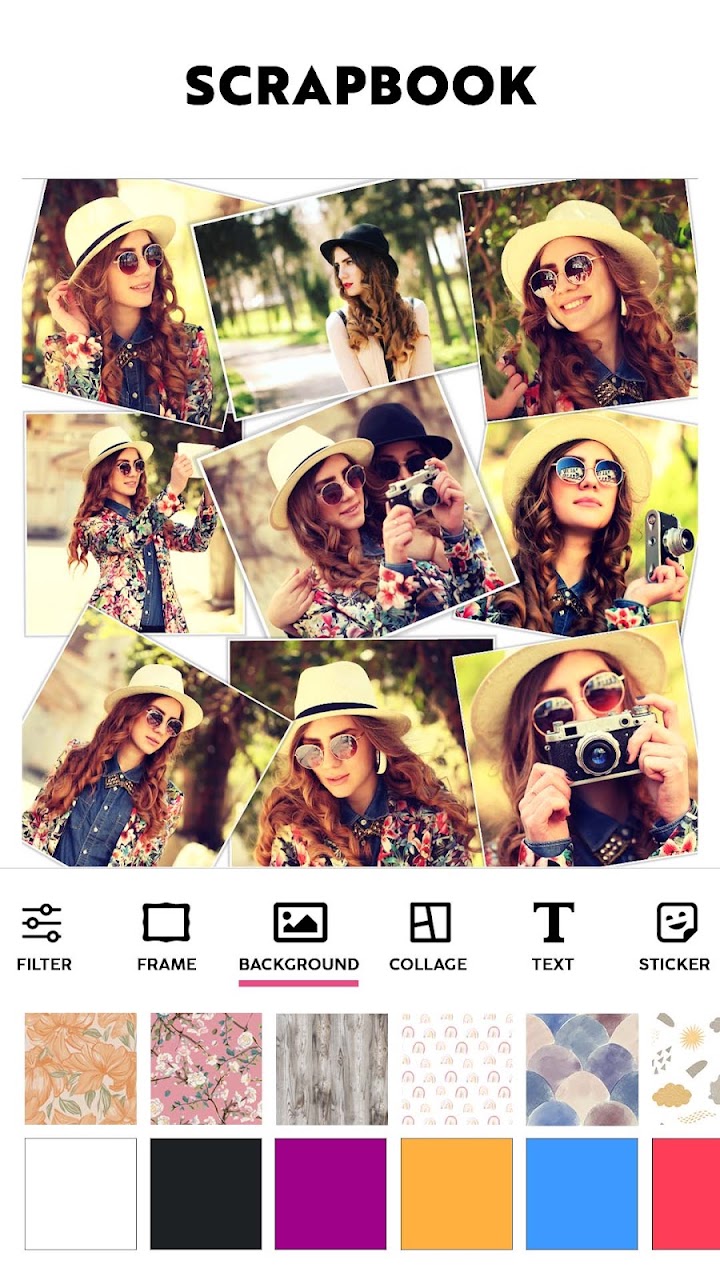
On a train ride or during a quiet evening at home, this app is the kind you open when you want to pull a few photos into one layout fast. Pick images, move them into a template, and preview the result before saving. The app focuses on combining photos with layouts, frames, filters, and project building, so it works well for a birthday recap, a holiday set, or a quick social post.
Shape the layout with grids and mirrors
The strongest part of the app is its grid work. You can arrange pictures into side-by-side frames, mirrored layouts, and multi-photo collages, then switch between modern and classic styles. If you want something simple, keep the arrangement clean; if you want more visual impact, use a denser grid or a mosaic look.
Editing tools you’ll use most:
- Photo grids and multi-image templates
- Mirror effects and side-by-side frames
- Borders, frames, and mosaic layouts
- Preview and adjust before saving
Finish selfies with filters, text, and stickers
For selfies or portraits, the app gives you more than a basic collage maker. You can add stickers and fonts, place custom text, and use sketch-style effects or neon outlines. One-tap edits for tone, lighting, and retouching help when a photo needs a quick touch-up before it goes into the collage.
Save and share in high resolution
When the layout looks right, you can save the collage in high resolution and use it for a memory book or a post on another platform. The app is free, contains ads, and includes in-app purchases. It comes as an APK file, is 18.6 MB, and needs Android API 15 or later.
Before you install
Check that your device runs Android API 15 or above and has space for the 18.6 MB APK. Permissions are not listed, so you can review them during installation if your device shows a prompt.
APK information
- Version
- 1.6.8
- Package
- com.lyrebirdstudio.collage
- Category
- Photography
- Size
- 19 MB
- Min Android
- API 15
- Architecture
- universal
Older versions
-
Photo Collage Maker & Editor 1.6.8Nov 12, 2026Latest downloadAPK
Photo Collage Maker & Editor FAQ
Can Photo Collage Maker & Editor edit RAW photos?expand_more
The app description does not mention RAW photo editing. It focuses on collages, grids, filters, frames, stickers, and text tools.
Does Photo Collage Maker & Editor work offline?expand_more
Offline use is not stated. The app can be installed as an APK and used for collage editing, but no offline mode is described.
How do I install the Photo Collage Maker & Editor APK file?expand_more
Download the APK, then open it on an Android device that meets the minimum requirement of API 15. Follow the standard Android install prompts on your device.
How do I update Photo Collage Maker & Editor from an APK?expand_more
Install the newer APK version over the existing app on a compatible device. The current version shown is 1.6.8.
What tools can I use to make a photo grid?expand_more
You can use photo grids, side-by-side frames, mirror effects, borders, frames, and layout templates to build a collage.