
Photo Editor - Collage Maker
Photo Editor & Collage Maker- 4.9star1,258,117 reviews
- 100M+Downloads
- 16 MBAPK size
- EveryoneRated for Everyone
- 5.0+Android
check_circleOriginal APK from Photo Editor & Collage Maker · Updated Nov 12, 2026

No threats found
0 / — antivirus engines flagged this file
Original signature
First seen — Photo Editor & Collage Maker
Unmodified APK
Same file the developer published — no mods
Photo Editor - Collage Maker screenshots
8 images · tap to enlarge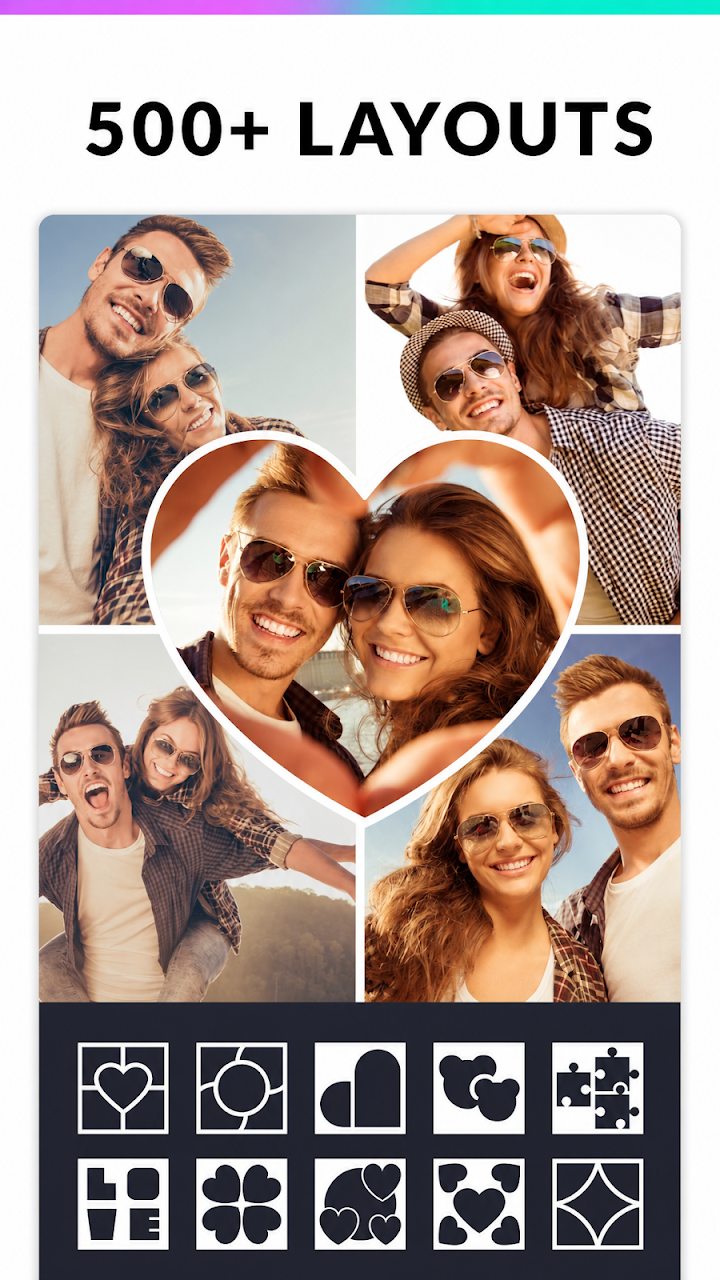
About this app
With 100M+ installs and a 4.9 rating, Photo Editor - Collage Maker focuses on easy collage creation and photo editing in one place. The current version keeps the app centered on layouts, frames, stickers, text, and AI tools for avatar styles, photo enhancement, and background changes. It is free, with ads and in-app purchases.
- Collage layouts — Combine up to 25 photos using grid, free-style, and frame-based layouts.
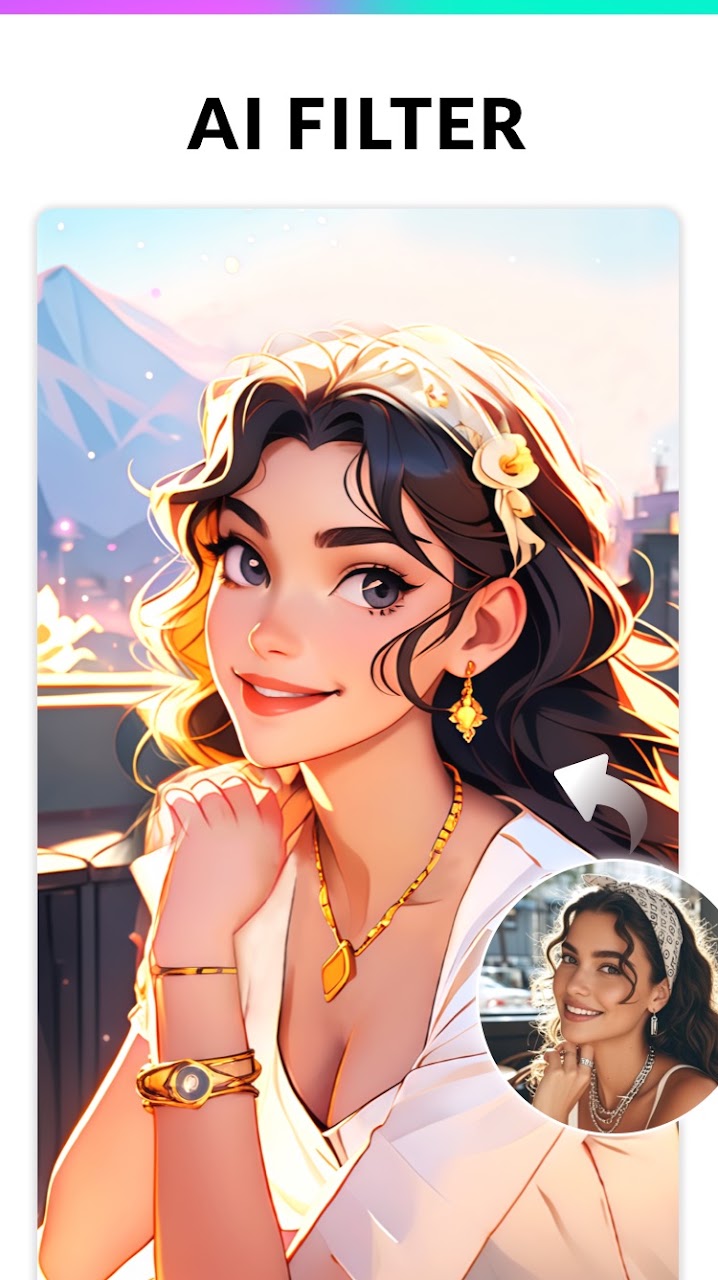
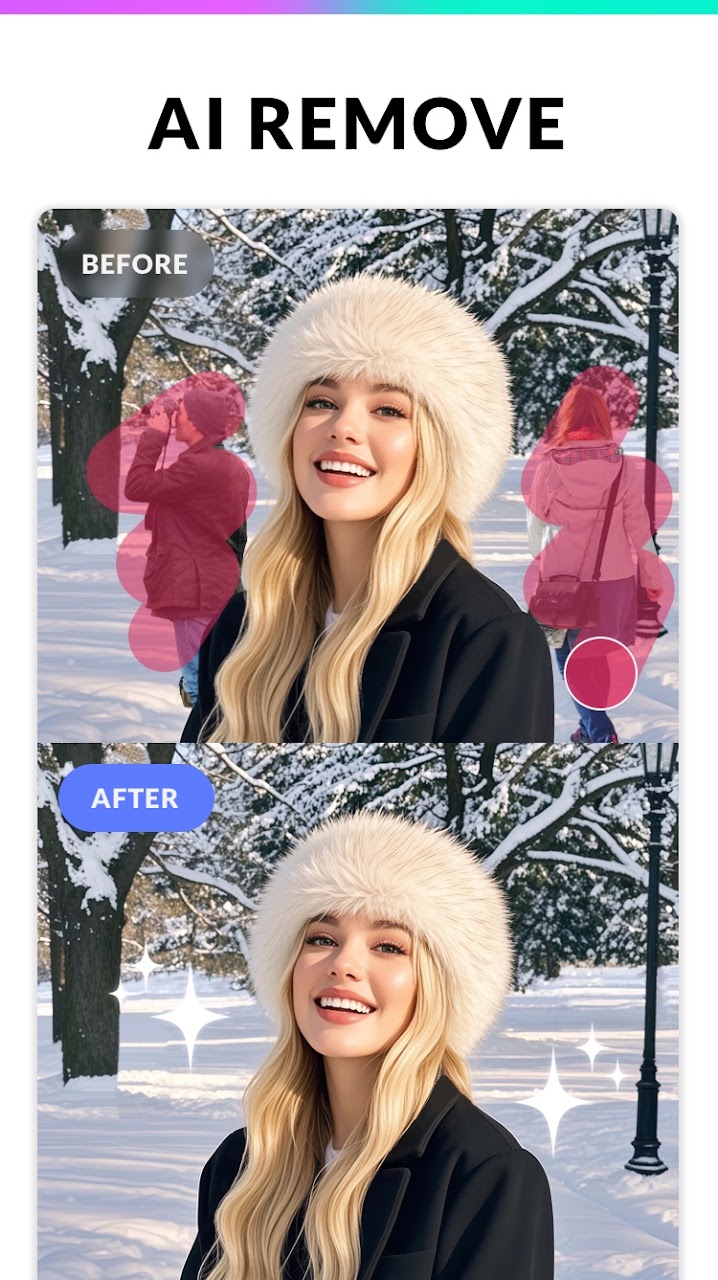
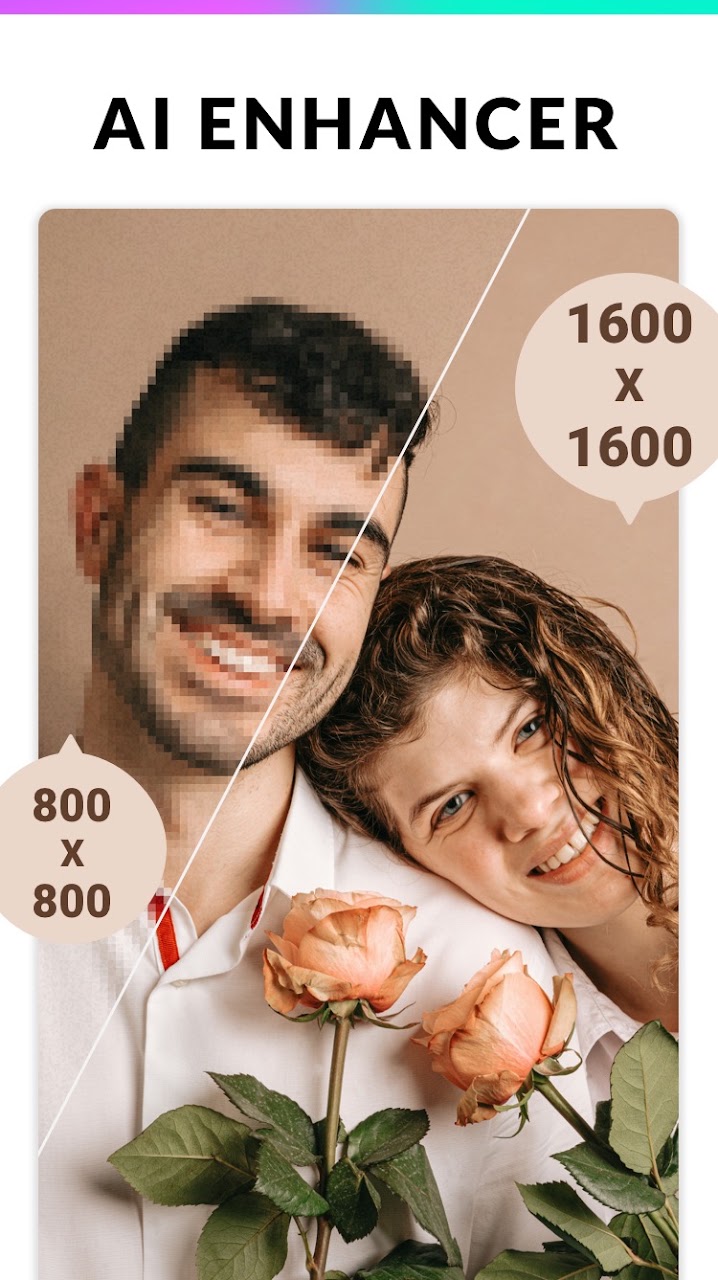
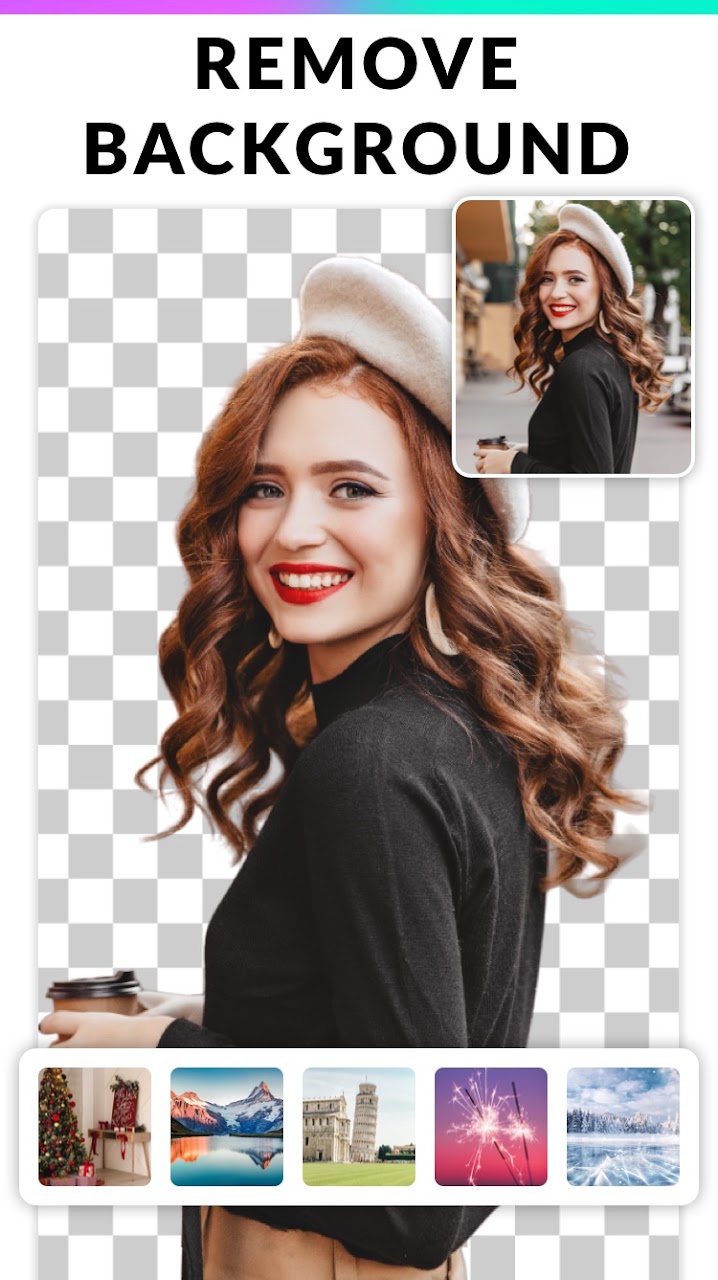
- AI photo tools — Use AI features to improve blurry photos, remove people or objects, and change backgrounds.
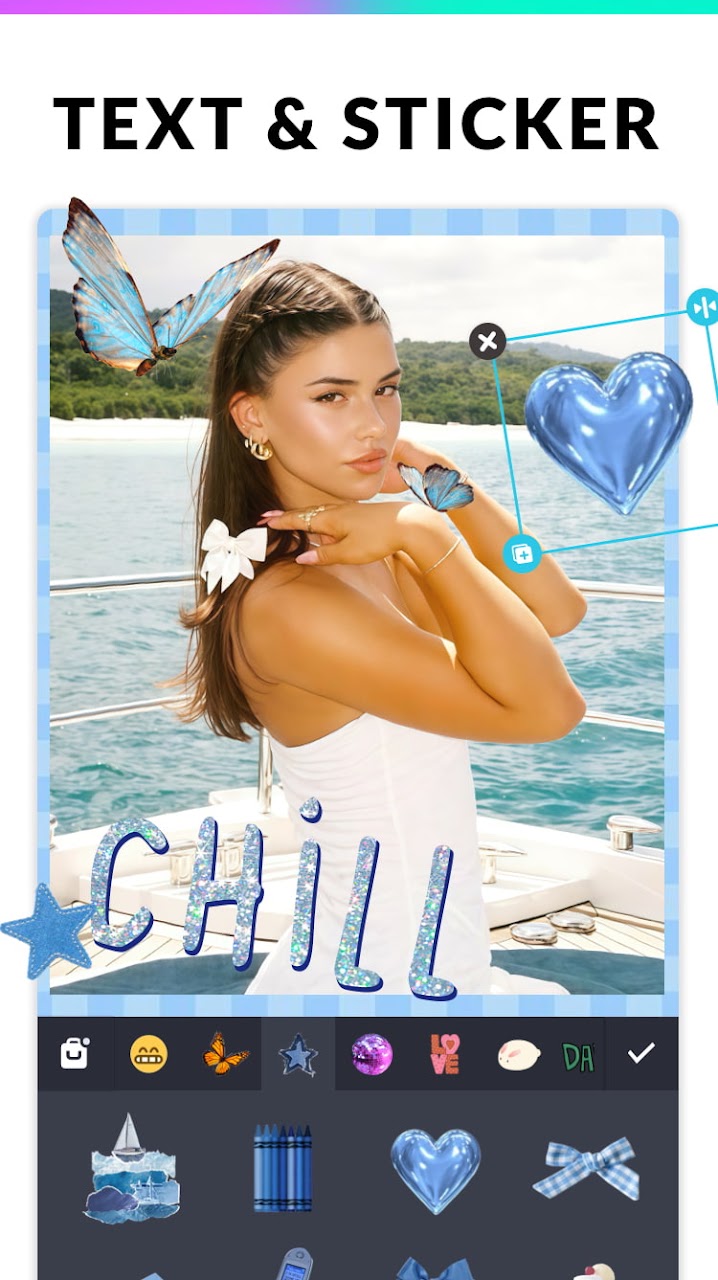
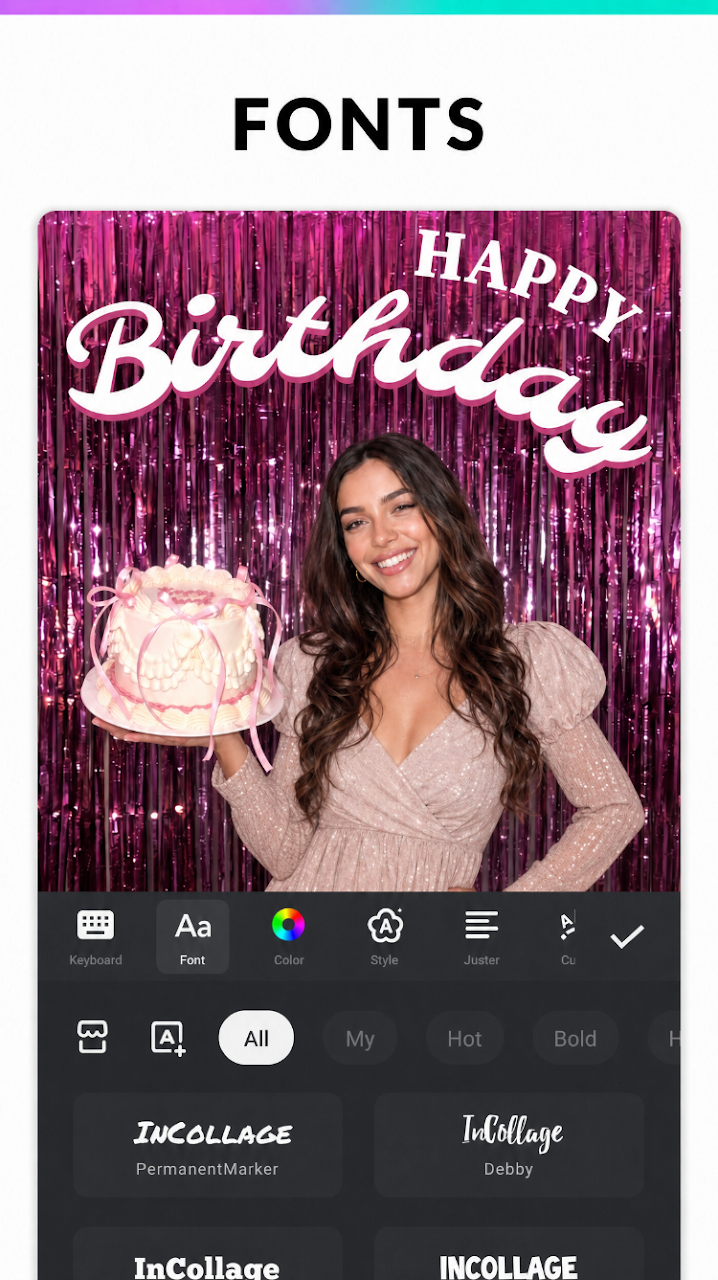
- Text and stickers — Add captions, fonts, doodles, and stickers to make collages, memes, and social posts.
- Social sizes — Create square and vertical formats that fit common Instagram-style posts.
- Easy sharing — Save in high resolution and send your edits to Instagram, Facebook, WhatsApp, and Snapchat.
Current release and what it offers
Photo Editor - Collage Maker is built around quick collage making and simple photo editing. It has 100M+ installs, a 4.9 rating, and it is free to download. This version includes ads and in-app purchases. The app does not list any permissions, so there is nothing extra to approve for access.
For compatibility, it needs Android 5.0 or later. The APK file is 16.2 MB and uses a universal build, which can help if you want a straightforward install package.
Collages, frames, and social formats
The app gives you 500+ collage layouts and 300+ frame or grid options, so you can arrange photos for holidays, weddings, babies, before-and-after posts, and other occasions. You can also change the ratio, adjust borders, and use free-style or grid-style collages.
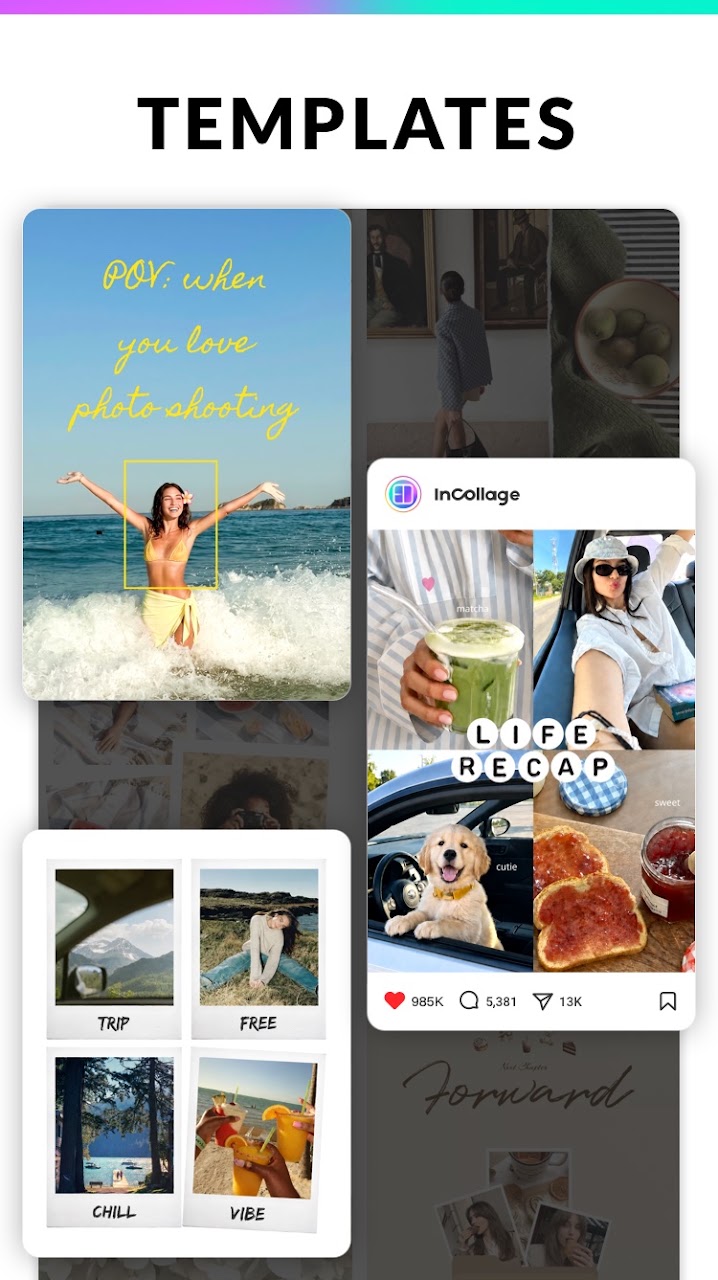
It is set up for people who want a simple editor rather than a full desktop-style workflow. You pick photos, choose a layout, and add text, stickers, or filters without needing editing experience.
- You get: collage layouts, frames, backgrounds, fonts, stickers, filters, and text tools.
- You get: AI avatars, AI enhancement, and background removal/replacement.
- Watch for: ads and optional in-app purchases.
- Watch for: no listed permissions, but the app still needs storage space for your saved edits.
AI editing and quick fixes
The app also includes AI tools for more than collages. You can turn selfies into AI avatars, improve blurry or pixelated photos, and remove or replace backgrounds. There is also an AI remove tool for clearing out people, text, or watermarks from images.
If you want a faster way to make memes or social posts, the app supports bold text, playful layouts, and high-resolution saving for sharing to Instagram, Facebook, WhatsApp, Snapchat, and similar apps.
APK information
- Version
- 1.394.211
- Package
- photocollage.photoeditor.collagemaker
- Category
- Photography
- Size
- 16 MB
- Min Android
- 5.0
- Architecture
- universal
Older versions
-
Photo Editor - Collage Maker 1.394.211Nov 12, 2026Latest downloadAPK
Photo Editor - Collage Maker FAQ
Does Photo Editor - Collage Maker add a watermark?expand_more
The listing does not say that it adds a watermark. It also does not state whether exports are watermark-free.
Can Photo Editor - Collage Maker edit RAW photos?expand_more
RAW editing is not mentioned. The app focuses on collages, filters, text, stickers, and AI photo tools.
Which Android version does Photo Editor - Collage Maker need?expand_more
It needs Android 5.0 or later.
Can I install Photo Editor - Collage Maker without Google Play?expand_more
The app is distributed as an APK, so it can be installed as a file outside Google Play if your device allows APK installs.
How many photos can I use in one collage?expand_more
You can combine up to 25 photos in a single collage.