Photo Editor Collage: Picsa
Prometheus Interactive LLC- 4.6star2,212,243 reviews
- 100M+Downloads
- 20 MBAPK size
- EveryoneRated for Everyone
- API 15+Android
check_circleOriginal APK from Prometheus Interactive LLC · Updated Nov 12, 2026
No threats found
0 / — antivirus engines flagged this file
Original signature
First seen — Prometheus Interactive LLC
Unmodified APK
Same file the developer published — no mods
Photo Editor Collage: Picsa screenshots
8 images · tap to enlarge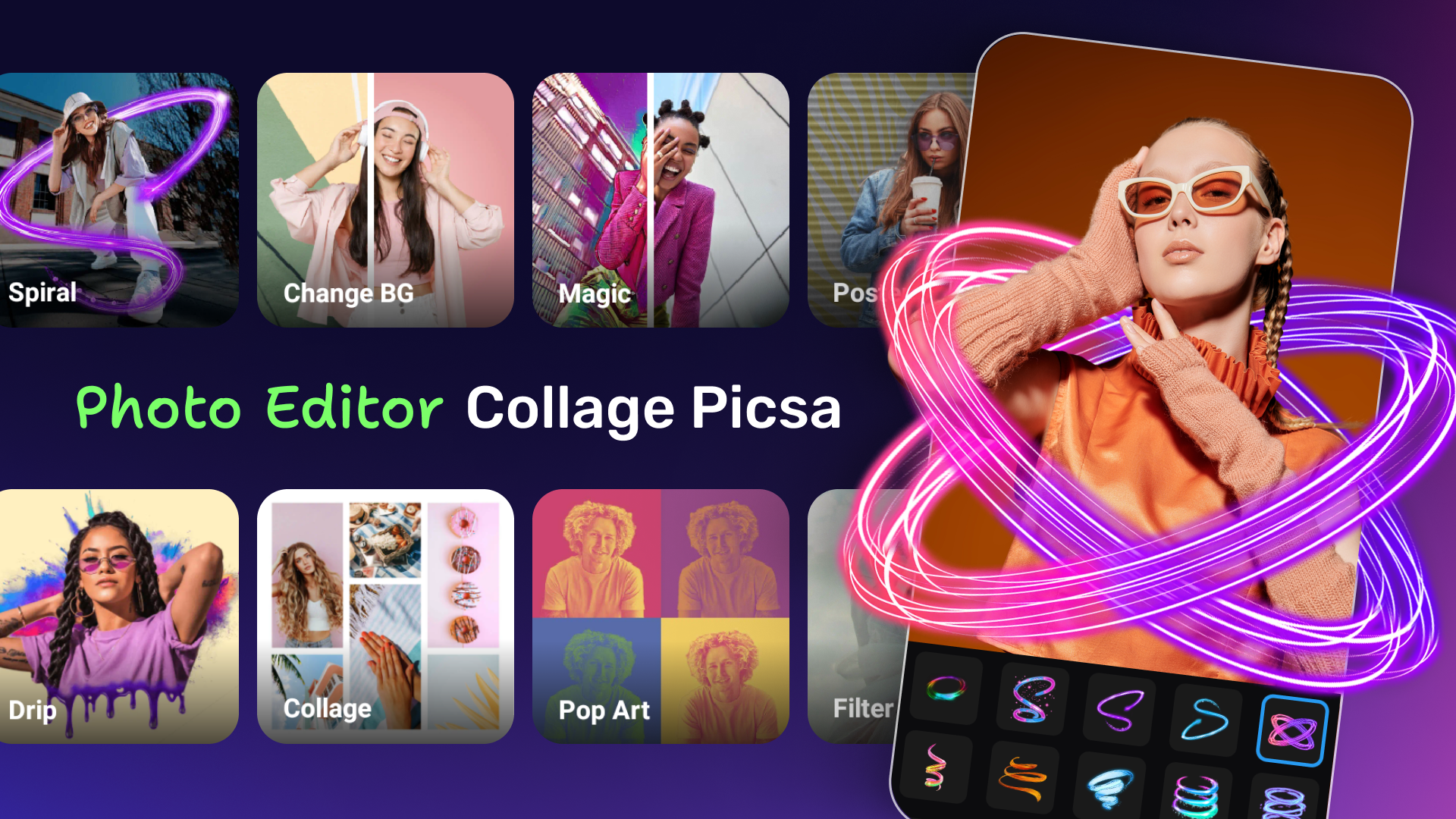
About this app
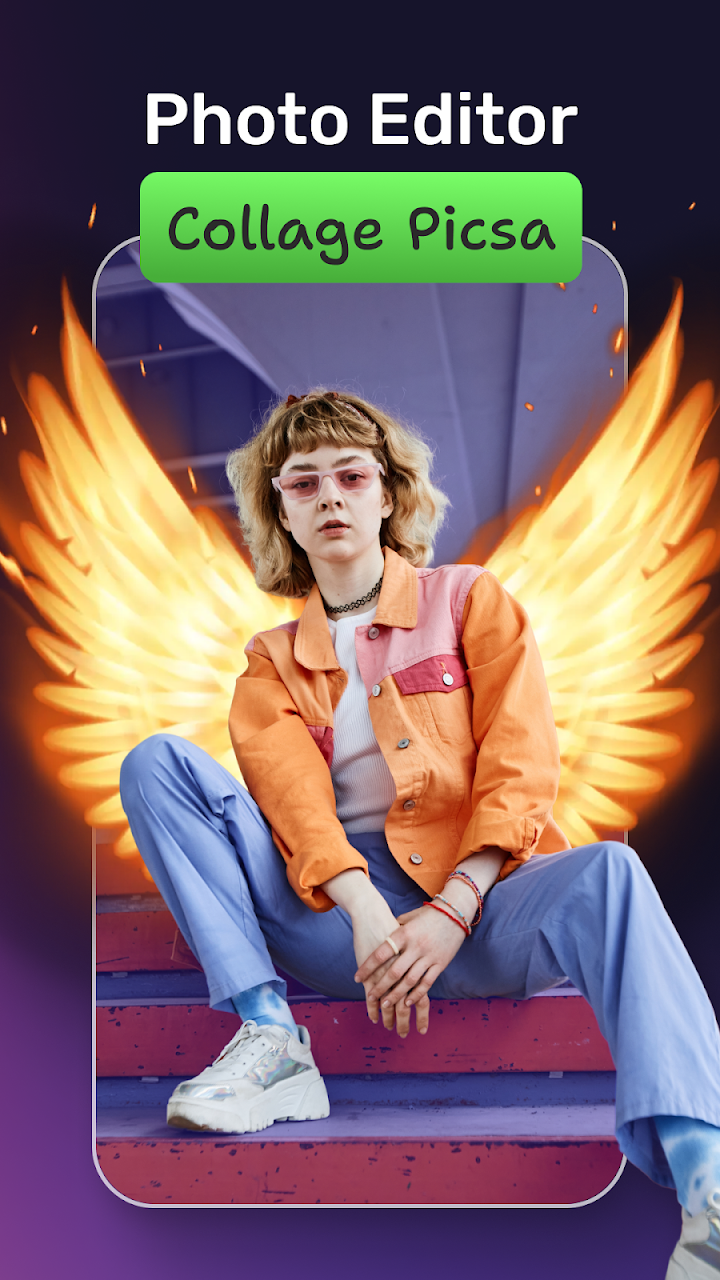
100M+ people have installed Photo Editor Collage: Picsa, a photo editing app with a 4.6 rating. It brings collage templates, side-by-side layouts, filters, stickers, fonts, emojis, and effects into one place, so you can open it for quick edits or spend time building a more styled photo grid without jumping between apps.
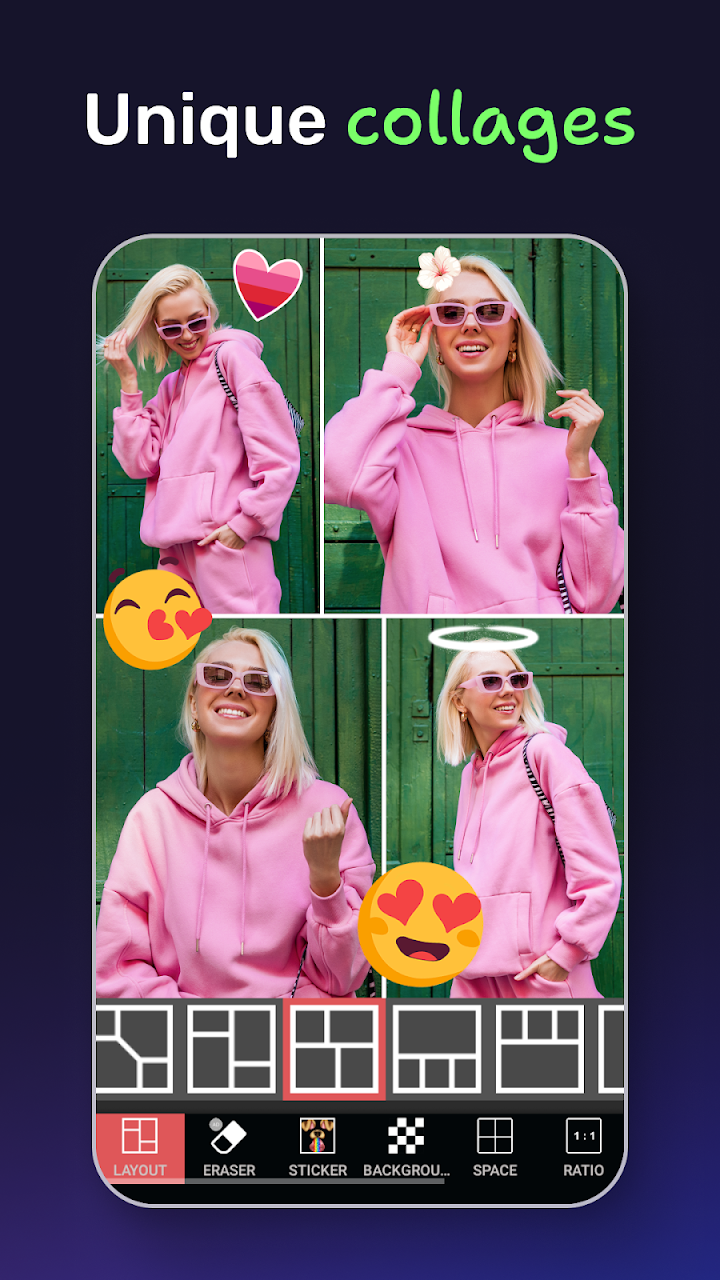
- Photo grids — Build grid-style collages with ready-made templates and borders.
- Side-by-side layouts — Arrange two or more photos next to each other for comparison or storytelling.
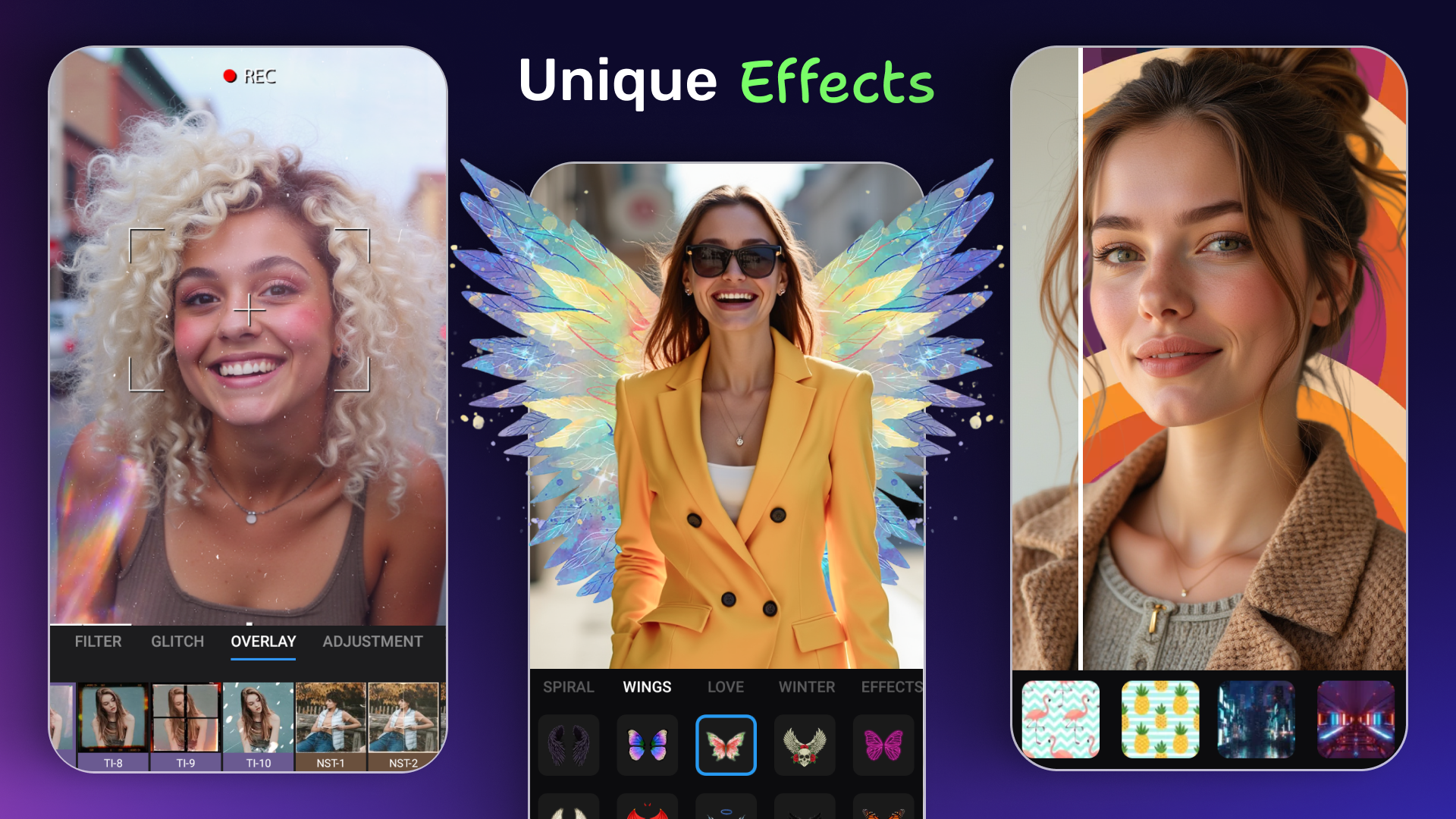
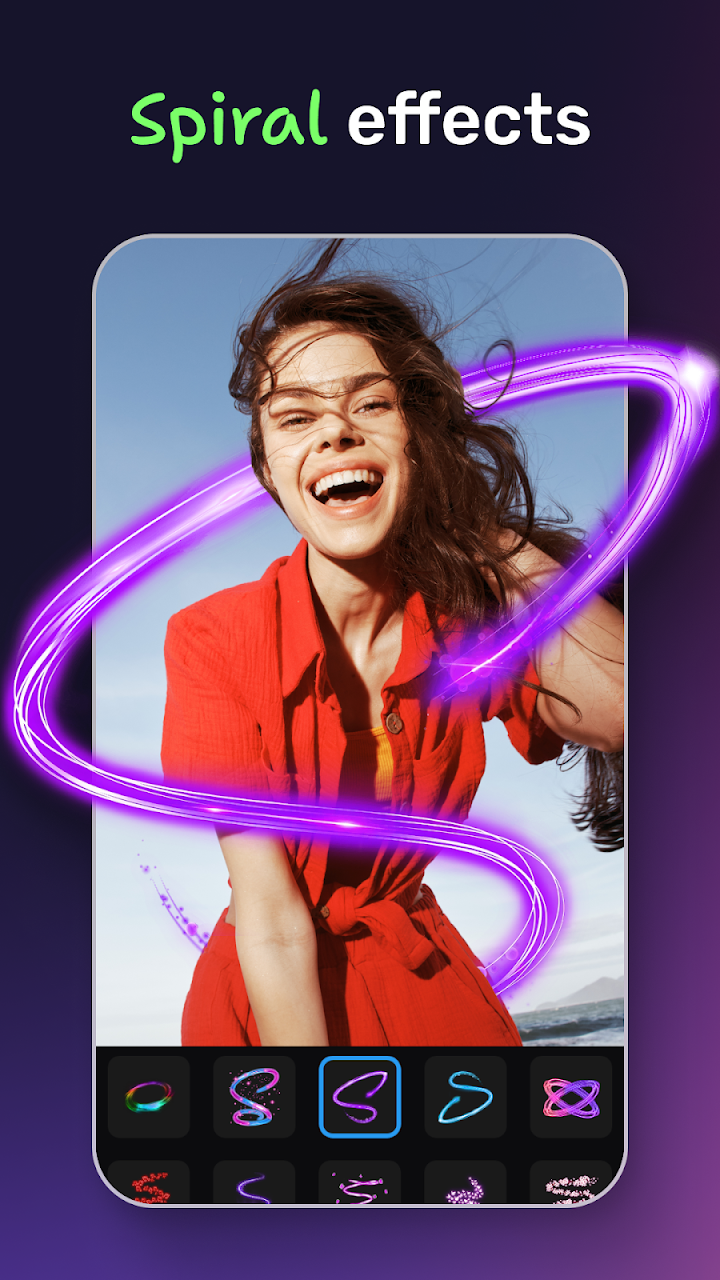
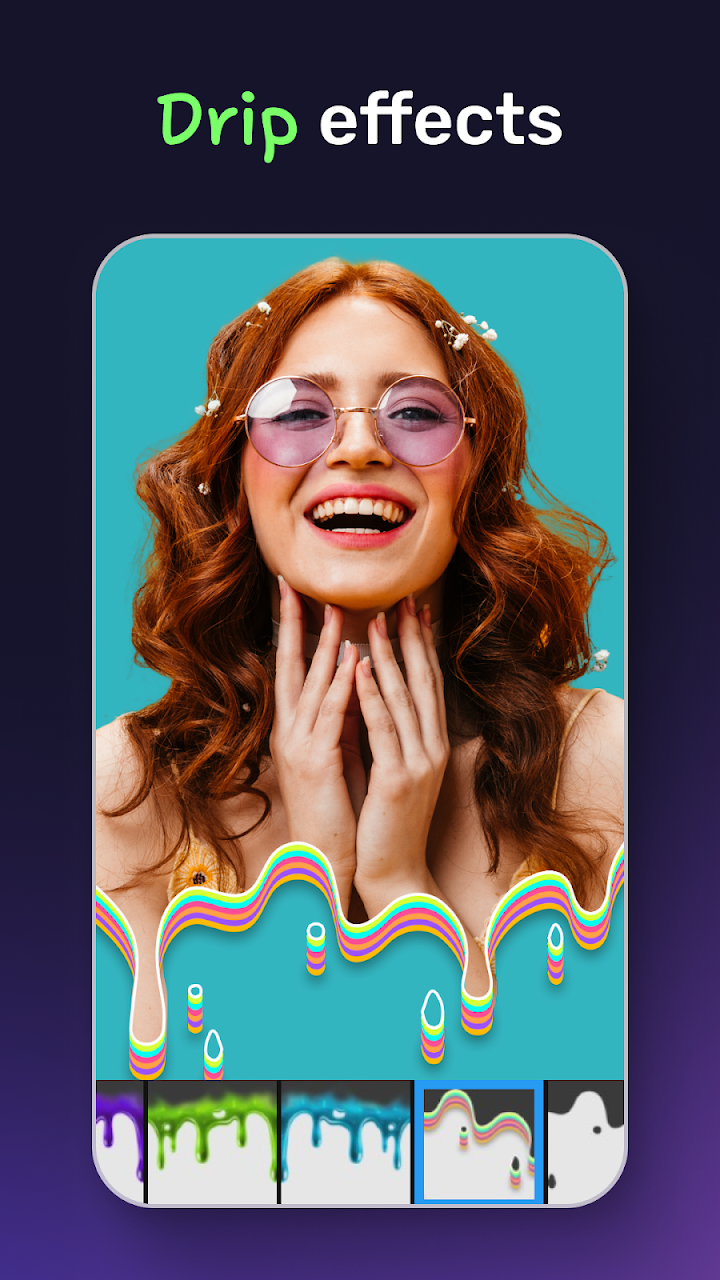
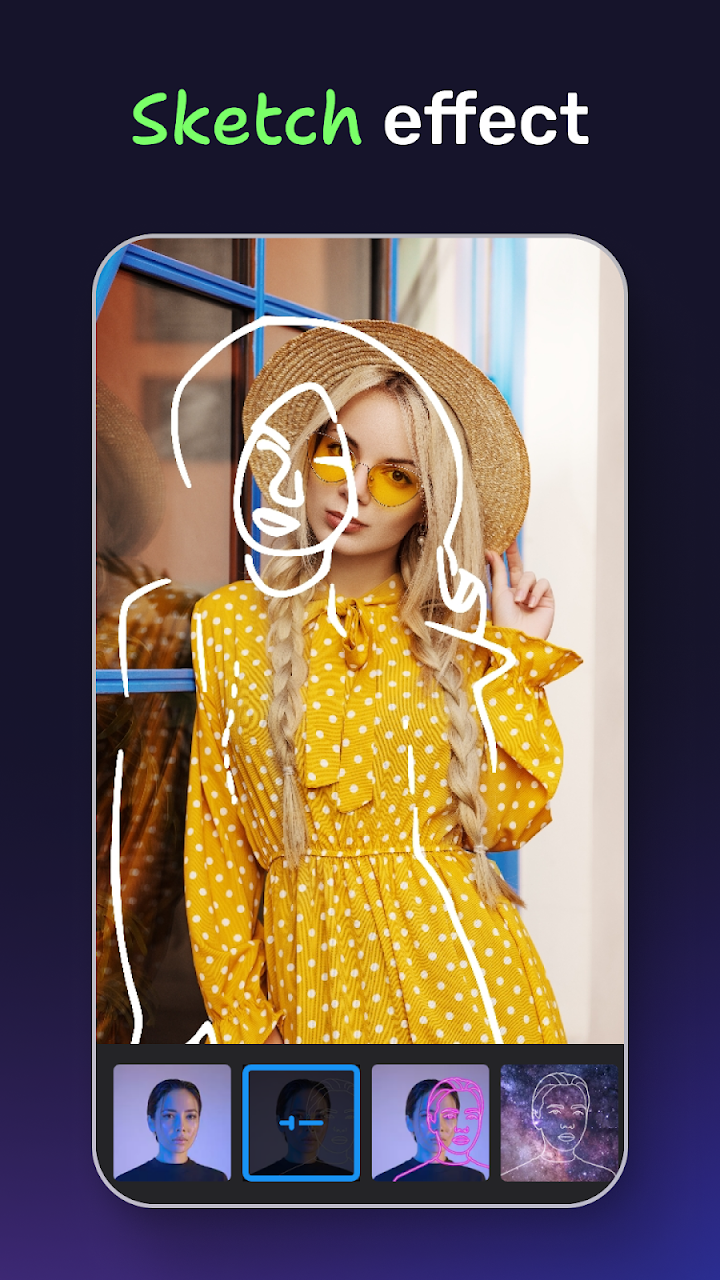
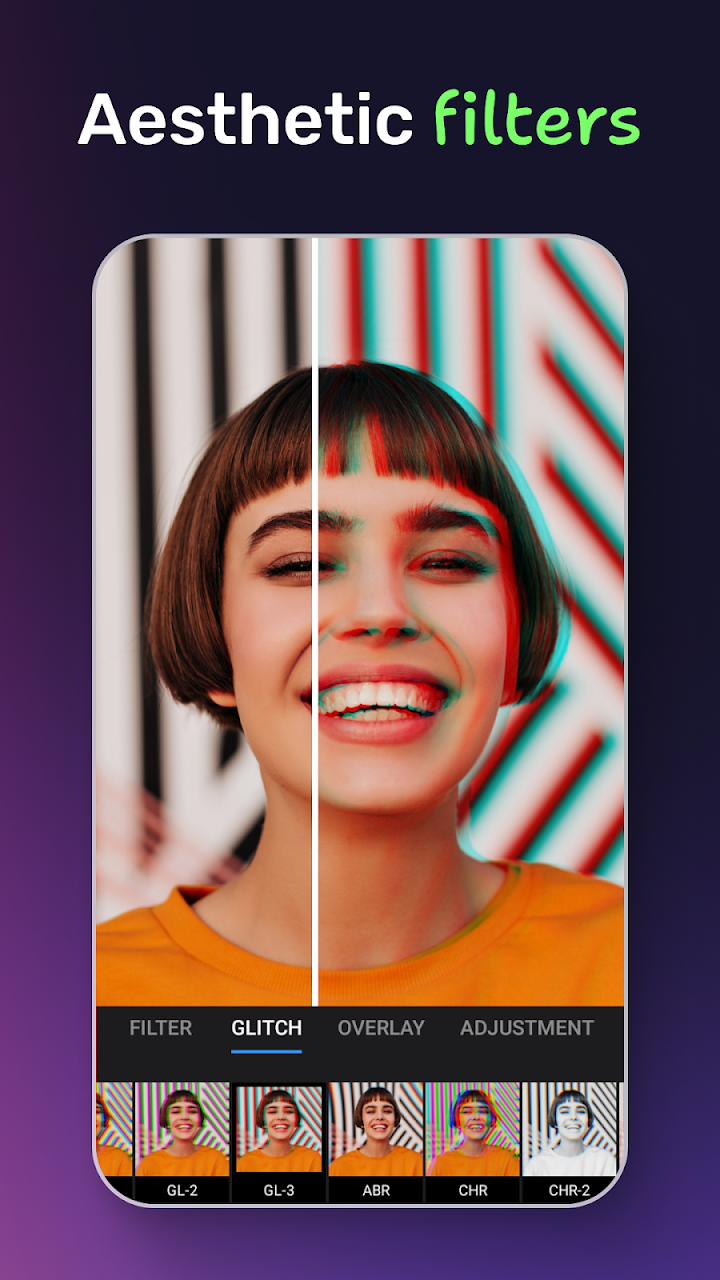
- Filters and effects — Try retro, sparkle, glitch, drip, and spiral looks on your photos.
- Stickers and text — Add stickers, fonts, and emojis to personalize each edit.
- Quick saving — Save your finished image and share it from inside the app.
First launch: start with a collage
When you open Picsa for the first time, you can go straight into photo grid and collage tools. The app is built for quick edits, so you do not need to learn a complicated setup before you start. You can pick a layout, drop in photos, and then add filters or decorations.
The app is free to install and comes as an APK file. It needs Android 15 or later, and the download size is 20.3 MB. Ads are included, and in-app purchases are available.
Create a side-by-side collage
One of the most practical uses is making a side-by-side collage. This is useful for comparisons, before-and-after edits, or combining a few moments from the same day. Start with a template, place your photos in the frame, and adjust the look with borders or effects.
- Choose a collage template that fits your photos.
- Use the side-by-side tools for simple comparison layouts.
- Add stickers, fonts, or emojis to give the image more personality.
Use filters, stickers, and effects
Picsa includes filters and effects such as retro, sparkle, glitch, drip, and spiral styles. If you want a softer selfie or a more stylized post, you can edit the image without leaving the app. The tools are laid out for beginner use, so you can try a look, change it, and save when it feels right.
Practical tip: If you are editing several photos, start with the layout first and add effects after. That makes it easier to see how the final collage will look.
Save and share when you're done
After editing, you can save your finished piece and share it from the app. There are no permissions listed, so first launch is straightforward. If you want a simple daily editor for grids, collages, and stylized photos, Picsa keeps the main tools in one place.
APK information
- Version
- 1.4.2
- Package
- com.lyrebirdstudio.montagenscolagem
- Category
- Photography
- Size
- 20 MB
- Min Android
- API 15
- Architecture
- universal
Older versions
-
Photo Editor Collage: Picsa 1.4.2Nov 12, 2026Latest downloadAPK
Photo Editor Collage: Picsa FAQ
Does Photo Editor Collage: Picsa add a watermark?expand_more
A watermark is not mentioned, so it is not clear from the app details.
Can Photo Editor Collage: Picsa edit RAW photos?expand_more
RAW editing is not mentioned, so this is not confirmed.
Is Photo Editor Collage: Picsa available for older phones?expand_more
It needs Android 15 or later, so it is not designed for older devices below that version.
How big is the Photo Editor Collage: Picsa download?expand_more
The APK size is 20.3 MB.
What editing tools does Picsa include?expand_more
It includes photo grids, side-by-side collage tools, filters, stickers, fonts, emojis, and effects like drip, spiral, retro, sparkle, and glitch.