- 4.4star177 reviews
- 100M+Downloads
- 30 MBAPK size
- Low MaturityRated for Low Maturity
- API 17+Android
check_circleOriginal APK from Receivd, Inc. · Updated Nov 12, 2026
No threats found
0 / — antivirus engines flagged this file
Original signature
First seen — Receivd, Inc.
Unmodified APK
Same file the developer published — no mods
Photo Editor Pro screenshots
8 images · tap to enlarge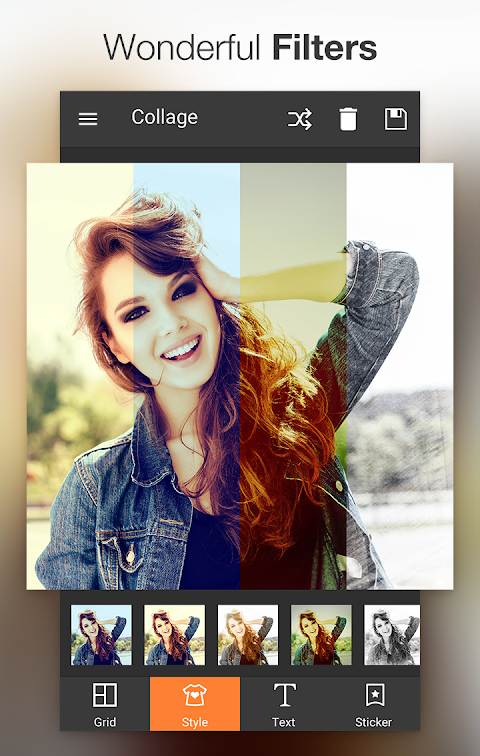
About this app
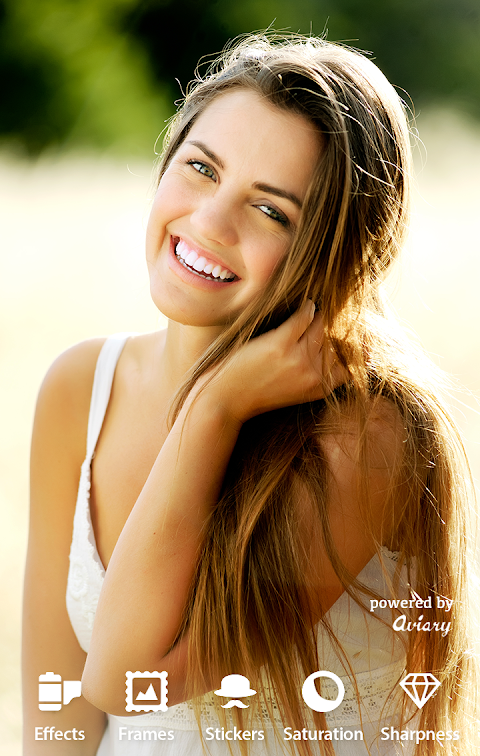
Want to clean up a photo fast? Photo Editor Pro gives you one-tap auto enhance, effects, frames, stickers, and basic touch-up tools in one place. It is built for quick edits on your phone, whether you are fixing brightness, cropping a shot, or adding text before sharing.
- One-tap enhancement — Auto enhance adjusts a photo quickly when you want a faster first pass.
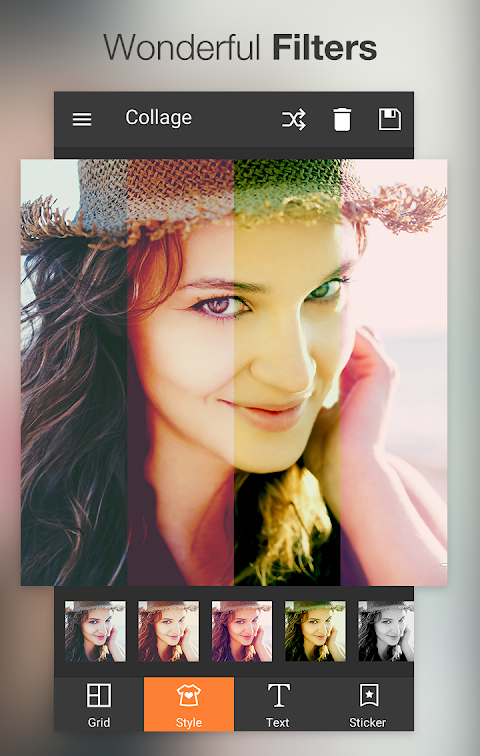
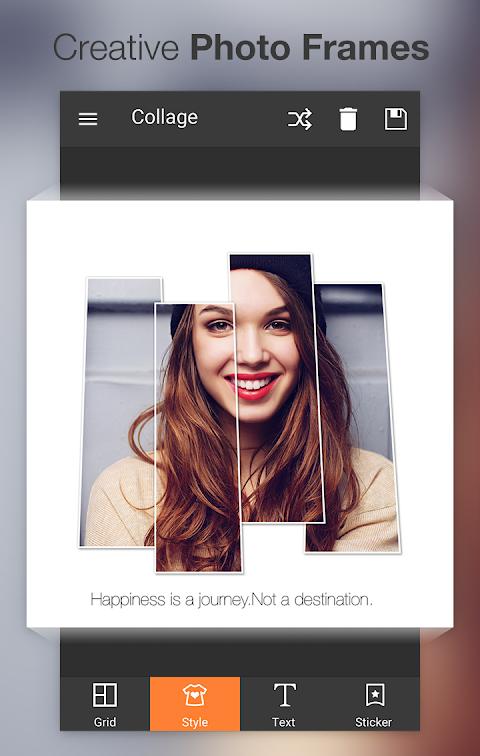
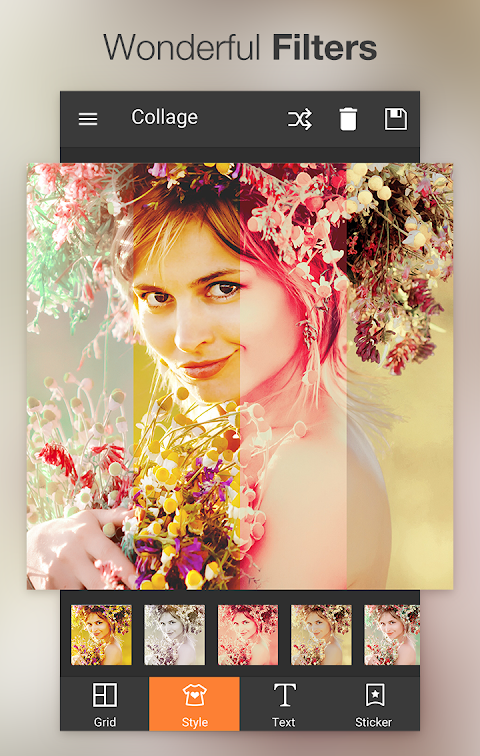
- Filters and frames — Apply photo effects and frames to change the look of a picture in a few taps.
- Simple touch-ups — Crop, rotate, straighten, and fine-tune brightness, contrast, saturation, and color temperature.
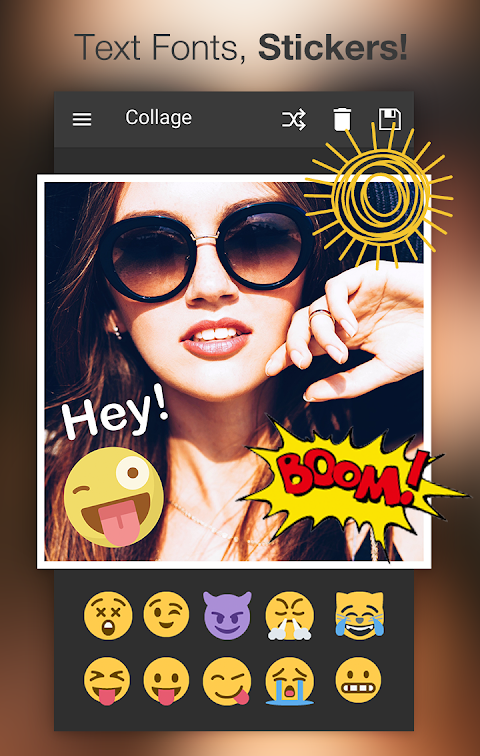
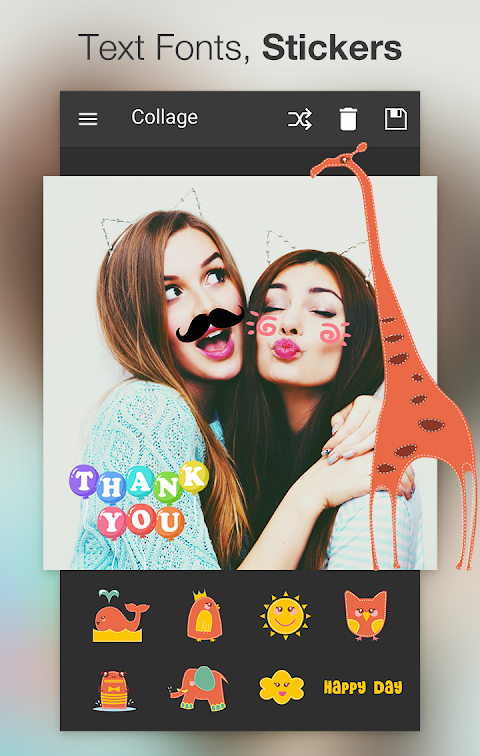
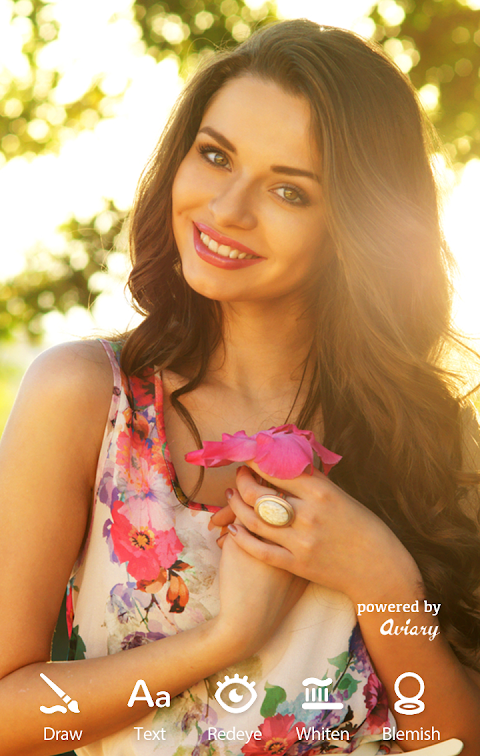
- Creative tools — Use stickers, draw on photos, add text, and make your own memes.
- Special effects — Try color splash, sharpen, blur, and focus effects like tilt shift.
- Easy sharing — Save edited images and send them to social networks from the app.
Quick edits for busy moments
When you just want to improve a photo before posting or sending it, Photo Editor Pro keeps the steps simple. Open a picture, use auto enhance, then move into the basic sliders for brightness, contrast, saturation, and color temperature. You can also crop, rotate, or straighten without needing to learn a complex editor.
Adding effects, stickers, and text
If you like giving photos a more playful look, this app includes effects, frames, stickers, and text tools. That makes it useful for casual edits, school projects, or turning a simple image into a meme. The draw tool is there too, so you can mark up a photo by hand when text alone is not enough.
Fixing the look of a photo
People who want a bit more control can use the color and focus tools to adjust the feel of an image. Color Splash lets part of the picture stand out, while Focus uses a tilt-shift style effect. Sharpen and blur are also available when a photo needs a cleaner look or a softer background.
Save and share from your phone
After editing, the image is saved to File Manager/DCIM/Camera or /Sdcard/Camera, so you can find it again later in your storage. The app is free, does not show ads, and does not include in-app purchases. It is available as a 30.3 MB APK and works on Android API 17 and up.
- Good for fast everyday edits
- Useful for stickers, memes, and captions
- Includes crop, rotate, straighten, and color controls
- No account setup mentioned
APK information
- Version
- 3.0.6
- Package
- com.zentertain.photoeditor
- Category
- Photography
- Size
- 30 MB
- Min Android
- API 17
- Architecture
- universal
Older versions
-
Photo Editor Pro 3.0.6Nov 12, 2026Latest downloadAPK
Photo Editor Pro FAQ
Can Photo Editor Pro edit RAW photos?expand_more
RAW photo support is not listed, so this app should be treated as a standard photo editor for regular image files.
Does Photo Editor Pro work offline?expand_more
Offline use is not stated, so that cannot be confirmed here.
How big is the Photo Editor Pro download?expand_more
The APK size is 30.3 MB.
Can I install Photo Editor Pro without Google Play?expand_more
Yes. It is provided as an APK file, so you can install it outside Google Play if your device allows APK installs.
What Android version does Photo Editor Pro need?expand_more
It requires Android API 17 or higher.