- 4.5star6,573,626 reviews
- 100M+Downloads
- 22 MBAPK size
- TeenRated for Teen
- 5.0+Android
check_circleOriginal APK from PHOTO LAB DMCC · Updated Nov 12, 2026
No threats found
0 / — antivirus engines flagged this file
Original signature
First seen — PHOTO LAB DMCC
Unmodified APK
Same file the developer published — no mods
Photo Lab Picture Editor & Art screenshots
8 images · tap to enlarge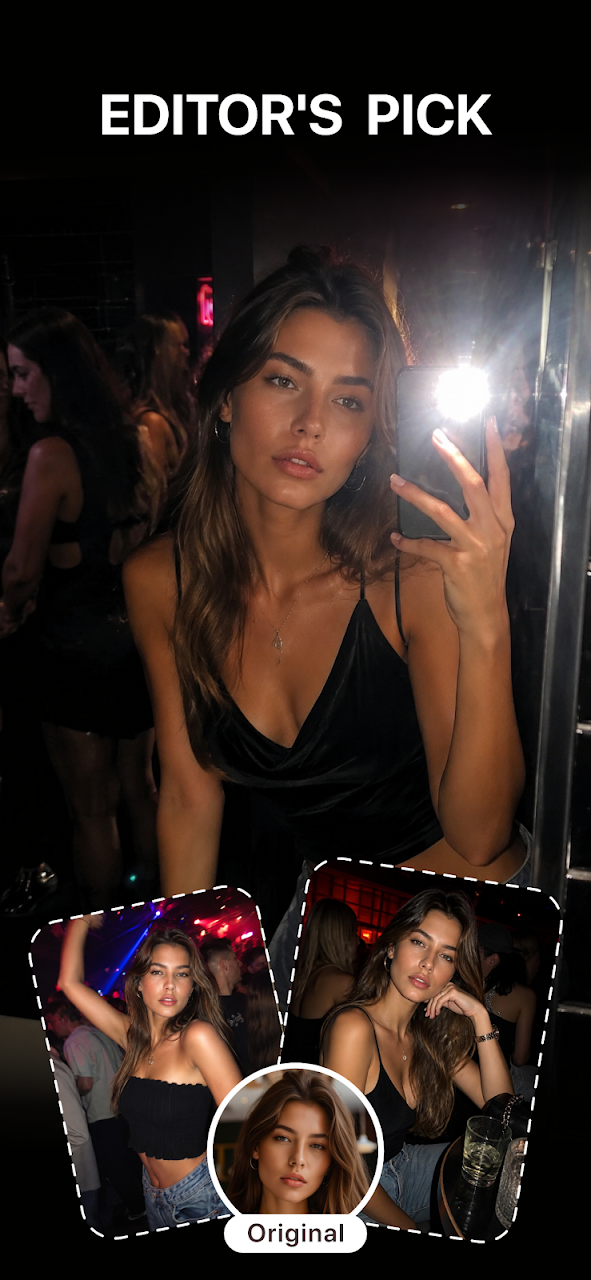
About this app
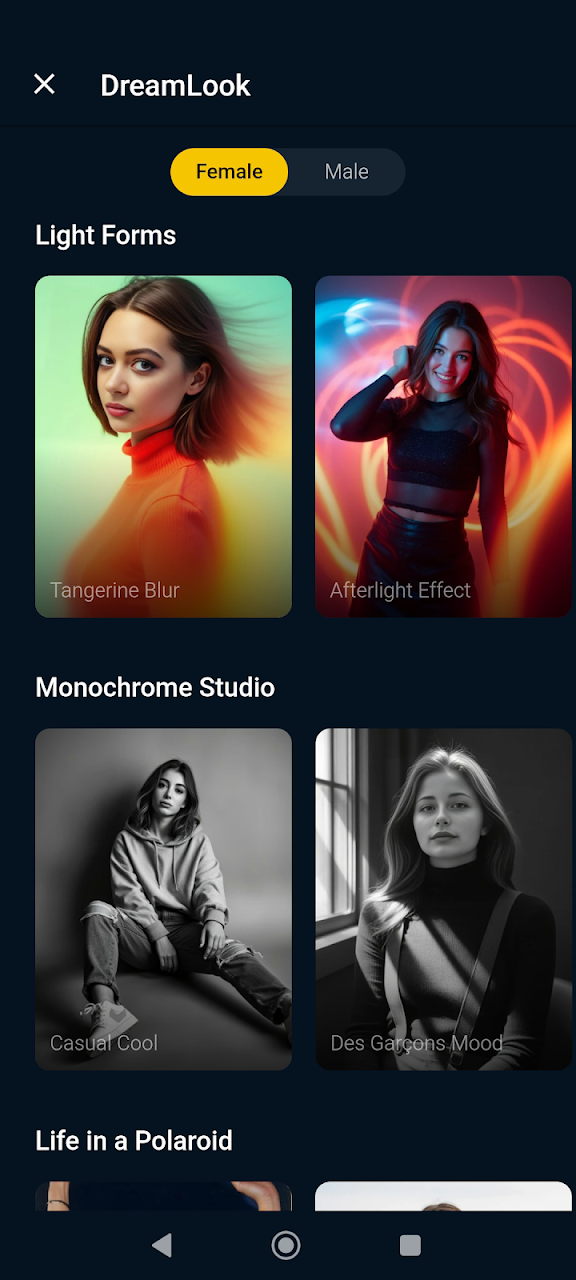
Photo Lab Picture Editor & Art stands out with AI photo styles, face filters, and automatic face montages for quick photo editing. On first launch, you can start from a photo, try frames or effects, and explore background changes and collage tools. It is designed for people who want creative edits without needing advanced editing skills.
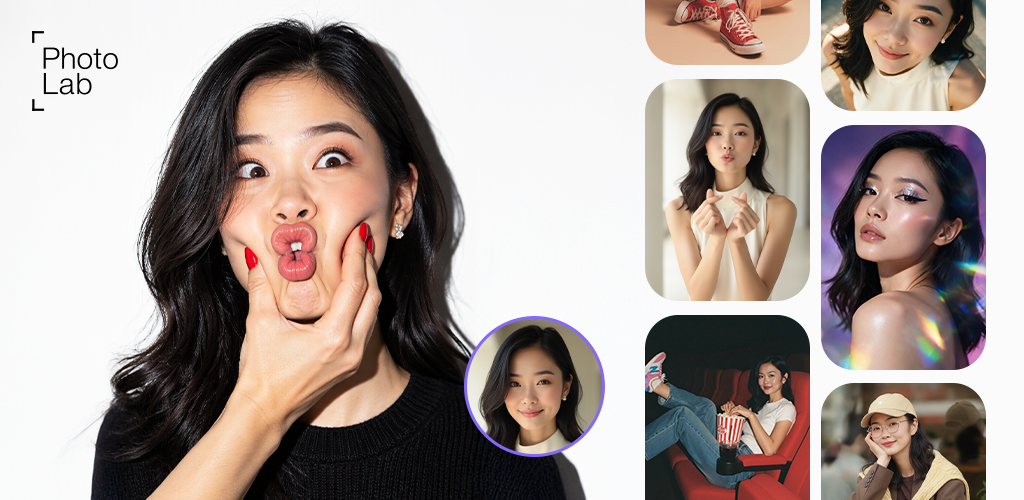
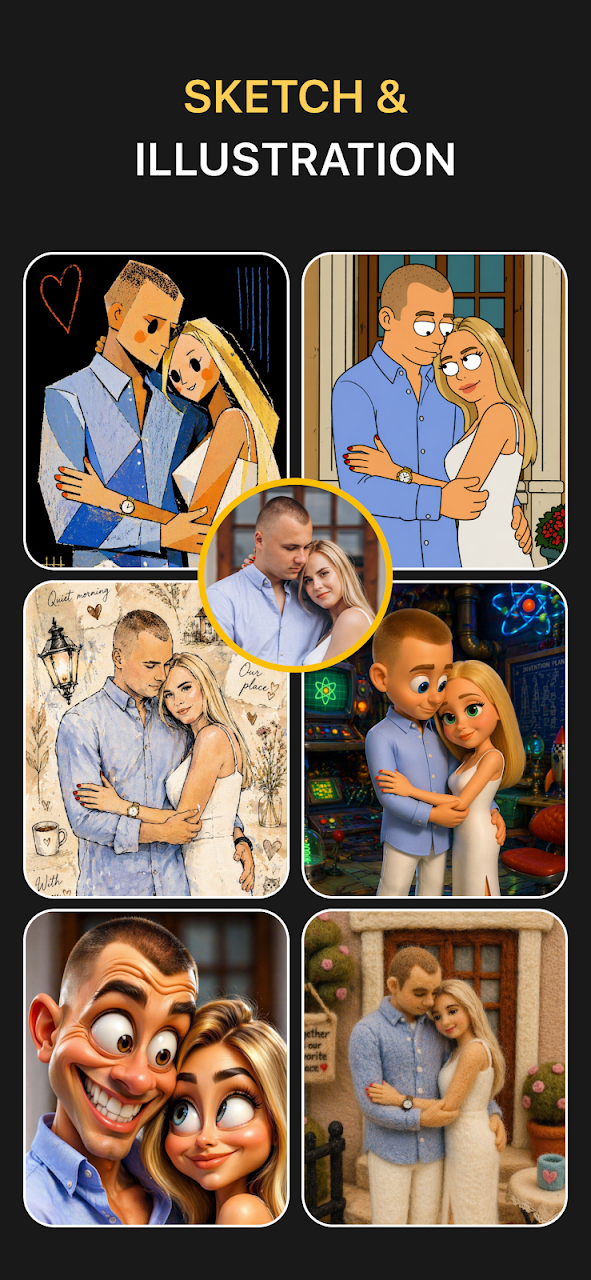
- AI photo styles — Turn a photo into an artwork with more than 50 preset styles.
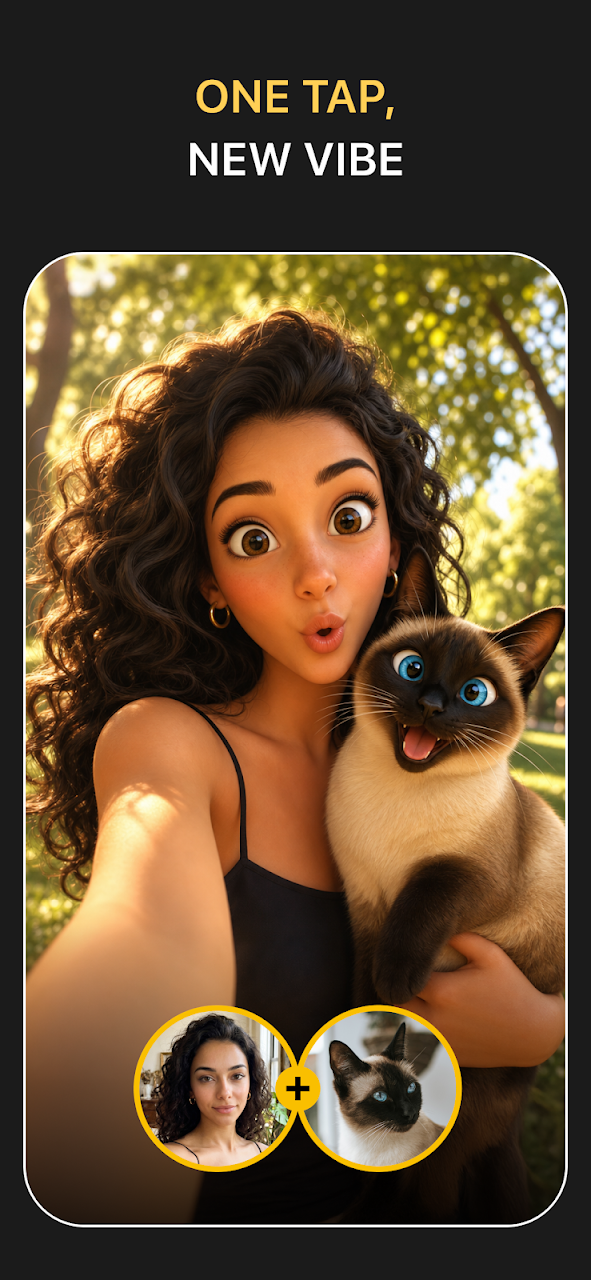
- Face montages — Swap faces and create cartoon, doll, or other looks with automatic detection.
- Background editing — Erase or change a selfie background using creative templates.
- Photo frames — Add a frame to finish a picture and highlight a favorite memory.
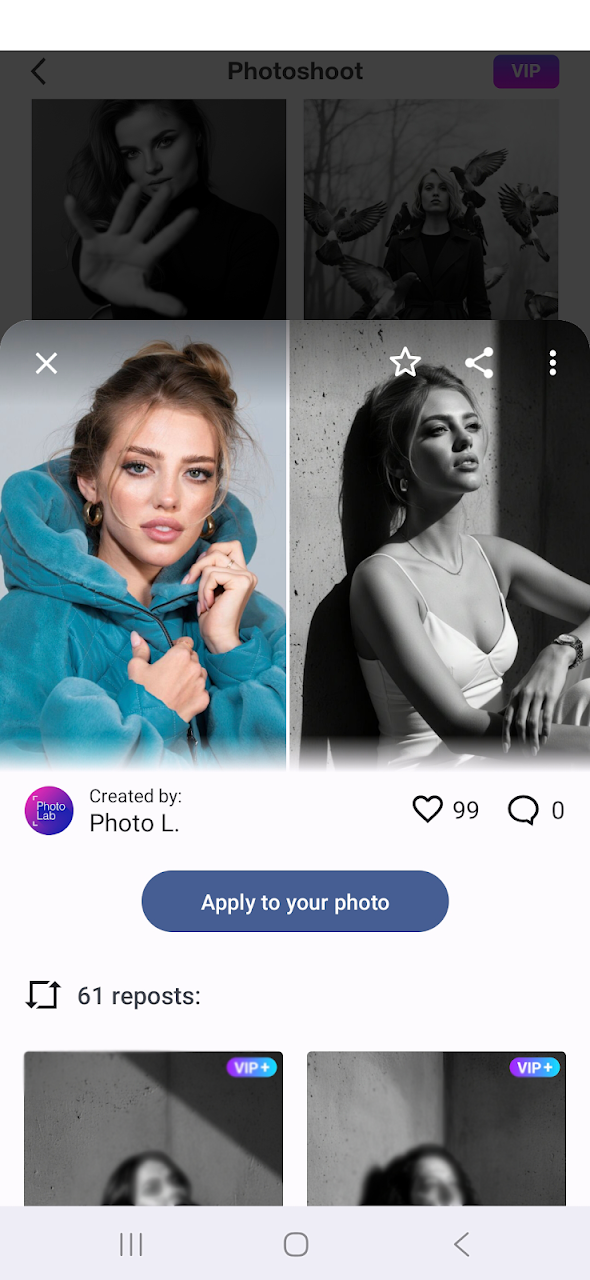
- Filter variety — Use 3D photo, cartoon, vintage, anime, black and white, and oil painting filters.
- Collage maker — Combine several images into one collage for a shared visual story.
First launch in Photo Lab
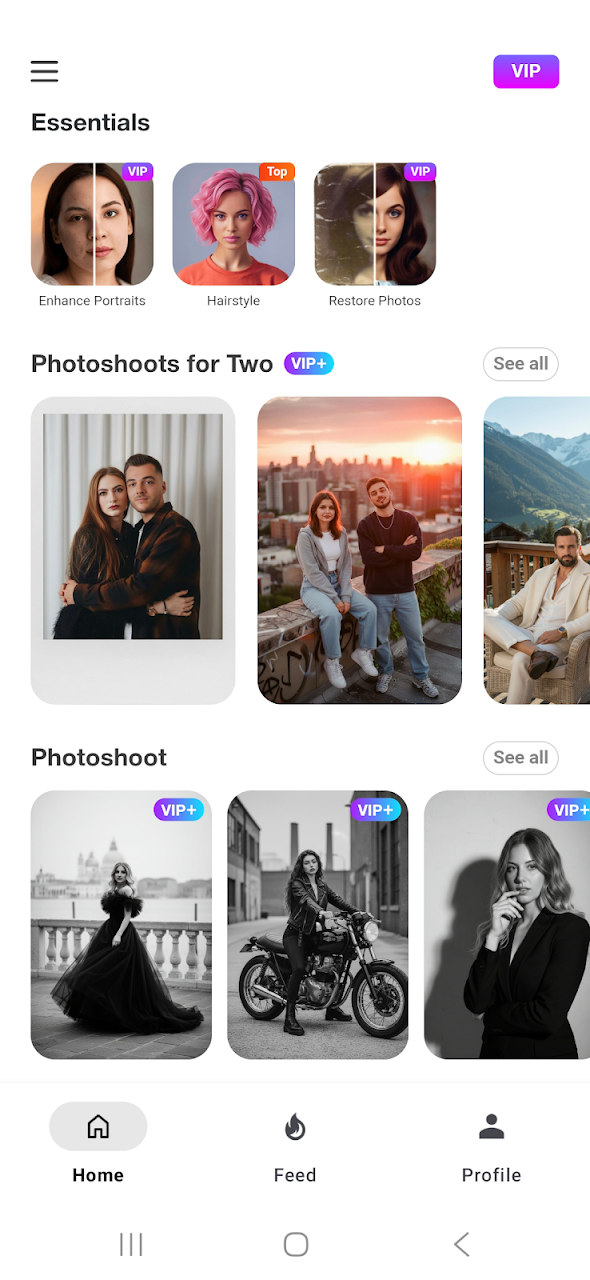
When you open Photo Lab Picture Editor & Art for the first time, you can begin with a photo and choose the kind of edit you want. The app focuses on creative changes such as AI styles, face filters, frames, and picture effects, so it is easy to try something simple before moving to more detailed edits.
The app is an internet-based application. It uses Android 5.0 or later, comes as a universal APK, and the file size is 22.5 MB.
AI styles and face filters
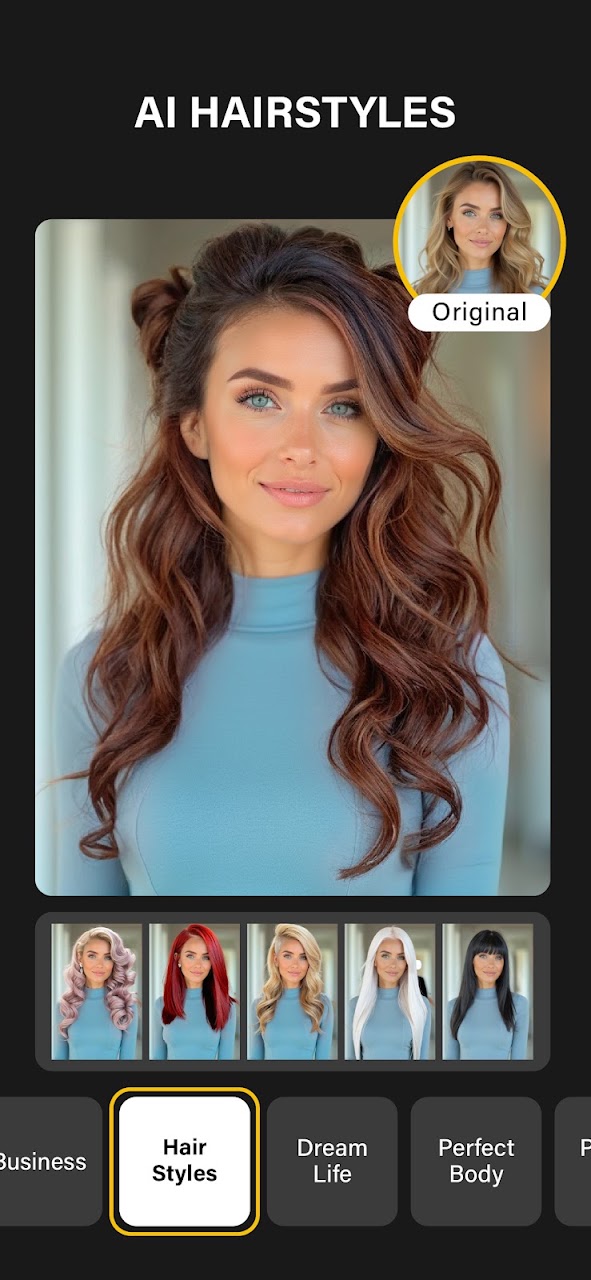
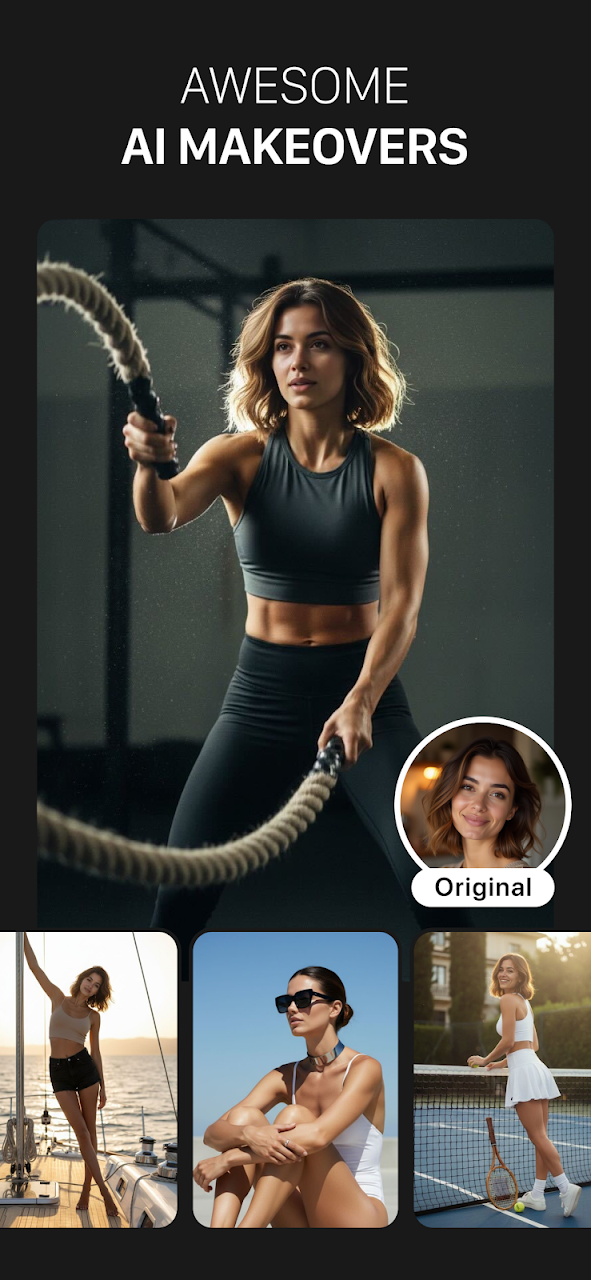
The app includes neural photo art styles that turn a photo into an artwork with over 50 preset styles. It also offers face filters for pictures, so you can change the look of a selfie or portrait with a few taps.
If you want a quick starting point, try a style first and then adjust with another effect or frame. This makes it easier to see how each tool changes the image.
Frames, effects, and montages
Photo frames can add a finished look to a picture, while realistic photo effects can change the mood and character of an image. The app also supports face photo montages, where you can swap a face into a cartoon character, a doll, or another look.
For background edits, the picture editor can erase and change backgrounds with creative templates. This is useful when you want a cleaner portrait or a different setting behind your selfie.
Practical tips for editing
- Start with one photo effect before combining several edits.
- Use background changes to make a selfie stand out more clearly.
- Try collage tools when you want to combine multiple pictures in one layout.
- Save a finished image as a profile picture or share it to a social network.
Photo Lab also includes filters such as 3D photo, cartoon, vintage, anime, black and white, and oil painting. The app can create creative results quickly, which makes it a useful first editing app for beginners.
Requirements and permissions
The APK is free to use, with ads and in-app purchases. It is rated Teen. No permissions are listed here, so there are no permissions to review from the app details shown.
APK information
- Version
- 3.12.1
- Package
- vsin.t16_funny_photo
- Category
- Photography
- Size
- 22 MB
- Min Android
- 5.0
- Architecture
- universal
Older versions
-
Photo Lab Picture Editor & Art 3.12.1Nov 12, 2026Latest downloadAPK
Photo Lab Picture Editor & Art FAQ
Does Photo Lab Picture Editor & Art add a watermark?expand_more
The app details do not mention a watermark.
Does Photo Lab Picture Editor & Art work offline?expand_more
Photo Lab is described as an internet-based application, so it needs an internet connection for use.
Is Photo Lab Picture Editor & Art free to use?expand_more
Yes, it is free to use. The app also contains ads and offers in-app purchases.
Who develops Photo Lab Picture Editor & Art?expand_more
It is developed by PHOTO LAB DMCC.
What photo effects does Photo Lab include?expand_more
It includes 3D photo, cartoon, vintage, anime, black and white, and oil painting filters, along with photo frames and face montages.