
- 3.6star464 reviews
- 50K+Downloads
- 26 MBAPK size
- EveryoneRated for Everyone
- API 19+Android
check_circleOriginal APK from Martin Vysny3 · Updated Nov 12, 2026
No threats found
0 / — antivirus engines flagged this file
Original signature
First seen — Martin Vysny3
Unmodified APK
Same file the developer published — no mods
PhotoCloud Frame Slideshow screenshots
6 images · tap to enlarge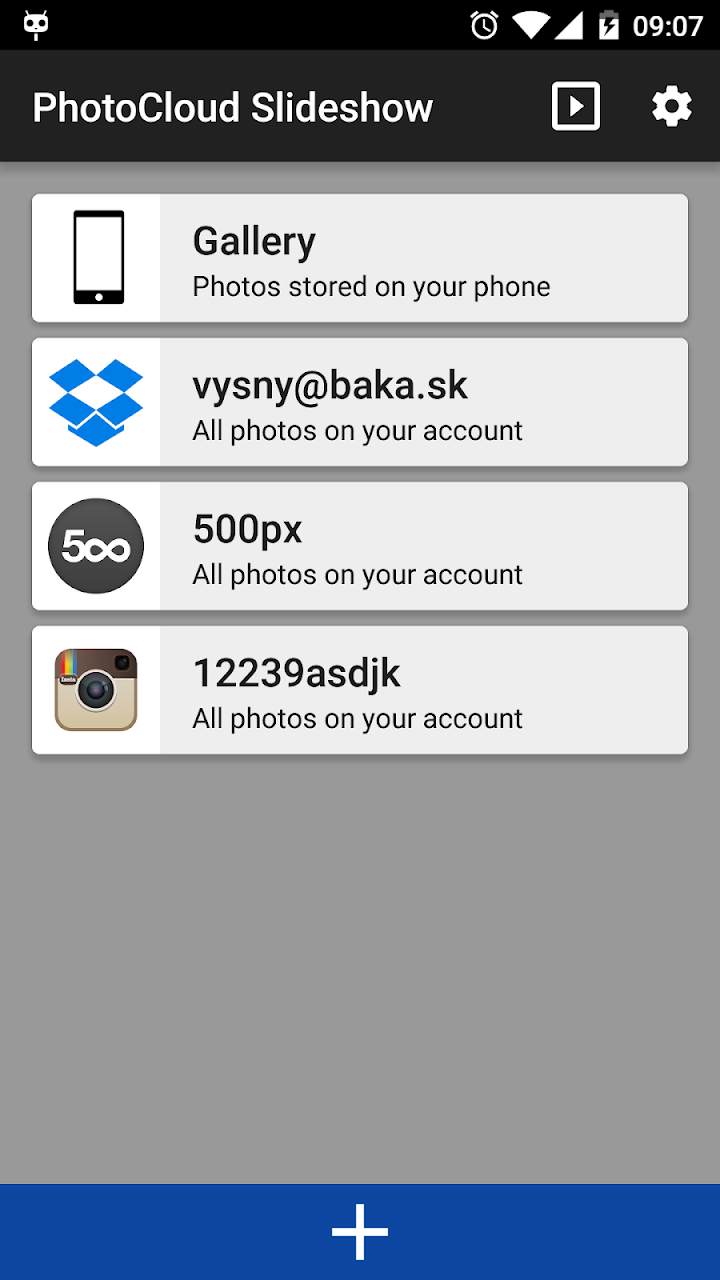
About this app
PhotoCloud Frame Slideshow has 50K+ installs and a 3.6 rating from 464 reviews. It turns an Android tablet or phone into a digital photo frame, showing slideshows from local storage, home network shares, and cloud services. The app is free, works on Android API 19 and up, and is built to be simple to use.
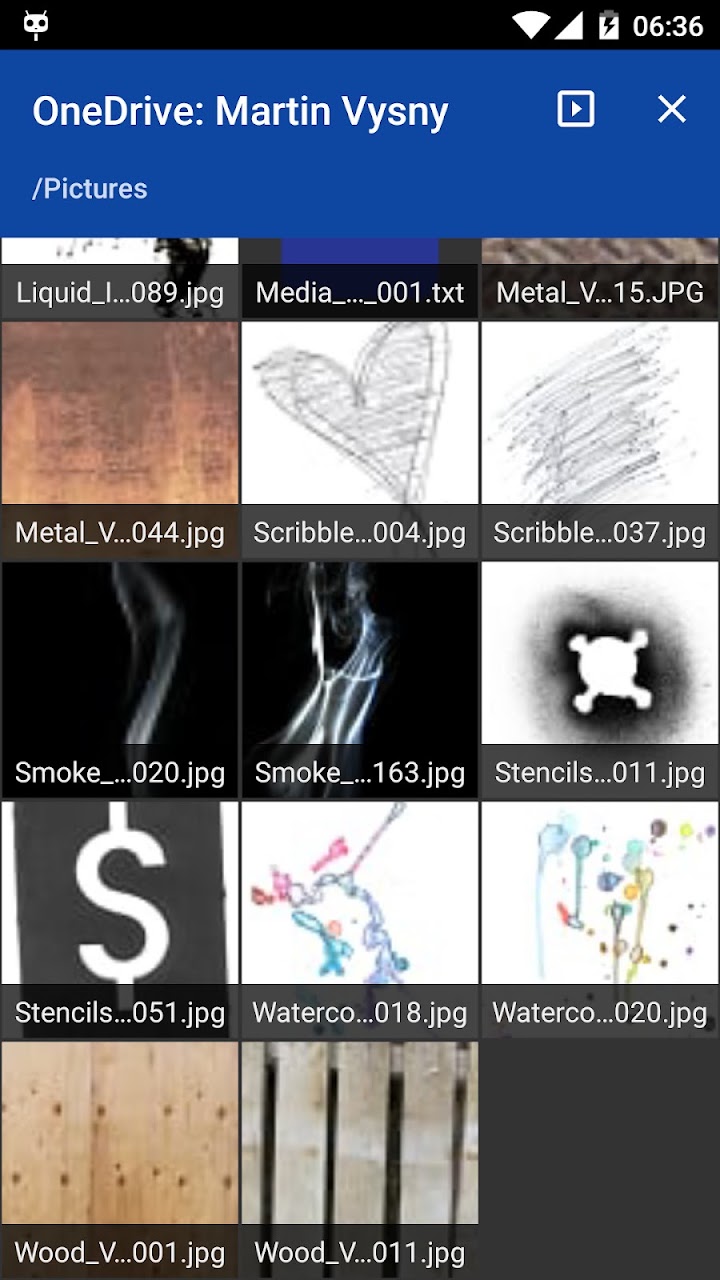
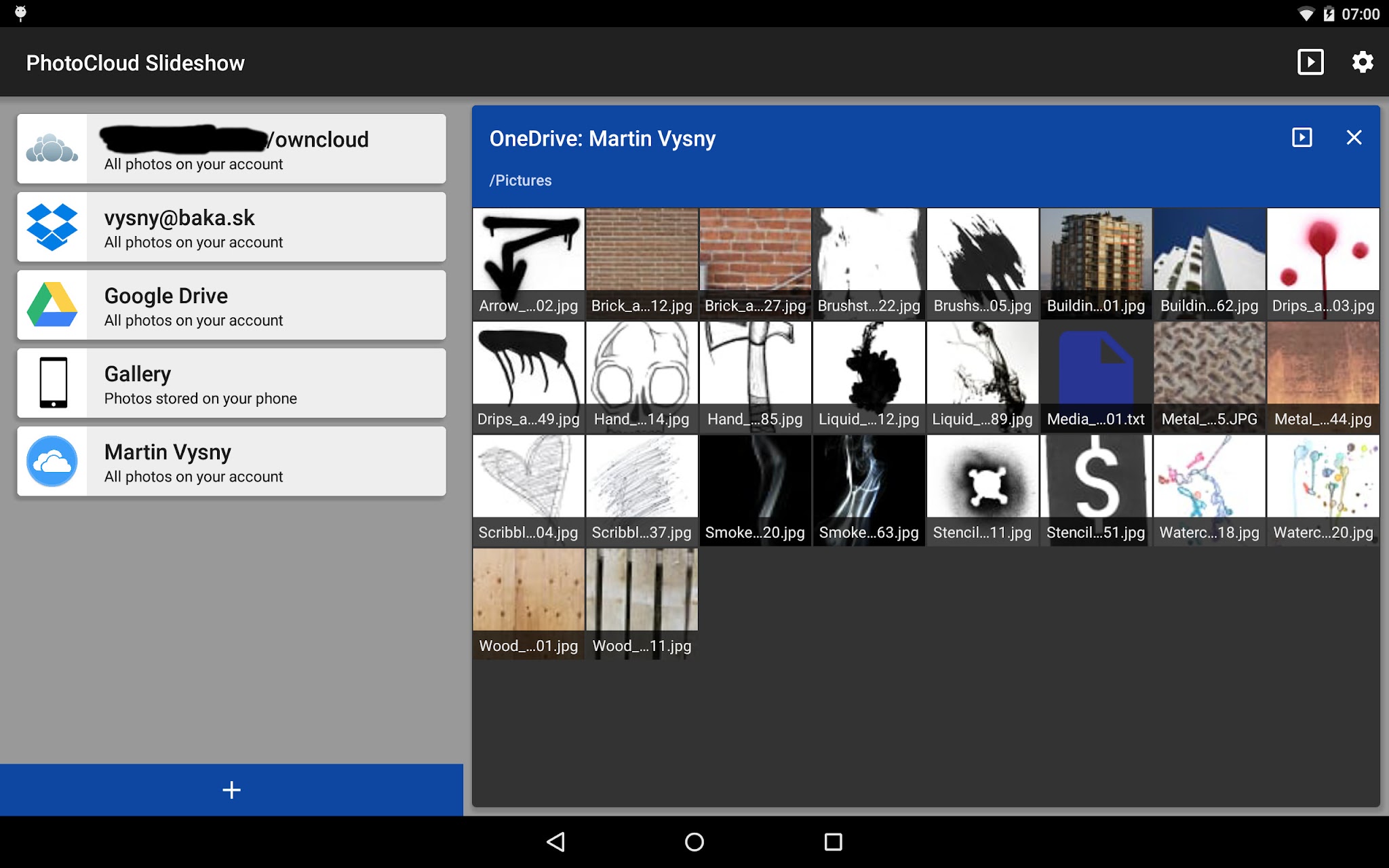
- Local and cloud sources — Show photos from the device, WebDAV servers, SMB shares, SFTP servers, DLNA/UPnP, Dropbox, OneDrive, Box, Flickr, Mega, and iCloud shared albums.
- Privacy-focused browsing — The app reads photos only and does not change, upload, or delete them.
- Slideshow controls — Use ordered or random playback, set delays, choose transitions, and enable the Ken Burns effect.
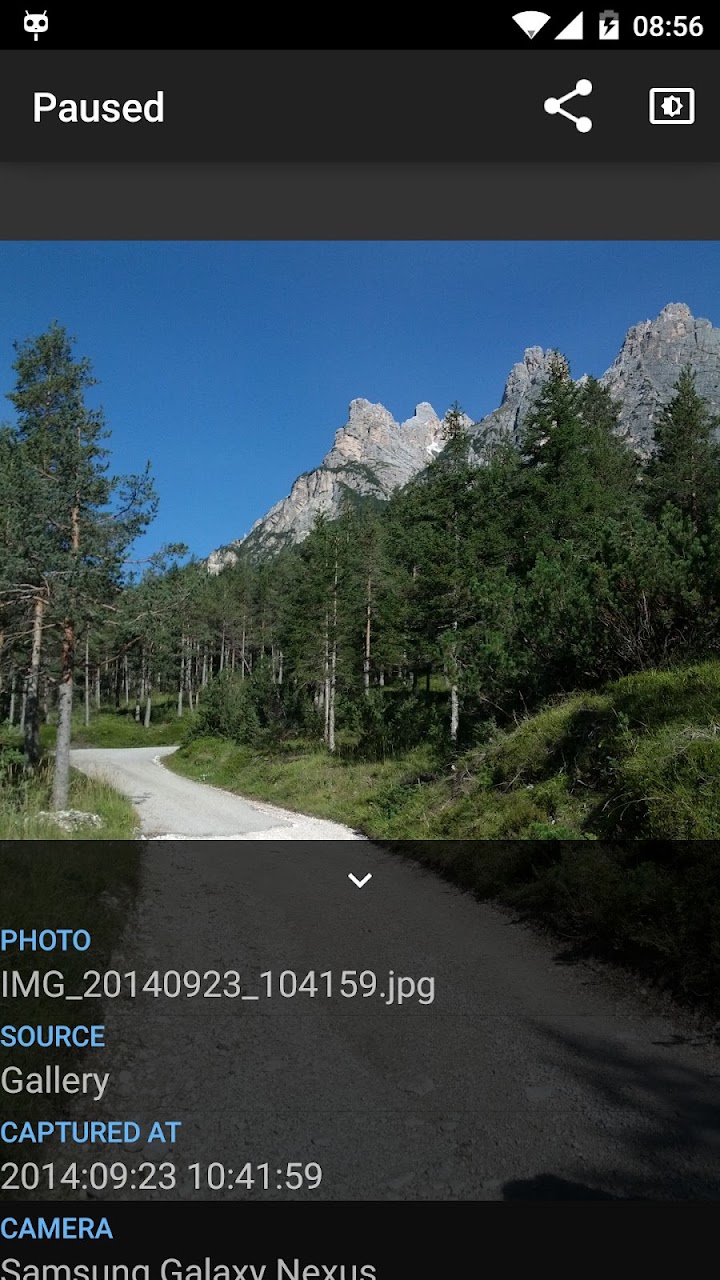
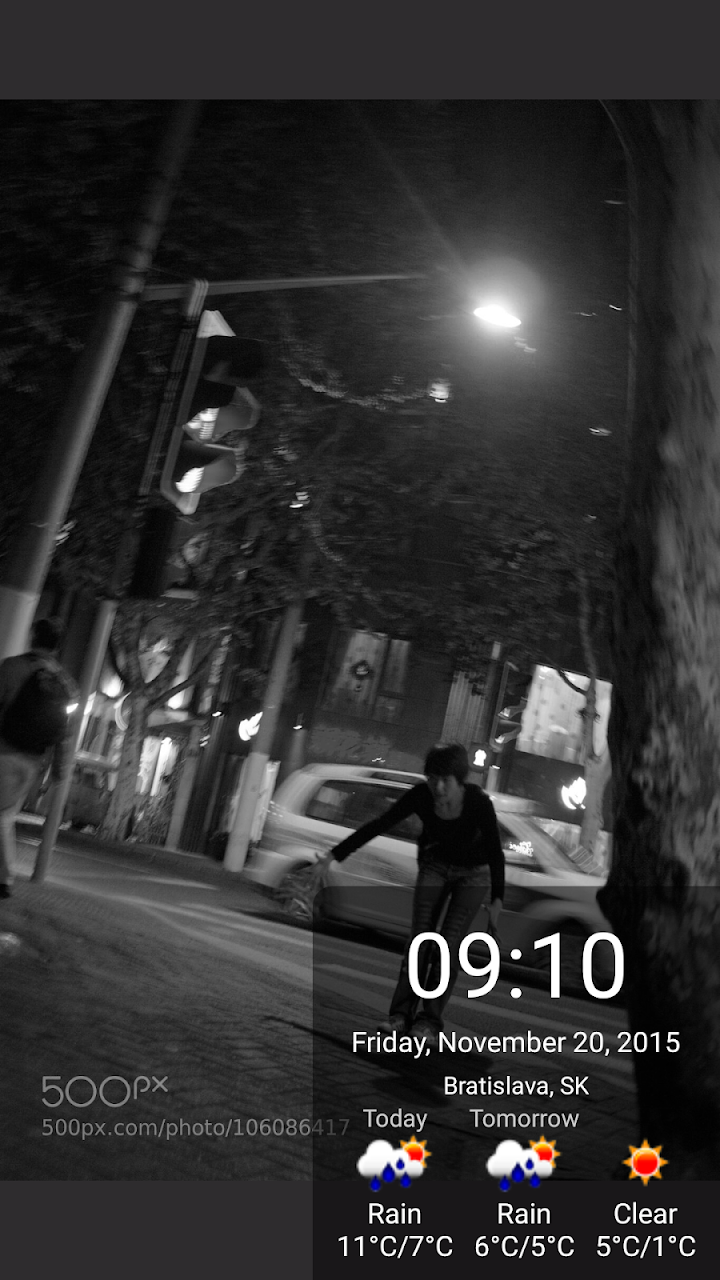
- On-screen details — Display the clock, date, battery status, weather forecast, EXIF data, file names, and photo location.
- Offline cache support — Photos are cached on the device so a slideshow can continue when the connection is offline.
- TV and screen saver — Cast to Chromecast and use the app as the Android screen saver after purchase.
First launch on an old tablet or phone
PhotoCloud Frame Slideshow opens as a digital frame and photo browser, not a photo editor. On first launch, expect to choose one or more photo sources and then start a slideshow. The app works with local gallery photos, network shares, and cloud storage, so you can point it at the place where your photos already live.
The app file is an APK, 26.4 MB in size, and it supports universal Android architecture. It needs Android API 19 or later.
Set up your first slideshow source
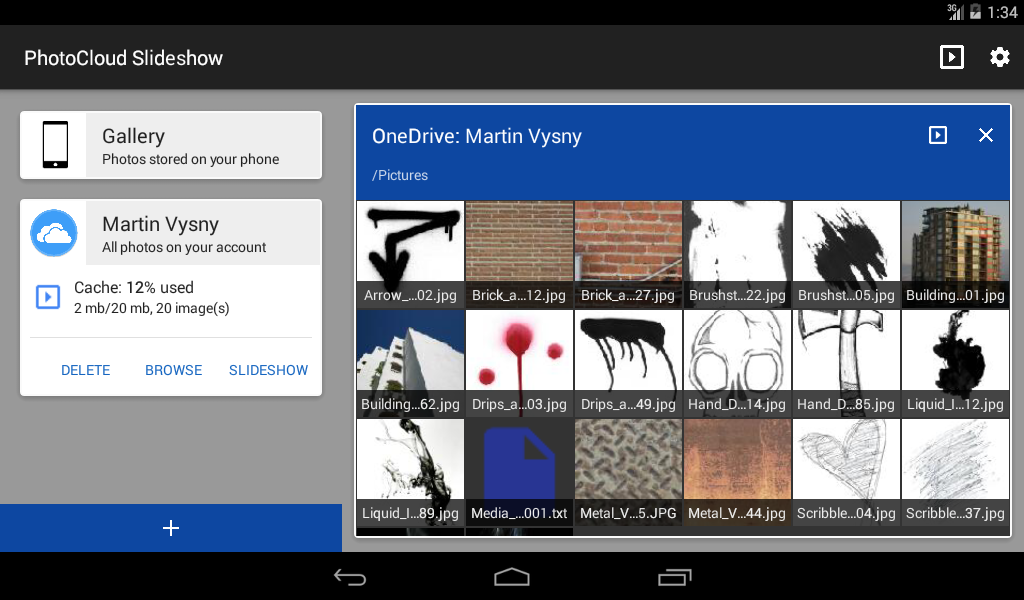
Start with the source that is easiest to reach from the device. Local photos are the quickest option, while network and cloud sources let you use photos stored on a NAS or remote service. Supported sources include Nextcloud, ownCloud, WebDAV servers, Windows shares, SFTP, DLNA/UPnP, Dropbox, OneDrive, Box, Flickr, Mega, and iCloud shared albums.
- Choose a whole source or only selected folders and subfolders.
- Pick random or ordered playback.
- Adjust delay and transitions.
- Enable the Ken Burns effect if you want motion during still photos.
Useful settings for daily use
PhotoCloud can show the clock, date, battery status, weather forecast, EXIF data, file name, and where the photo was taken. It can also play background music from the device, dim for day and night, and start automatically on boot or when the charger is connected. If you want a hands-off frame, these options are the ones to check first.
Supported image types include JPG, PNG, GIF, BMP, WebP, HEIF/HEIC, and several RAW formats. RAW support is off by default because those files are large.
Practical tips for network and filters
Slideshows from network or cloud sources can use a lot of data, so the app waits for Wi‑Fi or another unmetered connection by default. Photos are cached on the device, which helps the slideshow continue when offline. The app also includes Moments filters, letting you show only photos from a date range or show older photos less often.
Google Photos and Google Drive are no longer supported. If you want those images in PhotoCloud, sync them to the device with another app and add the synced folder instead.
Requirements and permissions
PhotoCloud Frame Slideshow is free and contains no ads. A one-time in-app purchase removes the occasional purchase reminder image, and another one-time purchase unlocks the screen saver. The app has no listed permissions. It is designed to read photos only and not edit, upload, or delete them.
APK information
- Version
- 1.14.5
- Package
- sk.baka.photoframe
- Category
- Photography
- Size
- 26 MB
- Min Android
- API 19
- Architecture
- universal
Older versions
-
PhotoCloud Frame Slideshow 1.14.5Nov 12, 2026Latest downloadAPK
PhotoCloud Frame Slideshow FAQ
Can PhotoCloud Frame Slideshow edit RAW photos?expand_more
No. It can display several RAW formats, but it does not edit photos.
Does PhotoCloud Frame Slideshow work offline?expand_more
Yes, after photos are cached on the device the slideshow can continue offline.
What permissions does PhotoCloud Frame Slideshow ask for?expand_more
No permissions are listed for this app.
Which Android version does PhotoCloud Frame Slideshow need?expand_more
It needs Android API 19 or later.
Can PhotoCloud Frame Slideshow show photos from a NAS?expand_more
Yes. It supports WebDAV servers such as Synology or QNAP NAS devices, as well as SMB and SFTP sources.