- 4.0star559,460 reviews
- 100M+Downloads
- 29 MBAPK size
- EveryoneRated for Everyone
- 6.0+Android
check_circleOriginal APK from App Holdings · Updated Nov 12, 2026
No threats found
0 / — antivirus engines flagged this file
Original signature
First seen — App Holdings
Unmodified APK
Same file the developer published — no mods
PixelLab - Text on pictures screenshots
8 images · tap to enlarge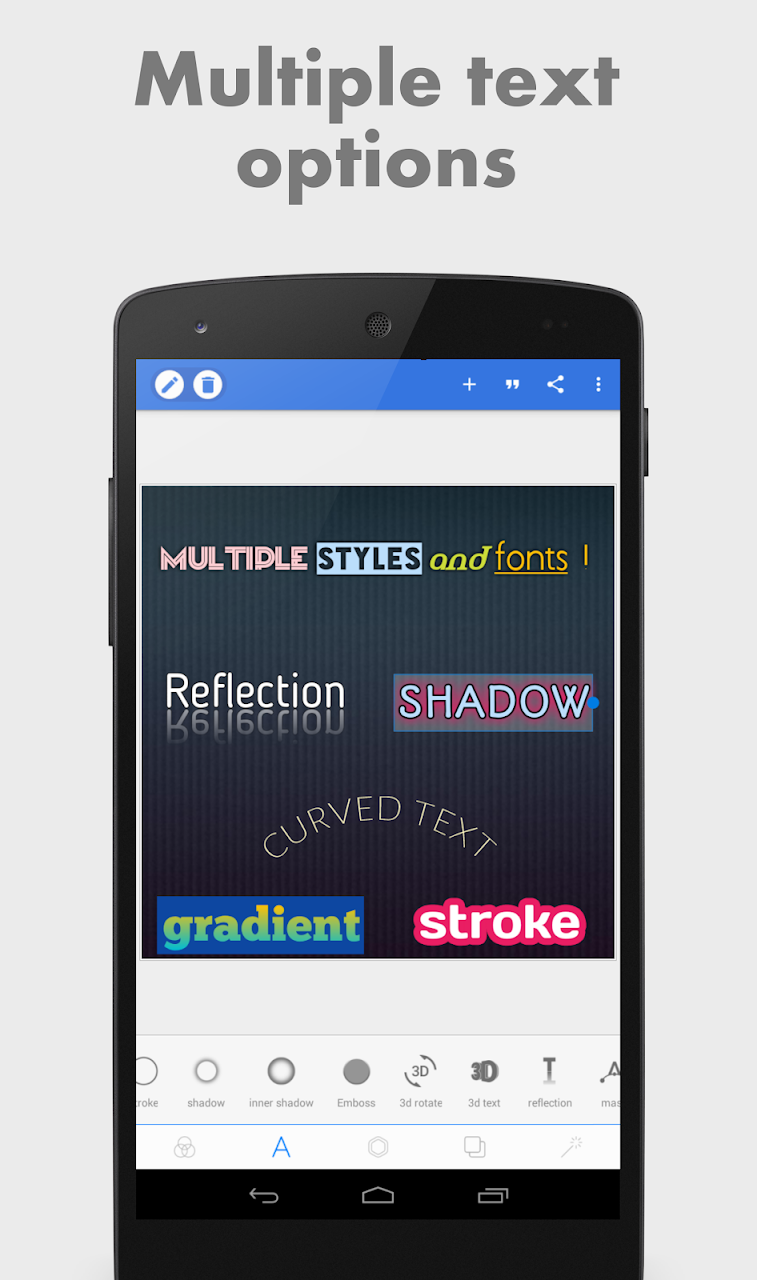
About this app
Need to add text to a photo fast? PixelLab - Text on pictures opens to a simple editor for layering text, 3D text, stickers, shapes, and drawings over images. It also handles background removal, perspective edits, and meme layouts, while keeping projects saved for later use.
- Text layers — Add multiple text objects and customize their look with effects, color fills, and fonts.
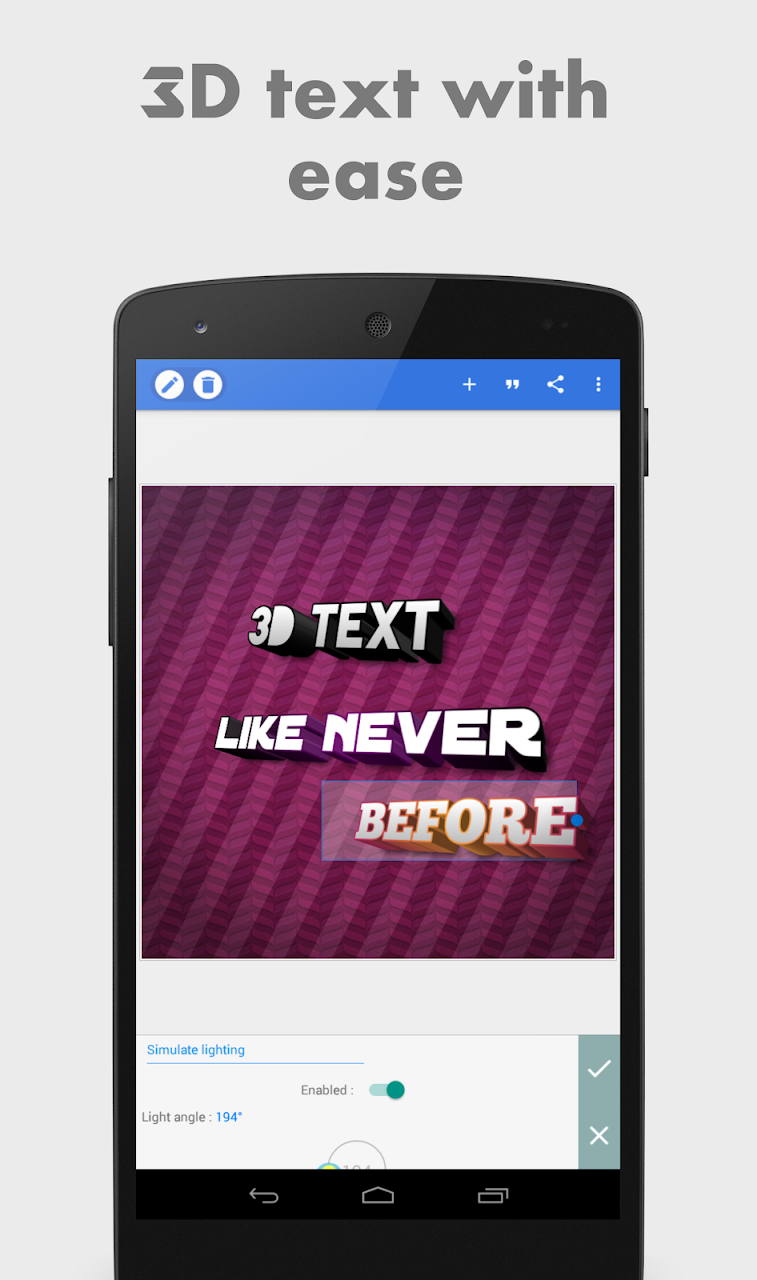
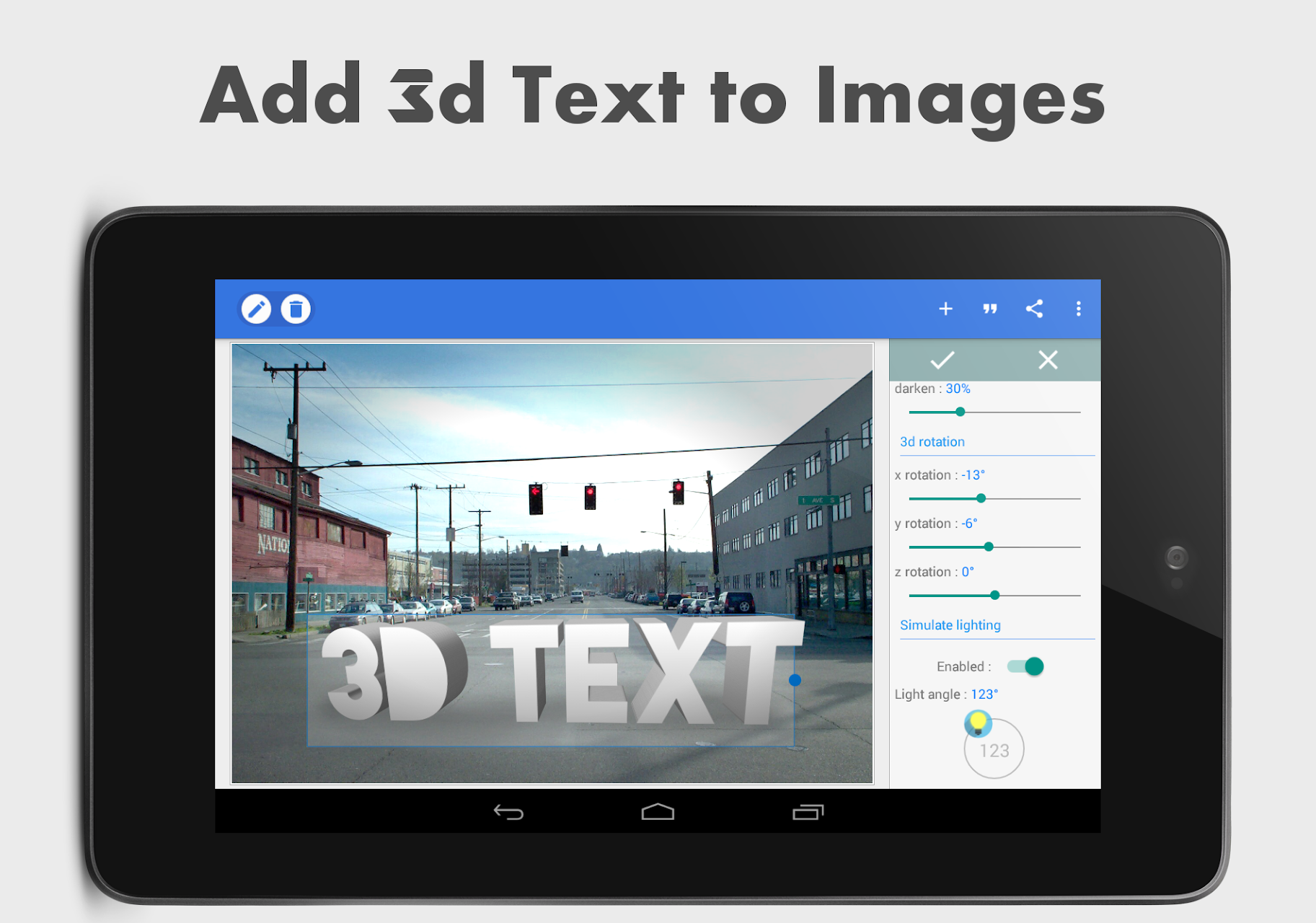
- 3D text — Create 3D text for posters or place it over your images.
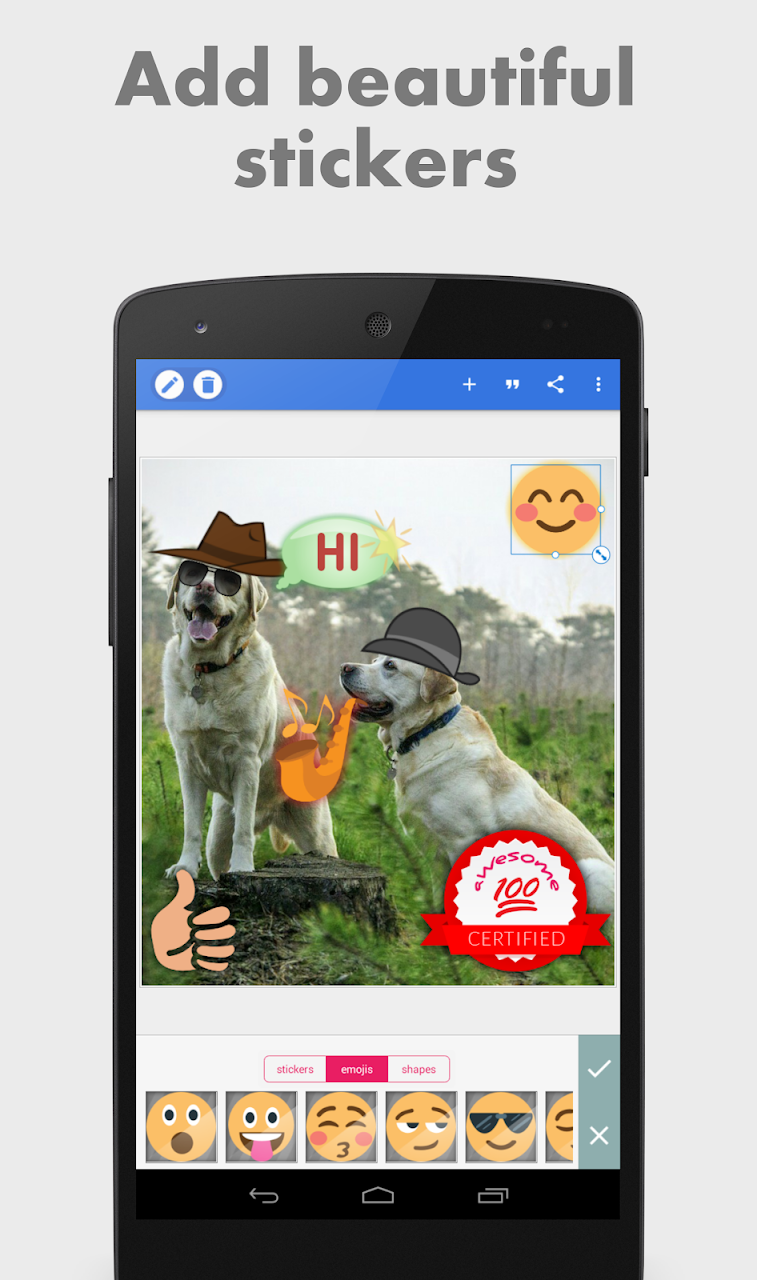
- Sticker tools — Insert stickers, emojis, and shapes, then resize and adjust them on the canvas.
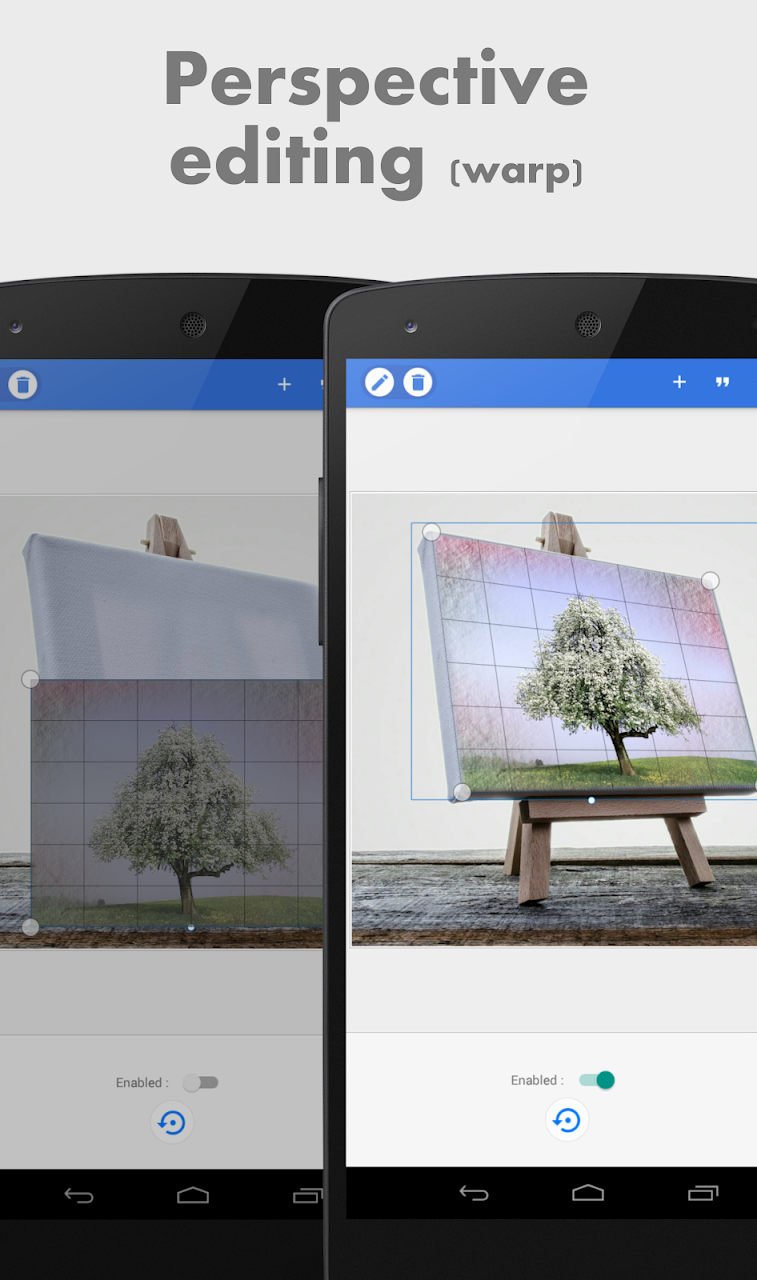
- Draw and edit — Draw freehand, import images from your gallery, and edit perspective when you need a warp effect.
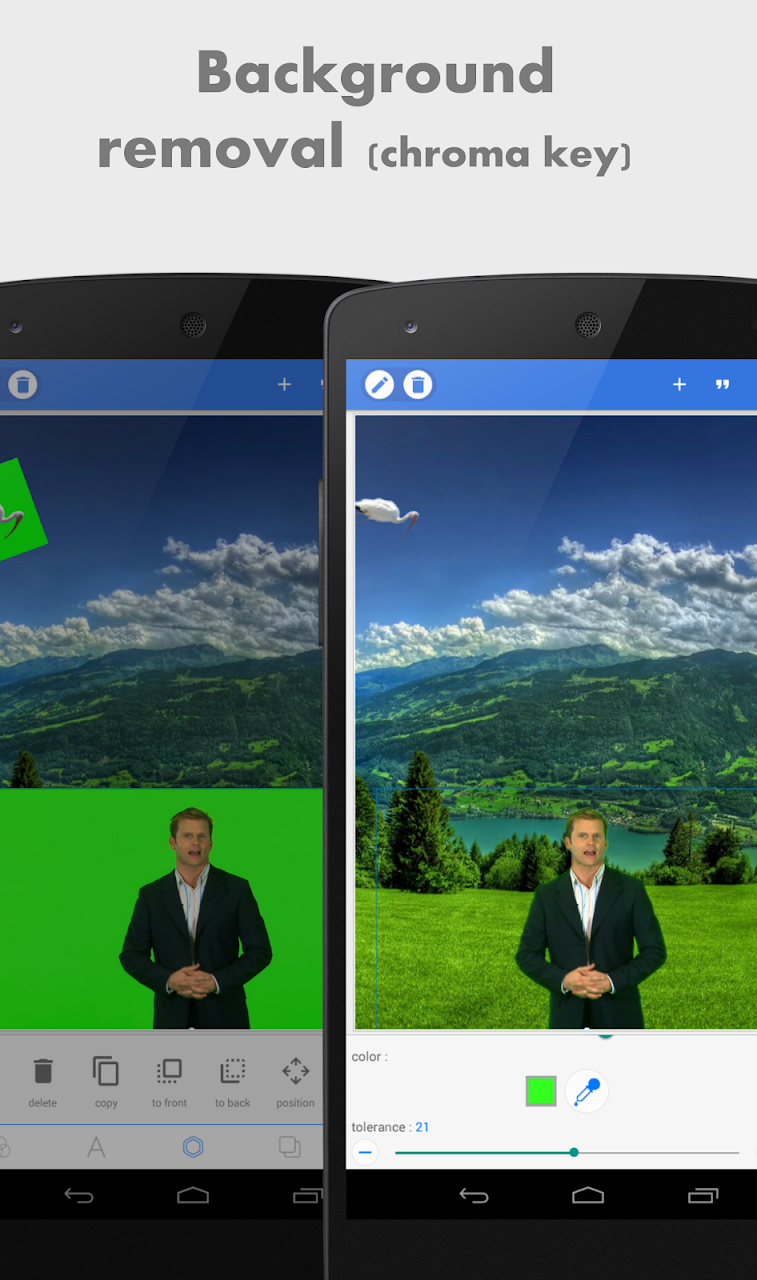
- Background removal — Make white, blue, or green backgrounds transparent for cutouts and composites.
- Export and share — Save work as a project or export it for quick sharing to social apps.
Captioning photos on the go
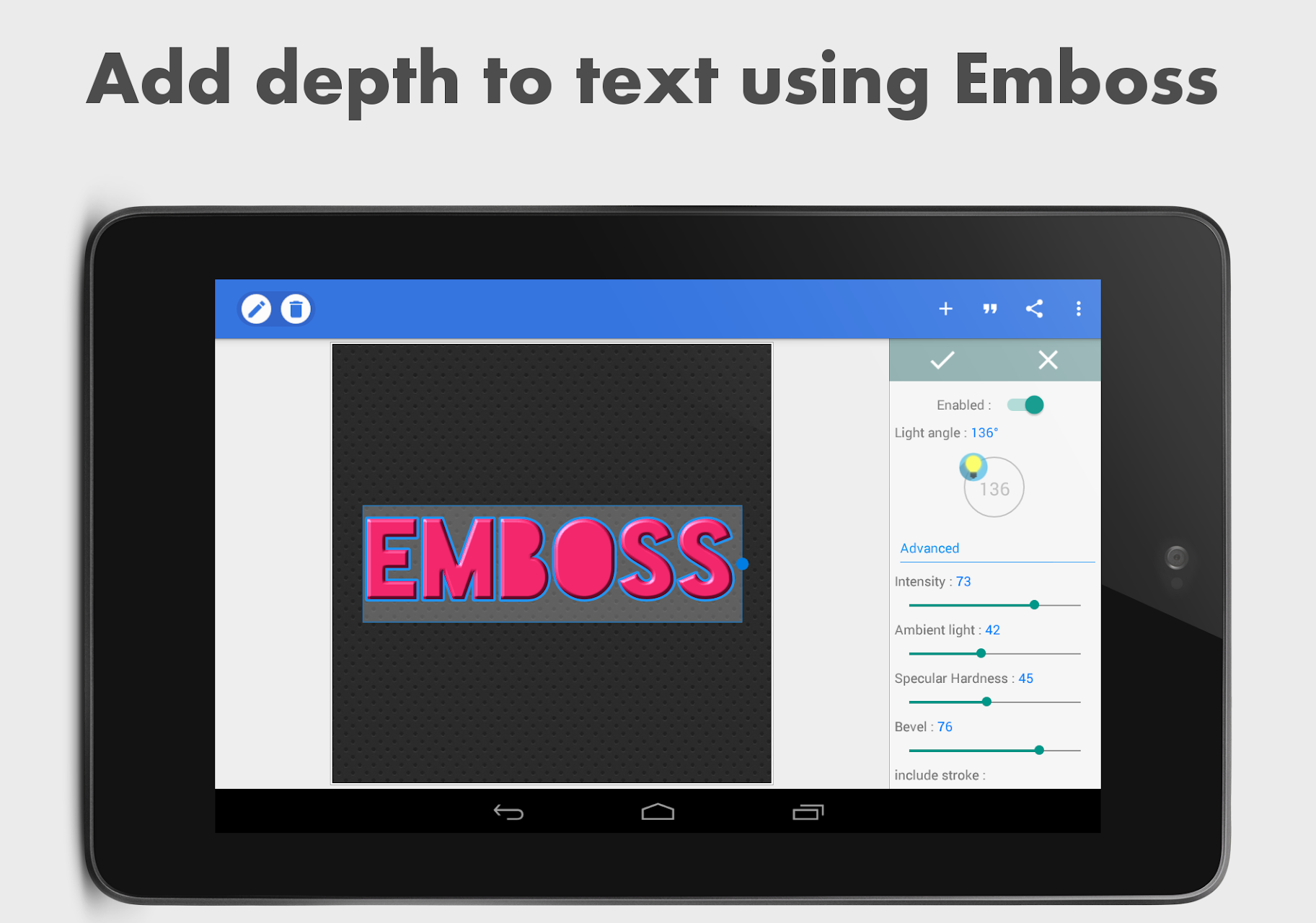
If you usually open an editor to add a name, date, or quote to a picture, this app keeps that job focused. You can place text anywhere, change fonts, and use effects like shadow, stroke, emboss, reflection, and mask. The text tool also supports gradients and image textures, so simple captions do not have to stay plain.
3D text for posters and memes
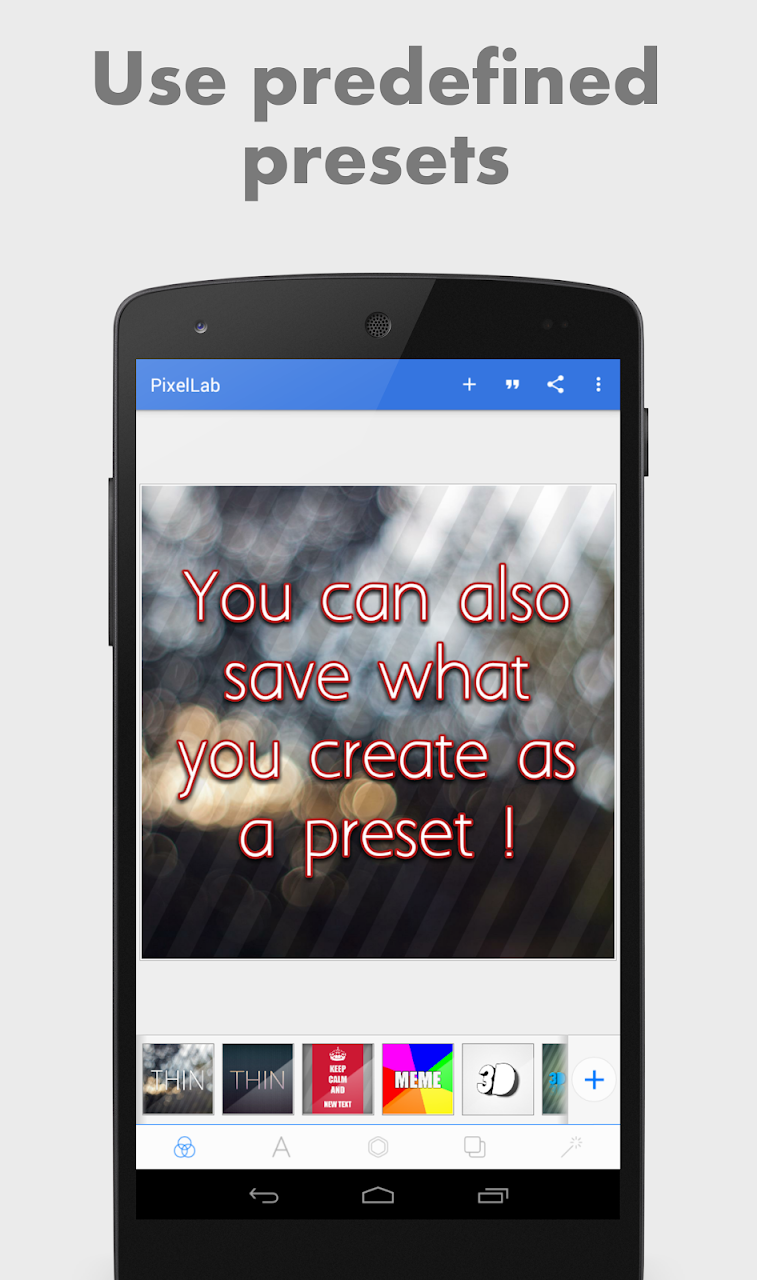
When you want a title to stand out, the 3D text tool lets you build text that sits on top of a photo or works as its own poster element. The app also includes meme presets and a quotes browser, which makes it easy to start from a layout instead of building every screen from scratch.
Stickers, drawing, and background work
For casual edits, you can add stickers, emojis, and shapes, then draw directly on the image with a pen size and color you choose. Drawings behave like objects afterward, so they can be resized, rotated, and shaded. Background changes, image import, and background removal are also built in for cutouts and simple composites.
Save projects and export files
If you edit in short sessions, saving as a project helps you pick up later without rebuilding the layout. Finished images can be exported at different formats or resolutions, and quick share buttons send them to social apps. The app is free, includes ads, and offers in-app purchases. It installs as an APK, needs Android 6.0 or later, and is about 29.1 MB.
- Perspective edits: Warp text or objects to fit signs, screens, and box surfaces.
- Custom fonts: Choose from 100+ hand-picked fonts or use your own.
- Image effects: Apply vignette, stripes, hue, and saturation adjustments.
- No account noted: The app description does not mention sign-in requirements.
What's new
Version 2.1.9 · Nov 12, 2026
- Bug fixes.
APK information
- Version
- 2.1.9
- Package
- com.imaginstudio.imagetools.pixellab
- Category
- Photography
- Size
- 29 MB
- Min Android
- 6.0
- Architecture
- universal
Older versions
-
PixelLab - Text on pictures 2.1.9Nov 12, 2026Latest downloadAPK
PixelLab - Text on pictures FAQ
Does PixelLab - Text on pictures add a watermark?expand_more
The app description does not mention a watermark on exported images. It does note that you can save or share your work at the format or resolution you want.
Does PixelLab - Text on pictures work offline?expand_more
The description does not say whether it works offline. It does include local editing tools such as text, stickers, drawing, and background removal.
How do I install the PixelLab - Text on pictures APK file?expand_more
Download the APK and install it on an Android device running 6.0 or later. The file format is APK and the app size is about 29.1 MB.
Does PixelLab - Text on pictures show ads?expand_more
Yes, it contains ads. It is also free to use and includes in-app purchases.
Can I remove backgrounds in PixelLab - Text on pictures?expand_more
Yes. The app includes background removal for white, blue, green, and other simple backgrounds so you can make parts of an image transparent.