- 3.5star35,648 reviews
- 10M+Downloads
- 8 MBAPK size
- EveryoneRated for Everyone
- API 16+Android
check_circleOriginal APK from Camera HDR - 4k · Updated Nov 12, 2026
No threats found
0 / — antivirus engines flagged this file
Original signature
First seen — Camera HDR - 4k
Unmodified APK
Same file the developer published — no mods
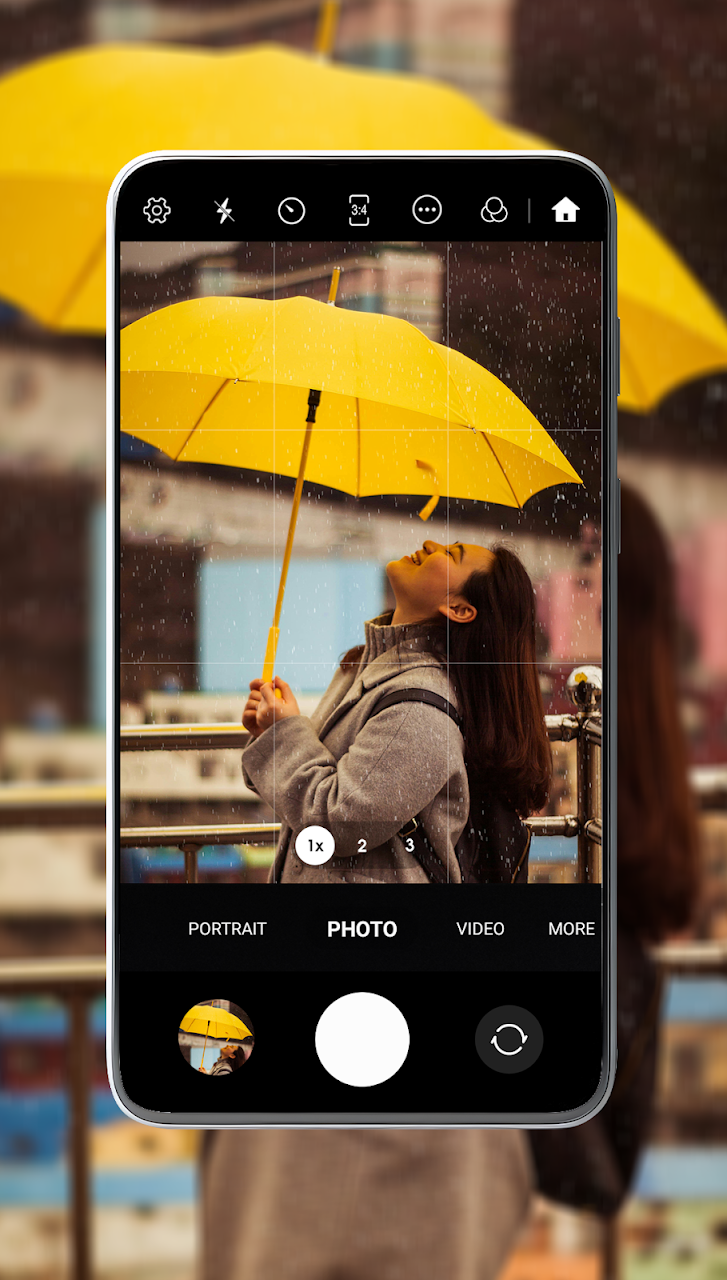
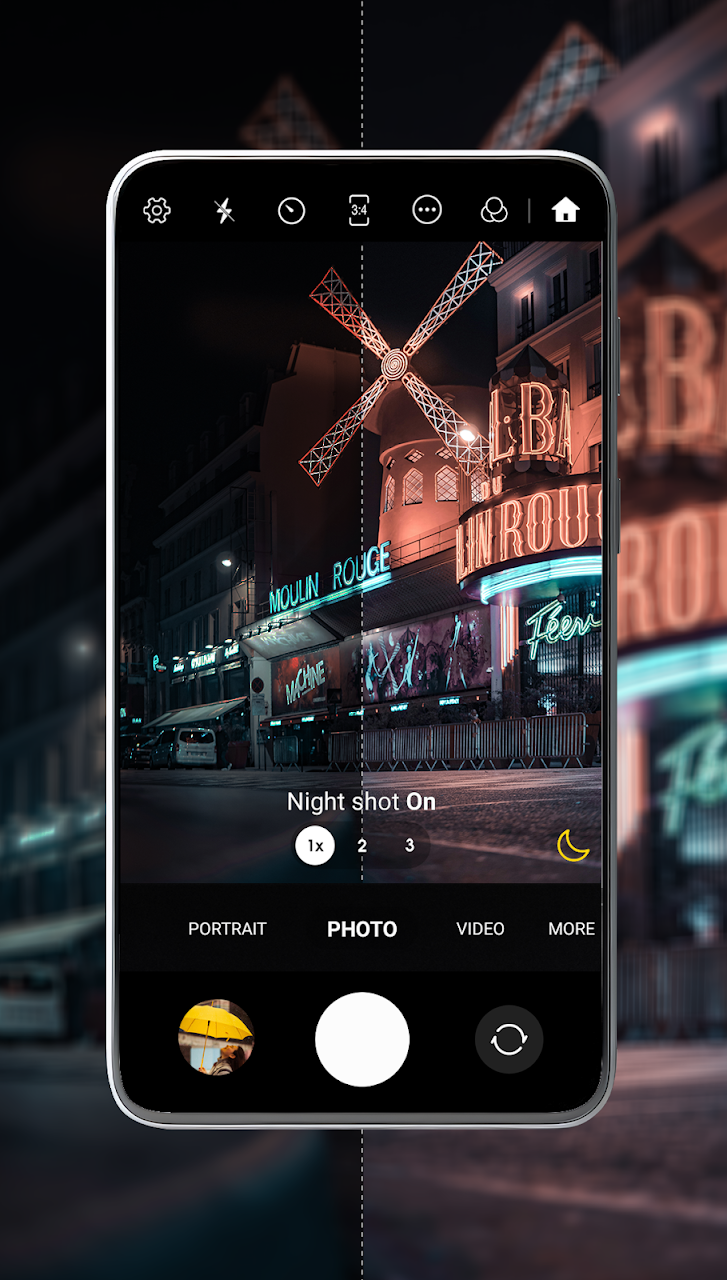
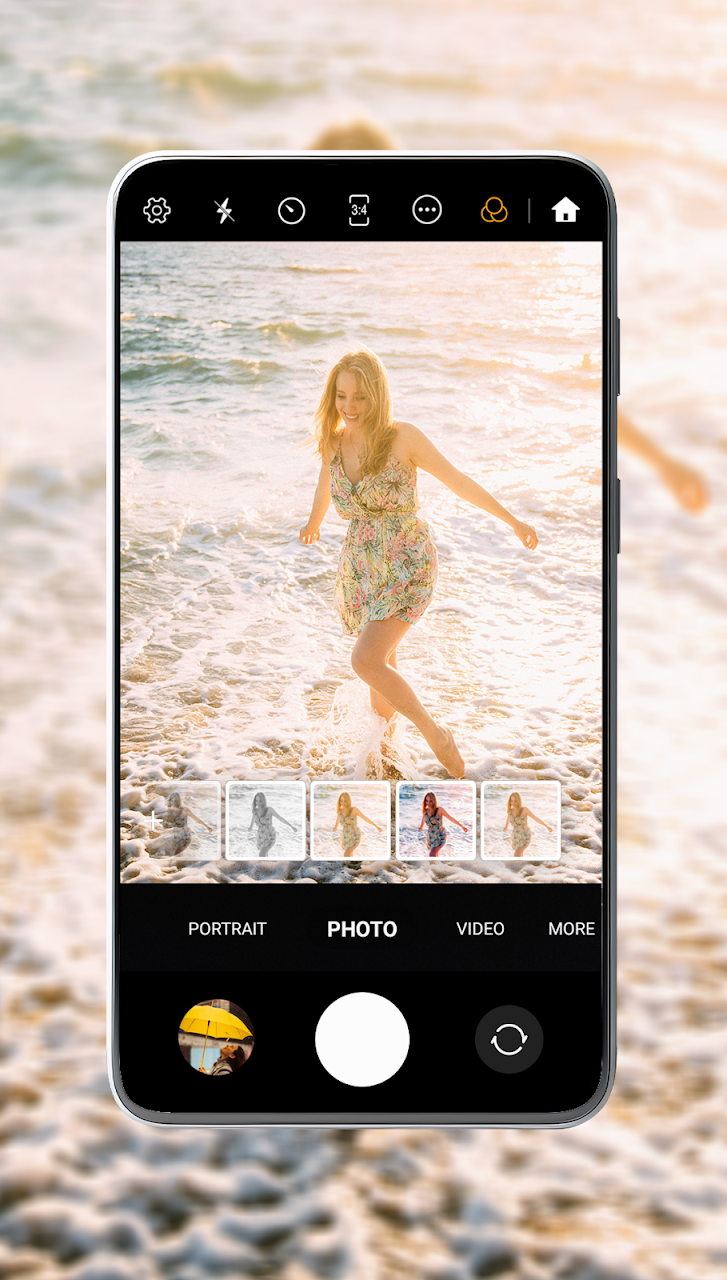
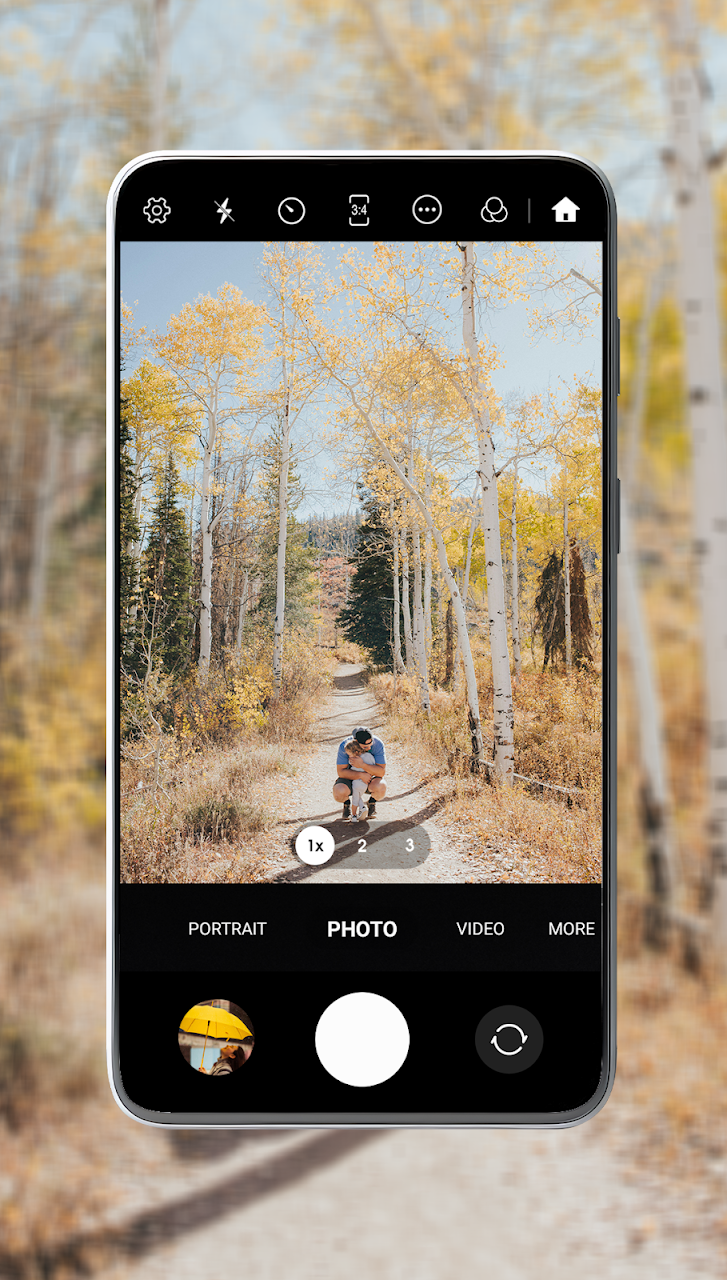
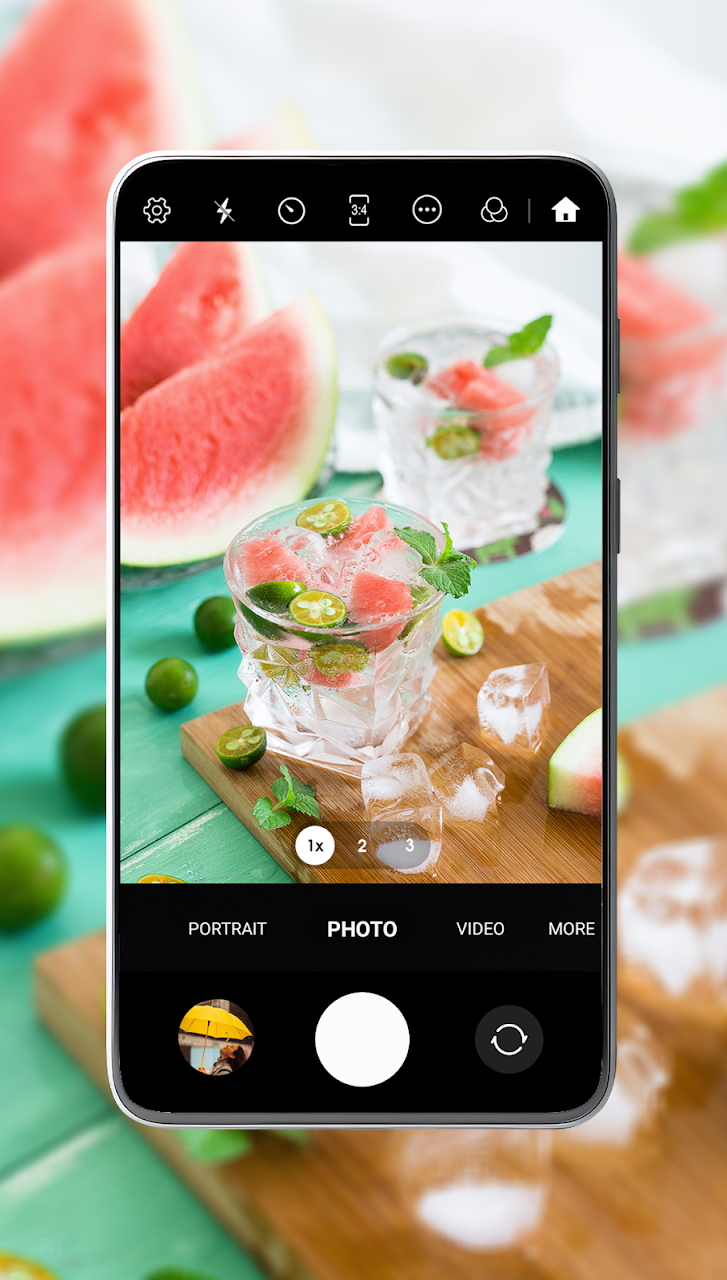
Smart Camera HD - Ultra Camera screenshots
8 images · tap to enlarge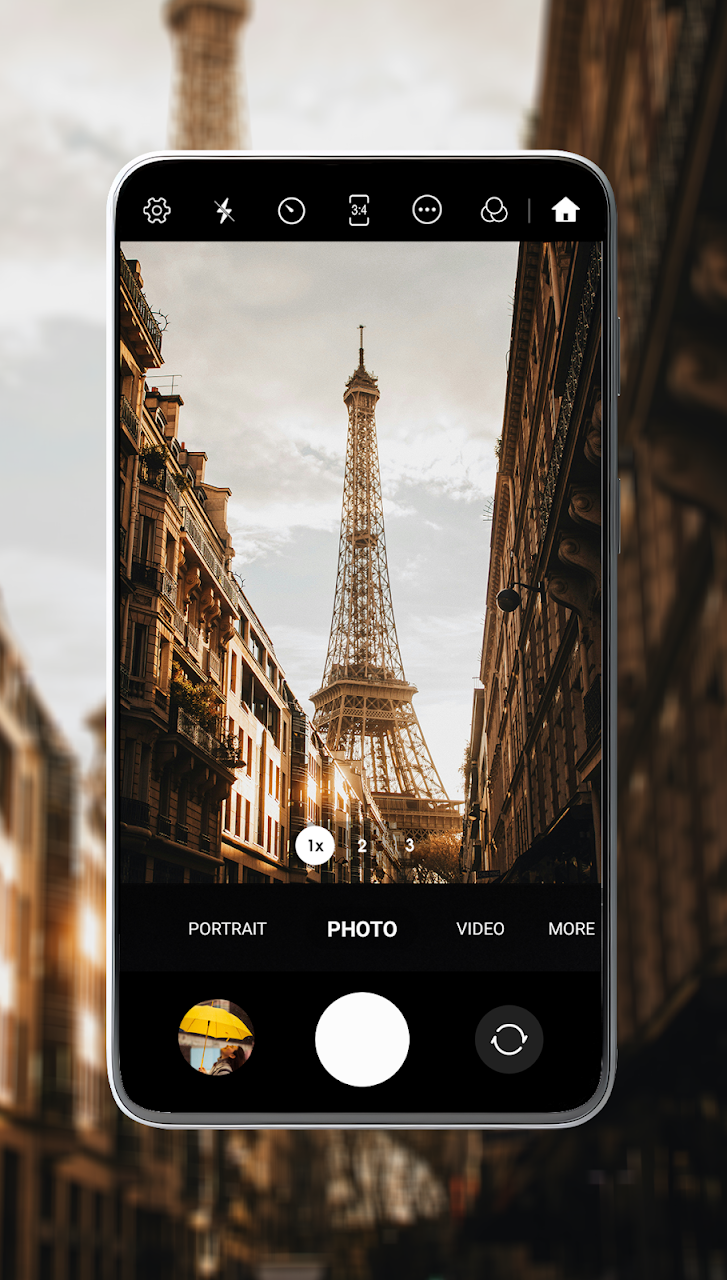
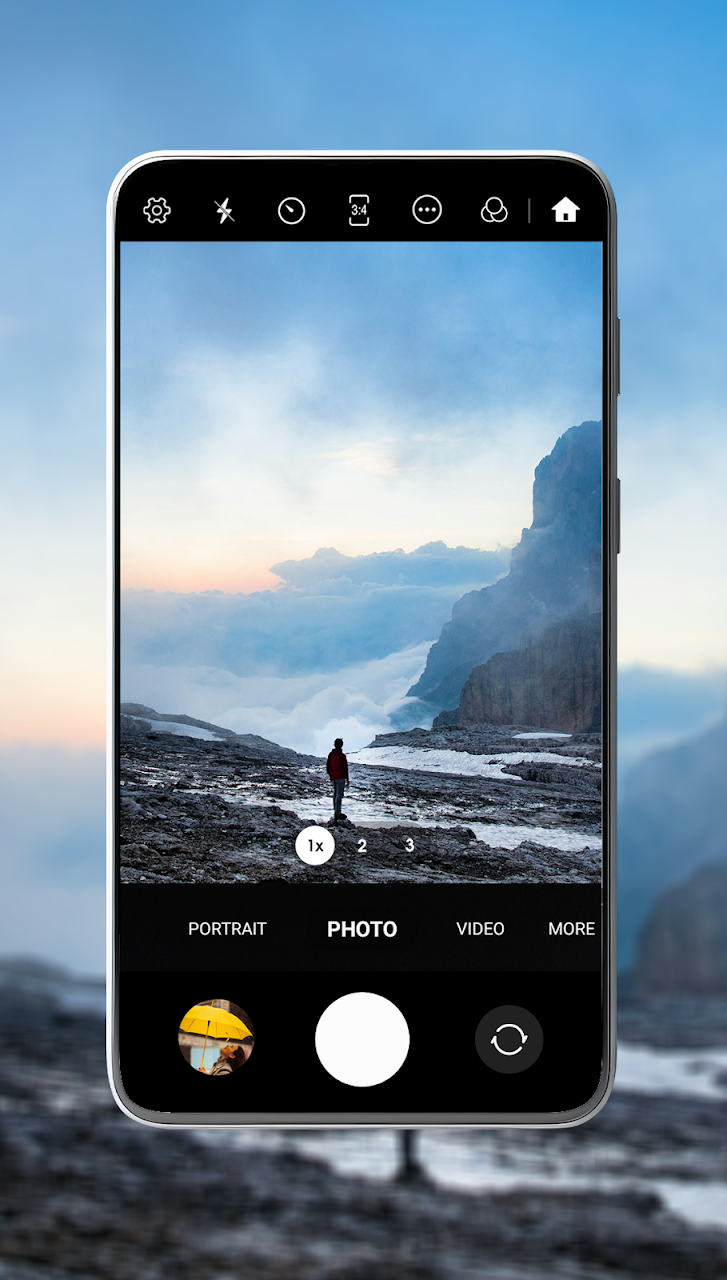
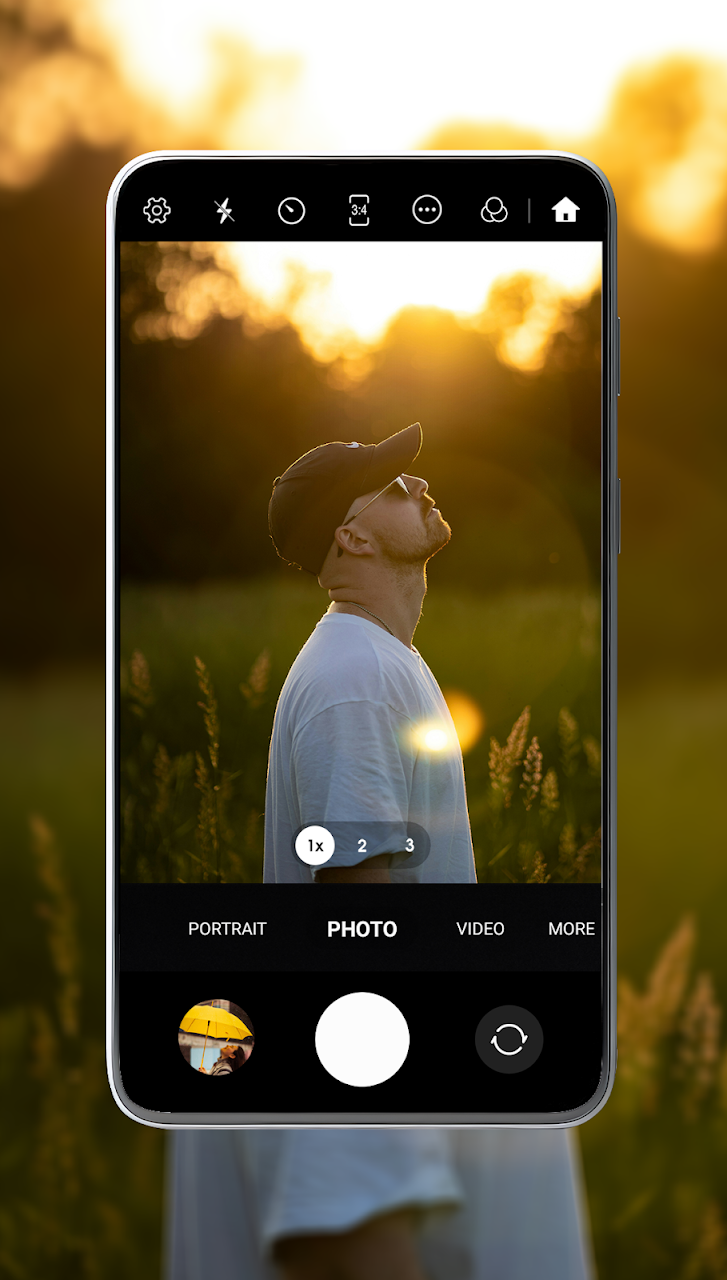
About this app
Camera HDR - 4k makes Smart Camera HD - Ultra Camera for Android users who want more control when taking photos and videos. It combines manual settings, filter choices, and capture tools like timer, burst mode, and touch focus, while staying free to download with ads and optional in-app purchases.
- Manual camera controls — Adjust ISO, white balance, exposure compensation, and scene modes from the app's professional mode.
- 150+ filters — Use a large set of filters to change the look of photos before you save them.
- Video capture tools — Change video resolution, zoom while recording, and use video flash support.
- Selfie helpers — Turn on fill flash, use beauty selfie features, and try mirror camera or funny mask stickers.
- Photo stamping — Add GPS location tags and date/time stamps to photos for easier documentation.
- Storage and layout options — Save photos to the SD card, switch between front and rear cameras, and use full-screen, 16:9, or 4:3 framing.
For quick shots with more control
If you usually rely on your phone’s default camera, this app gives you more settings to work with when a scene needs adjustment. You can use pinch-to-zoom, touch-to-focus, timer shots, burst mode, and a floating shutter button. It also includes HDR support and a professional mode with ISO, scene modes, white balance, and exposure compensation.
Filter-heavy photos and selfie extras
On a commute, at a party, or while taking casual portraits, the filter and selfie tools are the main draw. The app includes 150+ filters, beauty selfie mode, mirror camera, and funny mask stickers. You can also switch between front and rear cameras with a swipe, disable shutter sounds, and use grid options if you want a more controlled framing setup.
Video recording and storage choices
When you want more than still photos, the app lets you change video resolution, zoom during recording, and use video flash support. It also supports fill flash for the front camera, plus SD card saving, GPS tags, and date/time stamps. What you get:
- Manual controls for photos and video
- Filters, stickers, and selfie tools
- Stamping, burst mode, and timer shots
- SD card saving and camera switching
- Watch for: ads and in-app purchases
Install details and compatibility
The app is free, contains ads, and offers in-app purchases. It comes as an APK file, is 8.2 MB, and needs Android 5.0 or higher (API 16 is listed as the minimum Android version in the package details). It is rated for Everyone and has been downloaded 10M+ times.
APK information
- Version
- 1.0.7
- Package
- com.camera.iphone11.pro
- Category
- Photography
- Size
- 8 MB
- Min Android
- API 16
- Architecture
- universal
Older versions
-
Smart Camera HD - Ultra Camera 1.0.7Nov 12, 2026Latest downloadAPK
Smart Camera HD - Ultra Camera FAQ
Does Smart Camera HD - Ultra Camera work offline?expand_more
The listing does not say whether it needs an internet connection, so offline use is not confirmed.
Can Smart Camera HD - Ultra Camera edit RAW photos?expand_more
RAW editing is not mentioned. The app description focuses on camera controls, filters, and capture options.
Does Smart Camera HD - Ultra Camera work on tablets?expand_more
Tablet support is not stated. The app is listed for Android devices with Android 5.0 and above.
How big is the Smart Camera HD - Ultra Camera download?expand_more
The APK size is 8.2 MB.
Can I save photos to an SD card?expand_more
Yes. The app says you can save photos to the SD card.