
- 4.3star54,202 reviews
- 500M+Downloads
- 5 MBAPK size
- EveryoneRated for Everyone
- 6.0+Android
check_circleOriginal APK from Samsung R&D Institute India Noida · Updated Nov 12, 2026
No threats found
0 / — antivirus engines flagged this file
Original signature
First seen — Samsung R&D Institute India Noida
Unmodified APK
Same file the developer published — no mods
Storage Saver screenshots
8 images · tap to enlarge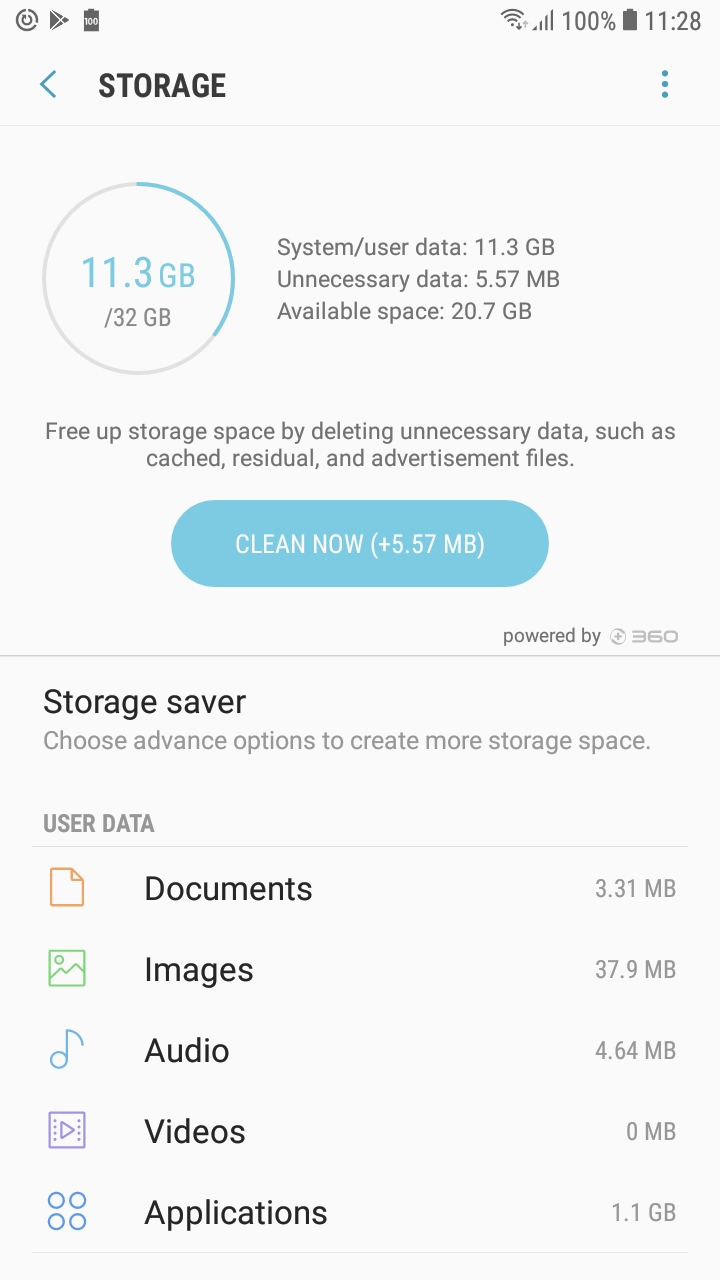
About this app
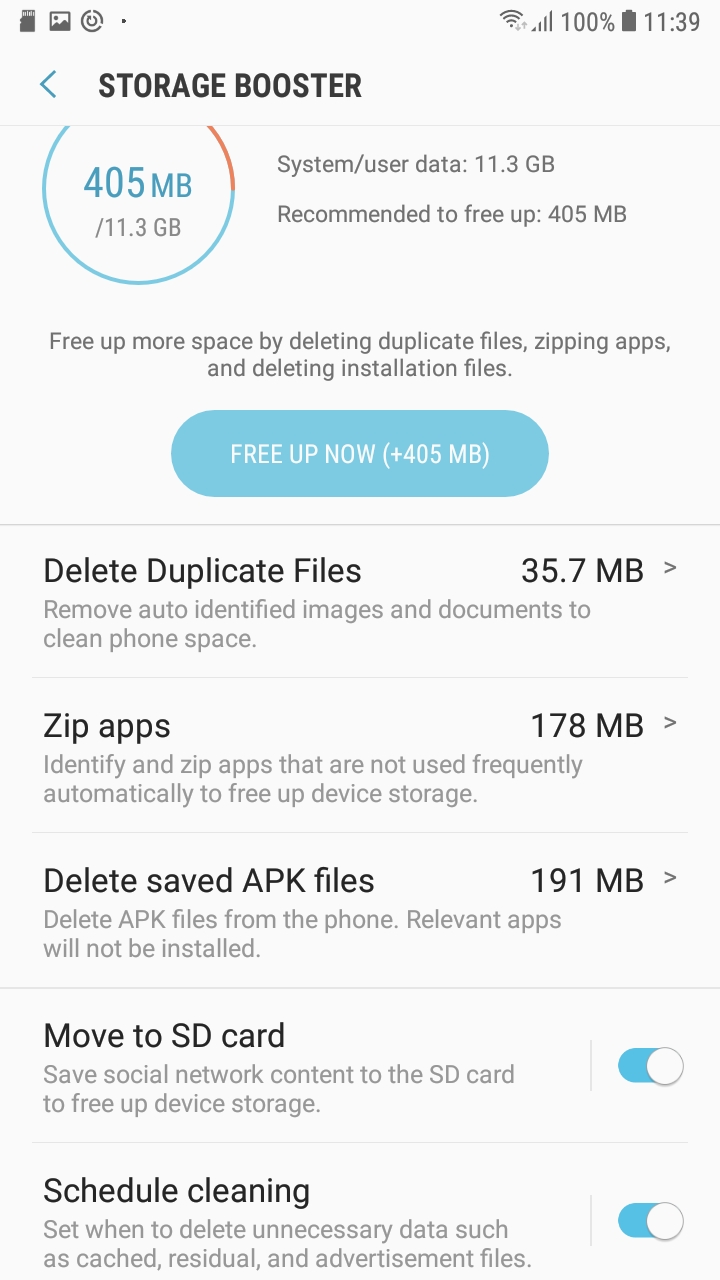
Storage Saver is a storage cleanup tool for Android phones. On first launch, it focuses on freeing space without deleting user data. You can set scheduled cleanup, review duplicate files, zip unused apps, and move social messenger media to SD card to ease storage pressure.
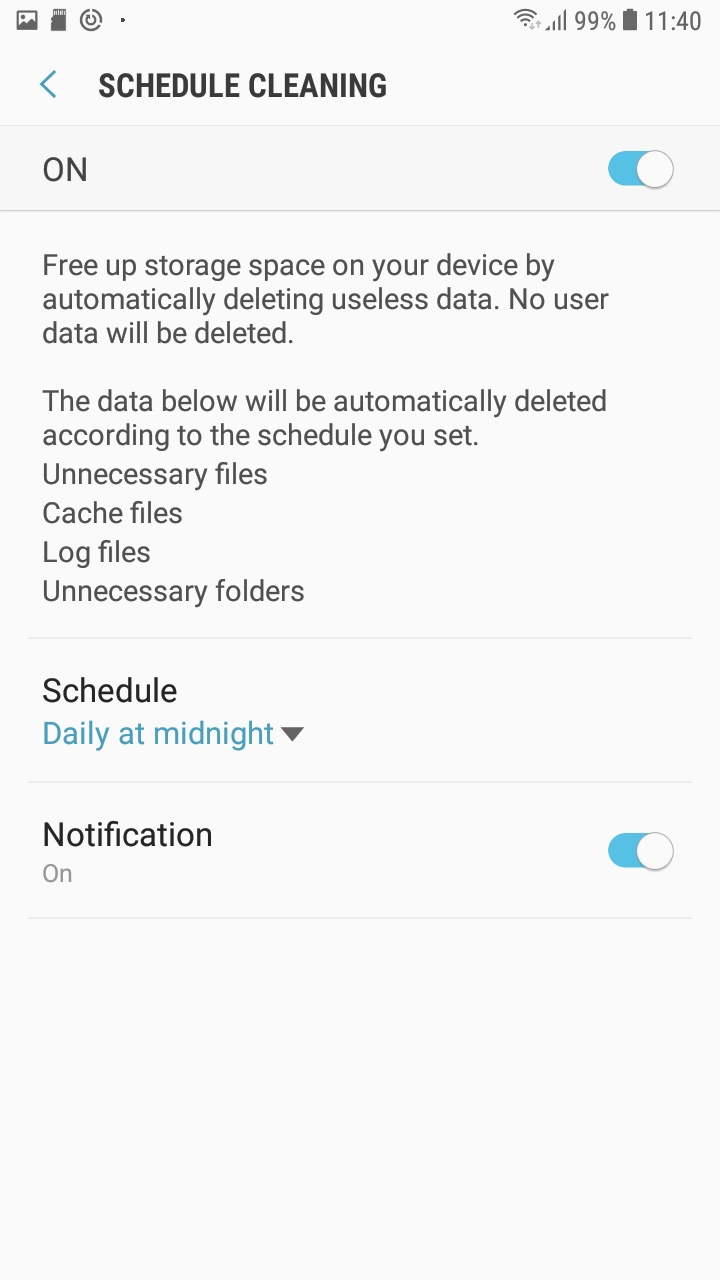
- Scheduled cleanup — Set automatic cleanup for unnecessary files, cache, log files, and folders.
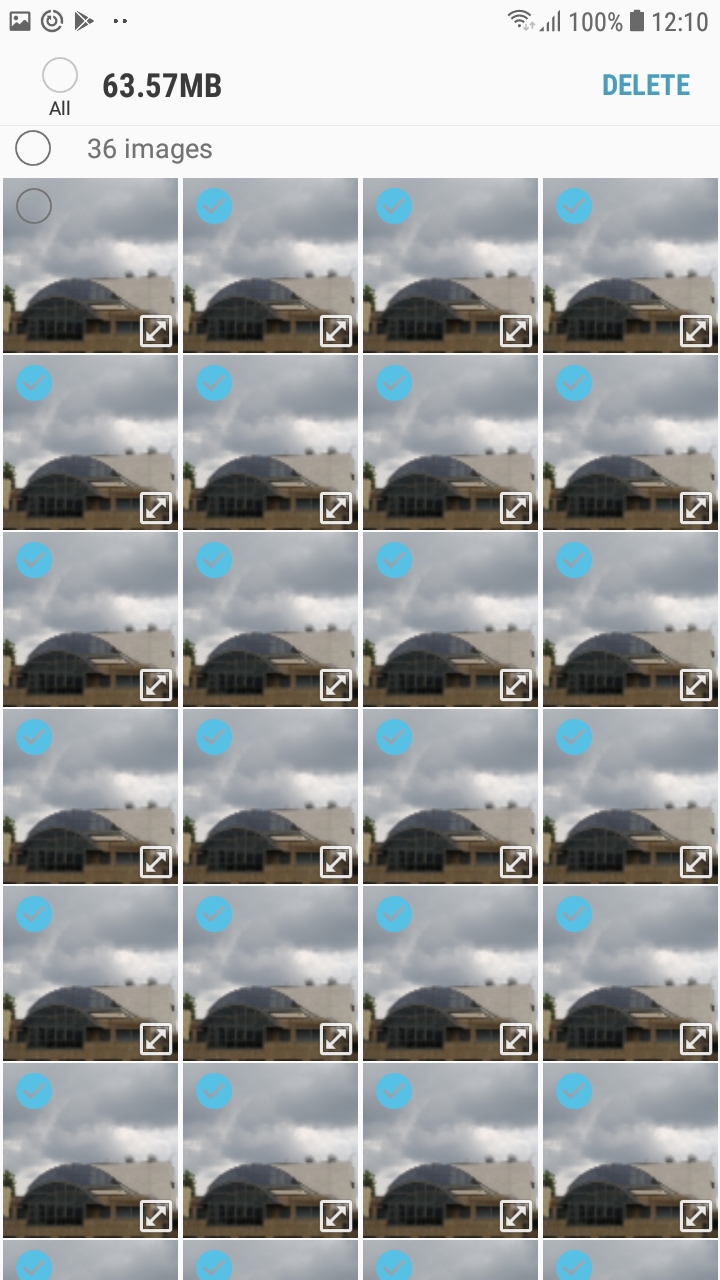
- Duplicate removal — Finds duplicate content and prompts you before removing it.
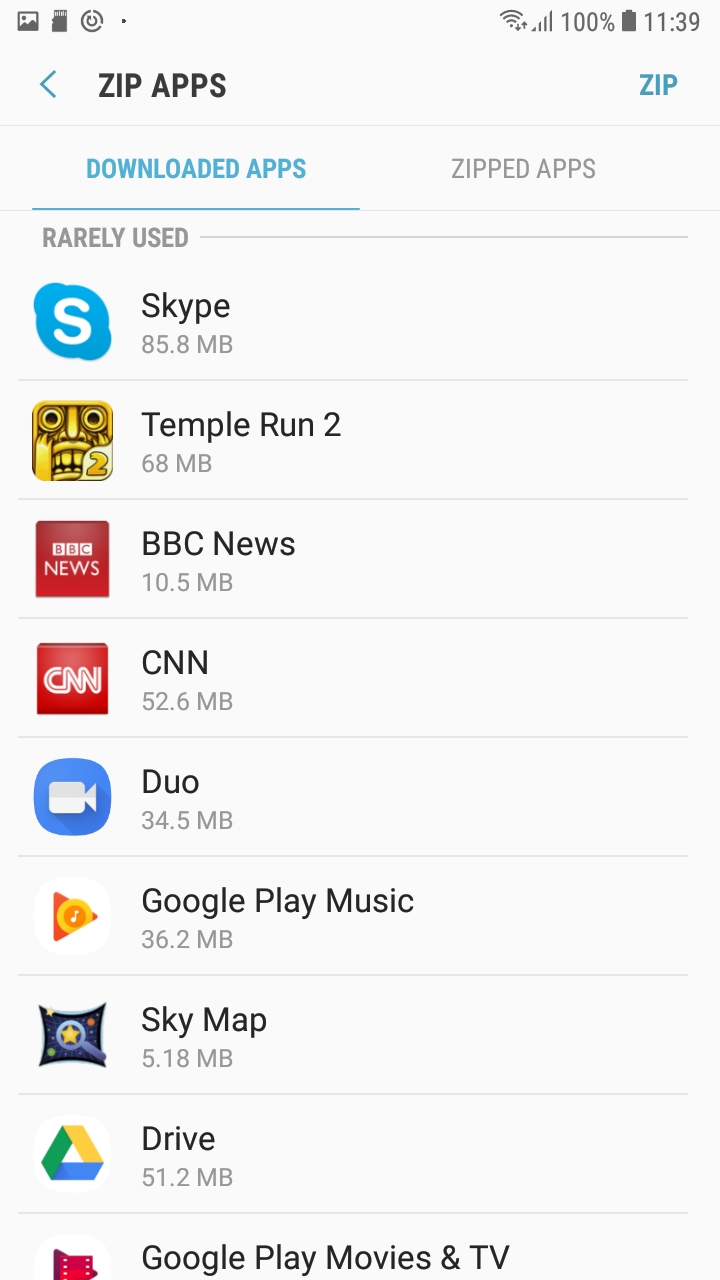
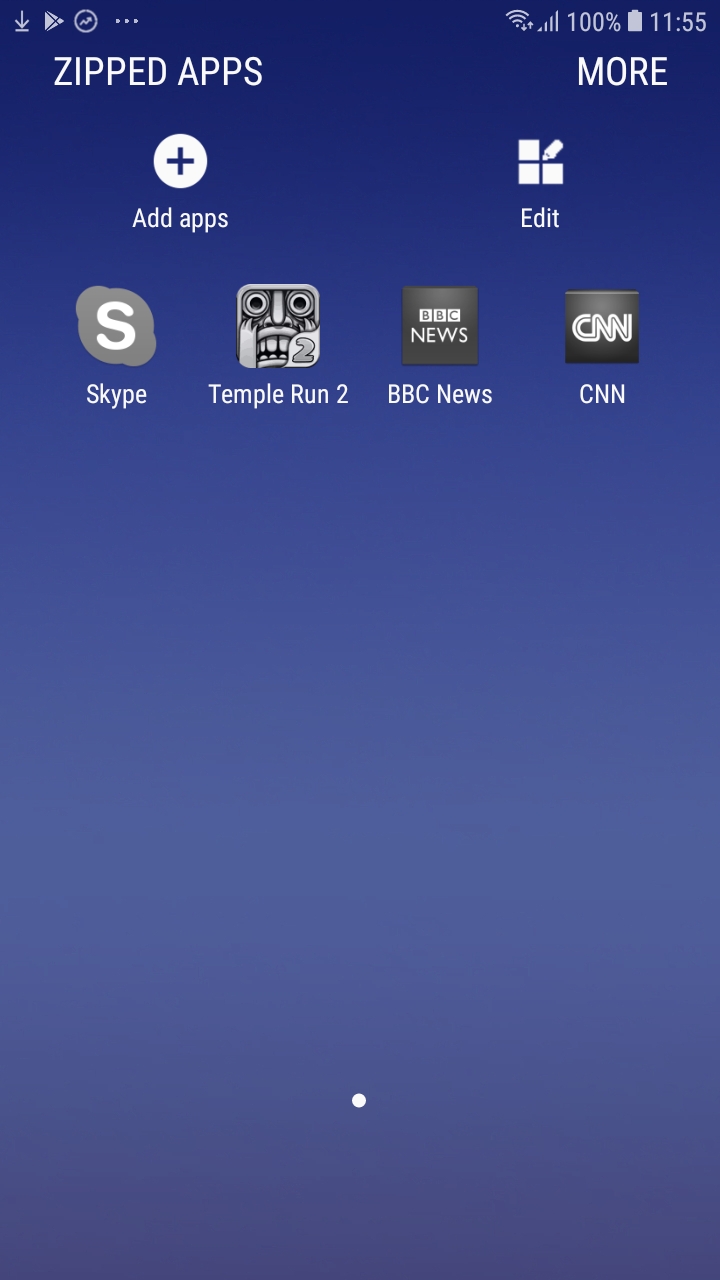
- Zip unused apps — Zips apps to save storage and keeps them restorable later.
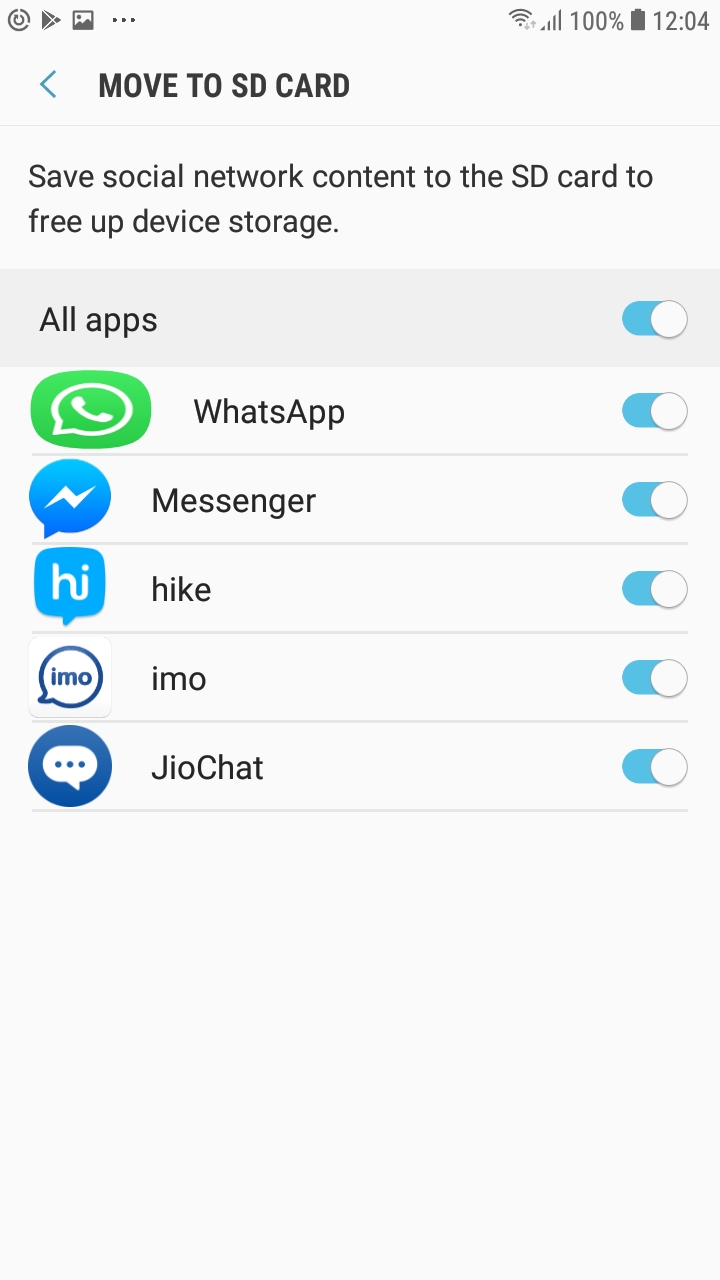
- Move media to SD — Redirects social messenger media from internal storage to external SD card.
- No ad clutter — The app is free and does not contain ads.
First launch and setup
When you open Storage Saver, the first steps are about space, not sign-in. There is no account setup shown in the app details. Start by choosing what you want it to clean and how often it should run. The app can automatically delete unnecessary files, cache files, log files, and unnecessary folders on a schedule you set.
Install note: the APK is 5.1 MB, uses the universal build, and needs Android 6.0 or later.
Cleaning junk files on a schedule
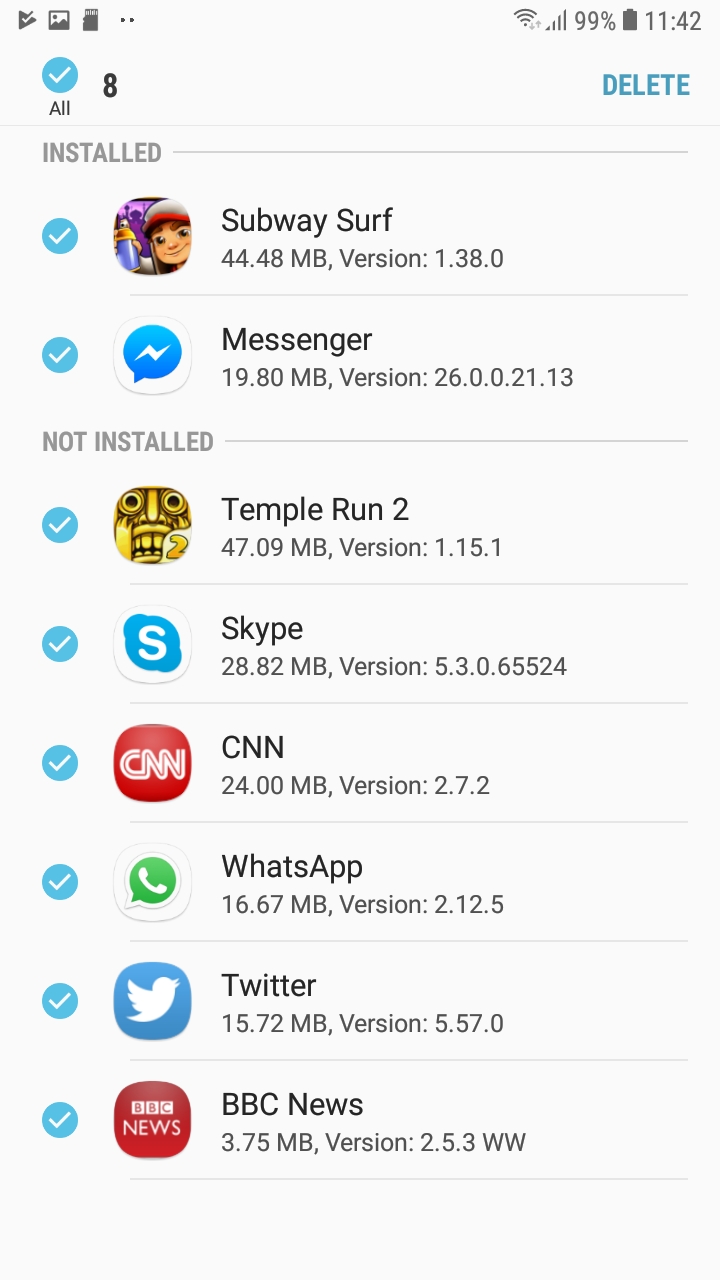
The main screen work is around storage cleanup. Use it when the phone feels crowded or when you want regular maintenance in the background. The app removes selected junk items automatically, and it says user data will not be deleted. It also checks for background services that are using too much CPU or memory.
Find duplicate content and zip apps
Another common task is dealing with repeated files. Storage Saver can recognize duplicate content and prompt you to remove it. It skips current-day duplicate images from removal, which helps avoid repeated scanning right after a photo is taken or saved. For apps you do not use often, the zip feature stores them in a zipped state so they take up less space and can be restored later from the zipped folder or zipped apps list.
Move social media media to SD card
For phones running low on internal storage, the SD card option redirects media from social messenger apps to external storage. This is useful when chats, photos, and videos keep filling the device. It is designed to help with storage scarcity without changing how the app feels to use.
Practical tips and what to expect
- Start with cache, log files, and unnecessary folders before using broader cleanup.
- Check duplicate suggestions before removing anything.
- Zip unused apps you want to keep but do not open often.
- Use SD card redirection if messenger media is taking over internal storage.
- The app is free, with no ads and no in-app purchases listed.
Requirements and permissions
Storage Saver is rated for Everyone and supports Android 6.0 and up. The package format is APK. No permissions are listed in the app details, so there is nothing extra to review before installing from the file.
What's new
Version 13.0.00.14 · Nov 12, 2026
- P And Q OS devices support with latest features support.
APK information
- Version
- 13.0.00.14
- Package
- com.samsung.memorysaver
- Category
- Tools
- Size
- 5 MB
- Min Android
- 6.0
- Architecture
- universal
Older versions
-
Storage Saver 13.0.00.14Nov 12, 2026Latest downloadAPK
Storage Saver FAQ
Does Storage Saver need root?expand_more
No root requirement is listed in the app details.
Does Storage Saver drain the battery?expand_more
The app is designed to identify background services using excess CPU or memory, but no battery-use claim is listed.
How do I install the Storage Saver APK file?expand_more
Install the APK on a device running Android 6.0 or later. The file is a universal APK and is 5.1 MB.
Does Storage Saver work on tablets?expand_more
The app supports Android 6.0 and up, so it can run on devices that meet that version requirement.
What can Storage Saver clean?expand_more
It can automatically delete unnecessary files, cache files, log files, and unnecessary folders on the schedule you set.