- 3.7star195,172 reviews
- 1B+Downloads
- 15 MBAPK size
- EveryoneRated for Everyone
- 8.0+Android
check_circleOriginal APK from Google LLC · Updated Nov 11, 2026
No threats found
0 / — antivirus engines flagged this file
Original signature
First seen — Google LLC
Unmodified APK
Same file the developer published — no mods
Switch Access screenshots
5 images · tap to enlarge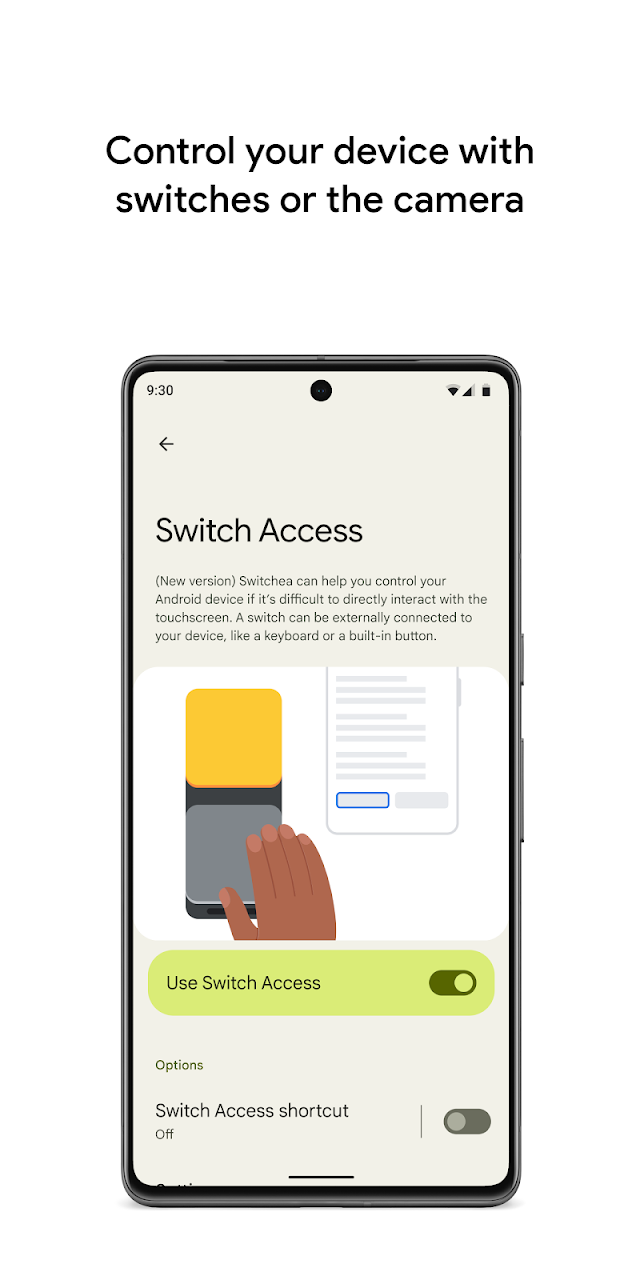
About this app
On a long train ride when tapping the screen is awkward, Switch Access lets you work through Android with switches or the front camera. It scans items on screen, then lets you choose actions like select, scroll, copy, paste, and more. Setup starts in Settings under Accessibility, and the app works without ads or in-app purchases.
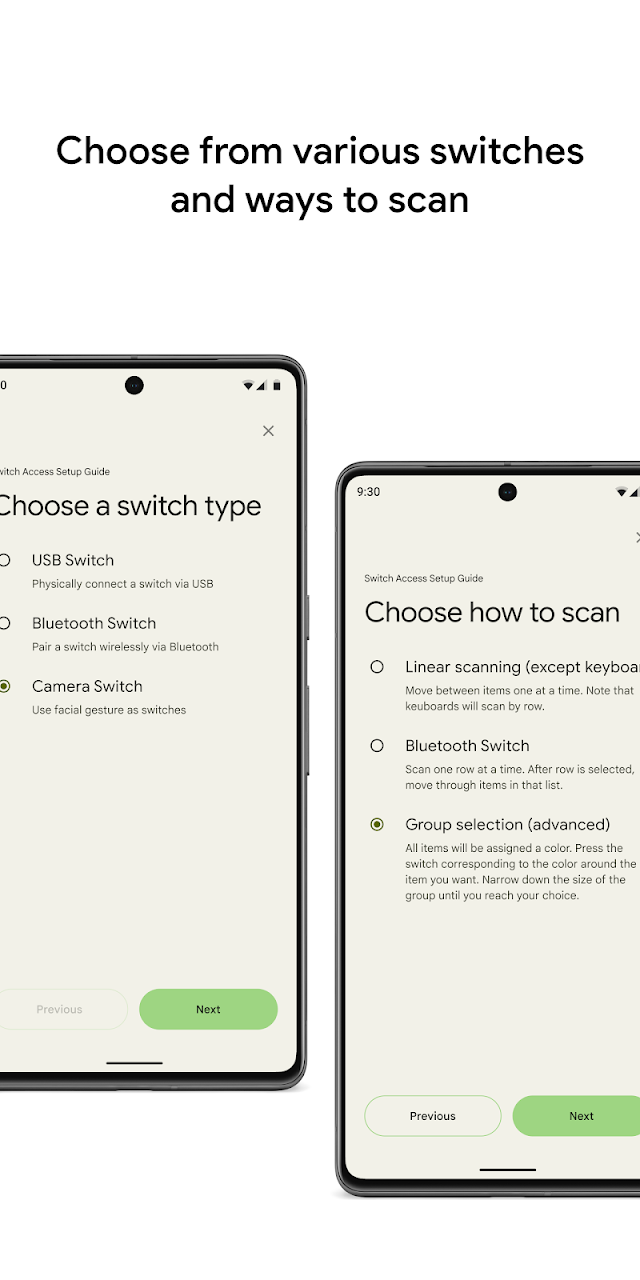
- Switch-based control — Use USB, Bluetooth, or on-device switches such as volume buttons to scan and select items on your screen.
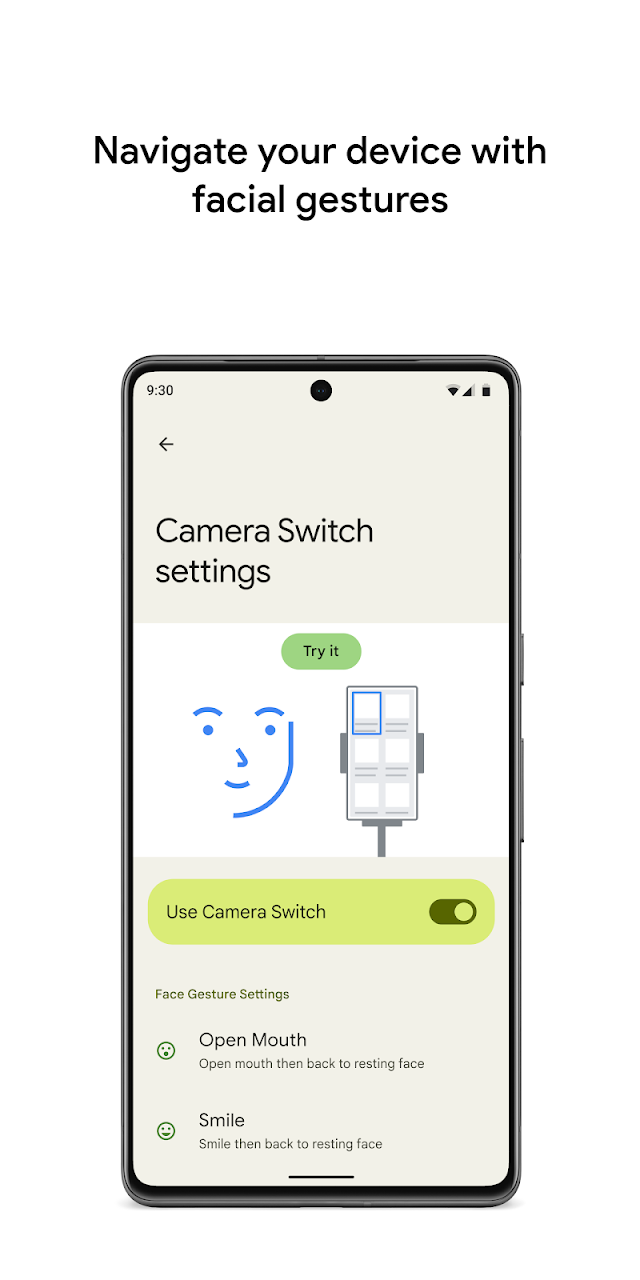
- Camera gestures — Browse and choose apps with facial gestures like smiling, raising eyebrows, or looking left, right, or up.
- Screen scanning modes — Choose linear, row-column, point, or group selection to move through items in the way that fits you.
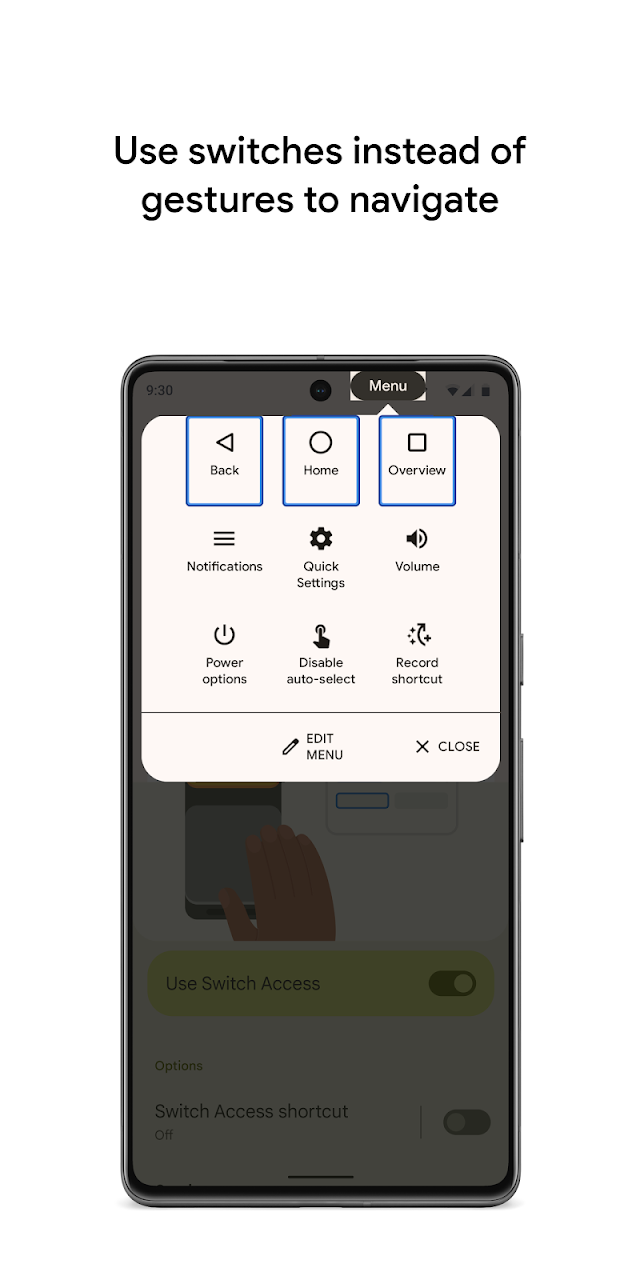
- Action menus — Open menus for actions such as select, scroll, copy, paste, notifications, home, and volume.
- Recorded shortcuts — Save touch gestures like swiping, double tapping, pinching, and zooming for frequent or complex actions.
Setup from Accessibility
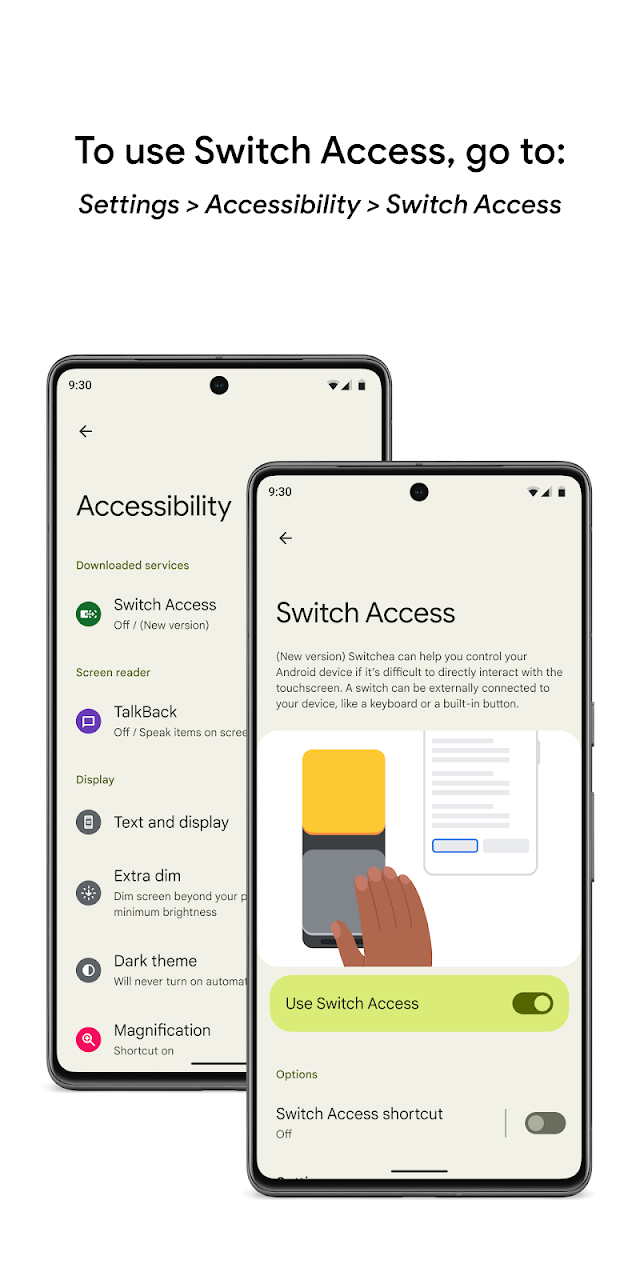
Switch Access starts in your device settings, under Accessibility > Switch Access. The app is free, has no ads, and does not include in-app purchases. It installs as an APK, needs Android 8.0 or later, and the file is 14.7 MB, so it is a fairly small add-on for devices that can run it.
Scanning items one by one
Once a switch is set up, the app highlights items on the screen and moves through them until you make a choice. That makes it useful when you need to open an app, move around a page, or enter text without relying on direct touch. The scanning styles include linear scanning, row-column scanning, point scanning, and group selection.
- Linear scanning: Moves through items one at a time.
- Row-column scanning: Narrows the screen by rows first, then items.
- Point scanning: Uses moving lines to target a specific spot.
- Group selection: Lets you choose by color group and narrow down the result.
Switches, camera, and saved gestures
You can use physical switches such as USB or Bluetooth buttons, or on-device switches like volume buttons. Camera switches add another route: open your mouth, smile, raise your eyebrows, or look in different directions to move through the interface. If you repeat the same actions often, you can record touch gestures and trigger them from a switch or a menu.
Menus for everyday actions
When an item is selected, a menu appears with actions like select, scroll, copy, and paste. There is also a top menu for device-level controls, including notifications, home, and volume. That keeps the app practical for daily use, whether you are checking messages, moving between screens, or turning pages in an ebook.
Permissions and limits
Because this is an accessibility service, it can observe your actions, retrieve window content, and observe text you type. That is necessary for the app to scan your screen and work with what is currently visible. The app has a 3.7 rating from 192,674 ratings, with many more 5-star ratings than 1-star ratings, though there are still plenty of mixed reviews.
APK information
- Version
- 1.17.0.877181440
- Package
- com.google.android.accessibility.switchaccess
- Category
- Tools
- Size
- 15 MB
- Min Android
- 8.0
- Architecture
- universal
Older versions
-
Switch Access 1.17.0.877181440Nov 11, 2026Latest downloadAPK
Switch Access FAQ
Does Switch Access need root?expand_more
No root is mentioned. It is set up through Settings under Accessibility > Switch Access.
Does Switch Access drain the battery?expand_more
There is no battery use claim listed. The app does use the front camera for Camera Switches, which may matter during use.
Which processors does this APK support?expand_more
The APK is listed as universal, so it is not tied to a specific processor type.
How big is the Switch Access download?expand_more
The APK size is 14.7 MB.
How do I start using Switch Access?expand_more
Open Settings, then go to Accessibility > Switch Access. From there you can set up a switch and begin scanning items on the screen.