- 4.0star4 reviews
- 10M+Downloads
- 65 MBAPK size
- Low MaturityRated for Low Maturity
- 6.0+Android
check_circleOriginal APK from Focus apps · Updated Nov 12, 2026
No threats found
0 / — antivirus engines flagged this file
Original signature
First seen — Focus apps
Unmodified APK
Same file the developer published — no mods
Tattoo Maker screenshots
8 images · tap to enlarge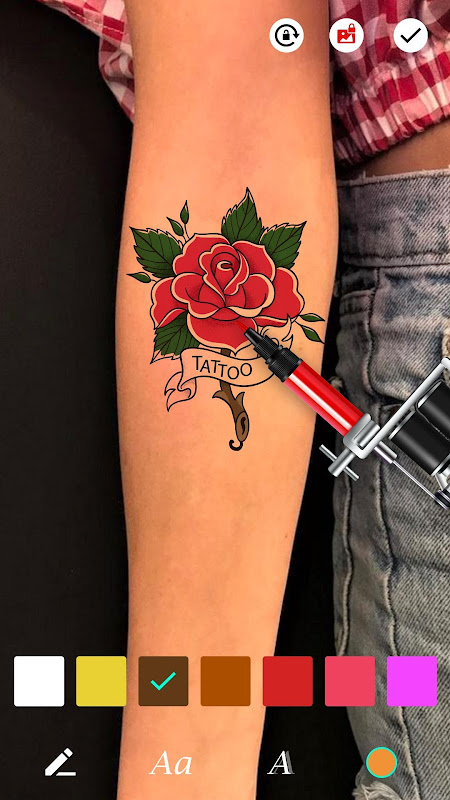
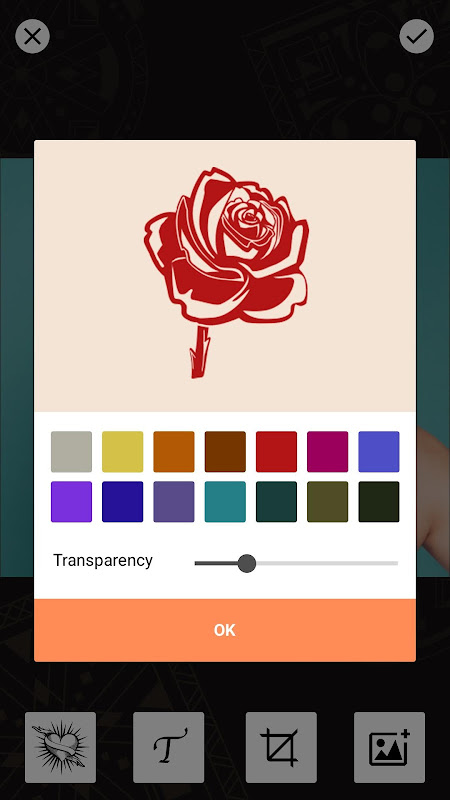
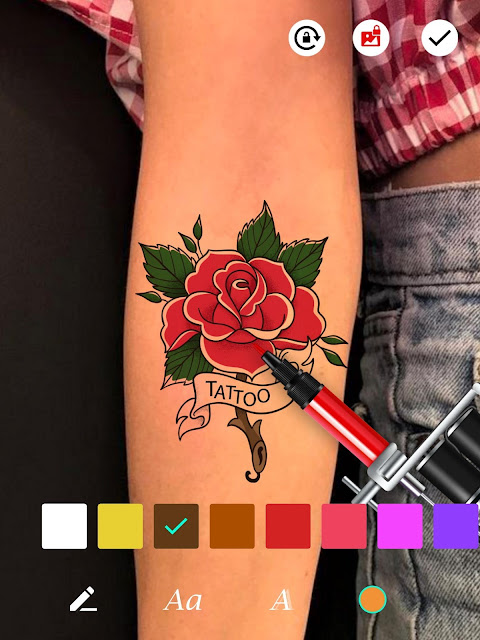
About this app
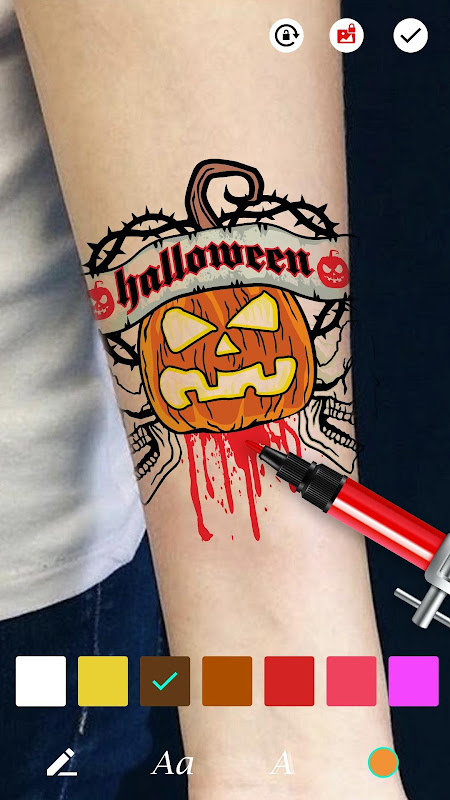
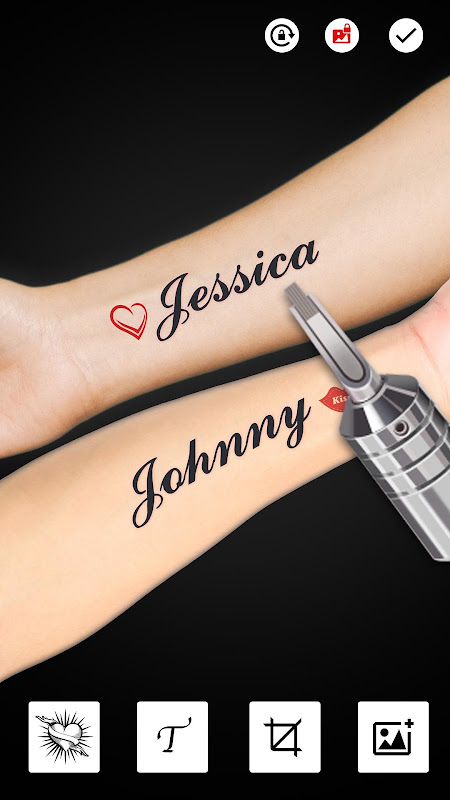
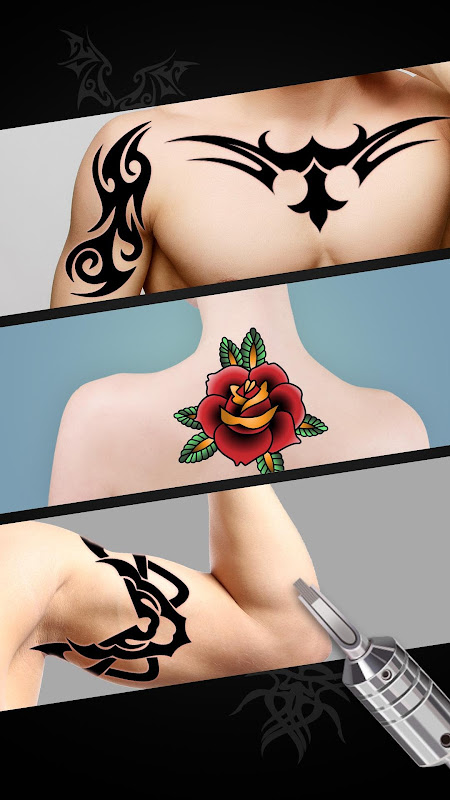
Want to see a tattoo on a photo before getting inked? Tattoo Maker by Focus apps adds tattoo-style designs to your pictures, letting you try different looks without editing tools that feel complicated. It is free, has no ads or in-app purchases, and has 10M+ installs, but it does not list permissions, so there is little to check beyond the app size and Android version.
- Tattoo styles on photos — Add tattoo looks to a photo and preview how a design might appear before you commit to it.
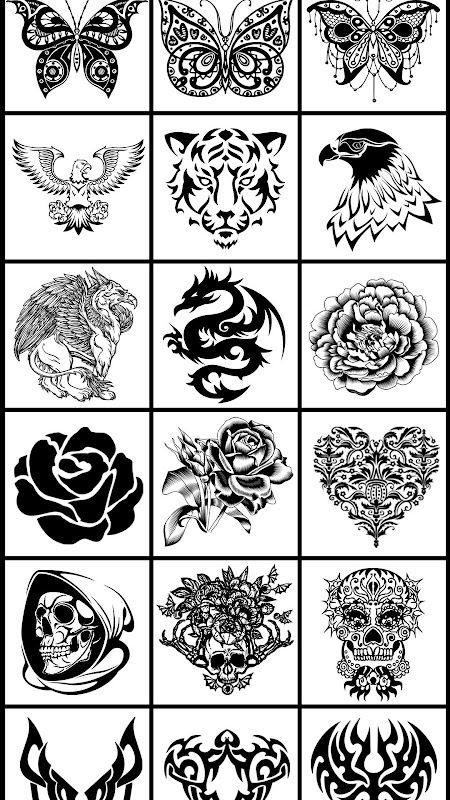
- Many design themes — Choose from styles such as love, dragon, fantasy, butterfly, animals, skulls, and wings.
- Simple photo editing — The app focuses on placing tattoo art on images rather than offering a broad editor with many unrelated tools.
- Free to use — Tattoo Maker is free, with no in-app purchases and no ads listed.
- Low storage check — The APK is 64.8 MB and works on Android 6.0 and up, so it is a moderate download for older devices.
Tattoo looks on a photo
Tattoo Maker is built around one task: placing tattoo-style art onto a photo. If you want to test a name, symbol, or themed design on an image, this app gives you a quick way to see the result without using a fuller photo editor.
That focus can be useful if you do not need layers, RAW editing, or a long toolset. It is more specialized than general galleries or editors, which makes it easier to approach but narrower in scope.
Design themes to try
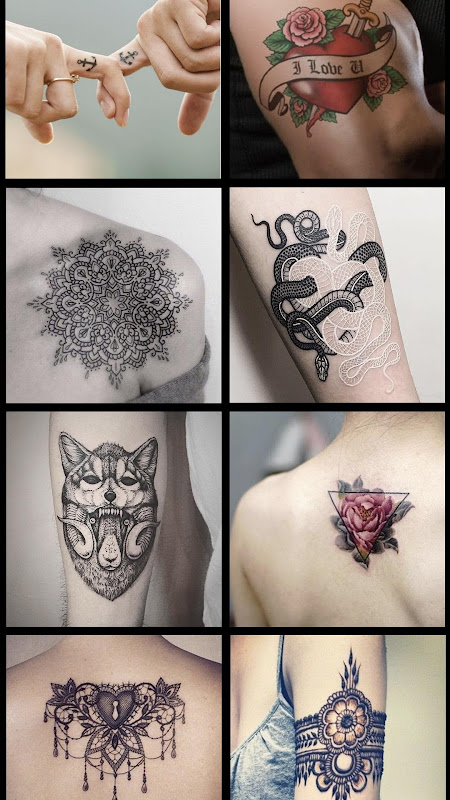
The app includes several art styles, including love, dragon, fantasy, butterfly, animals, skulls, and wings. A simple use case is taking a portrait and trying different tattoo motifs to see which one fits the photo’s mood.
This variety helps if you are comparing looks rather than settling on a single design right away.
Free install, simple tradeoffs
Tattoo Maker is free, and it does not list ads or in-app purchases. The app also has a low amount of public feedback so far, with a 4.0 rating from 4 ratings, split between two 3-star and two 5-star reviews.
- Gets: tattoo-style overlays, themed designs, free install
- Watch for: no listed RAW editing, no listed offline note, no permissions shown
What to check before installing
The app comes as an APK file, is 64.8 MB, and requires Android 6.0 or later. It is developed by Focus apps and last updated on 2026-02-06. Since no permissions are listed, there is nothing specific shown here about storage access or account sign-in.
What's new
Version 2.3.10 · Nov 12, 2026
- Dear artists, here are the updated contents:
- We have added multiple languages to provide you with a better experience.
- Hope you enjoy the new version!
APK information
- Version
- 2.3.10
- Package
- com.tattoo.maker.design.app
- Category
- Photography
- Size
- 65 MB
- Min Android
- 6.0
- Architecture
- universal
Older versions
-
Tattoo Maker 2.3.10Nov 12, 2026Latest downloadAPK
Tattoo Maker FAQ
Can Tattoo Maker edit RAW photos?expand_more
It is not listed as a RAW photo editor. The app description focuses on adding tattoo designs to photos.
Does Tattoo Maker work offline?expand_more
Offline use is not stated. The listing does not say whether the app needs an internet connection.
How do I install the Tattoo Maker APK file?expand_more
Download the APK file, then install it on a device running Android 6.0 or later. The app file size is 64.8 MB.
Who develops Tattoo Maker?expand_more
Tattoo Maker is developed by Focus apps.
What tattoo styles does Tattoo Maker include?expand_more
The app includes styles such as love, dragon, fantasy, butterfly, animals, skulls, and wings.