- 0.0star0 reviews
- 50K+Downloads
- 15 MBAPK size
- EveryoneRated for Everyone
- API 14+Android
check_circleOriginal APK from Creative Curve · Updated Nov 12, 2026
No threats found
0 / — antivirus engines flagged this file
Original signature
First seen — Creative Curve
Unmodified APK
Same file the developer published — no mods
తెలుగు ఫోటో ఎడిటర్ : Telugu Photo Editor screenshots
8 images · tap to enlarge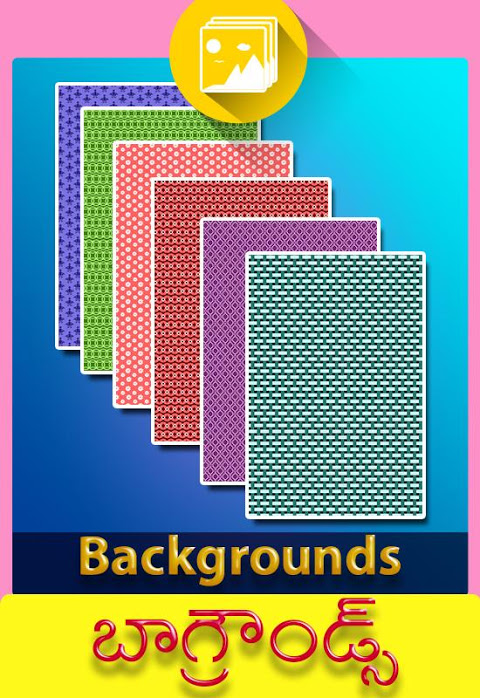
About this app
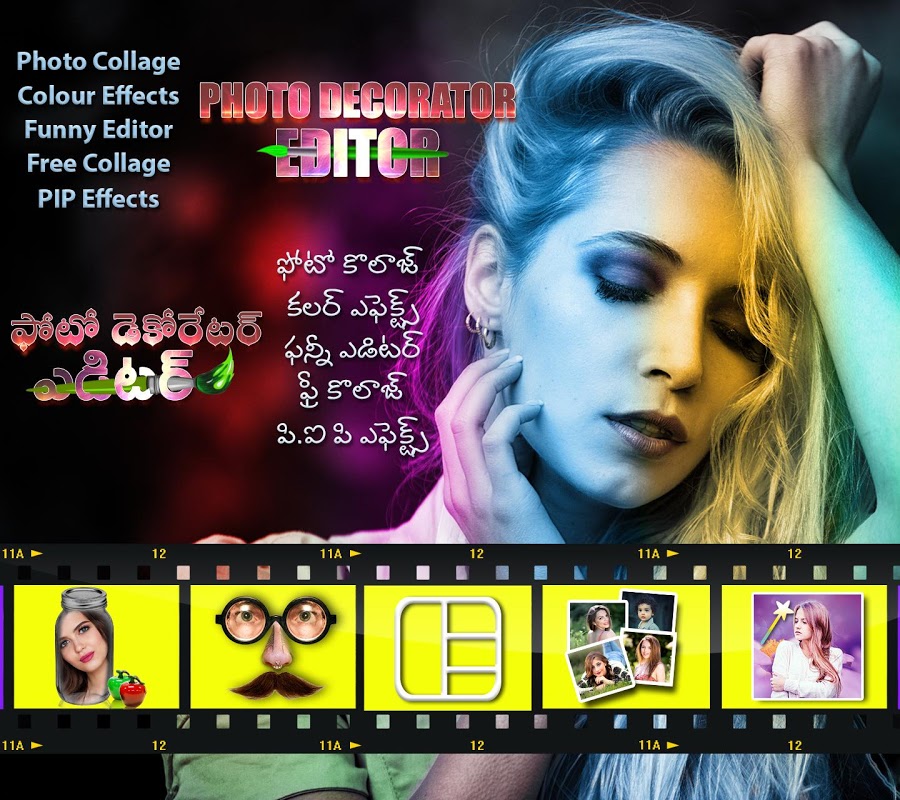
Turn everyday photos into edited images with frames, filters, collages, scrapbook pages, and PIP layouts. Telugu Photo Editor from Creative Curve combines several editing modes in one free app, with no in-app purchases and no permissions listed. It suits casual users who want quick edits, playful face effects, or multi-photo layouts without a complicated setup.
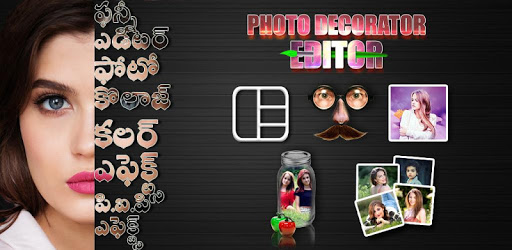
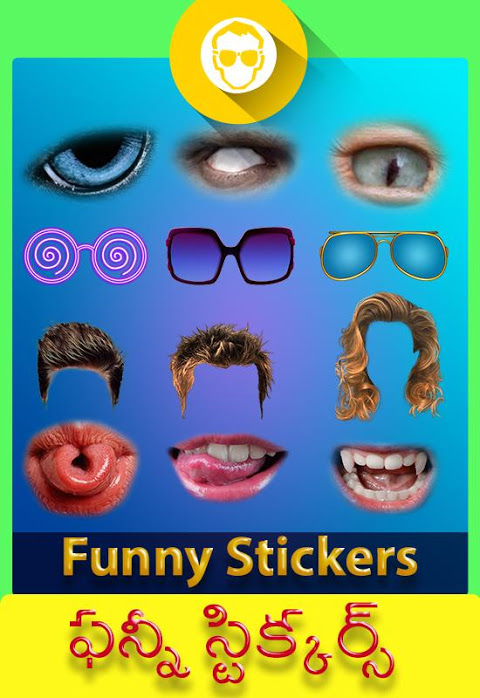
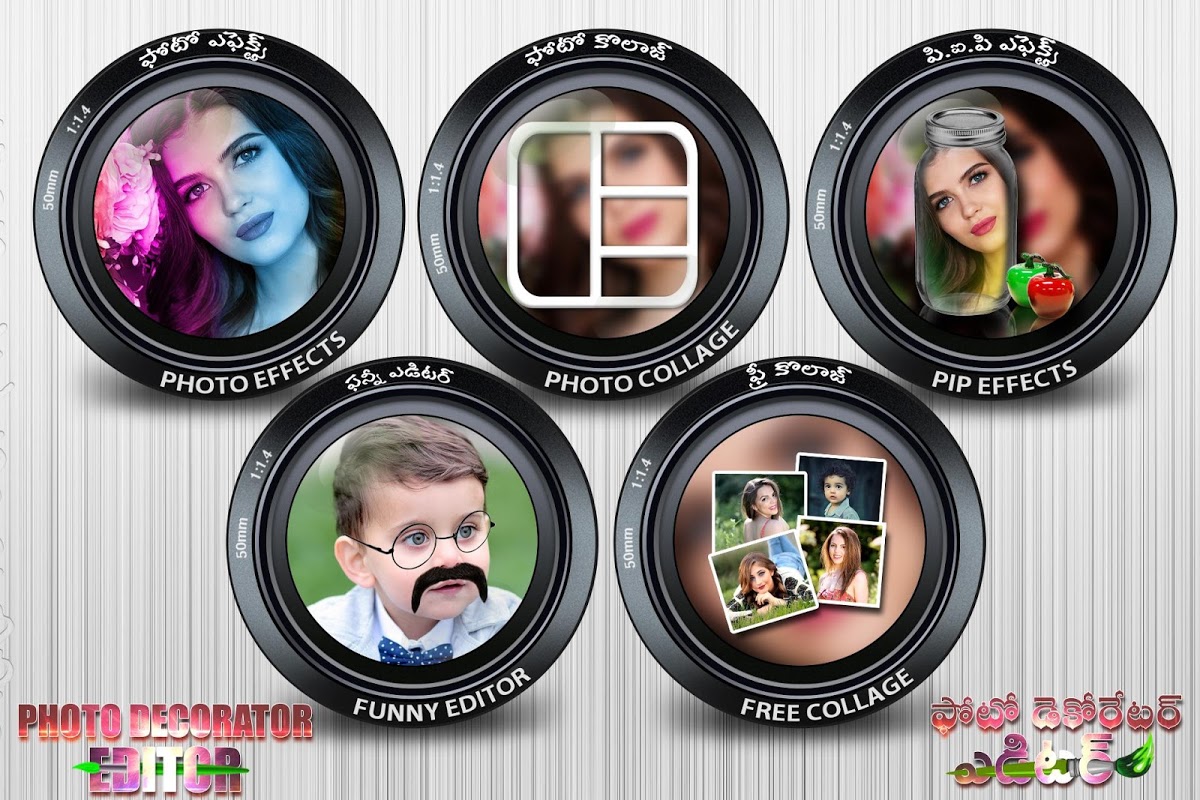
- Funny Face edits — Add beards, caps, masks, spectacles, and other face items to build playful images.
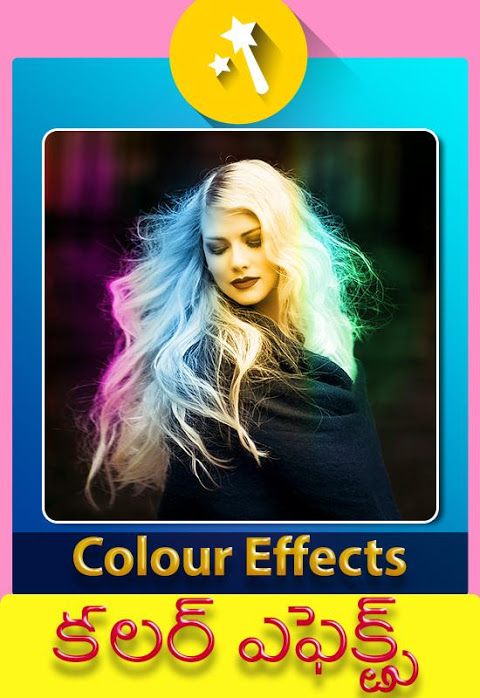
- Photo editor tools — Use crop, filters, background changes, overlays, text, stickers, frames, and effects in one editor.
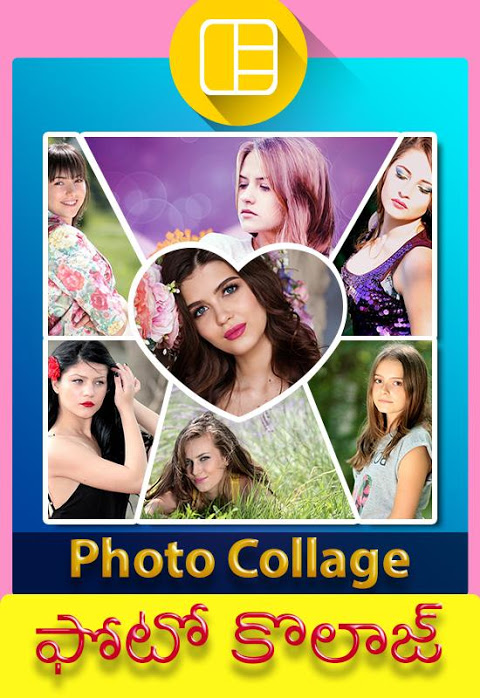
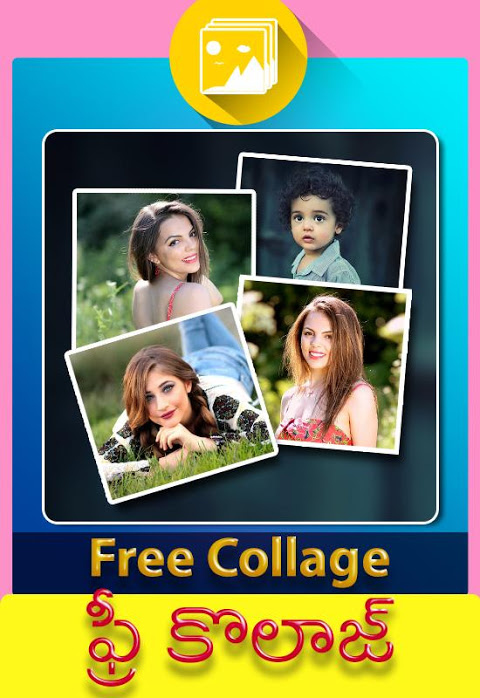
- Collage layouts — Combine multiple photos with grids, frame patterns, stickers, and text for shareable collages.
- Scrapbook pages — Place more than 10 photos on one background to keep family and friend memories together.
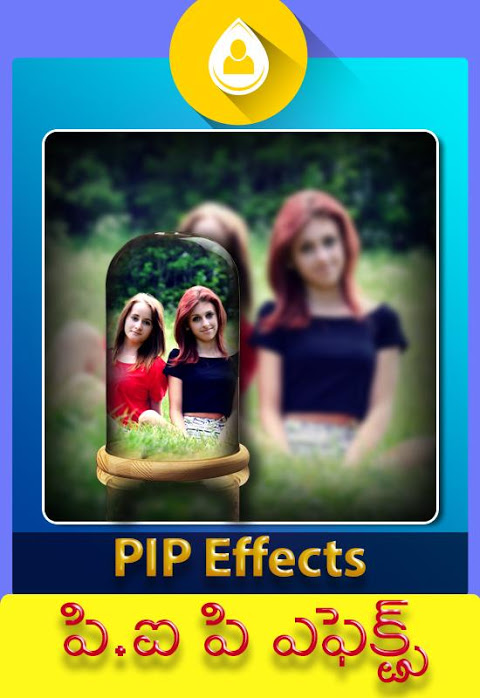
- PIP photo effects — Put one picture inside another using styles like glass, canvas, bottle, and frames.
- Free and ad-free — The app is free to use, with no in-app purchases and no ads listed.
For quick edits on family photos
If you want to tidy up a snapshot without moving to a heavier editor, this app gives you the usual photo fixes in one place: crop, filters, background changes, frames, overlays, stickers, text, and effects. It also includes hue and saturation adjustment, plus options like gray, bright, emboss, shadow, and vignette. The app is free, uses an APK file, and needs Android 14 or later? No: it supports API 14 and above, so it runs on much older devices too.
For playful face changes
The Funny Face section is built for adding extra objects to portraits and selfies. You can layer items such as beards, caps, ears, eyes, hair, masks, mouths, mustaches, noses, and spectacles. That makes it more of a playful image maker than a pure correction tool, so it fits users who want to make jokes or decorate faces for sharing.
For collages, scrapbook pages, and PIP
Photo Collage lets you combine several pictures with grids and frame patterns, while Scrapbook is geared toward keeping many photos on one background. PIP mode adds another route: place one image inside another using glass, canvas, bottle, or frame styles. What you get:
- Multiple editing modes in one app
- Frames, stickers, and text tools
- Free use with no in-app purchases
- No permissions listed
What to watch for:
- No RAW editing is mentioned
- No watermark details are provided
- Recent changes are not listed
For sharing and saving finished images
Created images can be saved in the app gallery, set as wallpaper, or shared through social networks. The app is from Creative Curve, also known for Vinodam : వినోదం, and it has 50K+ installs. The download is a 15.1 MB universal APK, and the content rating is Everyone.
APK information
- Version
- 1.4
- Package
- com.teluguphotoeditor
- Category
- Photography
- Size
- 15 MB
- Min Android
- API 14
- Architecture
- universal
Older versions
-
తెలుగు ఫోటో ఎడిటర్ : Telugu Photo Editor 1.4Nov 12, 2026Latest downloadAPK
తెలుగు ఫోటో ఎడిటర్ : Telugu Photo Editor FAQ
Does తెలుగు ఫోటో ఎడిటర్ : Telugu Photo Editor add a watermark?expand_more
The listing does not mention a watermark, so that cannot be confirmed from the app details.
Can తెలుగు ఫోటో ఎడిటర్ : Telugu Photo Editor edit RAW photos?expand_more
RAW editing is not mentioned. The app description focuses on filters, frames, stickers, collages, and other standard photo edits.
Does తెలుగు ఫోటో ఎడిటర్ : Telugu Photo Editor have in-app purchases?expand_more
No. It is listed as having no in-app purchases.
Who develops తెలుగు ఫోటో ఎడిటర్ : Telugu Photo Editor?expand_more
Creative Curve develops the app.
What Android version does తెలుగు ఫోటో ఎడిటర్ : Telugu Photo Editor need?expand_more
It supports API 14 and above, so it can run on Android 4.0 and newer devices.