
- 0.0star0 reviews
- 10K+Downloads
- 64 MBAPK size
- EveryoneRated for Everyone
- 7.0+Android
check_circleOriginal APK from theConstruct · Updated Nov 10, 2026

No threats found
0 / — antivirus engines flagged this file
Original signature
First seen — theConstruct
Unmodified APK
Same file the developer published — no mods
theViewer screenshots
7 images · tap to enlarge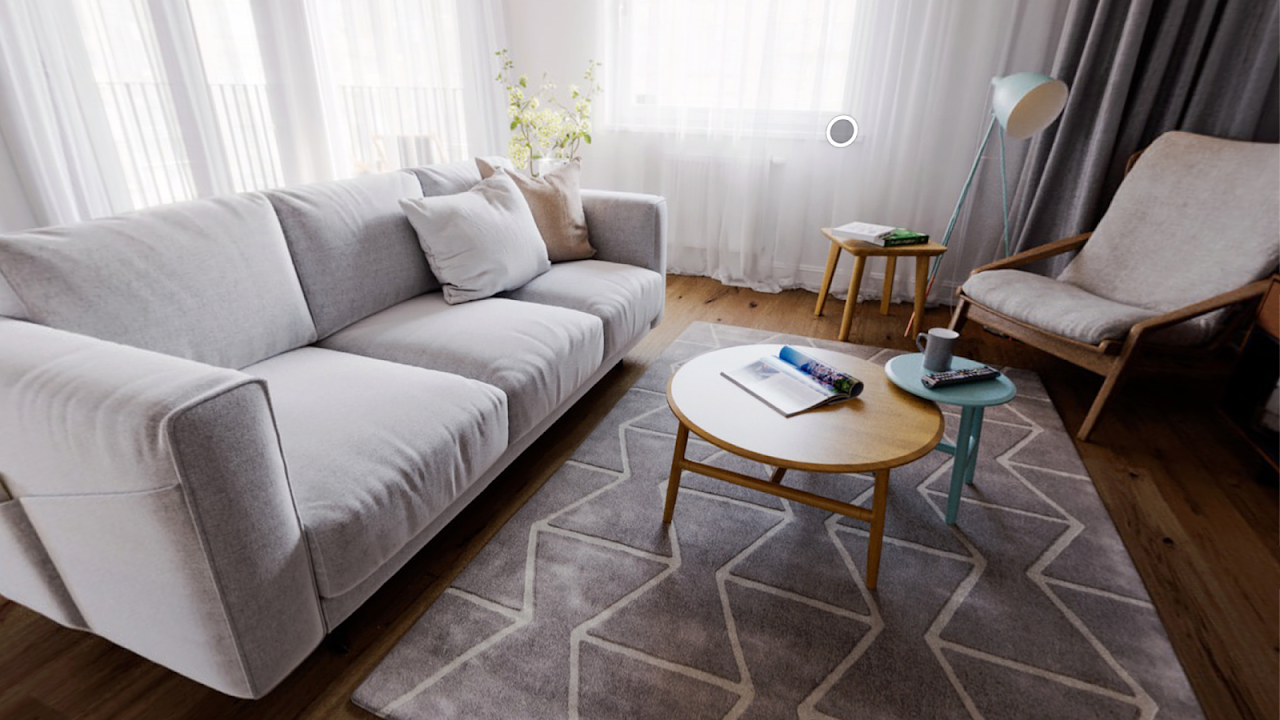
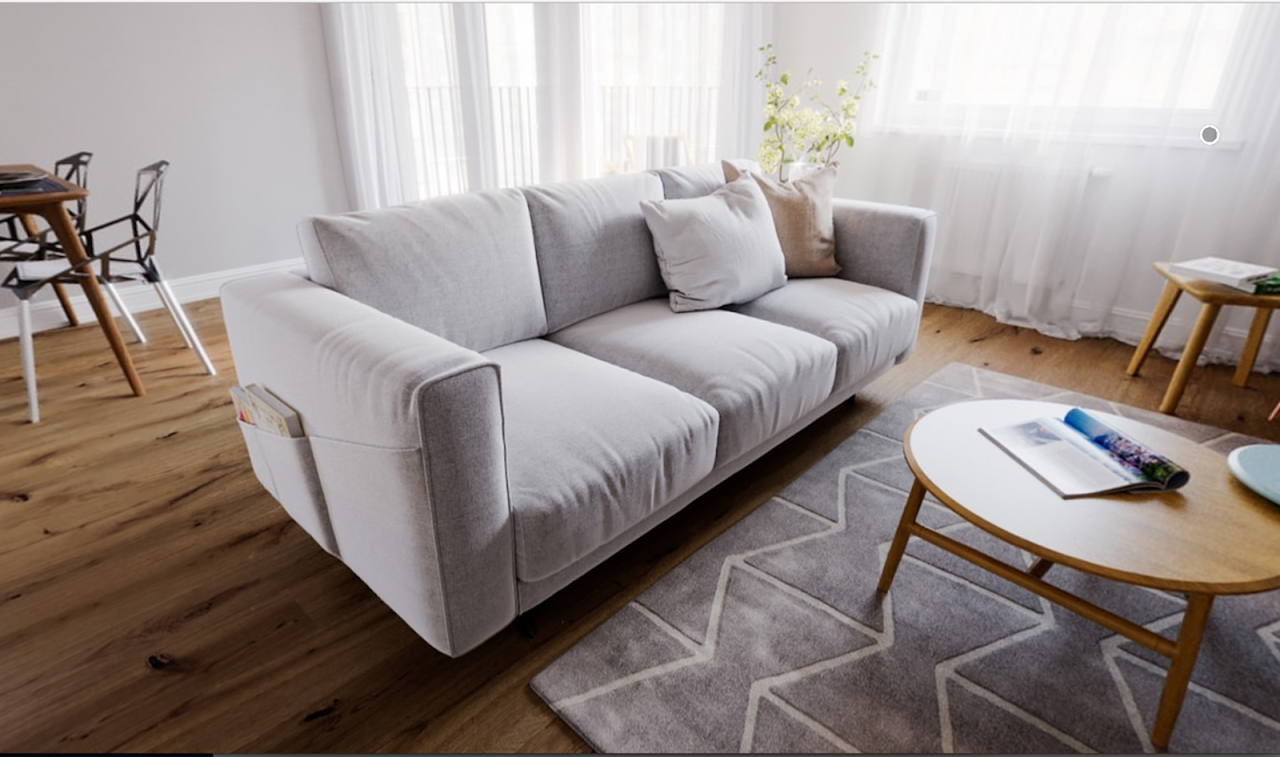
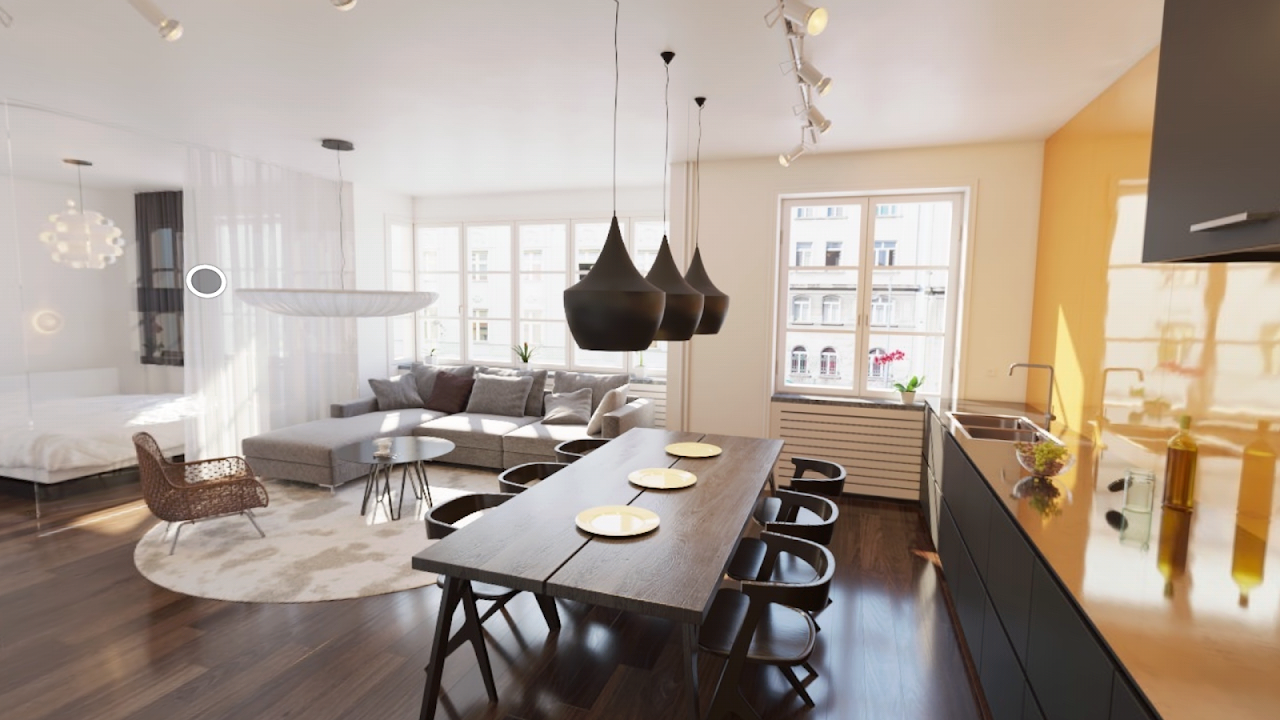
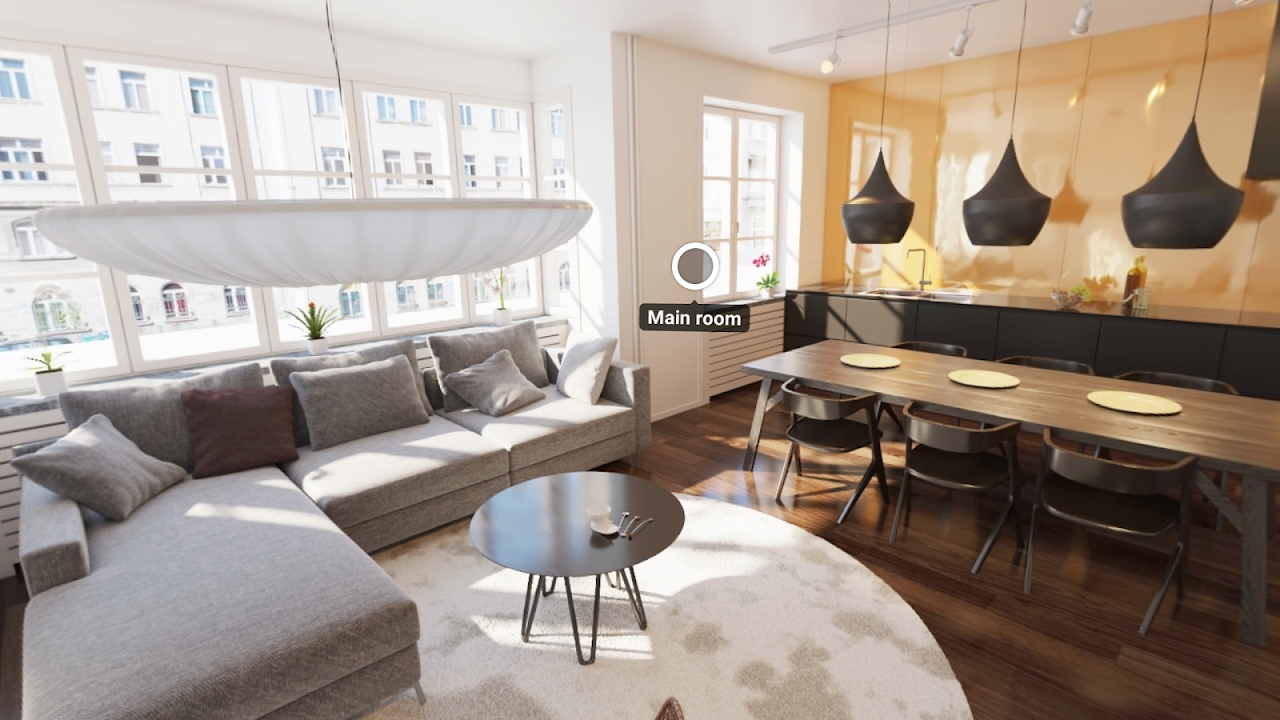
About this app
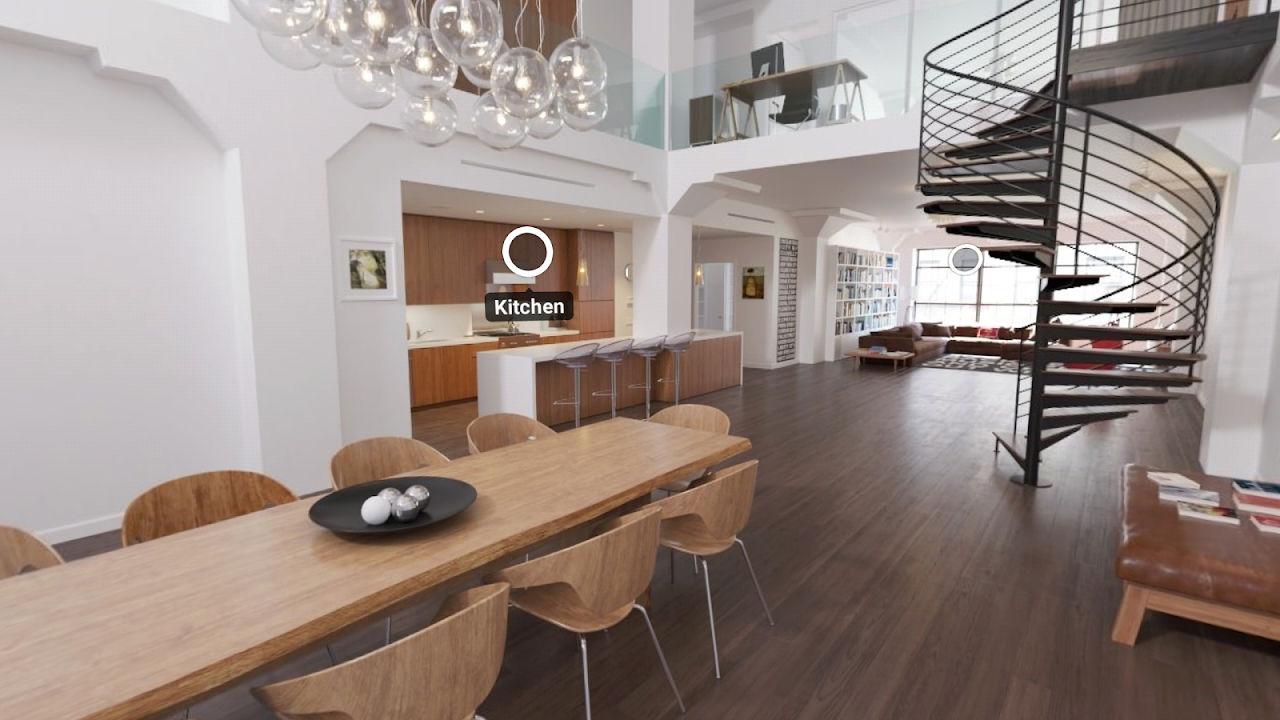
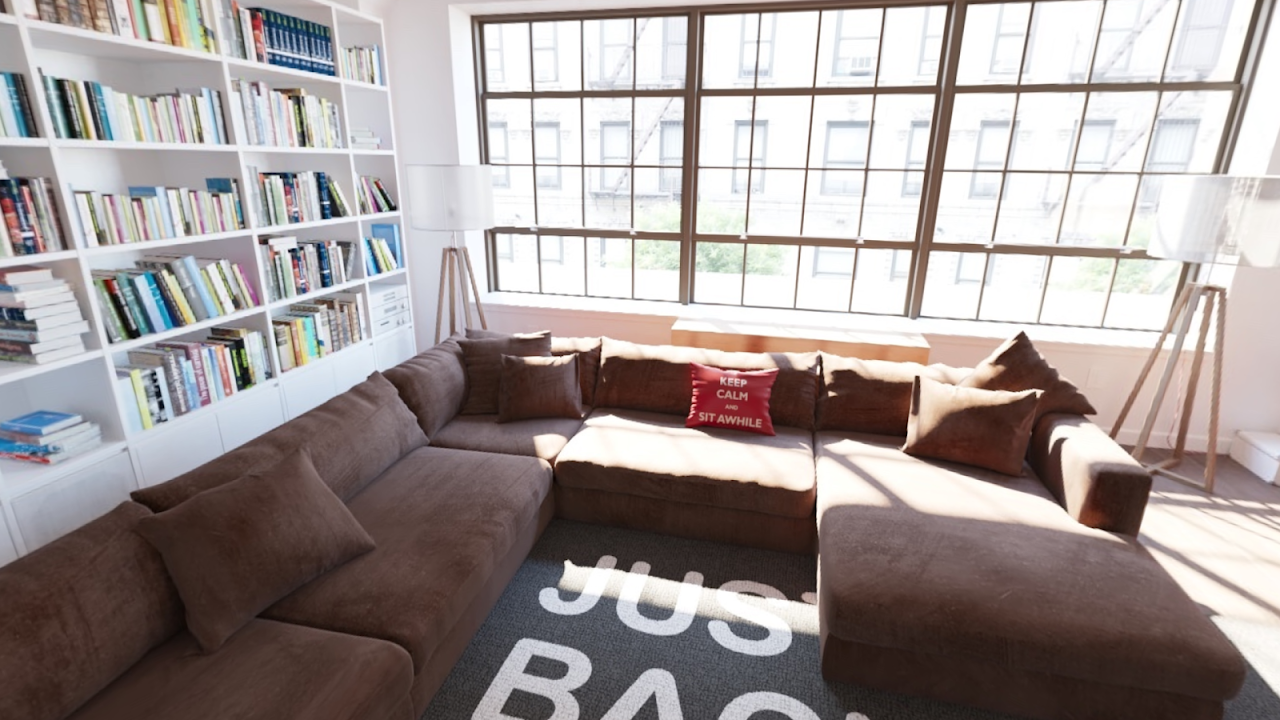
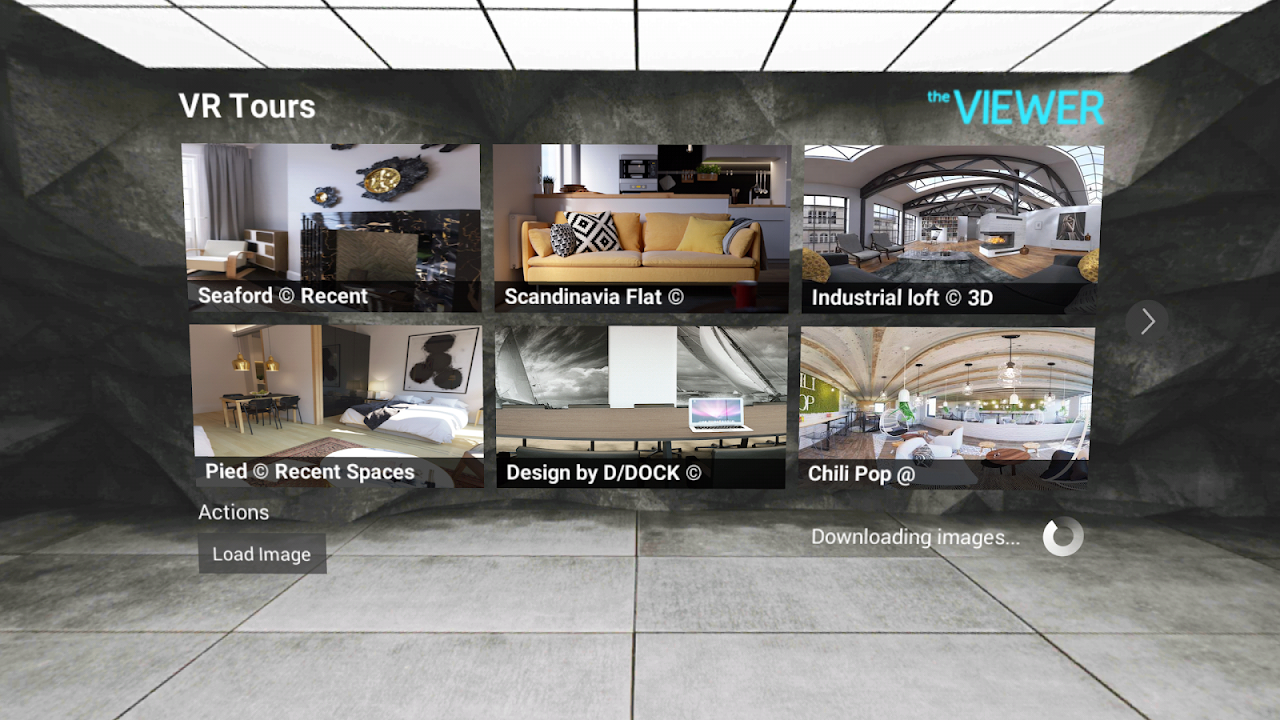
When you have a set of 360° photos and want to turn them into a tour, theViewer gives you a simple path from images to a viewable gallery. You log in to theViewer.co, link your panoramas, and open the result on your Android device or through the web platform.
- Link 360 images — Create a VR tour by connecting your 360° photos into one gallery.
- Add warp points — Place navigation points so viewers can move between panoramas.
- Include ambient sound — Add sound to give each tour a more complete feel.
- View on Android — Open your tours in the app and browse them anytime, anywhere.
- Share and embed — Post direct links to social networks or embed the tour on your site.
- Works with Daydream — Launch galleries with or without Google Daydream or Google Cardboard.
Turn 360 photos into a tour
theViewer is made for the moment you have a folder full of spherical renders or real 360° photos and need them to feel organized. Instead of leaving them as separate files, you connect them into a VR tour through theViewer.co, then open the result in your gallery on Android.
The flow is straightforward for beginners: log in, link your panoramas, and use the tour in your workflow or to show a design. It is aimed at both architects and amateur photographers, so the steps stay simple.
Build a tour on the web platform
Most of the setup happens on the online platform, not in a long editing timeline. You add ambient sound, place warp points for moving between panoramas, and prepare the tour for viewing. That keeps the app focused on playback while the web platform handles creation.
- Step 1: Export spherical renders or take 360° photos.
- Step 2: Add warp points and ambient sound online.
- Step 3: View in the app, embed it, or share direct links.
View, share, or embed your gallery
Once a tour is ready, you can open it on Android, share a direct link on social networks like Facebook, or place it on your own site. That makes it useful when you want to review a project at your desk, then show it to someone else later without rebuilding anything.
TheViewer galleries can also be launched with or without Google Daydream or Google Cardboard, so you are not tied to one viewing setup.
What to know before installing
The app is free, has no ads, and does not include in-app purchases. It comes as a 63.8 MB APK and needs Android 7.0 or later. There are no permissions listed, which keeps setup simple, but it also means the app’s main work happens through your account on theViewer.co rather than fully inside the phone app.
Best fit for tour sharing
theViewer suits people who already work with 360° images and want an easy way to present them as tours. If you need RAW photo editing or offline creation tools, this app does not describe those features. For VR tours, though, it keeps the process direct and focused.
What's new
Version 3.3.381 · Nov 10, 2026
- bug fixes
APK information
- Version
- 3.3.381
- Package
- co.theConstruct.theViewer.CBD
- Category
- Photography
- Size
- 64 MB
- Min Android
- 7.0
- Architecture
- universal
Older versions
-
theViewer 3.3.381Nov 10, 2026Latest downloadAPK
theViewer FAQ
Can theViewer edit RAW photos?expand_more
No RAW editing features are listed. The app focuses on linking 360° images into VR tours.
Does theViewer work offline?expand_more
The tour workflow is described around theViewer.co and online viewing, so offline use is not shown here.
Is theViewer available for older phones?expand_more
It needs Android 7.0 or later, so older phones below that version are not supported.
How do I update theViewer from an APK?expand_more
Install the newer APK version over the current one, then open the app again. The current version is 3.3.381.
Can I share a VR tour from theViewer?expand_more
Yes. You can post direct links to social networks like Facebook or embed the tour on your site.