
- 4.4star21,125 reviews
- 10M+Downloads
- 21 MBAPK size
- EveryoneRated for Everyone
- 6.0+Android
check_circleOriginal APK from HDY Studio · Updated Nov 10, 2026
No threats found
0 / — antivirus engines flagged this file
Original signature
First seen — HDY Studio
Unmodified APK
Same file the developer published — no mods
Time Warp Scan Cam&Face Filter screenshots
8 images · tap to enlarge






About this app
HDY Studio’s Time Warp Scan Cam&Face Filter is a Photography app for making warped photos and videos with the time-warp scan effect. It lets you change faces, bodies, animals, and objects, save results in the app, and share them quickly. The app is free, but it includes ads and in-app purchases.
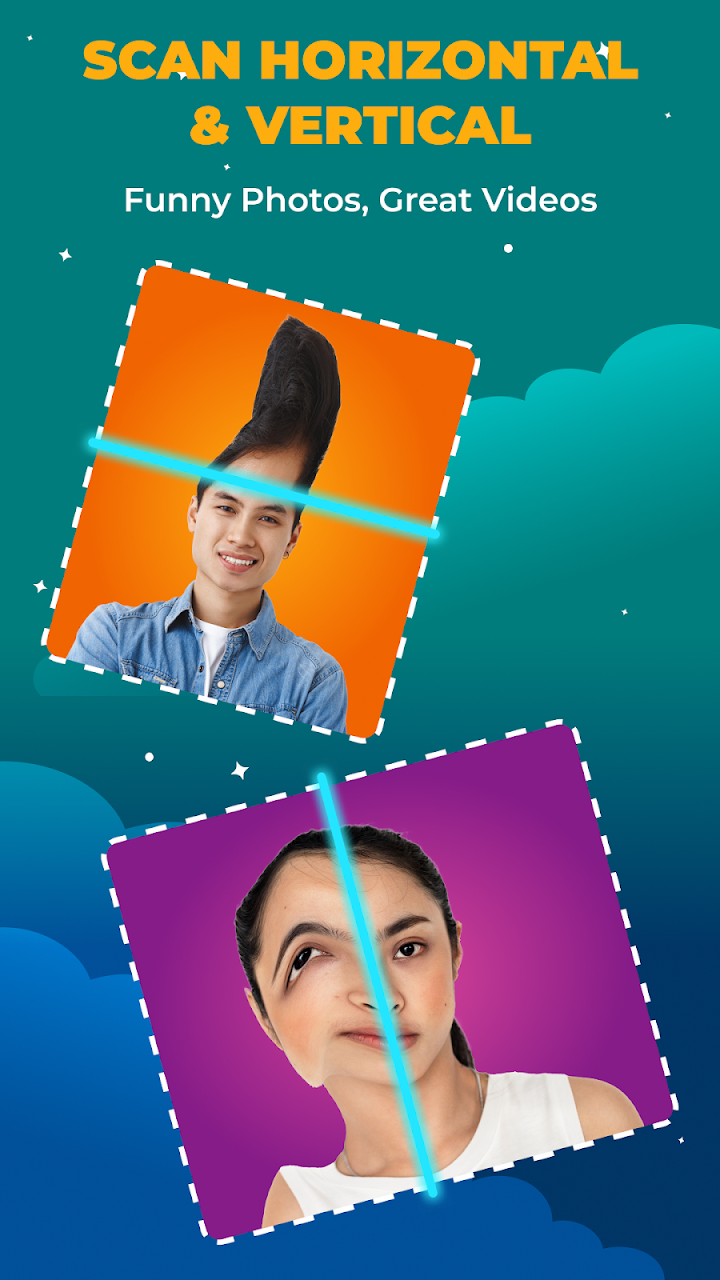
- Face and body warp — Use the scan effect to stretch or reshape a face, body, animal, or object in a single shot.
- Fast image processing — The app says scans and processing finish in about 2 seconds, which keeps quick tests moving.
- Timer controls — Choose a 3s, 5s, or 10s slider timer before the scan starts.
- Scan direction choice — Set the moving line to go top-down or from the left, depending on the frame you want.
- Built-in storage — Created photos and videos are saved inside the app and arranged by creation date for easier browsing.
- Quick sharing and cleanup — Share multiple results at once or delete files you do not want to keep.
Warped results from a simple scan
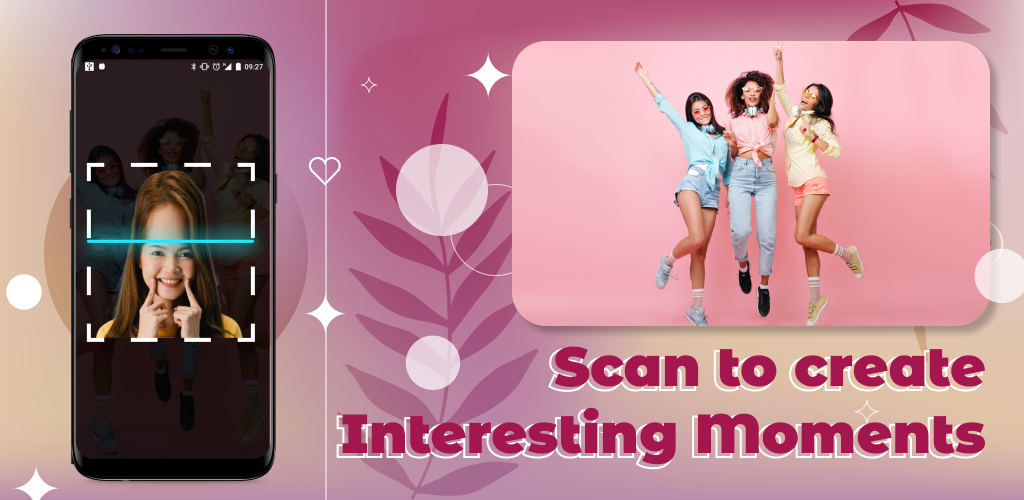
Time Warp Scan Cam&Face Filter focuses on the familiar scan-line effect used for distorted photos and videos. You can apply it to people, animals, and objects, then keep the result inside the app’s own storage. For a quick test, point the camera at a face, start the scan, and let the moving line stretch the image as it passes.
Timer and direction controls
The app gives you a small set of controls instead of a long editing timeline. You can choose a 3-second, 5-second, or 10-second timer, then pick whether the scan moves from top to bottom or from the left. That makes it easier to match the effect to a pose, a face angle, or an object layout.
Save, sort, share, delete
Results are stored in the app’s own gallery and sorted by creation date, so recent scans are easier to find. You can share single items or several at once, and you can remove anything you do not want to keep. The app is free, but it contains ads and offers in-app purchases.
- Get: warped photos and videos, timer options, scan direction choice, built-in storage, multi-share.
- Watch for: ads, in-app purchases, and the fact that the app keeps files in its own storage area.
Install details and checks
The APK is 20.7 MB, uses the universal architecture, and requires Android 6.0 or later. Before installing, check whether you want an app that stores results inside itself rather than in a separate editor workflow. The app lists no permissions.
APK information
- Version
- 1.3.0
- Package
- com.timewarp.scanface.selfiephotoeditor.videopopulartiktok
- Category
- Photography
- Size
- 21 MB
- Min Android
- 6.0
- Architecture
- universal
Older versions
-
Time Warp Scan Cam&Face Filter 1.3.0Nov 10, 2026Latest downloadAPK
Time Warp Scan Cam&Face Filter FAQ
Does Time Warp Scan Cam&Face Filter add a watermark?expand_more
A watermark is not mentioned. The app description focuses on the scan effect, saving, and sharing.
Does Time Warp Scan Cam&Face Filter work offline?expand_more
Offline use is not stated. The app description does not say whether it needs a connection for scanning or saving.
What is the difference between the APK and the Play Store version of Time Warp Scan Cam&Face Filter?expand_more
The APK details here include a 20.7 MB universal build for Android 6.0 and up. No separate differences from a Play Store build are listed.
Does Time Warp Scan Cam&Face Filter show ads?expand_more
Yes. It is marked as containing ads, and it also includes in-app purchases.
What Android version does Time Warp Scan Cam&Face Filter require?expand_more
It requires Android 6.0 or later.