- 3.8star251,230 reviews
- 1B+Downloads
- 10 MBAPK size
- EveryoneRated for Everyone
- 8.0+Android
check_circleOriginal APK from Google LLC · Updated Nov 10, 2026

No threats found
0 / — antivirus engines flagged this file
Original signature
First seen — Google LLC
Unmodified APK
Same file the developer published — no mods
Voice Access screenshots
7 images · tap to enlarge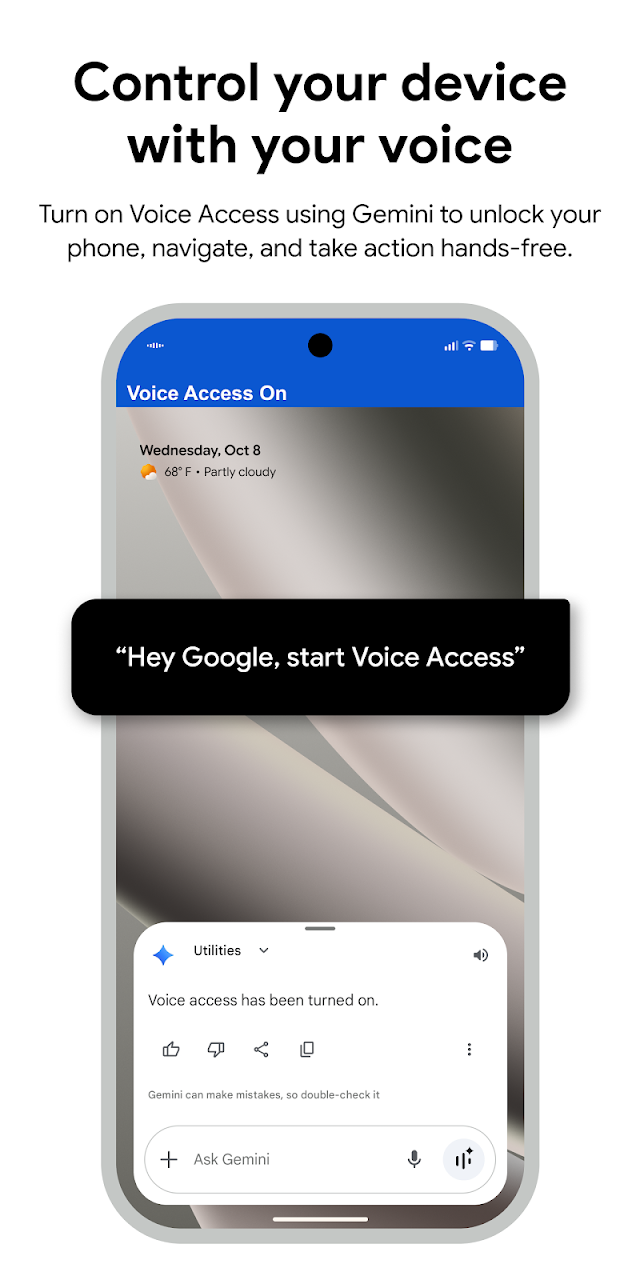
About this app
Need to use your phone without touching the screen? Voice Access from Google LLC lets you control Android by voice. It helps with navigation, screen actions, dictation, and text editing. You can start it with a voice command, a notification, or a blue button, then use spoken commands to work through the interface.
- Voice navigation — Use spoken commands to go back, go home, or open apps like Gmail.
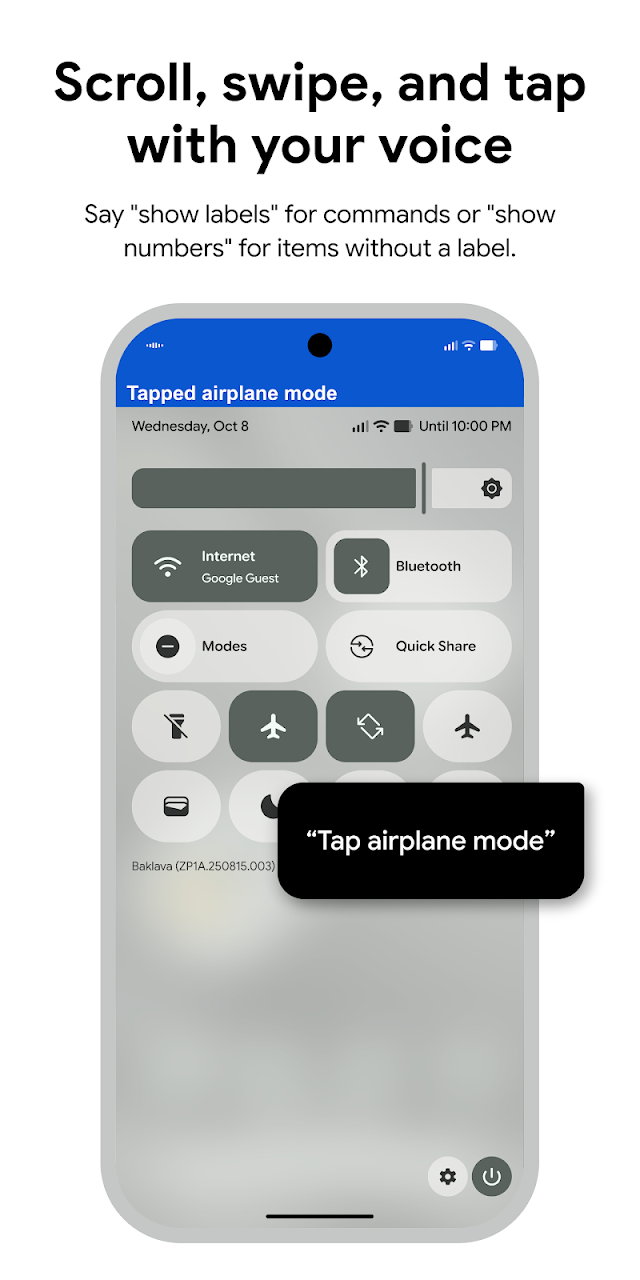
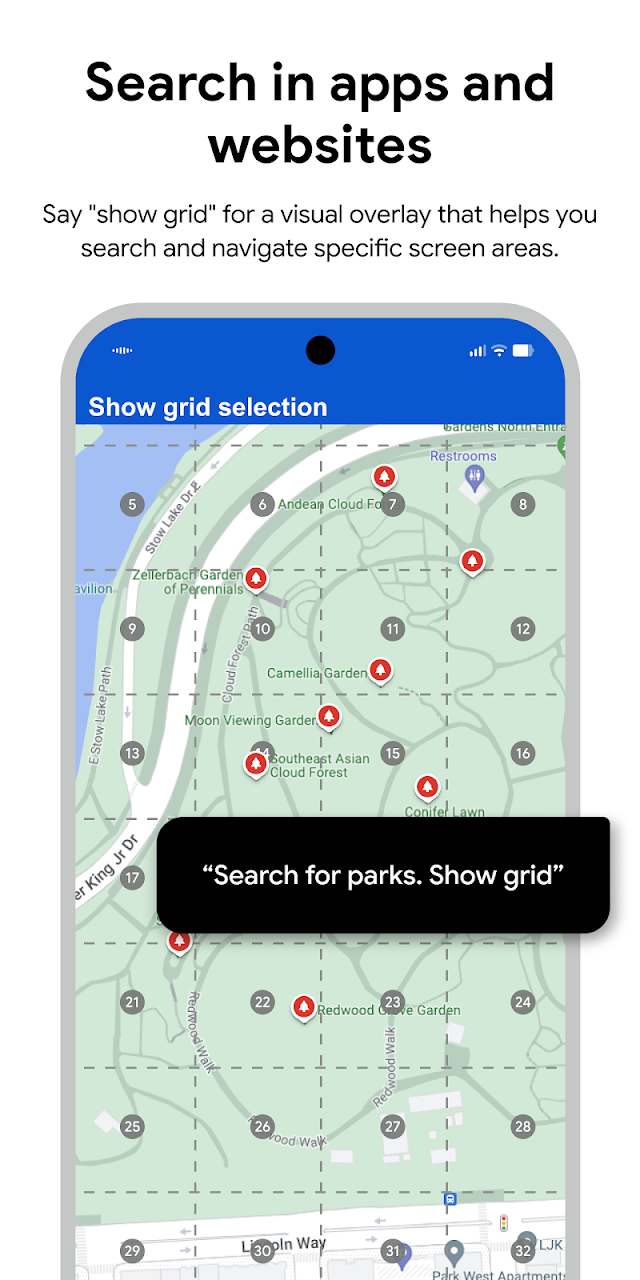
- Screen control — Say commands such as tap next or scroll down to work through the current screen.
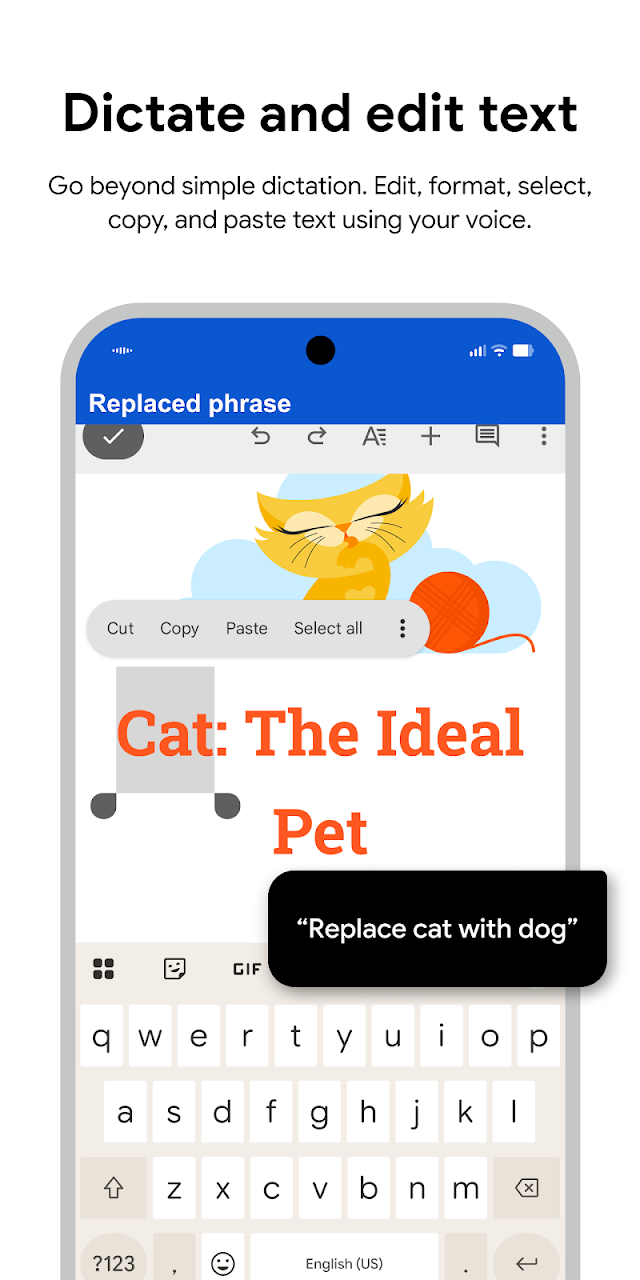
- Text editing — Type words by voice and replace one word with another in a text field.
- Help on demand — Say Help at any time to see a short list of commands.
- Tutorial included — A built-in tutorial covers starting Voice Access, tapping, scrolling, and basic text editing.
- Android support — The APK is a universal build, 9.6 MB, and needs Android 8.0 or later.
For people who cannot use touch well
Voice Access is built for people who have trouble handling a touch screen, including users with paralysis, tremor, or a temporary injury. It uses spoken commands to let you move around Android and act on what is on the screen without relying on touch.
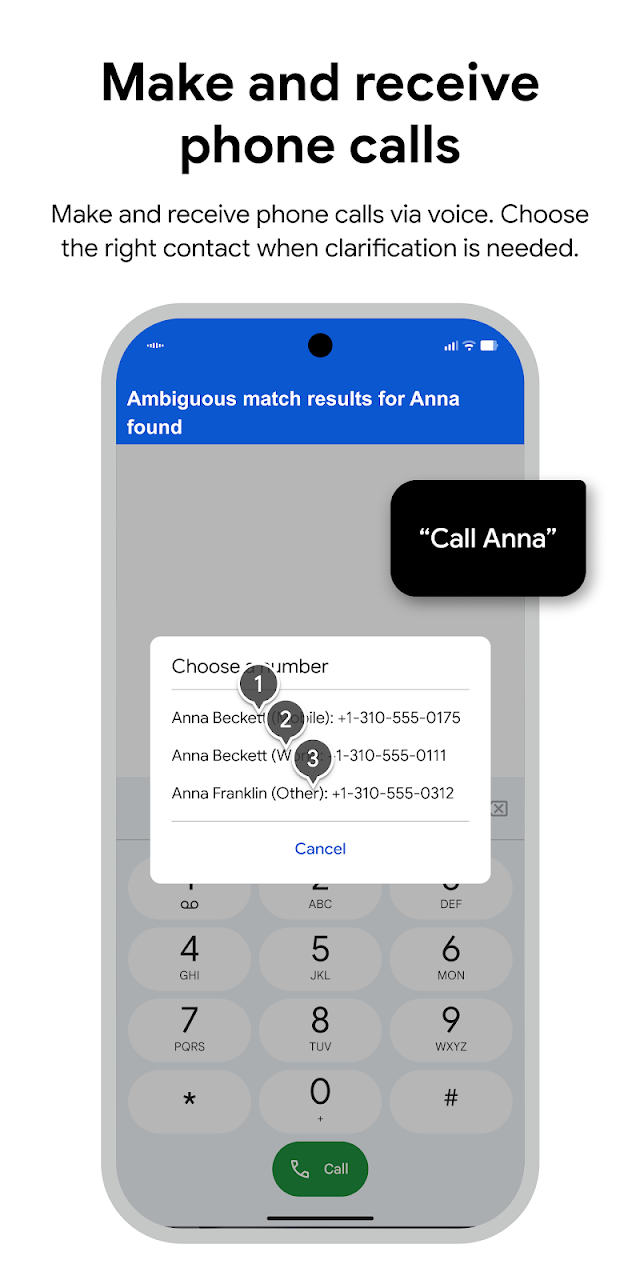
You can say simple commands for common tasks. That includes going back, returning home, opening apps, tapping buttons, and scrolling lists.
For typing and editing by voice
When you need to enter text, Voice Access supports dictation and editing commands. You can say phrases like type hello or replace coffee with tea. That makes it useful for messages, notes, and forms when typing by hand is difficult.
If you forget a command, say Help and the app shows a short list. There is also a tutorial that walks through the most common actions, including starting Voice Access, tapping, scrolling, and basic text editing.
For quick starting and pausing
You can start Voice Access by saying Hey Google, Voice Access after enabling Hey Google detection. You can also open it from the Voice Access notification or a blue Voice Access button. If you need to stop it briefly, say stop listening. To turn it off fully, go to Settings > Accessibility > Voice Access.
Install and compatibility notes
Voice Access is a free APK from Google LLC. It comes as a universal file, is 9.6 MB, and needs Android 8.0 or later. The app is rated for Everyone and does not include ads or in-app purchases.
- Release: 2018-09-25
- Version: 6.1.530397167
- Installs: 1B+
APK information
- Version
- 6.1.530397167
- Package
- com.google.android.apps.accessibility.voiceaccess
- Category
- Tools
- Size
- 10 MB
- Min Android
- 8.0
- Architecture
- universal
Older versions
-
Voice Access 6.1.530397167Nov 10, 2026Latest downloadAPK
Voice Access FAQ
Does Voice Access need root?expand_more
No root access is mentioned for Voice Access. It uses Android’s AccessibilityService API to work with on-screen controls.
Why does Voice Access need these permissions?expand_more
Voice Access uses the AccessibilityService API to collect information about controls on the screen and activate them from spoken instructions.
Is Voice Access free to use?expand_more
Yes. Voice Access is free, with no in-app purchases and no ads.
Is this Voice Access APK the original file?expand_more
Yes. This page is for the APK version of Voice Access by Google LLC.
What Android version does Voice Access need?expand_more
Voice Access needs Android 8.0 or later.