
- 0.0star0 reviews
- 100K+Downloads
- 10 MBAPK size
- Low MaturityRated for Low Maturity
- API 19+Android
check_circleOriginal APK from Appmobitech · Updated Nov 12, 2026
No threats found
0 / — antivirus engines flagged this file
Original signature
First seen — Appmobitech
Unmodified APK
Same file the developer published — no mods
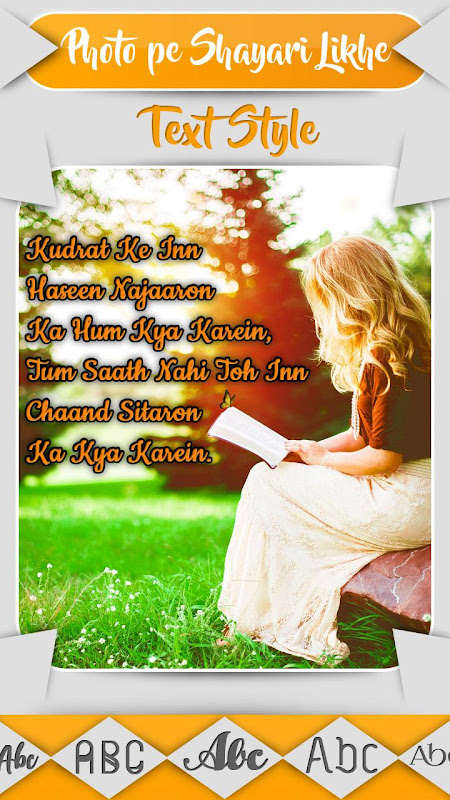
Write Shayari on Photo screenshots
7 images · tap to enlarge


About this app
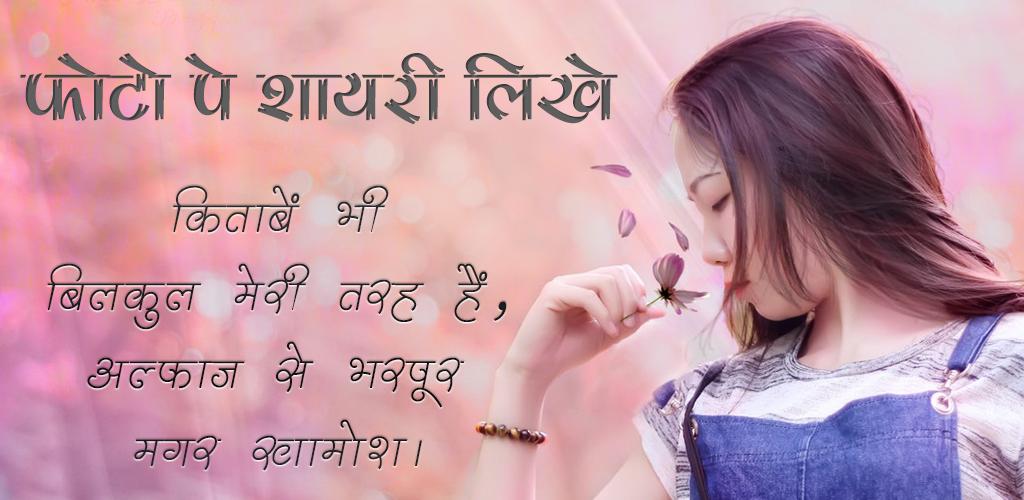
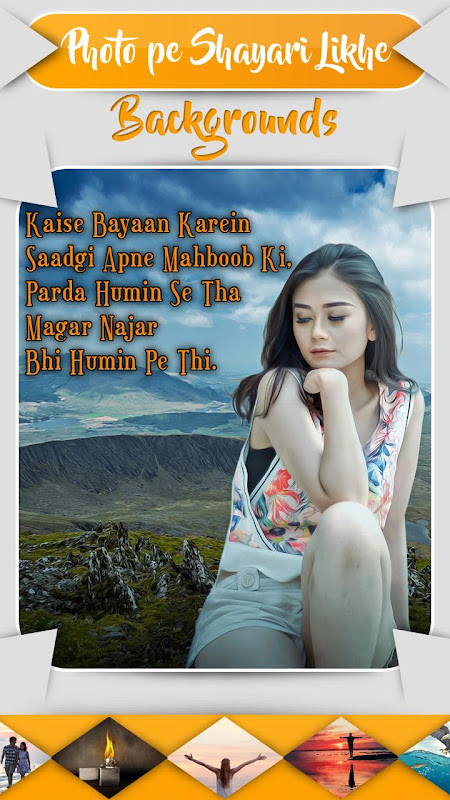
Write Shayari on Photo focuses on putting Hindi shayari and name text directly onto pictures. It combines photo editing tools with native Hindi fonts, background changes, and simple sharing, so you can turn a photo into a status image or wallpaper without needing an internet connection.
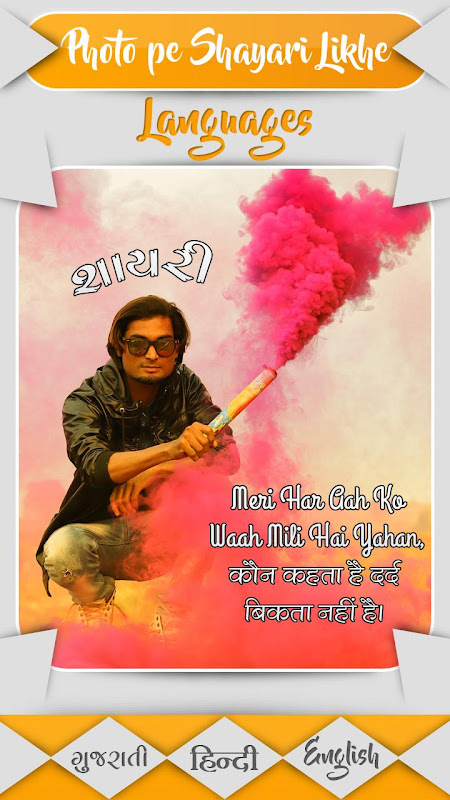
- Hindi text on photos — Add shayari, status, or your own words to images using native Hindi fonts.
- Background editing — Change photo backgrounds and use the background eraser to remove unwanted parts.
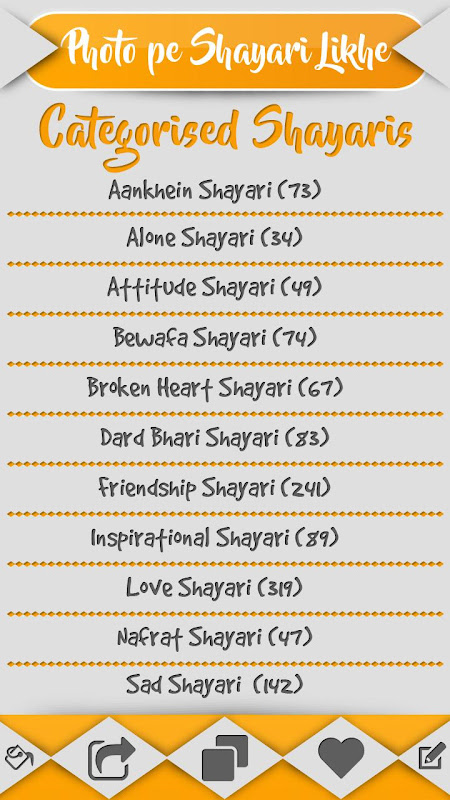
- Status categories — Browse attitude, sad, love, friendship, morning, night, and festival status styles.
- Offline use — Edit and save images without needing an internet connection.
- Save and share — Save to SD card, set as wallpaper, and share to WhatsApp, Facebook, Instagram, or Twitter.
Hindi shayari on your photos
Write Shayari on Photo is built around one daily task: opening a picture and adding Hindi shayari, status text, or a name in a styled font. The app also includes ready-made shayari and status categories, so you can build a post for a mood, festival, or social update without starting from nothing.
Editing tools for text and backgrounds
The app includes custom and native Hindi fonts, background changing, and a background eraser for cleaning up images. It also mentions stickers and the ability to copy and paste status text onto pictures. That makes it more than a simple caption tool, though the description does not point to advanced filters or AI editing.
- Text on photo: Add shayari, status, or your own poem to an image.
- Name art: Write a name on a photo in styled text.
- Background eraser: Remove unwanted portions before adding a new background.
- Wallpaper save: Save the finished image and set it as wallpaper.
Using it without a connection
One practical part of the app is offline use, which means you can edit photos without waiting for mobile data or Wi‑Fi. The app is free, has no in-app purchases, and shows no ads in the listing. It also has no listed permissions, so there is no visible request for storage or camera access in the store details. The APK is 9.6 MB, comes as an APK file, and requires Android 19 or higher.
Sharing shayari images
After editing, you can save the image to your SD card and share it on WhatsApp, Facebook, Instagram, or Twitter. The app is aimed at people who want quick shayari cards for festivals, love messages, or status posts, with sections for Diwali, Janmashtami, Ganesh Chaturthi, Mahakal, and several Hindi shayari types.
What's new
Version 1.9.2 · Nov 12, 2026
- Bug Fixes & Performance Improvements.
APK information
- Version
- 1.9.2
- Package
- com.writeshayarionphoto
- Category
- Photography
- Size
- 10 MB
- Min Android
- API 19
- Architecture
- universal
Older versions
-
Write Shayari on Photo 1.9.2Nov 12, 2026Latest downloadAPK
Write Shayari on Photo FAQ
Does Write Shayari on Photo add a watermark?expand_more
The store listing does not mention a watermark on saved images.
Does Write Shayari on Photo work offline?expand_more
Yes, the app says it works offline and does not need an internet connection for use.
Does Write Shayari on Photo work on tablets?expand_more
The listing does not specifically mention tablet support, but it requires Android API 19 or higher.
How big is the Write Shayari on Photo download?expand_more
The APK size is 9.6 MB.
Can I save and share the edited photo?expand_more
Yes, you can save images to your SD card and share them on WhatsApp, Facebook, Instagram, and Twitter.